
BehaveX extension library to attach images to the test execution report.

Project description





behavex-images
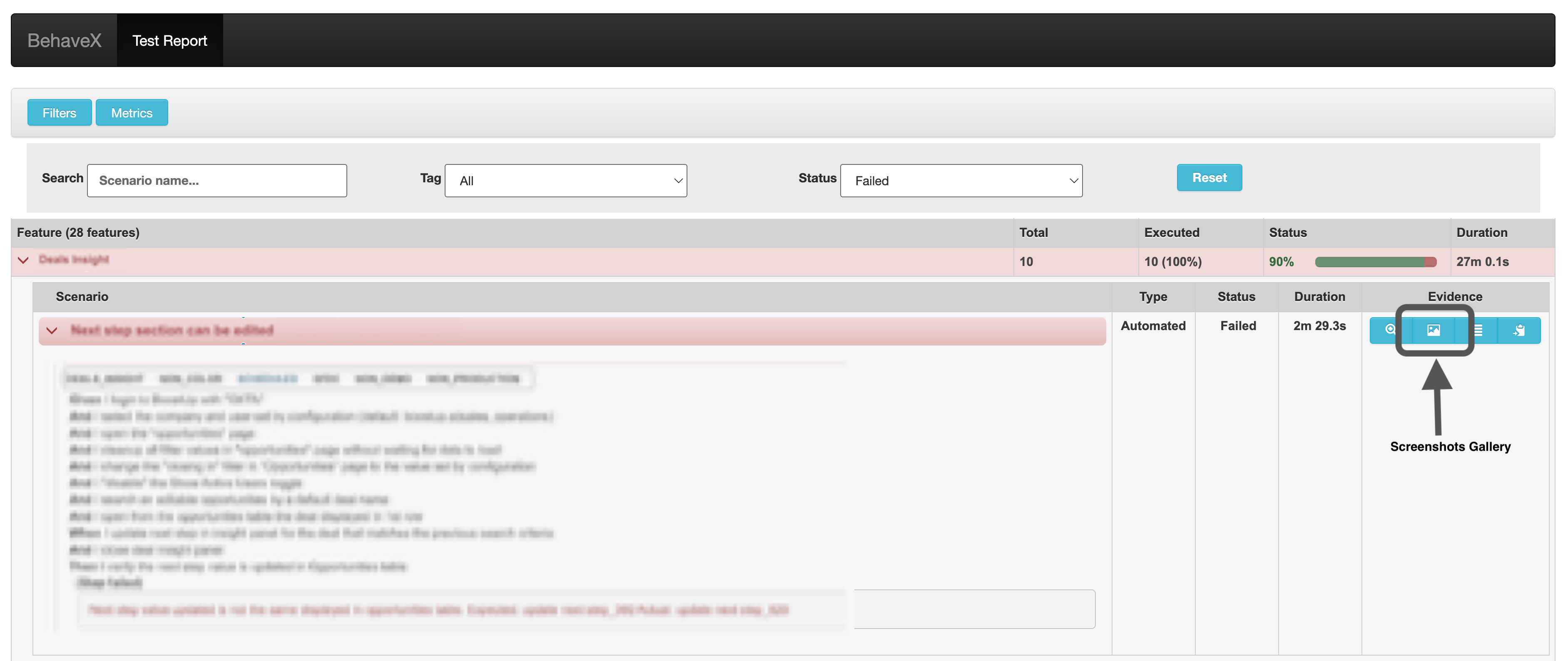
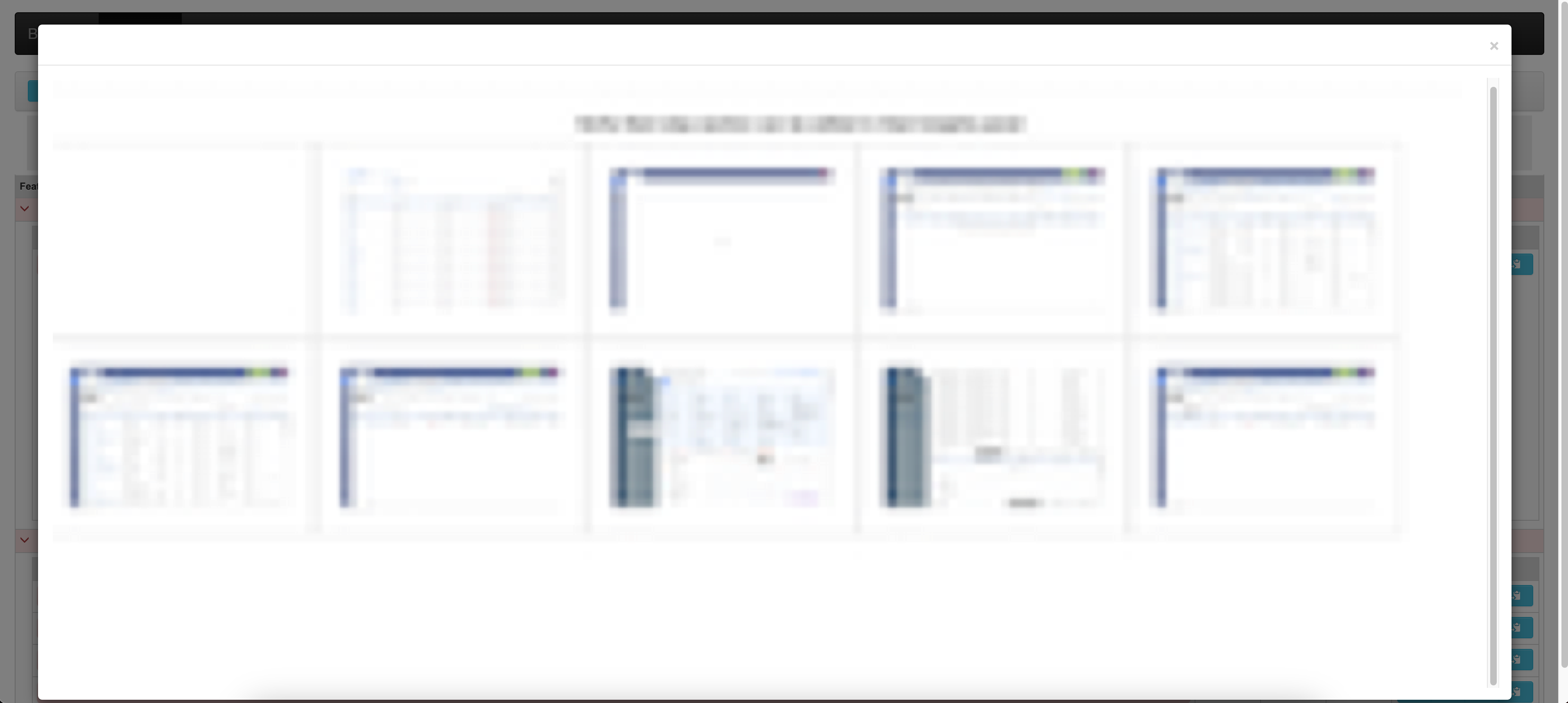
An extension for the BehaveX library that enables attaching images to the generated HTML report.
Installation
pip install behavex-images
Features
- Attach images to BehaveX HTML reports
- Support for both binary image data and image files
- Flexible attachment conditions (always, only on failure, or never)
- Easy integration with existing BehaveX projects
Usage
The behavex-images library provides four main methods for managing image attachments in BehaveX HTML reports:
1. Attach Image from Binary Data
from behavex_images import image_attachments

image_attachments.attach_image_binary(context, image_binary)
context: The BehaveX context objectimage_binary: Binary data of the image (JPG or PNG)
2. Attach Image from File
from behavex_images import image_attachments

image_attachments.attach_image_file(context, file_path)
context: The BehaveX context objectfile_path: Absolute path to the image file (JPG or PNG)
3. Set Attachment Condition
from behavex_images import image_attachments
from behavex_images.image_attachments import AttachmentsCondition

image_attachments.set_attachments_condition(context, condition)
context: The BehaveX context objectcondition: One of the followingAttachmentsConditionvalues:ALWAYS: Attach images to every reportONLY_ON_FAILURE: Attach images only when a test fails (default)NEVER: Do not attach any images
4. Clean All Attached Images
from behavex_images import image_attachments

image_attachments.clean_all_attached_images(context)
context: The BehaveX context object
Examples
Attaching an Image in a Step Definition
from behavex_images import image_attachments

@given('I take a screenshot of the current page')
def step_impl(context):
    image_attachments.attach_image_file(context, 'path/to/screenshot.png')
Using Hooks in environment.py
from behavex_images import image_attachments
from behavex_images.image_attachments import AttachmentsCondition

def before_all(context):
    image_attachments.set_attachments_condition(context, AttachmentsCondition.ONLY_ON_FAILURE)

def after_step(context, step):
    # Assuming you're using Selenium WebDriver
    image_attachments.attach_image_binary(context, context.driver.get_screenshot_as_png())
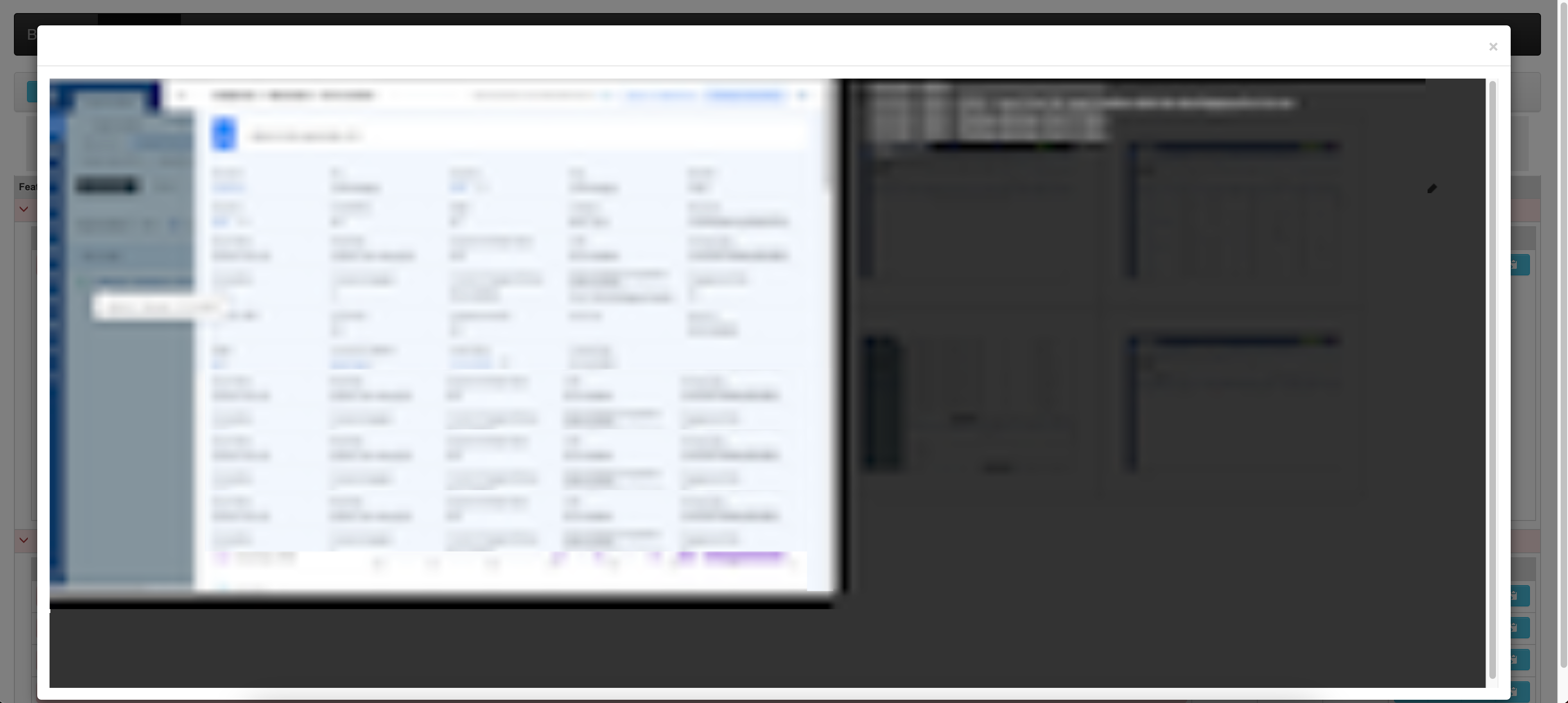
Sample Report Output
Contributing
Contributions are welcome! Please feel free to submit a Pull Request.
License
This project is licensed under the MIT License.
Release history Release notifications | RSS feed


Download files
Download the file for your platform. If you're not sure which to choose, learn more about installing packages.
Source Distribution
behavex_images-3.0.8.tar.gz
(2.3 MB
view details)
File details
Details for the file behavex_images-3.0.8.tar.gz.
File metadata
- Download URL: behavex_images-3.0.8.tar.gz
- Upload date:
- Size: 2.3 MB
- Tags: Source
- Uploaded using Trusted Publishing? No
- Uploaded via: twine/4.0.2 CPython/3.9.13
File hashes
| Algorithm | Hash digest | |
|---|---|---|
| SHA256 |
f76a8df531192415a5053d60e7f44600eb2873b99f57abd943f798a11facfdd5
|
|
| MD5 |
d817a6239a6c97124819492bf63eb4f3
|
|
| BLAKE2b-256 |
5d0bff1be86d0e25a5ead6e9127cfaa94a6a1ef63e5f3d7d6980bee0d63c266b
|






