
BehaveX extension library to attach images to the test execution report.

Project description





behavex-images
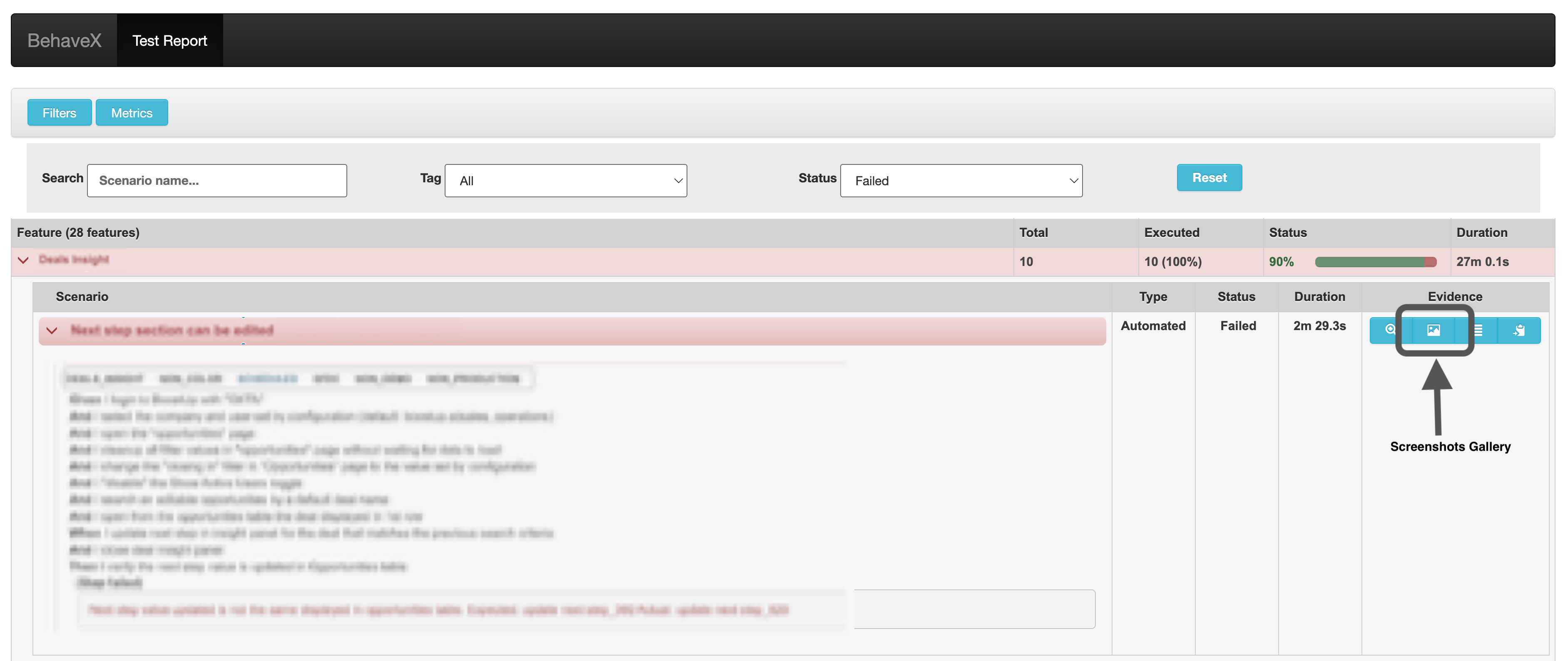
An extension for the BehaveX library that enables attaching images to the generated HTML report.
Installation
pip install behavex-images
Features
- Attach images to BehaveX HTML reports
- Support for both binary image data and image files
- Flexible attachment conditions (always, only on failure, or never)
- Easy integration with existing BehaveX projects
Usage
The behavex-images library provides four main methods for managing image attachments in BehaveX HTML reports:
1. Attach Image from Binary Data
from behavex_images import image_attachments

image_attachments.attach_image_binary(context, image_binary)
context: The BehaveX context objectimage_binary: Binary data of the image (JPG or PNG)
2. Attach Image from File
from behavex_images import image_attachments

image_attachments.attach_image_file(context, file_path)
context: The BehaveX context objectfile_path: Absolute path to the image file (JPG or PNG)
3. Set Attachment Condition
from behavex_images import image_attachments
from behavex_images.image_attachments import AttachmentsCondition

image_attachments.set_attachments_condition(context, condition)
context: The BehaveX context objectcondition: One of the followingAttachmentsConditionvalues:ALWAYS: Attach images to every reportONLY_ON_FAILURE: Attach images only when a test fails (default)NEVER: Do not attach any images
4. Clean All Attached Images
from behavex_images import image_attachments

image_attachments.clean_all_attached_images(context)
context: The BehaveX context object
Examples
Attaching an Image in a Step Definition
from behavex_images import image_attachments

@given('I take a screenshot of the current page')
def step_impl(context):
    image_attachments.attach_image_file(context, 'path/to/screenshot.png')
Using Hooks in environment.py
from behavex_images import image_attachments
from behavex_images.image_attachments import AttachmentsCondition

def before_all(context):
    image_attachments.set_attachments_condition(context, AttachmentsCondition.ONLY_ON_FAILURE)

def after_step(context, step):
    # Assuming you're using Selenium WebDriver
    image_attachments.attach_image_binary(context, context.driver.get_screenshot_as_png())
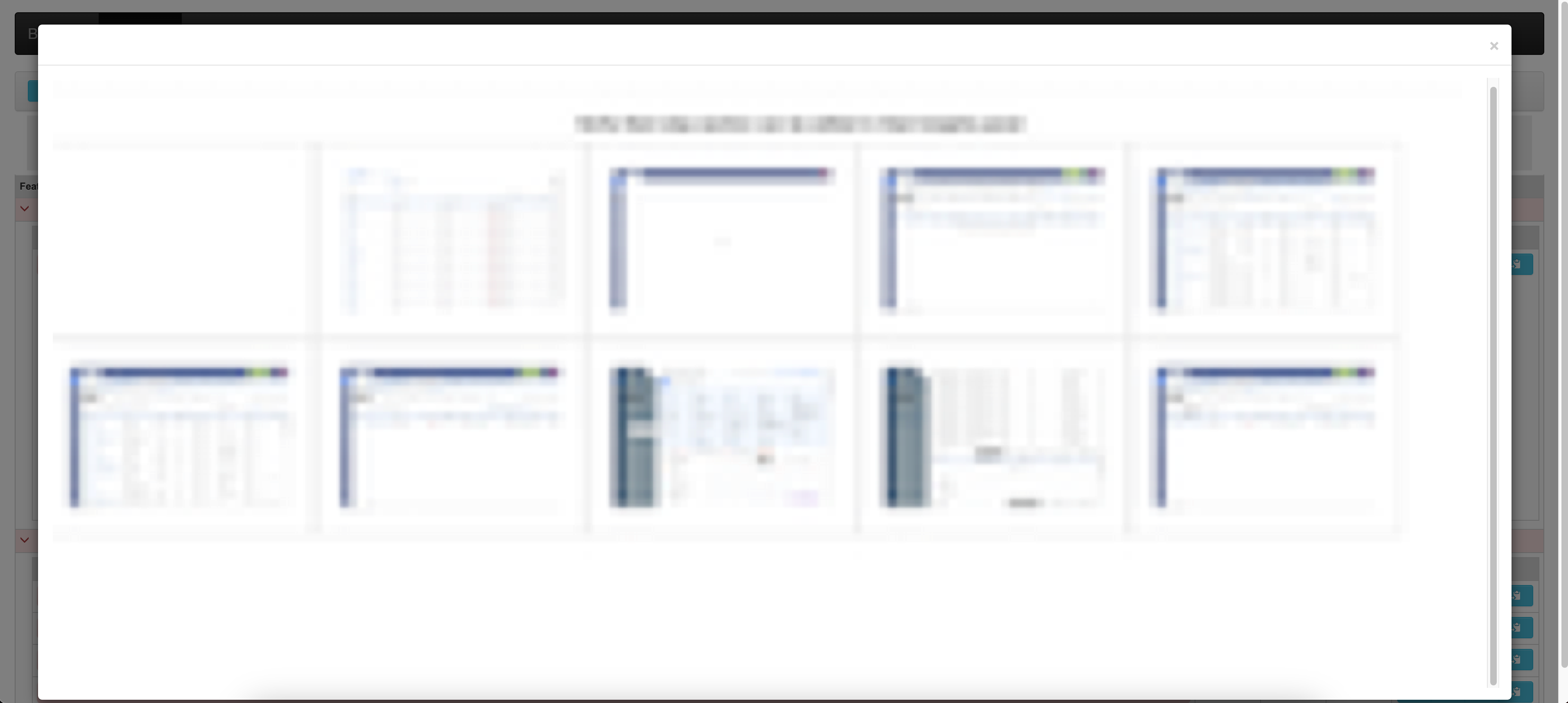
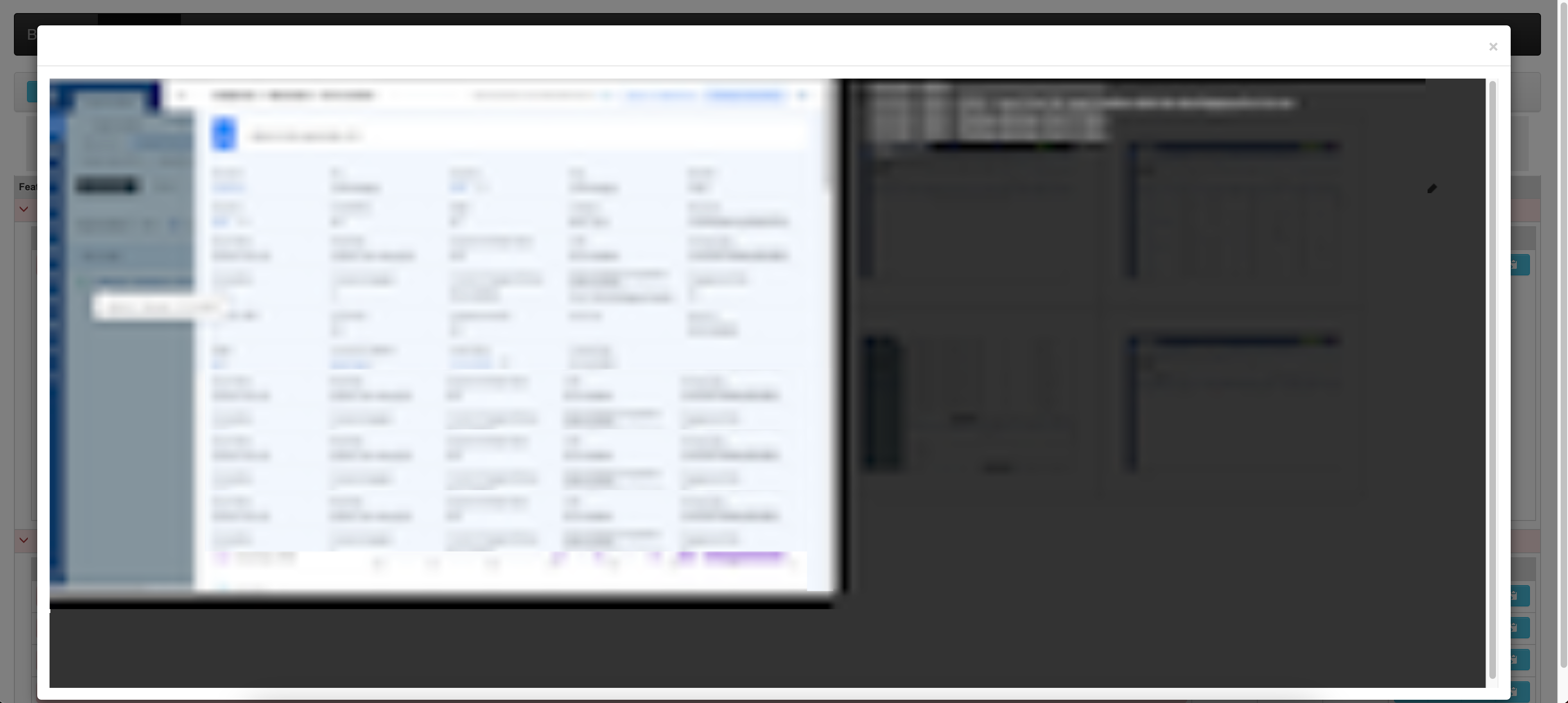
Sample Report Output
Contributing
Contributions are welcome! Please feel free to submit a Pull Request.
License
This project is licensed under the MIT License.
Release history Release notifications | RSS feed


Download files
Download the file for your platform. If you're not sure which to choose, learn more about installing packages.
Source Distribution
Built Distribution
Filter files by name, interpreter, ABI, and platform.
If you're not sure about the file name format, learn more about wheel file names.
Copy a direct link to the current filters
File details
Details for the file behavex_images-3.3.0rc2.tar.gz.
File metadata
- Download URL: behavex_images-3.3.0rc2.tar.gz
- Upload date:
- Size: 2.3 MB
- Tags: Source
- Uploaded using Trusted Publishing? No
- Uploaded via: twine/6.1.0 CPython/3.9.13
File hashes
| Algorithm | Hash digest | |
|---|---|---|
| SHA256 |
f0413e5c98732ea71e6b323f4824205f95c4dbff45669d944b76d1fed8d9497f
|
|
| MD5 |
1bab0787a14c98b830a8c9894a9fda9e
|
|
| BLAKE2b-256 |
d1965bf03584259459fbb7573d19e0836b610673ff126d680de71fcca440c3f2
|
File details
Details for the file behavex_images-3.3.0rc2-py3-none-any.whl.
File metadata
- Download URL: behavex_images-3.3.0rc2-py3-none-any.whl
- Upload date:
- Size: 2.3 MB
- Tags: Python 3
- Uploaded using Trusted Publishing? No
- Uploaded via: twine/6.1.0 CPython/3.9.13
File hashes
| Algorithm | Hash digest | |
|---|---|---|
| SHA256 |
385ffefd57fbd6bfdca49c8fe6eca970c389c7c30ad2e49ec8cf1efb4ce7f8a4
|
|
| MD5 |
e4efe2885b8b1d187a38024e49952f3f
|
|
| BLAKE2b-256 |
b174057bcbdb5c8a229b334a9b29ff3ba94accb9e4673b2c315d88c949c81bbd
|






