
BibleMate AI - Automate Your Bible Study

Project description
# BibleMate AI GUI
BibleMate AI Web Application - Web GUI & Http Server & API Server
BibleMate AI Web Version is designed to combine the most valuable features from the following two projects into a single, unified web interface:
https://github.com/eliranwong/biblemate
and
https://github.com/eliranwong/UniqueBible
## Recent Updates
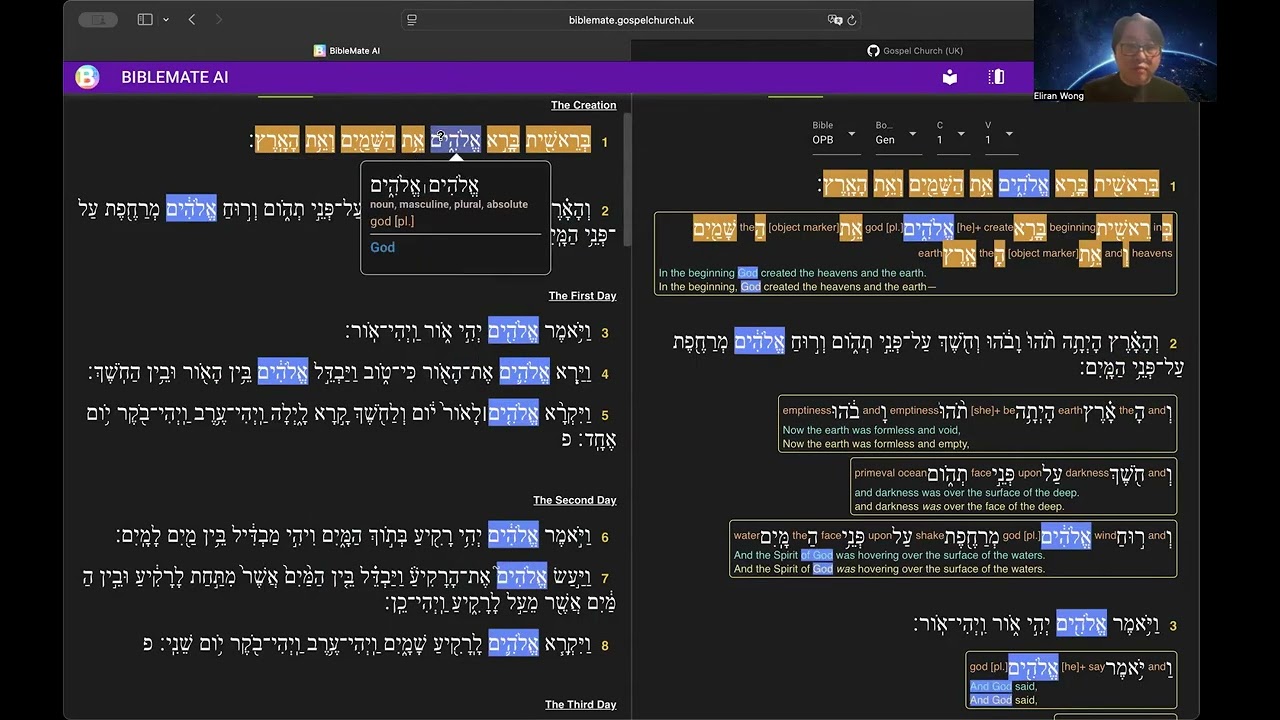
[Hebrew & Greek Tooltips](https://youtu.be/qCMku8-UZ3I)
[](https://youtu.be/qCMku8-UZ3I)
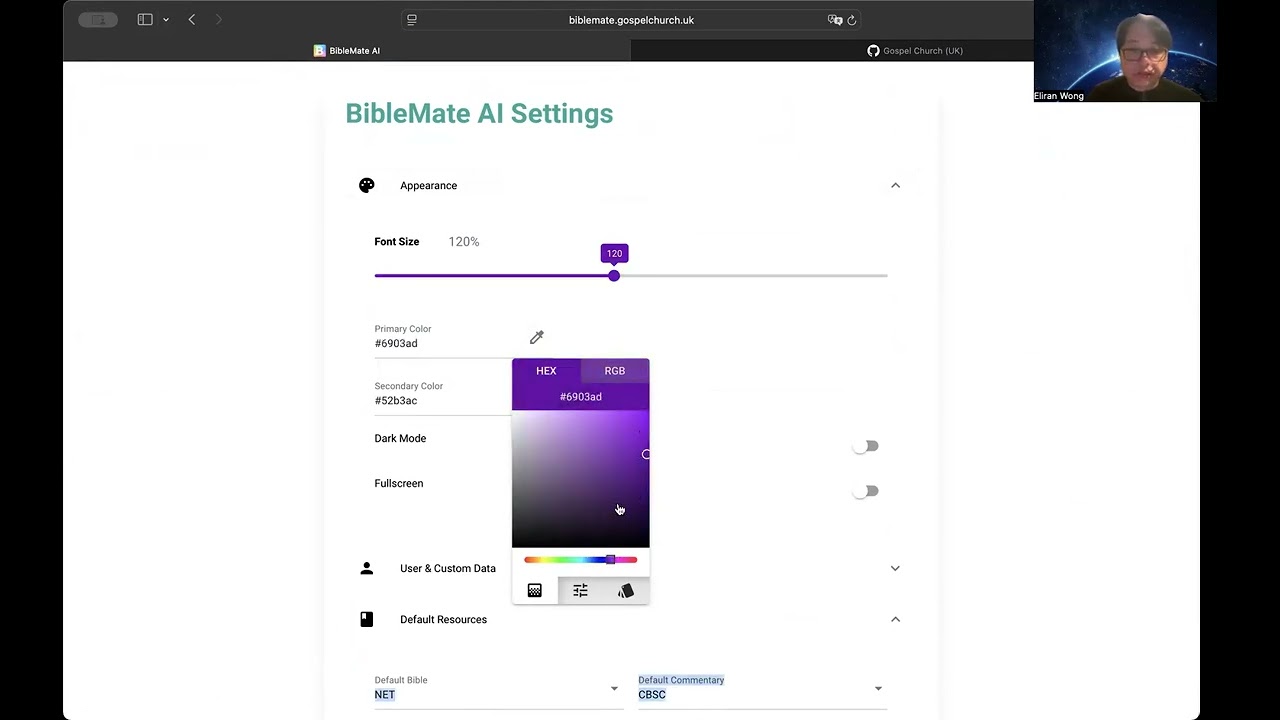
[User Customization](https://youtu.be/QMJ2oo1qkjY)
[](https://youtu.be/QMJ2oo1qkjY)
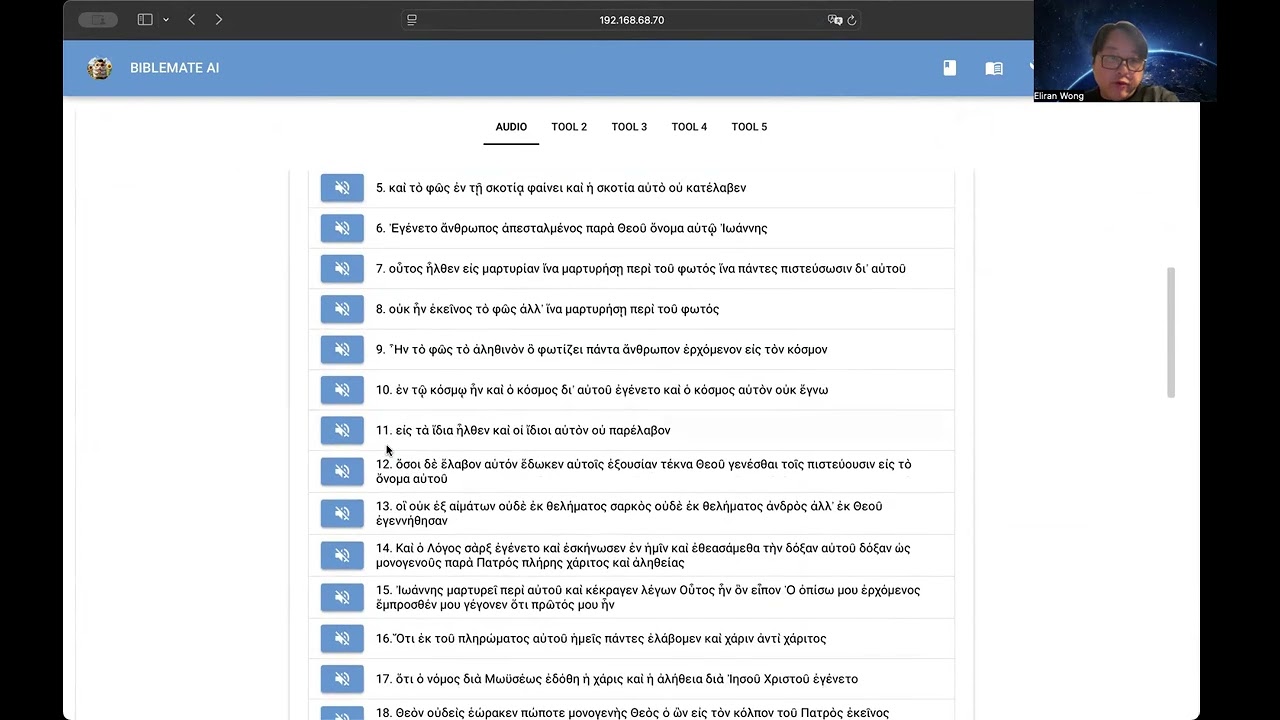
[Bible Audio](https://youtu.be/GL98FaJlYUQ)
[](https://youtu.be/GL98FaJlYUQ)
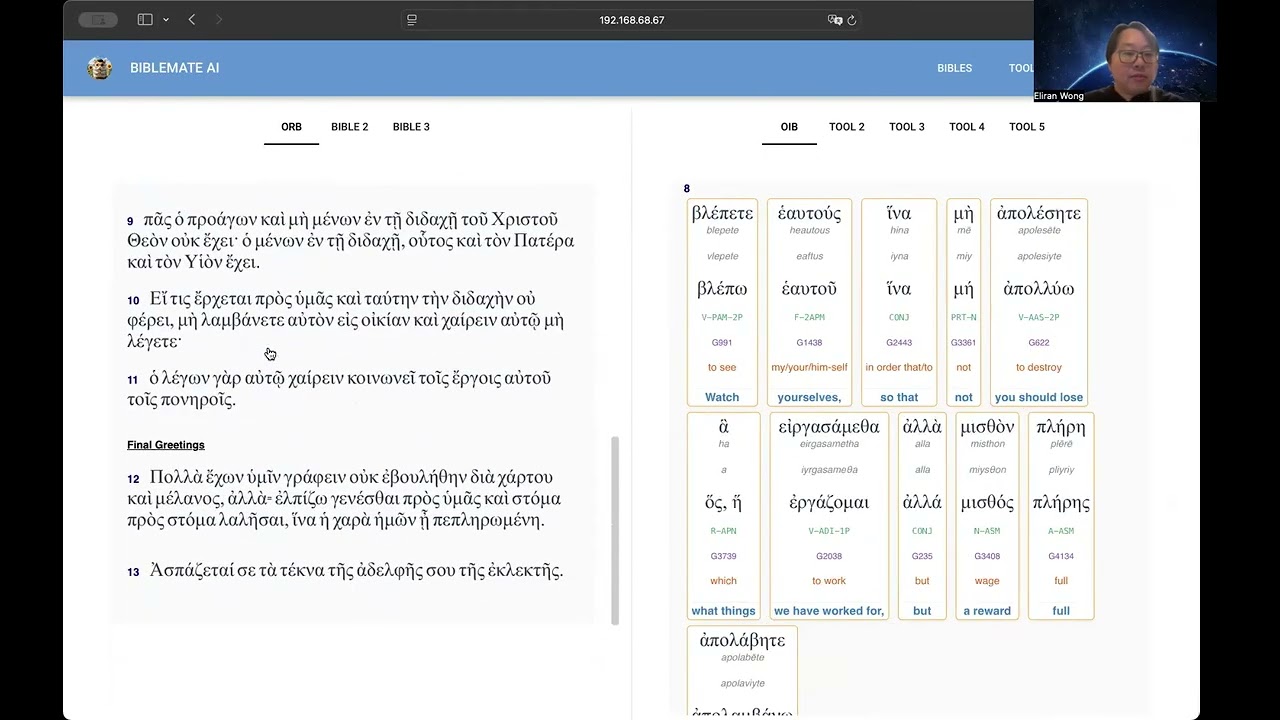
[Cross-Highlighting & Synchronized Scrolling](https://youtu.be/TDyT1ioesmY)
[](https://youtu.be/TDyT1ioesmY)
[UI Overview](https://youtu.be/UL8b1O97560)
[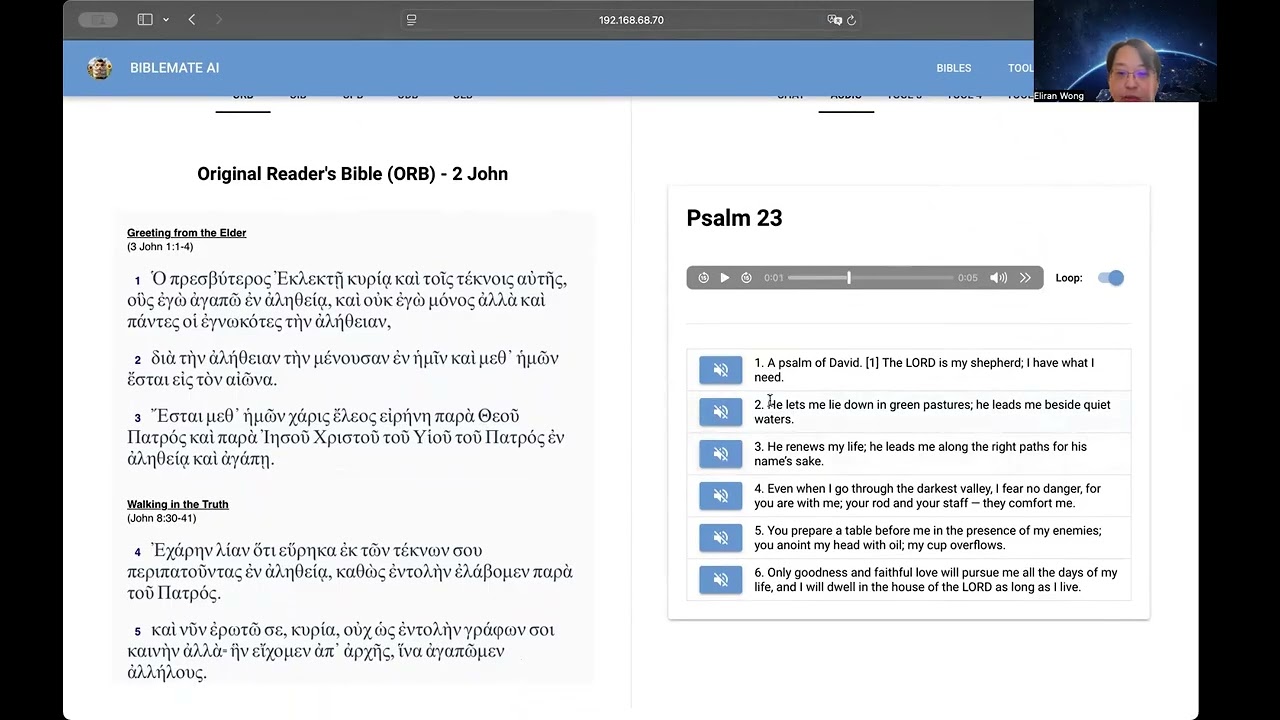](https://youtu.be/UL8b1O97560)
# Supported Platforms
Web Mode to run on popular web browsers
Desktop Mode on Windows/macOS/Linux
# Development in Progress …
## Public Testing
https://biblemate.gospelchurch.uk
## Local Testing:
> pip install –upgrade biblemateweb
One-off Data Setup:
> biblematedata
Run:
> biblemateweb
Open:
## Setup Bible Notes Sync with Google Accounts
This feature has already been implemented at https://biblemate.gospelchurch.uk
Setup notes will be added here soon …
## Customization
Server Side:
Save changes of avatar, port and storage_secret key in ~/biblemate/biblemateweb.config, then restart biblemateweb.
User Preferences:
http://localhost:33355/settings
## Storage Secret Key
A Storage Secret Key is necessary for deployment.
You may generate a random key by running openssl rand -hex 32 or openssl rand -base64 32
Save it as the value of config.storage_secret in ~/biblemate/biblemateweb.config, then restart biblemateweb.
## Public Deployment
Please read additional notes at https://nicegui.io/documentation/section_configuration_deployment#server_hosting
Release history Release notifications | RSS feed


Download files
Download the file for your platform. If you're not sure which to choose, learn more about installing packages.
Source Distribution
Built Distribution
Filter files by name, interpreter, ABI, and platform.
If you're not sure about the file name format, learn more about wheel file names.
Copy a direct link to the current filters
File details
Details for the file biblemateweb-0.2.66.tar.gz.
File metadata
- Download URL: biblemateweb-0.2.66.tar.gz
- Upload date:
- Size: 1.0 MB
- Tags: Source
- Uploaded using Trusted Publishing? No
- Uploaded via: twine/6.1.0 CPython/3.12.3
File hashes
| Algorithm | Hash digest | |
|---|---|---|
| SHA256 |
0bfba1d06826f72d4f8f54642f65dc6444b5ef7abd168e764dbabb8e71ae5f01
|
|
| MD5 |
98289c33e7d51793bee615f317075eb2
|
|
| BLAKE2b-256 |
20f79d56bb9b4bfe50560ef0abab4cbc92c71e6624790d7ae903eb7e08ef5a65
|
File details
Details for the file biblemateweb-0.2.66-py3-none-any.whl.
File metadata
- Download URL: biblemateweb-0.2.66-py3-none-any.whl
- Upload date:
- Size: 1.1 MB
- Tags: Python 3
- Uploaded using Trusted Publishing? No
- Uploaded via: twine/6.1.0 CPython/3.12.3
File hashes
| Algorithm | Hash digest | |
|---|---|---|
| SHA256 |
8bf0b67e5d84abb3c387be56e6c3987f05e33150061e3433dd9717a2aaf5a730
|
|
| MD5 |
fae5d2dfb055ad51f5790a4983d04e9d
|
|
| BLAKE2b-256 |
6df62d34f4e047d7079fb10cb0c48117ca4900d8488e01ec16fcdf1f5412900c
|







](https://youtu.be/qCMku8-UZ3I)
](https://youtu.be/QMJ2oo1qkjY)
](https://youtu.be/GL98FaJlYUQ)
](https://youtu.be/TDyT1ioesmY)
](https://youtu.be/UL8b1O97560)