
BibleMate AI - Automate Your Bible Study

Project description
# BibleMate AI WEB
This repository focuses only on the Web UI, HTTP and API servers of a larger project, [BibleMate AI](https://github.com/eliranwong/biblemate).
For CLI Version / MCP Server / Agent Mode / Partner Mode / Bible Data, read https://github.com/eliranwong/biblemate
—
BibleMate AI Web Application - Web GUI & Http Server & API Server
BibleMate AI Web Version is designed to combine the most valuable features from the following two projects into a single, unified web interface:
https://github.com/eliranwong/biblemate
and
https://github.com/eliranwong/UniqueBible
## Latest New - Agent Mode on the BibleMate Web Version
We are pleased to announce that Agent Mode is now fully integrated across both the BibleMate Web and CLI platforms, providing a unified experience for all users.
### Additional Options for Agent Mode Setup
Agent Mode consumes more tokens than standard mode. Consider restricting public access to manage costs.
Configuration options disable_agent_mode and limit_agent_mode_once_daily are designed to limit access to Agent Mode.
To disable public access to agent mode, set:
> config.disable_agent_mode=True
To daily limit access to agent mode, set:
> config.limit_agent_mode_once_daily=True
Users can still use the Agent Mode by entering a custom token or their own API keys in Preferences, even either of the two options above are set to True.
Note: Setting a daily limit requires [Google Account authentication](https://github.com/eliranwong/biblemateweb/blob/main/docs/google_drive_notes_setup.md), as users’ access settings are stored directly in users’ own Google Drive. BibleMate AI is designed for privacy; our servers do not store any user data.
## Recent Updates
[Hebrew & Greek Tooltips](https://youtu.be/qCMku8-UZ3I)
[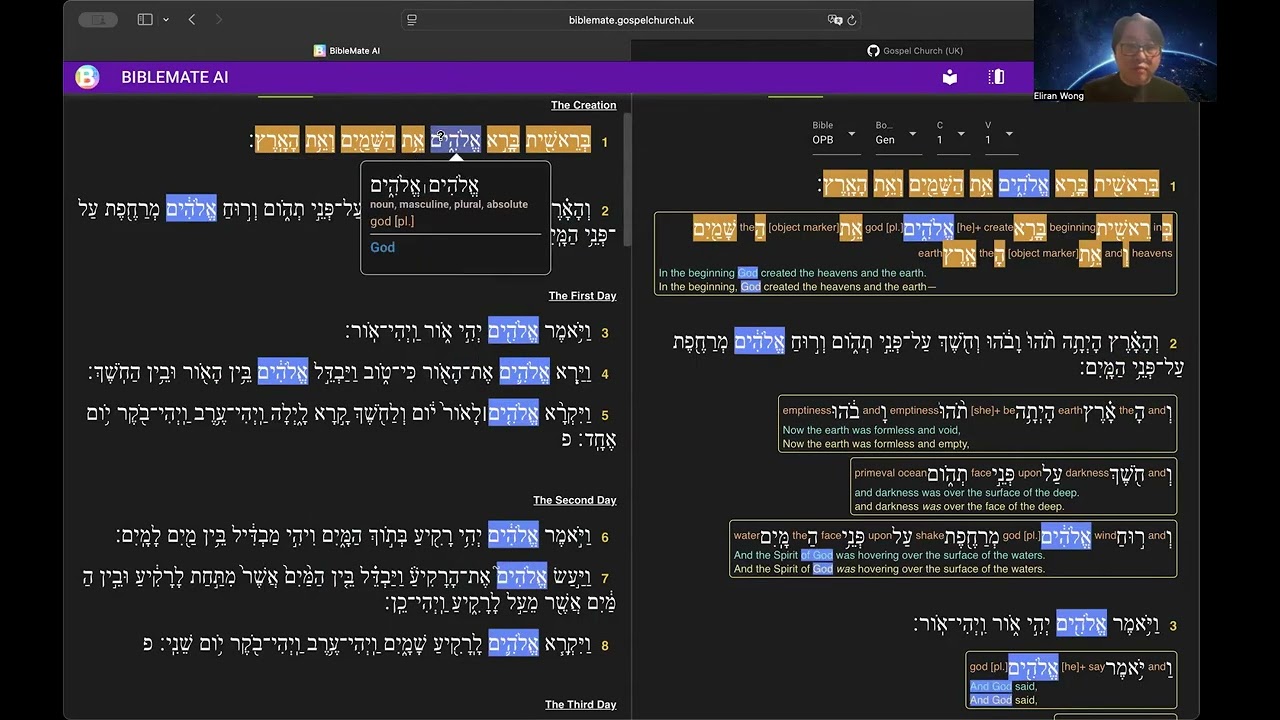](https://youtu.be/qCMku8-UZ3I)
[User Customization](https://youtu.be/QMJ2oo1qkjY)
[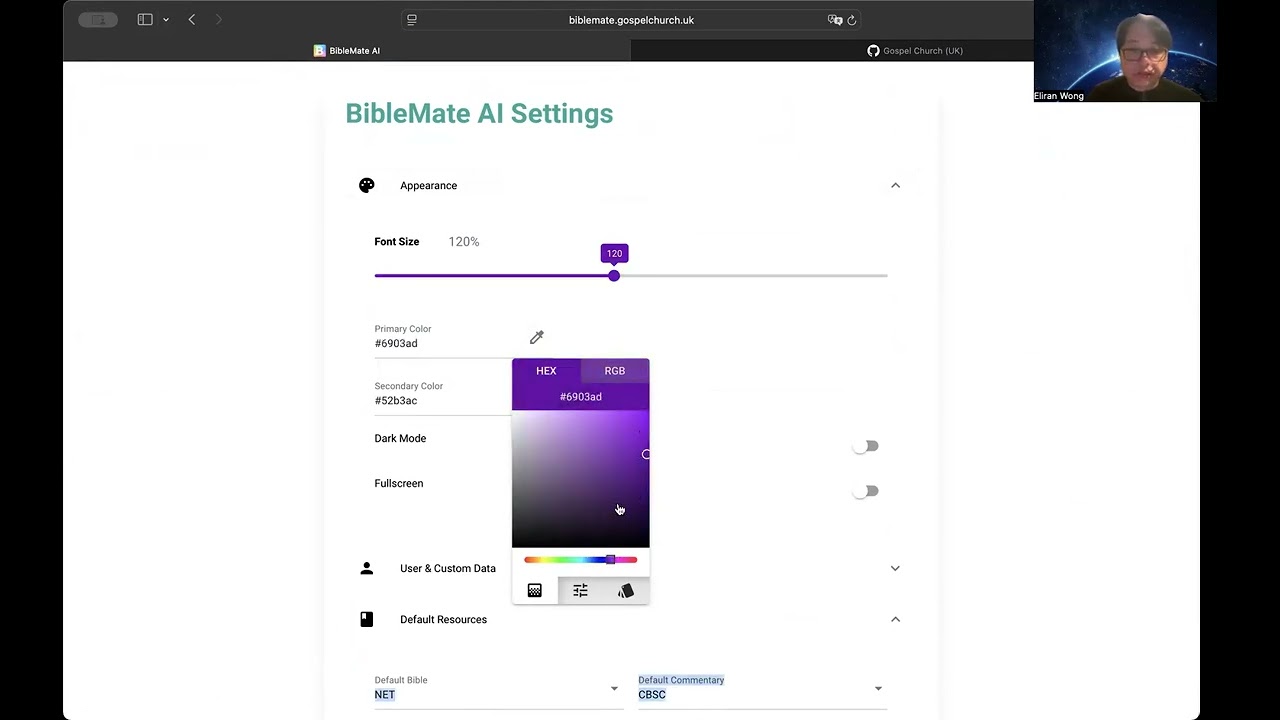](https://youtu.be/QMJ2oo1qkjY)
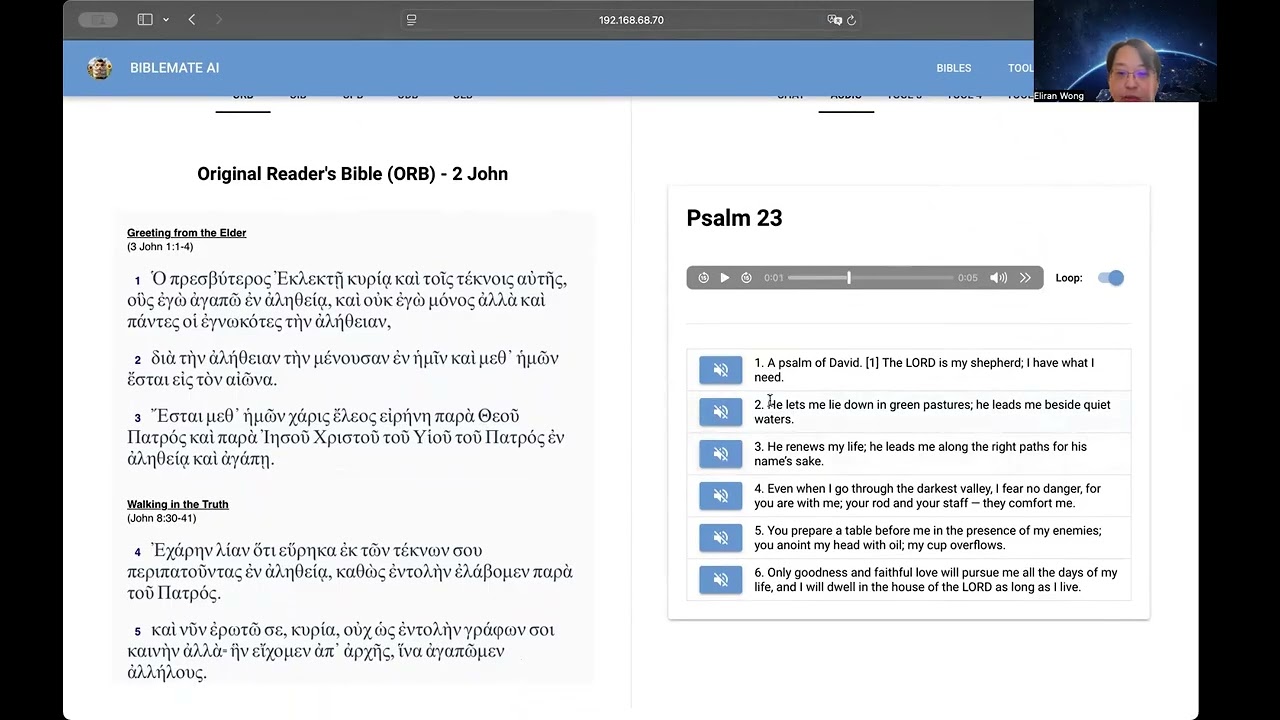
[Bible Audio](https://youtu.be/GL98FaJlYUQ)
[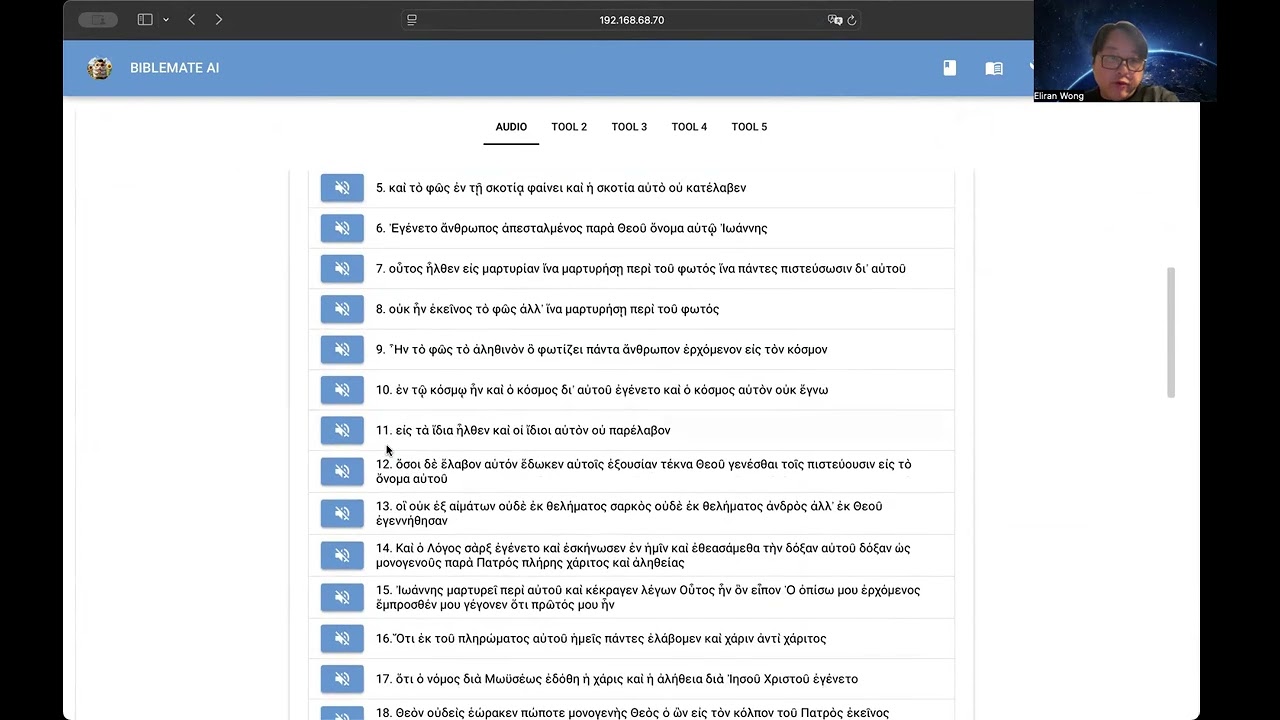](https://youtu.be/GL98FaJlYUQ)
[Cross-Highlighting & Synchronized Scrolling](https://youtu.be/TDyT1ioesmY)
[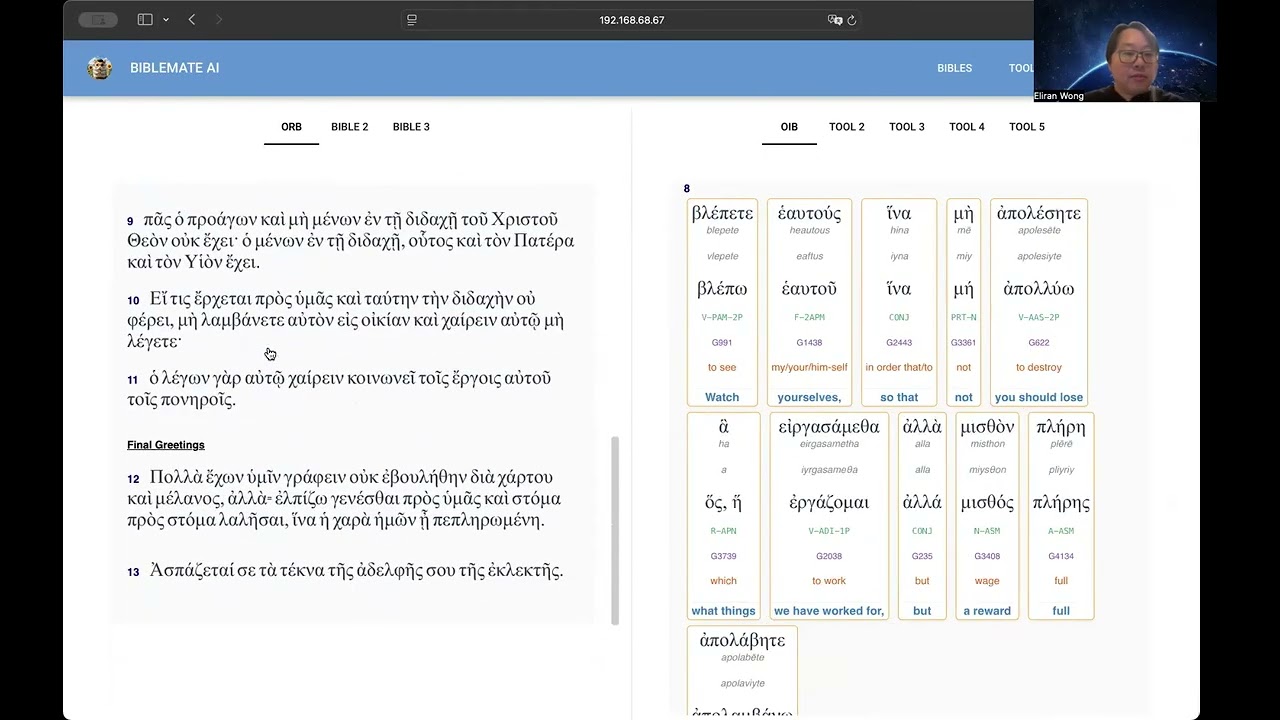](https://youtu.be/TDyT1ioesmY)
[UI Overview](https://youtu.be/UL8b1O97560)
[](https://youtu.be/UL8b1O97560)
# Supported Platforms
Web UI runs with all popular web browsers
Http & API Servers runs on any standard platforms
API Data Access independent of running platforms
# Public Demo
https://biblemate.gospelchurch.uk
# Local Setup
> pip install –upgrade biblemateweb
One-off Data Setup:
> biblematedata
Run HTTP & API Servers:
> biblemateweb
Open Web UI:
> open http://localhost:33355
## API Usage
Run API Client:
> biblemateapi -h
Read more at:
https://github.com/eliranwong/biblemateweb/blob/main/tests/api_client.py
https://github.com/eliranwong/biblemateweb/blob/main/docs/api_query.md
## Setup Bible Notes Sync with Google Accounts
The BibleMate web UI allows users to create and store personal study notes for any book, chapter, or verse directly in Google Drive. This integration ensures that all notes stay synced across devices, making them easily accessible whenever and wherever you need them.
For demo, check out https://biblemate.gospelchurch.uk
Read setup notes at https://github.com/eliranwong/biblemateweb/blob/main/docs/google_drive_notes_setup.md
## Support Exported Agent Mode Report in Word Document Format
pandoc is required to export content to DOCX format.
To install, for example, on Debian/Ubuntu:
> sudo apt install pandoc
## Customization
Server Side:
Save changes of avatar, port and storage_secret key in ~/biblemate/biblemateweb.config, then restart biblemateweb.
User Preferences:
http://localhost:33355/settings
## Storage Secret Key
A Storage Secret Key is necessary for deployment.
You may generate a random key by running openssl rand -hex 32 or openssl rand -base64 32
Save it as the value of config.storage_secret in ~/biblemate/biblemateweb.config, then restart biblemateweb.
## Public Deployment
Please read additional notes at https://nicegui.io/documentation/section_configuration_deployment#server_hosting
Release history Release notifications | RSS feed


Download files
Download the file for your platform. If you're not sure which to choose, learn more about installing packages.
Source Distribution
Built Distribution
Filter files by name, interpreter, ABI, and platform.
If you're not sure about the file name format, learn more about wheel file names.
Copy a direct link to the current filters
File details
Details for the file biblemateweb-0.3.2.tar.gz.
File metadata
- Download URL: biblemateweb-0.3.2.tar.gz
- Upload date:
- Size: 1.1 MB
- Tags: Source
- Uploaded using Trusted Publishing? No
- Uploaded via: twine/5.0.0 CPython/3.12.3
File hashes
| Algorithm | Hash digest | |
|---|---|---|
| SHA256 |
a76ce157c79db05009a63514dce997b817b8b5e84923ff7258890e385d73ea02
|
|
| MD5 |
002a86824b8a39a87637c47ed0c379c5
|
|
| BLAKE2b-256 |
e712be1fd41691b1a52f97958ebb4a28bdf8cbe984ad4bd7b3a4537c84548cf5
|
File details
Details for the file biblemateweb-0.3.2-py3-none-any.whl.
File metadata
- Download URL: biblemateweb-0.3.2-py3-none-any.whl
- Upload date:
- Size: 1.1 MB
- Tags: Python 3
- Uploaded using Trusted Publishing? No
- Uploaded via: twine/5.0.0 CPython/3.12.3
File hashes
| Algorithm | Hash digest | |
|---|---|---|
| SHA256 |
9cfcba1f097d0be024cc3bcc44f82f38e3c8a81a2644094af1b3afc4877b4d4e
|
|
| MD5 |
a2eaaff3001033134765ccd991f66c93
|
|
| BLAKE2b-256 |
49b7bda4c2764c79bfc4b32cc8319cbc1e66447172210185d9d00dcf7ee9fc51
|







](https://youtu.be/qCMku8-UZ3I)
](https://youtu.be/QMJ2oo1qkjY)
](https://youtu.be/GL98FaJlYUQ)
](https://youtu.be/TDyT1ioesmY)
](https://youtu.be/UL8b1O97560)