
🧠 An AI Assistant.

Project description
🧠 blue-assistant
🧠 @assistant runs AI scripts; DAGs that combine deterministic and AI operations.
pip install blue-assistant
graph LR
assistant_script_list["@assistant<br>script<br>list"]
assistant_script_run["@assistant<br>script<br>run -<br><script><br><object-name>"]
web_crawl["@web<br>crawl -<br><url-1>+<url-2><br><object-name>"]
web_fetch["@web<br>fetch -<br><url><br><object-name>"]
script["📜 script"]:::folder
url["🔗 url"]:::folder
url2["🔗 url"]:::folder
url3["🔗 url"]:::folder
object["📂 object"]:::folder
script --> assistant_script_list
script --> assistant_script_run
object --> assistant_script_run
assistant_script_run --> object
url --> web_crawl
url2 --> web_crawl
web_crawl --> url3
web_crawl --> object
url --> web_fetch
web_fetch --> object
bridge_ip["🔗 bridge_ip"]:::folder
hue_username["🔗 hue_username"]:::folder
list_of_lights["💡 light IDs"]:::folder
hue_create_user["@hue<br>create_user"]
hue_list["@hue<br>list"]
hue_set["@hue<br>set"]
hue_test["@hue<br>test"]
bridge_ip --> hue_create_user
hue_create_user --> hue_username
bridge_ip --> hue_list
hue_username --> hue_list
hue_list --> list_of_lights
bridge_ip --> hue_set
hue_username --> hue_set
list_of_lights --> hue_set
bridge_ip --> hue_test
hue_username --> hue_test
list_of_lights --> hue_test
classDef folder fill:#999,stroke:#333,stroke-width:2px;
orbital-data-explorer 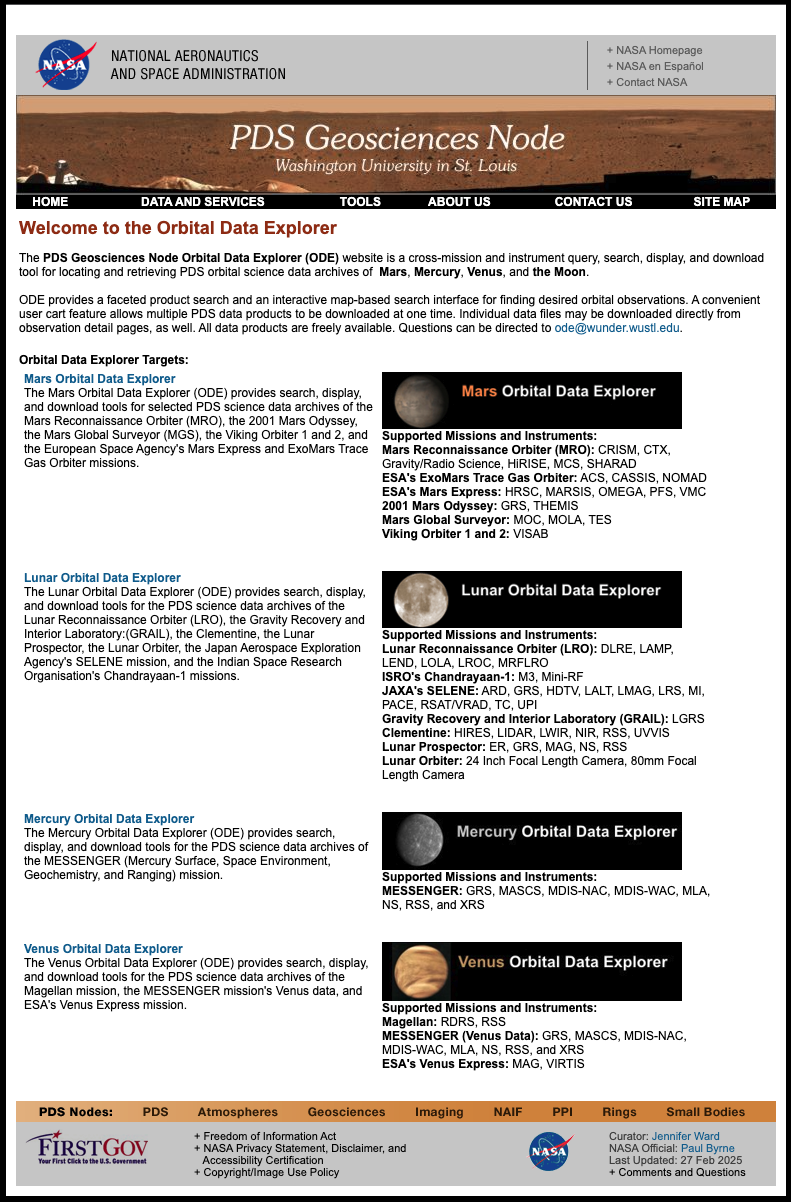 Access to the Orbital Data Explorer. 🔥 Access to the Orbital Data Explorer. 🔥 |
🌀 blue script  A minimal AI DAG interface. A minimal AI DAG interface. |
@hue 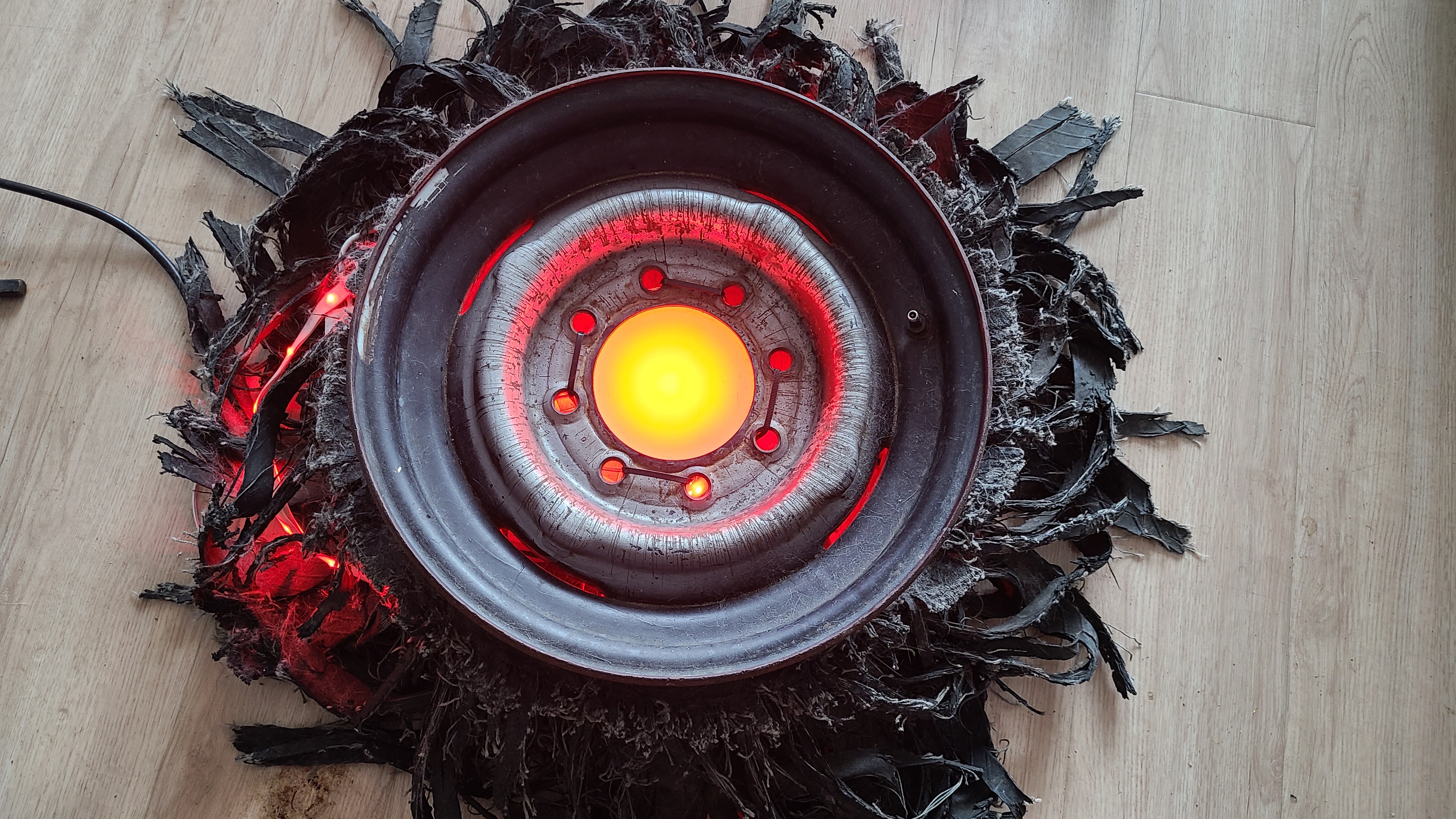 "send a color command to the Hue LED lights in my apartment." "send a color command to the Hue LED lights in my apartment." |
blue-amo  Story development and visualization. Story development and visualization. |
Also home to @web





built by 🌀 blue_options-4.240.1, based on 🧠 blue_assistant-4.288.1.
Release history Release notifications | RSS feed


Download files
Download the file for your platform. If you're not sure which to choose, learn more about installing packages.
Source Distribution
blue_assistant-4.288.1.tar.gz
(23.7 kB
view details)
Built Distribution
Filter files by name, interpreter, ABI, and platform.
If you're not sure about the file name format, learn more about wheel file names.
Copy a direct link to the current filters
File details
Details for the file blue_assistant-4.288.1.tar.gz.
File metadata
- Download URL: blue_assistant-4.288.1.tar.gz
- Upload date:
- Size: 23.7 kB
- Tags: Source
- Uploaded using Trusted Publishing? No
- Uploaded via: twine/6.1.0 CPython/3.9.21
File hashes
| Algorithm | Hash digest | |
|---|---|---|
| SHA256 |
e9d6cc87a9576ade09bc7e3b6ca0b791bef4399517b9133233b40ed04d5ccc97
|
|
| MD5 |
834416972cb0867d67129911967b8e08
|
|
| BLAKE2b-256 |
89573dfac51ad9bc3da8c8871106150af00b1d4cd9f1fd100d1e14e695d48f35
|
File details
Details for the file blue_assistant-4.288.1-py3-none-any.whl.
File metadata
- Download URL: blue_assistant-4.288.1-py3-none-any.whl
- Upload date:
- Size: 40.8 kB
- Tags: Python 3
- Uploaded using Trusted Publishing? No
- Uploaded via: twine/6.1.0 CPython/3.9.21
File hashes
| Algorithm | Hash digest | |
|---|---|---|
| SHA256 |
8a9a3095ef74dc0bffda884b22653e19507797c4977fcf0c8c298b5e343f0261
|
|
| MD5 |
f575c54589ee1a546860f24d7002c8bf
|
|
| BLAKE2b-256 |
bc53c94b64d47a1733d276c18908a0c0b7cb11bd9ed0baa7cf209b04ae1c0132
|






