
🧠 An AI Assistant.

Project description
🧠 blue-assistant
🧠 @assistant runs AI DAGs that combine deterministic and AI operations.
pip install blue-assistant
graph LR
assistant_script_list["@assistant<br>script<br>list"]
assistant_script_run["@assistant<br>script<br>run -<br>script=<name>,version=<version><br><object-name>"]
web_crawl["@web<br>crawl -<br><url-1>+<url-2><br><object-name>"]
web_fetch["@web<br>fetch -<br><url><br><object-name>"]
script["📜 script"]:::folder
url["🔗 url"]:::folder
url2["🔗 url"]:::folder
url3["🔗 url"]:::folder
object["📂 object"]:::folder
script --> assistant_script_list
script --> assistant_script_run
object --> assistant_script_run
assistant_script_run --> object
url --> web_crawl
url2 --> web_crawl
web_crawl --> url3
web_crawl --> object
url --> web_fetch
web_fetch --> object
bridge_ip["🔗 bridge_ip"]:::folder
hue_username["🔗 hue_username"]:::folder
list_of_lights["💡 light IDs"]:::folder
hue_create_user["@hue<br>create_user"]
hue_list["@hue<br>list"]
hue_set["@hue<br>set"]
hue_test["@hue<br>test"]
bridge_ip --> hue_create_user
hue_create_user --> hue_username
bridge_ip --> hue_list
hue_username --> hue_list
hue_list --> list_of_lights
bridge_ip --> hue_set
hue_username --> hue_set
list_of_lights --> hue_set
bridge_ip --> hue_test
hue_username --> hue_test
list_of_lights --> hue_test
classDef folder fill:#999,stroke:#333,stroke-width:2px;
orbital-data-explorer 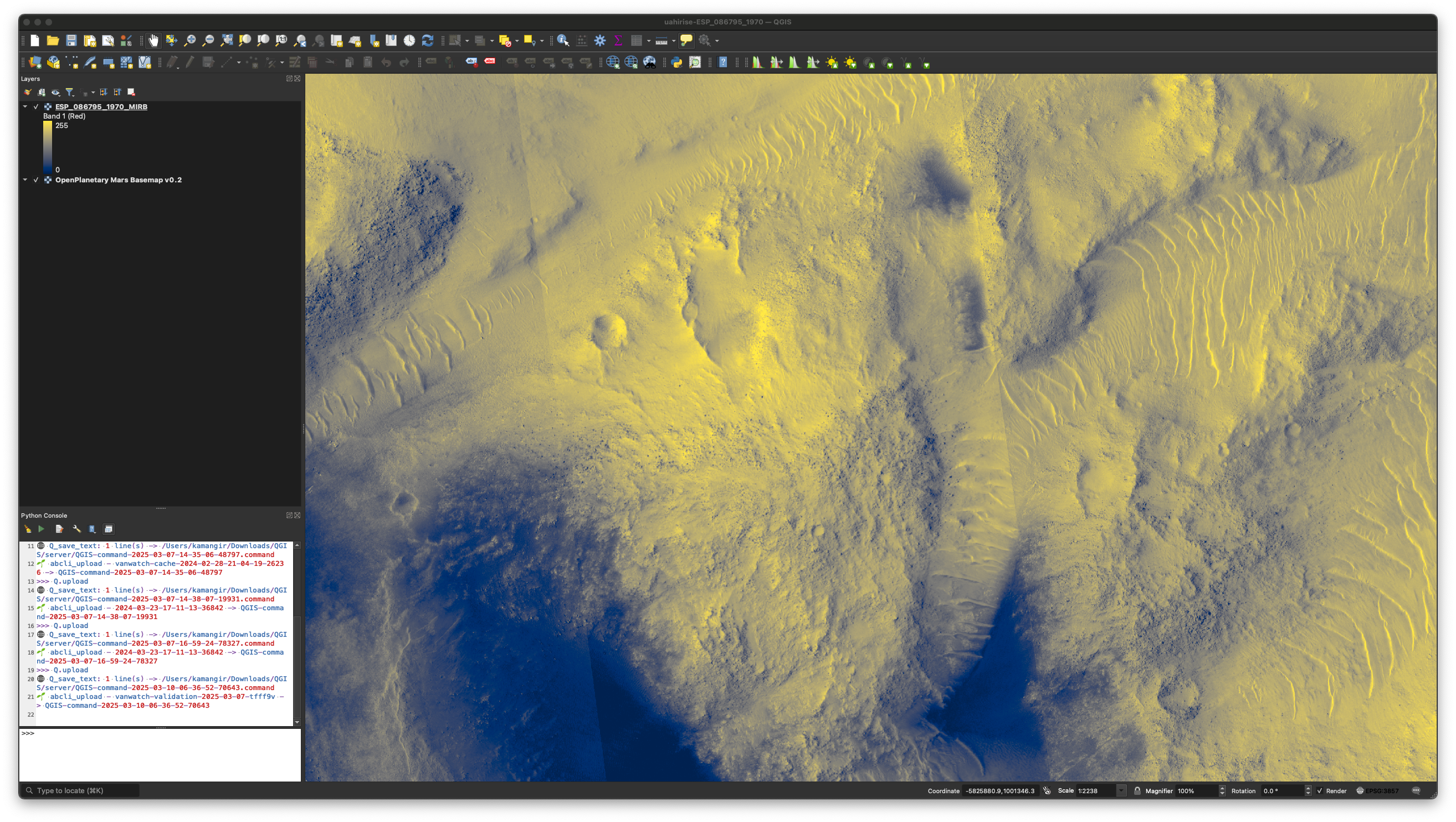 Poking around Orbital Data Explorer with an AI DAG. ⏸️ Poking around Orbital Data Explorer with an AI DAG. ⏸️ |
@hue 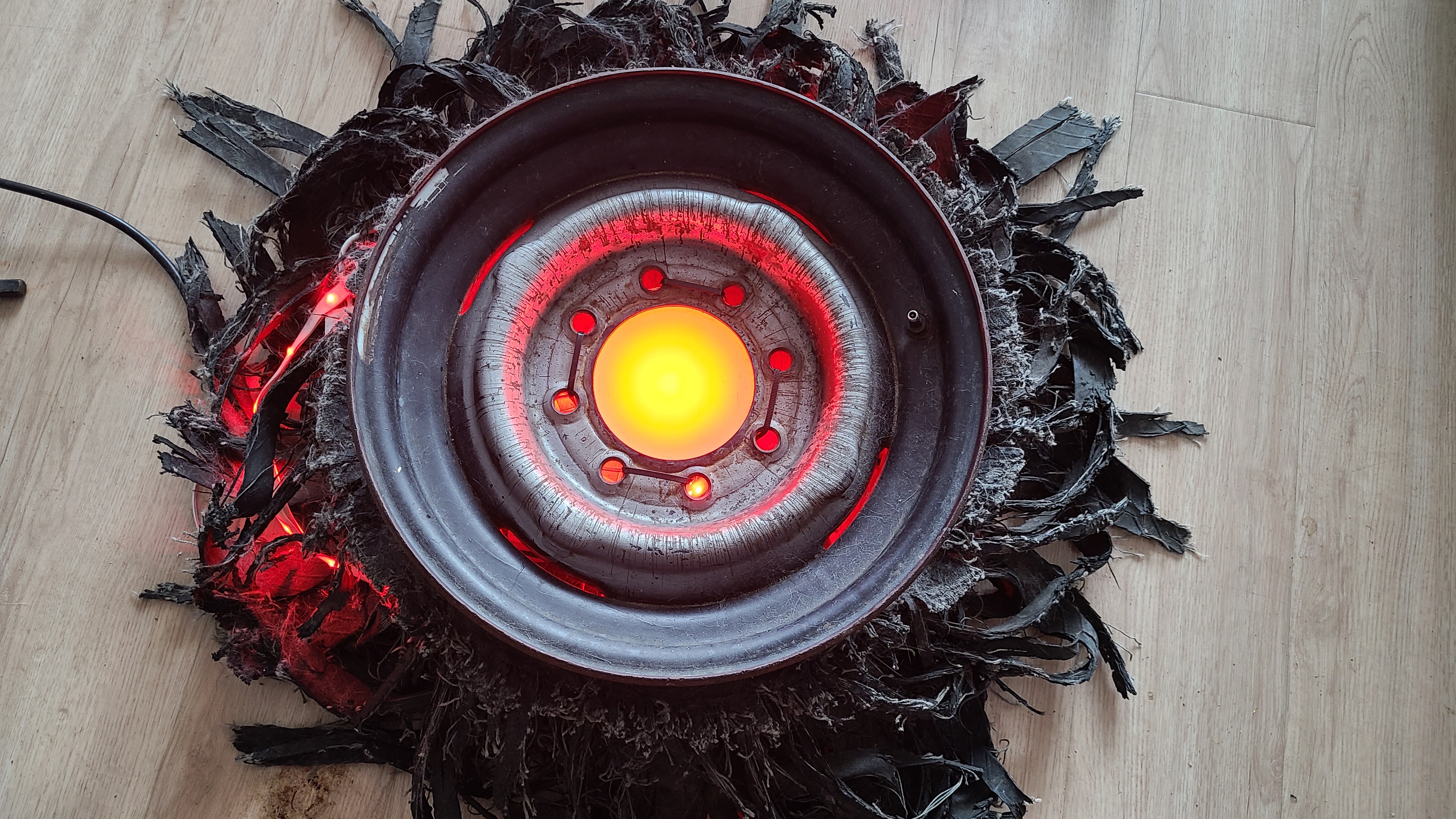 "Hey AI, help me write code to send color commands to the Hue LED lights in my apartment." "Hey AI, help me write code to send color commands to the Hue LED lights in my apartment." |
blue-amo 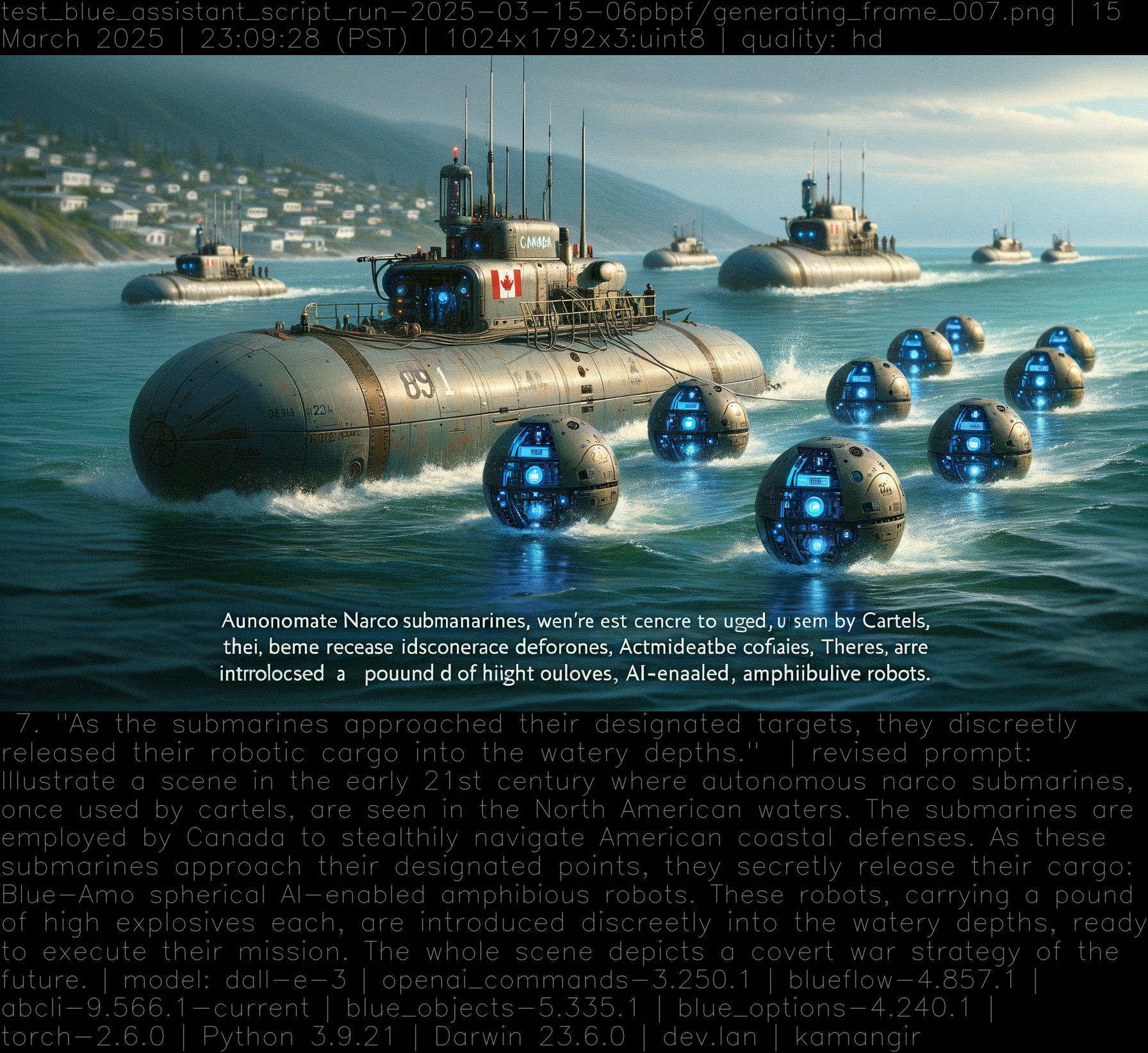 Story development and visualization, with an AI DAG. Story development and visualization, with an AI DAG. |
🌀 blue script  A minimal AI DAG interface. A minimal AI DAG interface. |
@web A minimal web interface for an AI agent. |





built by 🌀 blue_options-4.240.1, based on 🧠 blue_assistant-4.370.1.
Release history Release notifications | RSS feed


Download files
Download the file for your platform. If you're not sure which to choose, learn more about installing packages.
Source Distribution
blue_assistant-4.371.1.tar.gz
(26.1 kB
view details)
Built Distribution
Filter files by name, interpreter, ABI, and platform.
If you're not sure about the file name format, learn more about wheel file names.
Copy a direct link to the current filters
File details
Details for the file blue_assistant-4.371.1.tar.gz.
File metadata
- Download URL: blue_assistant-4.371.1.tar.gz
- Upload date:
- Size: 26.1 kB
- Tags: Source
- Uploaded using Trusted Publishing? No
- Uploaded via: twine/6.1.0 CPython/3.9.21
File hashes
| Algorithm | Hash digest | |
|---|---|---|
| SHA256 |
ac34b0b8472e3d35134a187c2d2b022da7000a5f10c0307adee07277a39762f5
|
|
| MD5 |
88534bef49e399072a34edff5be86658
|
|
| BLAKE2b-256 |
89d661139cde6a2e48b2b335464b0dfd9ef754e6d957b161c81a0e5596e0b65c
|
File details
Details for the file blue_assistant-4.371.1-py3-none-any.whl.
File metadata
- Download URL: blue_assistant-4.371.1-py3-none-any.whl
- Upload date:
- Size: 43.6 kB
- Tags: Python 3
- Uploaded using Trusted Publishing? No
- Uploaded via: twine/6.1.0 CPython/3.9.21
File hashes
| Algorithm | Hash digest | |
|---|---|---|
| SHA256 |
c2d7f5f1100cee8a1de11a1f204b26f571ff291bdd169710801d861750d66593
|
|
| MD5 |
27217fef330e71034ba768bf507dbb2e
|
|
| BLAKE2b-256 |
ade64452f8970ce5a65121ede3c7651d1513c8231681eec33ffd7ecc186f12f8
|






