
ECS boids simulation — free tier: Vec3 math + 3-force flocking

Project description
Boidswarm (zombiebubble-boids)
An advanced, high-performance Entity Component System (ECS) flocking simulation.
While traditional "Boids" algorithms simulate flocking using 3 basic rules (separation, alignment, cohesion), boidswarm introduces an advanced Graph-Laplacian Leader Election system. This allows your flock to intelligently pass messages, nominate leaders, and gracefully recover when leaders get stuck or destroyed.
Installation
pip install boidswarm
Features (No Advanced Math Required!)
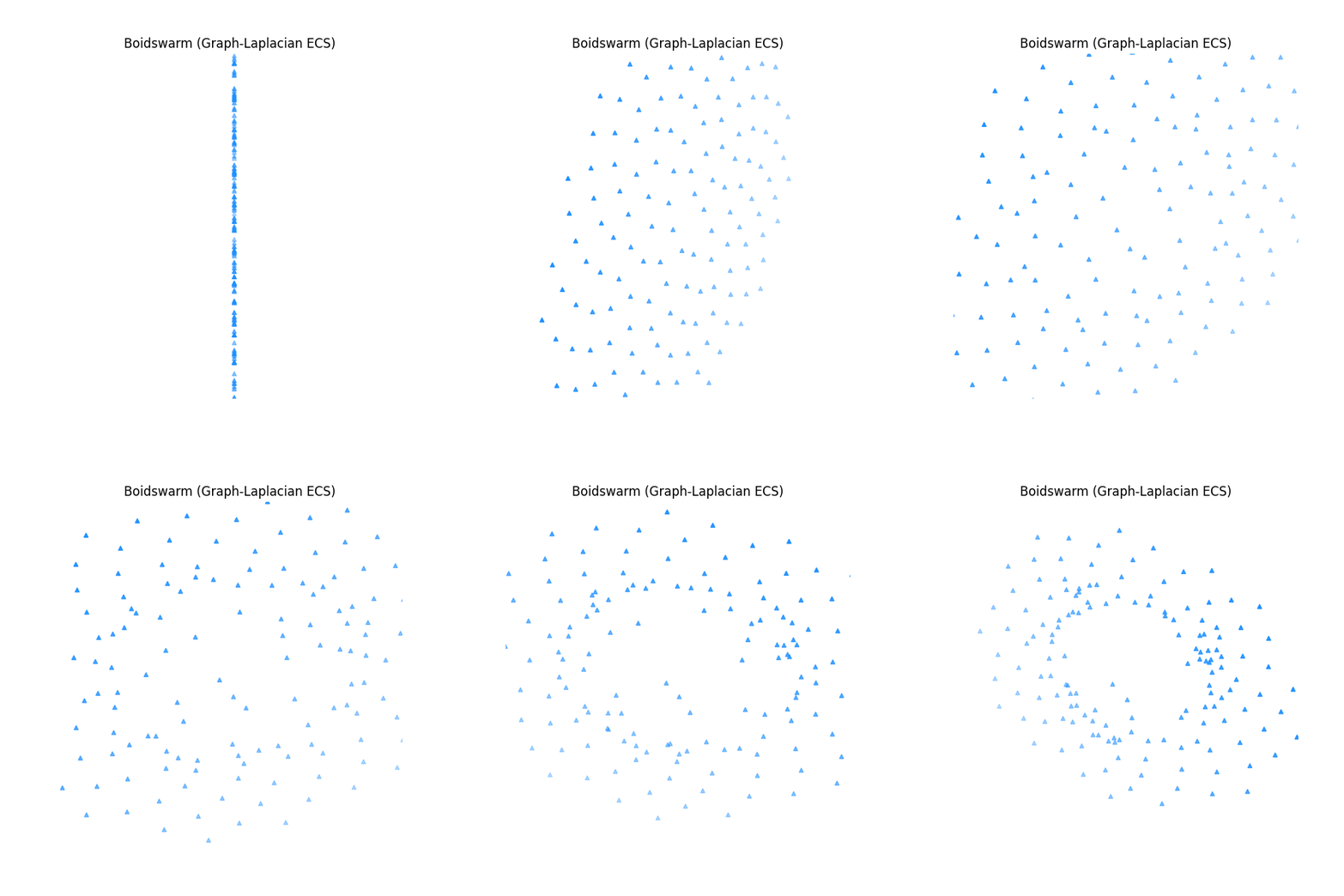
If you've never used Boids before, think of them as AI agents that group together like flocks of birds or schools of fish. This library makes managing them incredibly robust:
1. The "Ripple Effect" (Signal Propagation)
In basic flocking, a boid only reacts to its immediate neighbors. If a boid at the front spots the player or a target, the back of the flock won't know and might break formation.
- How it works: Information (like a "pursuit signal") diffuses through the flock like heat spreading through metal.
- How to use it: You control this with the
alphaparameter.alpha = 0.1to0.3: Highly recommended. The signal spreads fluidly and realistically.alpha = 0.0: No spreading (traditional, dumb boids).alpha = 1.0: Instant hive-mind transmission.
2. Auto-Healing Leader Election
Navigating complex environments usually causes flocks to get stuck in corners.
- How it works: Beneath the hood, the system dynamically classifies every boid into 7 roles (e.g., Follower, Sub-Leader, Leader, Prime).
- How to use it: It works automatically! If your current leader drops out of the simulation (becomes a "Phantom Dead") or its speed drops too low (becomes "Phantom Stuck"), the system immediately promotes a Sub-Leader to take its place. The flock never permanently breaks down.
3. Customizable Flock Personalities (Gram Matrix)
You can tune the underlying scoring engine to fit the specific needs of your game or simulation without rewriting any core logic:
- Resilience-First: Best for massive, chaotic, or combat-heavy flocks. It guarantees the flock stays together even if multiple leaders are lost simultaneously.
- Expressiveness-First: Best for small, tight-knit flocks where you want highly nuanced, synchronized, and agile movements.
Command Line Usage
After installation, the zombiebubble command is available with three subcommands:
zombiebubble COMMAND [options]

Commands:
  run     Run a headless boids simulation
  check   Statically analyse a Python file for risky Swarm() call sites
  info    Show library version and build information
zombiebubble run — headless simulation
zombiebubble run [--boids N] [--steps S] [--dt DT] [--print-every K] [--no-intro]
| Option | Default | Description |
|---|---|---|
--boids N |
20 | Number of boids to simulate |
--steps S |
200 | Total simulation steps |
--dt DT |
0.016 | Time delta per step (seconds) |
--print-every K |
40 | Print a metrics row every K steps |
--no-intro |
— | Skip the Boids explanation text |
Examples:
# Quick default run (20 boids, 200 steps)
zombiebubble run

# Large flock, long run, silent intro
zombiebubble run --boids 200 --steps 1000 --no-intro

# Slow-motion with fine-grained output
zombiebubble run --boids 30 --dt 0.008 --print-every 10
Understanding the output columns:
| Column | Meaning |
|---|---|
step / time |
Simulation frame and elapsed simulated time |
spread |
Average distance from the flock centroid (metres). Shrinking = cohesion working |
avg speed |
Mean boid speed (m/s) |
status |
Human-readable flock state |
After the run, the tool prints the initial vs. final spread and confirms whether the Cohesion rule pulled the flock together.
Note: If you pass a very small
--boidsvalue, the tool will print a warning to stderr explaining which internal thresholds are at risk. These warnings do not stop the simulation.
zombiebubble check — static analysis (gcc-style)
Analyses a Python source file for Swarm(N) call sites where N falls below
the kernel thresholds required for reliable leader election and full flock
expressiveness. Useful in CI pipelines.
zombiebubble check FILE [--error]
| Option | Description |
|---|---|
FILE |
Python source file to analyse |
--error |
Treat warnings as errors (exit code 2 instead of 1) |
Exit codes:
| Code | Meaning |
|---|---|
| 0 | No issues found |
| 1 | One or more warnings emitted |
| 2 | Warnings emitted and --error was passed |
Example output:
$ zombiebubble check my_game.py
my_game.py:12:9: warning: Swarm(3) — 3 boids < 5 (degrees of freedom) — flock expressiveness severely limited
my_game.py:12:9: warning: Swarm(3) — 3 boids < 7 (weight classes) — leader election may not converge reliably
note: default kernel tolerates up to 1 simultaneous leader loss(es) (d=3)
my_game.py: 2 warning(s)
The thresholds are derived from the internal scoring kernel design; raw numeric parameters are intentionally not exposed.
Use in CI (GitHub Actions example):
- name: Check boid counts
  run: zombiebubble check src/my_sim.py --error
zombiebubble info — build info
zombiebubble info
Prints the installed package version, Python version, and OS/architecture.
License
Licensed under GPL-3.0-only.


Download files
Download the file for your platform. If you're not sure which to choose, learn more about installing packages.
Source Distribution
Built Distribution
Filter files by name, interpreter, ABI, and platform.
If you're not sure about the file name format, learn more about wheel file names.
Copy a direct link to the current filters
File details
Details for the file boidswarm-0.1.6.tar.gz.
File metadata
- Download URL: boidswarm-0.1.6.tar.gz
- Upload date:
- Size: 291.7 kB
- Tags: Source
- Uploaded using Trusted Publishing? No
- Uploaded via: twine/6.2.0 CPython/3.13.5
File hashes
| Algorithm | Hash digest | |
|---|---|---|
| SHA256 |
49cee56d2c1bbc455fe775895fc6a12f7b402a266d2ca40c490fc72f7d50b3a9
|
|
| MD5 |
0c102e3158449419370e8b5ef151aef0
|
|
| BLAKE2b-256 |
1cccd451bd0ee854a31e81579ab2f2d75ed013536b612acaeed4918ce40e68fd
|
File details
Details for the file boidswarm-0.1.6-py3-none-any.whl.
File metadata
- Download URL: boidswarm-0.1.6-py3-none-any.whl
- Upload date:
- Size: 292.2 kB
- Tags: Python 3
- Uploaded using Trusted Publishing? No
- Uploaded via: twine/6.2.0 CPython/3.13.5
File hashes
| Algorithm | Hash digest | |
|---|---|---|
| SHA256 |
752dfb688145b4a69089037bd322d8c69ec471688fb16fa01a98d00bfadce461
|
|
| MD5 |
7f863fc5ee13dd361c416110720102a7
|
|
| BLAKE2b-256 |
3235c28e48930e3159ffc9f60a3d00ae7b7a8556c45d43db9454044ac321b4c0
|






