
Bridgex 🌉




Bridgex is an open‑source desktop application for converting files to Markdown, built in Rust with Freya and the Markitdown crate. It provides a lightweight graphical interface for editing converted Markdown content and saving it locally.
This repository maintains Rust packaging for crates.io, and also keeps Python packaging metadata so a compatible distribution can be published to pypi.org for interoperability.
Features ✨
- Native Rust desktop app with Freya UI.
- Cross‑platform support for Windows, macOS, and Linux.
- Efficient file‑to‑Markdown conversion.
- Lightweight editing before saving.
- Modular architecture for future extensions.
Screenshots 🖼️
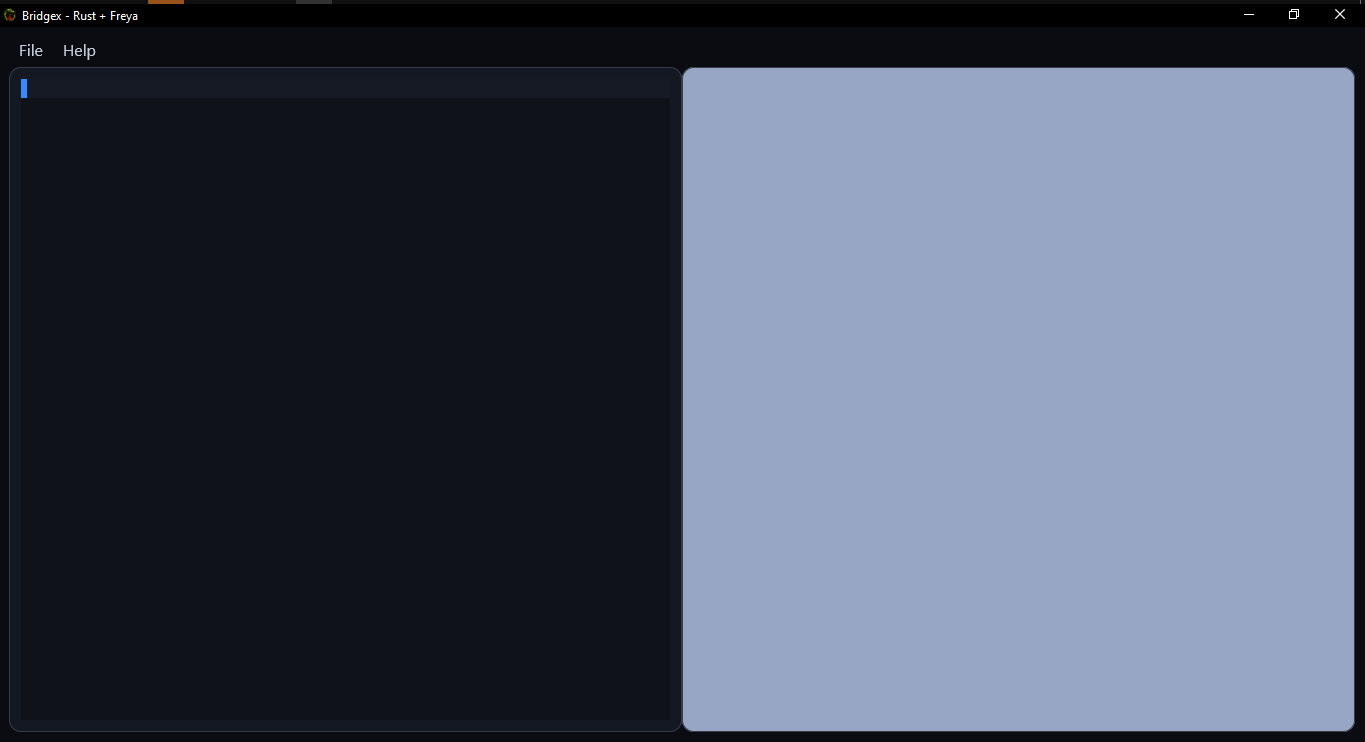
View interface previews
| Name | Preview |
|---|---|
| Main Screen | |
| LLM Config | 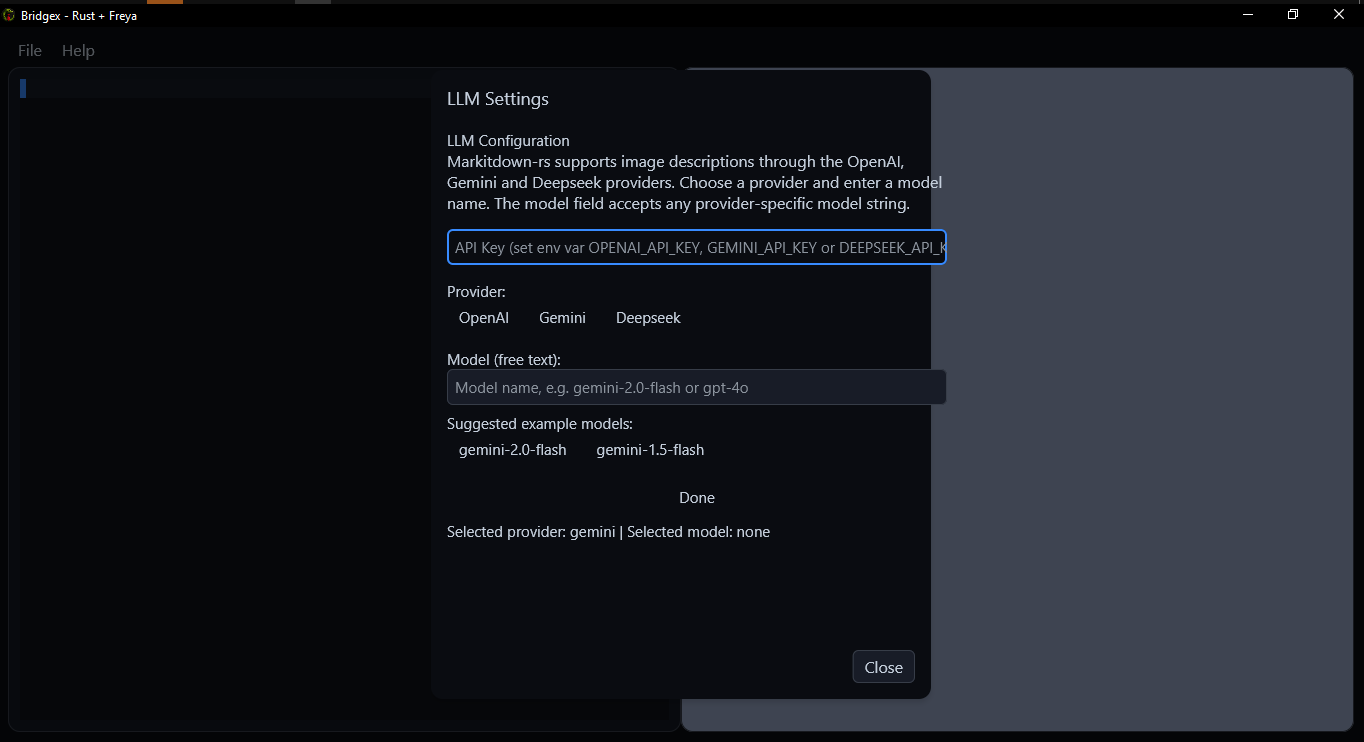 |
| Markdown Render | 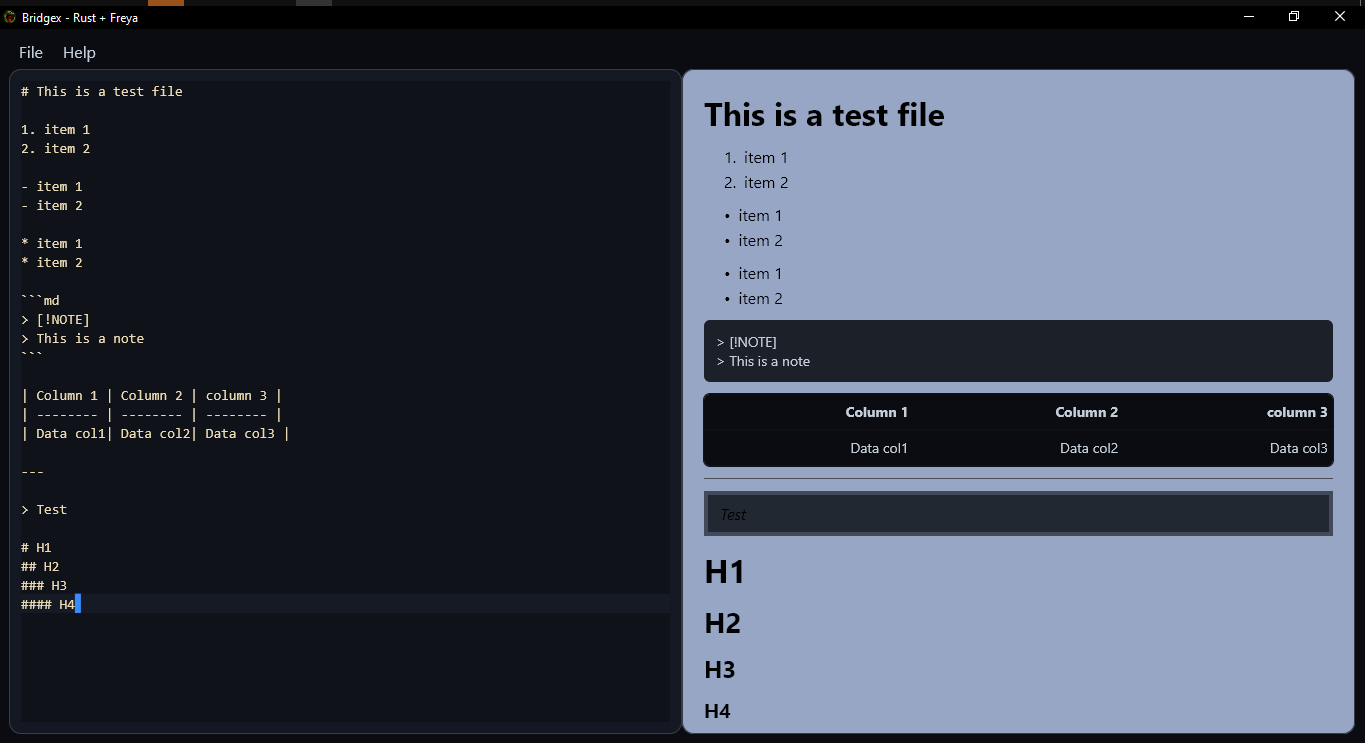 |
Installation 📦
Rust / crates.io installation
Requirements:
- Rust toolchain with
cargo - Recommended stable Rust version
Build and install locally from the current source tree:
cargo install --path .
Install the published crate from crates.io:
cargo install bridgex
Run directly from source:
cargo run --release
For a release build:
cargo build --release
./target/release/bridgex
Python / PyPI installation
On Windows and macOS, install the compatible PyPI wheel:
pip install bridgex
Run the installed command:
bridgex
(If needed, you can also run it with python -m bridgex.)
On Linux, use the prebuilt Linux binary from SourceForge instead of PyPI:
https://sourceforge.net/projects/bridgex/
Although Bridgex is implemented in Rust, the repository also includes Python packaging metadata to preserve compatibility with pypi.org as a secondary distribution target for Windows and macOS wheels.
Local Cloning and Execution 💻
Clone the repository and run Bridgex locally:
- Clone the repository.
git clone https://github.com/Dev2Forge/bridgex.git
- Navigate to the project directory.
cd bridgex/src/bridgex
- Build and run the application.
cargo run --release
- To install the binary locally:
cargo install --path .
Basic Usage 🚀
- Run the application from the terminal or the installed binary.
- Select the file to convert.
- Review and edit the Markdown result.
- Save the file in Markdown format.
Supported Formats 📂
Bridgex currently supports opening and converting the following file formats:
- Excel (
.xlsx,.xls) - Word (
.docx) - PowerPoint (
.pptx) - PDF (
.pdf) - HTML (
.html,.htm) - Images (
.jpg,.jpeg) - CSV (
.csv) - RSS / XML (
.xml,.rss,.atom) - ZIP archives (
.zip)
Limitations ⚠️
Bridgex is not an IDE, text editor, Markdown editor, or full document viewer. It is designed to bridge users to Markdown conversion with lightweight editing and a simple interface.
Releases 🏷️
Check the published versions and release notes in the Releases section of the repository.
Dependencies and Licences 📚
This project uses third‑party libraries with their own licenses. See the third-party folder for details.
Contribute 🤝
Contributions are welcome. Please open an issue or pull request following community best practices.
Licence 📄
Distributed under the GPLv3 Licence.
©2025–2026 Dev2Forge
1 maintainer

Metadata
1 maintainer
Release files for bridgex 0.2.1
For a detailed explanation of source distributions (sdists) and built distributions (wheels), please see the package formats documentation.
Built distributions (wheels)
| File | Interpreter | ABI | Platform | Reset |
|---|---|---|---|---|
| bridgex-0.2.1-py3-none-win_amd64.whl | Python 3 | none | Windows x86-64 | Details |
| bridgex-0.2.1-py3-none-macosx_11_0_arm64.whl | Python 3 | none | macOS 11.0+ ARM64 | Details |
Total release size: 24.2 MB
Release files / bridgex-0.2.1-py3-none-win_amd64.whl
| Download URL | bridgex-0.2.1-py3-none-win_amd64.whl |
|---|---|
| Size | 12.6 MB |
| Tags | Python 3 Windows x86-64 |
|
SHA-256 checksum How to use checksums |
59bcca93f46ffe10f36b68017a6a00cef97dd81585fa234adb9db359235c2568
|
|
BLAKE2b-256 checksum How to use checksums |
51d746dc7791cd7a02bf92fddbf3fe38278913de659ad119f38cb4965c639453
|
| Upload date | |
|
Uploaded using Trusted Publishing? What is trusted publishing? |
No |
| Uploaded via |
twine/6.2.0 CPython/3.12.13
|
Release files / bridgex-0.2.1-py3-none-macosx_11_0_arm64.whl
| Download URL | bridgex-0.2.1-py3-none-macosx_11_0_arm64.whl |
|---|---|
| Size | 11.6 MB |
| Tags | Python 3 macOS 11.0+ ARM64 |
|
SHA-256 checksum How to use checksums |
8496c2d46038ac30dca4e7db0d7d0f3e41177fa9f6f842b6e382eebead5bab60
|
|
BLAKE2b-256 checksum How to use checksums |
d6b6e0e25bd6f6f3ac3aa87245b5b46c4e822a5c959df77e77d02f44c3feca2d
|
| Upload date | |
|
Uploaded using Trusted Publishing? What is trusted publishing? |
No |
| Uploaded via |
twine/6.2.0 CPython/3.12.13
|














