
Open-source desktop app for converting files to Markdown, built in Rust with Freya and Markitdown.

Project description
Bridgex 🌉
[!IMPORTANT] The
pip install bridgexcommand is only supported on Windows and macOS. Linux users should use the SourceForge binary at https://sourceforge.net/projects/bridgex/ instead.




Bridgex is an open‑source desktop application for converting files to Markdown, built in Rust with Freya and the Markitdown crate. It provides a lightweight graphical interface for editing converted Markdown content and saving it locally.
This repository maintains Rust packaging for crates.io, and also keeps Python packaging metadata so a compatible distribution can be published to pypi.org for interoperability.
Features ✨
- Native Rust desktop app with Freya UI.
- Cross‑platform support for Windows, macOS, and Linux.
- Efficient file‑to‑Markdown conversion.
- Lightweight editing before saving.
- Modular architecture for future extensions.
Screenshots 🖼️
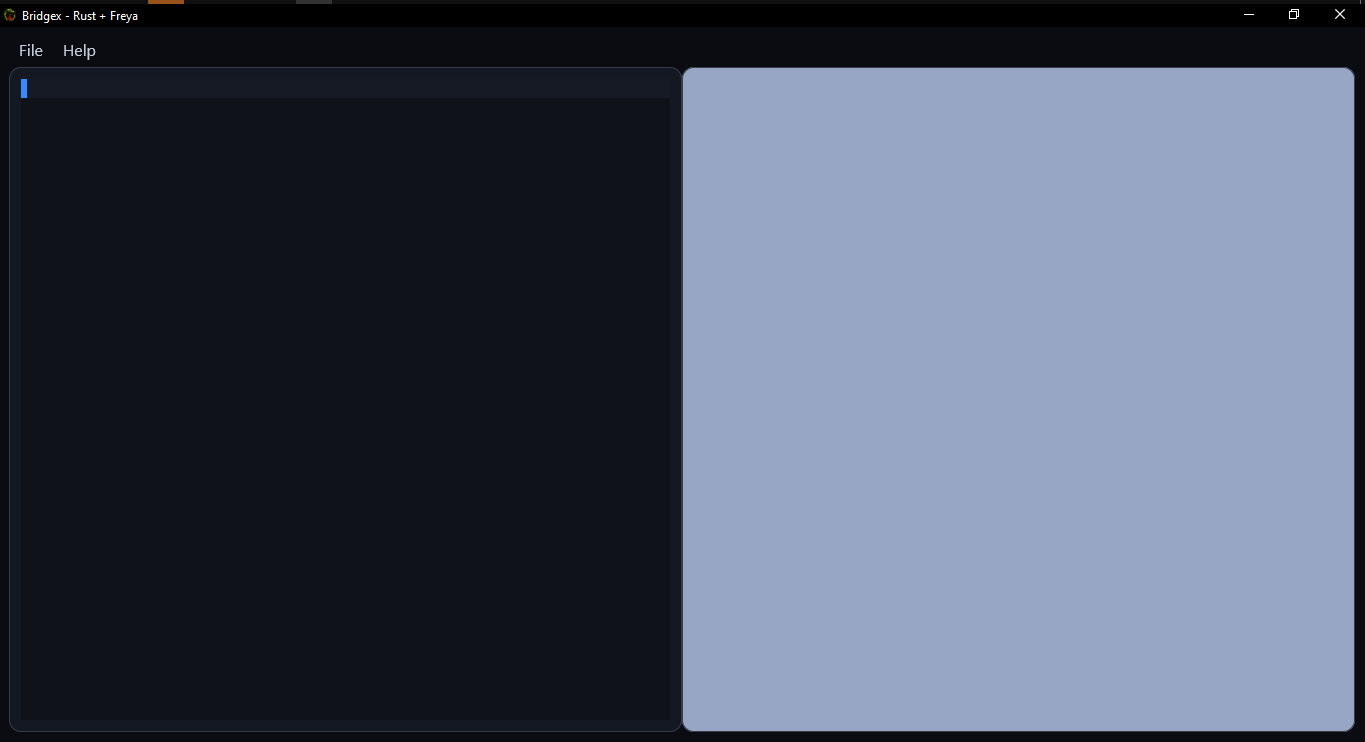
View interface previews
| Name | Preview |
|---|---|
| Main Screen | |
| LLM Config | 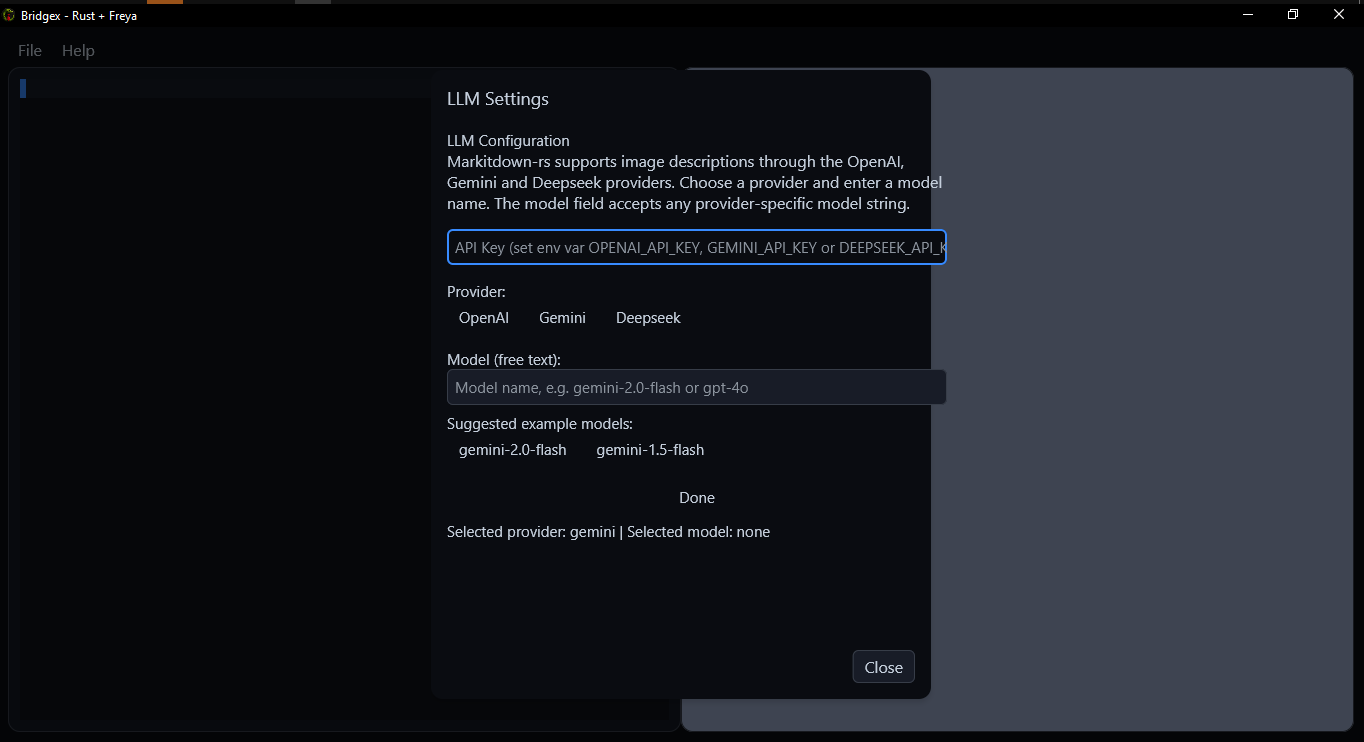 |
| Markdown Render | 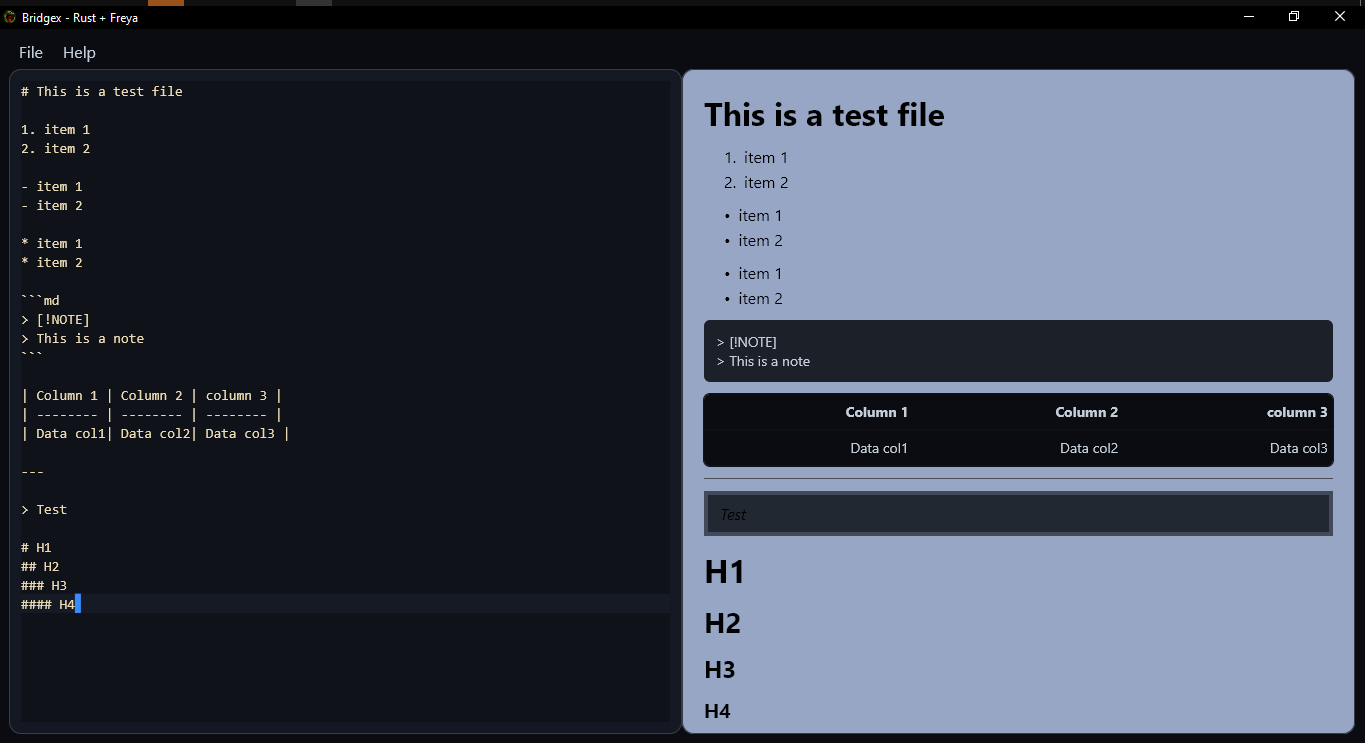 |
Installation 📦
Rust / crates.io installation
Requirements:
- Rust toolchain with
cargo - Recommended stable Rust version
Build and install locally from the current source tree:
cargo install --path .
Install the published crate from crates.io:
cargo install bridgex
Run directly from source:
cargo run --release
For a release build:
cargo build --release
./target/release/bridgex
Python / PyPI installation
On Windows and macOS, install the compatible PyPI wheel:
pip install bridgex
Run the installed command:
bridgex
(If needed, you can also run it with python -m bridgex.)
On Linux, use the prebuilt Linux binary from SourceForge instead of PyPI:
https://sourceforge.net/projects/bridgex/
Although Bridgex is implemented in Rust, the repository also includes Python packaging metadata to preserve compatibility with pypi.org as a secondary distribution target for Windows and macOS wheels.
Local Cloning and Execution 💻
Clone the repository and run Bridgex locally:
- Clone the repository.
git clone https://github.com/Dev2Forge/bridgex.git
- Navigate to the project directory.
cd bridgex/src/bridgex
- Build and run the application.
cargo run --release
- To install the binary locally:
cargo install --path .
Basic Usage 🚀
- Run the application from the terminal or the installed binary.
- Select the file to convert.
- Review and edit the Markdown result.
- Save the file in Markdown format.
Supported Formats 📂
Bridgex currently supports opening and converting the following file formats:
- Excel (
.xlsx,.xls) - Word (
.docx) - PowerPoint (
.pptx) - PDF (
.pdf) - HTML (
.html,.htm) - Images (
.jpg,.jpeg) - CSV (
.csv) - RSS / XML (
.xml,.rss,.atom) - ZIP archives (
.zip)
Limitations ⚠️
Bridgex is not an IDE, text editor, Markdown editor, or full document viewer. It is designed to bridge users to Markdown conversion with lightweight editing and a simple interface.
Releases 🏷️
Check the published versions and release notes in the Releases section of the repository.
Dependencies and Licences 📚
This project uses third‑party libraries with their own licenses. See the third-party folder for details.
Contribute 🤝
Contributions are welcome. Please open an issue or pull request following community best practices.
Licence 📄
Distributed under the GPLv3 Licence.
©2025–2026 Dev2Forge
Project details
Release history Release notifications | RSS feed


Download files
Download the file for your platform. If you're not sure which to choose, learn more about installing packages.
Source Distributions
Built Distributions
Filter files by name, interpreter, ABI, and platform.
If you're not sure about the file name format, learn more about wheel file names.
Copy a direct link to the current filters
File details
Details for the file bridgex-0.2.1-py3-none-win_amd64.whl.
File metadata
- Download URL: bridgex-0.2.1-py3-none-win_amd64.whl
- Upload date:
- Size: 12.6 MB
- Tags: Python 3, Windows x86-64
- Uploaded using Trusted Publishing? No
- Uploaded via: twine/6.2.0 CPython/3.12.13
File hashes
| Algorithm | Hash digest | |
|---|---|---|
| SHA256 |
59bcca93f46ffe10f36b68017a6a00cef97dd81585fa234adb9db359235c2568
|
|
| MD5 |
003821e8510904d1dd529a84d83c7ad1
|
|
| BLAKE2b-256 |
51d746dc7791cd7a02bf92fddbf3fe38278913de659ad119f38cb4965c639453
|
File details
Details for the file bridgex-0.2.1-py3-none-macosx_11_0_arm64.whl.
File metadata
- Download URL: bridgex-0.2.1-py3-none-macosx_11_0_arm64.whl
- Upload date:
- Size: 11.6 MB
- Tags: Python 3, macOS 11.0+ ARM64
- Uploaded using Trusted Publishing? No
- Uploaded via: twine/6.2.0 CPython/3.12.13
File hashes
| Algorithm | Hash digest | |
|---|---|---|
| SHA256 |
8496c2d46038ac30dca4e7db0d7d0f3e41177fa9f6f842b6e382eebead5bab60
|
|
| MD5 |
93dc246bd0a2b19c4459eecd7a61bf79
|
|
| BLAKE2b-256 |
d6b6e0e25bd6f6f3ac3aa87245b5b46c4e822a5c959df77e77d02f44c3feca2d
|






