
Object-oriented Python interface for CesiumJS 3D geospatial visualization
Verified details
These details have been verified by PyPIProject links
GitHub Statistics
Maintainers

Project description
cesiumkit
Build CesiumJS 3D globe visualizations entirely in Python.




cesiumkit gives you a Pythonic, object-oriented API for CesiumJS -- the leading open-source JavaScript library for 3D globes and maps. Define entities, materials, camera views, terrain, imagery, and time-dynamic animations in pure Python, then render them in the browser with a single call.
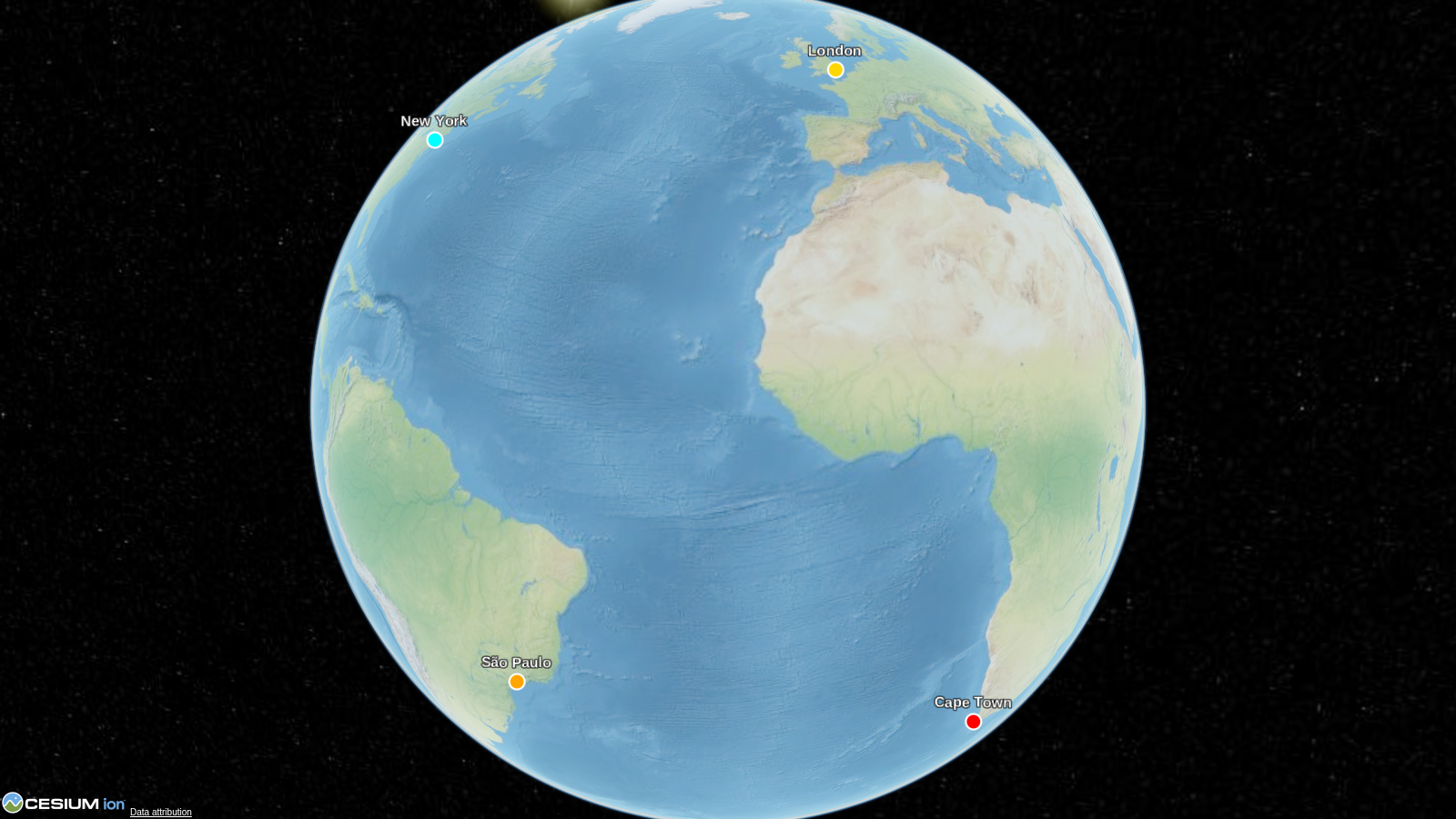
import cesiumkit

viewer = cesiumkit.Viewer(title="Hello Globe")
viewer.add_entity(cesiumkit.Entity(
    name="New York",
    position=cesiumkit.Cartesian3.from_degrees(-74.006, 40.7128, 400),
    point=cesiumkit.PointGraphics(pixel_size=12, color=cesiumkit.Color.RED),
))
viewer.show()  # opens in your browser
That's it -- 6 lines from Python to a 3D globe in the browser.
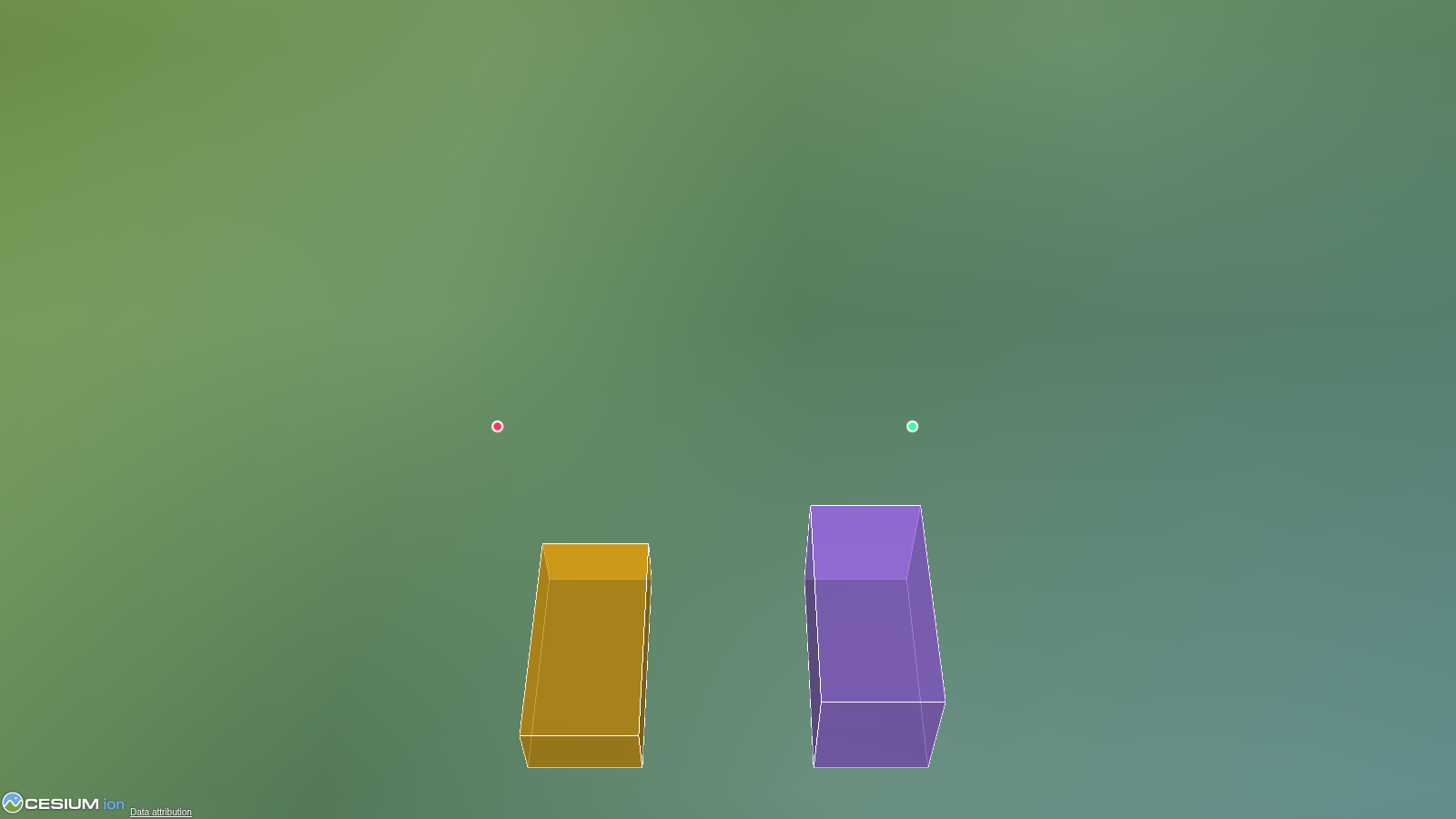
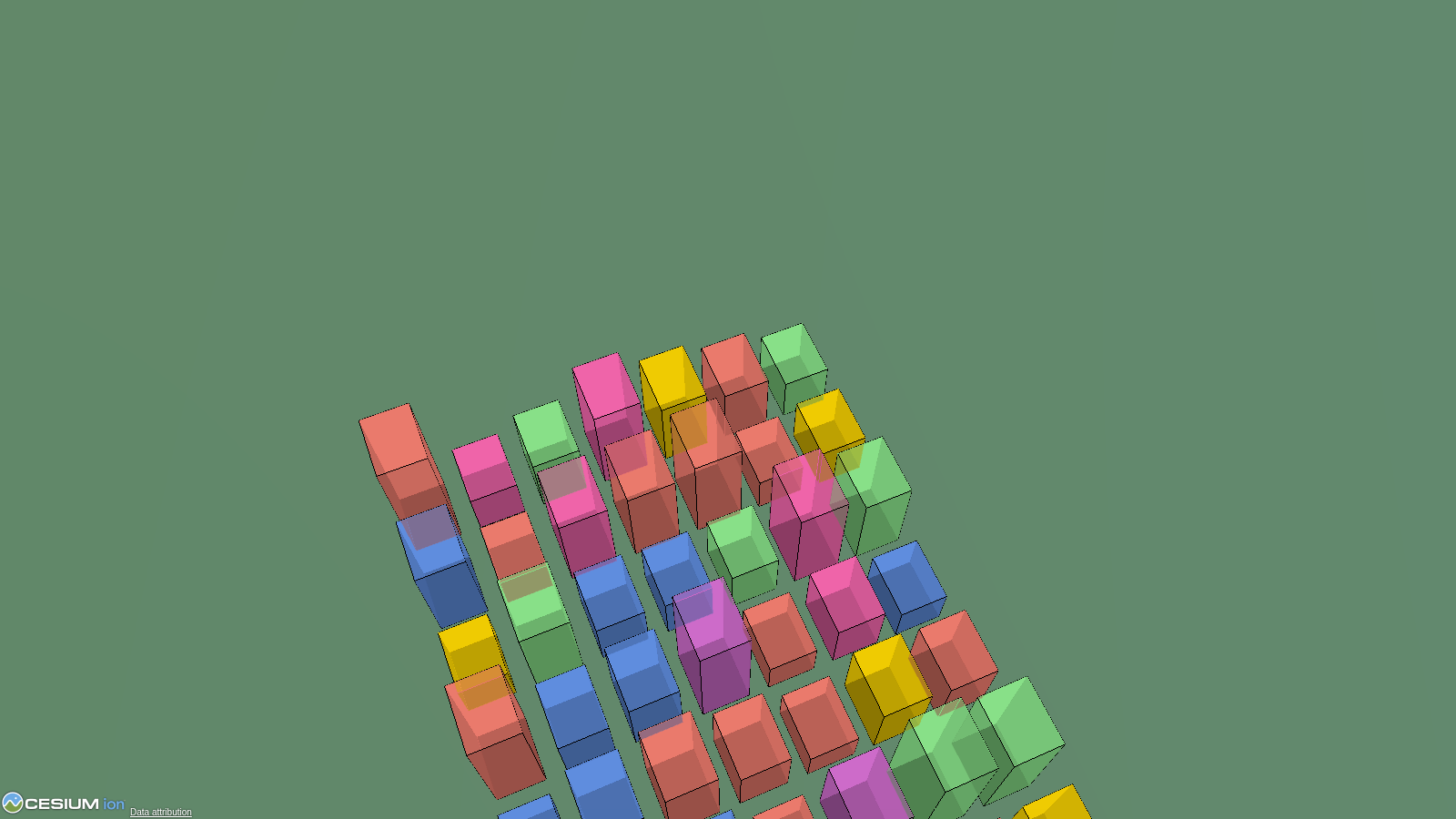
Gallery
 |
 |
 |
 |
 |
More → |
Install
pip install cesiumkit
Requires Python 3.10+. No external binary dependencies.
For GeoPandas / Shapely support:
pip install cesiumkit[gis]
Features
GeoPandas / Shapely integration
Drop a GeoDataFrame onto the globe in one call. Auto-reprojects to WGS84,
handles mixed geometry types, supports per-feature styling from columns.
import geopandas as gpd
import cesiumkit

gdf = gpd.read_file("countries.geojson")
viewer = cesiumkit.Viewer()
viewer.add_geodataframe(
    gdf,
    name_column="NAME",
    color_column="color_hex",
    extruded_height_column="gdp",   # polygons become 3D prisms
    fill_alpha=0.5,
)
viewer.show()
Shapely geometries are also auto-converted anywhere cesiumkit expects
positions — pass a shapely.Point directly to Entity(position=...) or a
shapely.Polygon to PolygonGraphics(hierarchy=...).
Entities with rich graphics
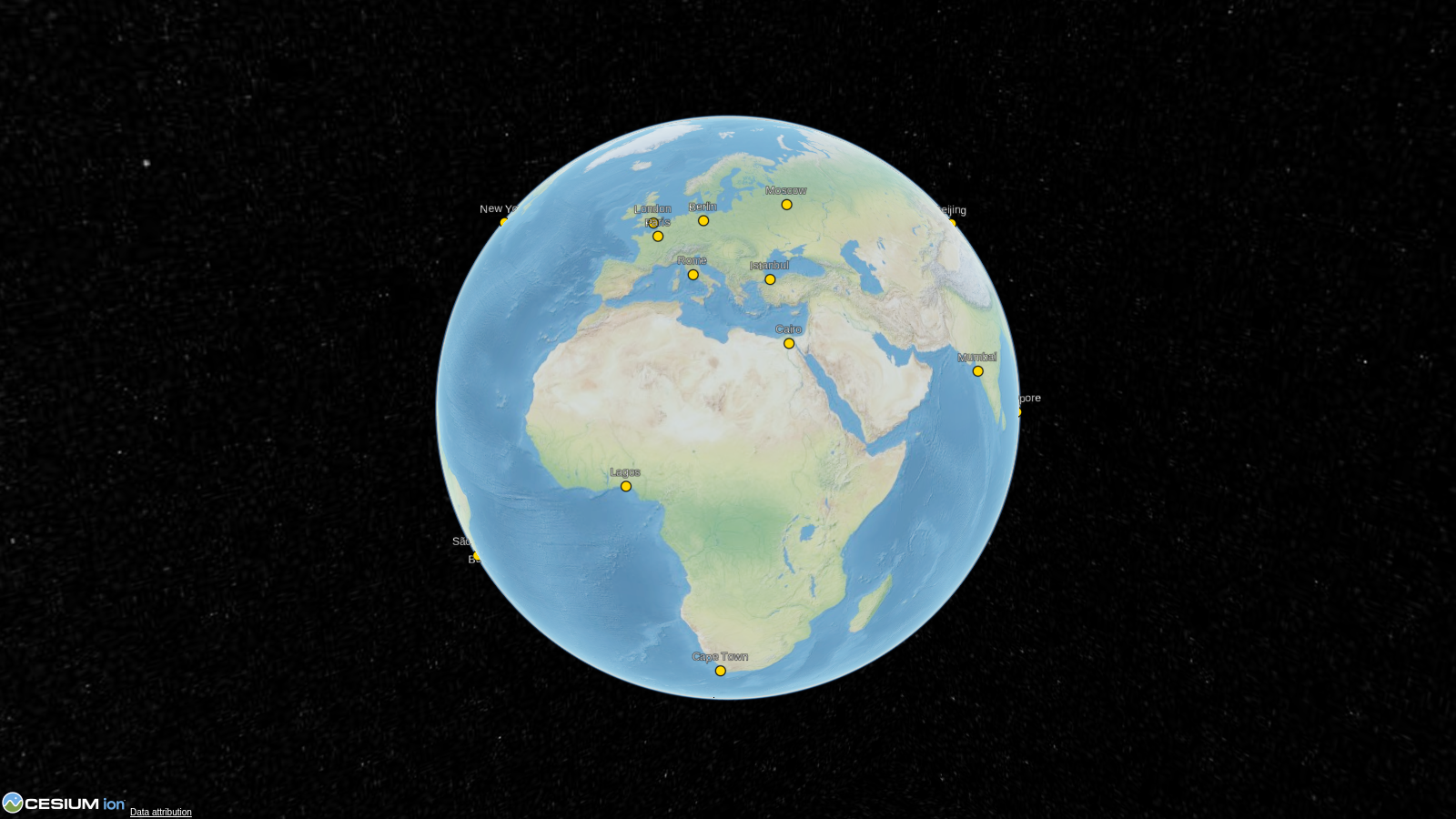
Points, billboards, labels, polygons, polylines, boxes, cylinders, ellipses, ellipsoids, corridors, walls, rectangles, paths, polyline volumes, and 3D models -- all as clean Python objects.
viewer.add_entity(cesiumkit.Entity(
    name="Headquarters",
    position=cesiumkit.Cartesian3.from_degrees(-77.0369, 38.9072, 0),
    polygon=cesiumkit.PolygonGraphics(
        hierarchy=[
            cesiumkit.Cartesian3.from_degrees(-77.04, 38.91),
            cesiumkit.Cartesian3.from_degrees(-77.03, 38.91),
            cesiumkit.Cartesian3.from_degrees(-77.035, 38.905),
        ],
        material=cesiumkit.Color.CORNFLOWERBLUE.with_alpha(0.6),
        extruded_height=200,
    ),
))
Materials
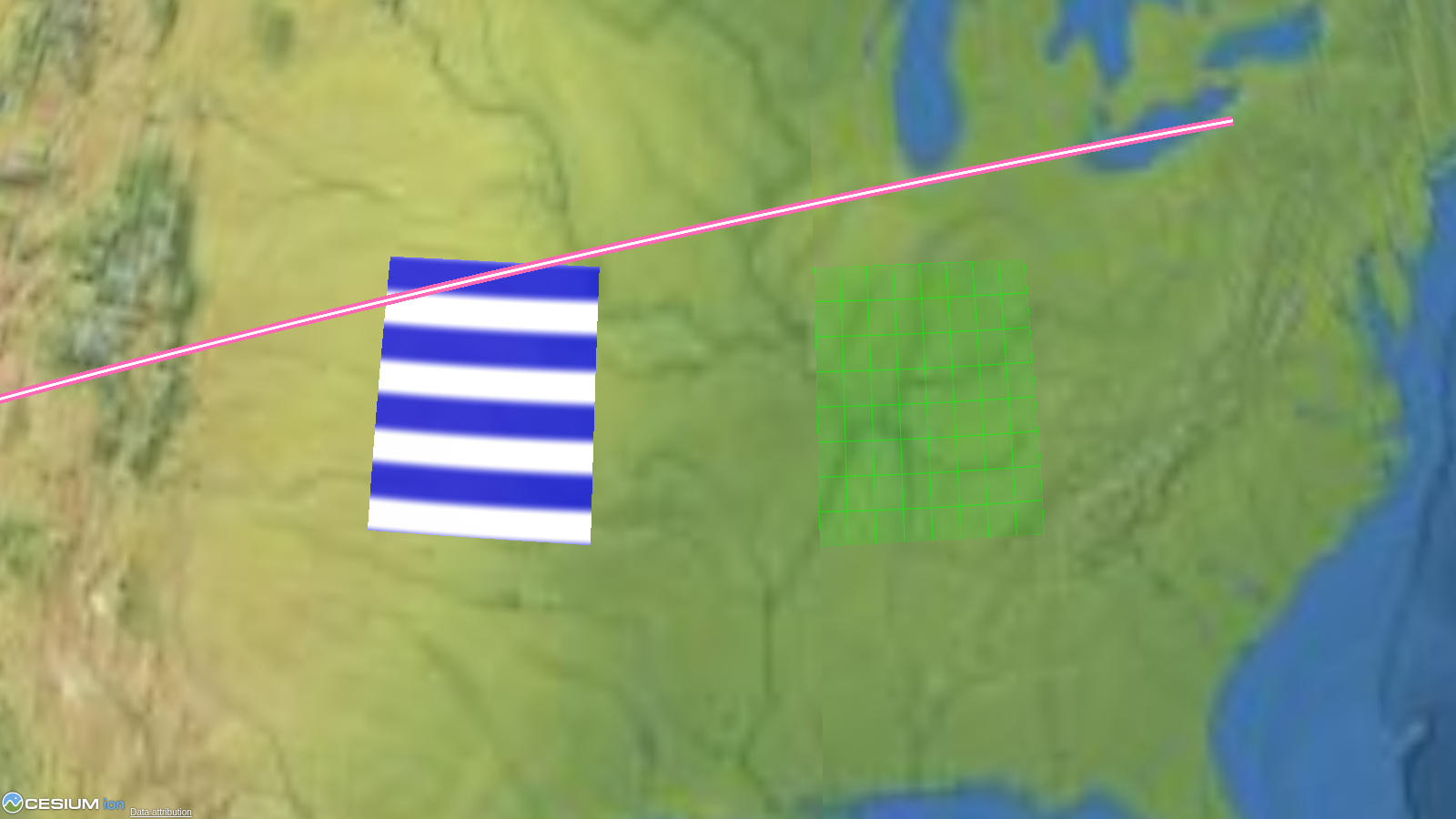
Solid colors, images, grids, stripes, checkerboards, and polyline-specific materials (glow, arrow, dash, outline).
cesiumkit.StripeMaterial(
    orientation=cesiumkit.StripeOrientation.HORIZONTAL,
    even_color=cesiumkit.Color.WHITE,
    odd_color=cesiumkit.Color.BLUE,
    repeat=5,
)
Time-dynamic animation
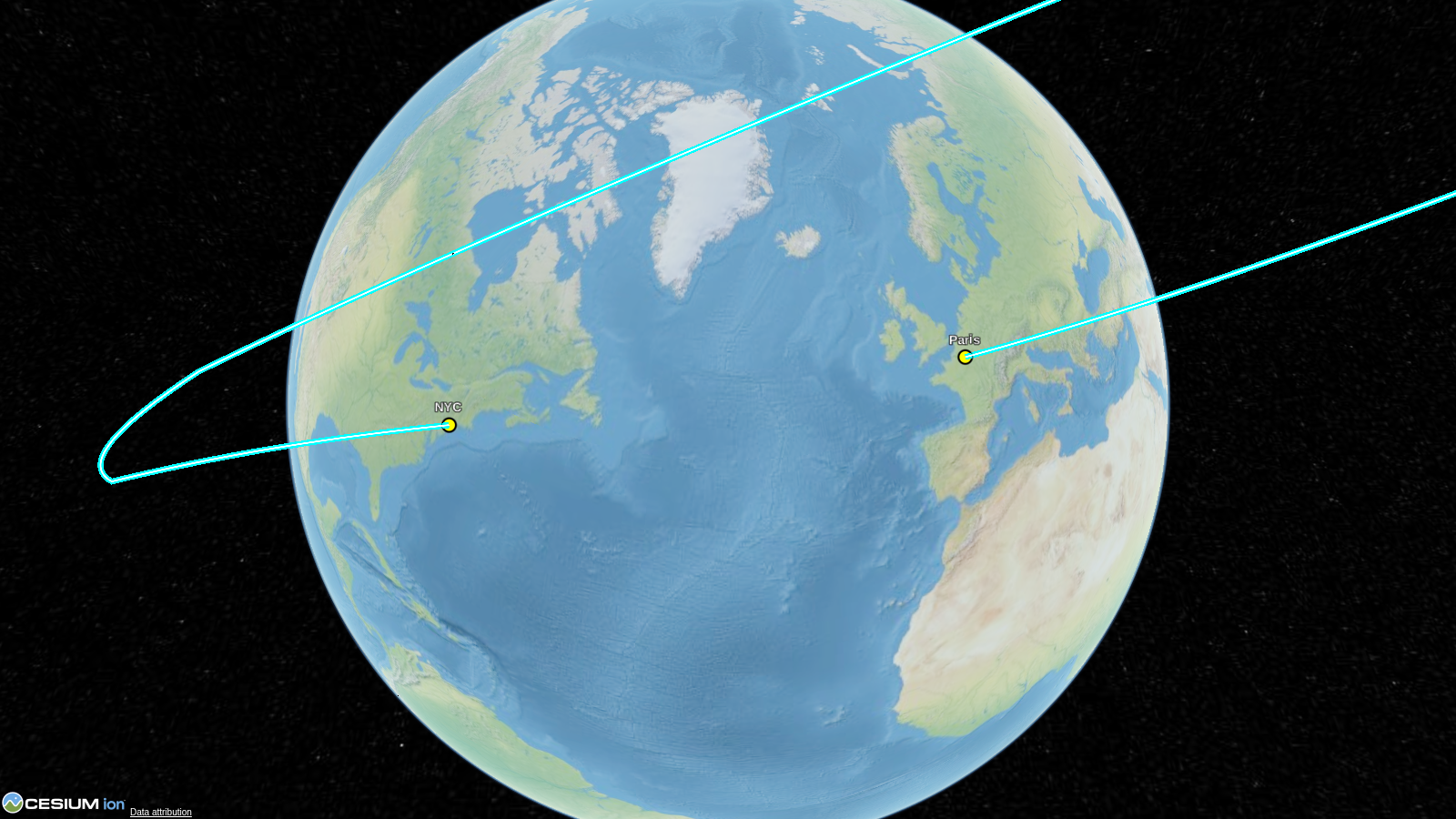
Animate entities along paths using sampled position properties with configurable interpolation.
prop = cesiumkit.SampledPositionProperty(interpolation_degree=2)
prop.add_sample(cesiumkit.JulianDate.from_iso8601("2024-01-01T00:00:00Z"),
                cesiumkit.Cartesian3.from_degrees(-122.4, 37.8, 10000))
prop.add_sample(cesiumkit.JulianDate.from_iso8601("2024-01-01T01:00:00Z"),
                cesiumkit.Cartesian3.from_degrees(-73.9, 40.7, 10000))
entity = cesiumkit.Entity(name="Flight", position=prop,
                          path=cesiumkit.PathGraphics(width=2, material=cesiumkit.Color.YELLOW))
Data sources
Load GeoJSON, CZML, and KML directly.
viewer.add_data_source(cesiumkit.GeoJsonDataSource(
    url="https://example.com/data.geojson",
    stroke=cesiumkit.Color.RED,
    fill=cesiumkit.Color.RED.with_alpha(0.3),
))
Camera control
Fly to locations, set fixed viewpoints, or lock the camera to a target.
viewer.fly_to(
    cesiumkit.Cartesian3.from_degrees(2.2945, 48.8584, 1000),
    orientation=cesiumkit.HeadingPitchRoll(heading=0.3, pitch=-0.4, roll=0),
    duration=3.0,
)
CZML export
Build visualizations in Python and export to CZML for use in any CesiumJS application.
czml_string = viewer.to_czml_string(indent=2)
viewer.save_czml("output.czml")
Imagery and terrain providers
8 imagery providers (Bing, OpenStreetMap, Mapbox, WMTS, WMS, URL template, Ion, TileMapService) and 3 terrain providers (Cesium Ion world terrain, Cesium Ion asset, ellipsoid).
Cesium Ion integration
cesiumkit.Ion.set_default_token("your-token-here")
viewer.add_tileset(ion_asset_id=75343)  # e.g., NYC 3D buildings
Interactive events
Add click handlers and custom JavaScript for full interactivity.
viewer.on(
    cesiumkit.ScreenSpaceEventType.LEFT_CLICK,
    cesiumkit.JsCode("""function(click) {
        var picked = viewer.scene.pick(click.position);
        if (Cesium.defined(picked)) viewer.selectedEntity = picked.id;
    }"""),
)
Full feature list
- 16 entity graphics types: point, billboard, label, polygon, polyline, box, cylinder, ellipse, ellipsoid, model, corridor, wall, rectangle, path, polyline volume, tileset
- 9 material types: solid color, image, grid, stripe, checkerboard, polyline glow/arrow/dash/outline
- 148 named colors with
.with_alpha()support - Time-dynamic properties: SampledPositionProperty, SampledProperty, ConstantProperty, TimeIntervalCollectionProperty, ReferenceProperty, CompositeProperty
- Data sources: GeoJSON, CZML, KML, custom
- Imagery providers: Bing, OSM, Mapbox, WMTS, WMS, URL template, Ion, TMS
- Terrain providers: Ion world terrain, Ion asset, ellipsoid
- Camera operations: fly_to, set_view, look_at
- CZML export: to_czml_string(), save_czml(), CzmlDocument
- Cesium Ion: token management, 3D Tilesets, terrain
- Scene/Globe configuration: fog, lighting, shadows, depth test, atmosphere
- Event handling: ScreenSpaceEventHandler with custom JS callbacks
- Custom JavaScript injection: add_script() for arbitrary JS
- Local HTTP server:
show()launches a server and opens the browser - Works without Ion token: falls back to bundled NaturalEarthII imagery
- Pydantic v2 models: full validation on all inputs
API overview
| Module | Key classes |
|---|---|
cesiumkit.Viewer |
Main entry point -- configure, add entities, show |
cesiumkit.Entity |
Container for a named entity with position + graphics |
cesiumkit.Cartesian3 |
3D coordinates, with .from_degrees() helper |
cesiumkit.Color |
148 named colors + RGBA + .with_alpha() |
cesiumkit.*Graphics |
PointGraphics, PolygonGraphics, ModelGraphics, ... |
cesiumkit.*Material |
StripeMaterial, PolylineGlowMaterial, ... |
cesiumkit.*Property |
SampledPositionProperty, ConstantProperty, ... |
cesiumkit.*DataSource |
GeoJsonDataSource, CzmlDataSource, KmlDataSource |
cesiumkit.CzmlDocument |
Build and export CZML documents |
cesiumkit.Ion |
Token management and 3D Tilesets |
Examples
The examples/ directory contains 10 runnable scripts:
| # | File | What it shows |
|---|---|---|
| 01 | basic_point.py |
Minimal point on the globe |
| 02 | multiple_entities.py |
Points, labels, polygons, polylines |
| 03 | materials.py |
Stripe, grid, glow, dash materials |
| 04 | imagery_providers.py |
OpenStreetMap, Bing, custom layers |
| 05 | time_dynamic.py |
Animated flight path with clock |
| 06 | data_sources.py |
GeoJSON, CZML, KML loading |
| 07 | 3d_models_and_tilesets.py |
glTF models and 3D Tiles |
| 08 | czml_export.py |
Export entities to CZML format |
| 09 | camera_controls.py |
fly_to, set_view, look_at |
| 10 | event_handlers.py |
Click events and custom JS |
Run any example:
python examples/01_basic_point.py
# Opens in browser -- Ctrl+C to stop the server
Cesium Ion token
Many examples work without a token (using bundled offline imagery). For full functionality (Bing imagery, world terrain, 3D Tilesets), get a free token at cesium.com/ion and set it:
cesiumkit.Ion.set_default_token("your-token-here")
Contributing
See CONTRIBUTING.md for development setup, testing, and how to add new entity types.
License
Project details
Verified details
These details have been verified by PyPIProject links
GitHub Statistics
Maintainers
Release history Release notifications | RSS feed


Download files
Download the file for your platform. If you're not sure which to choose, learn more about installing packages.
Source Distribution
Built Distribution
Filter files by name, interpreter, ABI, and platform.
If you're not sure about the file name format, learn more about wheel file names.
Copy a direct link to the current filters
File details
Details for the file cesiumkit-0.2.0.tar.gz.
File metadata
- Download URL: cesiumkit-0.2.0.tar.gz
- Upload date:
- Size: 66.4 kB
- Tags: Source
- Uploaded using Trusted Publishing? Yes
- Uploaded via: twine/6.1.0 CPython/3.13.12
File hashes
| Algorithm | Hash digest | |
|---|---|---|
| SHA256 |
6c8ca47651591d74d142c6482f44d15bcf87ffd0fc261e7d45313741cdad77fd
|
|
| MD5 |
1fee2574ceae823883a6f58d938c32d2
|
|
| BLAKE2b-256 |
9e92251022723a8b65325920bf2cd0871fcb68ba44120b69e0a4ab639e93b840
|
Provenance
The following attestation bundles were made for cesiumkit-0.2.0.tar.gz:
Publisher:
publish.yml on link2427/cesiumkit
-
Statement:
-
Statement type:
https://in-toto.io/Statement/v1 -
Predicate type:
https://docs.pypi.org/attestations/publish/v1 -
Subject name:
cesiumkit-0.2.0.tar.gz -
Subject digest:
6c8ca47651591d74d142c6482f44d15bcf87ffd0fc261e7d45313741cdad77fd - Sigstore transparency entry: 1280249736
- Sigstore integration time:
-
Permalink:
link2427/cesiumkit@e4b2423c62fcece8bef36ba82c570f45baaf85ce -
Branch / Tag:
refs/tags/v0.2.0 - Owner: https://github.com/link2427
-
Access:
public
-
Token Issuer:
https://token.actions.githubusercontent.com -
Runner Environment:
github-hosted -
Publication workflow:
publish.yml@e4b2423c62fcece8bef36ba82c570f45baaf85ce -
Trigger Event:
release
-
Statement type:
File details
Details for the file cesiumkit-0.2.0-py3-none-any.whl.
File metadata
- Download URL: cesiumkit-0.2.0-py3-none-any.whl
- Upload date:
- Size: 53.4 kB
- Tags: Python 3
- Uploaded using Trusted Publishing? Yes
- Uploaded via: twine/6.1.0 CPython/3.13.12
File hashes
| Algorithm | Hash digest | |
|---|---|---|
| SHA256 |
25043ff2bfed7e57600d19c7ba6e79268f3e13b3113abc67c7202e53d8c05d82
|
|
| MD5 |
fa495782291187fec53f7f57ba0b42fd
|
|
| BLAKE2b-256 |
fbeacf68788021d5a8720445d322aa7b7737cd326df62486510068f9e747bf3b
|
Provenance
The following attestation bundles were made for cesiumkit-0.2.0-py3-none-any.whl:
Publisher:
publish.yml on link2427/cesiumkit
-
Statement:
-
Statement type:
https://in-toto.io/Statement/v1 -
Predicate type:
https://docs.pypi.org/attestations/publish/v1 -
Subject name:
cesiumkit-0.2.0-py3-none-any.whl -
Subject digest:
25043ff2bfed7e57600d19c7ba6e79268f3e13b3113abc67c7202e53d8c05d82 - Sigstore transparency entry: 1280249753
- Sigstore integration time:
-
Permalink:
link2427/cesiumkit@e4b2423c62fcece8bef36ba82c570f45baaf85ce -
Branch / Tag:
refs/tags/v0.2.0 - Owner: https://github.com/link2427
-
Access:
public
-
Token Issuer:
https://token.actions.githubusercontent.com -
Runner Environment:
github-hosted -
Publication workflow:
publish.yml@e4b2423c62fcece8bef36ba82c570f45baaf85ce -
Trigger Event:
release
-
Statement type:






