
cesiumkit
3D globe visualizations in Python — entities, materials, camera, terrain, imagery, and time-dynamic animation, rendered in your browser via CesiumJS.





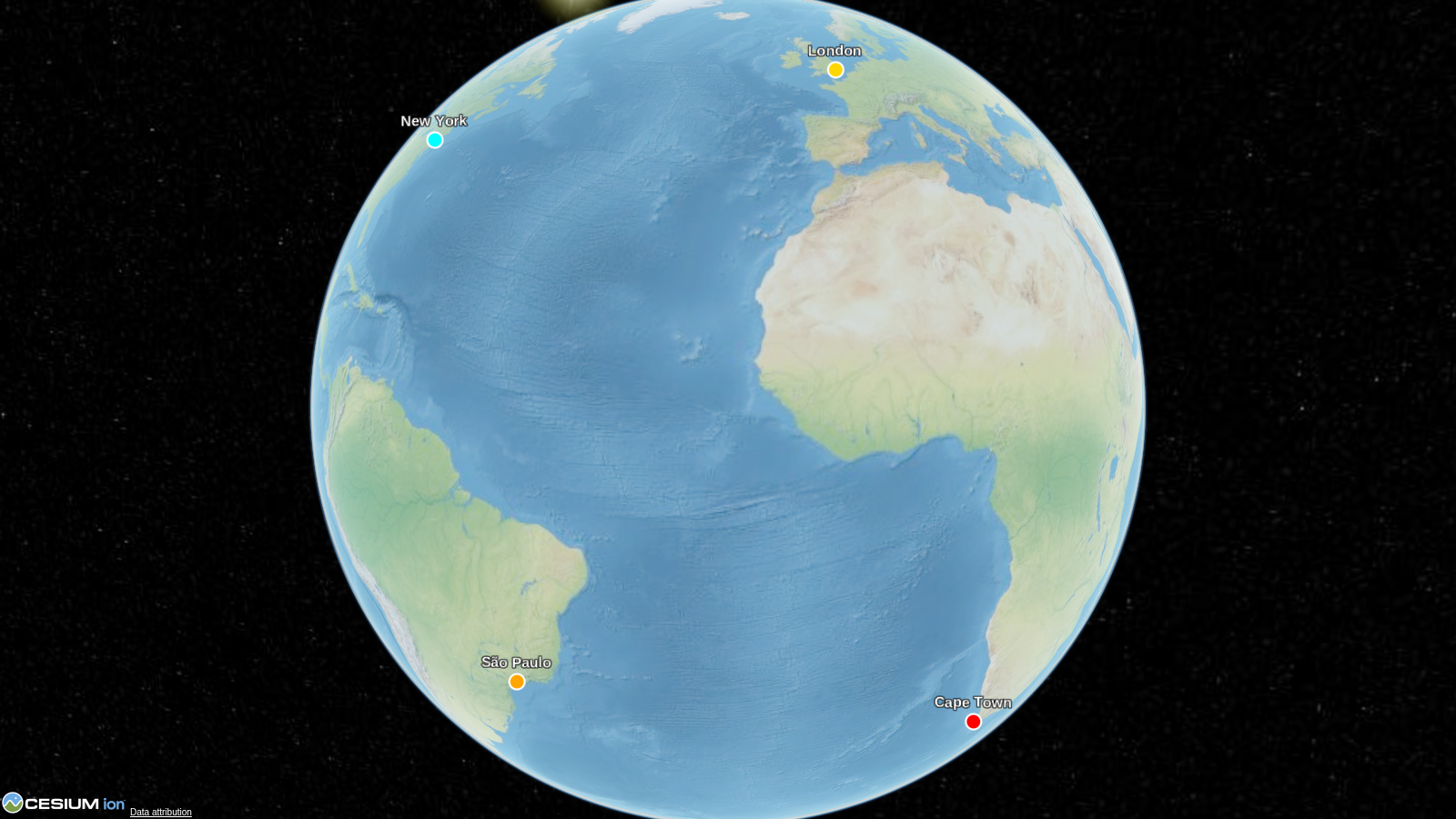
show() call opens it in your browser.
What it is
cesiumkit is a Pythonic, object-oriented API for CesiumJS, the open-source JavaScript library for 3D globes and maps. Define entities, materials, camera views, terrain, imagery, and time-dynamic animations in pure Python; the library generates the page and serves it locally. It plays the same role for 3D globe data that libraries like folium play for 2D maps.
- 17 entity graphics types and 9 materials, all as validated Pydantic models
- Time-dynamic animation with sampled properties and a clock
- GeoPandas / Shapely: drop a
GeoDataFrameon the globe in one call - Rasters & large data: local GeoTIFFs and datashader-aggregated point sets
- Live control: drive the clock, update data, and receive clicks from Python
- Offline-friendly: published wheels bundle Cesium for local
show()sessions
Quickstart
pip install cesiumkit
import cesiumkit

viewer = cesiumkit.Viewer(title="Hello Globe")
viewer.add_entity(
    cesiumkit.Entity(
        name="New York",
        position=cesiumkit.Cartesian3.from_degrees(-74.006, 40.7128, 400),
        point=cesiumkit.PointGraphics(pixel_size=12, color=cesiumkit.Color.RED),
    )
)
viewer.show()  # opens in your browser; Ctrl+C to stop the server
Requires Python 3.10+. Published wheels bundle Cesium, so Viewer.show()
does not need to download CesiumJS. A fully offline scene must also avoid
remote imagery, terrain, data sources, and Cesium Ion resources.
Gallery
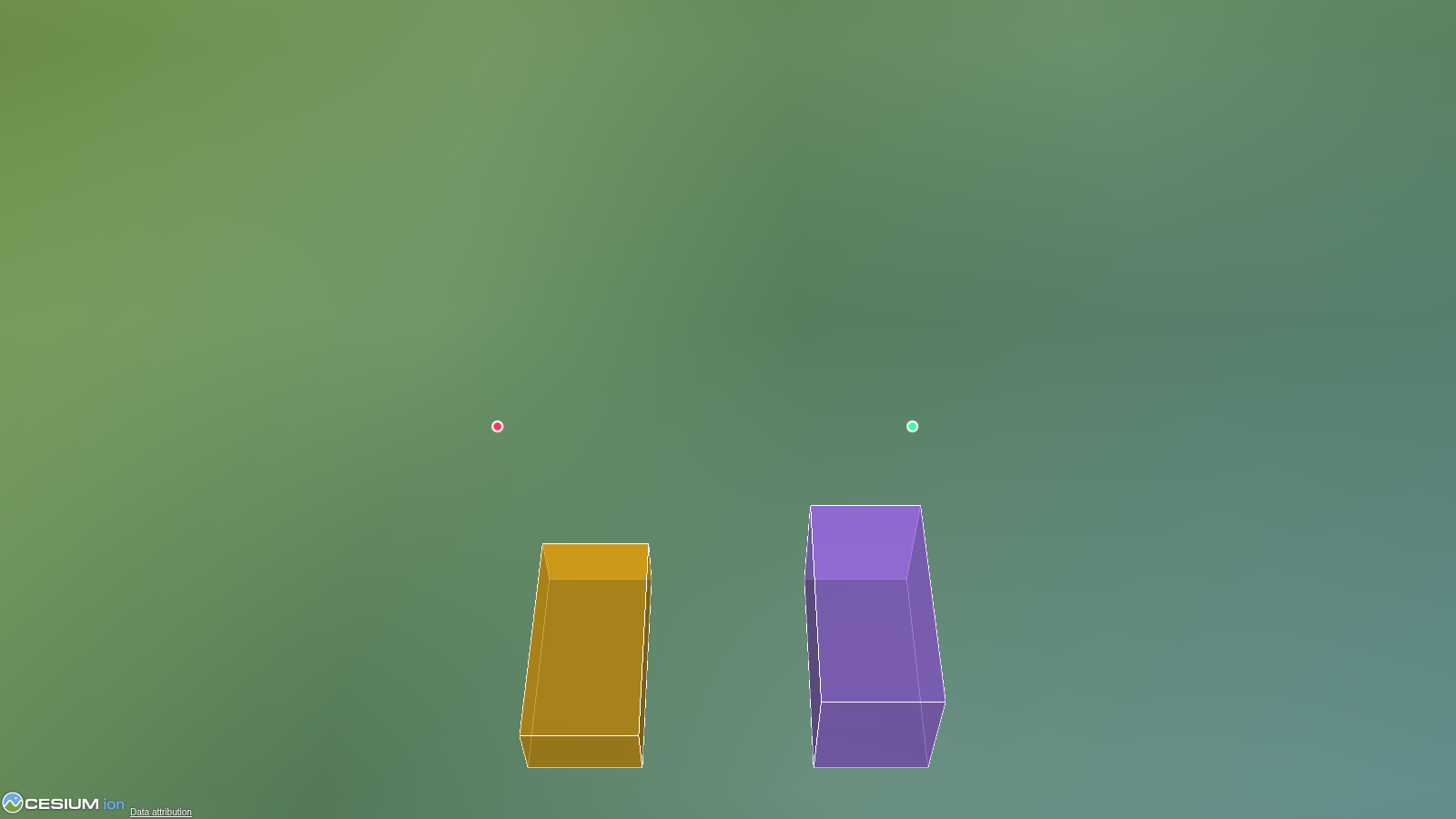
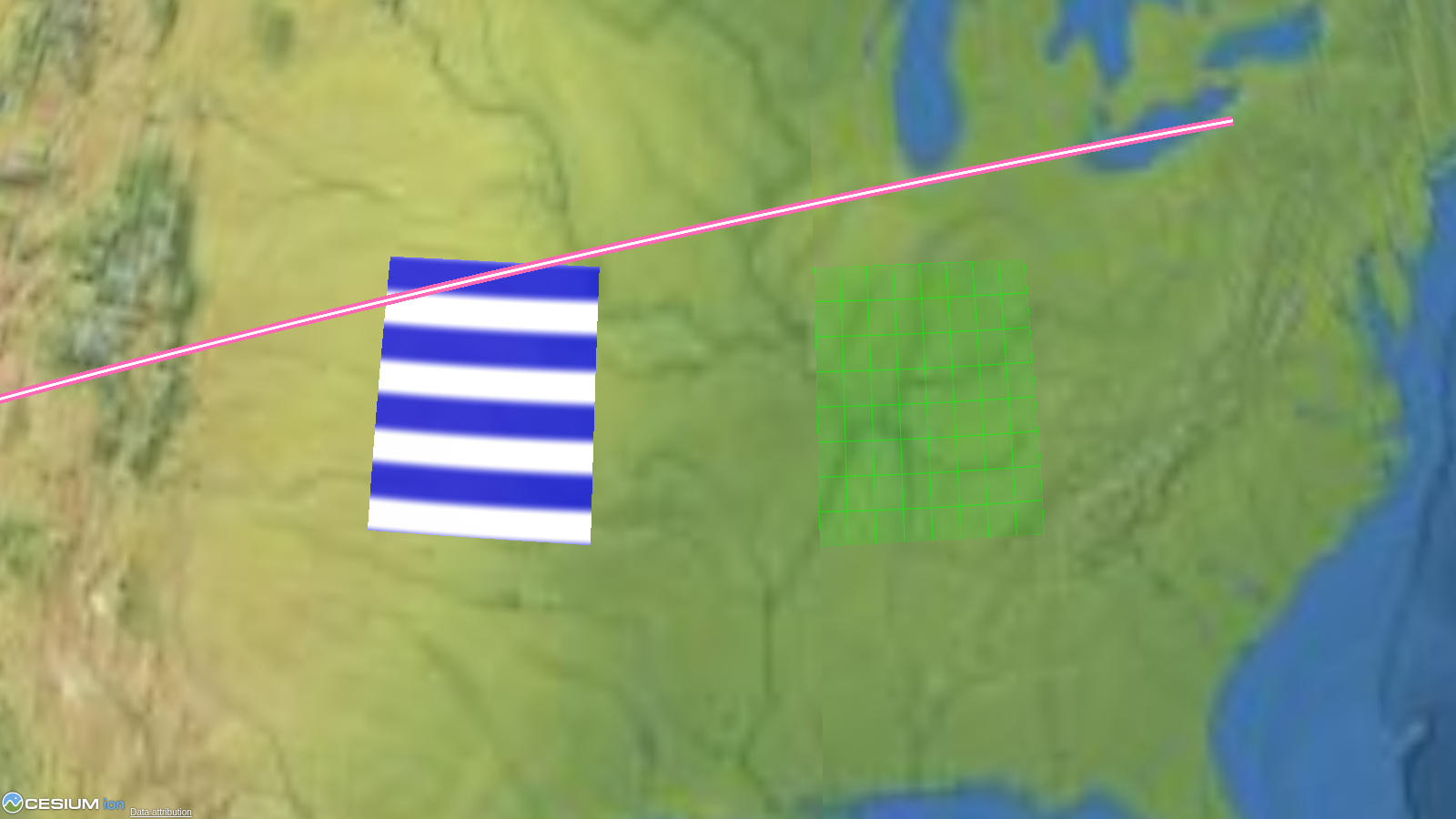 Shapes & materials Shapes & materials |
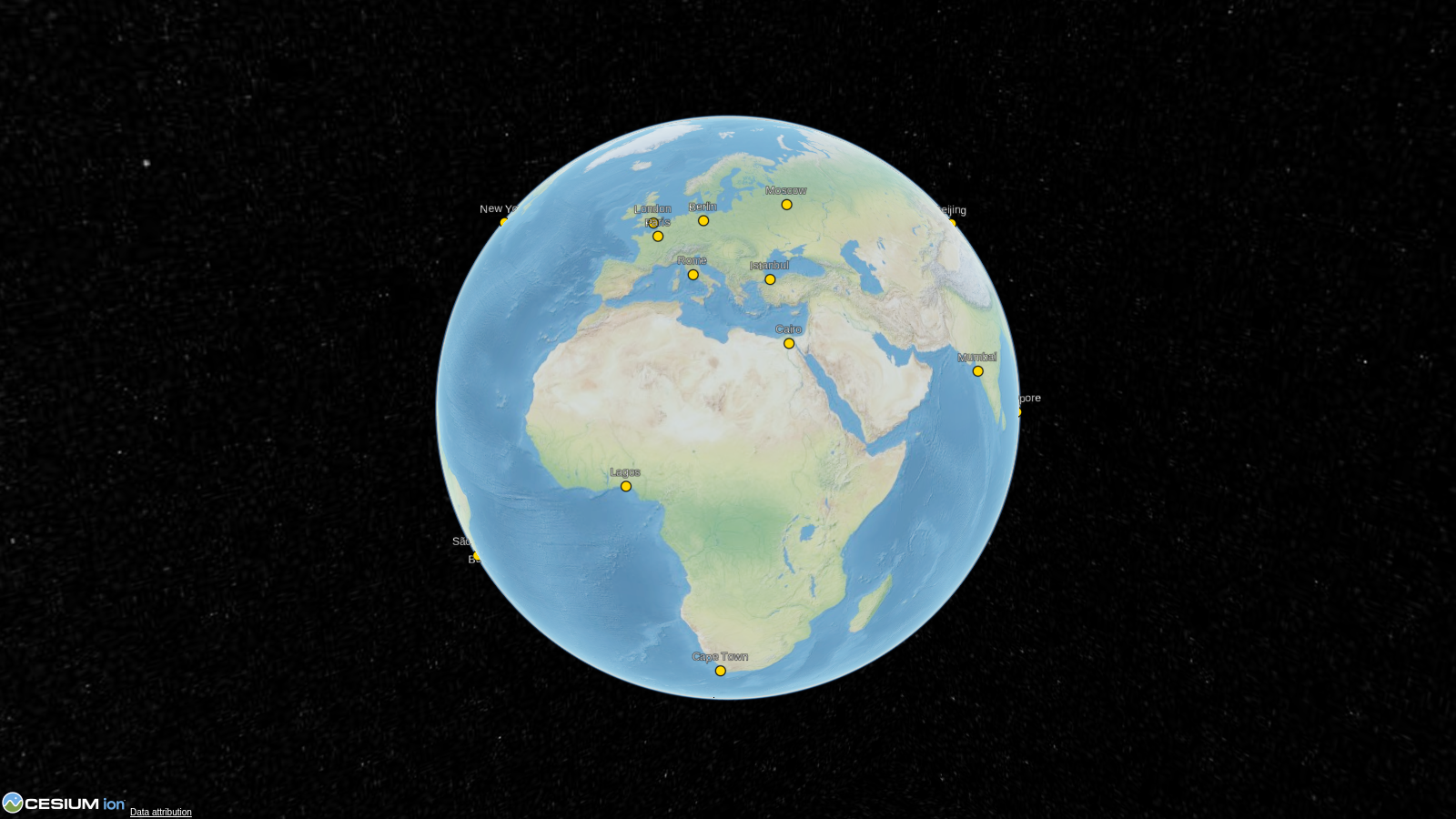 Cities Cities |
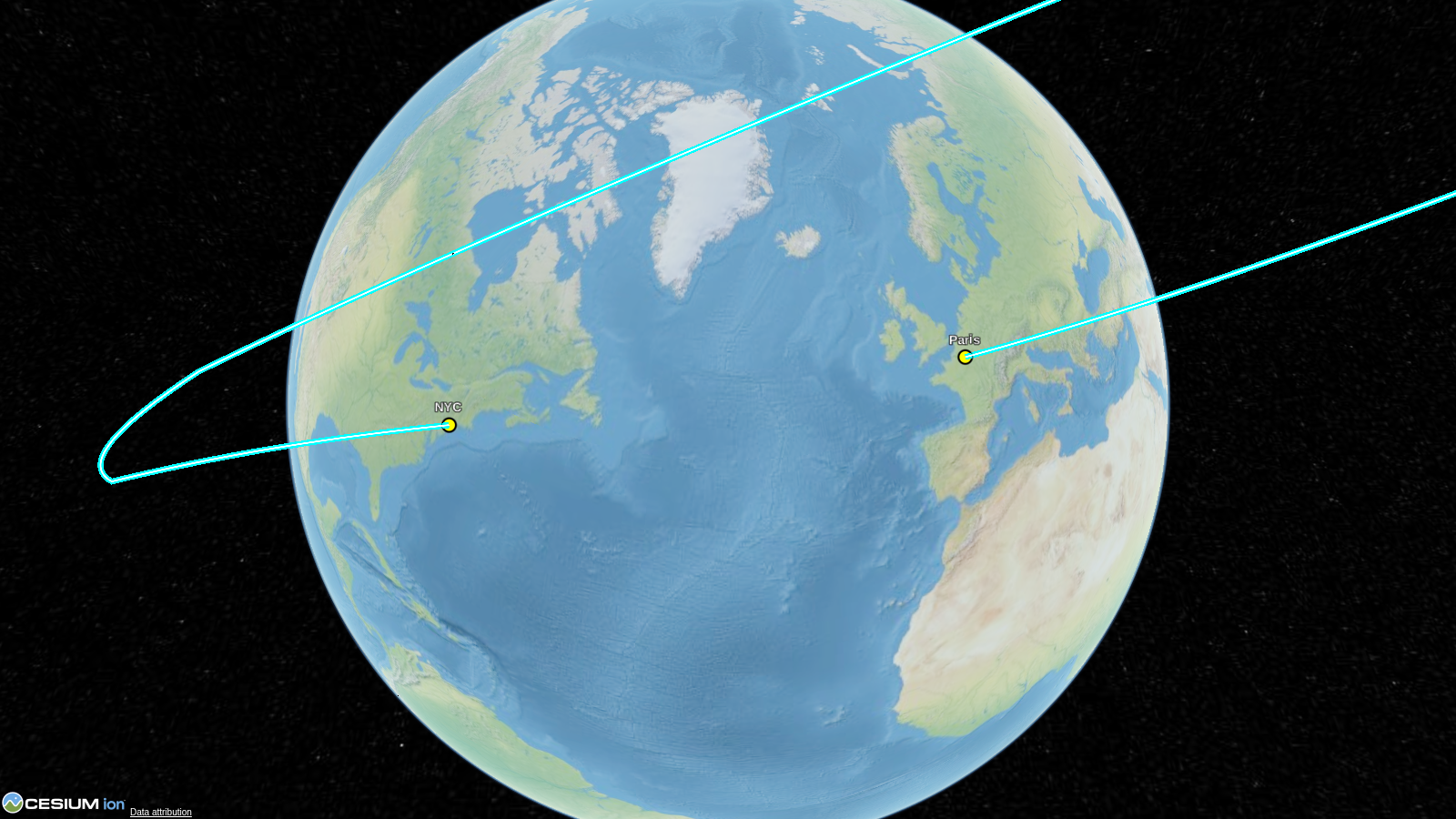 Flight path Flight path |
 GeoPandas GeoPandas |
 Extruded polygons Extruded polygons |
More → |
Documentation
- Getting started — install and your first globe
- Tutorial — build a flight tracker step by step
- Guide — GeoPandas, rasters, live control, Jupyter widget
- Examples — 11 runnable scripts, one page each
- API reference — type-annotated, with doctested examples
- Changelog
Extras & offline use
Optional features ship as install extras:
pip install "cesiumkit[gis]"         # GeoPandas / Shapely integration
pip install "cesiumkit[raster]"      # local GeoTIFF / COG / DataArray tiles
pip install "cesiumkit[datashader]"  # point aggregation (includes GIS/raster deps)
pip install "cesiumkit[widget]"      # Jupyter widget (anywidget)
pip install "cesiumkit[testing]"     # headless Chromium render helpers
Published wheels already include the checksum-verified CesiumJS 1.144 build.
Viewer.show() serves that local build and the bundled NaturalEarthII
imagery; it can run without network access when the viewer has no remote
resources configured. A source checkout intentionally omits the large vendor
directory, so fetch it before testing an offline local server:
python scripts/fetch_cesium.py # verifies and downloads CesiumJS 1.144 (~123 MB)
to_html()/save() and the Jupyter widget intentionally reference the CDN;
placing the vendor folder next to a static export does not make it offline.
For Bing imagery, world terrain, or 3D Tilesets, get a free token at
cesium.com/ion and set it with
cesiumkit.Ion.set_default_token("...").
Contributing
See CONTRIBUTING.md for development setup, testing, and how to add new entity types.
Please follow the security policy for vulnerability reports.
License
The code in this project is licensed under the MIT License.
1 maintainer

Metadata
1 maintainer
Release files for cesiumkit 1.0.0
For a detailed explanation of source distributions (sdists) and built distributions (wheels), please see the package formats documentation.
Source distribution (sdist)
| File | Size | Uploaded | |
|---|---|---|---|
| cesiumkit-1.0.0.tar.gz | 8.9 MB | Details |
Built distribution (wheel)
| File | Interpreter | ABI | Platform | Reset |
|---|---|---|---|---|
| cesiumkit-1.0.0-py3-none-any.whl | Python 3 | none | any | Details |
Total release size: 15.1 MB
Release files / cesiumkit-1.0.0.tar.gz
| Download URL | cesiumkit-1.0.0.tar.gz |
|---|---|
| Size | 8.9 MB |
| Tags | Source |
|
SHA-256 checksum How to use checksums |
ef776b344bc6120b1879457c5c35e454a8c06f6b39b779d8be290807f42d3f7b
|
|
BLAKE2b-256 checksum How to use checksums |
c2e07cd63839c5cb1498ba28d22ef5b399a782770db9cc16bad33d4aac4dd938
|
| Upload date | |
|
Uploaded using Trusted Publishing? What is trusted publishing? |
Yes |
| Uploaded via |
twine/7.0.0 CPython/3.13.14
|
Provenance
Provenance describes where a file came from. On PyPI, provenance is shared via attestations, which provide a verifiable record of the build or publishing details. View details, limitations and caveats.


PyPI Publish Attestation
PyPI verified that this artifact, at this checksum, originated from the publisher listed below.
Signed by GitHub Actions, verified by PyPI on Aug 6, 2026.
Transparency logRelease files / cesiumkit-1.0.0-py3-none-any.whl
| Download URL | cesiumkit-1.0.0-py3-none-any.whl |
|---|---|
| Size | 6.2 MB |
| Tags | Python 3 |
|
SHA-256 checksum How to use checksums |
aa5339f8c891a375456306fedbdac6999d9b16b38831c11b71b1c020d531da42
|
|
BLAKE2b-256 checksum How to use checksums |
5adb60904b236ae56b4ce1ae09dcc53c22a4d8fc6be867b4395abe26934b1916
|
| Upload date | |
|
Uploaded using Trusted Publishing? What is trusted publishing? |
Yes |
| Uploaded via |
twine/7.0.0 CPython/3.13.14
|
Provenance
Provenance describes where a file came from. On PyPI, provenance is shared via attestations, which provide a verifiable record of the build or publishing details. View details, limitations and caveats.
PyPI Publish Attestation
PyPI verified that this artifact, at this checksum, originated from the publisher listed below.
Signed by GitHub Actions, verified by PyPI on Aug 6, 2026.
Transparency log













