
ANSI art image processing and colored terminal text
Verified details
These details have been verified by PyPIProject links
GitHub Statistics
Maintainers

Reason this release was yanked:
logic error breaks `chromatic font list`
Project description
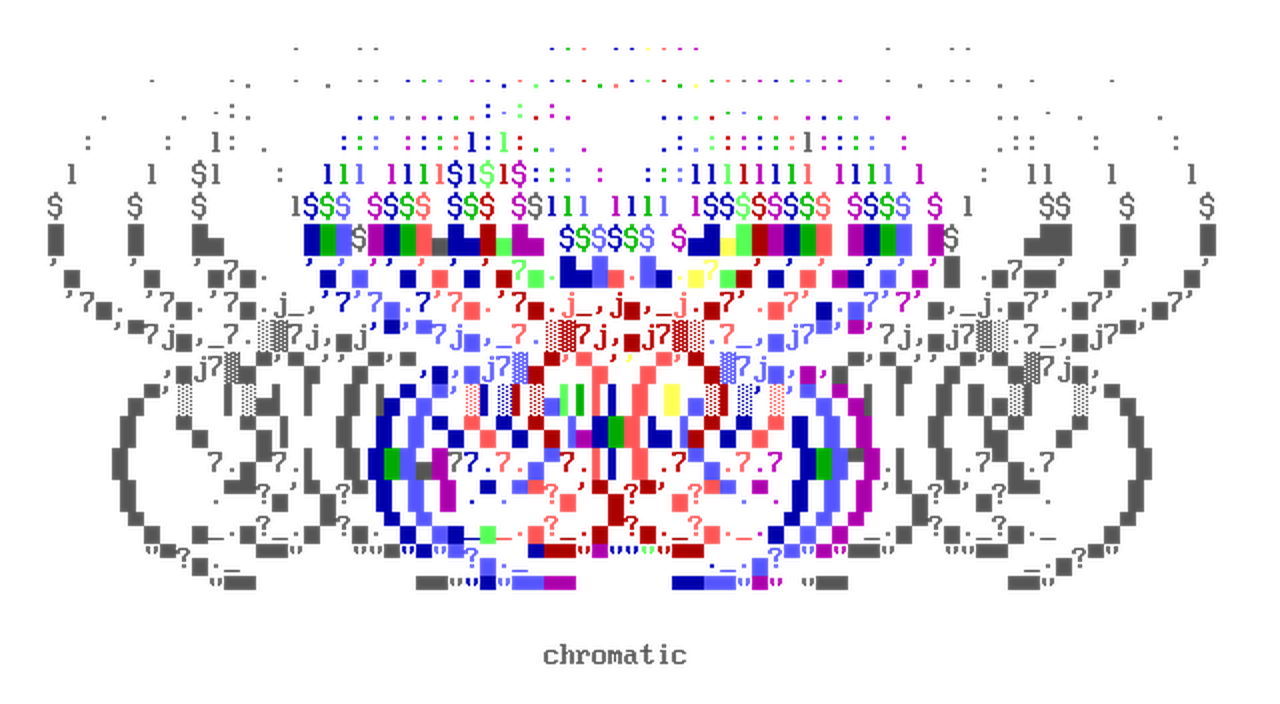




Chromatic is a library for processing and transforming ANSI escape sequences (colored terminal text).
It offers a collection of algorithms and types for a variety of use cases:
- Image-to-ASCII / Image-to-ANSI conversions.
- ANSI art rendering, with support for user-defined fonts.
- A
ColorStrtype for low-level control over ANSI SGR strings. - colorama-style wrappers (
Fore,Back,Style). - Conversion between 16-color, 256-color, and true-color (RGB) ANSI colorspace via the
colorbytestype. - Et Cetera 😲
Usage
Image-to-ANSI conversion
Convert an image into a 2d ANSI string array, and render the ANSI array as image:
from chromatic.color import ansicolor4Bit
from chromatic.image import ansi2img, img2ansi
from chromatic.data import userfonts, butterfly

input_img = butterfly()
font = userfonts['vga437']

# `char_set` is used to translate luminance to characters
#            | <- index 0 is the 'darkest'
char_set = r"'·,•-_→+<>ⁿ*%⌂7√Iï∞πbz£9yîU{}1αHSw♥æ?GX╕╒éà⌡MF╝╩ΘûǃQ½☻Ŷ┤▄╪║▒█"
#                                           index -1 is the 'brightest' -> |

# returns list[list[ColorStr]]
ansi_array = img2ansi(
	input_img,
	font,
	sort_glyphs=False,	# map `char_set` as-is
	char_set=char_set,
	ansi_type=ansicolor4Bit,
	factor=200,
)

# print your image to stdout
print(*map(''.join, ansi_array), sep="\x1b[0m\n")

# returns a PIL.Image.Image object
ansi_img = ansi2img(ansi_array, font, font_size=16)
ansi_img.show()
ColorStr
from chromatic import ColorStr

base_str = 'hello world'

red_fg = ColorStr(base_str, 0xFF0000, ansi_type='8b')

assert red_fg.base_str == base_str
assert red_fg.rgb_dict == {'fg': (0xFF, 0, 0)}
assert red_fg.ansi == b'\x1b[38;5;196m'
ColorStr will parse raw SGR sequences, and accepts different types for fg and bg:
from chromatic import ColorStr

red_fg = ColorStr('[*]', 0xFF0000, ansi_type='8b')

assert red_fg == ColorStr(b"\x1b[38;5;196m[*]")
assert red_fg == ColorStr('[*]', fg=(0xFF, 0, 0), ansi_type='8b')
ANSI color format can be specified with ColorStr(ansi_type=...), or as a new object via ColorStr.as_ansi_type():
from chromatic import ColorStr, ansicolor4Bit, ansicolor24Bit, ansicolor8Bit

# each colorbytes type has an alias that you can use
assert all(
	ansi_type.alias == alias
	for ansi_type, alias in [
		(ansicolor4Bit, '4b'),
		(ansicolor8Bit, '8b'),
		(ansicolor24Bit, '24b'),
	]
)

truecolor = ColorStr('*', 0xFF0000, ansi_type=ansicolor24Bit)
a_16color = truecolor.as_ansi_type(ansicolor4Bit)

assert a_16color == truecolor.as_ansi_type('4b')
assert truecolor.ansi_format is ansicolor24Bit and truecolor.ansi == b'\x1b[38;2;255;0;0m'
assert a_16color.ansi_format is ansicolor4Bit and a_16color.ansi == b'\x1b[31m'
Adding and removing SGR parameters from a ColorStr:
import chromatic as cm

regular_str = cm.ColorStr('hello world')

assert regular_str.ansi == b''

bold_str = regular_str.bold()

assert bold_str.ansi == b'\x1b[1m'

# use ColorStr.update_sgr() to remove and add SGR values
unbold_str = bold_str.update_sgr(cm.SgrParameter.BOLD)

assert unbold_str == regular_str
assert bold_str == unbold_str + cm.SgrParameter.BOLD	# __add__ can also be used
Installation
Install the package using pip:
pip install chromatic-python
Credits
Banner artwork: main rules by Crasher (2002)
Project details
Verified details
These details have been verified by PyPIProject links
GitHub Statistics
Maintainers
Release history Release notifications | RSS feed


Download files
Download the file for your platform. If you're not sure which to choose, learn more about installing packages.
Source Distribution
Built Distribution
Filter files by name, interpreter, ABI, and platform.
If you're not sure about the file name format, learn more about wheel file names.
Copy a direct link to the current filters
File details
Details for the file chromatic_python-0.6.0.tar.gz.
File metadata
- Download URL: chromatic_python-0.6.0.tar.gz
- Upload date:
- Size: 920.1 kB
- Tags: Source
- Uploaded using Trusted Publishing? Yes
- Uploaded via: twine/6.1.0 CPython/3.13.12
File hashes
| Algorithm | Hash digest | |
|---|---|---|
| SHA256 |
73dfac7986a6b67aa1cd96a19e971739a0583ca717c870c3efb32b0557c71fd5
|
|
| MD5 |
80e79bcaec35e2fdde8508e859013f4a
|
|
| BLAKE2b-256 |
55f1312050407480116e7253707b1f75f78ac40d623cd223e209e91e299baa2a
|
Provenance
The following attestation bundles were made for chromatic_python-0.6.0.tar.gz:
Publisher:
publish.yml on crypt0lith/chromatic
-
Statement:
-
Statement type:
https://in-toto.io/Statement/v1 -
Predicate type:
https://docs.pypi.org/attestations/publish/v1 -
Subject name:
chromatic_python-0.6.0.tar.gz -
Subject digest:
73dfac7986a6b67aa1cd96a19e971739a0583ca717c870c3efb32b0557c71fd5 - Sigstore transparency entry: 1995096574
- Sigstore integration time:
-
Permalink:
crypt0lith/chromatic@7d65fbcc2db9529c9a912486812d49a06b71eafd -
Branch / Tag:
refs/tags/v0.6.0 - Owner: https://github.com/crypt0lith
-
Access:
public
-
Token Issuer:
https://token.actions.githubusercontent.com -
Runner Environment:
github-hosted -
Publication workflow:
publish.yml@7d65fbcc2db9529c9a912486812d49a06b71eafd -
Trigger Event:
push
-
Statement type:
File details
Details for the file chromatic_python-0.6.0-py3-none-any.whl.
File metadata
- Download URL: chromatic_python-0.6.0-py3-none-any.whl
- Upload date:
- Size: 670.7 kB
- Tags: Python 3
- Uploaded using Trusted Publishing? Yes
- Uploaded via: twine/6.1.0 CPython/3.13.12
File hashes
| Algorithm | Hash digest | |
|---|---|---|
| SHA256 |
9889314455993386d118a3c81fed19643ca7bcd87b8ccbcd9395630894681032
|
|
| MD5 |
57f50c020739fde901bf9f44f76b841f
|
|
| BLAKE2b-256 |
d76c2009adb84b544ad328646b357e8accacc853f1fe32a09ef084273c80b269
|
Provenance
The following attestation bundles were made for chromatic_python-0.6.0-py3-none-any.whl:
Publisher:
publish.yml on crypt0lith/chromatic
-
Statement:
-
Statement type:
https://in-toto.io/Statement/v1 -
Predicate type:
https://docs.pypi.org/attestations/publish/v1 -
Subject name:
chromatic_python-0.6.0-py3-none-any.whl -
Subject digest:
9889314455993386d118a3c81fed19643ca7bcd87b8ccbcd9395630894681032 - Sigstore transparency entry: 1995096672
- Sigstore integration time:
-
Permalink:
crypt0lith/chromatic@7d65fbcc2db9529c9a912486812d49a06b71eafd -
Branch / Tag:
refs/tags/v0.6.0 - Owner: https://github.com/crypt0lith
-
Access:
public
-
Token Issuer:
https://token.actions.githubusercontent.com -
Runner Environment:
github-hosted -
Publication workflow:
publish.yml@7d65fbcc2db9529c9a912486812d49a06b71eafd -
Trigger Event:
push
-
Statement type:






