
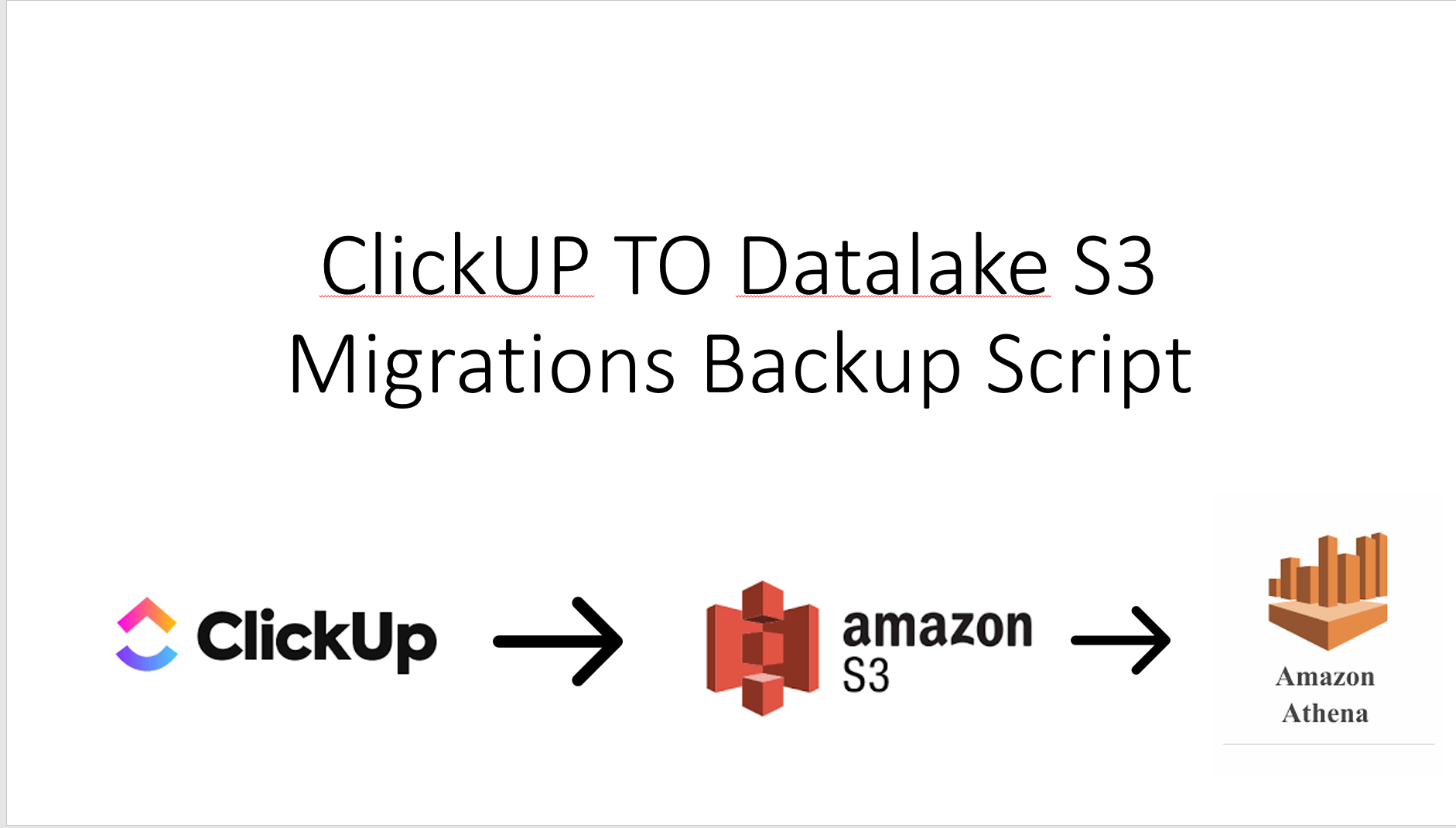
My coworkers and I created this free and open-source library. Anyone can now transfer entire clicks folders, tickets, and comments to AWS S3. When we switched from Clickup to JIRA software, this task was essentially done to backup the entire Clickup system. This threaded script employs the maximum number of threads to use ClickUP APIS and migrate all data into Data Lake S3 so that users or teams can use Athena to query using regular SQL if necessary.

Project description
ClickUp to Data Lake (S3) Migration and backup All Data Scripts
[
- My coworkers and I created this free and open-source library. Anyone can now transfer entire clicks folders, tickets, and comments to AWS S3. When we switched from Clickup to JIRA software, this task was essentially done to backup the entire Clickup system. This threaded script employs the maximum number of threads to use ClickUP APIS and migrate all data into Data Lake S3 so that users or teams can use Athena to query using regular SQL if necessary.
Authors
- Soumil Nitin Shah
- April Love Ituhat
- Divyansh Patel
NOTE:
- This is migration script which will move all the data from ClickUp we will add more features and methods in case if you want to just backup a given workspace or Folde. But For now this will Back up Everything feel free to add more functionality and submit Merge Request so other people can use the functionality. Note this is more than 500 Lines of code I will cleanup and add some amazing functionality during my free time
clickup_to_s3_migration
Installation
pip install clickup_to_s3_migration
Usage
import sys
from ClickUptoS3Migration import ClickUptoS3Migration


def main():
    helper = ClickUptoS3Migration(
        aws_access_key_id="<ACCESS KEY>",
        aws_secret_access_key="<SECRET KEY GOES HERE>",
        region_name="<AWS REGION>",
        bucket="<BUCKET NAME >",
        clickup_api_token="<CLICKUP API KEY>"
    )
    ressponse = helper.run()


main()
It’s really that easy this will iterate over all Workspaces For Each Workspaces it will call all Spaces and For Each Space it will get all Folders and For Each Folder it will Call List and For Each list call Tickets and Each Tickets call Comments
Explanation on the code works and Flow
- Company can have several WorkSpace. The Code calls API and get all workspaces. Each work spaces can have several spaces and each spaces can have several folders and Each folder has many Lists and Each list has many tickets and Each tickets can have several Comments
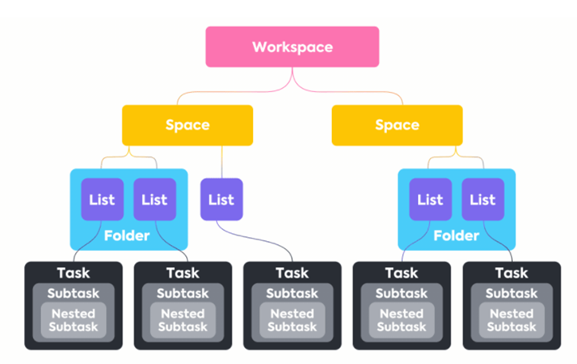
Figure Shows the structure how click up stores data and shows how we need to iterate and get all data
End Goal
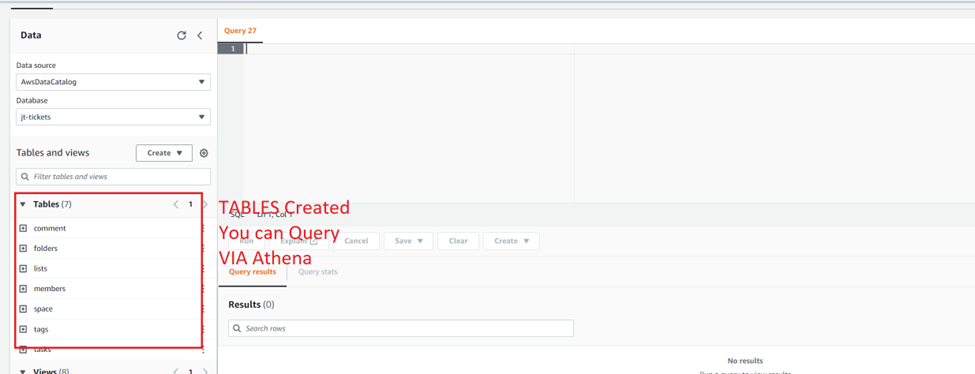
- Once the Script is complete running which might take 1 or 2 days depending upon how much data you have you can create Athena Tables just replace Bucket Name.
License
This project is licensed under the MIT License - see the LICENSE.md file for details
Release history Release notifications | RSS feed


Download files
Download the file for your platform. If you're not sure which to choose, learn more about installing packages.
Source Distribution
File details
Details for the file clickup_to_s3_migration-1.0.0.tar.gz.
File metadata
- Download URL: clickup_to_s3_migration-1.0.0.tar.gz
- Upload date:
- Size: 18.7 kB
- Tags: Source
- Uploaded using Trusted Publishing? No
- Uploaded via: twine/4.0.1 CPython/3.10.7
File hashes
| Algorithm | Hash digest | |
|---|---|---|
| SHA256 |
835a00a7ad4b0bce53eb2e253f1ca7aa67e05f5332e37cdeb456b23197b96666
|
|
| MD5 |
2f20ef195946c1d7a89db58a1e412164
|
|
| BLAKE2b-256 |
4d3a5d906640b55b3bf859292b4cbbb94db2cfb3a6f23941861390143b281b9a
|






