
Cocode ⚡️
Cocode is the friend of your code
Cocode is a powerful command-line tool for analyzing and processing code repositories. It converts repository structures and contents into text formats, extracts code interfaces, and performs software engineering analysis using AI-powered workflows using Pipelex.
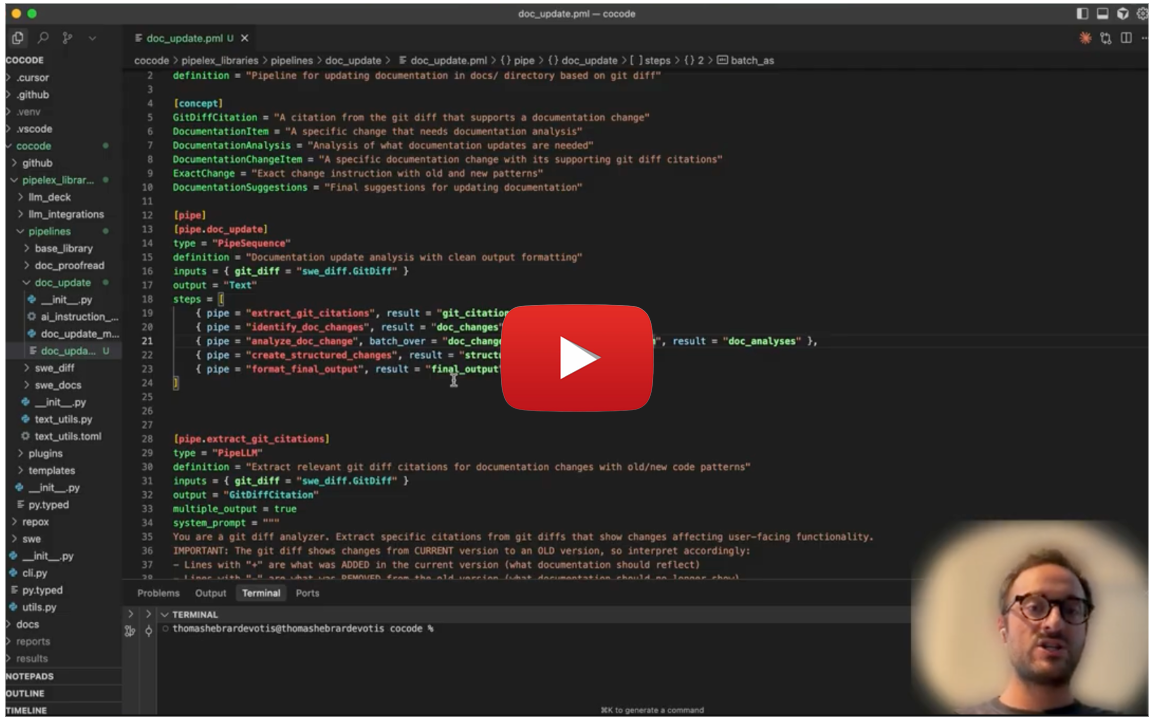
Cocode demo
🚀 Main Features
📝 Automatic Documentation & Release Management
Streamline your documentation workflow with AI-powered automation:
- Automatic Changelog Generation: Generate comprehensive changelogs from git diffs and version comparisons
- Smart Documentation Updates: Automatically update docs and README files based on releases and code changes
- Documentation Proofreading: Detect critical inconsistencies between documentation and actual codebase that could break user code
📦 Installation
pip install cocode
Important: the current version of Cocode only works when run from the cocode directory.
🔑 Get Your API Keys
Cocode's built-in AI workflows require access to AI models. To use the main features (changelog generation, documentation updates, proofreading), you need API keys for:
- Claude models (Anthropic) - Required for changelog generation and documentation analysis
- Gemini models (Google) - Required for documentation proofreading
You have several options:
Option 1: Free Pipelex API Key (Free)
Get free access to all models with a single API key:
- Join our Discord community
- Request your free API key (no credit card required) in the 🔑・free-api-key channel
- Add it to your
.envfile:PIPELEX_API_KEY=your-key-here
Option 2: Bring Your Own API Keys
Use your own API keys from AI providers:
Required for core features:
- Claude models - Use either:
ANTHROPIC_API_KEY- Direct Anthropic API (Get key)- Amazon Bedrock - AWS credentials for Claude via Bedrock (Setup guide)
- Google Cloud credentials - For Gemini models (Setup guide)
Add these to your environment variables or in your .env file in your project root.
Option 3: Local AI
You can also use local models with Ollama, vLLM, or any OpenAI-compatible endpoint. See the Pipelex configuration guide for details.
✅ Validation
# Verify setup and pipelines
cocode validate
🛠️ Quick Start
Automatic Documentation & Release Features
# Update documentation based on code changes
cocode doc update v1.0.0 path/to/your/local/repository

# Proofread documentation against codebase
cocode doc proofread --doc-dir docs path/to/your/local/repository

# Generate changelog from version diff
cocode changelog update v1.0.0 path/to/your/local/repository

# Update AI instructions (AGENTS.md, CLAUDE.md, cursor rules) based on code changes
cocode ai_instructions update v1.0.0 path/to/your/local/repository
📁 Output Location
The results of these commands will be saved in a results (default behavior) folder at the root of your project.
IDE extension
We highly recommend installing our own extension for PLX files into your IDE of choice. You can find it in the Open VSX Registry. It's coming soon to VS Code marketplace too and if you are using Cursor, Windsurf or another VS Code fork, you can search for it directly in your extensions tab.
🔧 Other Features
🤖 AI-Powered Software Engineering Analysis
Leverage AI pipelines for advanced code understanding:
- Extract project fundamentals and architecture insights
- Generate comprehensive onboarding documentation
- Analyze software features and capabilities
- Create structured development guides
📊 Repository Analysis
Transform entire repositories into structured, analyzable formats:
- Convert codebases to text for AI processing and documentation
- Extract directory structures and file contents
- Filter by file types, paths, and patterns
- Multiple output formats for different use cases
🐍 Smart Python Processing
Intelligent Python code analysis with multiple extraction modes:
- Interface Mode: Extract class/function signatures and docstrings only
- Imports Mode: Analyze dependencies and import relationships
- Integral Mode: Include complete source code
🎯 Flexible Output Formats
Choose the right format for your needs:
- Repo Map: Complete tree structure with file contents
- Flat: Clean content-only output
- Tree: Directory structure visualization
- Import List: Dependency analysis format
🔗 GitHub Integration
Powerful GitHub repository management features:
- Authentication: Check and manage GitHub authentication status
- Repository Info: Get detailed information about repositories
- Branch Management: Check branches, list branches
- Label Sync: Synchronize issue labels across repositories from JSON templates
GitHub Commands
# Check authentication status
cocode github auth

# Get repository information
cocode github repo-info pipelex/cocode

# Check if a branch exists
cocode github check-branch pipelex/cocode feature-branch

# List branches (with limit)
cocode github list-branches pipelex/cocode --limit 20

# Sync labels from JSON file
cocode github sync-labels pipelex/cocode ./labels.json --dry-run
cocode github sync-labels pipelex/cocode ./labels.json --delete-extra
Commands for Other Features
Code Analysis
# Analyze git diff with a specific prompt/query
cocode analyze diff v1.0.0 --prompt "What are the main architectural changes in this update?"

# Analyze security-related changes
cocode analyze diff HEAD~10 --prompt "Identify any security vulnerabilities or improvements"

# Analyze performance impacts
cocode analyze diff main --prompt "What changes might affect application performance?"
⚠️ Limitations
This tool is in early development! There are many things to fix and improve. You may encounter bugs, incomplete features, or unexpected behavior. We're actively working on making Cocode more robust and user-friendly.
If you run into issues or have suggestions, please check our GitHub Issues section to report problems or see what we're working on.
Basic Repository Analysis
# Converts repositories into AI-readable text formats
cocode repox convert

# Analyze specific project
cocode repox convert path/to/project --output-filename project-analysis.txt
Smart Code Extraction
# Extract Python interfaces only
cocode repox convert --python-rule interface

# Analyze import dependencies
cocode repox convert --python-rule imports --output-style import_list
AI-Powered Analysis
# Extract project fundamentals
cocode repo extract_fundamentals . --output-filename overview.json

# Generate feature documentation
cocode features extract ./analysis.txt --output-filename features.md
🔧 Configuration
Cocode integrates with the Pipelex framework for AI pipeline processing. Configuration files control default settings, output directories, and pipeline behaviors.
For detailed command options and advanced usage, see CLI_README.md.
Contact & Support
| Channel | Use case |
|---|---|
| GitHub Discussions → "Show & Tell" | Share ideas, brainstorm, get early feedback. |
| GitHub Issues | Report bugs or request features. |
| Email (privacy & security) | security@pipelex.com |
| Discord | Real-time chat — https://go.pipelex.com/discord |
📝 License
This project is licensed under the MIT license. Runtime dependencies are distributed under their own licenses via PyPI.
Happy coding! 🚀
1 maintainer

Metadata
1 maintainer
Release files for cocode 0.10.1
For a detailed explanation of source distributions (sdists) and built distributions (wheels), please see the package formats documentation.
Source distribution (sdist)
| File | Size | Uploaded | |
|---|---|---|---|
| cocode-0.10.1.tar.gz | 47.0 kB | Details |
Built distribution (wheel)
| File | Interpreter | ABI | Platform | Reset |
|---|---|---|---|---|
| cocode-0.10.1-py3-none-any.whl | Python 3 | none | any | Details |
Total release size: 113.3 kB
Release files / cocode-0.10.1.tar.gz
| Download URL | cocode-0.10.1.tar.gz |
|---|---|
| Size | 47.0 kB |
| Tags | Source |
|
SHA-256 checksum How to use checksums |
0dbffa41c2f88509a4bda15a238e7dcda67be7f0ea9abaf13ad49ea01bcc4bf9
|
|
BLAKE2b-256 checksum How to use checksums |
deec3c14bfd671673b0aa4a257afde47438f87da5512805142e4e59e11e19f13
|
| Upload date | |
|
Uploaded using Trusted Publishing? What is trusted publishing? |
Yes |
| Uploaded via |
twine/7.0.0 CPython/3.13.14
|
Provenance
Provenance describes where a file came from. On PyPI, provenance is shared via attestations, which provide a verifiable record of the build or publishing details. View details, limitations and caveats.


PyPI Publish Attestation
PyPI verified that this artifact, at this checksum, originated from the publisher listed below.
Signed by GitHub Actions, verified by PyPI on Oct 8, 2026.
Transparency logRelease files / cocode-0.10.1-py3-none-any.whl
| Download URL | cocode-0.10.1-py3-none-any.whl |
|---|---|
| Size | 66.3 kB |
| Tags | Python 3 |
|
SHA-256 checksum How to use checksums |
e63c31a73110a2ff840b7688af31f71d38a22502817ab9f082399b07cf611c4d
|
|
BLAKE2b-256 checksum How to use checksums |
be571d9b14e9e51db044f50fff68b7645bec2e34d97293ca5da98d3f5b1340d5
|
| Upload date | |
|
Uploaded using Trusted Publishing? What is trusted publishing? |
Yes |
| Uploaded via |
twine/7.0.0 CPython/3.13.14
|
Provenance
Provenance describes where a file came from. On PyPI, provenance is shared via attestations, which provide a verifiable record of the build or publishing details. View details, limitations and caveats.
PyPI Publish Attestation
PyPI verified that this artifact, at this checksum, originated from the publisher listed below.
Signed by GitHub Actions, verified by PyPI on Oct 8, 2026.
Transparency log













