
Generate a well-structured commit message based on staged changes

Project description
pour lire la documentation en français, cliquez ici
🧠 The Problem: The Empty Commit Syndrome
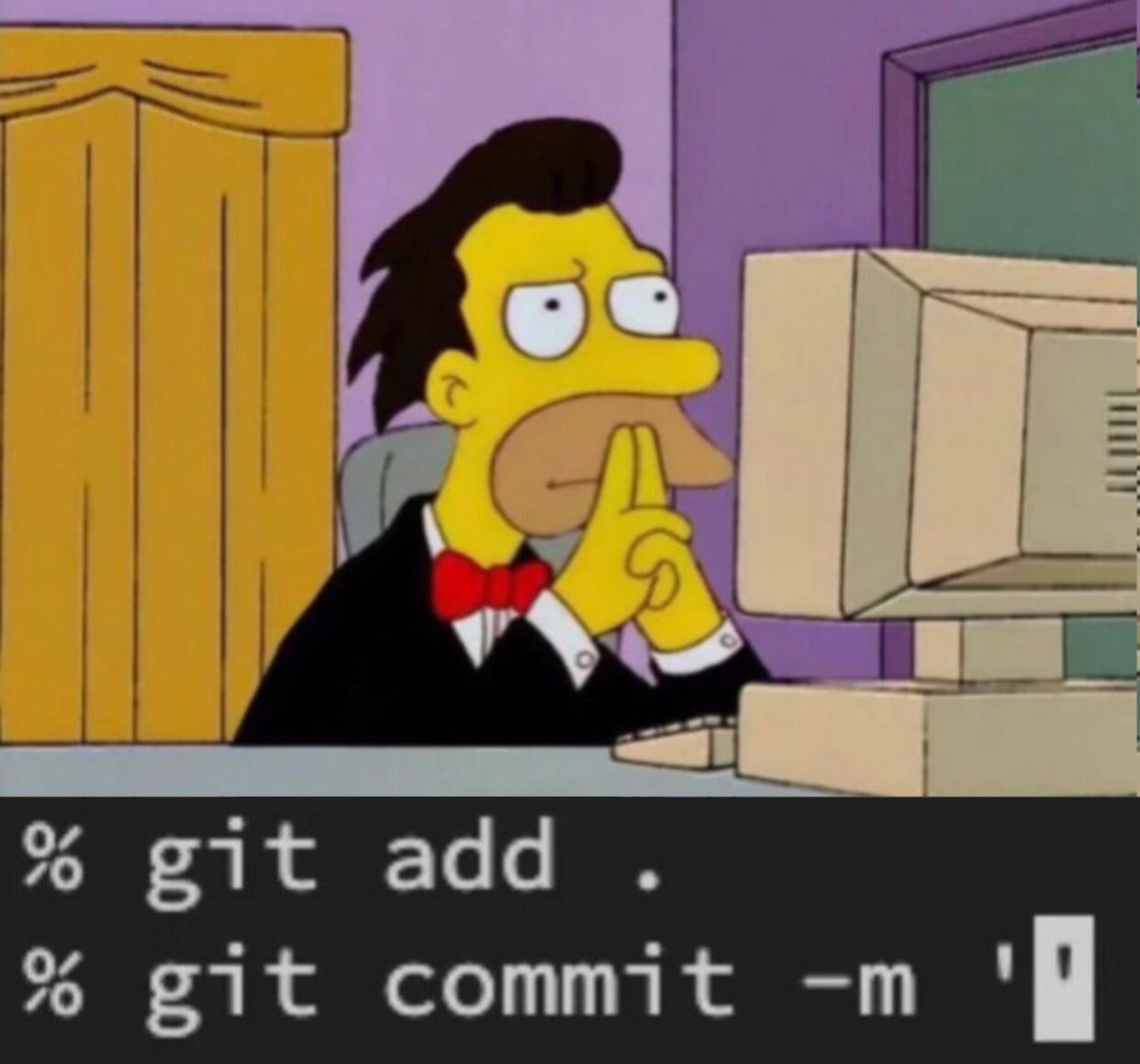
You've just wrapped up an intense coding session. You proudly type:
git add .
git commit ""
And then… nothing.
The cursor blinks, the quotes are empty, and no idea comes to mind. How do you summarize what you just did? How do you stick to your commit conventions? Should you mention the ticket? Where? How?
That’s where Commitly comes in.
🚀 What is Commitly?
Commitly is a Python library that leverages artificial intelligence to automatically generate a well-structured commit message based on your staged changes (git diff --cached).
No more empty commit syndrome. Commitly gives you a clear, contextual message — with or without a ticket — in French or English, and tailored to your team’s standards.
📦 Installation
Install Commitly from PyPI:
pip install commitly
Make sure you have Git installed and properly configured.
If you don't have g4f installed, you can use the default
gpt_4o_minimodel.
⚙️ Features
__init__(model=gpt_4o_mini, file_temp="commit.txt", lang="fr")
Creates a Commitly instance.
model: AI model to use (default isgpt_4o_minivia g4f).file_temp: temporary file to store the generated message before committing.lang: language for commit generation (froren).
add(file: str) -> bool
Adds a specific file to the Git staging area.
commitly.add("app/models/user.py")
Equivalent to:
git add app/models/user.py
generate_commit_message(style_commit=None, format_commit=None, recommandation_commit=None, ticket=None) -> str
Automatically generates a commit message based on the current staged diff (git diff --cached).
style_commit: customize commit style (type, scope, etc.).format_commit: overall message format.recommandation_commit: writing guidelines or hints.ticket: optional ticket identifier to include in the footer.
⚠️ Note: If there are no staged changes, this method raises a
DiffEmptyException.
save_message_to_file(message: str) -> bool
Saves a generated commit message to the specified temporary file (default: commit.txt).
commitly.save_message_to_file(message)
Useful if you want to reuse this file in a git commit command.
commit() -> bool
Commits changes using the message stored in the temporary file. Deletes the file after committing.
commitly.commit()
push()
Runs a git push to send your commit to the remote repository.
commitly.push()
unstage(file: str)
Removes a file from staging (same as git reset <file>).
commitly.unstage("README.md")
_run_cmd(cmd: str, return_code: bool = False)
Internal method to run shell commands. Returns either:
- the command output (
stdout) - or the exit code (
0or1) ifreturn_code=True
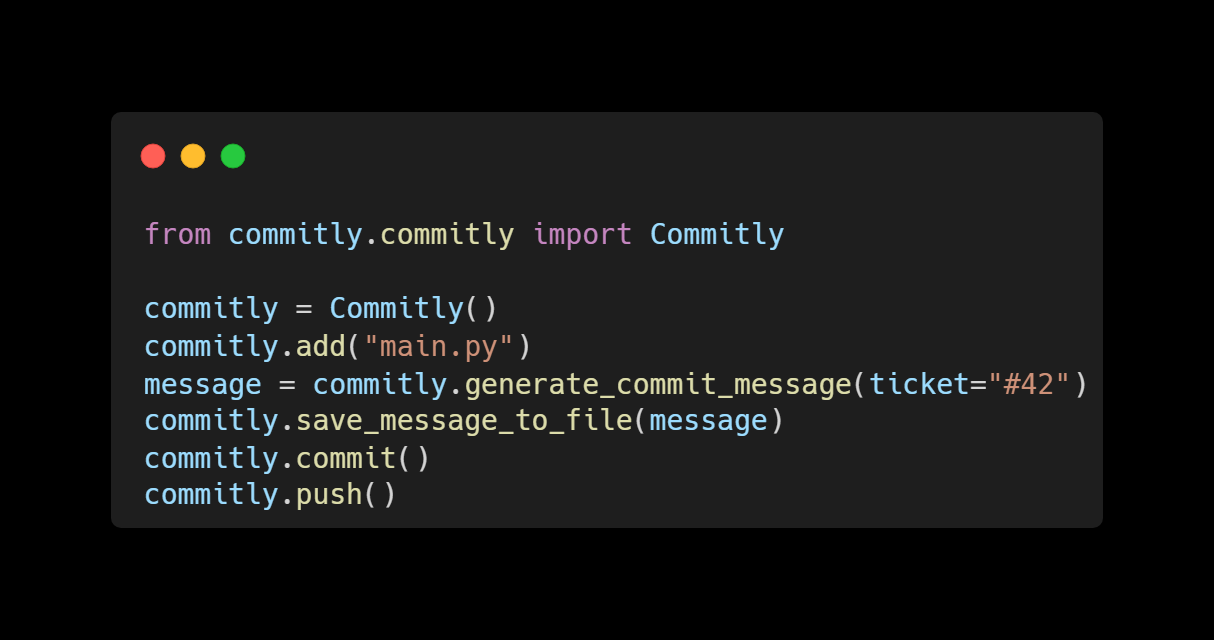
🧪 Full Example
from commitly.commitly import Commitly

commitly = Commitly()
commitly.add("main.py")
message = commitly.generate_commit_message(ticket="#42")
commitly.save_message_to_file(message)
commitly.commit()
commitly.push()
📸 Visual Demo
🧩 About the Commit Format
The generated message follows this structure:
<type>[optional scope]: <description>

[optional body]

[optional footer]  ← ticket here (#1234)
Common types:
feat: new featurefix: bug fixdocs: documentationrefactor: code improvement without behavior changechore: miscellaneous tasks (maintenance, updates, etc.)
📋 License
MIT © 2025 Kouya Chance Boman Tosten
Say goodbye to the empty commit syndrome. Let Commitly tell your code’s story.
Dis-moi si tu veux un badge PyPI (une fois publié), ou une version anglaise des images (si nécessaire) !
Release history Release notifications | RSS feed


Download files
Download the file for your platform. If you're not sure which to choose, learn more about installing packages.
Source Distribution
Built Distribution
Filter files by name, interpreter, ABI, and platform.
If you're not sure about the file name format, learn more about wheel file names.
Copy a direct link to the current filters
File details
Details for the file commitly-1.0.1.tar.gz.
File metadata
- Download URL: commitly-1.0.1.tar.gz
- Upload date:
- Size: 8.1 kB
- Tags: Source
- Uploaded using Trusted Publishing? No
- Uploaded via: twine/5.1.1 CPython/3.12.2
File hashes
| Algorithm | Hash digest | |
|---|---|---|
| SHA256 |
48e2d7b593177f528d8db99791526b71ae46977f71e4376a6de68accf2223e1f
|
|
| MD5 |
b191089d01eea8d9dac123b9dc1abb34
|
|
| BLAKE2b-256 |
a9afdcaf1d9b33f7fcd75637f0acad84451d844c56219f24404a1d7b102ef202
|
File details
Details for the file commitly-1.0.1-py3-none-any.whl.
File metadata
- Download URL: commitly-1.0.1-py3-none-any.whl
- Upload date:
- Size: 8.4 kB
- Tags: Python 3
- Uploaded using Trusted Publishing? No
- Uploaded via: twine/5.1.1 CPython/3.12.2
File hashes
| Algorithm | Hash digest | |
|---|---|---|
| SHA256 |
ad05925b0d9889b2261997cd721b4d942af2cab27ff10d4343700affe6efb821
|
|
| MD5 |
ea88d96fd90498066a6494c0f69d14fd
|
|
| BLAKE2b-256 |
87f984ad801920e7cbb99ccf2bce3ce7563b4c09b2c286a28c82f7e56e60f7cd
|






