
Generate a well-structured commit message based on staged changes

Project description
🧠 The Problem: The Empty Commit Syndrome
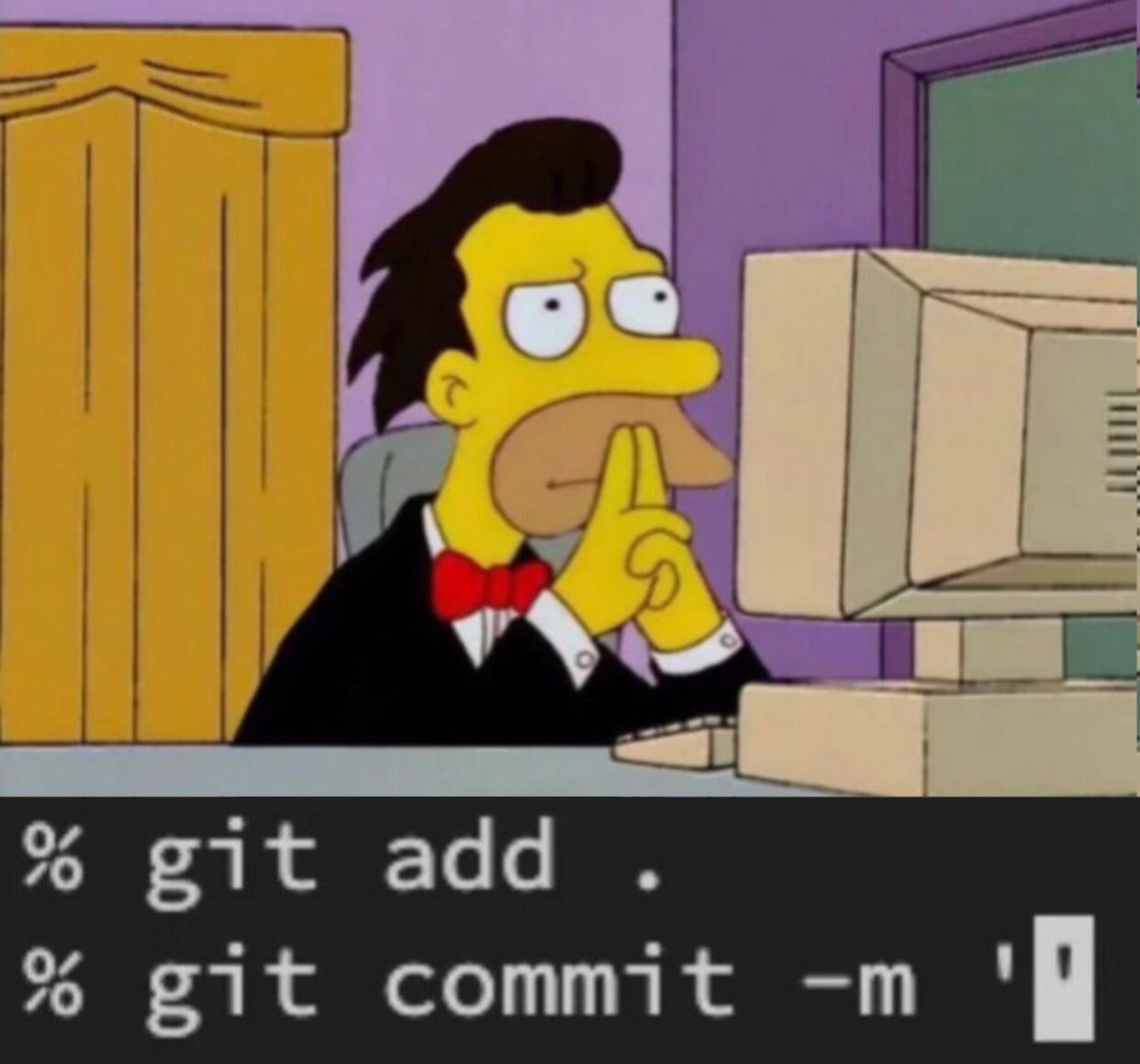
You just wrapped up an intense dev session. You proudly run:
git add .
git commit ""
And then… nothing.
The cursor blinks. The quotes are empty. No idea what to write.
How do you summarize what you just did? How do you follow commit conventions? Should you mention the ticket? Where? How?
That’s where Commitly comes in.
🚀 What is Commitly?
Commitly is a Python library that uses AI to automatically generate smart commit messages from your staged Git changes (git diff --cached).
No more writer’s block. Commitly gives you clear, structured, multilingual messages — even splits large diffs into logical commits if needed.
📦 Installation
Install Commitly via PyPI:
pip install commitly
Make sure Git is installed and properly configured on your system.
⚙️ Main Features
🔹 __init__(model=gpt_4o_mini, file_temp="commit.txt", lang="en")
Creates a Commitly instance:
model: AI model to use (default isgpt_4o_minivia g4f).file_temp: temporary file name to save the commit message.lang: output language (enorfr).
🔹 add(file: str) -> bool
Adds a file to the Git staging area.
commitly.add("app/models/user.py")
🔹 generate_commit_message(...) -> dict | List[dict]
Generates one or more commit messages from the current staged diff.
Parameters:
style_commit,format_commit,recommandation_commit: customize commit style and instructions.ticket: ticket ID to include in the footer of the commit.fact(bool): enables smart factorization to split the diff into multiple coherent commits.
⚠️ Raises a
DiffEmptyExceptionif no changes are detected in staging.
🔹 save_message_to_file(message: str) -> bool
Saves a generated commit message to the temporary file.
🔹 commit() -> bool
Performs a Git commit using the message saved in the temp file and deletes it afterward.
🔹 push()
Pushes your changes to the remote repository.
🔹 unstage(file: str)
Removes a file from the staging area (git reset <file>).
🔹 file_stage() -> List[str]
Returns a list of currently staged files (git diff --cached --name-only).
🔹 _run_cmd(cmd: str, return_code: bool = False)
Internal method to execute shell commands.
🧪 Full Example
from commitly.commitly import Commitly

commitly = Commitly()

# Stage a file
commitly.add("main.py")

# Generate a message with a ticket
message = commitly.generate_commit_message(ticket="#42")

# Save it and commit
commitly.save_message_to_file(message)
commitly.commit()
commitly.push()
🧠 Example with smart factorization
messages = commitly.generate_commit_message(ticket="#42", fact=True)
for item in messages:
    print(item["commit"], ":", item["files"])
Example output:
[
    {
        "commit": "feat[core]: add role management to authentication",
        "files": ["auth/roles.py", "auth/utils.py"]
    },
    {
        "commit": "docs: update setup guide",
        "files": ["docs/setup.md"]
    }
]
🧩 About the Commit Format
Generated messages follow a conventional structure:
<type>[optional scope]: <description>

[optional body]

[optional footer] ← ticket goes here (#1234)
Common types:
feat: a new featurefix: a bug fixdocs: documentation-only changesrefactor: code changes that neither fix a bug nor add a featurechore: other routine tasks like config or CI changes
💡 Why use Commitly?
✅ Say goodbye to “wip” commits
✅ Enforce a consistent commit standard across your team
✅ Generate logical, factorized commits from complex diffs
✅ Multilingual support (EN/FR)
✅ Easy integration into any Git workflow
📋 License
MIT © 2025 Kouya Chance Boman Tosten
Stop staring at your empty commit. Let Commitly tell the story of your code — one commit at a time.
Release history Release notifications | RSS feed


Download files
Download the file for your platform. If you're not sure which to choose, learn more about installing packages.
Source Distribution
Built Distribution
Filter files by name, interpreter, ABI, and platform.
If you're not sure about the file name format, learn more about wheel file names.
Copy a direct link to the current filters
File details
Details for the file commitly-2.0.3.tar.gz.
File metadata
- Download URL: commitly-2.0.3.tar.gz
- Upload date:
- Size: 11.1 kB
- Tags: Source
- Uploaded using Trusted Publishing? No
- Uploaded via: twine/5.1.1 CPython/3.12.2
File hashes
| Algorithm | Hash digest | |
|---|---|---|
| SHA256 |
6d139ff4ec130651ea307aaa2fbae53ae42a908d13fcfb5f4002a5e15ef60516
|
|
| MD5 |
30faf630faaa7535333d787acbcfd281
|
|
| BLAKE2b-256 |
ec3fbd317232069954617c88aca856dbc953af9c07d94c9203204c2337ae14b4
|
File details
Details for the file commitly-2.0.3-py3-none-any.whl.
File metadata
- Download URL: commitly-2.0.3-py3-none-any.whl
- Upload date:
- Size: 9.7 kB
- Tags: Python 3
- Uploaded using Trusted Publishing? No
- Uploaded via: twine/5.1.1 CPython/3.12.2
File hashes
| Algorithm | Hash digest | |
|---|---|---|
| SHA256 |
ca4f54585295b87df909a4a6ba70466aa0991dcecef0adae811e5956247abc36
|
|
| MD5 |
ec12d102d347491828d1012bd9b7ce61
|
|
| BLAKE2b-256 |
6dfe2c5504a20710e2908796abff4da0a755156468a6210f883afb4e704fa9ac
|






