
timber joinery generation

Project description
compas_wood
Getting started with this project
Setup code editor
- Open project folder in VS Code
- Select python environment for the project
- First time using VS Code and on Windows? Make sure select the correct terminal profile:
Ctrl+Shift+P,Terminal: Select Default Profileand selectCommand Prompt.
All terminal commands in the following sections can be run from the VS Code integrated terminal.
First steps with git
- Go to the
Source controltab - Make an initial commit with all newly created files
First steps with code
-
Install the newly created project
pip install -e . -
Install it on Rhino
python -m compas_rhino.install
Code conventions
Code convention follows PEP8 style guidelines and line length of 120 characters.
-
Check adherence to style guidelines
invoke lint -
Format code automatically
invoke format
Documentation
Documentation is generated automatically out of docstrings and RST files in this repository
-
Generate the docs
invoke docs -
Check links in docs are valid
invoke linkcheck -
Open docs in your browser (file explorer ->
dist/docs/index.html)
Testing
Tests are written using the pytest framework
-
Run all tests from terminal
invoke test -
Or run them from VS Code from the
Testingtab
Developing Grasshopper components
We use Grasshopper Componentizer to develop Python components that can be stored and edited on git.
-
Build components
invoke build-ghuser-componentspip -
Install components on Rhino
python -m compas_rhino.install
Publish release
Releases follow the semver versioning convention.
-
Create a new release
invoke release major
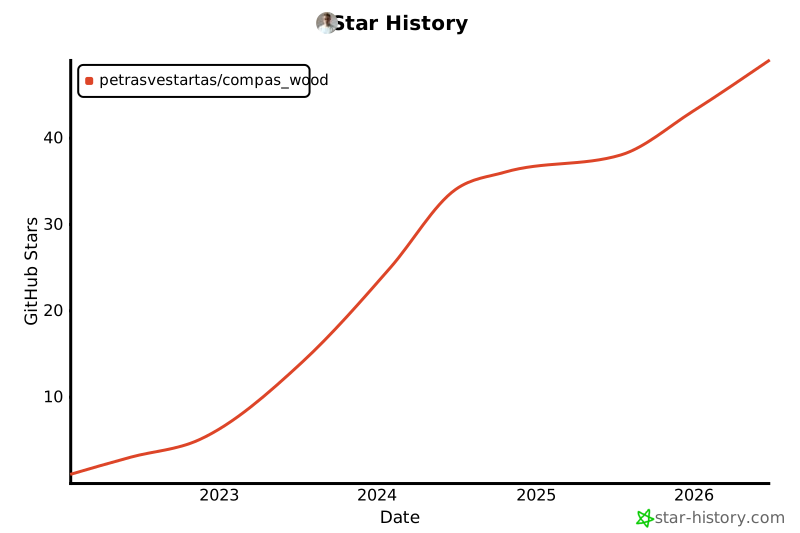
Star History
Local Rhino Install
C:\Users\petras.rhinocode\py39-rh8\python.exe -m pip install -e .


Download files
Download the file for your platform. If you're not sure which to choose, learn more about installing packages.
Source Distribution
Built Distribution
Filter files by name, interpreter, ABI, and platform.
If you're not sure about the file name format, learn more about wheel file names.
Copy a direct link to the current filters
File details
Details for the file compas_wood-2.4.0.tar.gz.
File metadata
- Download URL: compas_wood-2.4.0.tar.gz
- Upload date:
- Size: 19.4 MB
- Tags: Source
- Uploaded using Trusted Publishing? No
- Uploaded via: twine/6.0.1 CPython/3.9.10
File hashes
| Algorithm | Hash digest | |
|---|---|---|
| SHA256 |
394cb7a30f08bf2118819e4b3d89038964613fa23ce8d2ba7a033dea7948a7d0
|
|
| MD5 |
1ddb857774af2807599c03b2d4e8d081
|
|
| BLAKE2b-256 |
cf5ff39d109860e2025fc971410a012c45457363d463759634c898cce42174e5
|
File details
Details for the file compas_wood-2.4.0-py2.py3-none-any.whl.
File metadata
- Download URL: compas_wood-2.4.0-py2.py3-none-any.whl
- Upload date:
- Size: 575.9 kB
- Tags: Python 2, Python 3
- Uploaded using Trusted Publishing? No
- Uploaded via: twine/6.0.1 CPython/3.9.10
File hashes
| Algorithm | Hash digest | |
|---|---|---|
| SHA256 |
a71a32c769724f798b92621e6ce24f4ef672737092e11b0dfb93ed45ff83a8b3
|
|
| MD5 |
5097a2873e6552437e53cf1fa06d9430
|
|
| BLAKE2b-256 |
da321fea29eb0d86dd4a13254dee004153bd3cf49f8222a475b91b1137e7b11d
|






