
A simple Mandelbrot Set explorer for the terminal

Project description
Complexitty







Introduction
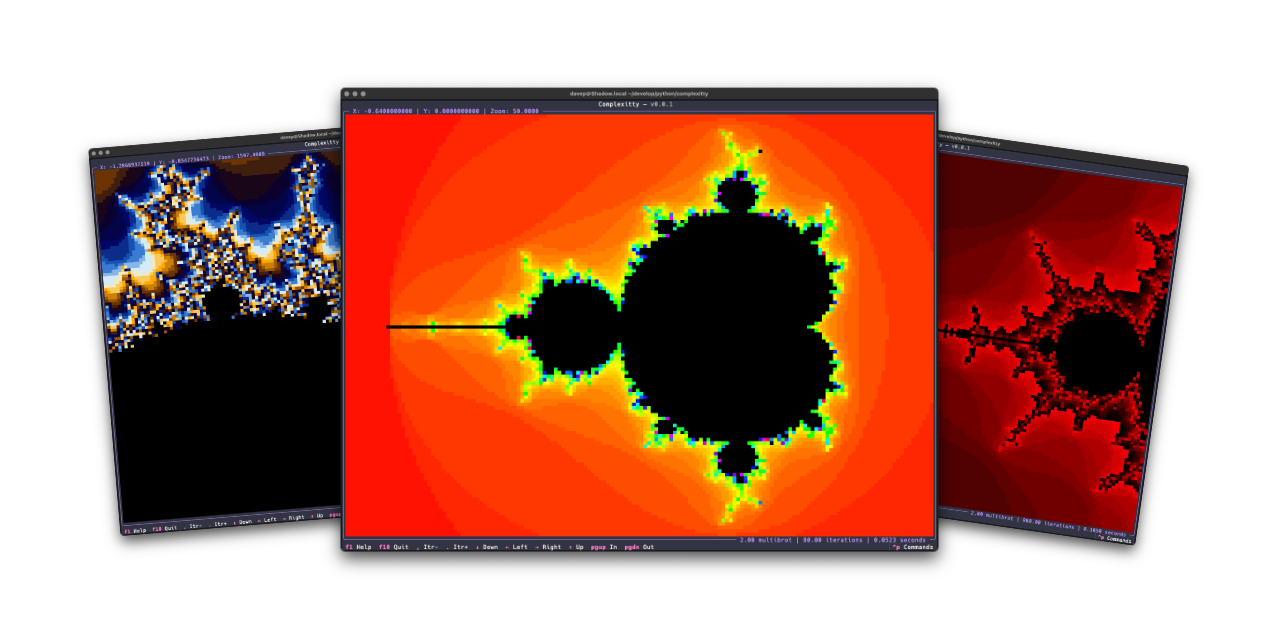
Complexitty is a simple terminal-based application that lets you explore the
classic Mandelbrot set in full character-based glory. It is the successor to
and replacement for
textual-mandelbrot.
Installing
pipx
The package can be installed using pipx:
$ pipx install complexitty
Homebrew
The package is available via Homebrew. Use the following commands to install:
$ brew tap davep/homebrew
$ brew install complexitty
Using Complexitty
Once you've installed Complexitty using one of the above methods, you can
run the application using the complexitty command.
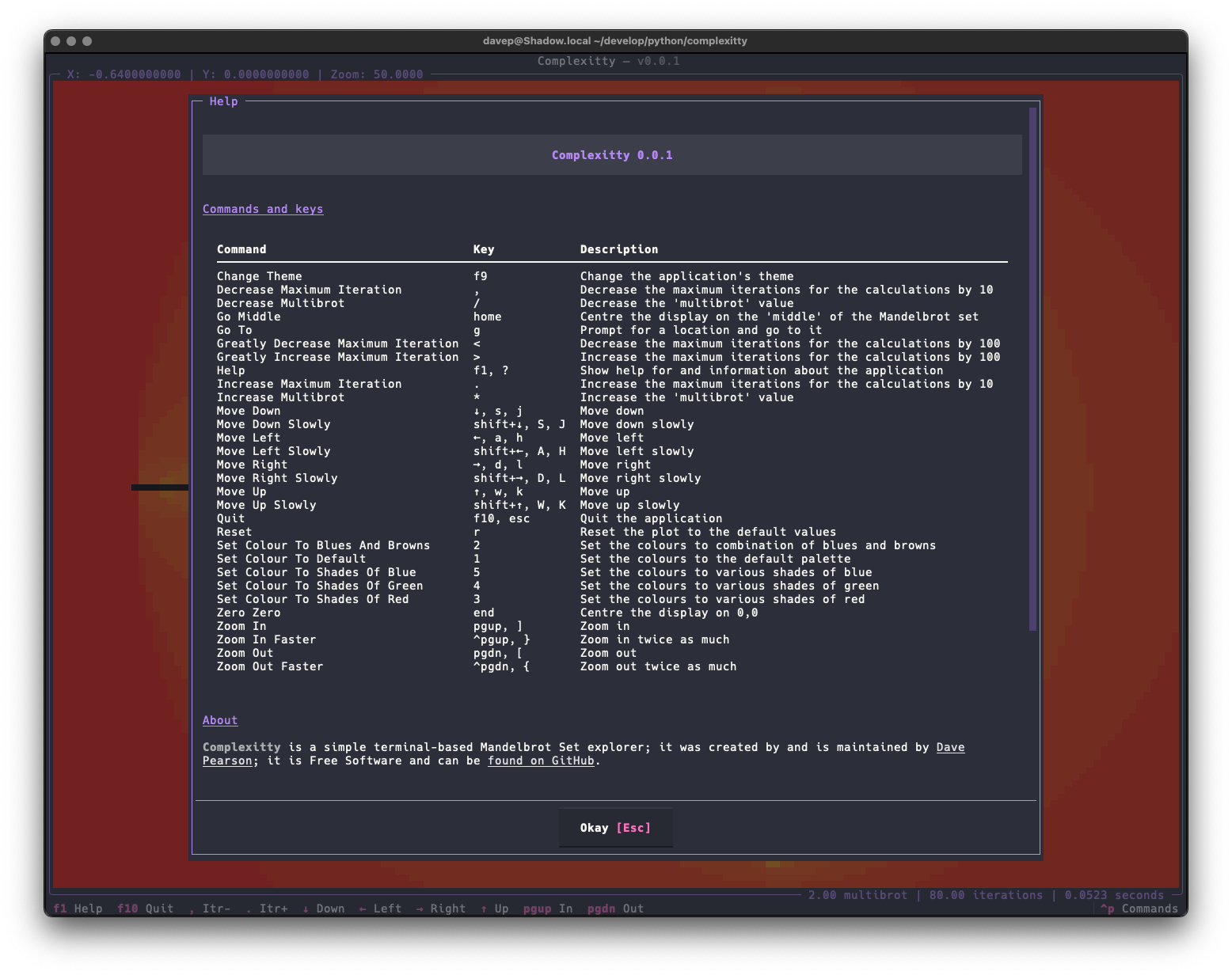
The best way to get to know Complexitty is to read the help screen, once in the main application you can see this by pressing F1.
For more information and details on configuring Complexitty, see the online documentation.
Getting help
If you need help, or have any ideas, please feel free to raise an issue or start a discussion.
TODO
See the TODO tag in issues to see what I'm planning.


Download files
Download the file for your platform. If you're not sure which to choose, learn more about installing packages.
Source Distribution
Built Distribution
Filter files by name, interpreter, ABI, and platform.
If you're not sure about the file name format, learn more about wheel file names.
Copy a direct link to the current filters
File details
Details for the file complexitty-1.0.0.tar.gz.
File metadata
- Download URL: complexitty-1.0.0.tar.gz
- Upload date:
- Size: 13.6 kB
- Tags: Source
- Uploaded using Trusted Publishing? No
- Uploaded via: uv/0.8.22
File hashes
| Algorithm | Hash digest | |
|---|---|---|
| SHA256 |
207f0a75b97bc1b63cf3e6297de6462c1a7980e156a6aa255377b07f08da7403
|
|
| MD5 |
3265b2ba9ce9936a1b25ba0bb7d990ca
|
|
| BLAKE2b-256 |
d54c15d153ed2842d9534bc19c4b1cb2a1bb66c25b4f1577da39a011a79fe893
|
File details
Details for the file complexitty-1.0.0-py3-none-any.whl.
File metadata
- Download URL: complexitty-1.0.0-py3-none-any.whl
- Upload date:
- Size: 20.8 kB
- Tags: Python 3
- Uploaded using Trusted Publishing? No
- Uploaded via: uv/0.8.22
File hashes
| Algorithm | Hash digest | |
|---|---|---|
| SHA256 |
8fc1d047605c82e72f8e4e9c955a1b5ab5a8a872099112f7446731c4ebce74cd
|
|
| MD5 |
f26e74b94d6fce677b5c6fc229a90705
|
|
| BLAKE2b-256 |
bfcafb83fcb361018b28f1cec0618d52613b3f662ca29479ad6c3feac1a4b197
|






