
A modern GUI desktop app to compile Python scripts to Windows executables using Nuitka

Project description
Compylr
A modern, powerful, and intuitive GUI for transforming Python scripts into standalone executables using Nuitka.




📌 Overview
Compylr takes the complexity out of compiling Python applications. It provides a sleek, modern user interface built with CustomTkinter that lets you configure Nuitka's powerful compilation options visually. No more memorizing long command-line flags — just point, click, and build.
✨ Features
- Modern & Responsive UI: Fully redesigned using CustomTkinter with dark and light mode support.
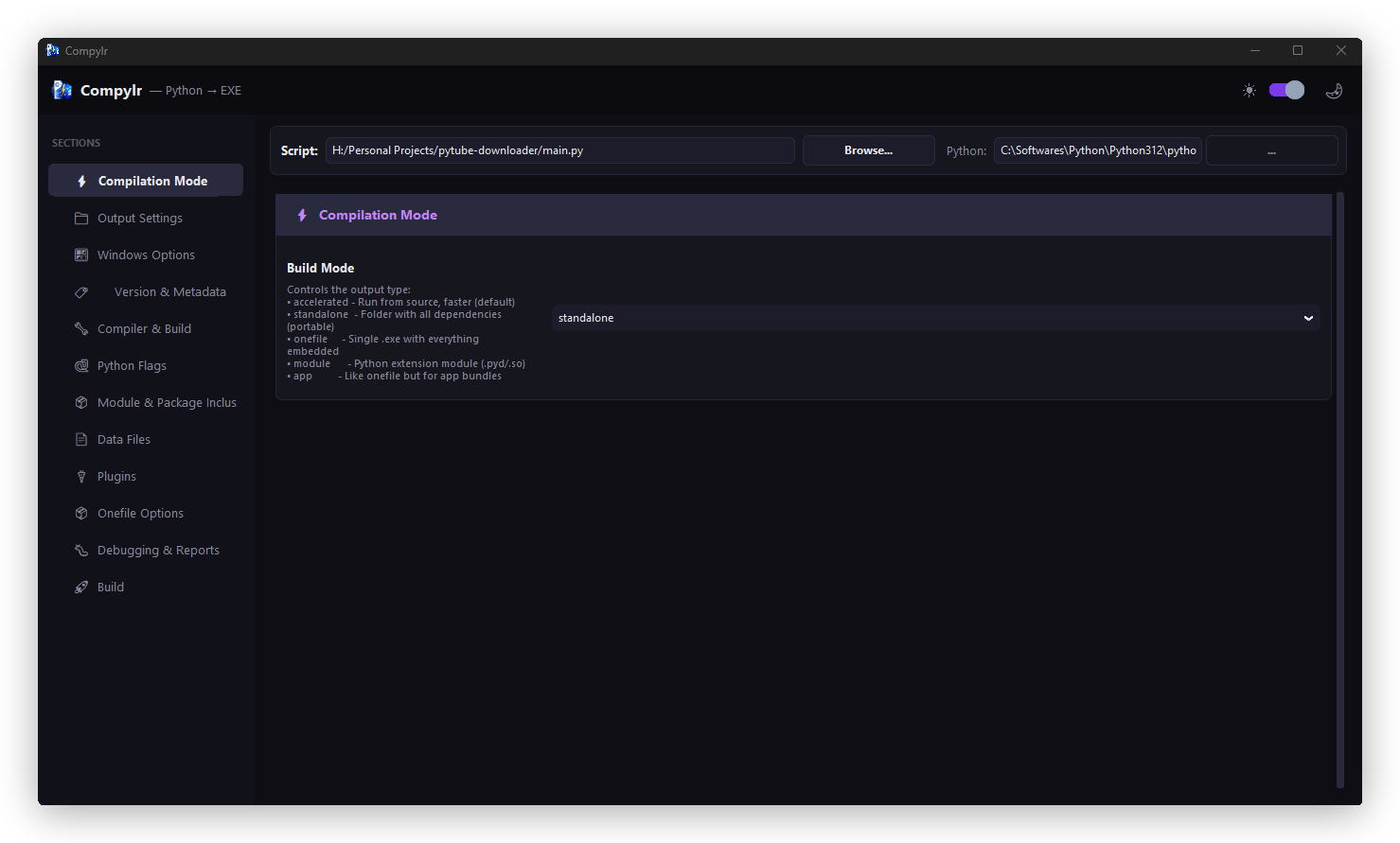
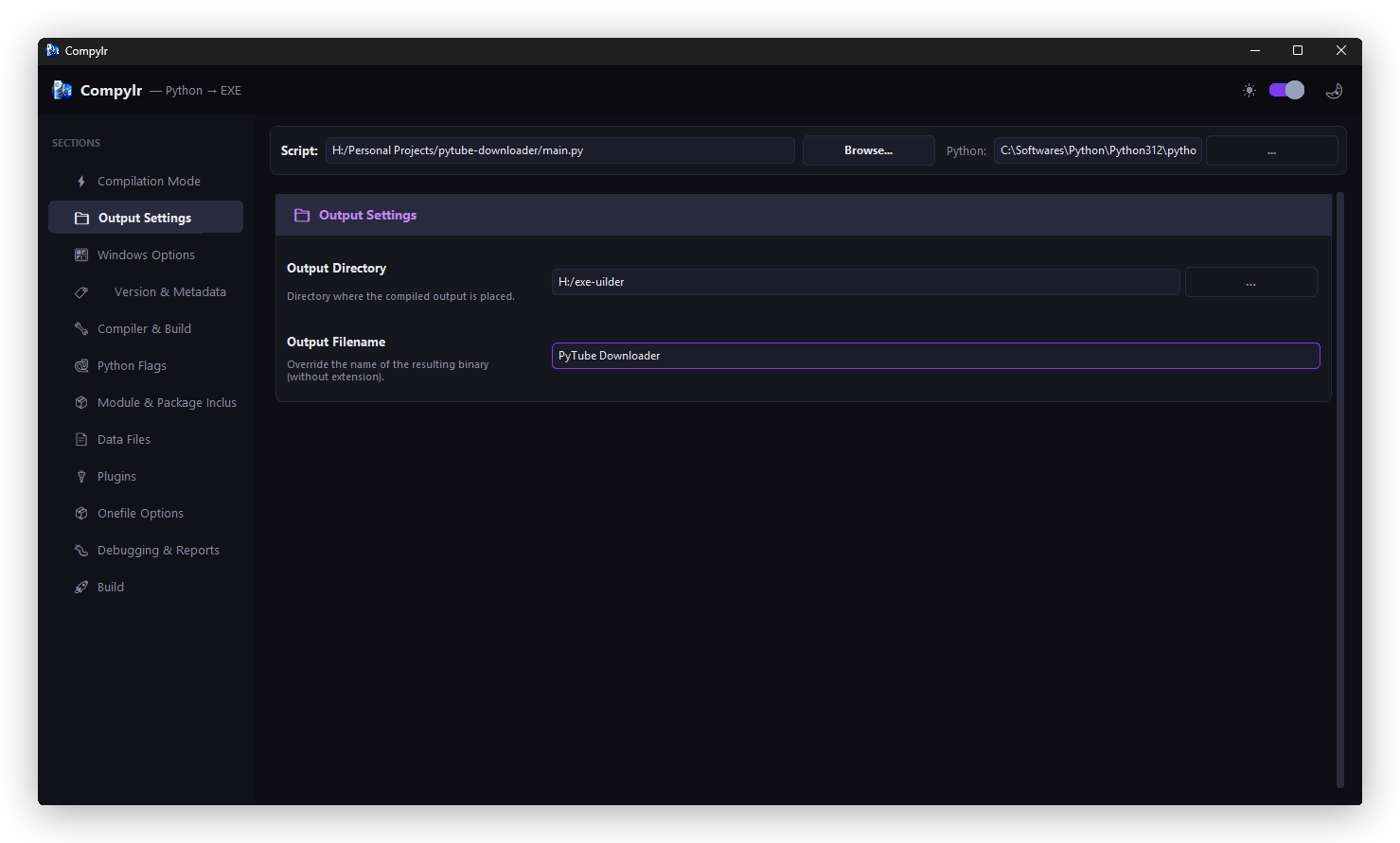
- Visual Configuration: Configure build modes, output settings, windows options, metadata, and data files through an intuitive sidebar menu.
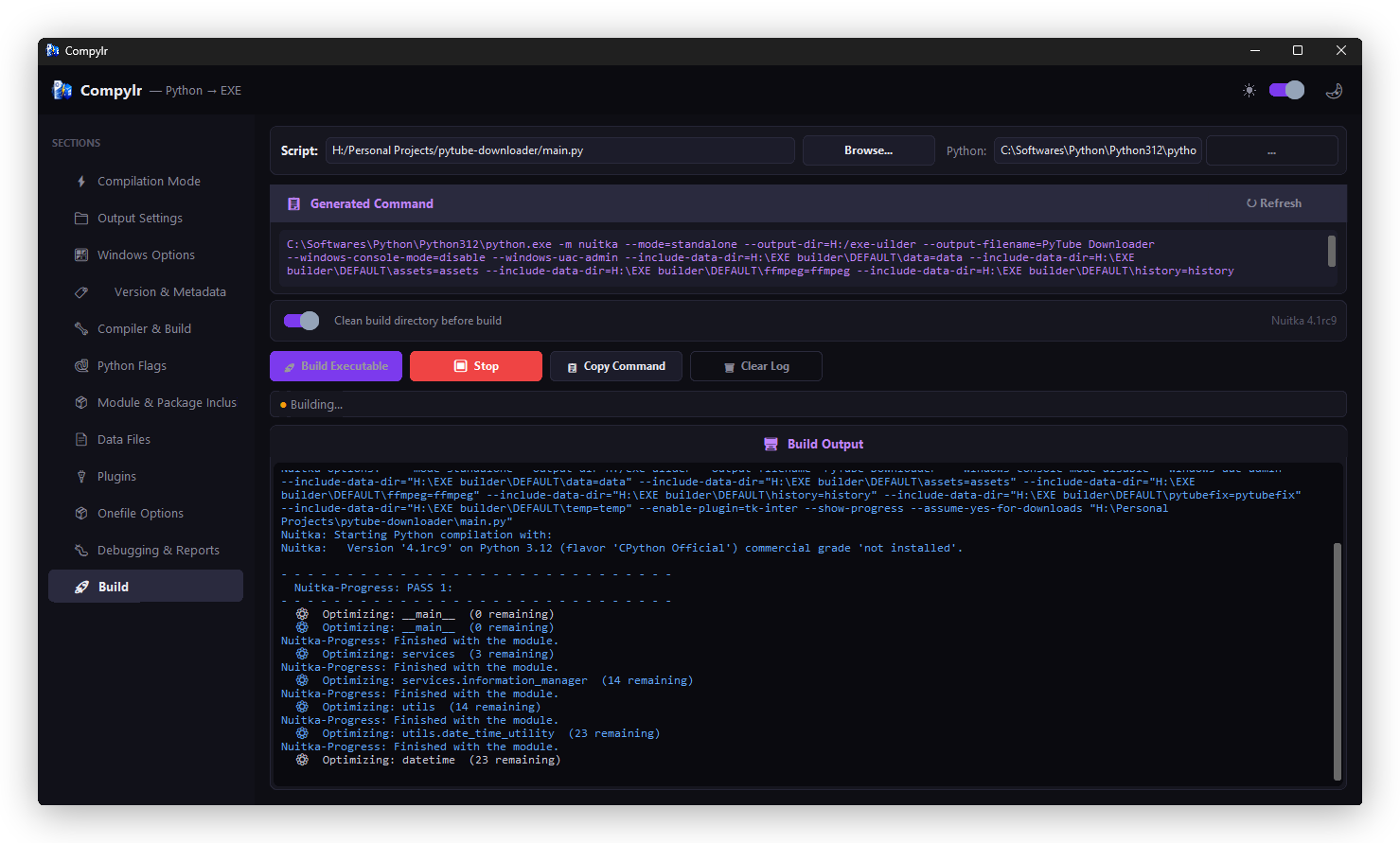
- Live Command Preview: See the exact Nuitka command being generated in real-time.
- Integrated Terminal: View color-coded compilation progress, warnings, and errors directly inside the app.
- Smart Troubleshooting: Automatically suggests fixes for common compilation errors (e.g., corrupted caches, missing modules).
- Clean Build Support: One-click option to safely clean old
.buildand.distdirectories before recompiling.
📸 Screenshots
1. Compilation Mode & Output Settings
2. Windows Options & Version Metadata
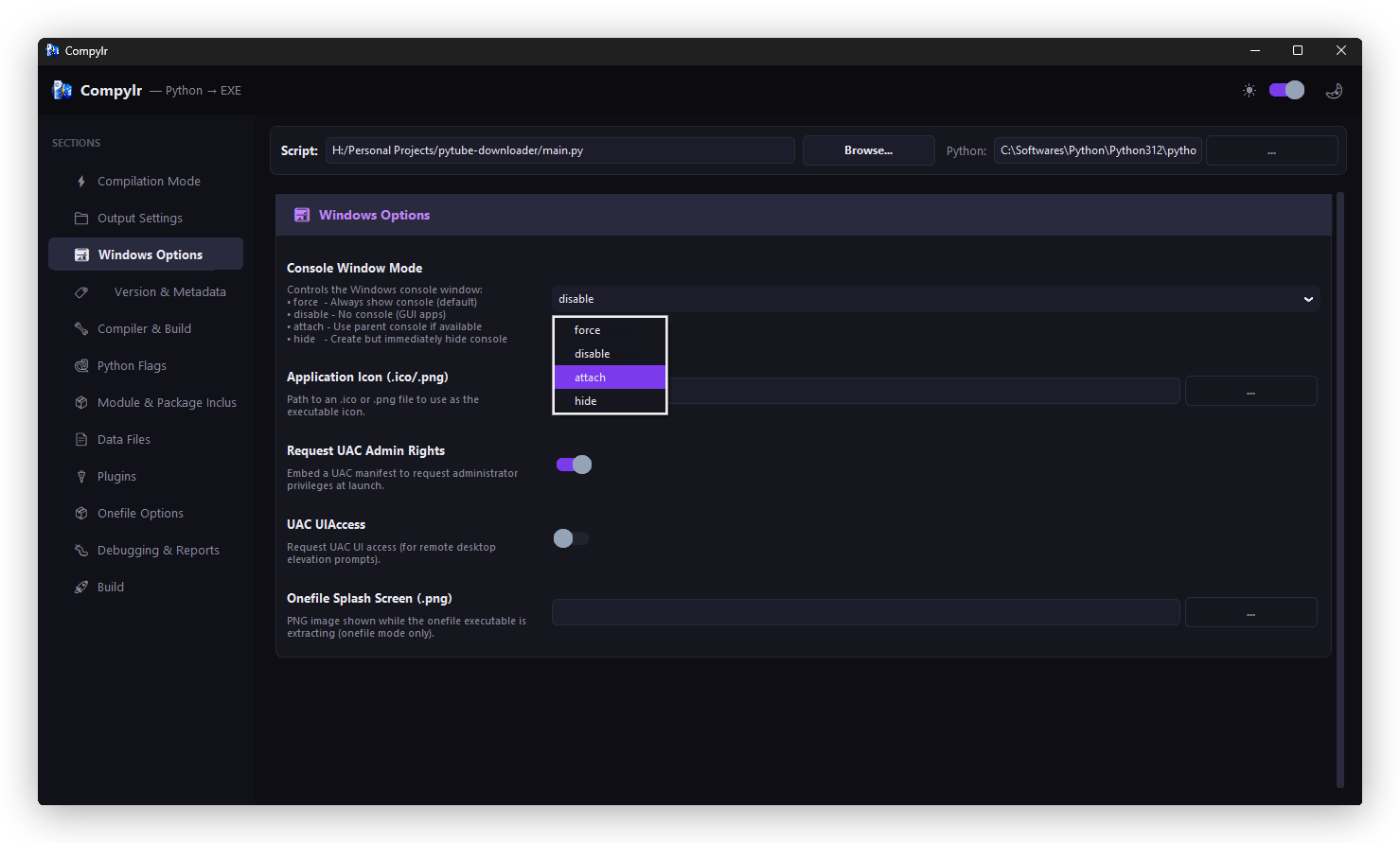
3. Compiler & Build Options
4. Python Flags & Package Inclusions
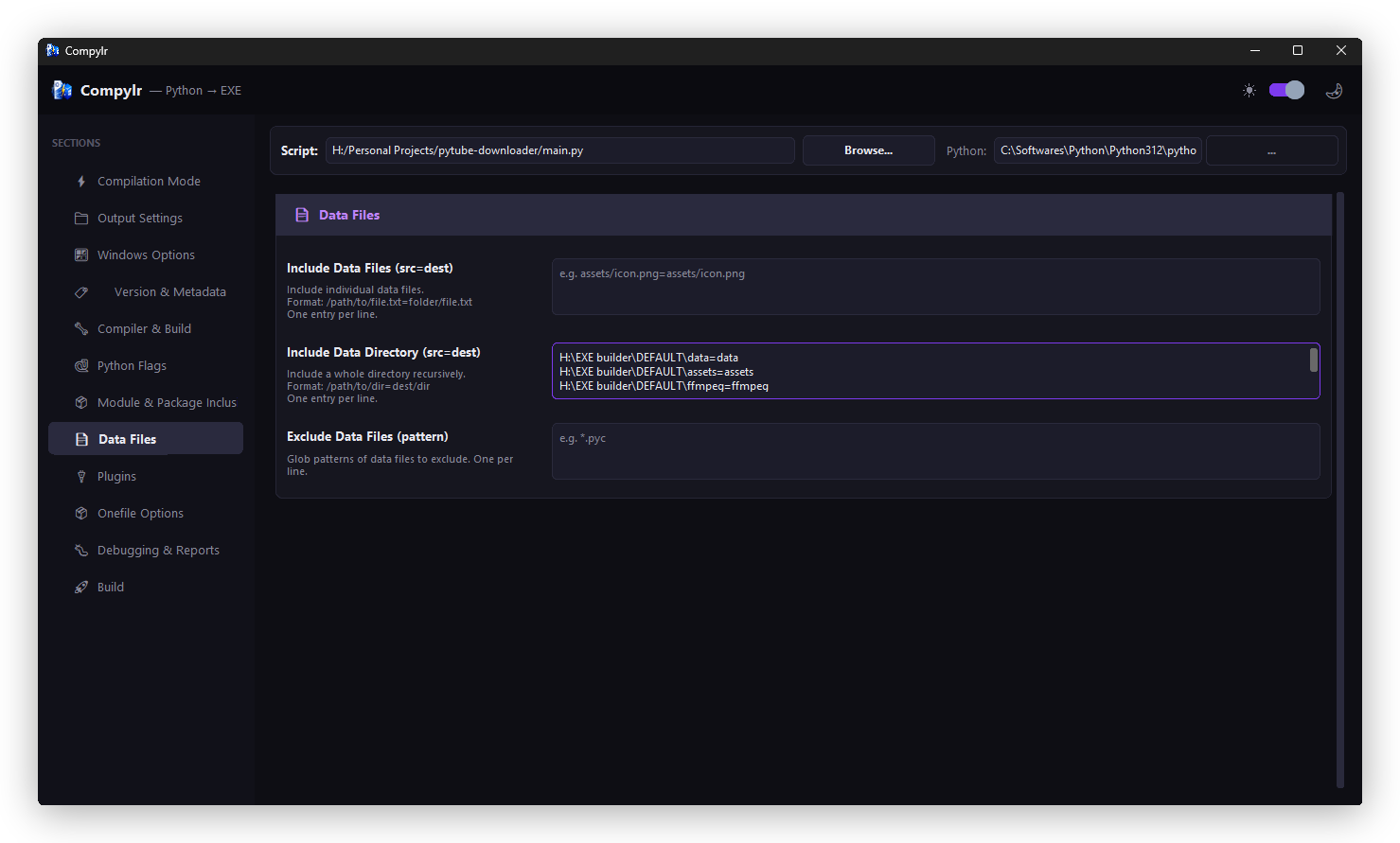
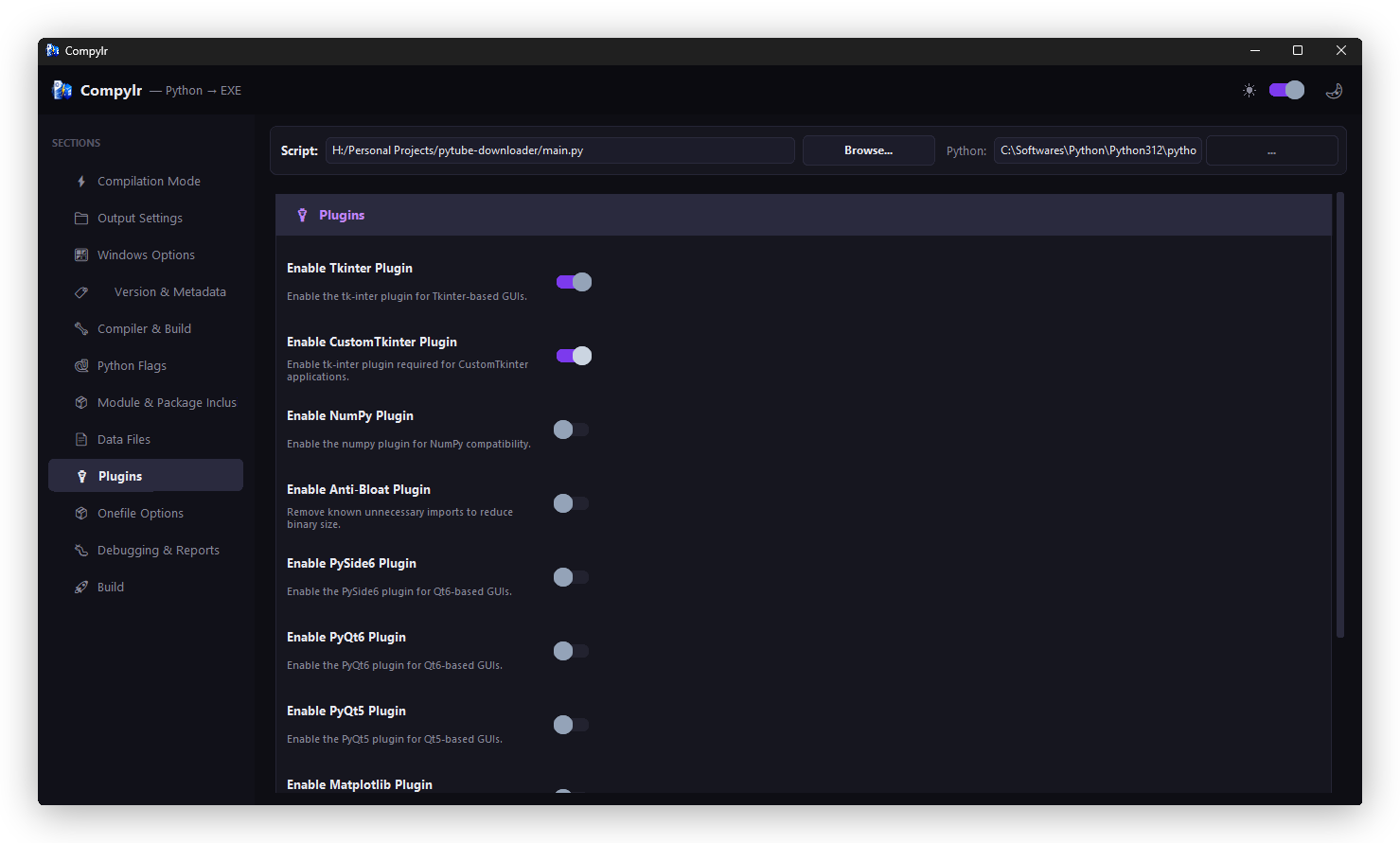
5. Plugins & Data Files
6. Compiler Terminal & Live Build
🚀 Installation
Install Compylr directly using pip:
pip install compylr
Requirements
- Python 3.8+
- C Compiler (MinGW64 or MSVC on Windows) — required by Nuitka for compilation.
💻 Usage
Launch the application directly from your terminal:
compylr
- Select Script: Browse for the
.pyfile you want to compile. - Select Interpreter: (Optional) Pick a specific Python executable to run Nuitka.
- Configure Options: Navigate through the sidebar sections (Compilation Mode, Windows Options, Plugins, etc.) to set your desired flags.
- Build: Go to the Build section and click
🚀 Build Executable.
📁 Project Structure
compylr/
├── src/
│   └── compylr/
│       ├── logo/              # Window icon and branding logo assets
│       │   ├── logo.ico
│       │   └── logo.png
│       ├── __init__.py
│       ├── main.py            # Application entry point
│       ├── app.py             # Main CustomTkinter application and layout
│       ├── widgets.py         # Custom reusable UI components
│       ├── theme.py           # Color palettes and font definitions
│       └── nuitka_options.py  # Definition of all Nuitka flags and groups
├── readme-assets/             # Screenshots and README header logo assets
├── requirements.txt           # Python dependencies
├── pyproject.toml             # Pyproject settings metadata
├── LICENSE                    # MIT License file
└── README.md                  # This file
🛠 Technologies Used
- Python - Core programming language
- CustomTkinter - Modern UI framework
- Nuitka - The Python compiler
🔮 Future Improvements
- Profile management (save and load compilation profiles for different projects).
- Direct compilation to macOS and Linux formats (when supported on host).
- Integrated dependency analyzer.
🤝 Contributing
Contributions, issues, and feature requests are welcome! Feel free to check the issues page.
📝 License
This project is MIT licensed.


Download files
Download the file for your platform. If you're not sure which to choose, learn more about installing packages.
Source Distribution
Built Distribution
Filter files by name, interpreter, ABI, and platform.
If you're not sure about the file name format, learn more about wheel file names.
Copy a direct link to the current filters
File details
Details for the file compylr-1.0.0.tar.gz.
File metadata
- Download URL: compylr-1.0.0.tar.gz
- Upload date:
- Size: 301.6 kB
- Tags: Source
- Uploaded using Trusted Publishing? No
- Uploaded via: twine/6.2.0 CPython/3.12.10
File hashes
| Algorithm | Hash digest | |
|---|---|---|
| SHA256 |
64fc6f1def329d92cd4d307e843c894cf4d69e19ccb84ec55f6ebfaaa2526797
|
|
| MD5 |
3171766e3b8dbaa7c7d3706e7c3cd304
|
|
| BLAKE2b-256 |
6722d323f625b9109f05fd43e7f2096d331f493e6236baab339e9aa38e48b865
|
File details
Details for the file compylr-1.0.0-py3-none-any.whl.
File metadata
- Download URL: compylr-1.0.0-py3-none-any.whl
- Upload date:
- Size: 298.2 kB
- Tags: Python 3
- Uploaded using Trusted Publishing? No
- Uploaded via: twine/6.2.0 CPython/3.12.10
File hashes
| Algorithm | Hash digest | |
|---|---|---|
| SHA256 |
51f8a69126b122db6e3c981602c2104b986eae01341ba4947f721cd852cf79d6
|
|
| MD5 |
fea6d8408794d193f8b0e8163b2063d0
|
|
| BLAKE2b-256 |
8ed73801d31ffa3a1a56d796bdbf5447801668ed96a5f3c0b1131c256af1deeb
|






