
An AnyWidget for displaying declarative diagrams written in D2
Verified details
These details have been verified by PyPIProject links
GitHub Statistics
Maintainers

Project description


D2 Widget 
Bring the power of D2 to Python notebooks.
d2-widget is an AnyWidget for displaying declarative diagrams written in D2.
- 🎨 D2 Diagram Rendering: Create and display interactive D2 diagrams directly in Python notebooks
- ⚙️ Configurability: Support for all D2 compilation options including themes, layouts, and rendering configurations
- 📤 SVG Export: Programmatically access the SVG representation for use in other documents
- ✨ Jupyter Cell Magic: Use the convenient
%%d2cell magic for quick diagram creation - 🧩 Notebook Compatibility: Works in Jupyter, Google Colab, Marimo, and other AnyWidget-enabled Python notebook environments
- 🎬 Animation Support: Create animated diagrams with D2's native animation capabilities
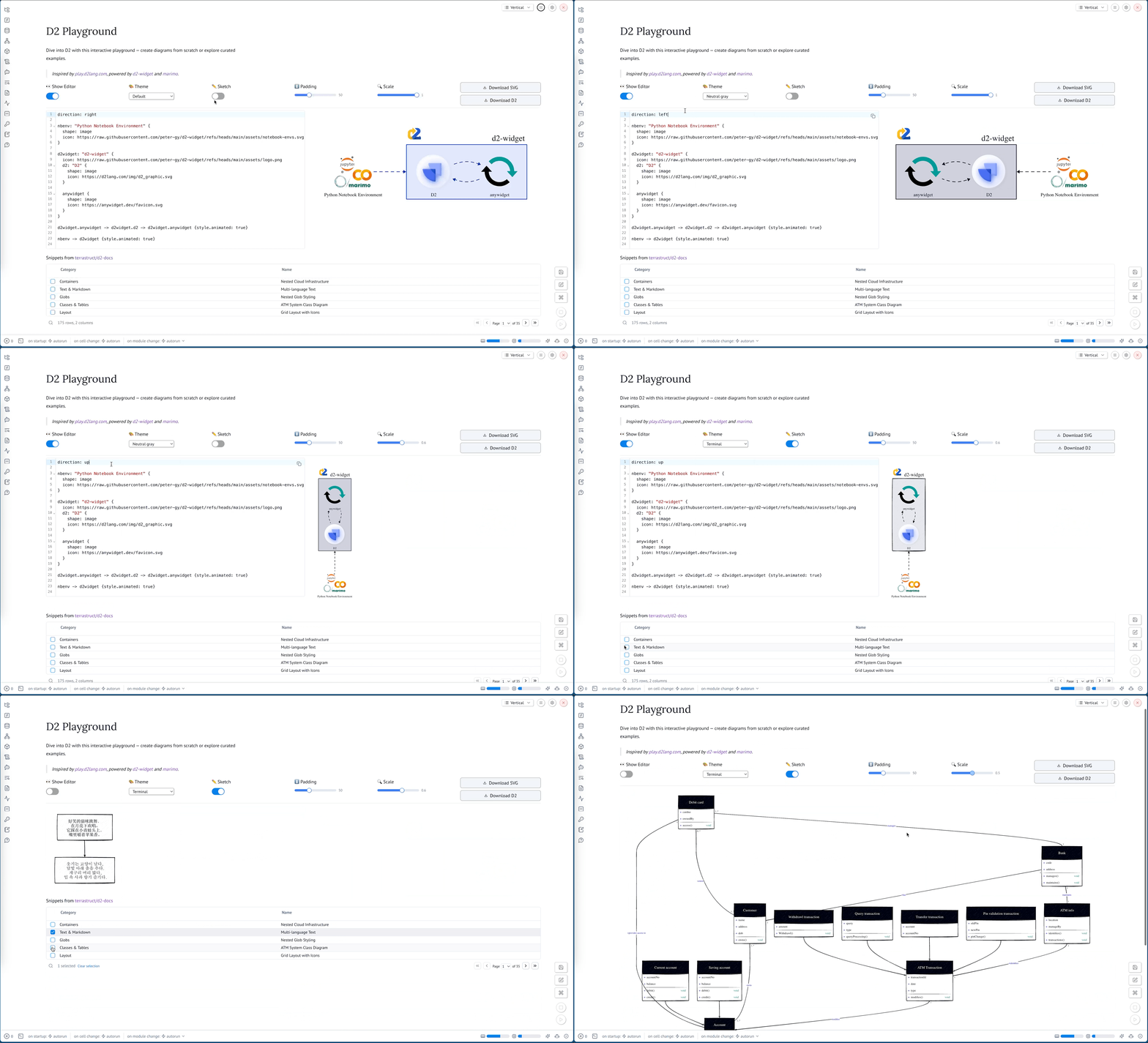
Playground
Visit the interactive playground to try out what d2-widget can do.
Installation
pip install d2-widget
or with uv:
uv add d2-widget
Usage
The following examples demonstrate how to use Widget with increasing complexity.
Basic Usage
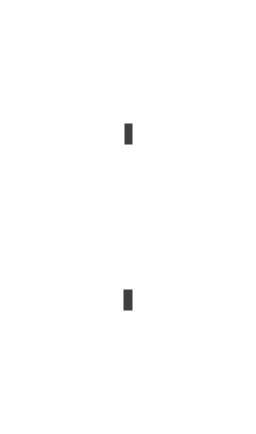
The simplest way to use Widget is to pass a D2 diagram as a string to the constructor.
from d2_widget import Widget

Widget("x -> y")
Inline Configuration
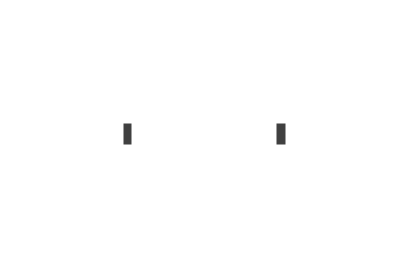
You can add direction and layout settings directly in the D2 markup.
from d2_widget import Widget

Widget("""
direction: right
x -> y
""")
Compile Options
You can specify compile options using the second argument to the constructor. You can read about the semantics of the options in the D2 documentation.
from d2_widget import Widget

Widget("""
direction: right
x -> y
""",
  {
      "themeID": 200,  # ID of the "Dark mauve" theme
      "pad": 0,        # Disable padding
      "sketch": True,  # Enable sketch mode
  },
)

Accessing the SVG
You can access the generated SVG using the svg attribute.
from d2_widget import Widget

w = Widget("x -> y")
w.svg
%%d2 Cell Magic
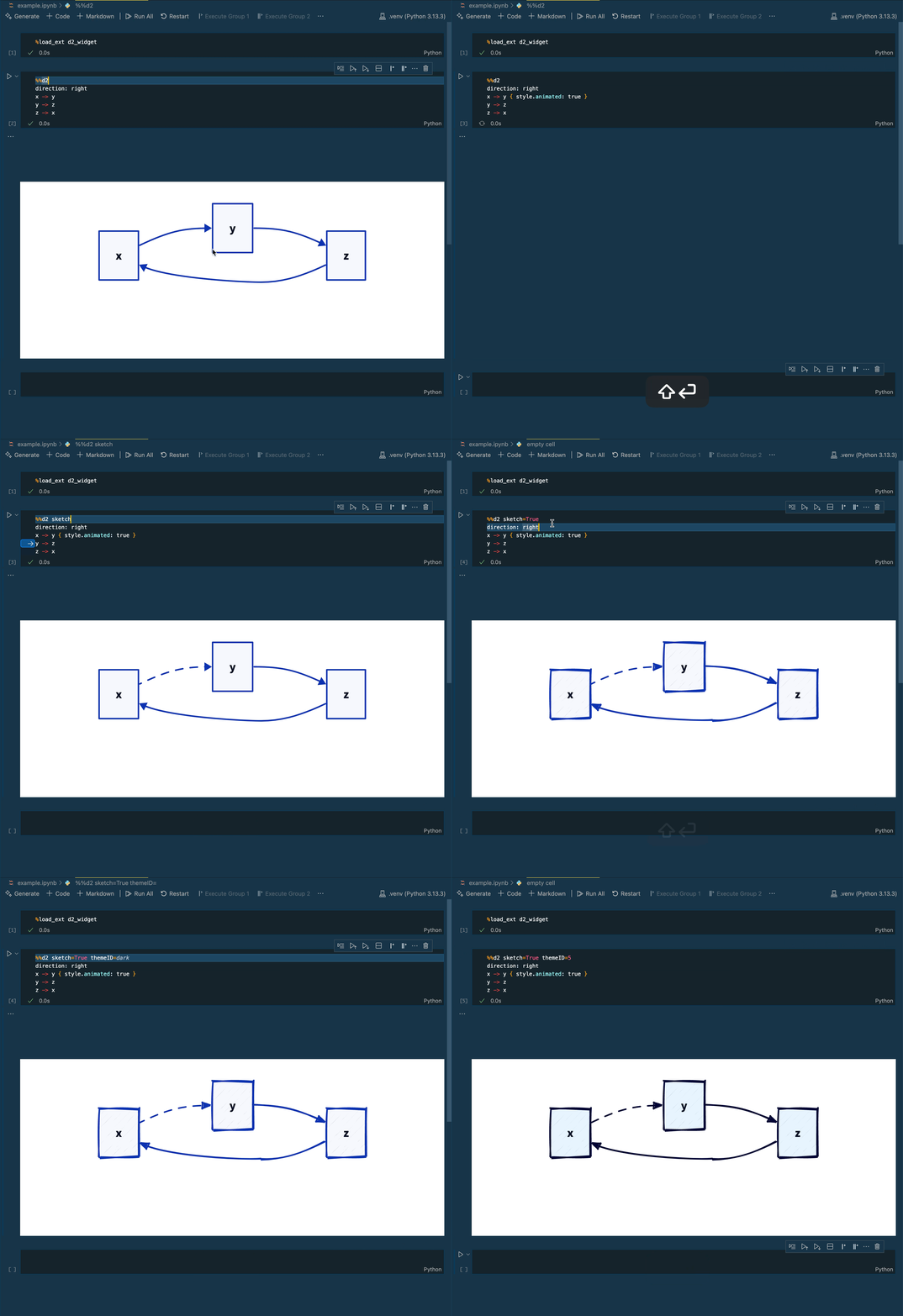
You can use the %%d2 cell magic to display a D2 diagram in a Jupyter notebook.
First, you need to load the extension:
%load_ext d2_widget
Then, you can use the %%d2 cell magic to display a D2 diagram.
You can pass compile options to the cell magic using keyword arguments.
%%d2 sketch=True themeID=200
direction: right
x -> y
y -> z { style.animated: true }
z -> x
Development
We recommend using uv for development. It will automatically manage virtual environments and dependencies for you.
uv run jupyter lab example.ipynb
Alternatively, create and manage your own virtual environment:
python -m venv .venv
source .venv/bin/activate
pip install -e ".[dev]"
jupyter lab example.ipynb
The widget front-end code bundles it's JavaScript dependencies. After setting up Python, make sure to install these dependencies locally:
pnpm install
While developing, you can run the following in a separate terminal to automatically rebuild JavaScript as you make changes:
pnpm dev
Open example.ipynb in JupyterLab, VS Code, or your favorite editor
to start developing. Changes made in js/ will be reflected
in the notebook.
Project details
Verified details
These details have been verified by PyPIProject links
GitHub Statistics
Maintainers
Release history Release notifications | RSS feed


Download files
Download the file for your platform. If you're not sure which to choose, learn more about installing packages.
Source Distribution
Built Distribution
Filter files by name, interpreter, ABI, and platform.
If you're not sure about the file name format, learn more about wheel file names.
Copy a direct link to the current filters
File details
Details for the file d2_widget-0.0.2.tar.gz.
File metadata
- Download URL: d2_widget-0.0.2.tar.gz
- Upload date:
- Size: 7.3 kB
- Tags: Source
- Uploaded using Trusted Publishing? Yes
- Uploaded via: twine/6.1.0 CPython/3.12.9
File hashes
| Algorithm | Hash digest | |
|---|---|---|
| SHA256 |
aec8ca36d1d15e8bf71de08e5bc645d909e875de0cfbff6cba6fd91541f7ea28
|
|
| MD5 |
0d22fc4ca8e9794d0abc0ae8d559fb0a
|
|
| BLAKE2b-256 |
46dfb0a8b00cb62cef2f4b73feba26dd6be92007f60b7af72f628501af318d49
|
Provenance
The following attestation bundles were made for d2_widget-0.0.2.tar.gz:
Publisher:
python-publish.yml on peter-gy/d2-widget
-
Statement:
-
Statement type:
https://in-toto.io/Statement/v1 -
Predicate type:
https://docs.pypi.org/attestations/publish/v1 -
Subject name:
d2_widget-0.0.2.tar.gz -
Subject digest:
aec8ca36d1d15e8bf71de08e5bc645d909e875de0cfbff6cba6fd91541f7ea28 - Sigstore transparency entry: 201491518
- Sigstore integration time:
-
Permalink:
peter-gy/d2-widget@a2f58ed492c374a7250d5fd6a62de527c7853a8f -
Branch / Tag:
refs/tags/v0.0.2 - Owner: https://github.com/peter-gy
-
Access:
public
-
Token Issuer:
https://token.actions.githubusercontent.com -
Runner Environment:
github-hosted -
Publication workflow:
python-publish.yml@a2f58ed492c374a7250d5fd6a62de527c7853a8f -
Trigger Event:
release
-
Statement type:
File details
Details for the file d2_widget-0.0.2-py3-none-any.whl.
File metadata
- Download URL: d2_widget-0.0.2-py3-none-any.whl
- Upload date:
- Size: 9.4 kB
- Tags: Python 3
- Uploaded using Trusted Publishing? Yes
- Uploaded via: twine/6.1.0 CPython/3.12.9
File hashes
| Algorithm | Hash digest | |
|---|---|---|
| SHA256 |
f8e1a4204e2ee2f8f9ed5a3300870c0bfe5bf1713ee380630add70d1c6bce6b4
|
|
| MD5 |
57e1b689bb7744b3ef8b9ffa9b770b61
|
|
| BLAKE2b-256 |
2c8bede3ce365246a1a2e7654b95f55729478e60632035bf0689ecdd6bccc41d
|
Provenance
The following attestation bundles were made for d2_widget-0.0.2-py3-none-any.whl:
Publisher:
python-publish.yml on peter-gy/d2-widget
-
Statement:
-
Statement type:
https://in-toto.io/Statement/v1 -
Predicate type:
https://docs.pypi.org/attestations/publish/v1 -
Subject name:
d2_widget-0.0.2-py3-none-any.whl -
Subject digest:
f8e1a4204e2ee2f8f9ed5a3300870c0bfe5bf1713ee380630add70d1c6bce6b4 - Sigstore transparency entry: 201491522
- Sigstore integration time:
-
Permalink:
peter-gy/d2-widget@a2f58ed492c374a7250d5fd6a62de527c7853a8f -
Branch / Tag:
refs/tags/v0.0.2 - Owner: https://github.com/peter-gy
-
Access:
public
-
Token Issuer:
https://token.actions.githubusercontent.com -
Runner Environment:
github-hosted -
Publication workflow:
python-publish.yml@a2f58ed492c374a7250d5fd6a62de527c7853a8f -
Trigger Event:
release
-
Statement type:






