
Display Dataframe with buttons


Project description
Dataframe with button
Streamlit component that allows you to display Dataframe with a button
Installation instructions
pip install dataframe_with_buttons
Usage instructions
import streamlit as st
import pandas as pd
from dataframe_with_button import static_dataframe
from dataframe_with_button import editable_dataframe
import json
df = pd.DataFrame({
    "BATCH_ID": ["item1", "item2", "item3"],
    "Name": ["Apple", "Banana", "Cherry"],
    "Price": [1.2, 0.8, 2.5],
    "IN_STOCK": [True, False, True],
    "EMAIL": ["abc@gmail.com", "cde@k.com", "abc@gmail.com"]
})

df["EMAIL"] = pd.Categorical(df["EMAIL"], categories=["abc@gmail.com", "cde@k.com"])
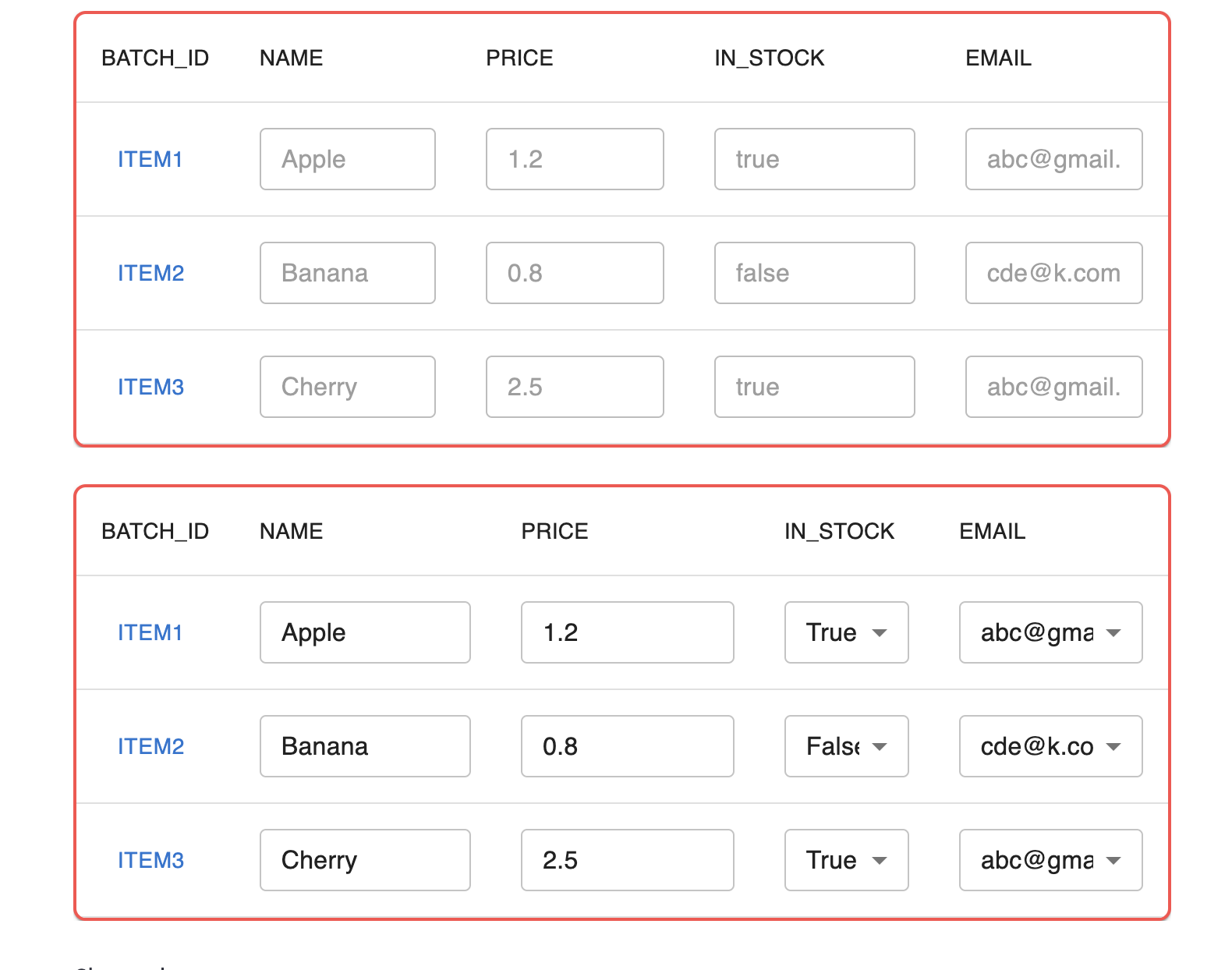
result = static_dataframe(df, clickable_column="BATCH_ID")
result2 = editable_dataframe(df, clickable_column="BATCH_ID")
Release history Release notifications | RSS feed


Download files
Download the file for your platform. If you're not sure which to choose, learn more about installing packages.
Source Distribution
dataframe_with_buttons-1.0.0.tar.gz
(784.1 kB
view details)
Built Distribution
Filter files by name, interpreter, ABI, and platform.
If you're not sure about the file name format, learn more about wheel file names.
Copy a direct link to the current filters






