
client for centralized logging on a delog server

Project description


delog
Cloud Service for Centralized Logging
delog is a service or self-hosted logger.
delog is intended to be:
- centralized, single logging space for multi-project/multi-package software systems;
- log-based testing controller;
- warn/error notifier.
delog has clients for:
The delog-server uses plurid to explore information as a 3D structure.
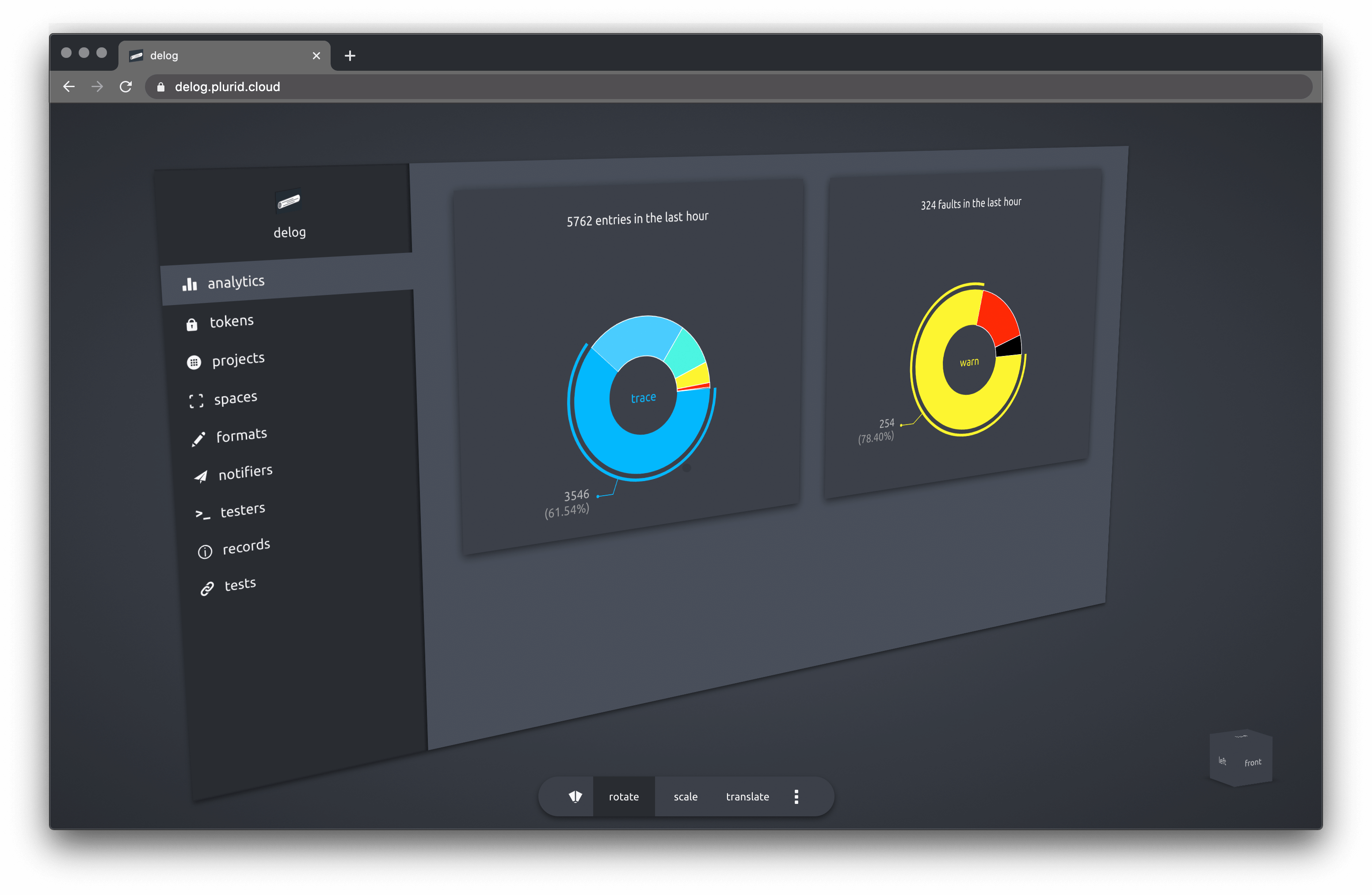
analytics
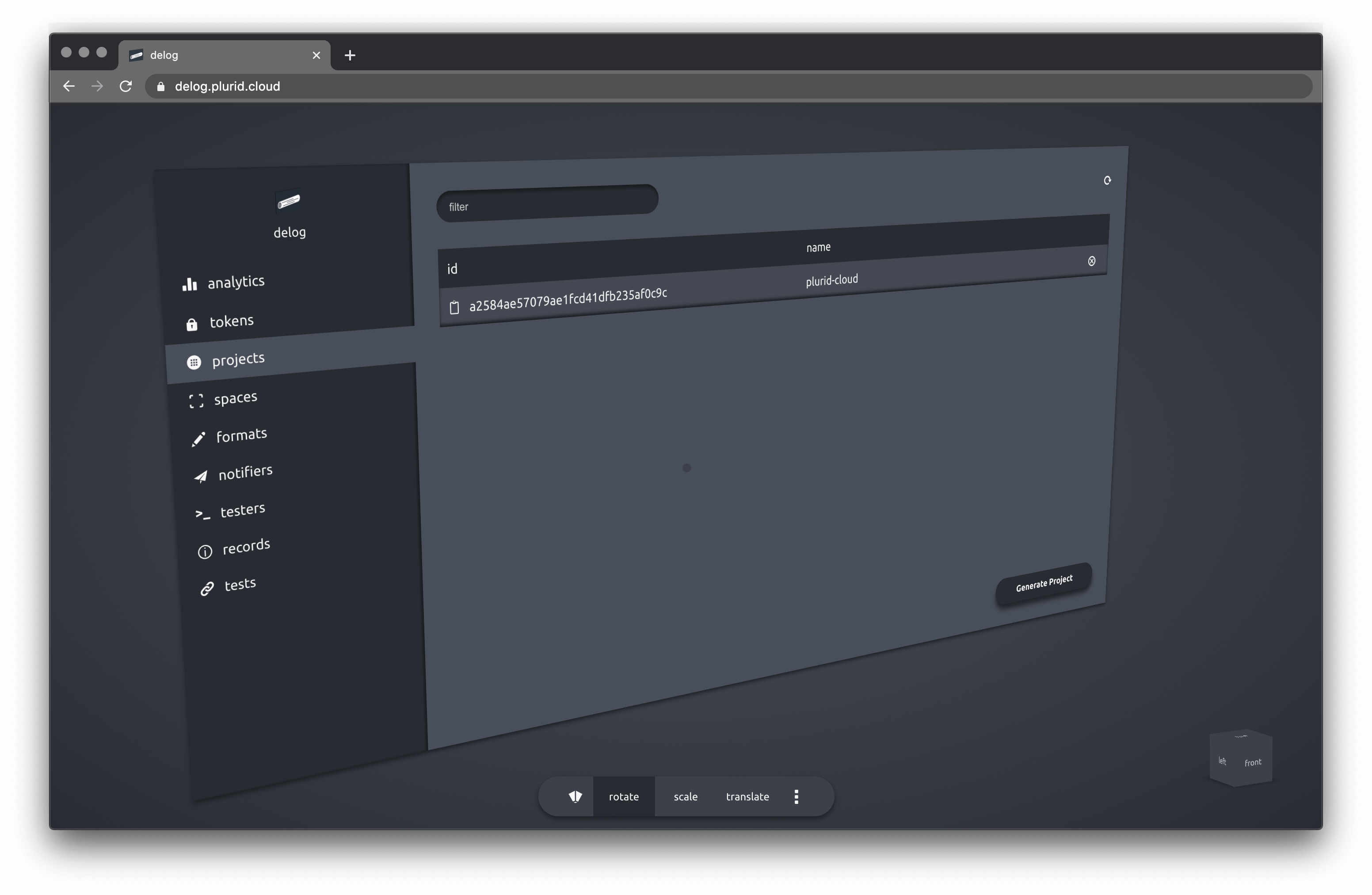
projects
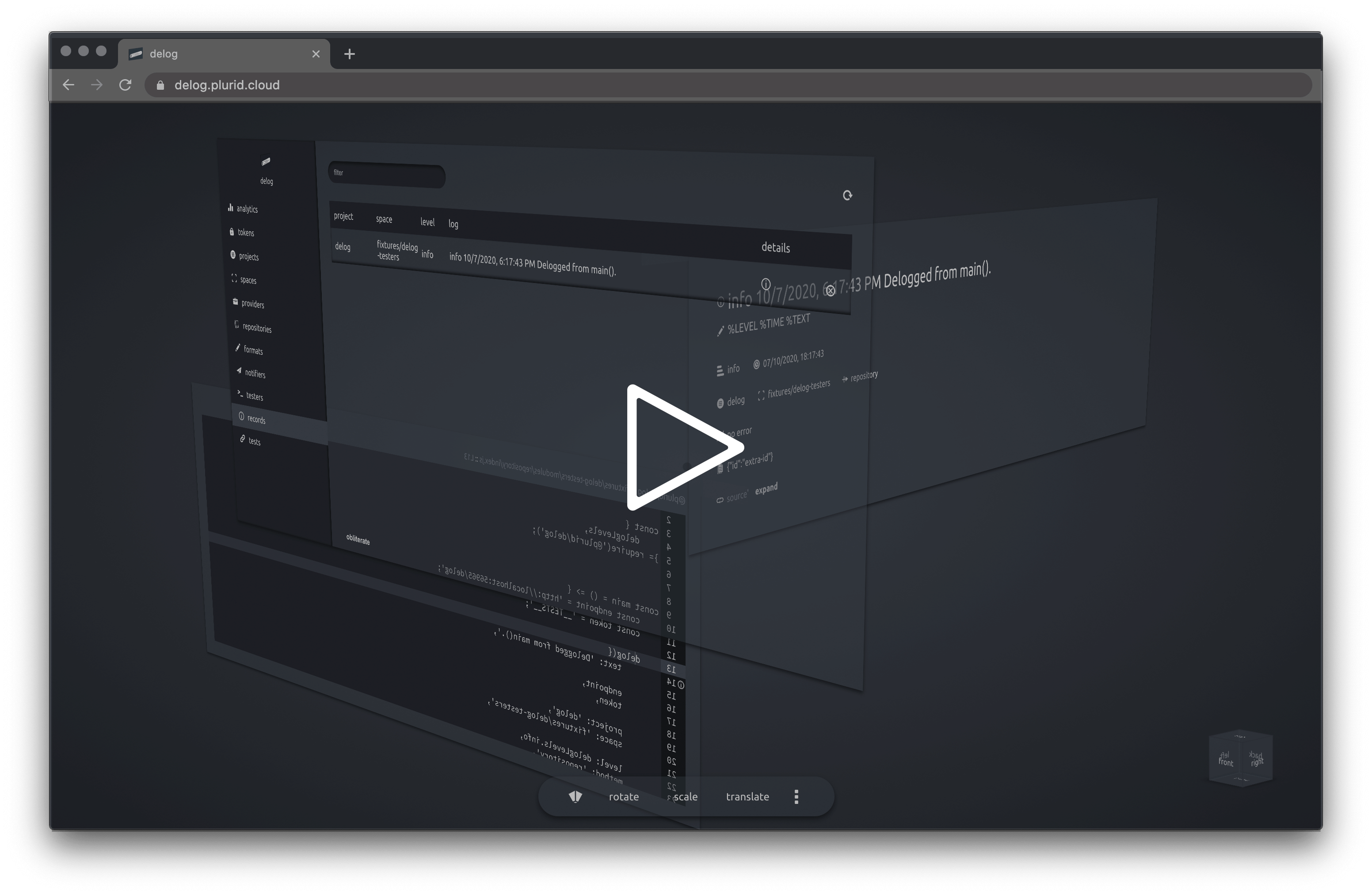
exploration to log source
Contents
About
delog acts as a central logging service. Once configured with a token, the delog client can point to the network endpoint, passing the token.
delog can also function as a log-based tester. The delog client is set in the testing mode and a delog client call will trigger a tester in the delog endpoint.
Client
Support
delog has client support for
Configuration
The following environment variables can be set
// quiets the delog's error reporting
DELOG_QUIET = true | false

// any delog will be checked against this level
DELOG_GROUND_LEVEL = 0-7 | trace-fatal

// format string, default '%TIME %TEXT'
DELOG_FORMAT = string

// delog server endpoint
DELOG_ENDPOINT = string
// delog server token
DELOG_TOKEN = string

// project name
DELOG_PROJECT = string
// space name
DELOG_SPACE = string


// calling details
DELOG_CALL_CONTEXT = true | false
DELOG_REPOSITORY_PROVIDER = string
DELOG_REPOSITORY_NAME = string
DELOG_REPOSITORY_COMMIT = string
DELOG_REPOSITORY_BRANCH = string
DELOG_REPOSITORY_BASEPATH = string
Server
Building
docker build \
    -t delog-server \
    -f ./configurations/production.dockerfile \
    --build-arg PORT=56965 \
    --build-arg DELOG_ENDPOINT_GRAPHQL=/ \
    --build-arg DELOG_DATABASE_TYPE=mongo \
    --build-arg DELOG_LOG_LEVEL=0 \
    --build-arg DELOG_QUIET=false \
    --build-arg DELOG_CUSTOM_LOGIC_USAGE=false \
    --build-arg DELOG_PRIVATE_USAGE=true \
    --build-arg DELOG_PRIVATE_OWNER_IDENTONYM=identonym \
    --build-arg DELOG_PRIVATE_OWNER_KEY=key \
    --build-arg DELOG_PRIVATE_TOKEN=secret-token \
    --build-arg DELOG_MONGO_USERNAME=admin \
    --build-arg DELOG_MONGO_PASSWORD=1234 \
    --build-arg DELOG_MONGO_ADDRESS=localhost:56966 \
    --build-arg DELOG_MONGO_CONNECTION_STRING= \
    --build-arg DELOG_TEST_MODE=true \
    --build-arg DELOG_OPTIMIZATION_BATCH_WRITE_SIZE=1000 \
    --build-arg DELOG_OPTIMIZATION_BATCH_WRITE_TIME=2000 \
    .
Run the container with --network="host" if running the database on the same host.
docker run \
    --network="host" \
    -d delog-server
Or run on a custom port (8855)
docker run \
    -d -p 8855:56965 \
    delog-server
Testing
The delog server can use MongoDB as a database. For testing purposes, mongo can run in a docker container.
docker pull mongo
docker run -d --name mongo-delog \
    -p 56966:27017 -e MONGO_INITDB_ROOT_USERNAME=admin \
    -e MONGO_INITDB_ROOT_PASSWORD=1234 mongo
Connect to the mongo instance with
mongodb://admin:1234@localhost:56966/?authSource=admin
to verify the connection.
Packages

@plurid/delog-server • the server application

@plurid/delog-client-cli • the Command-Line Interface client

@plurid/delog-client-javascript • the NodeJS client

@plurid/delog-client-python • the Python client
Codeophon


Download files
Download the file for your platform. If you're not sure which to choose, learn more about installing packages.
Source Distribution
File details
Details for the file delog-0.0.8.tar.gz.
File metadata
- Download URL: delog-0.0.8.tar.gz
- Upload date:
- Size: 5.7 kB
- Tags: Source
- Uploaded using Trusted Publishing? No
- Uploaded via: twine/3.4.1 importlib_metadata/3.10.0 pkginfo/1.7.0 requests/2.25.1 requests-toolbelt/0.9.1 tqdm/4.60.0 CPython/3.9.3
File hashes
| Algorithm | Hash digest | |
|---|---|---|
| SHA256 |
d1731609a2a096d4bd0cdb34e68fc2e76c8fd252d7de903924145fad35d86200
|
|
| MD5 |
25df1111a22ae0aa1dc782fa876fb36b
|
|
| BLAKE2b-256 |
c1a152e68c6aea49ff49b41c759950c4956fafbec183f342f9ae8796ccbb5c3e
|






