
detstream
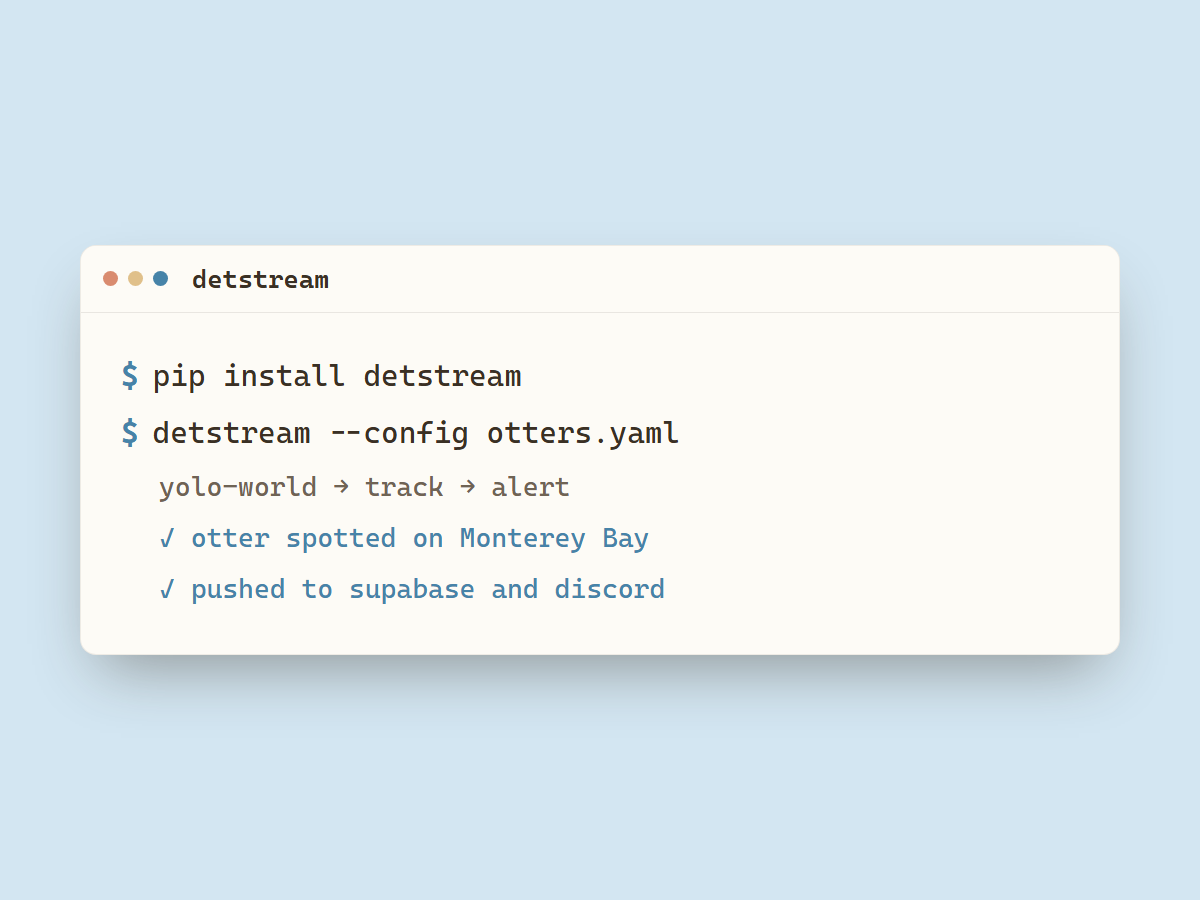
Modular object detection framework for live video feeds.
Pipeline
- Source: Where frames come from.
youtube,stream(RTSP/HLS/HTTP),file(a video file or webcam device) - Detector: What to look for.
yolo-world, an open-vocabulary model prompted with a word or phrase (person,forklift,bird);roboflow, a Workflow you built on Roboflow, run through its hosted inference API;rf-detr, RF-DETR run locally, COCO-pretrained or pointed at a fine-tuned checkpoint. Bring your own by registering one (see Plugins). - Tracker: When a detection counts as a sighting. Hysteresis and cooldown give you one alert per sighting instead of one per frame, which is what keeps alerts from becoming spam.
- Sinks: Where alerts go.
console,supabase(rows + thumbnails for a website),discord(rich embeds),dataset(raw peak frames to disk, for building a training set),clips(a short MP4 around each sighting plus the peak JPEG, indexed in SQLite for a local server).
Install
pip install detstream                          # core only
pip install "detstream[yolo,youtube,supabase]" # for example, everything otterwatch uses
The core install pulls what every feed needs: numpy, opencv-python-headless
(decoding and annotation), pydantic (config), pyyaml, and httpx.
| Extra | Enables | Pulls in |
|---|---|---|
yolo |
the yolo-world detector |
ultralytics>=8.3.0, torch>=2.2.0. ultralytics fetches CLIP on first use of the detector |
youtube |
the youtube source |
yt-dlp>=2026.03.17 and deno>=2.8.0, which ships the deno binary yt-dlp runs to solve YouTube's stream challenge |
roboflow |
the roboflow detector |
inference-sdk>=1.3.0 |
rf-detr |
the rf-detr detector |
rfdetr>=1.8.0, which declares its own torch |
supabase |
the supabase sink |
supabase>=2.4.0 |
Run
detstream --config examples/otters.yaml
A config lists feeds and shared sink settings:
feeds:
  - id: monterey-otters
    name: Monterey Sea Otters
    source:   { type: youtube, url: "https://www.youtube.com/watch?v=abbR-Ttd-cA" }
    detector: { type: yolo-world, prompt: otter swimming, confidence_threshold: 0.4 }
    debounce: { enter_frames: 3, exit_frames: 5, cooldown_s: 120, sample_interval_s: 2 }
    sinks: [console, supabase]
sinks:
  supabase: { bucket: thumbnails, detector_label: yolo-world, retention_hours: 3, thumbnail_width: 960 }
Credentials and webhook URLs are configured in .env: DETSTREAM_SUPABASE_URL, DETSTREAM_SUPABASE_KEY, and DETSTREAM_DISCORD_WEBHOOK_URL.
Live sources (youtube, stream, a webcam) are decoded on a thread at the stream's own pace,
and each sample is the newest frame, so detection stays at a fixed delay behind the live edge.
A file is read in order, one frame per interval. The youtube source takes the video-only
HLS track at or below max_height (default 720). Detectors resize to about 640 wide, so a
lower max_height saves decoding without changing what the model sees.
Feeds with identical detector config share one model. Frames from different feeds that arrive while it is busy run together as a batch.
The supabase sink writes a sightings row per sighting and stamps cams.last_frame_at about
once a minute while a feed is producing frames, so a website can tell a quiet cam from one
that is not being watched. On a feed's first frame after a restart it closes any sightings
rows a previous run left open.
The dataset sink writes the raw peak frame of each sighting to {dir}/{feed_id}/ as JPEG,
no box drawn, for building a training set. It needs no extra: dataset: { dir: ./frames, quality: 95 }.
The clips sink records a short MP4 around each sighting, the peak JPEG, and a row in
{dir}/index.db (SQLite) that a local server can read. It keeps a rolling buffer of the
seconds before the trigger, so the clip covers the approach, not just the aftermath. Detection
runs on a subsample, so set debounce.tee_fps to the clip framerate to feed the buffer at
video rate, otherwise clips are choppy. It needs no extra:
debounce: { sample_interval_s: 1, cooldown_s: 300, tee_fps: 30 }
sinks:
  clips: { dir: ./data/clips, fps: 30, pre_s: 5, post_s: 5, width: 1280 }
cooldown_s is per detected class, so a deer cooling down does not block a fox in the same
window.
The roboflow detector runs a Workflow you built on Roboflow through its hosted inference API.
Install the extra (pip install "detstream[roboflow]"), then give it your workspace and
workflow ID (both shown in the Workflow's deploy snippet):
detector:
  type: roboflow
  workspace: cats-workspace-zqd47
  workflow_id: find-otter
  output_key: predictions    # name of the workflow's detection output block
  class_name: otter          # optional: only count this class, omit to accept any
  confidence_threshold: 0.3
The API key comes from ROBOFLOW_API_KEY in .env, or an explicit api_key: in the block.
The Workflow must contain an object-detection block whose output is named by output_key.
confidence_threshold is sent to the Workflow as its confidence input and used as
detstream's sighting cutoff, so the server filters at the same level. Set other Workflow
inputs (iou_threshold, max_detections) with an optional parameters: block.
The rf-detr detector runs RF-DETR locally. Install the extra (pip install
"detstream[rf-detr]"), which pulls rfdetr and torch. The model uses the GPU when one is
visible and falls back to CPU.
detector:
  type: rf-detr
  model: medium              # nano, small, medium (default), or large
  weights: ./otter.pth       # local path or http(s) URL; omit for the COCO-pretrained model
  weights_sha256: ""         # optional: pin a URL download to this digest
  class_name: otter          # optional: only count this class, omit to accept any
  confidence_threshold: 0.4
Pretrained weights are COCO, so the built-in classes are COCO's 80 (no otter). Point
weights at a fine-tuned checkpoint to detect your own classes. A URL is downloaded once
and cached under ~/.cache/detstream/rfdetr/. For a fine-tuned model whose labels differ
from COCO, list them in order with class_names: [otter, ...] so class_name resolves.
A checkpoint is loaded with torch, which unpickles it, so a malicious weights file runs
arbitrary code on load. Point weights only at files you trust. For a URL, set
weights_sha256 to pin the artifact: a download that does not match the digest is
rejected before it is loaded.
Plugins
Built-in components register themselves on import. To add your own detector (an HF model, a cloud API, a fine-tuned ONNX, etc.), register a factory and declare an entry point:
# mypkg/detector.py
from detstream.detectors import detectors, Detection

class MyDetector:
    def detect(self, frame) -> Detection: ...

@detectors.register("my-model")
def _build(config: dict) -> MyDetector:
    return MyDetector(**config)
# mypkg/pyproject.toml
[project.entry-points."detstream.detectors"]
my-model = "mypkg.detector"
After pip install, reference it in config as detector: { type: my-model, ... }. detstream
discovers it through the entry point with no change to detstream itself. The same pattern works
for detstream.sources and detstream.sinks.
Optional hooks: a detector with detect_batch(frames) -> list[Detection] gets batched across
feeds, and a sink with async on_heartbeat(feed_id) hears about once a minute that a feed is up.
Layout
detstream/
  registry.py     register + create + entry-point discovery
  config.py       FeedConfig / AppConfig, loads YAML
  runner.py       per-feed asyncio loop
  batcher.py      one detector shared across feeds, batched
  state.py        SightingTracker: hysteresis + cooldown, no I/O
  events.py       SightingStarted / SightingEnded
  sources/        youtube, stream, file_device (+ shared reconnect base)
  detectors/      yolo_world, yoloe, roboflow, rf_detr
  sinks/          console, supabase, discord, dataset, clips
examples/         otters.yaml, eagles.yaml
tests/            config, registry, sources, state, sinks, detectors, batcher, runner
License
MIT. See LICENSE.
1 maintainer

Metadata
1 maintainer
Release files for detstream 0.2.0
For a detailed explanation of source distributions (sdists) and built distributions (wheels), please see the package formats documentation.
Source distribution (sdist)
| File | Size | Uploaded | |
|---|---|---|---|
| detstream-0.2.0.tar.gz | 49.6 kB | Details |
Built distribution (wheel)
| File | Interpreter | ABI | Platform | Reset |
|---|---|---|---|---|
| detstream-0.2.0-py3-none-any.whl | Python 3 | none | any | Details |
Total release size: 88.4 kB
Release files / detstream-0.2.0.tar.gz
| Download URL | detstream-0.2.0.tar.gz |
|---|---|
| Size | 49.6 kB |
| Tags | Source |
|
SHA-256 checksum How to use checksums |
9924db43558f7533c0ac4b6157f18ad35cf8de478639cd491c649b4b6ffc2ac5
|
|
BLAKE2b-256 checksum How to use checksums |
c0582fc0464c56743c7757ac5ad5f8e2e1e17ad25a7d1f4b4e0764255e7b3955
|
| Upload date | |
|
Uploaded using Trusted Publishing? What is trusted publishing? |
No |
| Uploaded via |
twine/7.0.0 CPython/3.11.9
|
Release files / detstream-0.2.0-py3-none-any.whl
| Download URL | detstream-0.2.0-py3-none-any.whl |
|---|---|
| Size | 38.8 kB |
| Tags | Python 3 |
|
SHA-256 checksum How to use checksums |
33ba8a6ef9f3d17241c64aadc95f50998bf7f3764b97d7f7607d67b7027b88fa
|
|
BLAKE2b-256 checksum How to use checksums |
9b8c677a6bece7ceb0578a287eb1b7f600d22f9a2e2f0da80cf888a1a6552ac3
|
| Upload date | |
|
Uploaded using Trusted Publishing? What is trusted publishing? |
No |
| Uploaded via |
twine/7.0.0 CPython/3.11.9
|














