
DICOM -> JPG/PNG/BMP/TIFF/ndarray

Project description
dicom2jpg
Converts DICOM to JPG/PNG/BMP/TIFF and numpy.ndarray
Installation
pip install dicom2jpg
Introdunction
import dicom2jpg

dicom_img_01 = "/Users/user/Desktop/img01.dcm"
dicom_dir = "/Users/user/Desktop/Patient_01"
export_location = "/Users/user/Desktop/BMP_files"

# convert single DICOM file to jpg format
dicom2jpg.dicom2jpg(dicom_img_01)

# convert all DICOM files in dicom_dir folder to png format
dicom2jpg.dicom2png(dicom_dir)

# convert all DICOM files in dicom_dir folder to bmp, to a specified location
dicom2jpg.dicom2bmp(dicom_dir, target_root=export_location)

# convert single DICOM file to numpy.ndarray for further use
img_data = dicom2jpg.dicom2img(dicom_img_01)

# convert DICOM ByteIO to numpy.ndarray
img_data = dicom2jpg.io2img(dicomIO)
dicom2jpg
converts DICOM images to JPG/PNG/BMP/TIFF formats and to numpy.ndarray.
It piplines the lookup transformations by applying Modality LUT, VOI LUT, and Presentation LUT to the images,
which makes output files looks like what we see on standard DICOM viewers.
dicom2jpg.dicom2jpg(origin, target_root=None, anonymous=False, multiprocessing=True)
dicom2jpg.dicom2png(origin, target_root=None, anonymous=False, multiprocessing=True)
dicom2jpg.dicom2bmp(origin, target_root=None, anonymous=False, multiprocessing=True)
dicom2jpg.dicom2tiff(origin, target_root=None, anonymous=False, multiprocessing=True)
-
origin can be a single DICOM file, a folder, or a list/tuple of file/folder
-
target_root would be the root folder of the first file/folder if not specified
-
exported files paths would be
target_root / Today / PatientID_Filetype / StudyDate_StudyTime_Modality_AccNum / Ser_Img.Filetype
-
anonymous files paths would be
target_root / Today / Patient_SerialNum / ModalitySerialNum_Modality / Ser_Img.Filetype
dicom2jpg.dicom2img(origin)
dicom2jpg.io2img(dicomIO)
- converting dicom files or ByteIO to ndarray
- ndarray is in 8 bit; RGB format if it's a color image
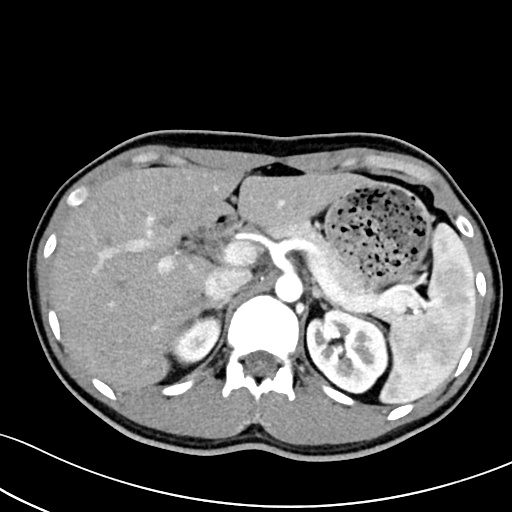
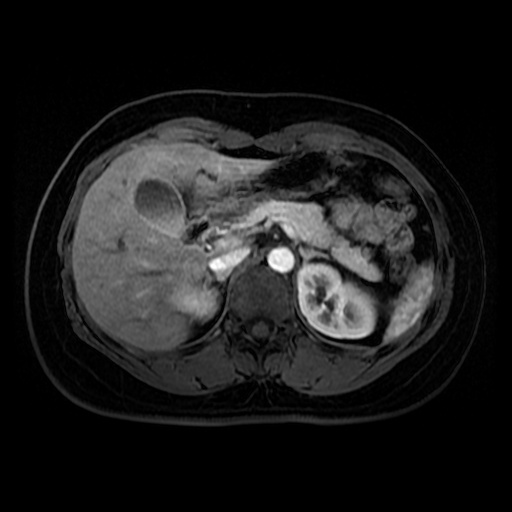
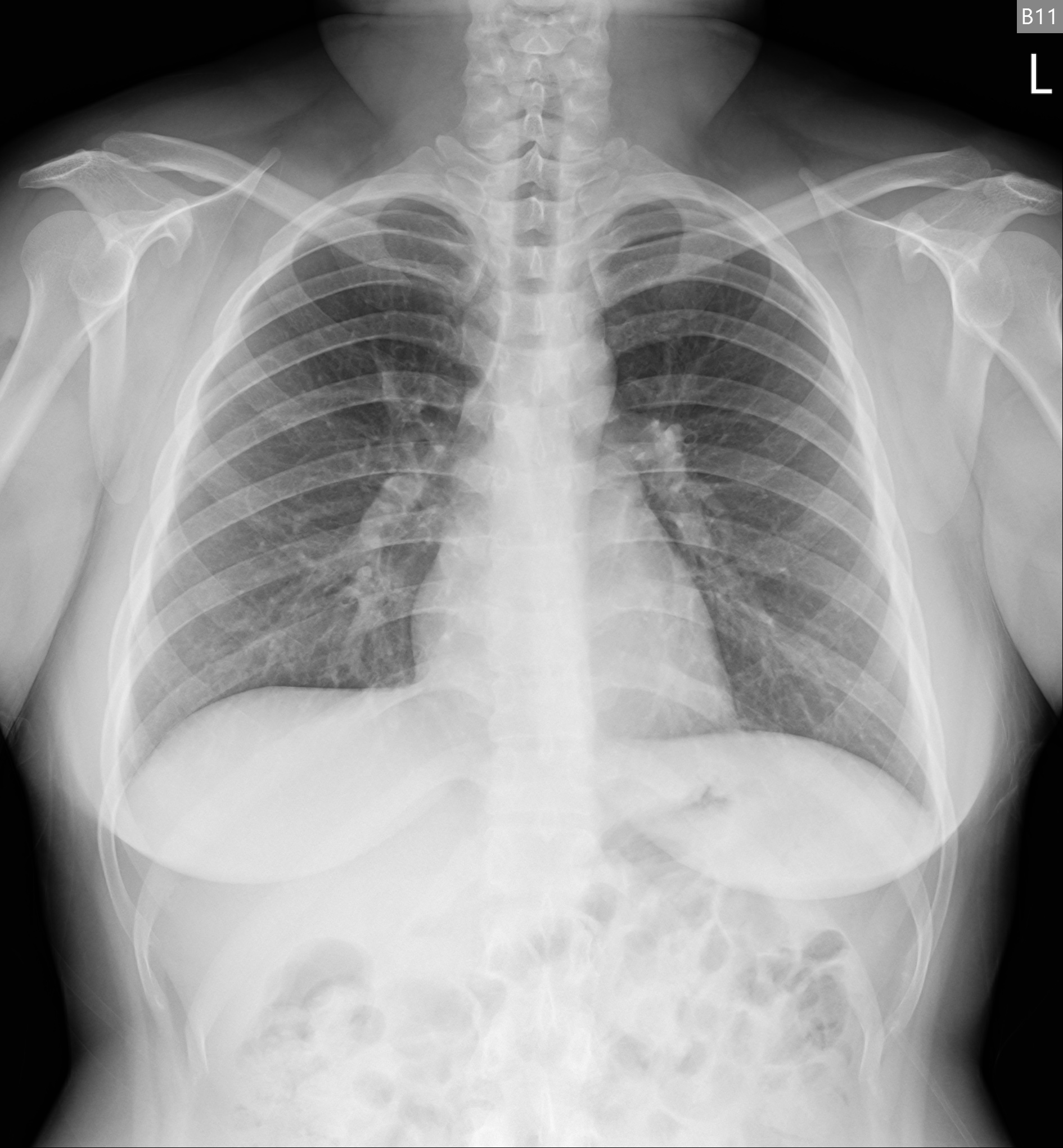
Image examples
| CT | MR | CXR |
|---|---|---|
 |
 |
 |
Todo
- Support multi-frame images
- Image compression
- Support overlays
Performance
- Environment: Windows10, Jupyter Notebook, Python 3.8.10
- 598MB 1873 files {'CT': 1528, 'CR': 52, 'MR': 174, 'DX': 36}
- Intel(R) Core(TM) i7-7700 CPU @ 3.60GHz. 4 Cores (hyper-threading off)
- Tested on Ramdisk (no physical HDD was tortured :P)
| multiprocessing | anonymous | duration (seconds) |
|---|---|---|
| False | True | 154.6-159.7 |
| True | True | 79.2-82.9 |
| False | False | 157.9-162.8 |
| True | False | 56-58.5 |
Release history Release notifications | RSS feed


Download files
Download the file for your platform. If you're not sure which to choose, learn more about installing packages.
Source Distribution
Built Distribution
Filter files by name, interpreter, ABI, and platform.
If you're not sure about the file name format, learn more about wheel file names.
Copy a direct link to the current filters
File details
Details for the file dicom2jpg-0.1.8.tar.gz.
File metadata
- Download URL: dicom2jpg-0.1.8.tar.gz
- Upload date:
- Size: 10.8 kB
- Tags: Source
- Uploaded using Trusted Publishing? No
- Uploaded via: twine/3.4.1 importlib_metadata/3.10.0 pkginfo/1.7.0 requests/2.25.1 requests-toolbelt/0.9.1 tqdm/4.59.0 CPython/3.8.10
File hashes
| Algorithm | Hash digest | |
|---|---|---|
| SHA256 |
3e3d9045cd056a6de2e2c88f85db6738bbd69ae0f04015dcb9d22300b3c28916
|
|
| MD5 |
4ca2ec85fdc2ad9f2699406b03b4614d
|
|
| BLAKE2b-256 |
d5a6e28614fb5332fe092eb7889bcbcc111c37941b44e100d0cebbb069cc6309
|
File details
Details for the file dicom2jpg-0.1.8-py3-none-any.whl.
File metadata
- Download URL: dicom2jpg-0.1.8-py3-none-any.whl
- Upload date:
- Size: 10.3 kB
- Tags: Python 3
- Uploaded using Trusted Publishing? No
- Uploaded via: twine/3.4.1 importlib_metadata/3.10.0 pkginfo/1.7.0 requests/2.25.1 requests-toolbelt/0.9.1 tqdm/4.59.0 CPython/3.8.10
File hashes
| Algorithm | Hash digest | |
|---|---|---|
| SHA256 |
b9e5f6c7132d1deb3042d0a9aa4078a7b2feffeab4d96e4d2637c9f1f53a5df9
|
|
| MD5 |
d8ad376b0c03a8a7f45f16ae05827092
|
|
| BLAKE2b-256 |
87d06d1a9c0e641462893d77e148fffec262f03058f71e781eb30322d3a7bb2e
|






