
django-admin-interface is a modern responsive flat admin interface customizable by the admin itself.

Project description






django-admin-interface
django-admin-interface is a modern responsive flat admin interface customizable by the admin itself.
Features
Beautiful default django-theme
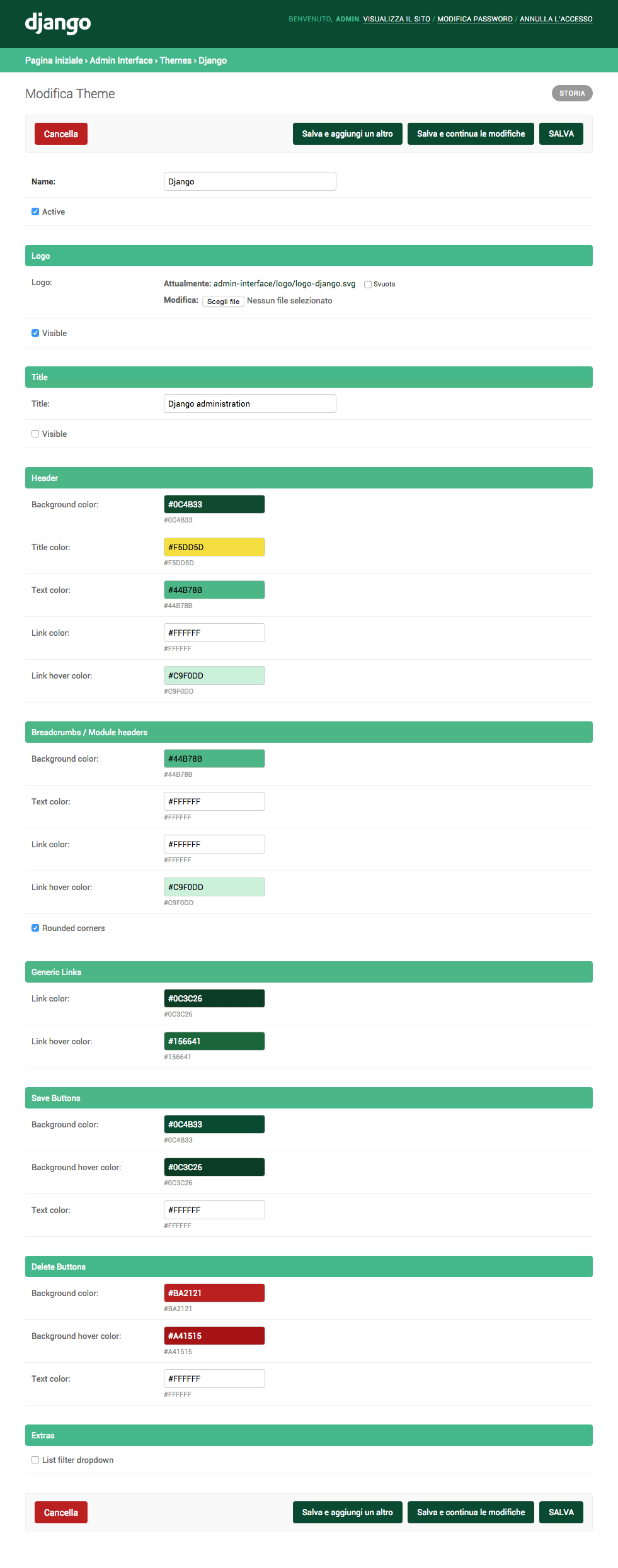
Themes management and customization (you can customize admin title, logo and colors)
Responsive
List filter dropdown (optional)
NEW Related modal (instead of the old popup window, optional)
Style optimizations for: django-ckeditor, django-modeltranslation, sorl-thumbnail
Requirements
Python 2.7, 3.4, 3.5, 3.6
Django 1.7, 1.8, 1.9, 1.10, 1.11
Installation
Run pip install django-admin-interface
Add admin_interface, flat_responsive, flat (only if django version < 1.9) and colorfield to settings.INSTALLED_APPS before django.contrib.admin
Run python manage.py migrate
Run python manage.py collectstatic
Restart your application server
Upgrade
Run pip install django-admin-interface --upgrade
Run python manage.py migrate (add --fake-initial if you are upgrading from 0.1.0 version)
Run python manage.py collectstatic --clear
Restart your application server
Optional themes
This package ships with optional themes as fixtures, they can be installed using the loaddata admin command. Optional themes are activated on installation.
Django theme (default):
Run python manage.py loaddata admin_interface_theme_django.json
Bootstrap theme:
Run python manage.py loaddata admin_interface_theme_bootstrap.json
Foundation theme:
Run python manage.py loaddata admin_interface_theme_foundation.json
U.S. Web Design Standards theme:
Run python manage.py loaddata admin_interface_theme_uswds.json
Add more themes
You can add a theme you’ve created through the admin to this repository by sending us a PR. Here are the steps to follow to add:
1. Export your exact theme as fixture using the dumpdata admin command: python manage.py dumpdata admin_interface.Theme --indent 4 -o admin_interface_theme_{{name}}.json --pks=N
2. Copy the generated json file into the fixtures folder (making sure its name starts with ``admin_interface_theme_`` to avoid clashes with fixtures that might be provided by other third party apps).
3. Remove the pk from the fixture and make sure the active field is set to true (in this way a theme is automatically activated when installed).
Edit the section above to document your theme.
Screenshots
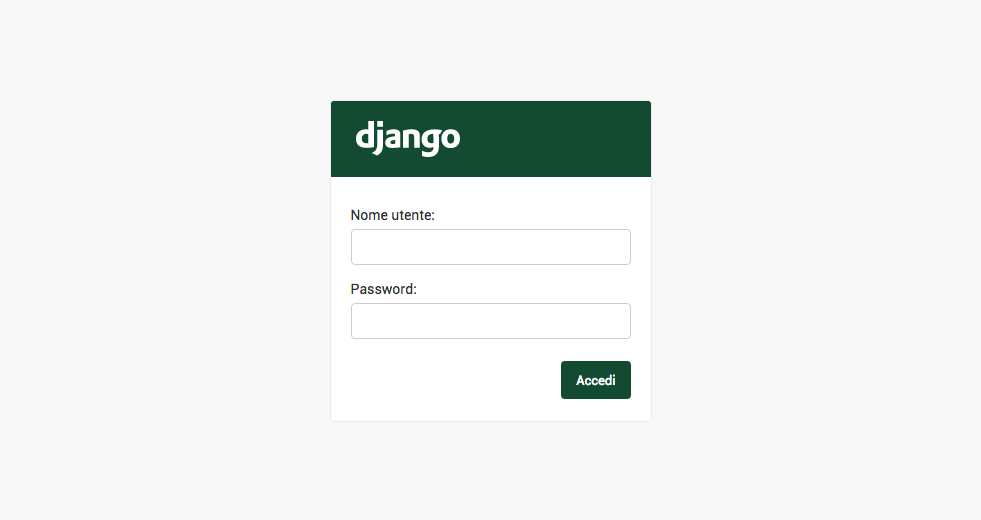
Admin login
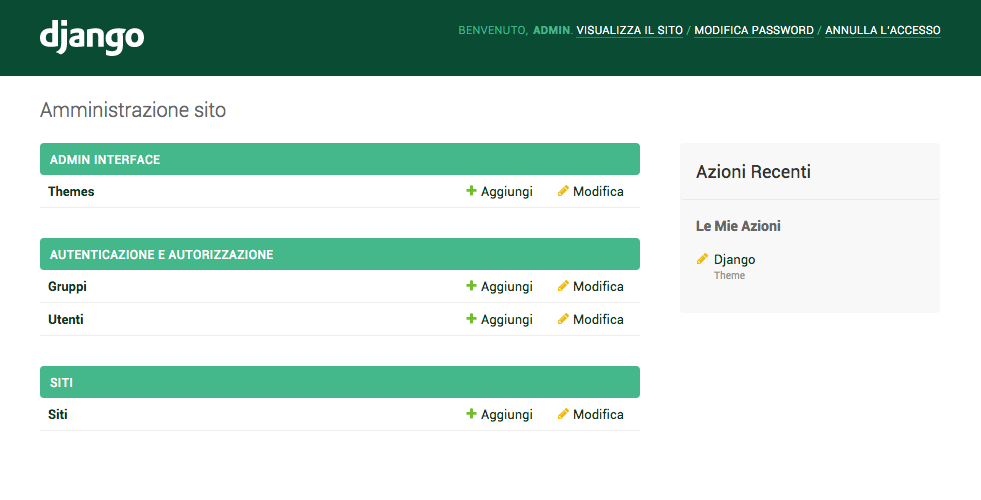
Admin dashboard
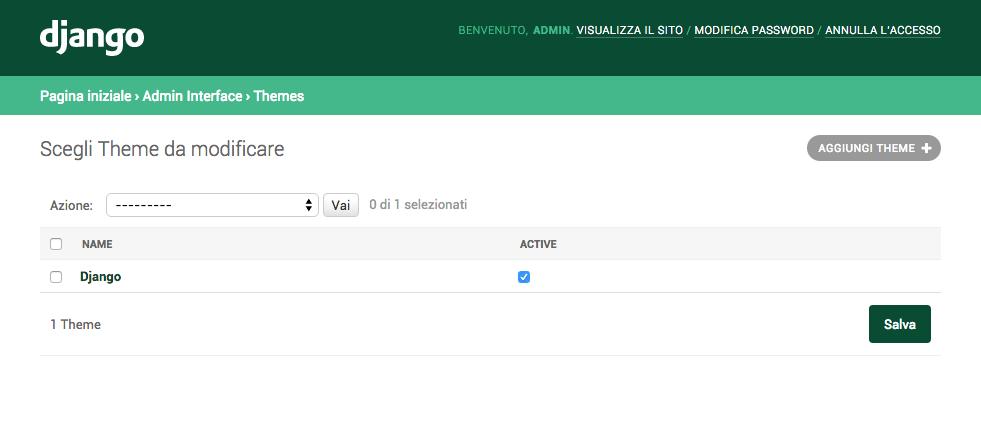
Admin themes management
Admin theme customization
FAQ
I already have a custom base_site.html , how can I make it work?
You can use django-apptemplates`, then add ``{% extends "admin_interface:admin/base_site.html" %} to your base_site.html
License
Released under MIT License.
Release history Release notifications | RSS feed


Download files
Download the file for your platform. If you're not sure which to choose, learn more about installing packages.
Source Distribution
File details
Details for the file django-admin-interface-0.5.8.tar.gz.
File metadata
- Download URL: django-admin-interface-0.5.8.tar.gz
- Upload date:
- Size: 131.5 kB
- Tags: Source
- Uploaded using Trusted Publishing? No
File hashes
| Algorithm | Hash digest | |
|---|---|---|
| SHA256 |
3703cd82e329266f968e94f5dc724a75bbf6891f6dff131c32b18b24a38f44ed
|
|
| MD5 |
87c885f473dc6f98030e5fc7df633dc6
|
|
| BLAKE2b-256 |
d6fcc9cfcb57c8d7eaa55e7a7aff3fd5502652d5313d89fad04bd75207b0bd1b
|






