
DjangoCMS HTML Meta tags for OpenGraph.

Project description
DjangoCMS Meta OG
HTML Meta tags OpenGraph for DjangoCMS. The project is based on the Django Meta OG project.
Install
pip install djangocms-meta-og
Add into settings.py:
from django.utils.translation import gettext_lazy as _
import sysconfig

INSTALLED_APPS = [
    "django_meta_og",
    "djangocms_meta_og",
    ...
]

TEMPLATES  = [
    {"OPTIONS": {
            "context_processors": [
                "djangocms_meta_og.context_processors.meta",
                ...
            ]
        }
    }
]

# Path to css and js used in admin form.
STATICFILES_DIRS = [
    os.path.join(sysconfig.get_paths()["purelib"], "djangocms_meta_og")
]
For js translations add into site urls.py:
from django.views.i18n import JavaScriptCatalog

urlpatterns = [
    ...
] + i18n_patterns(
    path('jsi18n/djangocms-meta-og/', JavaScriptCatalog.as_view(packages=['djangocms_meta_og']),
         name='jsi18n_djangocms_meta_og'),
    ...
)
Add into the templates:
{% load djangocms_meta_og %}
{% djangocms_meta_og_prefix as og_prefix %}
<head{% if og_prefix %} prefix="{{ og_prefix }}"{% endif %}>
    {% include "django_meta_og/header_meta.html" %}
The result can be:
<head prefix="og: https://ogp.me/ns#">
    <meta property="og:type" content="website" />
    <meta property="og:title" content="The Title" />
    <meta property="og:url" content="https%3A%2F%2Fexample.com%2F" />
    ...
</head>
Prefix for Meta tags in template
Some Meta tags may already be defined in the template. Their prefix is included in the prefix list via the definition in settings:
# Example of tag definition already used in the templates.
META_OG_PREFIX_IN_TEMLATES = (
    ("og", "https://ogp.me/ns#"),
    ("article", "https://ogp.me/ns/article#"),
)
Dynamic content
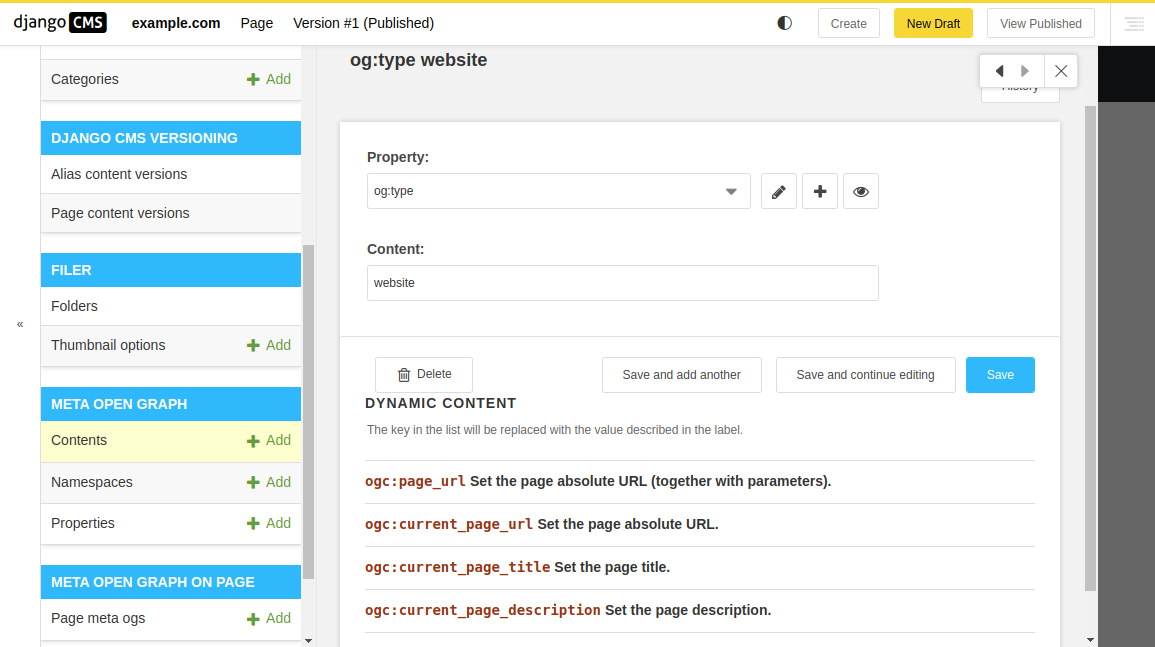
Special values can be replaced with some content. A list of these values is provided in the form in the item administration.
# Dynamic content - Key replacement for specific content.
PAGE_META_OG_DYNAMIC_CONTENT = {
    "ogc:page_url": (
        "django_meta_og.dynamic_content.get_page_url",
        _("Set the page absolute URL (together with parameters)."),
    ),
    "ogc:current_page_url": (
        "djangocms_meta_og.dynamic_content.get_current_page_url",
        _("Set the page absolute URL."),
    ),
    "ogc:current_page_title": (
        "djangocms_meta_og.dynamic_content.get_current_page_title",
        _("Set the page title."),
    ),
    "ogc:current_page_description": (
        "djangocms_meta_og.dynamic_content.get_current_page_description",
        _("Set the page description."),
    ),
    "ogc:filer_image_url": (
        "djangocms_meta_og.dynamic_content.get_filer_image_url",
        _("Set image URL by Filer ID. For example: ogc:filer_image_url(42)"),
    ),
}
Edit form
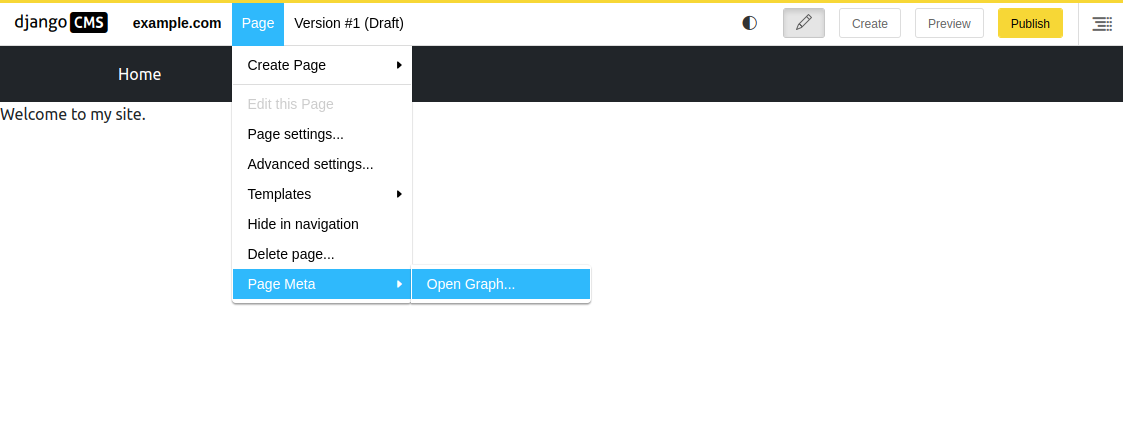
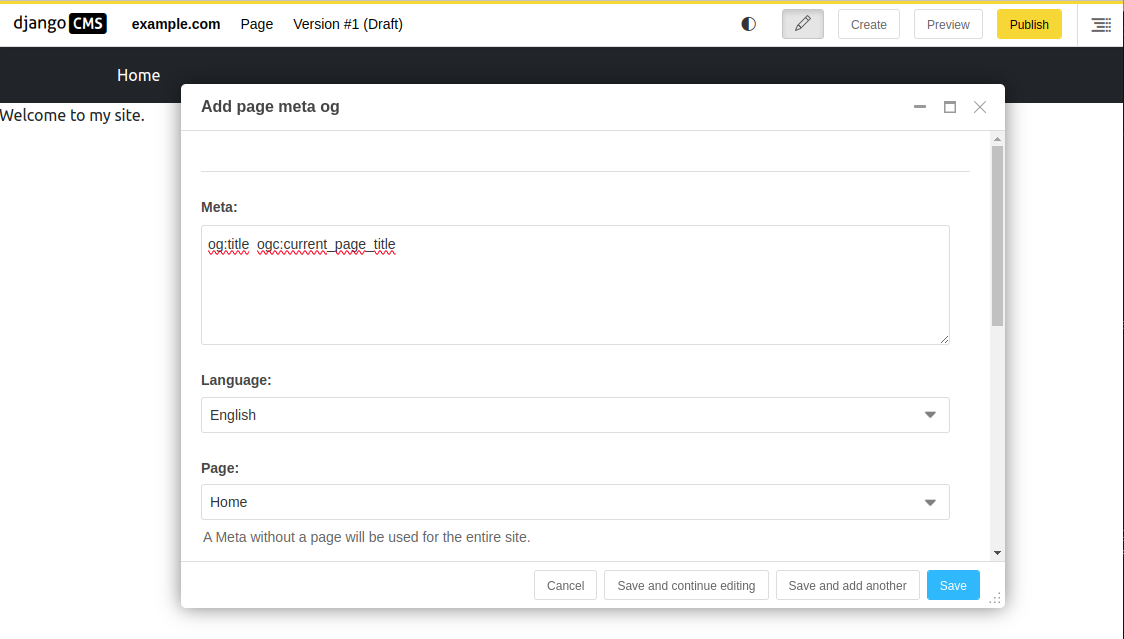
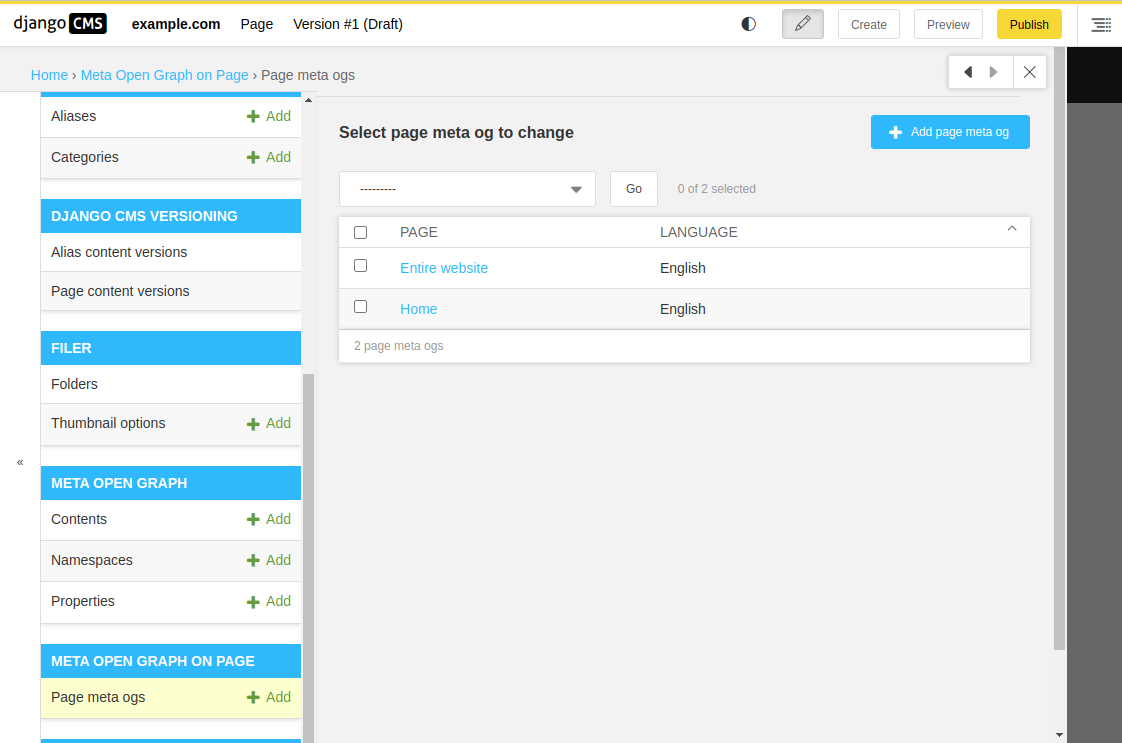
In addition to administration, editing META values is also available from the page menu.
Admininstration
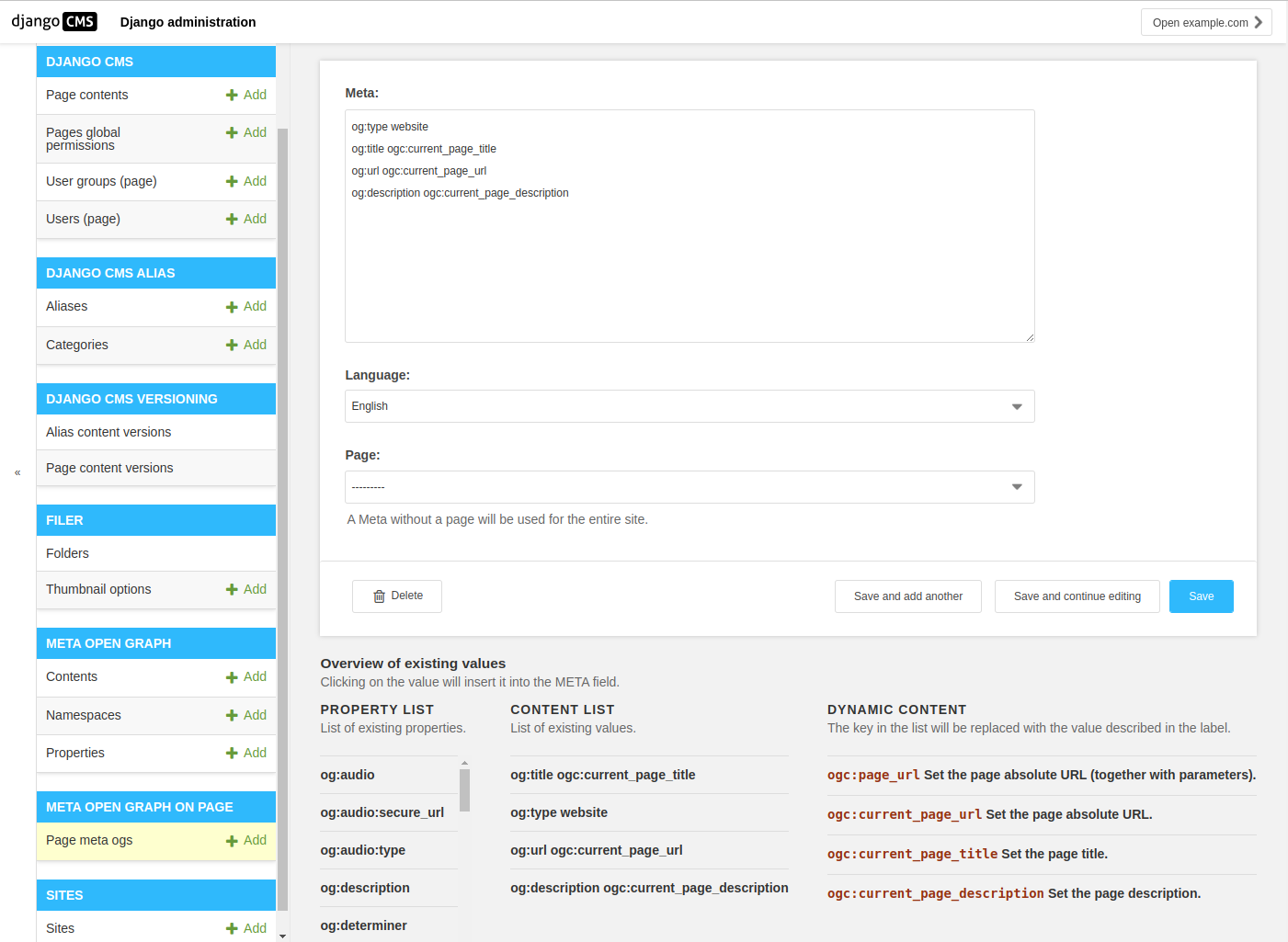
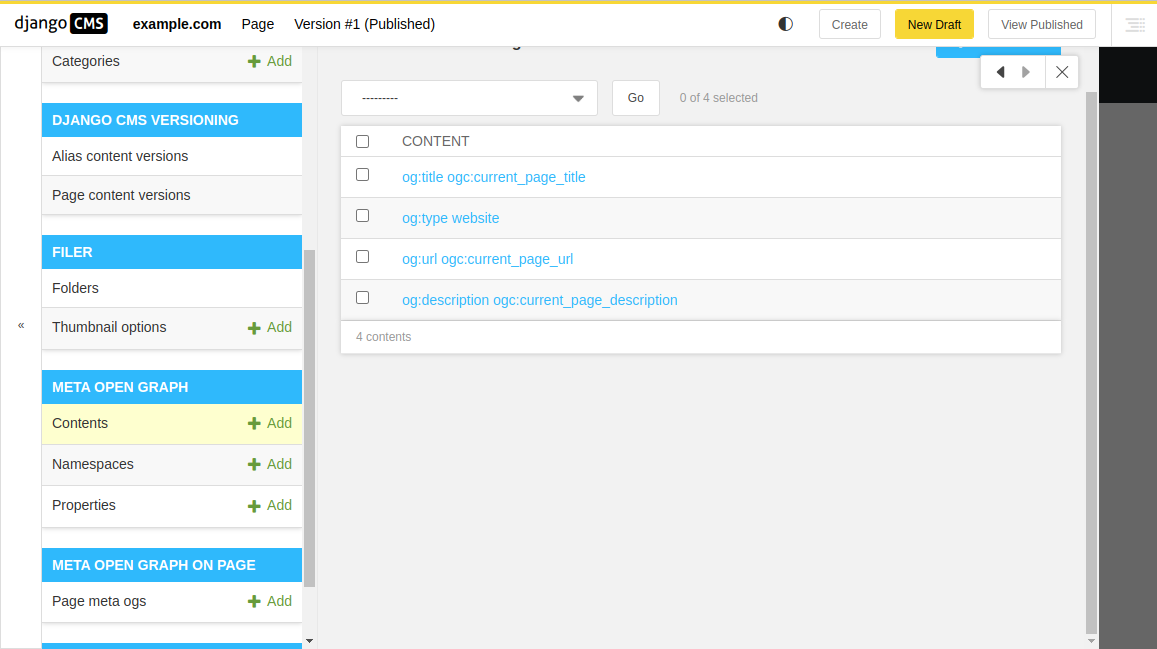
You can enter any Meta values. These are entered in four levels - Namespace, Property, Content and PageMetaOg. For this reason, a text form is set up for the META value, in which all these parts are combined in one edit in a text field.
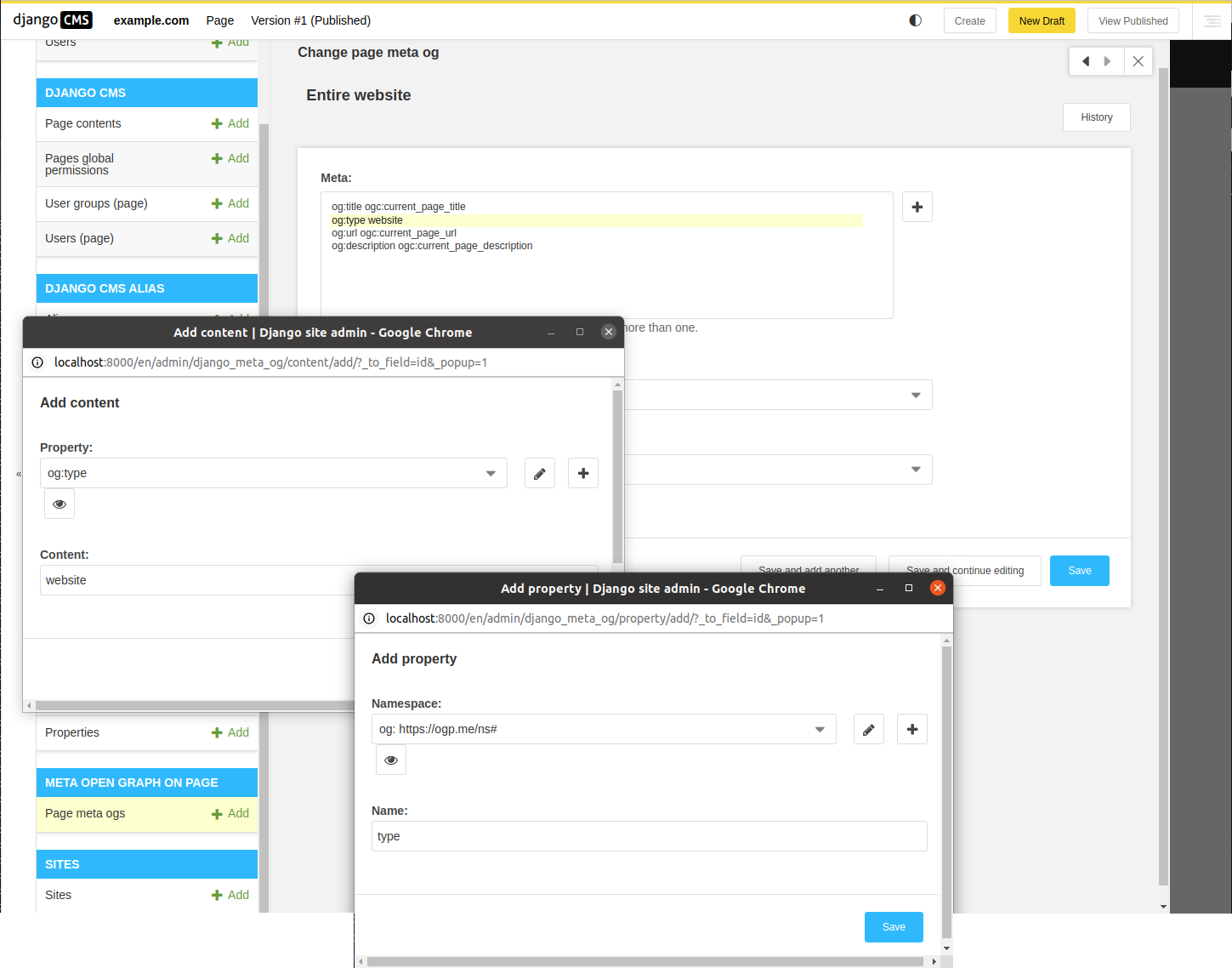
If you want to return to the default editing via select boxes, activate the switch in settings.py:
META_OG_USE_DEFAULT_PAGE_FORM = True
Namespace
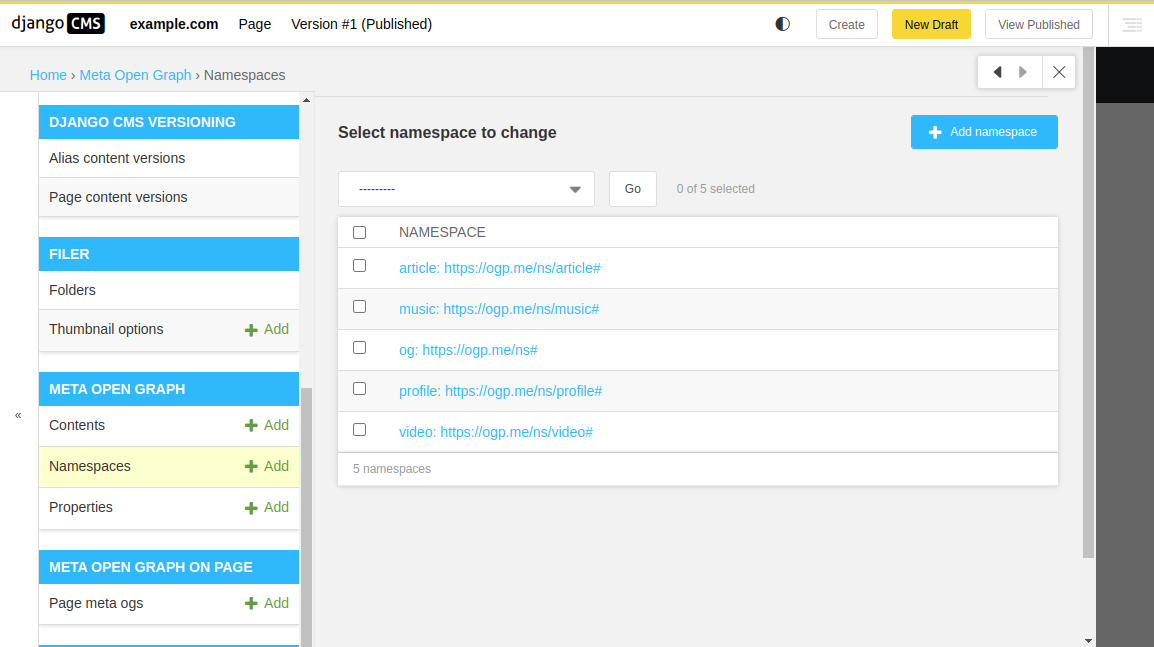
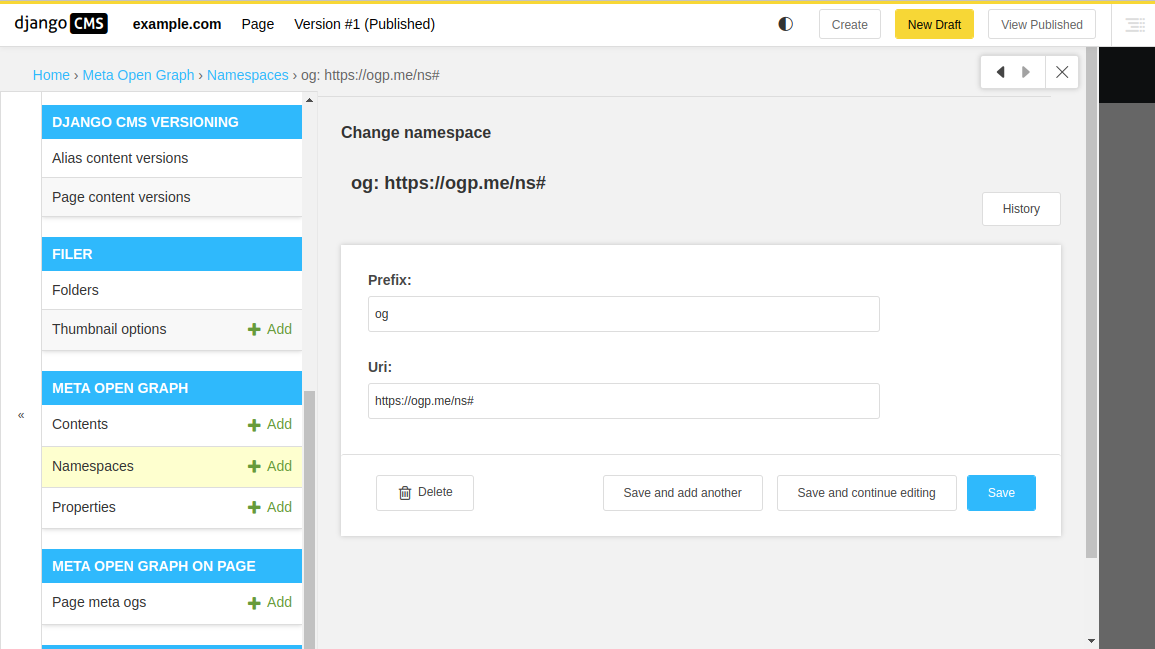
Property
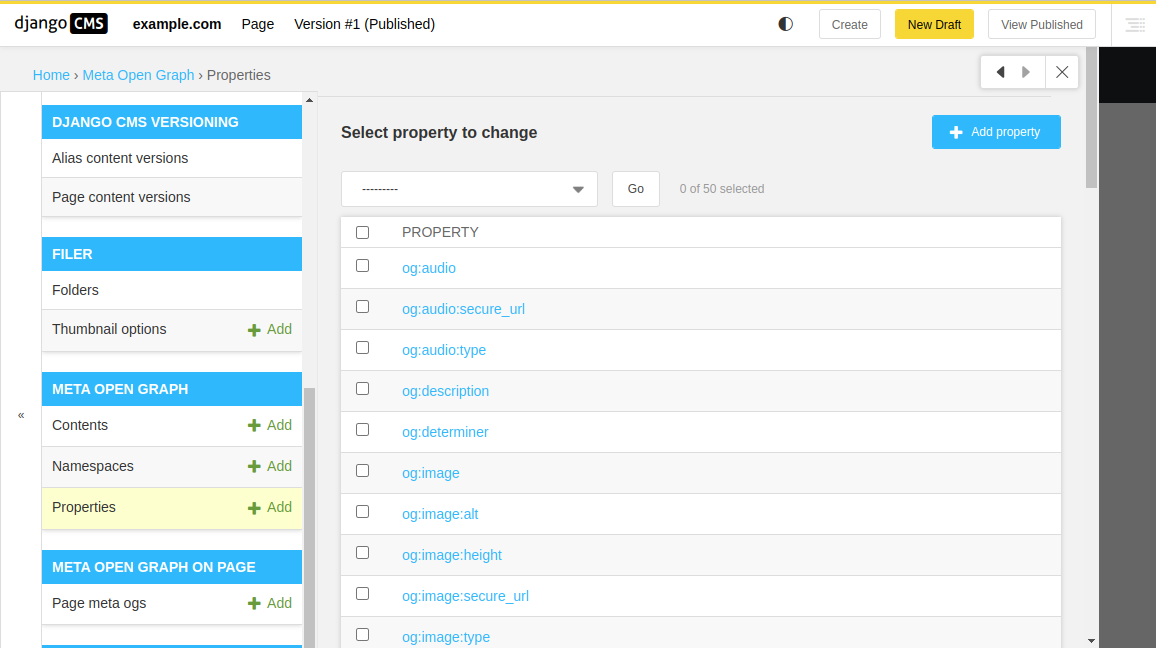
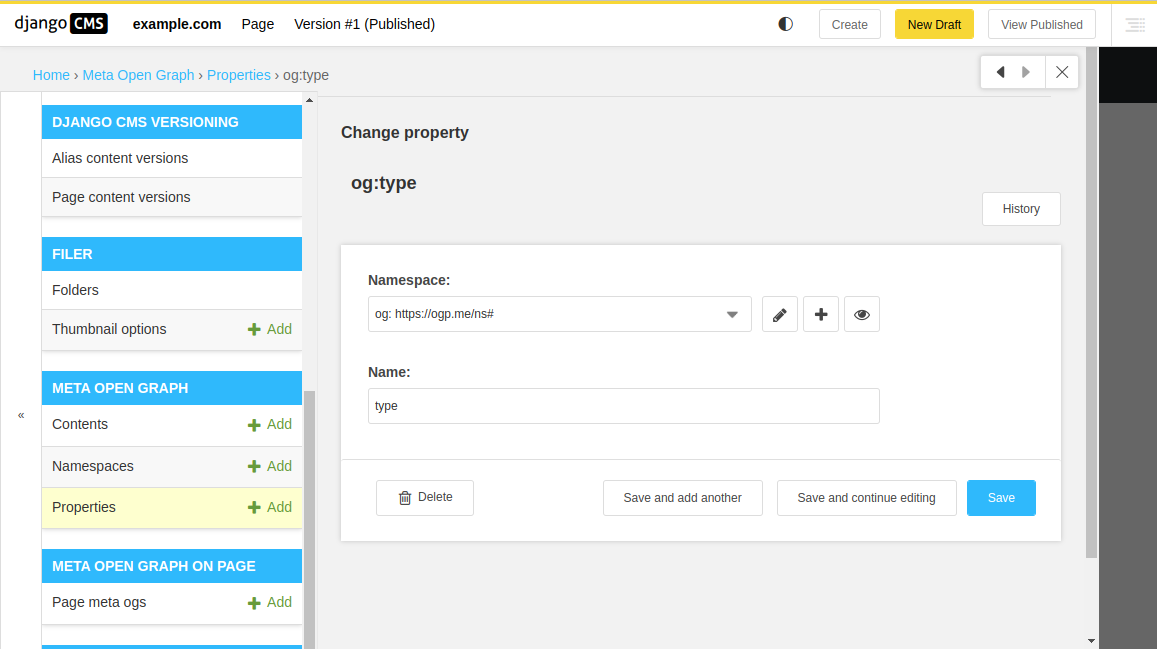
Content
Page Meta OG
License
BSD License


Download files
Download the file for your platform. If you're not sure which to choose, learn more about installing packages.
Source Distribution
Built Distribution
Filter files by name, interpreter, ABI, and platform.
If you're not sure about the file name format, learn more about wheel file names.
Copy a direct link to the current filters
File details
Details for the file djangocms_meta_og-2.0.0.tar.gz.
File metadata
- Download URL: djangocms_meta_og-2.0.0.tar.gz
- Upload date:
- Size: 15.8 kB
- Tags: Source
- Uploaded using Trusted Publishing? No
- Uploaded via: twine/6.0.1 CPython/3.12.3
File hashes
| Algorithm | Hash digest | |
|---|---|---|
| SHA256 |
16f8a67579bfb665edd4afffa990efffb3563495f5790fb55148a3ed4e8c46c2
|
|
| MD5 |
fbcdda0b8896629ca6975fdf5785bd27
|
|
| BLAKE2b-256 |
2fcea9e8776bfc5820aae91a4b43e1c2be5fbac50ef397e478ca63469818a5c4
|
File details
Details for the file djangocms_meta_og-2.0.0-py3-none-any.whl.
File metadata
- Download URL: djangocms_meta_og-2.0.0-py3-none-any.whl
- Upload date:
- Size: 20.0 kB
- Tags: Python 3
- Uploaded using Trusted Publishing? No
- Uploaded via: twine/6.0.1 CPython/3.12.3
File hashes
| Algorithm | Hash digest | |
|---|---|---|
| SHA256 |
a5f96b519801e7a68a835dac6a21782f053a196c9e19a690c129566552e750f7
|
|
| MD5 |
45fc87b6324fbd14ea7f7085bbeae86a
|
|
| BLAKE2b-256 |
5046255bb8f06e7265d6964150e82b110a8cecdf914fc6094157a7372d964a59
|






