
Dashboard for some admin tasks


Project description
ALDashboard: a docassemble Admin and Configuration Tool

A single tool and interview to centralizes some tedious Docassemble admin configuration tasks
- Install the Document Assembly Line packages (support files for Court Forms Online)
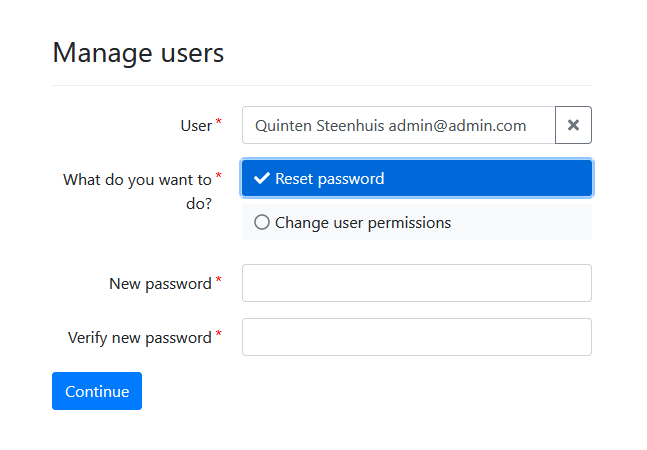
- Searchable user management - reset passwords and change privileges.
- Installing or updating several packages at once.
- Listing and viewing the contents of an (unencrypted) interview to facilitate debugging errors on production servers.
- View analytics/stats captured with
store_variable_snapshot. - List the files inside a particular package installed on the server.
- Gather files from a user who left the organization/unknown username and password.
- Review screen generator
- validate DOCX Jinja2 templates
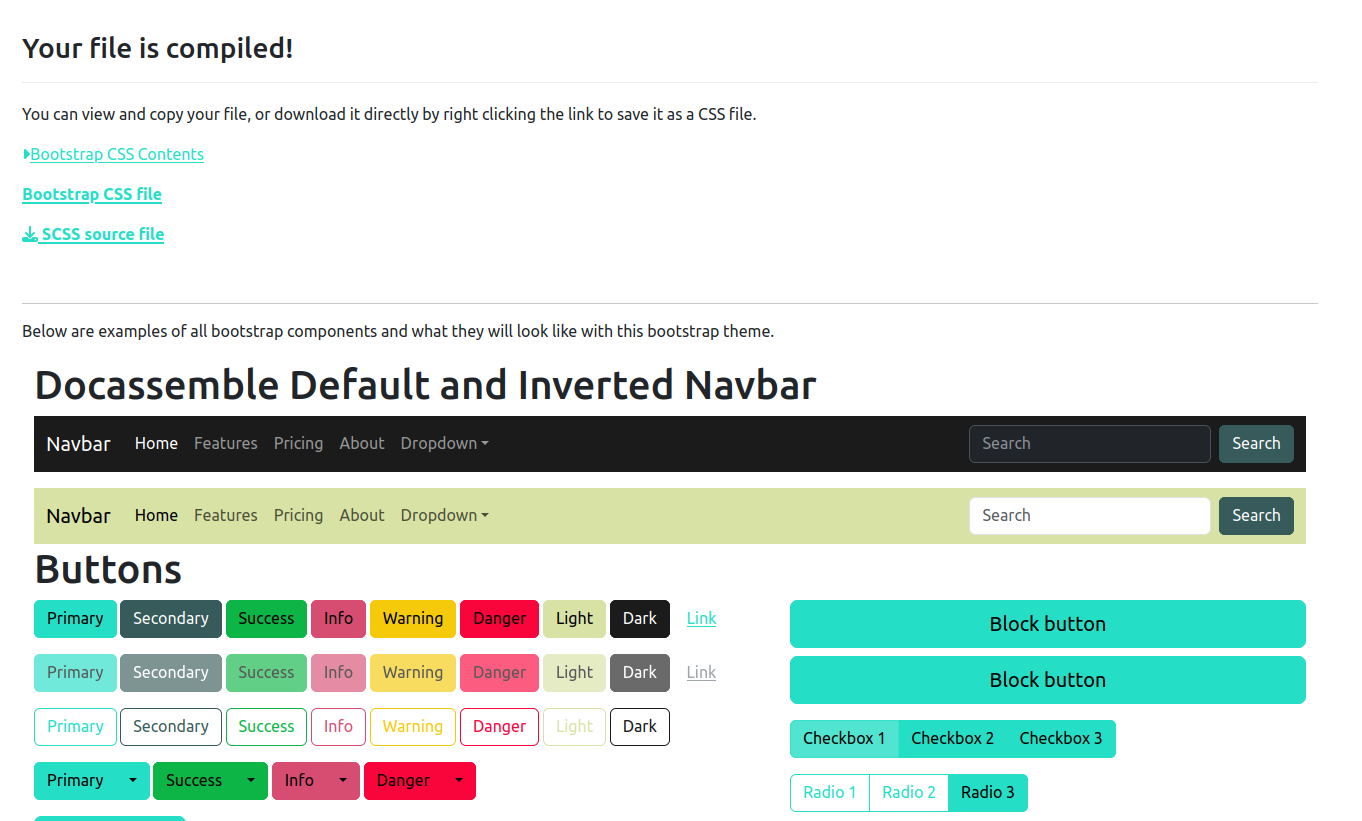
- Generating a custom bootstrap theme for your interviews.
Ideas:
- Add a link to the dispatch directive for an existing file in an existing package.
- Generating translation files [TBD].
To use, you must create a docassemble API key and add it to your configuration, like this:
install packages api key: xxxxxxxxxxxxxxxxxxxxxxxxxxxxxxxxxxxxx
Some screenshots
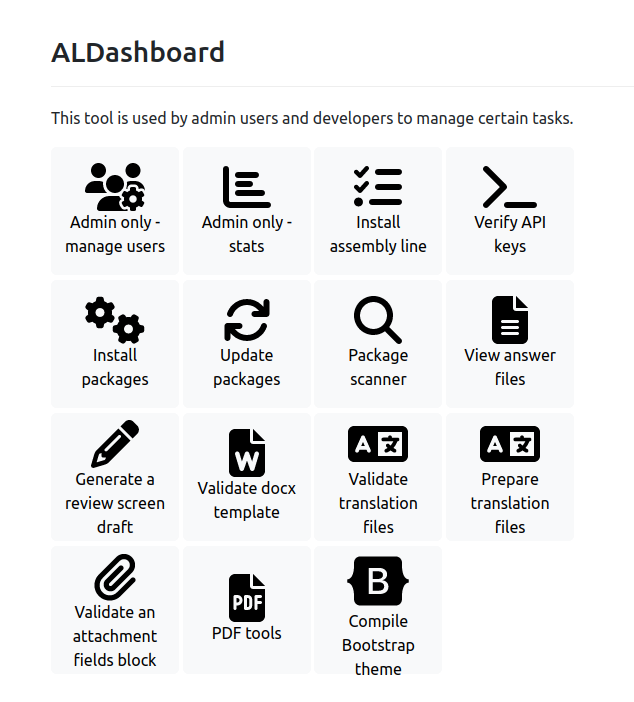
Main page
Manage users
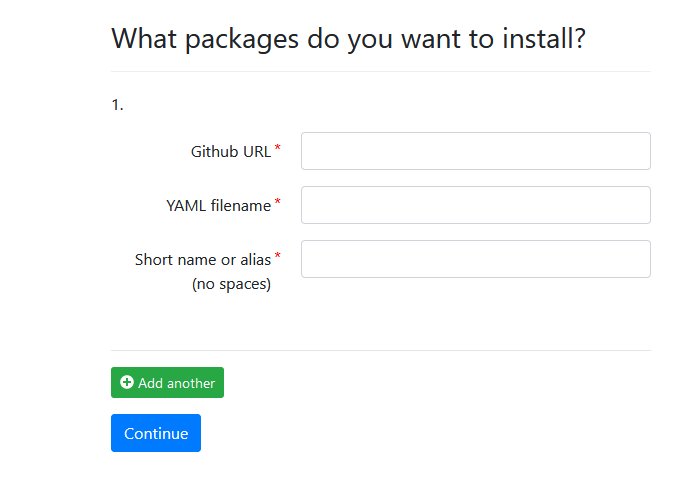
Bulk install packages from GitHub
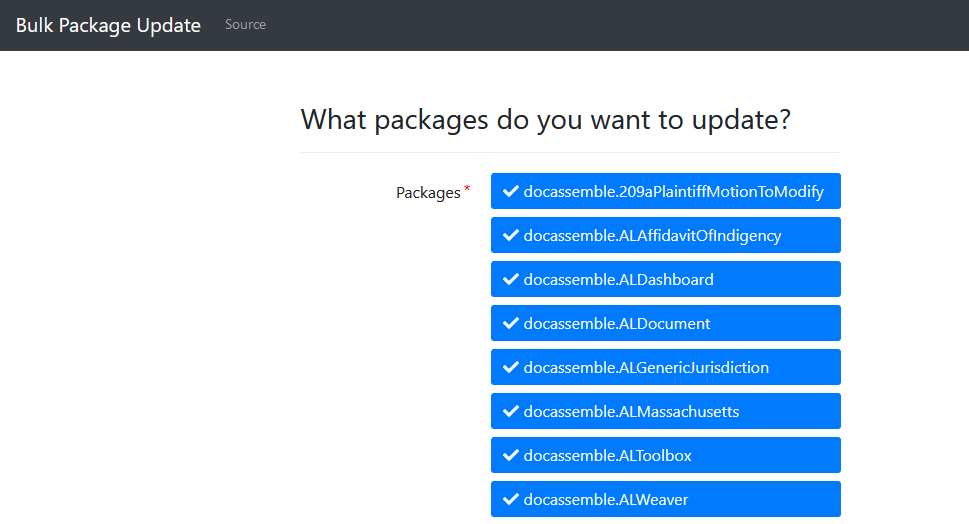
Bulk update packages
View / search sessions by user and interview name
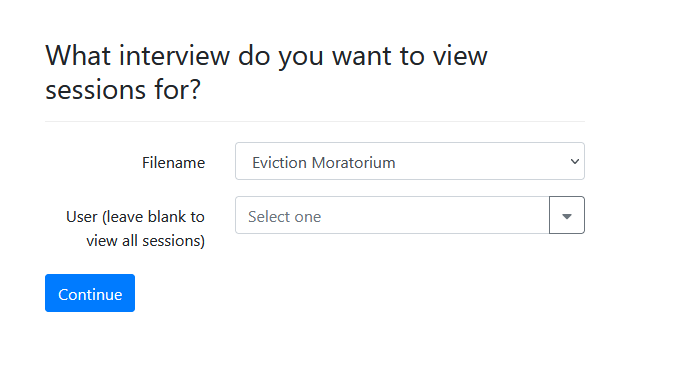
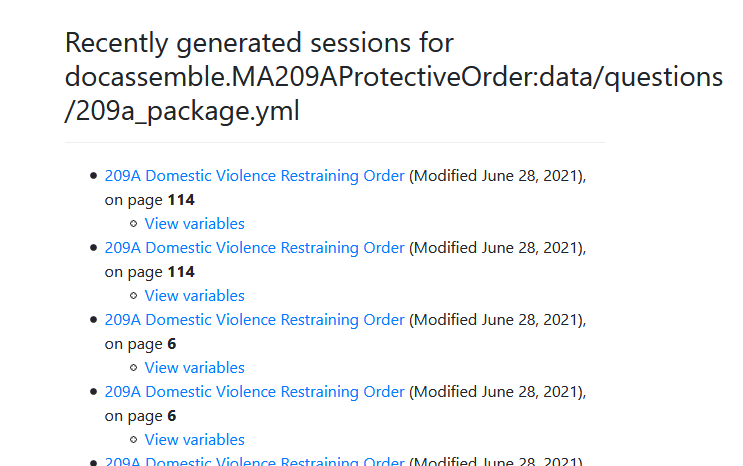
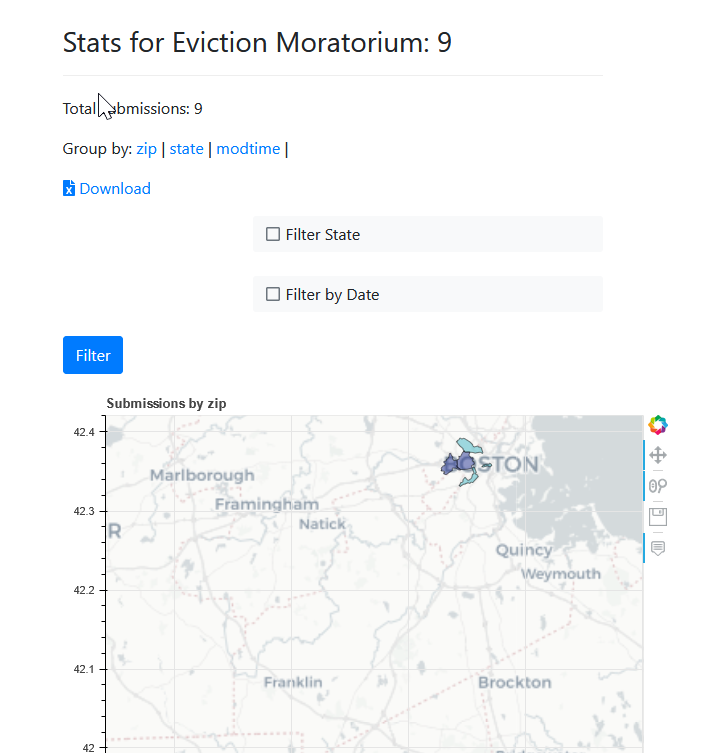
View interview stats captured with store_variables_snapshot()
Generate a bootstrap theme
Release history Release notifications | RSS feed


Download files
Download the file for your platform. If you're not sure which to choose, learn more about installing packages.
Source Distribution
Built Distribution
Filter files by name, interpreter, ABI, and platform.
If you're not sure about the file name format, learn more about wheel file names.
Copy a direct link to the current filters
File details
Details for the file docassemble_aldashboard-0.26.0.tar.gz.
File metadata
- Download URL: docassemble_aldashboard-0.26.0.tar.gz
- Upload date:
- Size: 106.7 kB
- Tags: Source
- Uploaded using Trusted Publishing? No
- Uploaded via: twine/6.2.0 CPython/3.13.9
File hashes
| Algorithm | Hash digest | |
|---|---|---|
| SHA256 |
69fdf01421411c60681da957643bb4df26759874784e0c95f4a26f154102a70f
|
|
| MD5 |
1d7148bec5ee3d8a4b69e82ac20631ea
|
|
| BLAKE2b-256 |
88c3db8c6dbf77d400e358c554e1b42038f6e11d4b06acabc385ba35474e83fc
|
File details
Details for the file docassemble_aldashboard-0.26.0-py3-none-any.whl.
File metadata
- Download URL: docassemble_aldashboard-0.26.0-py3-none-any.whl
- Upload date:
- Size: 119.0 kB
- Tags: Python 3
- Uploaded using Trusted Publishing? No
- Uploaded via: twine/6.2.0 CPython/3.13.9
File hashes
| Algorithm | Hash digest | |
|---|---|---|
| SHA256 |
5a53dc2d1885814bc3b8def6bfea79b0e3749f6945133c3926fad9ccab26b2ec
|
|
| MD5 |
adc47a12820e28a4d73a45d0db7b7f20
|
|
| BLAKE2b-256 |
d77e09707af45512220bd9974dfedfeb4716299553e0fa73de624e1d78ad3ec9
|






