
Dokli

A magical CLI/TUI for interacting with Dokploy.
                                                                    █
                                                                   ████
                                                                    ███████            █
               █████████████████████████                             ████████   ████████
             ███████████████████████████████                          ██████████████████
            ████                        █████████                       ██████████████
            ████          ███               █████████                      ████
            ███           ███                   ██████████               █████
            ███                                      ████████████████████████
            ████████████████                              █████████████████
            ██████████████████████                               ███████
            ████            ██████████                     ██████████          ██████
             ██████               ███████████████████████████████          ████████
               ████████                ████████████████████             ████████
             █     █████████                                        ████████     ███
            █████      █████████                                ████████      ██████
            ████████       ███████████                    ███████████      █████████
            ████ ██████         ████████████████████████████████        ███████ ████
            ████   ███████            ████████████████████           ███████    ████
             █████    ████████                                   ████████    ██████
              ███████     ████████                           █████████     ███████
              █████████      ████████████              ███████████      ██████████
               ████ ██████        ████████████████████████████       ███████ ████
                ████   ██████            ██████████████            ██████   ████
                 █████   ███████                               ████████   █████
                   █████    █████████                      █████████    █████
                    ██████      ████████████████████████████████      ██████
                      ██████         ██████████████████████         ██████
                        ███████                                  ██████
                           ████████                          ████████
                              ███████████               ██████████
                                   ██████████████████████████
                                          ████████████
Installation
pip install dokli
# with TUI support
pip install "dokli[tui]"
# latest from git
pip install git+https://github.com/jonykalavera/dokli.git
# with TUI support from git
pip install git+https://github.com/jonykalavera/dokli.git#egg=dokli[tui]
Tested with Dokploy versions:
- 0.6.1
- 0.18.1
Configuration
Create the configuration file at ~/.config/dokli/dokli.yaml. Example:
connections:
  - name: test-env
    url: https://test.example.com
    api_key: ****************************************
    notes: "Our test environment. Handle with care!"
  - name: prod-env
    url: https://prod.example.com
    api_key_cmd: "secret-tool lookup dokli prodEnvApikey"
    notes: "Our prod environment. Handle with even more care!"
You can use api_key_cmd to load the API key from a command such as secret-tool instead of entering it in the config file. This is highly recommended for security reasons.
Configuration uses pydantic-settings which means it can also be set via environment variables using the DOKLI_ prefix.
CLI
Features
- Commands are inferred from the OpenAPI spec, which allows:
- support for multiple Dokploy API versions.
- support for all API entities actions/verbs.
- magical JSON parameters
%json:{"projectId": "daspdoada798sda"} - magical file parameters
%file:/path/to/data/foo.redis.json - output formats:
- yaml
- json
- python
- table (experimental)
Usage
$ dokly


 Usage: dokli [OPTIONS] COMMAND [ARGS]...

 Magical Dokploy CLI/TUI.

╭─ Options ────────────────────────────────────────────────────────────────────╮
│ --install-completion          Install completion for the current shell.      │
│ --show-completion             Show completion for the current shell, to copy │
│                               it or customize the installation.              │
│ --help                        Show this message and exit.                    │
╰──────────────────────────────────────────────────────────────────────────────╯
╭─ Commands ───────────────────────────────────────────────────────────────────╮
│ api        API commands.                                                     │
│ tui        Text User Interface.                                              │
╰──────────────────────────────────────────────────────────────────────────────╯


$ dokly api test-env project all
- organizationId: ysHDHlhX4a3zOG2fLsske
  applications: []
  compose: []
  createdAt: '2024-08-05T02:45:38.168Z'
  description: null
  mariadb: []
  mongo: []
  mysql: []
  name: Dokli
  postgres: []
  projectId: zuanf1SWHMFO11y6xqpRR
  redis: []

$ dokli api test-env project create --body '%json:{"name": "Dokli"}' --format table
               API Response
┏━━━━━━━━━━━━━━━━━━━━┳━━━━━━━━━━━━━━━━━━━━━━━━━━┓
┃ Key                ┃ Value                    ┃
┡━━━━━━━━━━━━━━━━━━━━╇━━━━━━━━━━━━━━━━━━━━━━━━━━┩
│ projectId          │ zuanf1SWHMFO11y6xqpRR    │
│ name               │ Dokli                    │
│ description        │ None                     │
│ createdAt          │ 2024-08-05T02:45:38.168Z │
│ organizationId     │ ysHDHlhX4a3zOG2fLsske    │
└────────────────────┴──────────────────────────┘

$ dokli api test-env project one --format json zuanf1SWHMFO11y6xqpRR
{"projectId": "zuanf1SWHMFO11y6xqpRR", "name": "Dokli", "description": null,
"createdAt": "2024-08-05T02:45:38.168Z", "organizationId": "ysHDHlhX4a3zOG2fLsske",
"applications": [], "mariadb": [], "mongo": [], "mysql": [], "postgres": [],
"redis": [], "compose": []}
Dokli as Code
Dokli can manage a Dokploy instance declaratively, like Docker Compose for Dokploy. A manifest file (dokploy.yaml) describes the desired state and dokli apply brings the instance to match it — idempotent and additive (it never deletes resources that are not in the manifest).
Commands
| Command | Description |
|---|---|
dokli init |
Scaffold a new manifest. |
dokli state [connection] |
Show the current state of an instance. |
dokli plan [-f dokploy.yaml] |
Preview what would change. |
dokli apply [-f dokploy.yaml] [--dry-run] [--deploy] |
Configure the instance to match the manifest. --dry-run only previews; --deploy also triggers deployments. |
dokli export [connection] [-o file] [--include-secrets] |
Reverse-engineer a live instance into a manifest. |
Manifest
# dokploy.yaml
connection: prod

git_providers:
  - name: github-main
    provider: github
    token_cmd: "secret-tool lookup dokli github-main"

projects:
  - name: myapp
    services:
      - type: compose
        name: backend
        source:
          provider: github-main
          repository: jonykalavera/backend
          branch: main
        compose_path: docker-compose.yml
      - type: application
        name: web
        image: nginx:latest
        env: |
          NODE_ENV=production
- Services live in the project's default environment (Dokploy creates one per project).
compose_fileaccepts raw compose YAML or a path to a local file (mutually exclusive withsource).- Secrets are never stored in the manifest. Git provider credentials are write-only in Dokploy's API; reference them with
token_cmd(same pattern asapi_key_cmd).exportredacts service environment variables by default (--include-secretsto include them) and reports which providers need credentials.
Workflow
dokli export meche -o dokploy.yaml   # capture an existing instance
dokli plan                           # preview changes
dokli apply --dry-run                # dry run
dokli apply                          # configure the instance
TUI
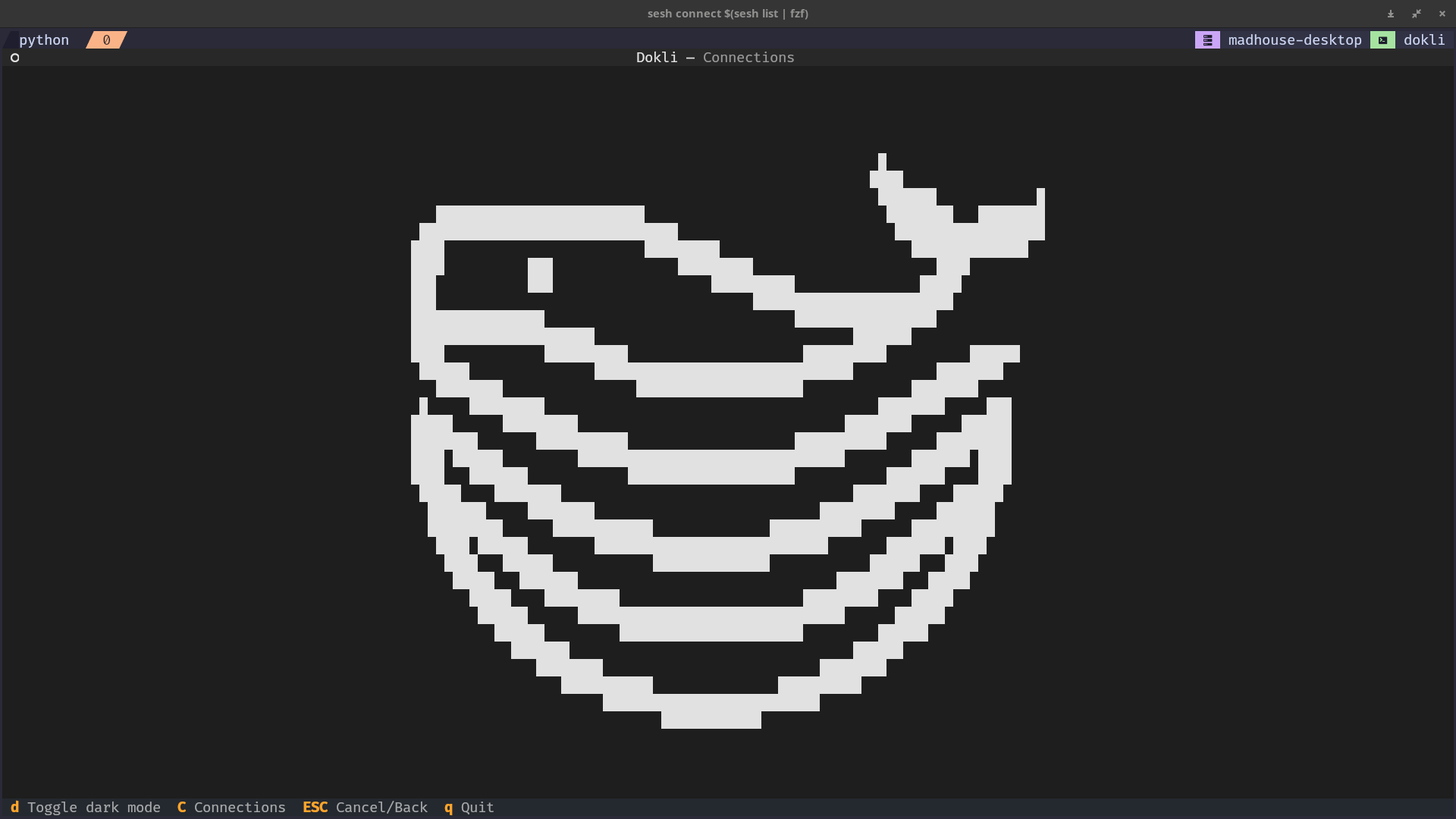
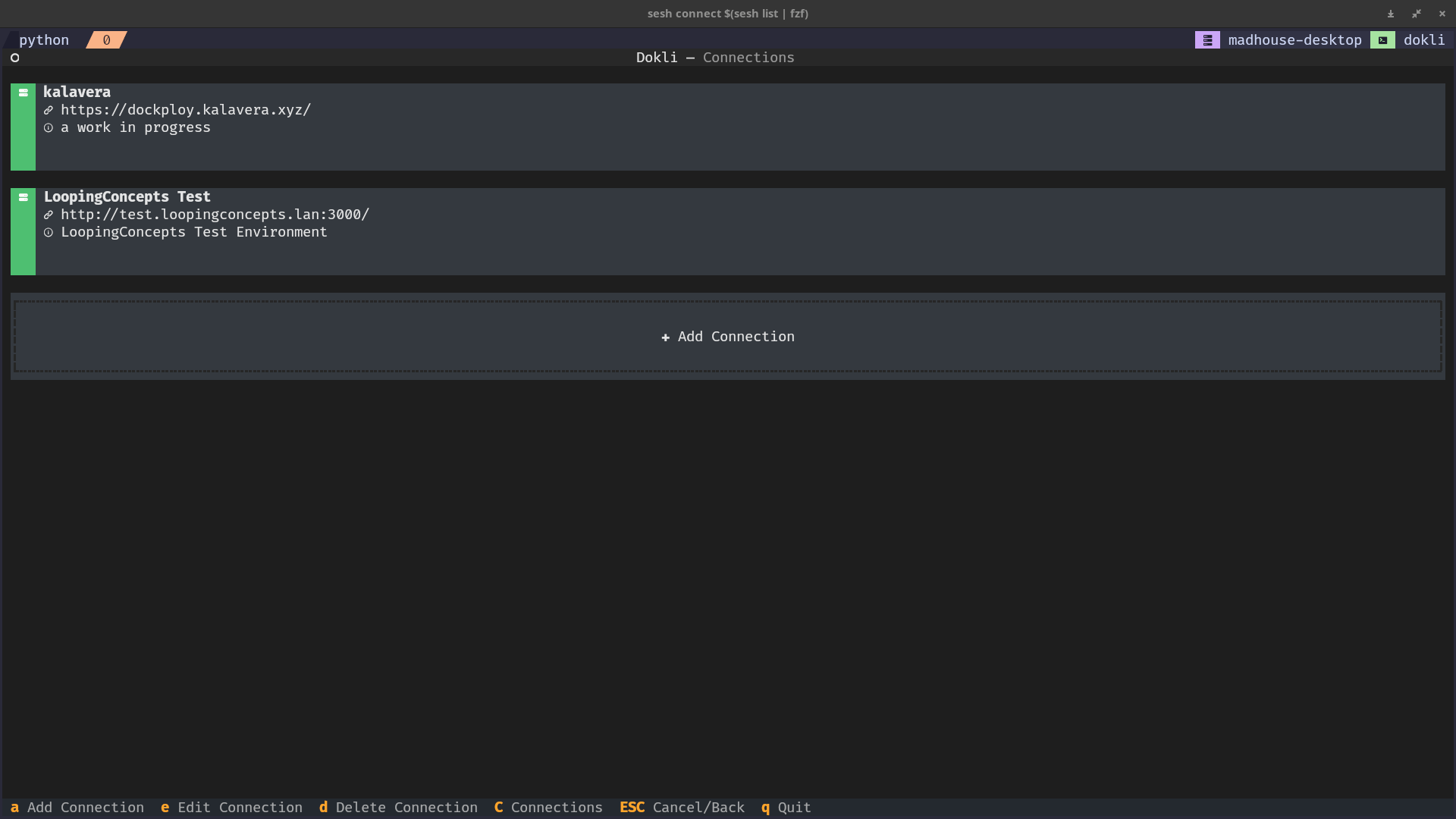
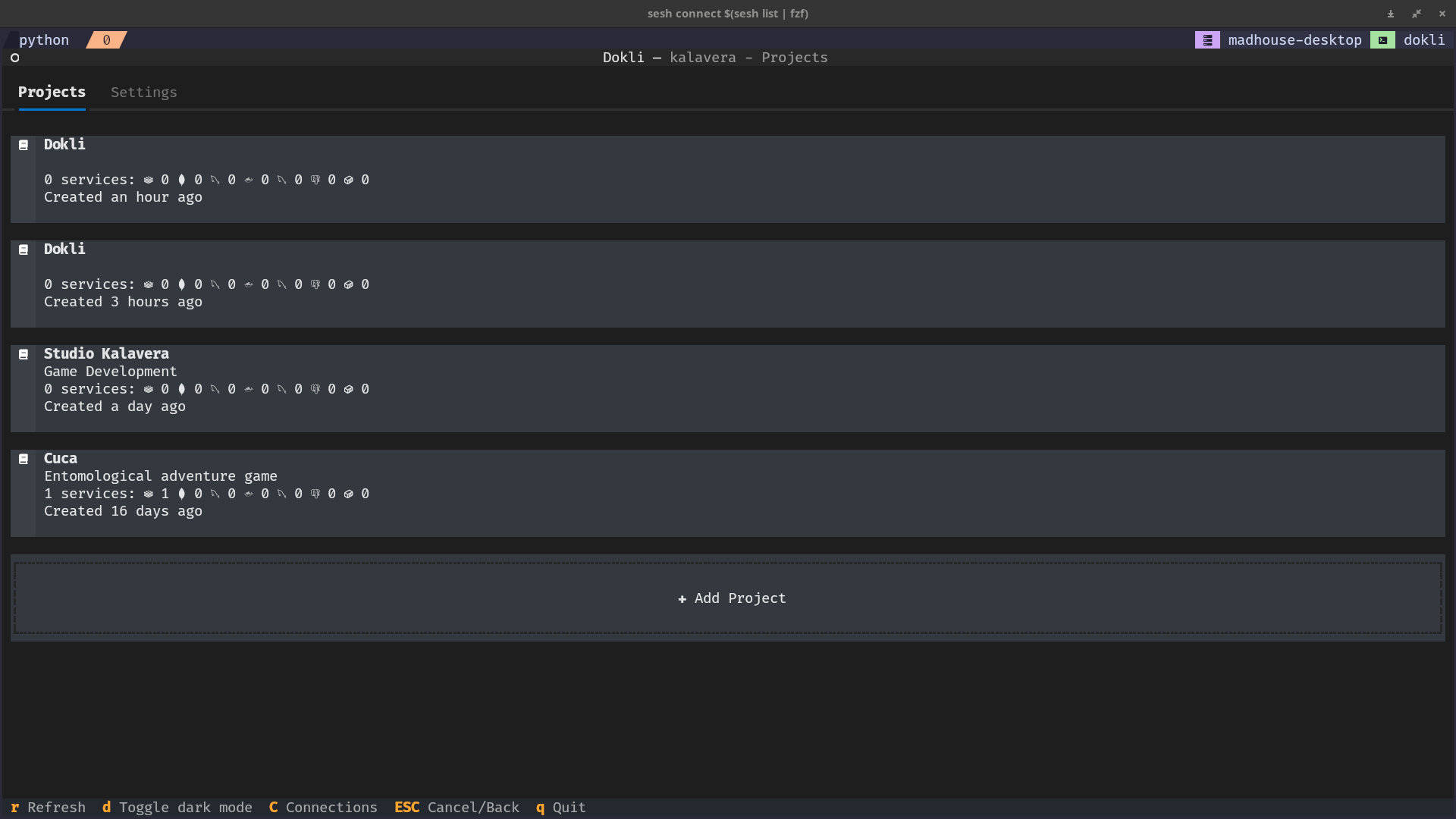
Still a WIP. Basic functionality will be implemented at 0.2.0 release.
http://www.youtube.com/watch?v=IAnHfFV9_jU
Motivation
The CLI is designed to keep up with any changes in the API. Commands are dynamically inferred from the OpenAPI spec.
I did this because I want to do some test automation and the official CLI seems incomplete at the moment. The TUI is because I am into tools like yazi, lazygit, k9s, dry, etc. I like to keep my terminal open at all times $.
Also, it seemed to me like something cool to do this weekend. I learned a bunch about texual, typer and Dokploy.
Release
Releases are automated via GitHub Actions (.github/workflows/release.yml): pushing a v* tag builds the package with uv build, publishes it to PyPI, and creates a GitHub Release.
make release VERSION=0.1.0
This requires a PyPI API token in the repository secrets as PYPI_TOKEN. The version in pyproject.toml must match the tag.
Buy me a 🌮
I'm Mexican, I prefer tacos. But ☕ is also nice. You can use the 🫶 sponsor button on the top.
Also pretty please and thanks in advance 🥺.
1 maintainer

Download files
Download the file for your platform. If you're not sure which to choose, learn more about installing packages.
Source Distribution
Built Distribution
Filter files by name, interpreter, ABI, and platform.
If you're not sure about the file name format, learn more about wheel file names.
Copy a direct link to the current filters
File details
Details for the file dokli-0.1.0.tar.gz.
File metadata
- Download URL: dokli-0.1.0.tar.gz
- Upload date:
- Size: 178.9 kB
- Tags: Source
- Uploaded using Trusted Publishing? No
- Uploaded via:
twine/7.0.0 CPython/3.13.14
File hashes
| Algorithm | Hash digest | |
|---|---|---|
| SHA256 |
0ff7bd054f771eef28dd0bc7c040d189688dc3811dfaa894aec99bd45d6bda36
|
|
| MD5 |
becc980cbefa26659f9c2146a7f7b34d
|
|
| BLAKE2b-256 |
4dd09f202d99c341bde67c2aeca8ccaa87e5d5ad0b2427f49e08097d4b5dc5df
|
File details
Details for the file dokli-0.1.0-py3-none-any.whl.
File metadata
- Download URL: dokli-0.1.0-py3-none-any.whl
- Upload date:
- Size: 41.8 kB
- Tags: Python 3
- Uploaded using Trusted Publishing? No
- Uploaded via:
twine/7.0.0 CPython/3.13.14
File hashes
| Algorithm | Hash digest | |
|---|---|---|
| SHA256 |
f40fb08e0a2a430479cbb3b9eb32c74c27e7f66030f5d4d4de40996b4d2970bf
|
|
| MD5 |
408bfa5ad4093a7508002c2b1e8c04f2
|
|
| BLAKE2b-256 |
783af8699494eb706a2ce337d4f7f41d96f8bc007d6170b33f520bca4890e3a4
|














