
dotz - Braille and ASCII art previews in the terminal
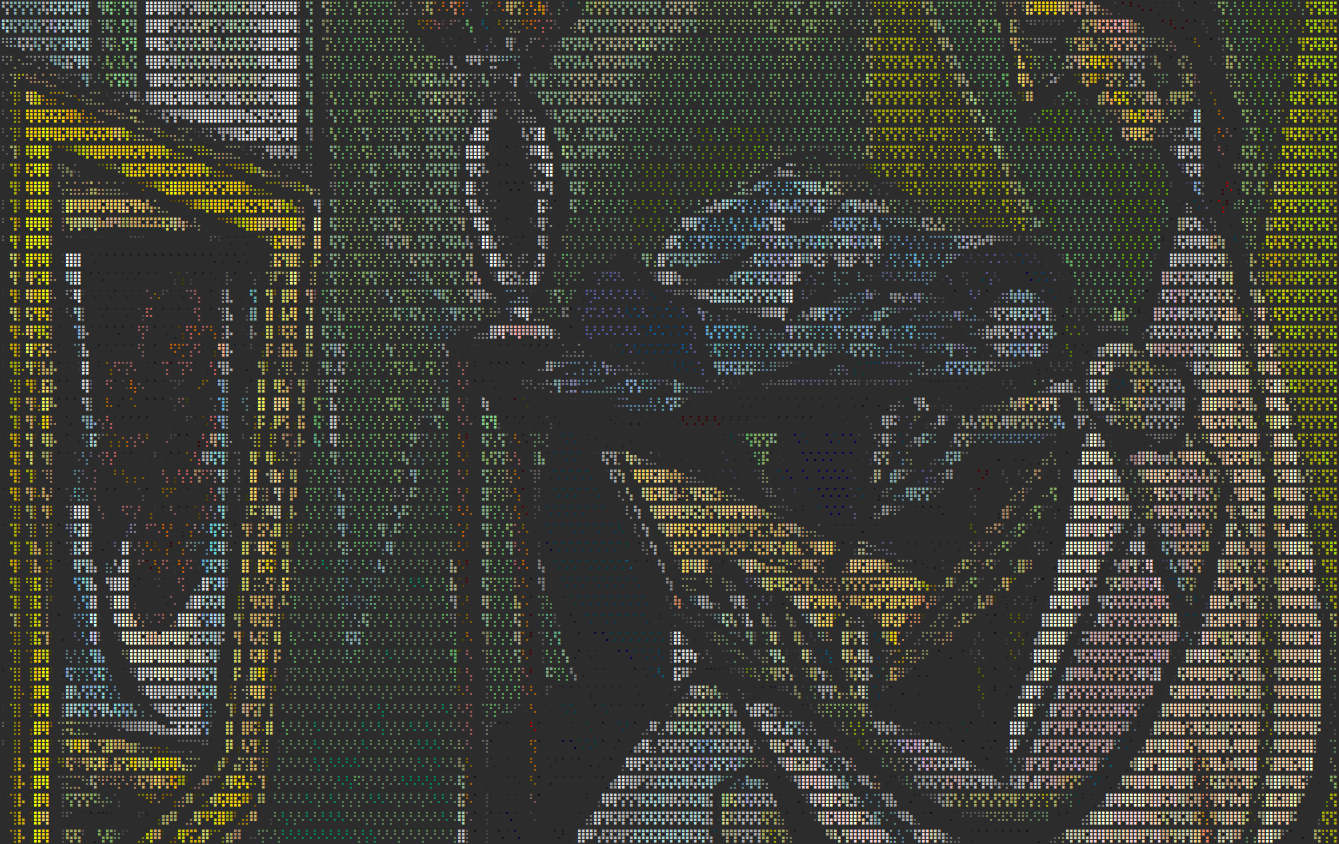
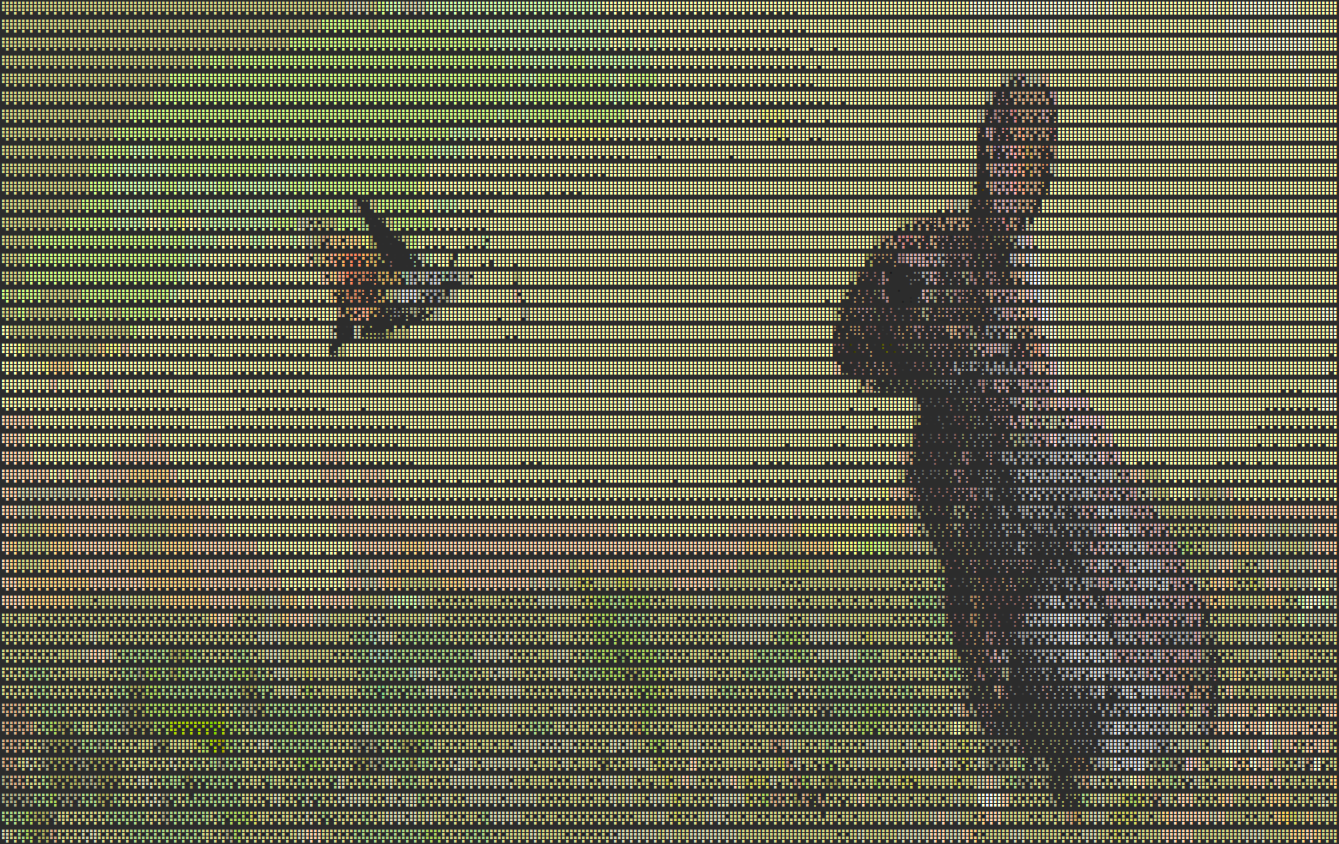
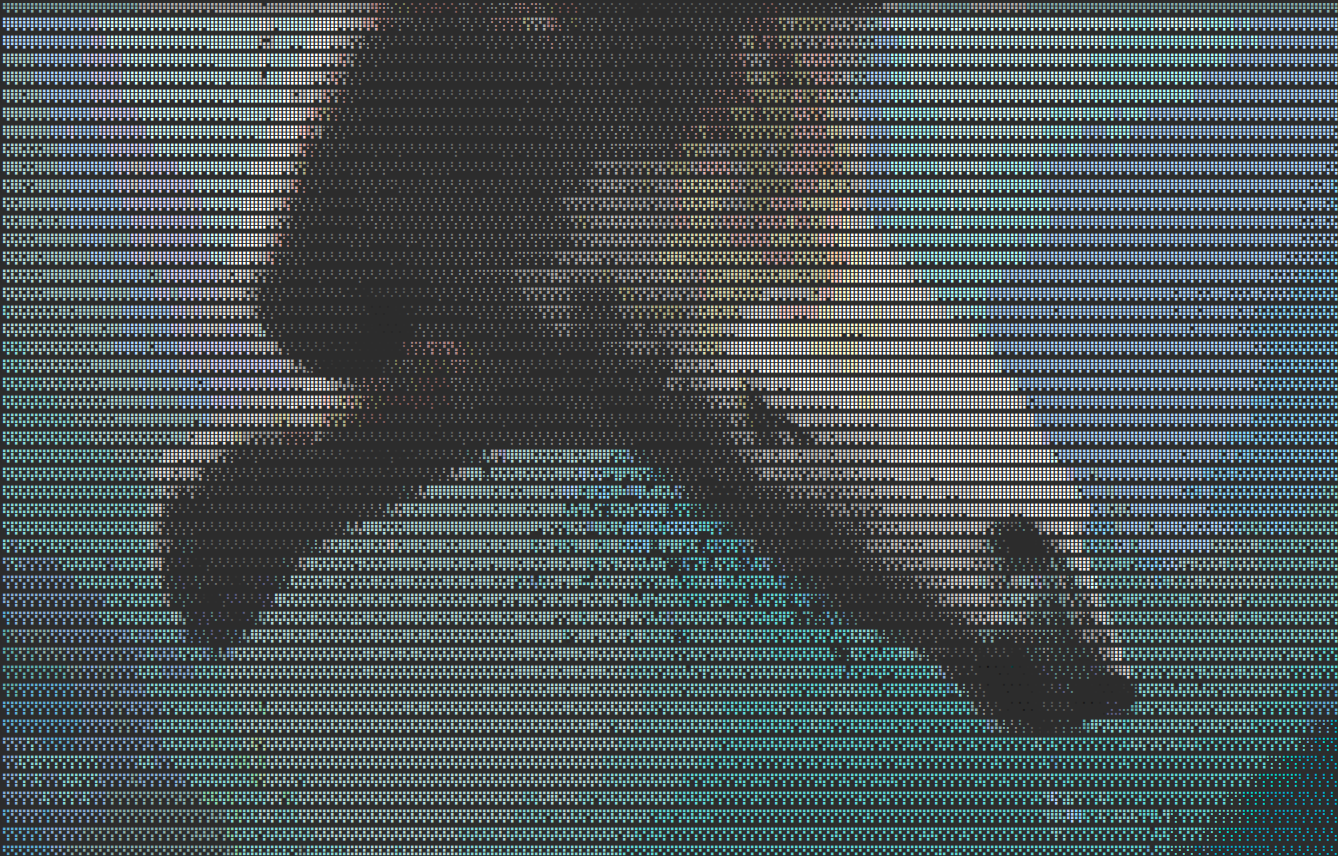
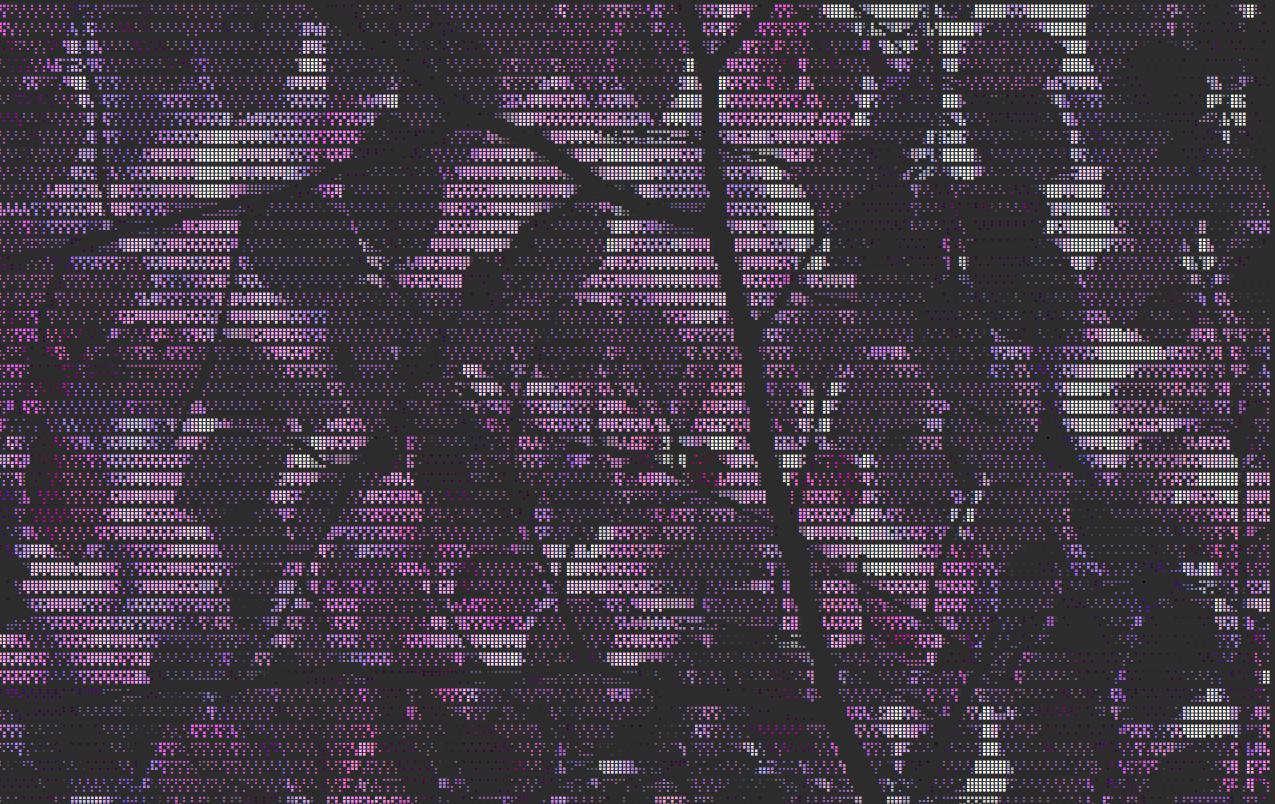
Render image and video previews as Braille and ASCII art in the terminal with xterm-256 color and ncurses dim/normal/bold attributes.
Initially written for nnn, it evolved as an independent feature-rich project.
Features
- Braille art rendering for image and video previews
- Video playback with seek controls
- ASCII density fallback mode (for terminals without Braille font support)
- Thumbnail gallery with navigation
- Animated GIF support
- xterm-256 color and grayscale
- Dithering options (ordered, error diffusion, atkinson)
- Automatic aspect ratio correction for both Braille and ASCII modes
- File metadata panel
- Zoom in, zoom out, pan while zoom
- Rotate clockwise, flip horizontally
- Bounded background preloading
- Keyboard navigation and slideshow mode
 |
 |
 |
 |
Supported formats
- Image: PNG, JPG, JPEG, BMP, GIF, TIFF, WEBP
- Video: MP4, MKV, AVI, MOV, WEBM, FLV, WMV, MPEG, MPG
Installation
Install from PyPI:
pip3 install dotz
Or install from the source repository:
# Install system dependencies (e.g., ffmpeg)
sudo apt-get install ffmpeg  # or use your OS package manager

# Install Python dependencies and the CLI tool
sudo pip3 install .
After installation, you can run the tool using:
dotz [options] <file-or-directory>
You can also run the tool directly from the source directory:
python3 dotz.py [options] <file-or-directory>
Dependencies
| Package | Version | Usage |
|---|---|---|
| python | >=3.10 | Required Python version |
| numpy | >=1.20 | Fast array operations for image processing |
| Pillow | >=8.0 | Image loading and manipulation |
| ffmpeg | >=4.2 | Video frame extraction |
Usage
usage: dotz [-h] [-S] [-C] [-d {ordered,error,atkinson,none}] [-a] [-s [DELAY]] [-k SEEK] [-f {jpeg,png}] [-F {5,6,7,8,9,10}] [path]

Render an image or all images/videos in a directory as Braille and ASCII cells using ncurses with optional xterm-256 color.

positional arguments:
  path                  Path to the image/video file or directory (optional)

options:
  -h, --help            show this help message and exit
  -S, --no-sharpen      Disable edge sharpening
  -C, --no-color        Disable color (greyscale only with dim/normal/bold)
  -d {ordered,error,atkinson,none}, --dither {ordered,error,atkinson,none}
                        Dithering mode: ordered (default, clean), error (Floyd-Steinberg, smooth gradients), atkinson (preserves brightness), none
  -a, --ascii           Use ASCII characters instead of Braille (for terminals without Braille font support)
  -t [N], --thumbnails [N]
                        Show N thumbnails per page: 4 (2x2) or 9 (3x3), default: 4; press Enter to open an image.
  -s [DELAY], --slideshow [DELAY]
                        Enable slideshow mode with optional integer delay in seconds (default: 5).
  -k SEEK, --seek SEEK  Seek position to extract frame from videos in seconds (default: 10)
  -f {jpeg,png}, --format {jpeg,png}
                        Format for extracted video frames: jpeg (default) or png
  -F {5,6,7,8,9,10}, --fps {5,6,7,8,9,10}
                        Video playback frame rate between 5 and 10 FPS (default: 5)
Examples
- Syntax:
python3 -m dotz <file-or-directory>
- To render a single image:
python3 -m dotz path/to/image.jpg
- To render all images and videos in a directory:
python3 -m dotz path/to/directory/
- To run a slideshow with a custom delay (e.g. 3 seconds):
python3 -m dotz -s 3 path/to/directory/
- To use a custom video playback frame rate (e.g. 5 FPS):
python3 -m dotz -F 5 path/to/video.mp4
- To use Atkinson dithering (preserves brightness better):
python3 -m dotz -d atkinson path/to/image.jpg
- To use ASCII mode (for terminals without Braille font):
python3 -m dotz -a path/to/image.jpg
- To combine ASCII mode with Atkinson dithering:
python3 -m dotz -a -d atkinson path/to/image.jpg
Navigation
| Key | Action |
|---|---|
| Right, n, Space | Next |
| Left, p | Previous |
| Up, Down | First, Last |
| s, S | Toggle forward/reverse slideshow |
| +, -, 0 | Zoom in, zoom out, zoom reset |
| h, j, k, l | Pan left, down, up, right while zoomed |
| r | Rotate clockwise |
| f | Flip horizontally |
| t, T | Show 4 / 9 thumbnails |
| Enter | Toggle between thumbnails and the selected image |
| i | Show file metadata |
| d, D | Decrease/increase slideshow delay by 1 sec |
| [, ] | Seek backward/forward in a video by the current seek step |
| {, } | Decrease/increase the video seek step: 1, 2, 5, 10, 30, or 60 sec |
| ,, . | Move to the previous/next video playback frame |
| v | Toggle video playback |
| q, Esc | Quit |
| ? | Show keyboard help |
The two-line status bar shows the current item and filename first, followed by zoom, slideshow, and video state on the second line.
License
MIT
1 maintainer

Metadata
1 maintainer
Release files for dotz 1.0
For a detailed explanation of source distributions (sdists) and built distributions (wheels), please see the package formats documentation.
Source distribution (sdist)
| File | Size | Uploaded | |
|---|---|---|---|
| dotz-1.0.tar.gz | 21.2 kB | Details |
Built distribution (wheel)
| File | Interpreter | ABI | Platform | Reset |
|---|---|---|---|---|
| dotz-1.0-py3-none-any.whl | Python 3 | none | any | Details |
Total release size: 41.9 kB
Release files / dotz-1.0.tar.gz
| Download URL | dotz-1.0.tar.gz |
|---|---|
| Size | 21.2 kB |
| Tags | Source |
|
SHA-256 checksum How to use checksums |
8decd19529fab3a71fb8353342da561d391dd4b6bbde3d68772a850486065738
|
|
BLAKE2b-256 checksum How to use checksums |
1850013a38d86c867bd616281c1b4a032090a6c99b560e230ff00113d4d1481f
|
| Upload date | |
|
Uploaded using Trusted Publishing? What is trusted publishing? |
No |
| Uploaded via |
twine/7.0.0 CPython/3.14.4
|
Release files / dotz-1.0-py3-none-any.whl
| Download URL | dotz-1.0-py3-none-any.whl |
|---|---|
| Size | 20.8 kB |
| Tags | Python 3 |
|
SHA-256 checksum How to use checksums |
8dfd8a0811ad5cb68c2bca5c5c509a8ad56a1457a1fc904d8706f8e9b3bd7f5b
|
|
BLAKE2b-256 checksum How to use checksums |
56374cf5f4c699dc8be3ca657044686bfab0abfa95f655a6b553447abc9e9f6f
|
| Upload date | |
|
Uploaded using Trusted Publishing? What is trusted publishing? |
No |
| Uploaded via |
twine/7.0.0 CPython/3.14.4
|














