
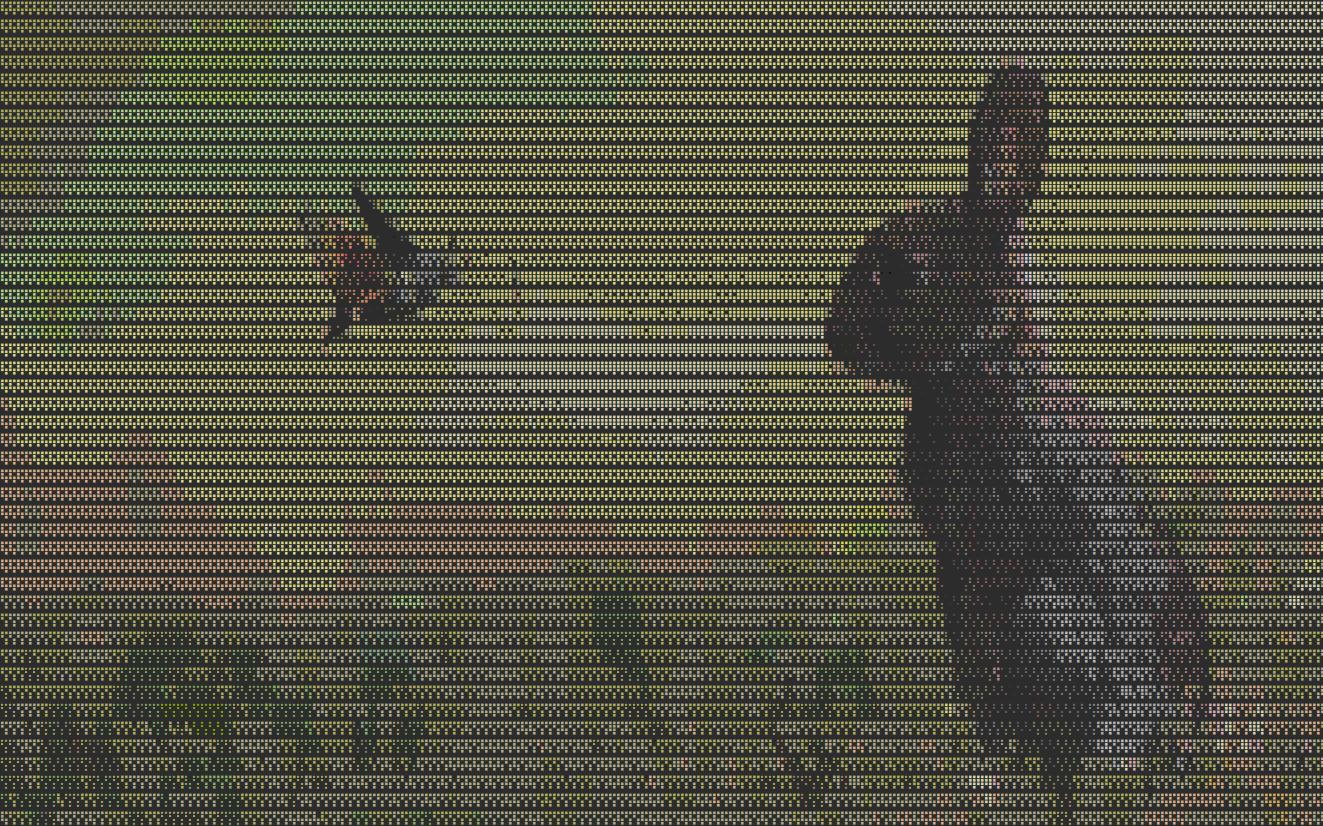
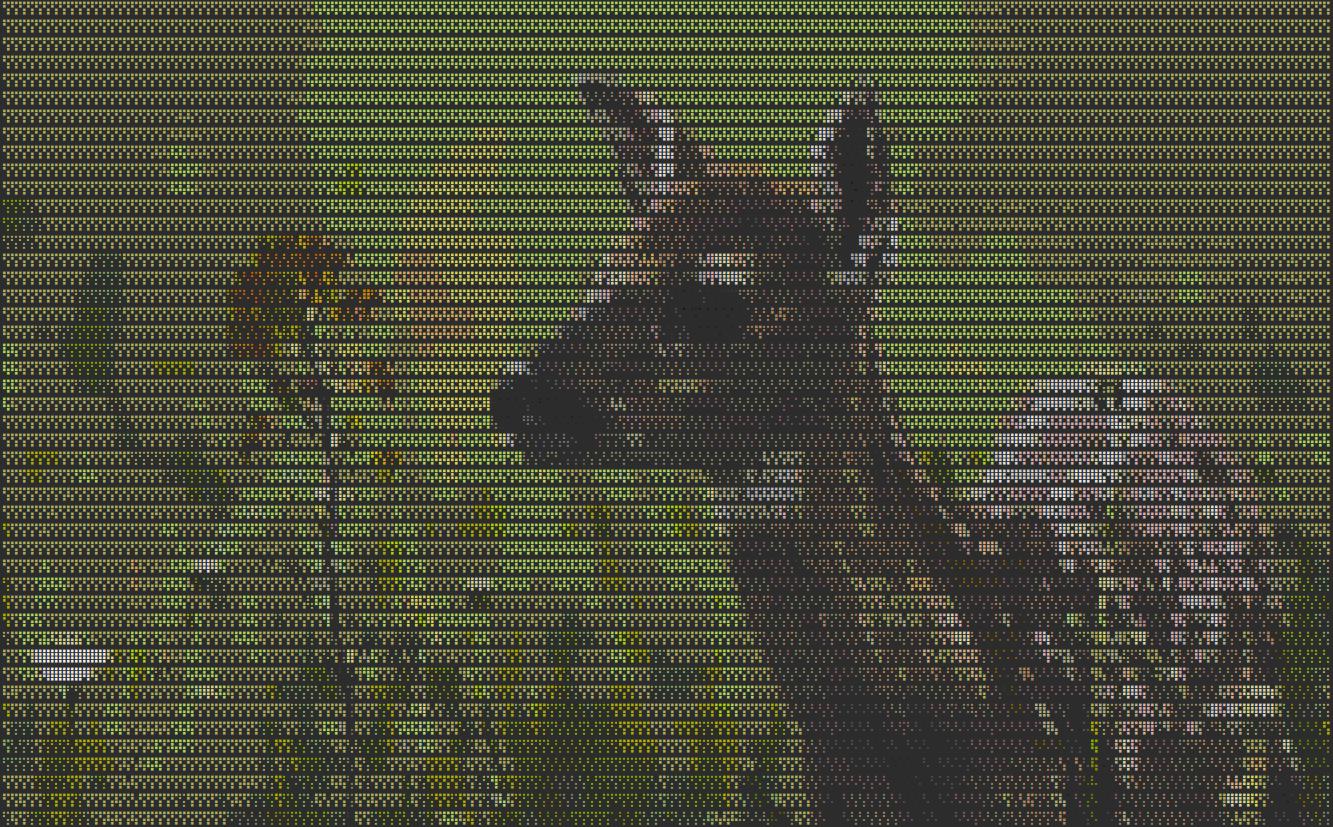
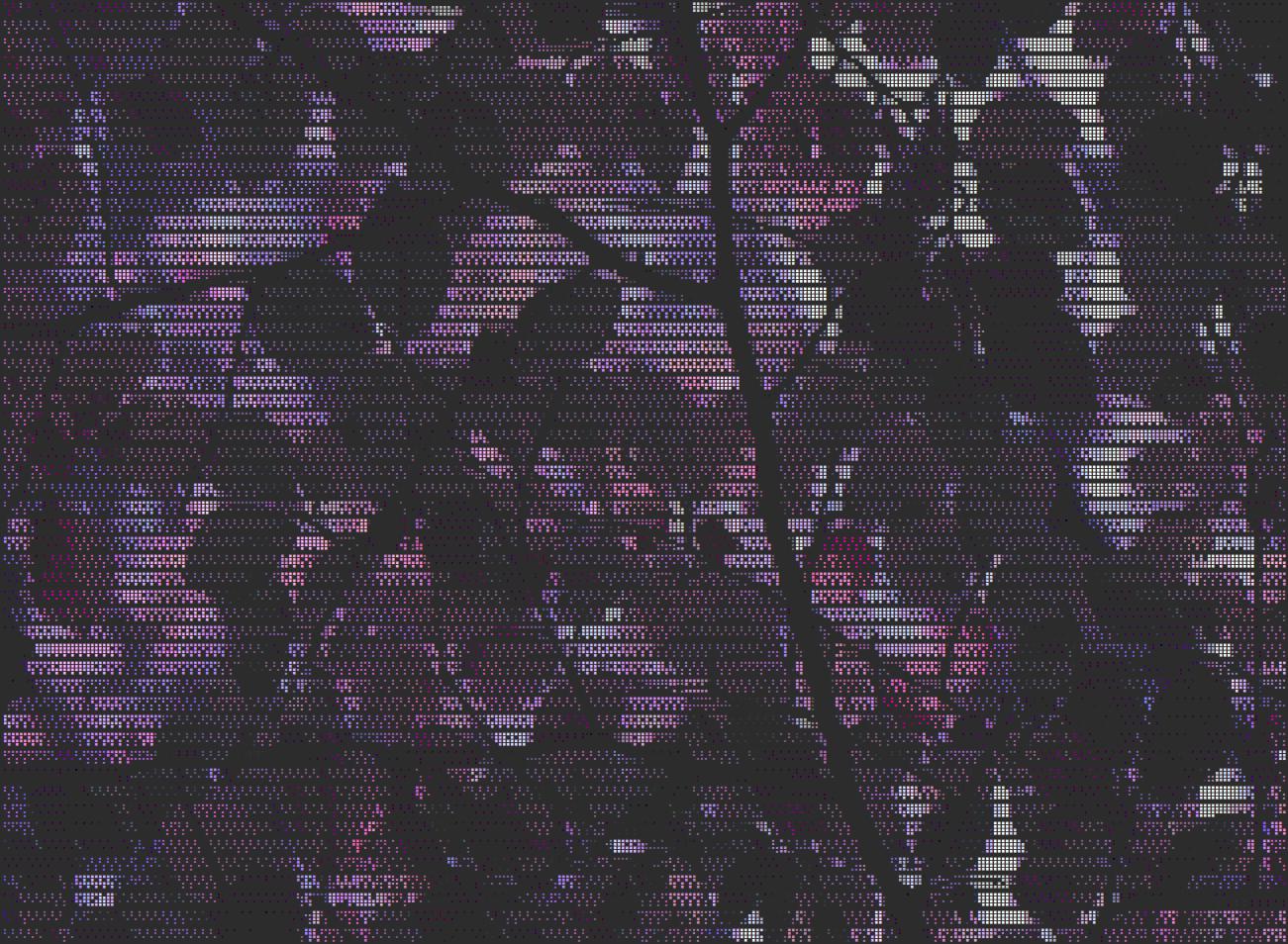
Render images and video previews as Braille art in the terminal with color and animation support.

Project description
dotz
Render images and video previews as Braille art in the terminal with xterm-256 color and ncurses dim/normal/bold attributes.
It was written to be used as a terminal image viewer with nnn. Works independently too.
Features
- Braille art rendering for images
- Animated GIF support
- xterm-256 color and grayscale
- Dithering options (ordered, error diffusion)
- Video preview (frame extraction with ffmpeg)
- File metadata panel
- Zoom in, zoom out, pan while zoom
- Rotate clockwise, flip
- Bounded background preloading
- Keyboard navigation and slideshow mode
- Video playback with seek controls
Installation
Install from PyPI:
pip install dotz
Or install from the source repository:
# Install system dependencies (e.g., ffmpeg)
sudo apt-get install ffmpeg  # or use your OS package manager

# Install Python dependencies and the CLI tool
sudo pip3 install .
After installation, you can run the tool using:
dotz [options] <file-or-directory>
Usage
Run the local workspace copy directly with:
python3 dotz.py [options] <file-or-directory>
Or use the installed entry point after reinstalling from the repository:
usage: dotz [-h] [-S] [-C] [-d {ordered,error,none}] [-s [DELAY]] [-k SEEK] [-f {jpeg,png}] [path]

Render an image or all images/videos in a directory as Braille cells using ncurses with optional xterm-256 color.

positional arguments:
  path                  Path to the image/video file or directory (optional)

options:
  -h, --help            show this help message and exit
  -S, --no-sharpen      Disable edge sharpening
  -C, --no-color        Disable color (greyscale only with dim/normal/bold)
  -d {ordered,error,none}, --dither {ordered,error,none}
                        Dithering mode: ordered (default, clean), error (Floyd-Steinberg, smooth gradients), none
  -s [DELAY], --slideshow [DELAY]
                        Enable slideshow mode with optional integer delay in seconds (default: 5).
  -k SEEK, --seek SEEK  Seek position to extract frame from videos in seconds (default: 10)
  -f {jpeg,png}, --format {jpeg,png}
                        Format for extracted video frames: jpeg (default) or png
Dotz keeps the current item plus one next and one previous item prepared in memory.
Examples
- Syntax:
python -m dotz <file-or-directory>
- To render a single image:
python -m dotz path/to/image.jpg
- To render all images and videos in a directory:
python -m dotz path/to/directory/
- To run a slideshow with a custom delay (e.g. 3 seconds):
python -m dotz -s 3 path/to/directory/
Navigation
| Key | Action |
|---|---|
| Right, n, Space | Next |
| Left, p | Previous |
| Up | First |
| Down | Last |
| s, S | Toggle forward/reverse slideshow |
| +, -, 0 | Zoom in, zoom out, zoom reset |
| h, j, k, l | Pan left, down, up, right while zoomed |
| r | Rotate clockwise |
| f | Flip horizontally |
| i | Show file metadata |
| d, D | Decrease/increase slideshow delay by 1 sec |
| [, ] | Seek backward/forward in a video by the current seek step |
| {, } | Decrease/increase the video seek step: 1, 2, 5, 10, or 30 sec |
| ,, . | Move to the previous/next 0.2 sec video preview frame |
| v | Toggle a lightweight 5 fps video preview |
| q, Esc | Quit |
| ? | Show keyboard help |
The two-line status bar shows the current item and filename first, followed by zoom, slideshow, and video state on the second line.
Dependencies
| Package | Version | Usage |
|---|---|---|
| python | >=3.7 | Required Python version |
| numpy | >=1.20 | Fast array operations for image processing |
| Pillow | >=8.0 | Image loading and manipulation |
| ffmpeg | >=4.2 | Video frame extraction |
Formats
Image: PNG, JPG, JPEG, BMP, GIF, TIFF, WEBP
Video: MP4, MKV, AVI, MOV, WEBM, FLV, WMV, MPEG, MPG
License
MIT
Release history Release notifications | RSS feed


Download files
Download the file for your platform. If you're not sure which to choose, learn more about installing packages.
Source Distribution
Built Distribution
Filter files by name, interpreter, ABI, and platform.
If you're not sure about the file name format, learn more about wheel file names.
Copy a direct link to the current filters
File details
Details for the file dotz-0.2.tar.gz.
File metadata
- Download URL: dotz-0.2.tar.gz
- Upload date:
- Size: 17.7 kB
- Tags: Source
- Uploaded using Trusted Publishing? No
- Uploaded via: twine/7.0.0 CPython/3.12.3
File hashes
| Algorithm | Hash digest | |
|---|---|---|
| SHA256 |
8b8d66aaa677539608389b767191854bfa6a75a06741e80e92fa8a13035ba677
|
|
| MD5 |
82fe56f210ff36ba4f1b18f7c7cc2a77
|
|
| BLAKE2b-256 |
589750b54502dd5f12c362dc028d89cd1a340a94ceb0f864535cd2da5f82359a
|
File details
Details for the file dotz-0.2-py3-none-any.whl.
File metadata
- Download URL: dotz-0.2-py3-none-any.whl
- Upload date:
- Size: 17.4 kB
- Tags: Python 3
- Uploaded using Trusted Publishing? No
- Uploaded via: twine/7.0.0 CPython/3.12.3
File hashes
| Algorithm | Hash digest | |
|---|---|---|
| SHA256 |
155fad179e67fbaa2604ae96fcfb711ed67f4ceb04b3de5423c9b476b9b18aa5
|
|
| MD5 |
9dd0be031639d02b06f8ad695503b414
|
|
| BLAKE2b-256 |
32828e3b781b6f621de8d33db96fac6df4bf6fea6863b2d911384efa7f2dc5a9
|






