

drillion: Python practice, on your machine





TL;DR: self-hosted Python practice with a UI that stays out of your way. No streaks, no leaderboard nonsense, no badges and no engagement bait. Made by a neurodivergent engineer. It is simple, and it runs your code in a sandbox.
Longer: drillion is a local web app with 267 short Python tasks, each tagged with the concept it drills so you can go straight at whatever you're worst at. No login, no account, no server except the one on your laptop. Tasks are folders of Markdown and Python. Your progress is a single SQLite file you can copy, back up and carry.
| Light | Dark | |
|---|---|---|
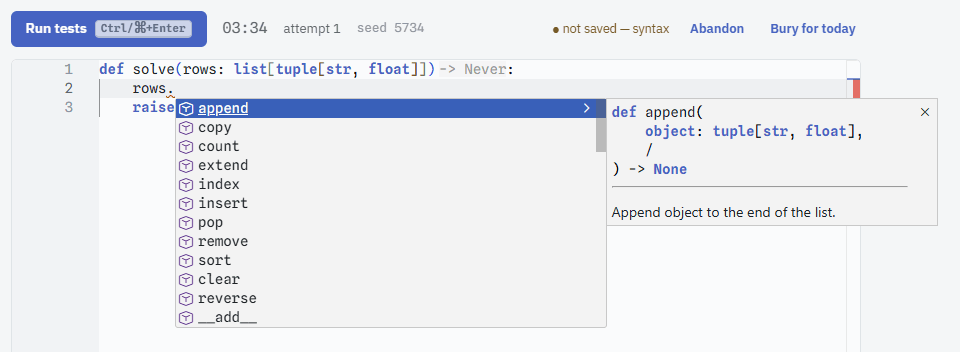
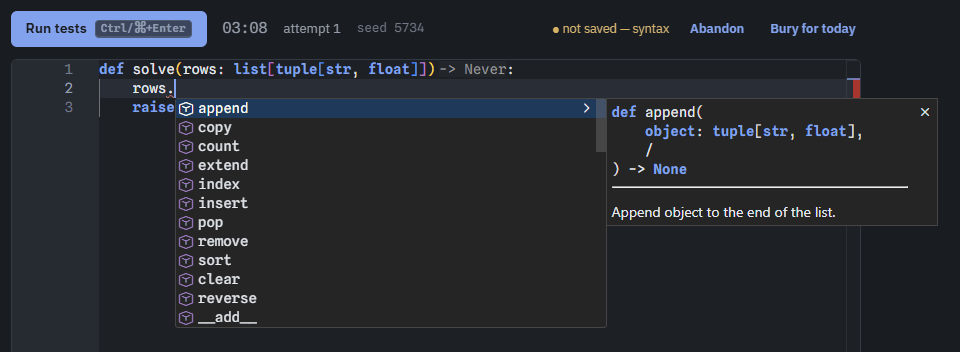
| The editor the editor completing a list method |
 |
 |
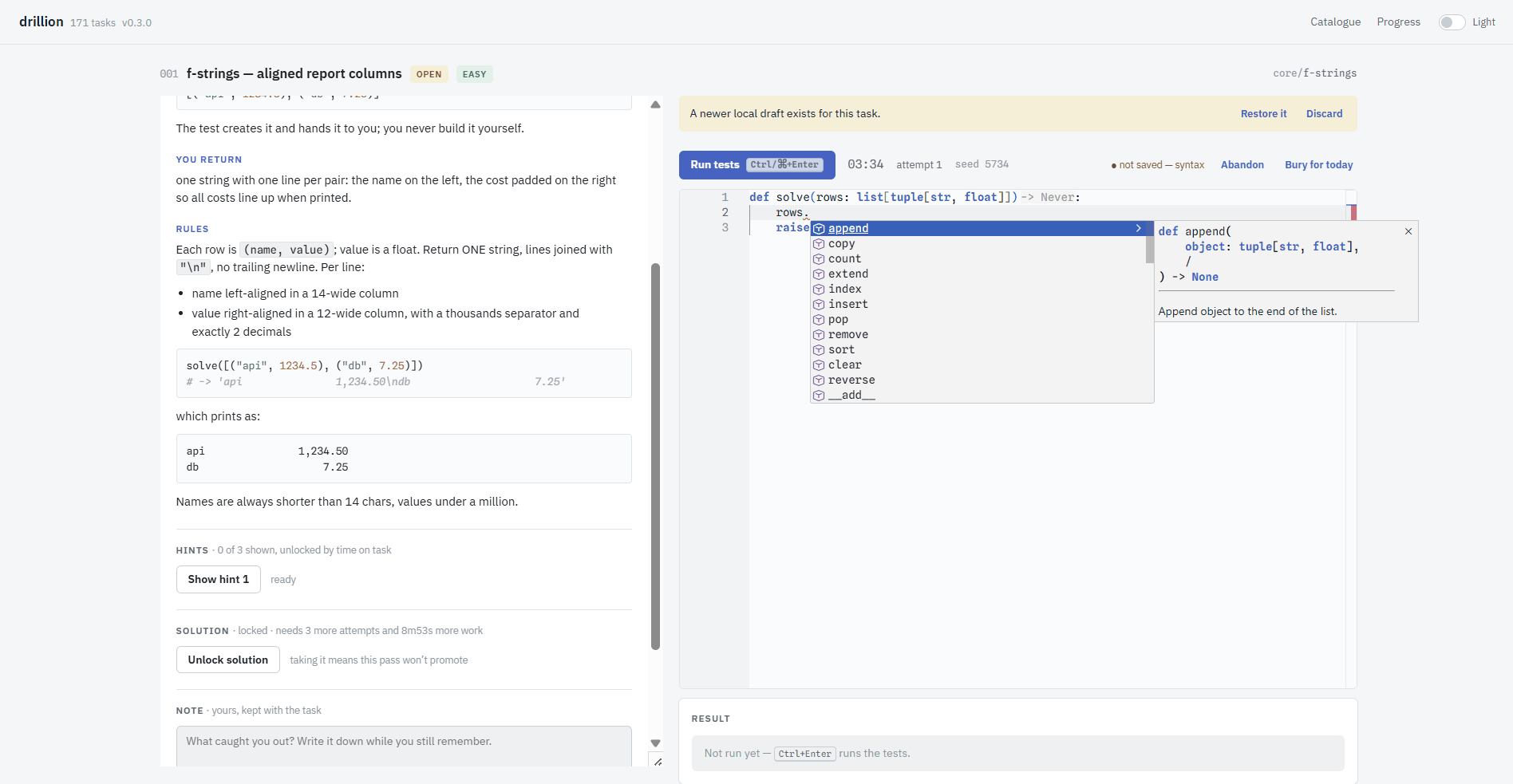
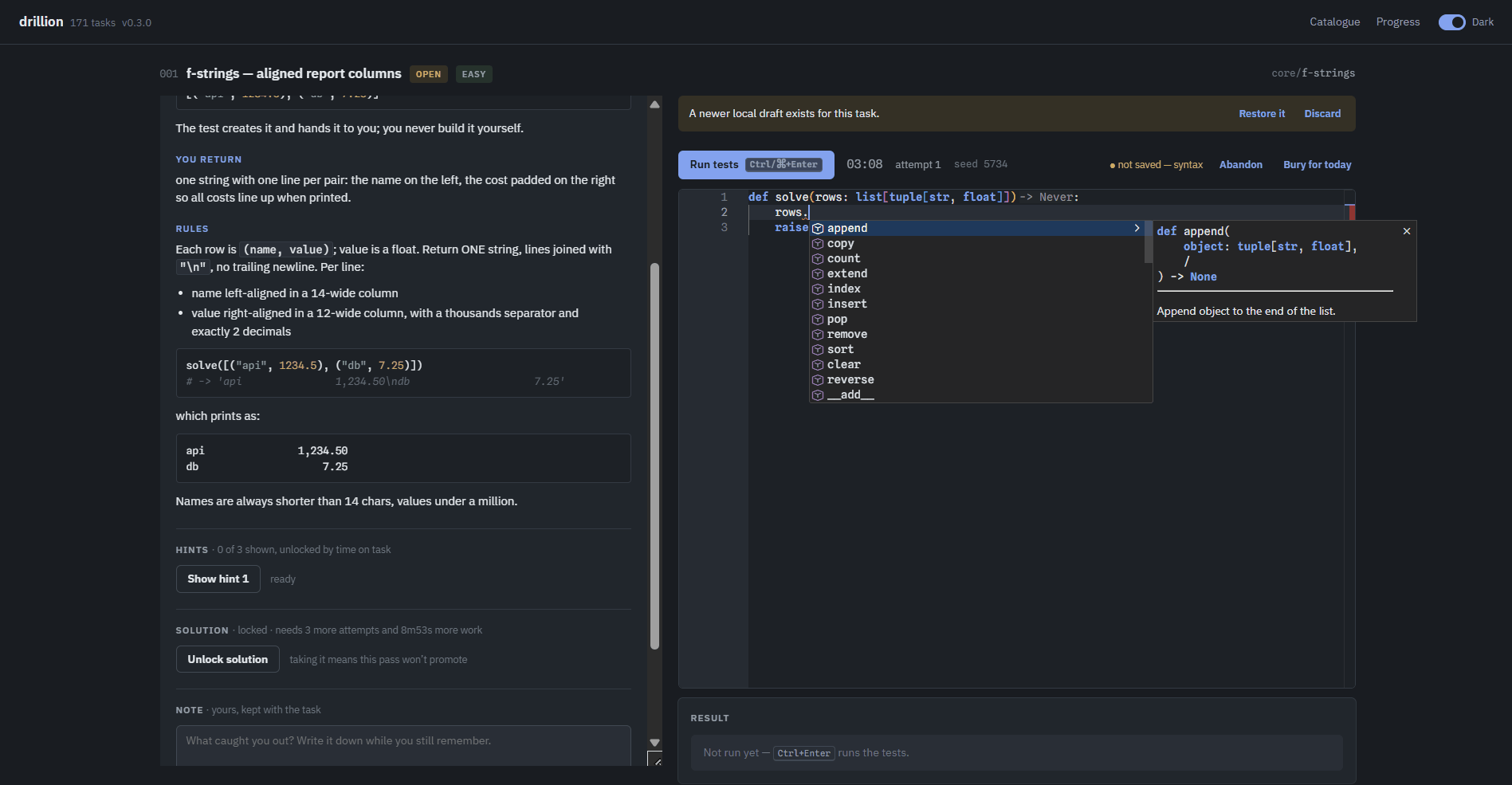
| A task spec on the left, your code and the test output on the right |
 |
 |
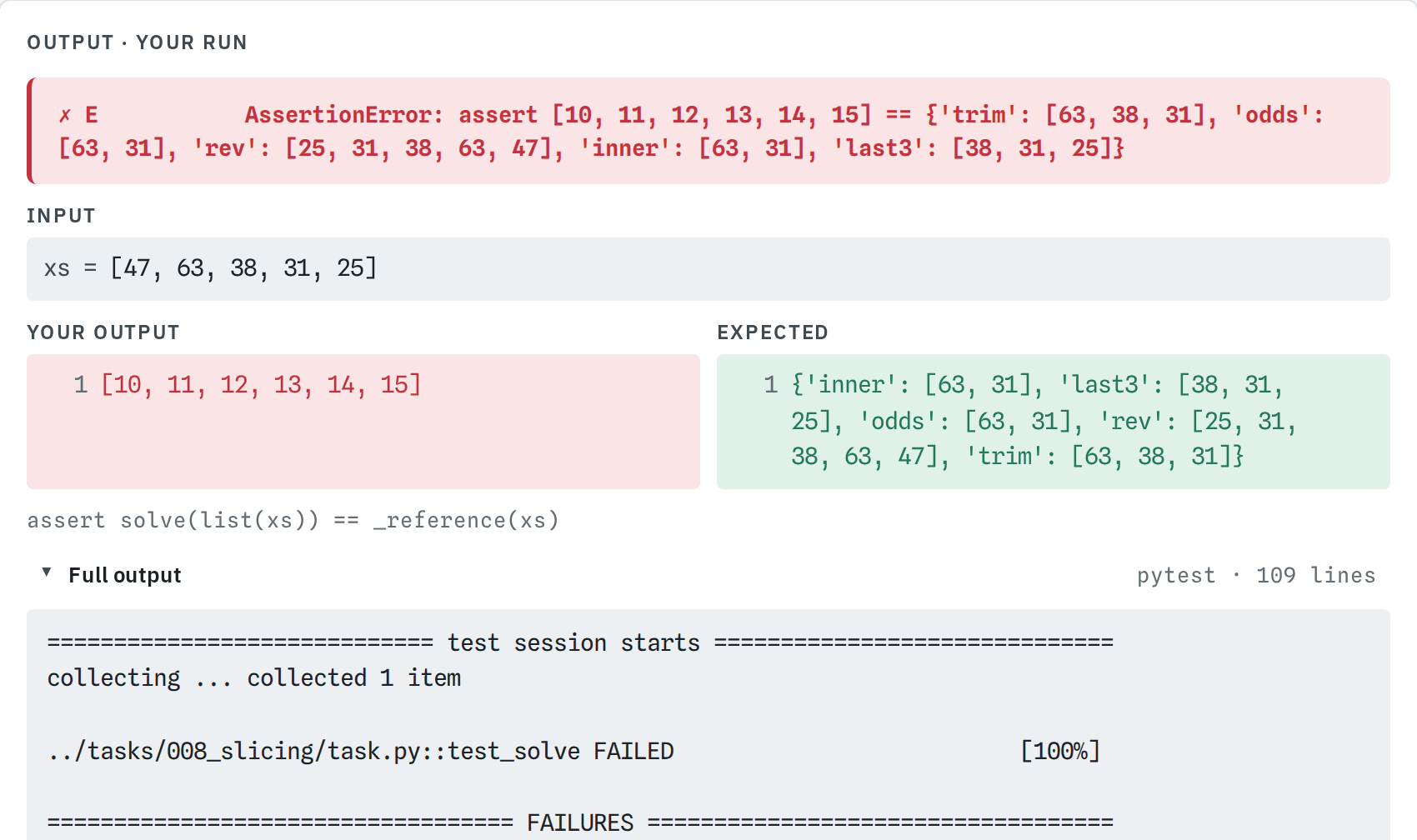
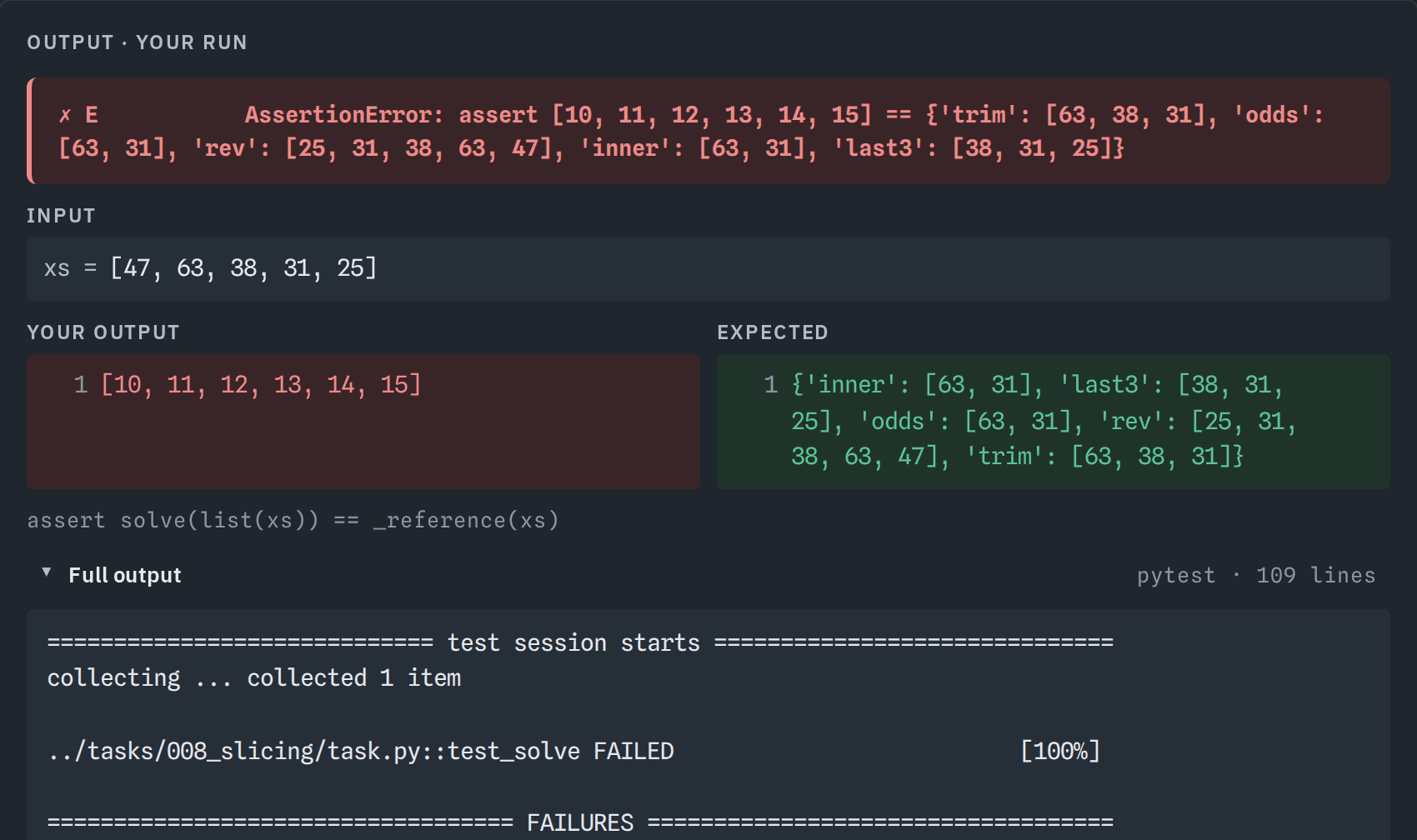
| A failed run the case that failed, your output beside what was expected |
 |
 |
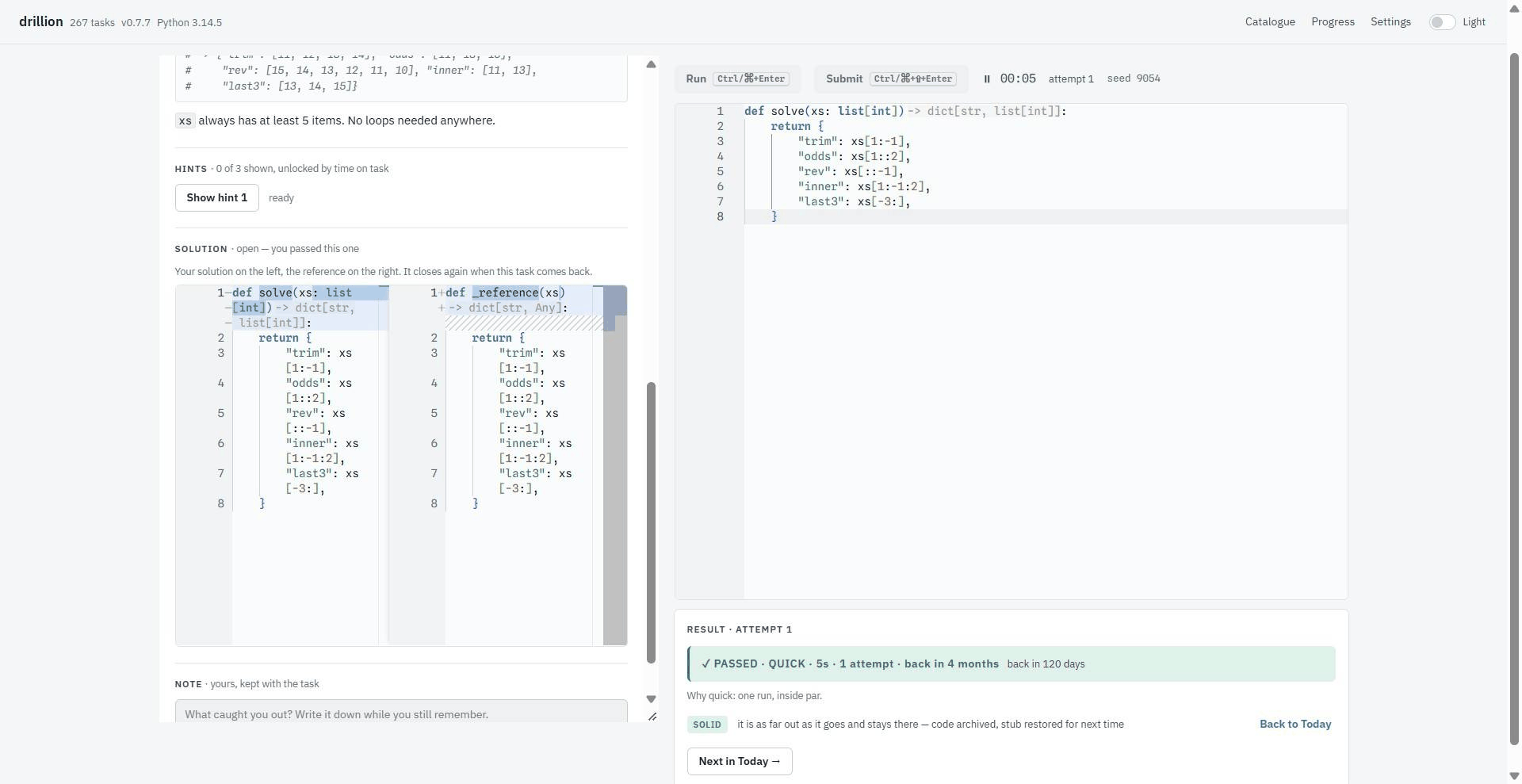
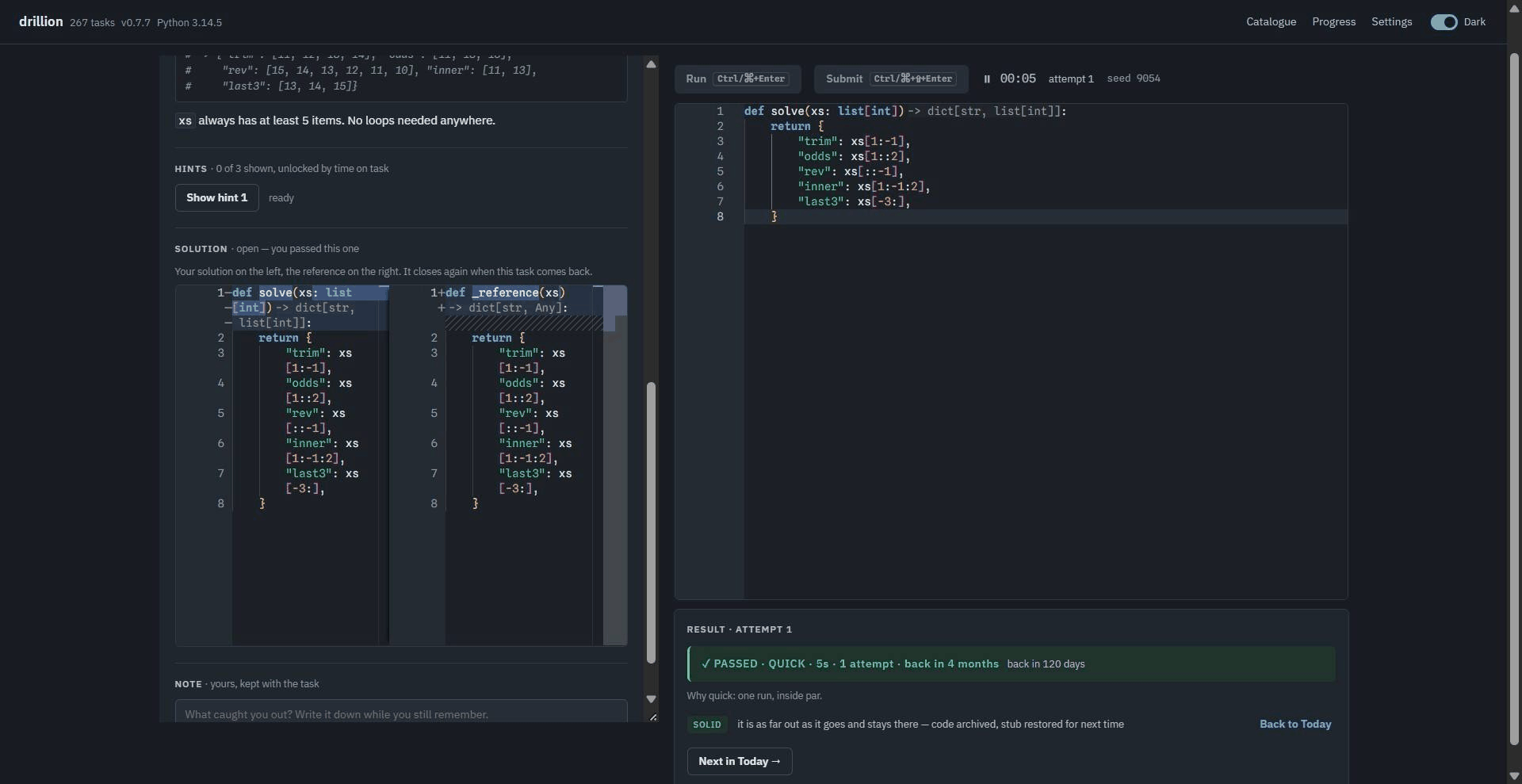
| A pass your answer against the reference, and when it comes back |
 |
 |
| The catalogue today's picks, the tags, the whole table |
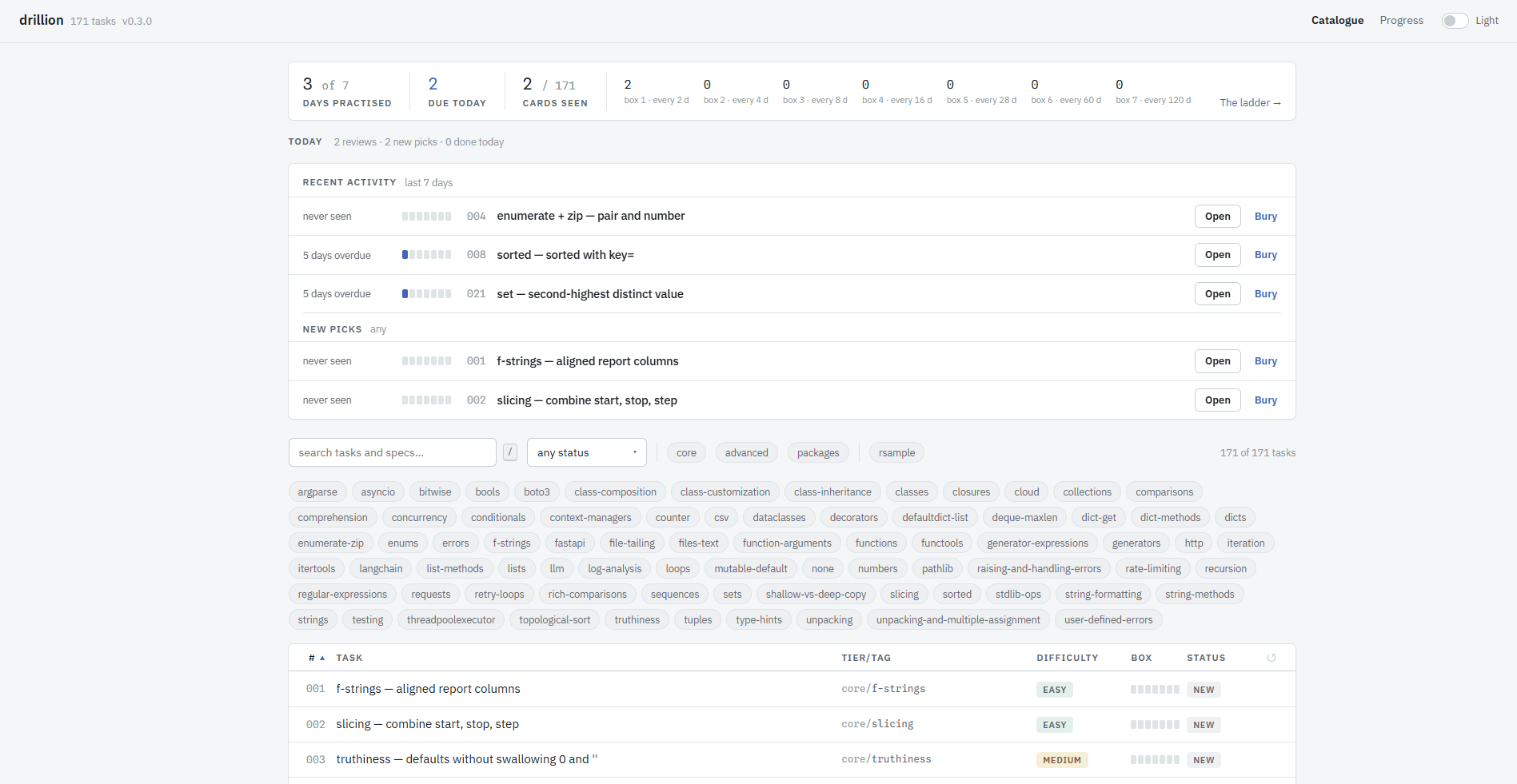 |
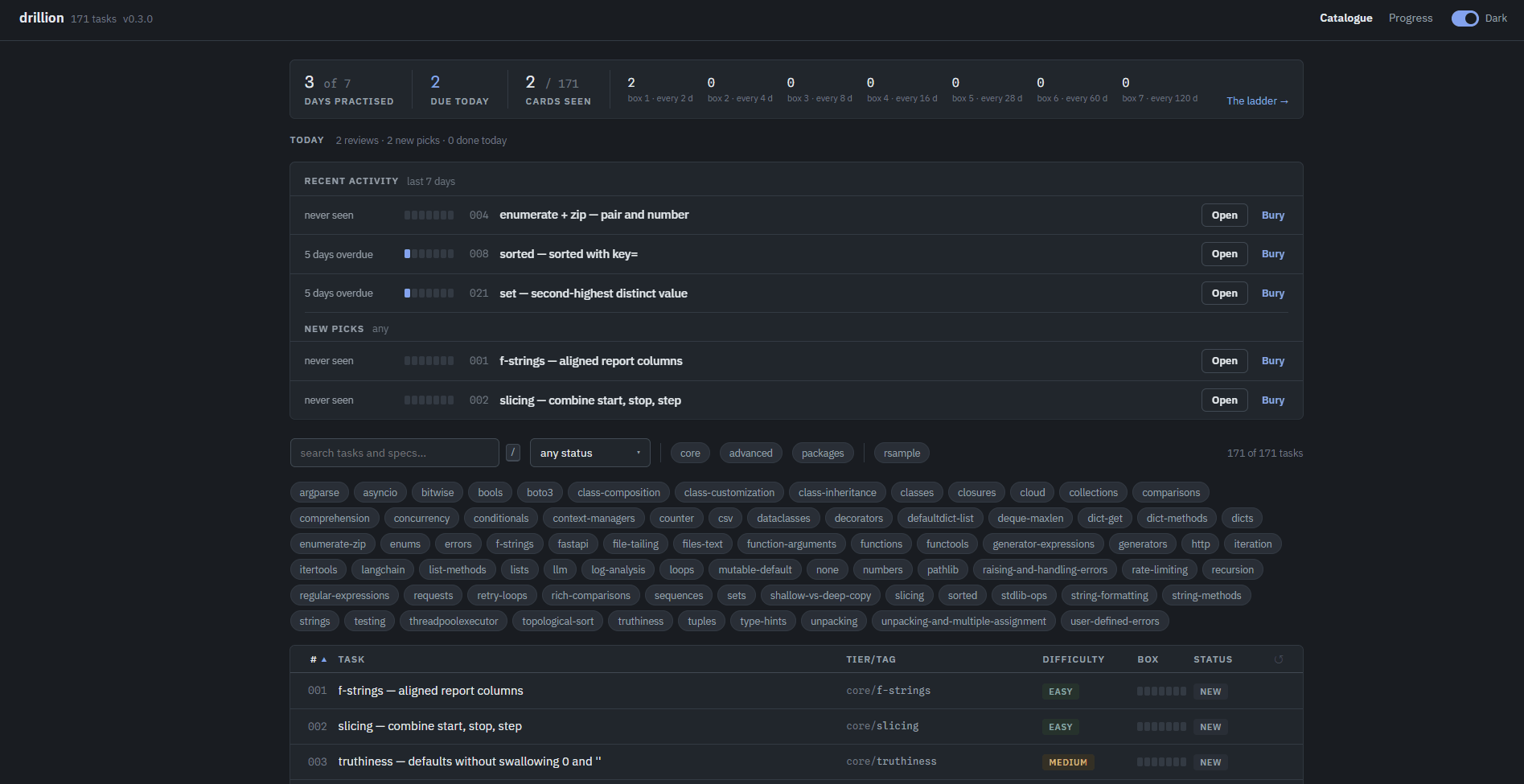 |
| Lineage what gates a task, and what it gates in turn |
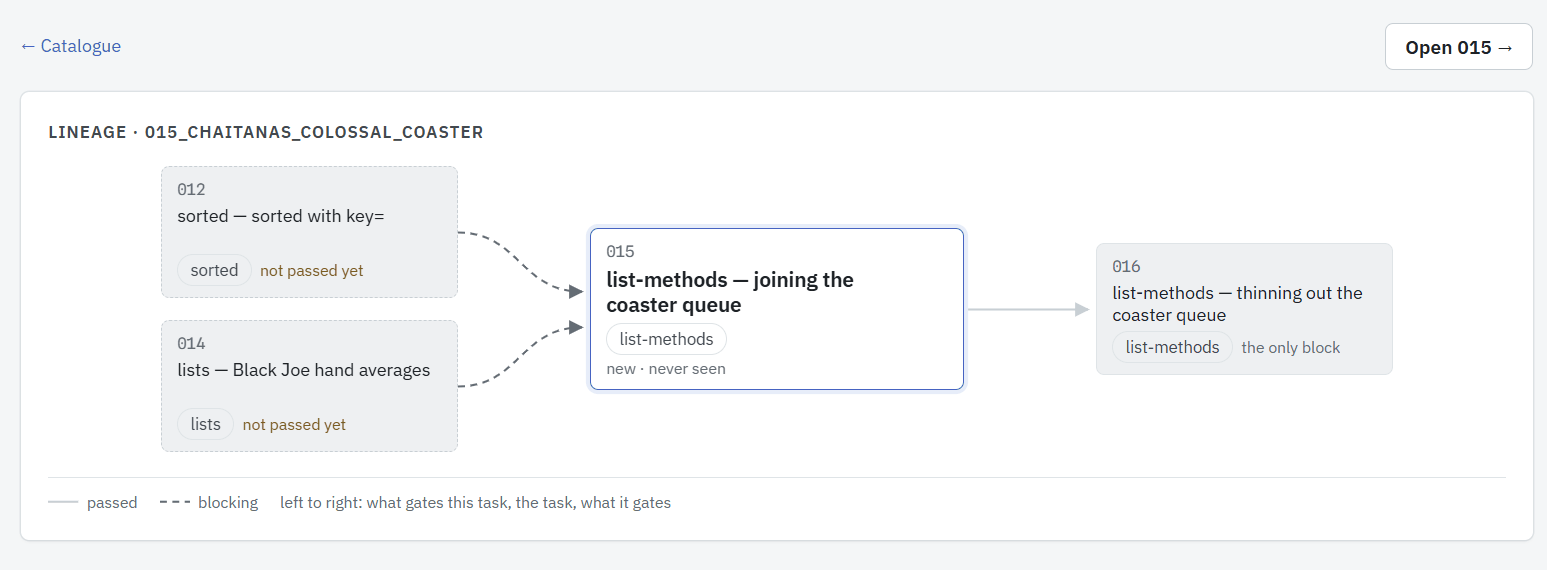 |
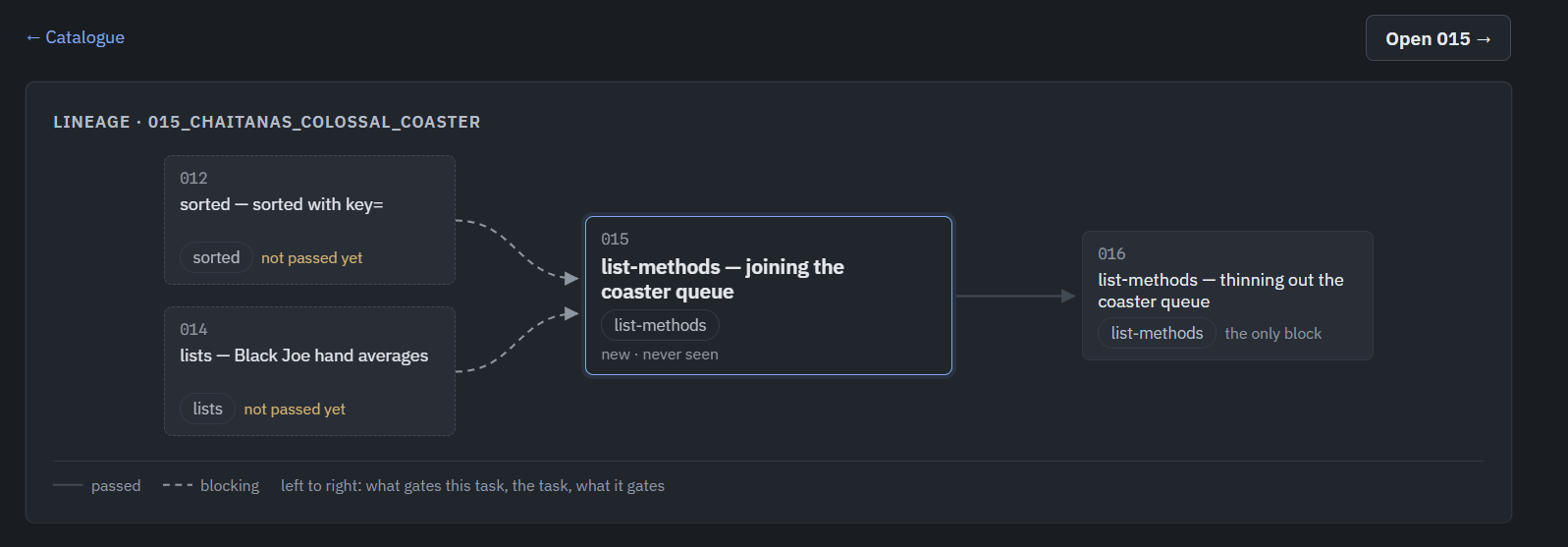 |
| Progress the ladder, what is due, where each topic sits |
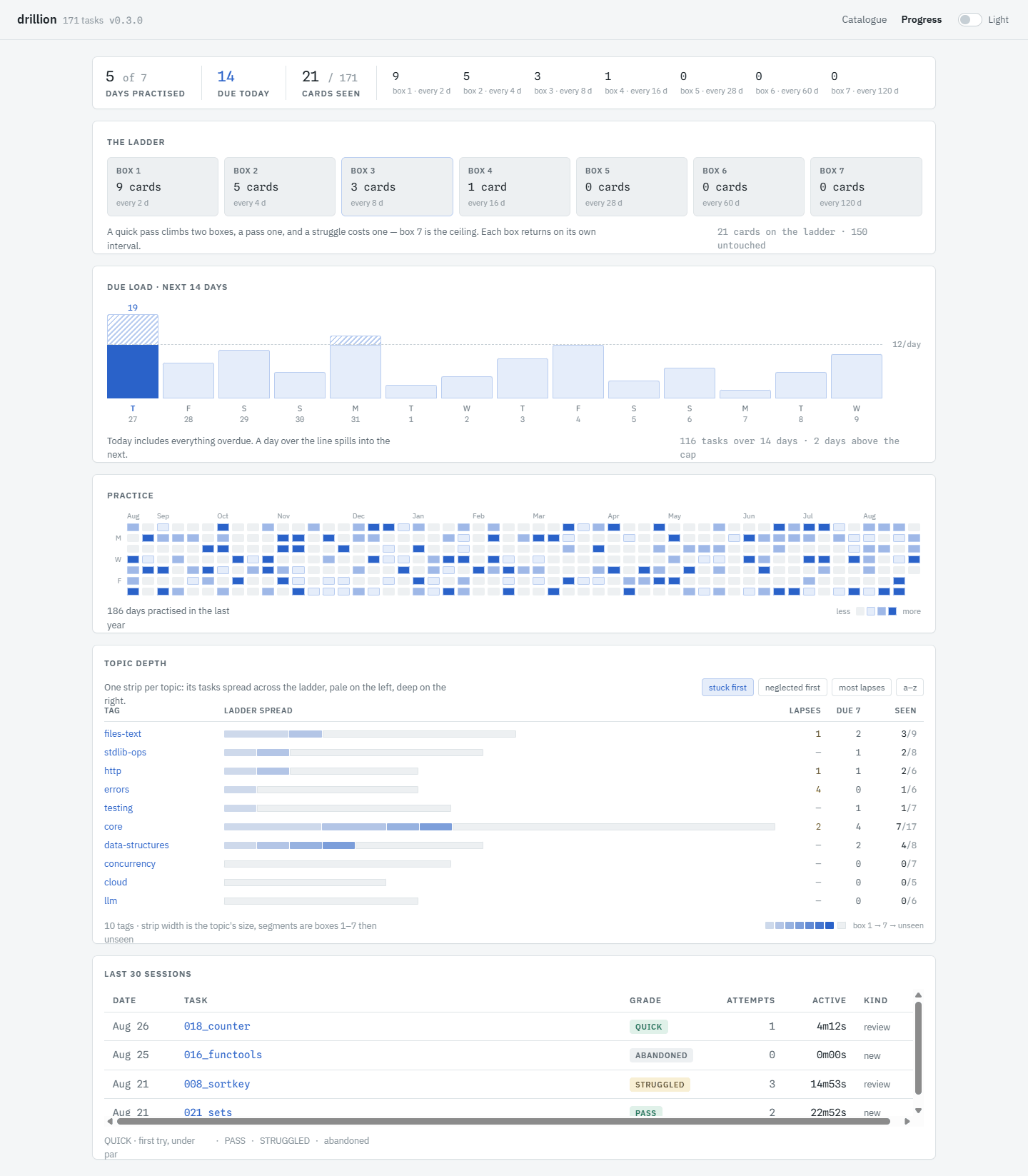 |
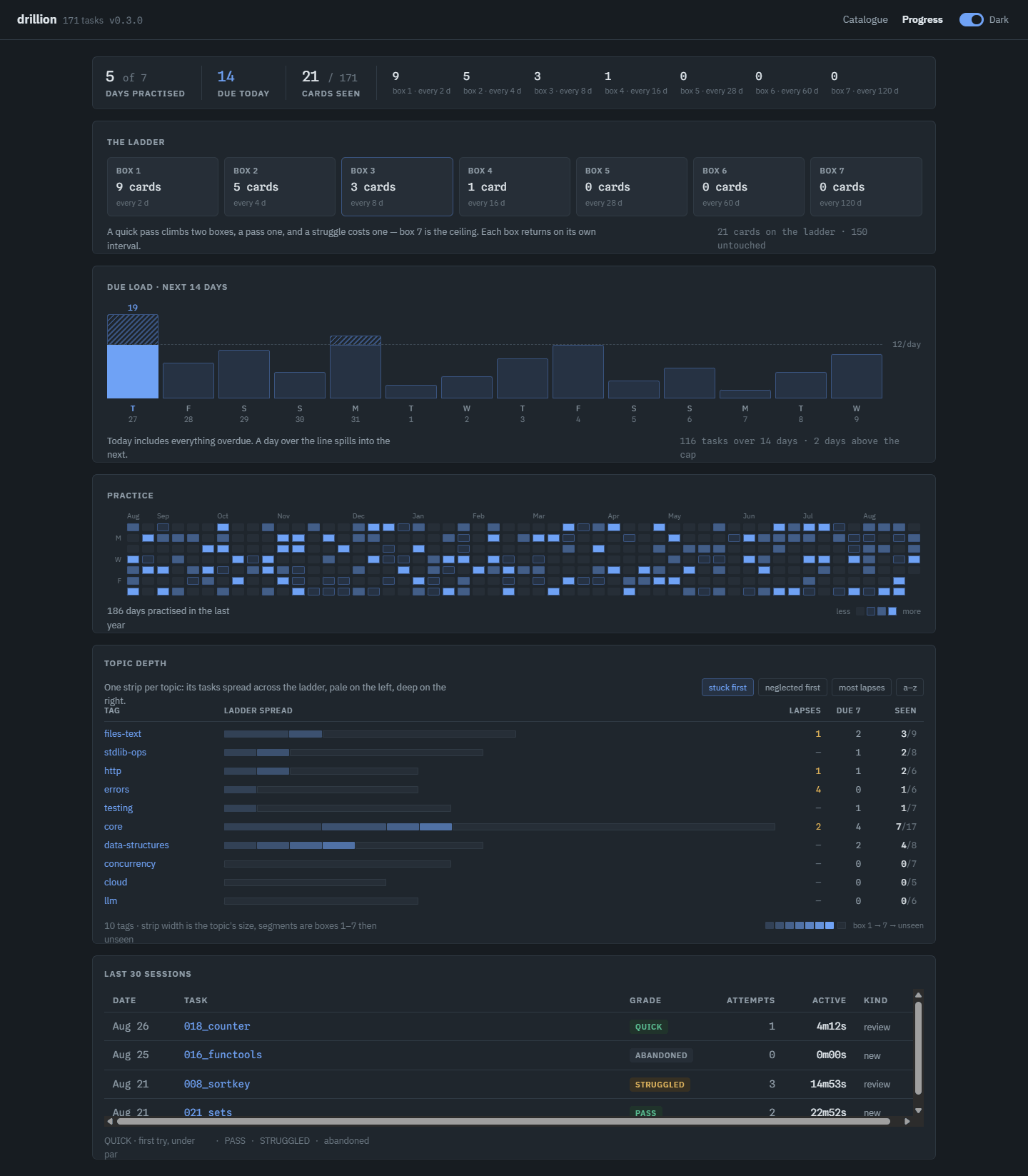 |
| Settings the editor set up the way you have it everywhere else |
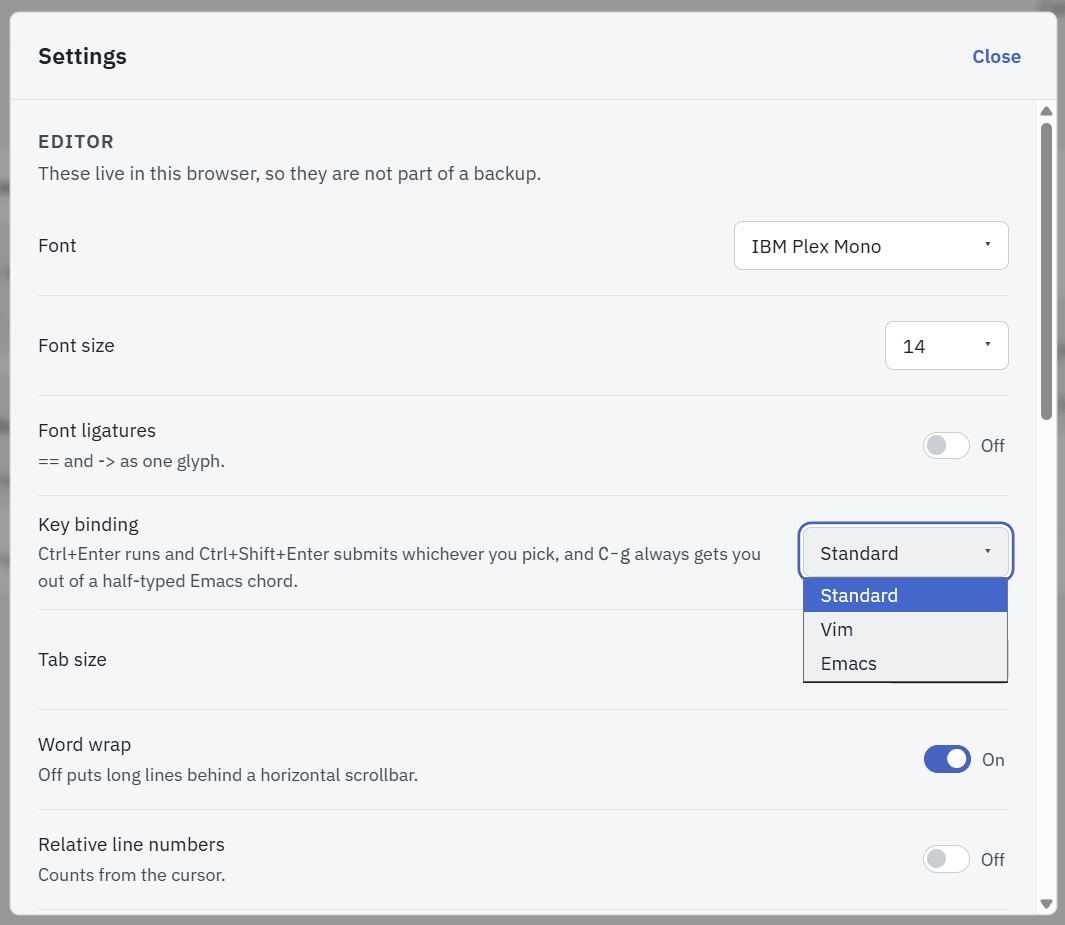 |
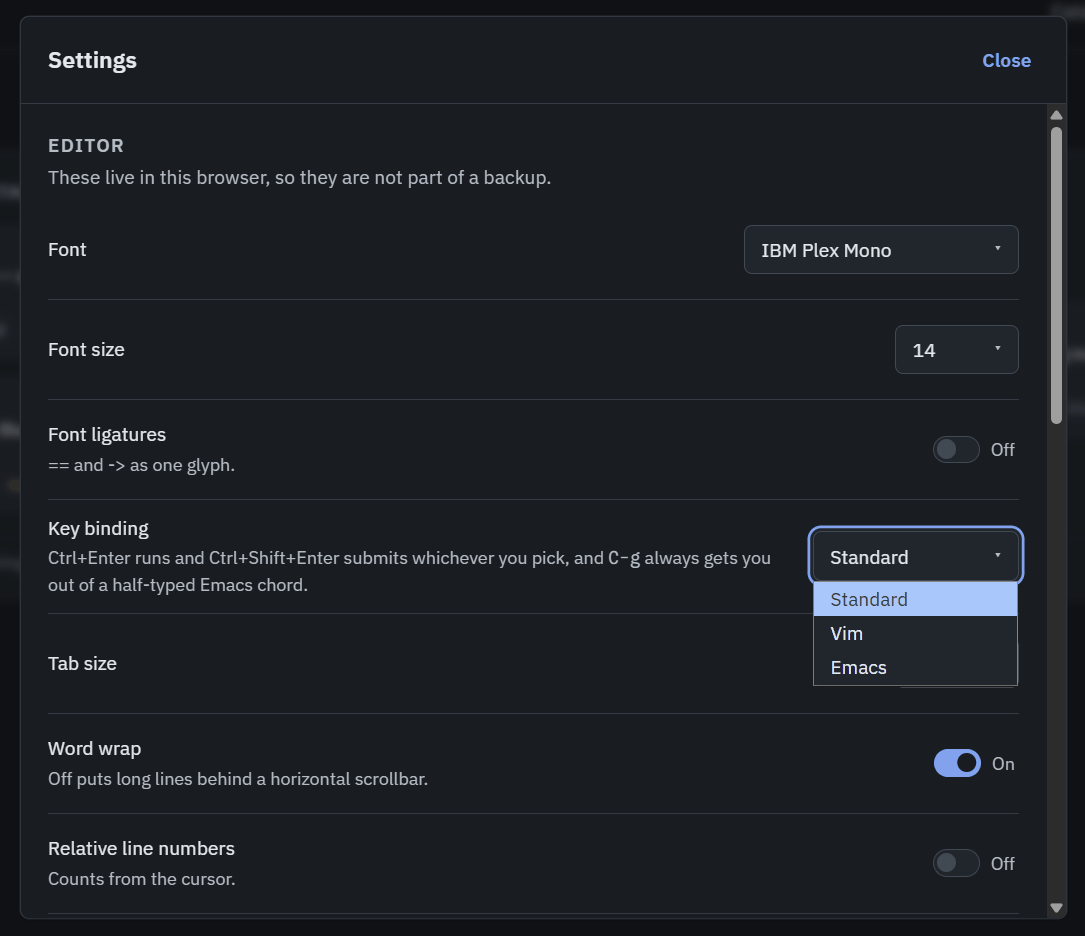 |
Every solve() says what it takes, so the editor knows what your value can do. Completions,
signatures and type errors come from a language server running next to the grader, on your
machine, and nothing is sent anywhere.
But why?
I have tried some learning platforms. Some stuck better than others, and there were plenty of things I did not like about all of them, the gamification and the ratings above all. I simply do not care about them. I came for one thing: to keep my Python sharp and learn new things, not to chat about it with peers.
I took heavy inspiration from Exercism, HackerRank and, surprisingly, Anki, and built it from scratch.
Core ideas I'm keeping in mind during the development:
- A clean UI that does not gate the task. Nothing stands between opening drillion and writing code.
- Categorisation. Every task is tagged with the concept it drills, and a tag spans many tasks, so you can go straight at the thing you are worst at instead of grinding a track in order.
- Anki-like progression. Tasks return on a fixed review ladder, with a daily cap so a backlog cannot bury you.
- An editor that behaves like an IDE without the complexity of one. Every
solve()is typed, so completions, signatures and inline type errors are real as they come from a language server running next to the grader, on your machine. - Hints unlock and they are not free. Three per task, escalating from a nudge to the same idea worked through on different data. After half an hour with no submission, drillion suggests taking one as you cannot brute-force something you are unaware of.
- Grading is the real. Your code is spliced into the task's own pytest file and run.
- YOUR progress. One SQLite file on your disk, stamped with a schema version, and a build refuses to rewrite a file a newer one wrote rather than quietly mangling it. Settings turns it into a backup you can carry, and can erase the lot if you want to start over.
- It is free, and it stays free. No tier, no voucher, no account, no telemetry, open-source.
One consequence worth stating plainly: 267 tasks ship as executable Python, and task.py
runs on import. Shipping tasks as code is what makes the sandbox necessary, so graded code
is confined by the kernel and you do not have to take my word for it. What running it
does to your machine, below, is the detail.
Install
You do not need Python, and you do not need to know what a virtual environment is. Pick your system below, install drillion, and it opens in your browser at http://127.0.0.1:8765. It runs on your machine, so nothing is uploaded and there is no account.
Linux, macOS, or Windows with WSL
Open a terminal. Install uv, which is the one tool drillion needs:
curl -LsSf https://astral.sh/uv/install.sh | sh
Close the terminal and open a new one, so it picks up the new command. Then:
uv tool install drillion
drillion
Installation takes a minute while uv fetches Python and drillion. After that it starts in seconds.
Windows
Open PowerShell from the Start menu. Install uv:
powershell -ExecutionPolicy ByPass -c "irm https://astral.sh/uv/install.ps1 | iex"
Close PowerShell and open it again, then:
uv tool install drillion
drillion
One difference worth knowing: the code you submit is sandboxed less tightly on Windows than on Linux and macOS. Windows blocks what it can write, but not what it can read. SECURITY.md says exactly which half is which.
Using it day to day
- Stop it: press
Ctrl+Cin the terminal window. - Start it again:
drillion, in any terminal. - Update:
uv tool upgrade drillion. - Updates don't delete your progress. You can also make a backup from Settings → Back up.
Docker
Same on every system, if you already run Docker:
docker run -p 127.0.0.1:8765:8765 -v drillion:/data ghcr.io/vazome/drillion
Open http://127.0.0.1:8765 yourself, since the container never opens a browser. The image carries
the tasks and the page; the named volume keeps your work across upgrades.
compose.yaml is the same thing plus restart: unless-stopped, so drillion comes
back after a reboot; save that one file anywhere and docker compose up -d.
Commands
drillion              # serve the web UI (default)
drillion selfcheck    # solve every task with its own reference, proving the set still works
drillion doctor       # say why a task folder would be skipped
What running it does to your machine
drillion runs Python on your computer: the code you write, and the code that ships inside the 267 tasks. So it is worth saying plainly what that costs you.
-
Your submissions are confined by the kernel. Landlock on Linux, an
sandbox-execprofile on macOS, a restricted token at low integrity on Windows. On Linux and macOS graded code reads only the interpreter, the system libraries and the tasks, writes only to a scratch directory deleted after the run, and cannot open a network connection. Windows confines the writes but not the reads or the network.drillion doctorprints the tier you actually got, read back from a process that tried it. -
Nothing leaves your machine. No account, no telemetry, no fonts or scripts fetched from anyone. The server binds
127.0.0.1, and refuses a request from a page it did not serve, so a website you happen to have open cannot drive your local drillion. -
What you downloaded can be checked. Every release carries provenance naming the workflow run that built it, attached to the release itself:
gh attestation verify drillion-0.8.0-py3-none-any.whl --repo vazome/drillion
gh attestation verify oci://ghcr.io/vazome/drillion:0.8.0 --repo vazome/drillion
SECURITY.md is the whole picture, including which half of it Windows does not cover, and how to report something.
Docs
- How a sitting works, and why: the learning loop, what the ladder is, and the grading rules.
- Configuration: environment, data root, Docker, release verification
- Authoring a task: tiers, difficulty, tags, the folder format
- CONTEXT.md: the vocabulary the code, the API and the UI all use
- DESIGN.md: the UI brief;
web/README.mdfor the frontend - docs/adr/: decisions worth their own page
Contributing
The most useful contribution is a new task. Open an issue with the New task template first, then read CONTRIBUTING.md for the dev loop and the contract a task is graded against, and AGENTS.md for how the project decides things. Bugs and ideas go in Issues; a vulnerability goes through SECURITY.md, which also spells out what running drillion does to your machine.
License
MIT. See LICENSE. 89 of the 267 tasks adapt a problem from Exercism's Python track
(also MIT), 13 adapt reference code from Fluent Python's examples and six from
TheAlgorithms/Python (both MIT), and one restates a problem from MBPP (CC-BY-4.0); each
names its origin in a source: field and an
attribution footer, and NOTICE reproduces the notices that travel with them.
1 maintainer

Metadata
1 maintainer
Release files for drillion 0.8.2
For a detailed explanation of source distributions (sdists) and built distributions (wheels), please see the package formats documentation.
Source distribution (sdist)
| File | Size | Uploaded | |
|---|---|---|---|
| drillion-0.8.2.tar.gz | 6.1 MB | Details |
Built distribution (wheel)
| File | Interpreter | ABI | Platform | Reset |
|---|---|---|---|---|
| drillion-0.8.2-py3-none-any.whl | Python 3 | none | any | Details |
Total release size: 12.0 MB
Release files / drillion-0.8.2.tar.gz
| Download URL | drillion-0.8.2.tar.gz |
|---|---|
| Size | 6.1 MB |
| Tags | Source |
|
SHA-256 checksum How to use checksums |
c7edb9954807953bbc4a60572356fc8f390bac64d901c224aacb14b64c9afc1d
|
|
BLAKE2b-256 checksum How to use checksums |
ebc12ed68e8ed2d62013434971ccb7335b20fd78b5826845aff9f8cb92514c3c
|
| Upload date | |
|
Uploaded using Trusted Publishing? What is trusted publishing? |
Yes |
| Uploaded via |
twine/7.0.0 CPython/3.13.14
|
Provenance
Provenance describes where a file came from. On PyPI, provenance is shared via attestations, which provide a verifiable record of the build or publishing details. View details, limitations and caveats.


PyPI Publish Attestation
PyPI verified that this artifact, at this checksum, originated from the publisher listed below.
Signed by GitHub Actions, verified by PyPI on Sep 15, 2026.
Transparency logRelease files / drillion-0.8.2-py3-none-any.whl
| Download URL | drillion-0.8.2-py3-none-any.whl |
|---|---|
| Size | 5.9 MB |
| Tags | Python 3 |
|
SHA-256 checksum How to use checksums |
44c37373c4160f0d6d618f7296f162ca5dcdeca5421e418e6c8326eac452f98b
|
|
BLAKE2b-256 checksum How to use checksums |
708e00518d9f3b7766fa17c618a90cfa851b6c479015673cb2be8750f1ce5267
|
| Upload date | |
|
Uploaded using Trusted Publishing? What is trusted publishing? |
Yes |
| Uploaded via |
twine/7.0.0 CPython/3.13.14
|
Provenance
Provenance describes where a file came from. On PyPI, provenance is shared via attestations, which provide a verifiable record of the build or publishing details. View details, limitations and caveats.
PyPI Publish Attestation
PyPI verified that this artifact, at this checksum, originated from the publisher listed below.
Signed by GitHub Actions, verified by PyPI on Sep 15, 2026.
Transparency log













