
drillion


TL;DR: Self-hosted python practices in effective UI. With no social engagment bait, public rating bullshit and no achievements. Pragmatic and simple by nature.
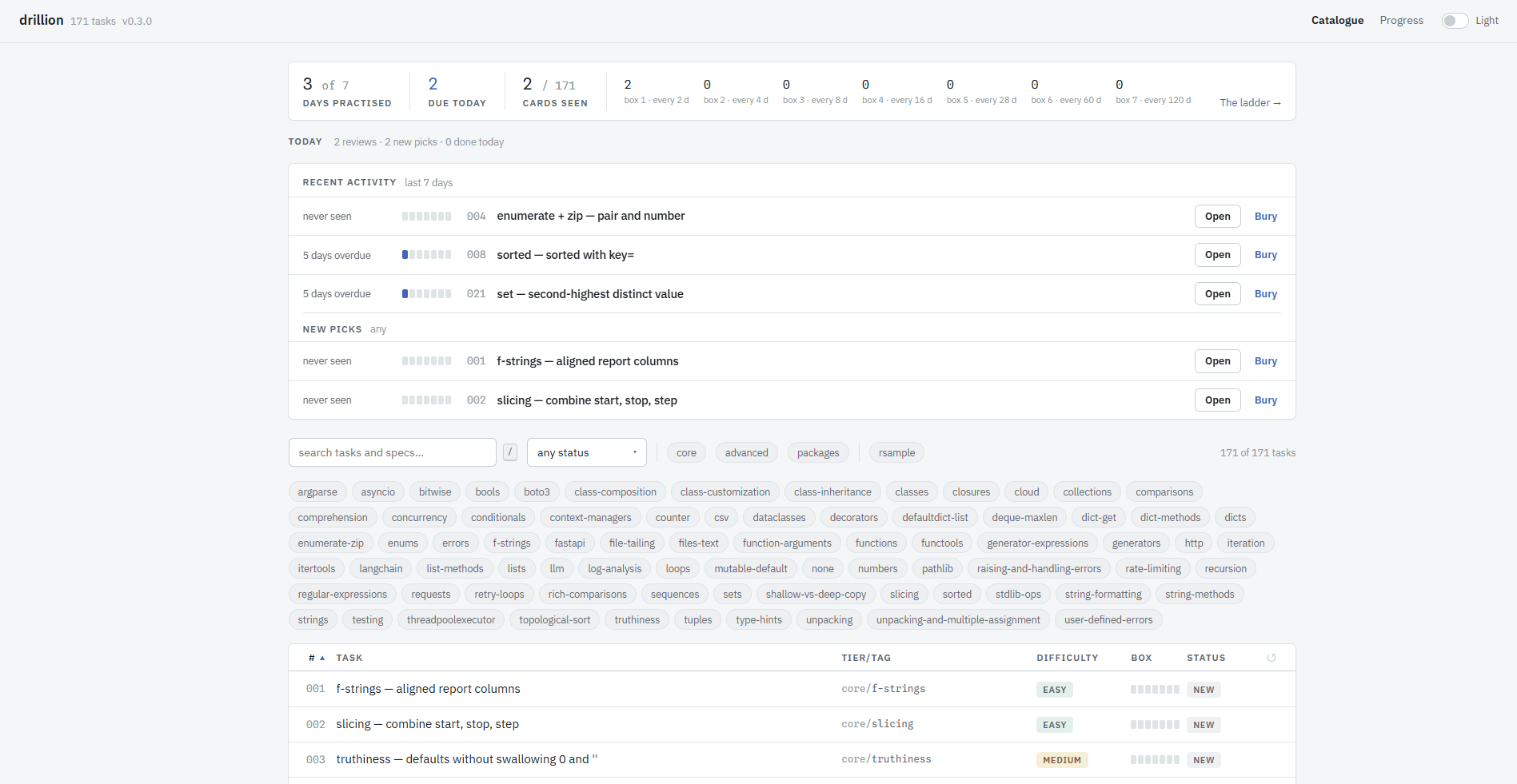
drillion is a local web app with 171 short Python tasks, each tagged with the concept it
practises so you can go straight at what you want to get better at. There is no login, no account and no server but yours: the tasks are folders of Markdown and Python on your disk, and your progress is one JSON file.
| Light | Dark | |
|---|---|---|
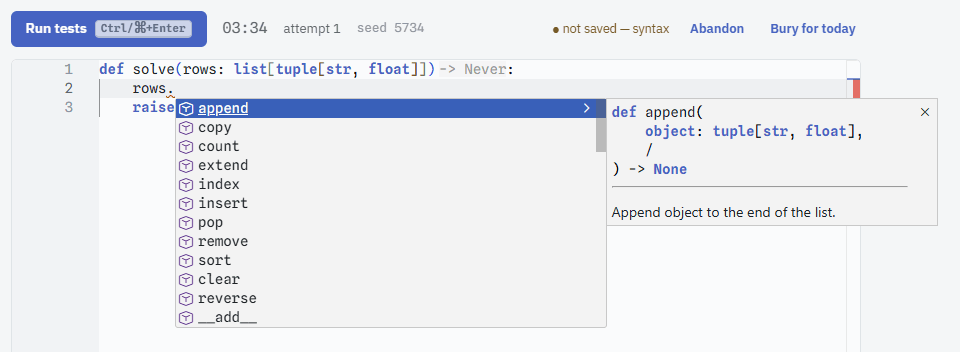
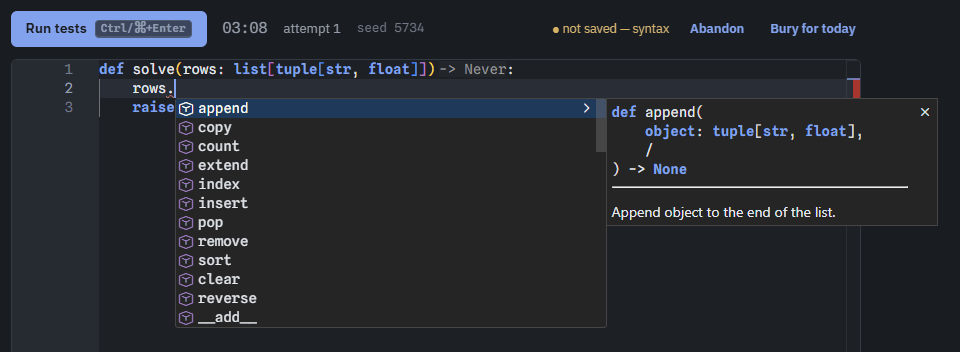
| The editor the editor completing a list method |
 |
 |
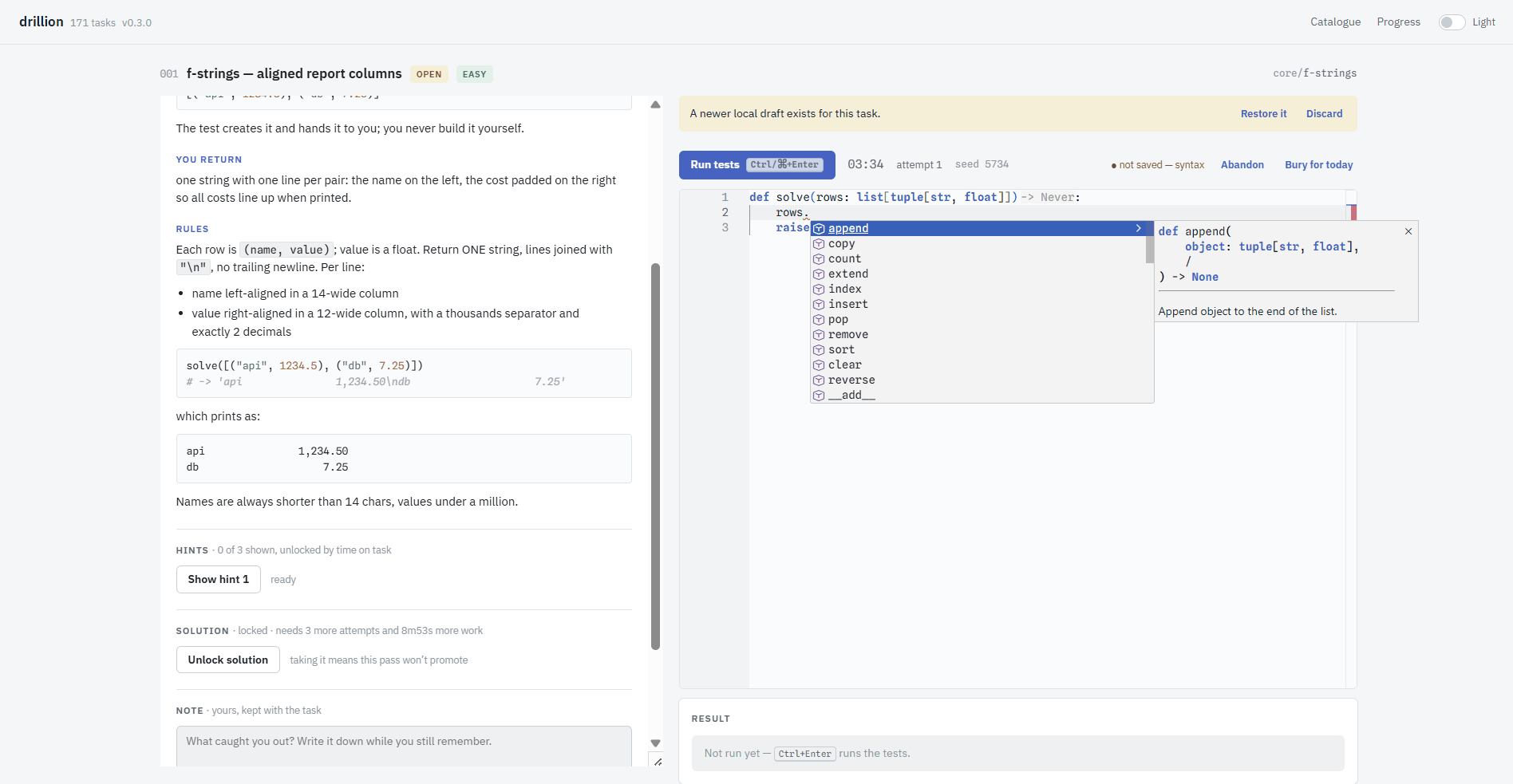
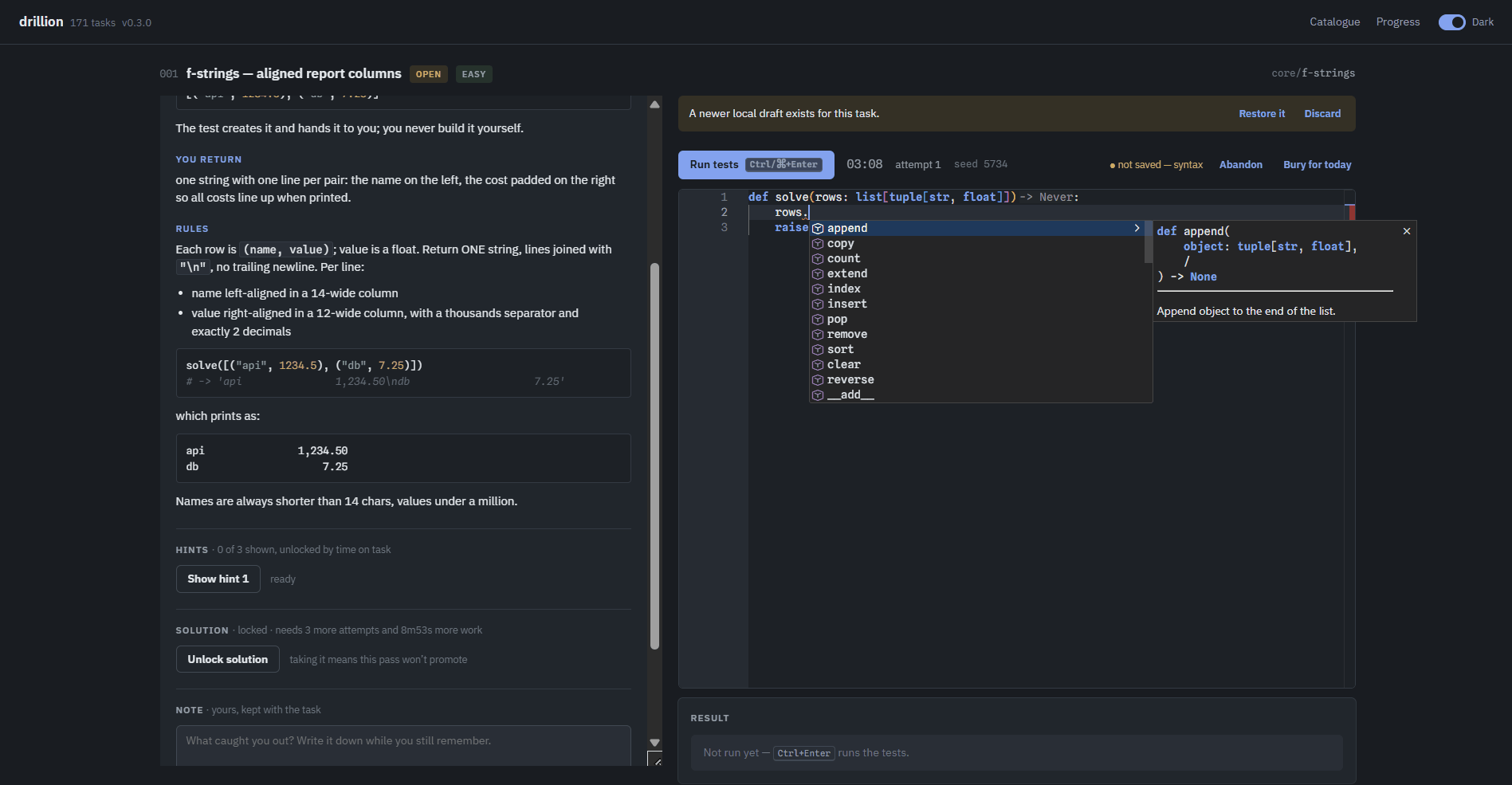
| A task spec on the left, your code and the test output on the right |
 |
 |
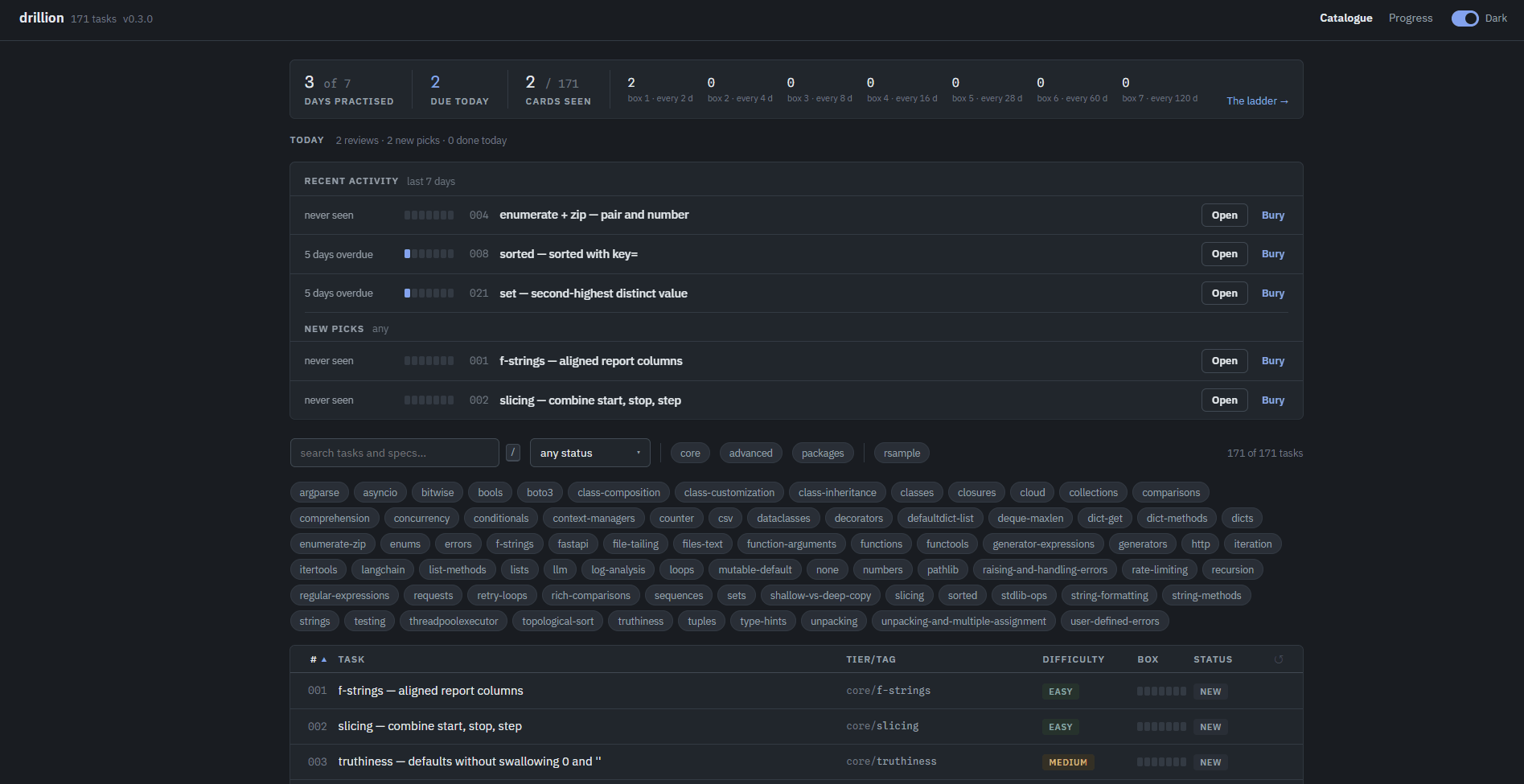
| The catalogue today's picks, the tags, the whole table |
 |
 |
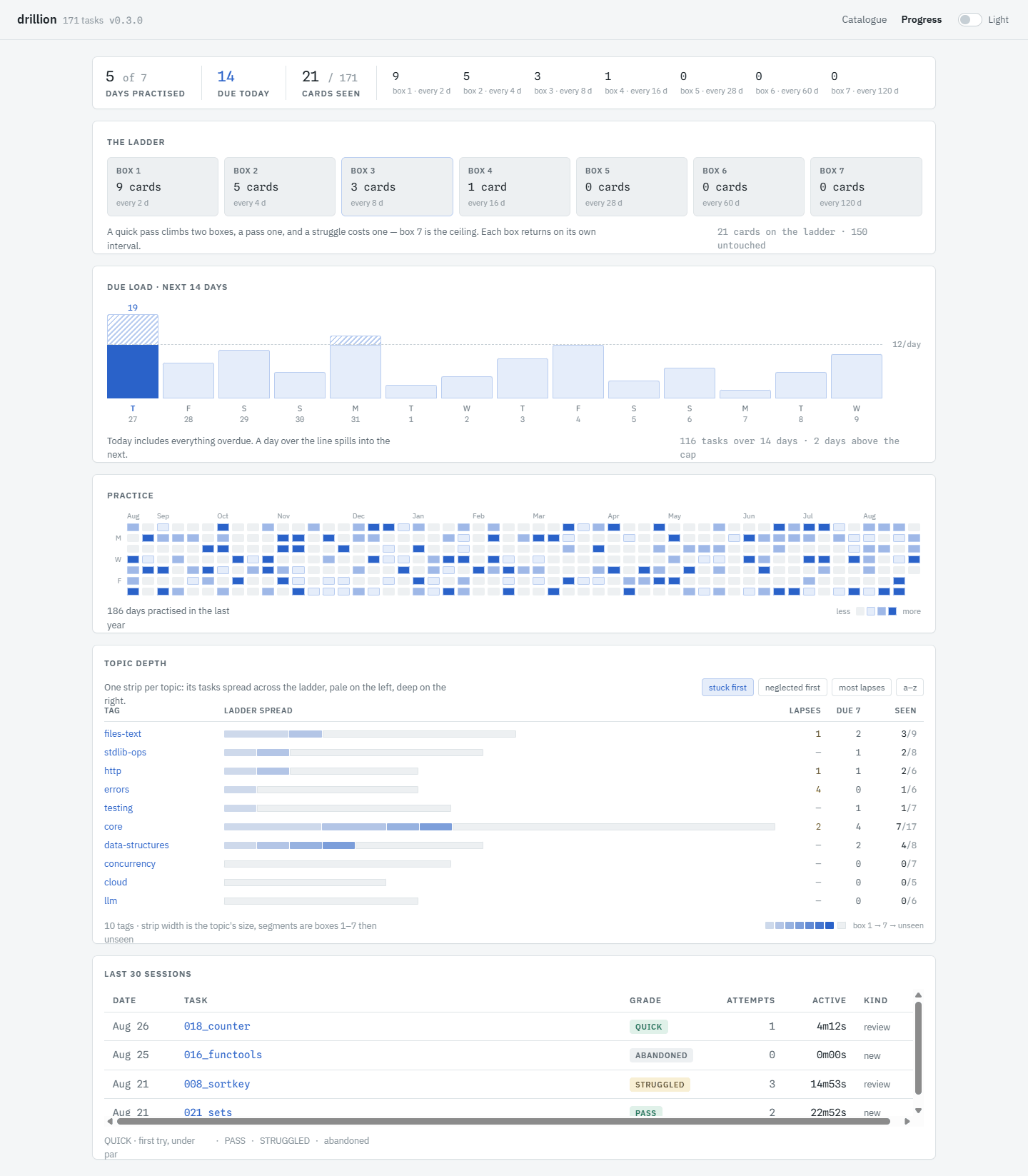
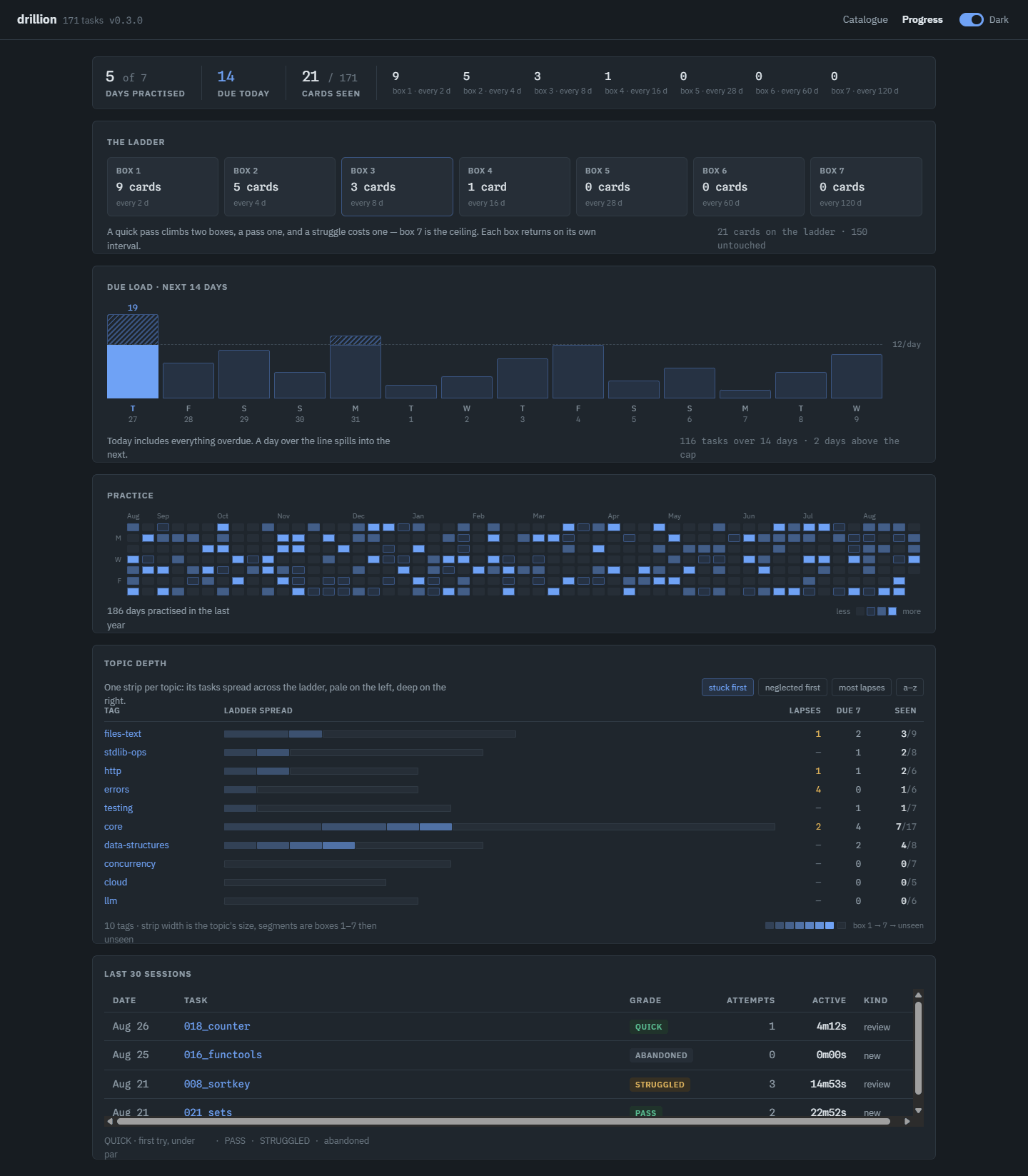
| Progress the ladder, what is due, where each topic sits |
 |
 |
Every solve() says what it takes, so the editor knows what your value can do. Completions,
signatures and type errors come from a language server running next to the grader, on your
machine — nothing is sent anywhere.
Install
Any of these serve http://127.0.0.1:8765. The first three need Python 3.13 or newer; Docker needs nothing but Docker.
Try it — uvx
uvx drillion
Downloads, runs, and leaves nothing installed. Your progress still persists between runs; only drillion itself is temporary.
Keep it — uv tool install
uv tool install drillion
drillion
Puts drillion on your PATH. uv tool upgrade drillion updates it.
Keep it — pip
pip install drillion
drillion
The same thing without uv. Use a virtualenv if you keep your system Python clean.
Docker
docker run -p 127.0.0.1:8765:8765 -v drillion:/data ghcr.io/vazome/drillion
The image carries the tasks and the page; the named volume keeps your work across upgrades.
Open http://127.0.0.1:8765 yourself — the container never opens a browser.
compose.yaml is the same thing plus restart: unless-stopped, so drillion comes
back after a reboot; save that one file anywhere and docker compose up -d.
Commands
drillion              # serve the web UI (default)
drillion selfcheck    # solve every task with its own reference — proves the set still works
drillion doctor       # say why a task folder would be skipped
Your progress
Everything drillion owns lives under one root: tasks/, which is where your code is saved, and
progress.json, which holds your cards, notes and archived solutions. From a clone that root is
the checkout. Installed, it is a per-user data directory that the first run seeds from the tasks
inside the wheel. In Docker it is the volume at /data. An upgrade never writes over a root that
already has tasks in it, so nothing you have written is at risk.
See docs/configuration.md for the environment variables and the Docker
bind-mount recipe.
Docs
- How a sitting works, and why — the learning loop, what is the ladder and grading rules.
- Configuration — environment, data root, Docker, release verification
- Authoring a task — tiers, difficulty, tags, the folder format
- CONTEXT.md — the vocabulary the code, the API and the UI all use
- DESIGN.md — the UI brief;
web/README.mdfor the frontend - docs/adr/ — decisions worth their own page
Contributing
The most useful contribution is a new task. Open an issue with the New task template first, then read CONTRIBUTING.md for the dev loop and the contract a task is graded against, and AGENTS.md for how the project decides things. Bugs and ideas go in Issues; a vulnerability goes through SECURITY.md, which also spells out what running drillion does to your machine.
License
MIT — see LICENSE. 84 of the 171 tasks carry Markdown adapted from Exercism's Python
track (also MIT); each names its origin in a source: field and an attribution footer, and
NOTICE reproduces the notice that travels with them.
1 maintainer

Download files
Download the file for your platform. If you're not sure which to choose, learn more about installing packages.
Source Distribution
Built Distribution
Filter files by name, interpreter, ABI, and platform.
If you're not sure about the file name format, learn more about wheel file names.
Copy a direct link to the current filters
File details
Details for the file drillion-0.4.0.tar.gz.
File metadata
- Download URL: drillion-0.4.0.tar.gz
- Upload date:
- Size: 5.1 MB
- Tags: Source
- Uploaded using Trusted Publishing? Yes
- Uploaded via:
twine/7.0.0 CPython/3.13.14
File hashes
| Algorithm | Hash digest | |
|---|---|---|
| SHA256 |
c109ca39bc0908232be7279dddd6093fdb6ff9d5b4400d750cb4527ae16859d7
|
|
| MD5 |
505e8eb8026c0d48a5eb7df02b224d8b
|
|
| BLAKE2b-256 |
877b9b53ece9bd0eac2e2be5a115d7e0bef2f40bb712c8c9195ea61e552a6d4e
|
Provenance
The following attestation bundles were made for drillion-0.4.0.tar.gz:
Publisher:
release.yml on vazome/drillion
-
Statement:
-
Statement type:
https://in-toto.io/Statement/v1 -
Predicate type:
https://docs.pypi.org/attestations/publish/v1 -
Subject name:
drillion-0.4.0.tar.gz -
Subject digest:
c109ca39bc0908232be7279dddd6093fdb6ff9d5b4400d750cb4527ae16859d7 - Sigstore transparency entry: 2619990865
- Sigstore integration time:
-
Permalink:
vazome/drillion@8925a3b43a66e36d44c521214260378ac1bf7de7 -
Branch / Tag:
refs/tags/v0.4.0 - Owner: https://github.com/vazome
-
Access:
public
-
Token Issuer:
https://token.actions.githubusercontent.com -
Runner Environment:
github-hosted -
Publication workflow:
release.yml@8925a3b43a66e36d44c521214260378ac1bf7de7 -
Trigger Event:
push
-
Statement type:
File details
Details for the file drillion-0.4.0-py3-none-any.whl.
File metadata
- Download URL: drillion-0.4.0-py3-none-any.whl
- Upload date:
- Size: 5.0 MB
- Tags: Python 3
- Uploaded using Trusted Publishing? Yes
- Uploaded via:
twine/7.0.0 CPython/3.13.14
File hashes
| Algorithm | Hash digest | |
|---|---|---|
| SHA256 |
bc3410fc13a9447badb618735f4b9a5d7bbb1858839aa649547459e41f50cf7a
|
|
| MD5 |
c11eaacd65c5c96c269172065bdb3c19
|
|
| BLAKE2b-256 |
f2f5103f99250fb8ae2db51bb24391ff325e996d83d99921616200018288c9f1
|
Provenance
The following attestation bundles were made for drillion-0.4.0-py3-none-any.whl:
Publisher:
release.yml on vazome/drillion
-
Statement:
-
Statement type:
https://in-toto.io/Statement/v1 -
Predicate type:
https://docs.pypi.org/attestations/publish/v1 -
Subject name:
drillion-0.4.0-py3-none-any.whl -
Subject digest:
bc3410fc13a9447badb618735f4b9a5d7bbb1858839aa649547459e41f50cf7a - Sigstore transparency entry: 2619990980
- Sigstore integration time:
-
Permalink:
vazome/drillion@8925a3b43a66e36d44c521214260378ac1bf7de7 -
Branch / Tag:
refs/tags/v0.4.0 - Owner: https://github.com/vazome
-
Access:
public
-
Token Issuer:
https://token.actions.githubusercontent.com -
Runner Environment:
github-hosted -
Publication workflow:
release.yml@8925a3b43a66e36d44c521214260378ac1bf7de7 -
Trigger Event:
push
-
Statement type:














