
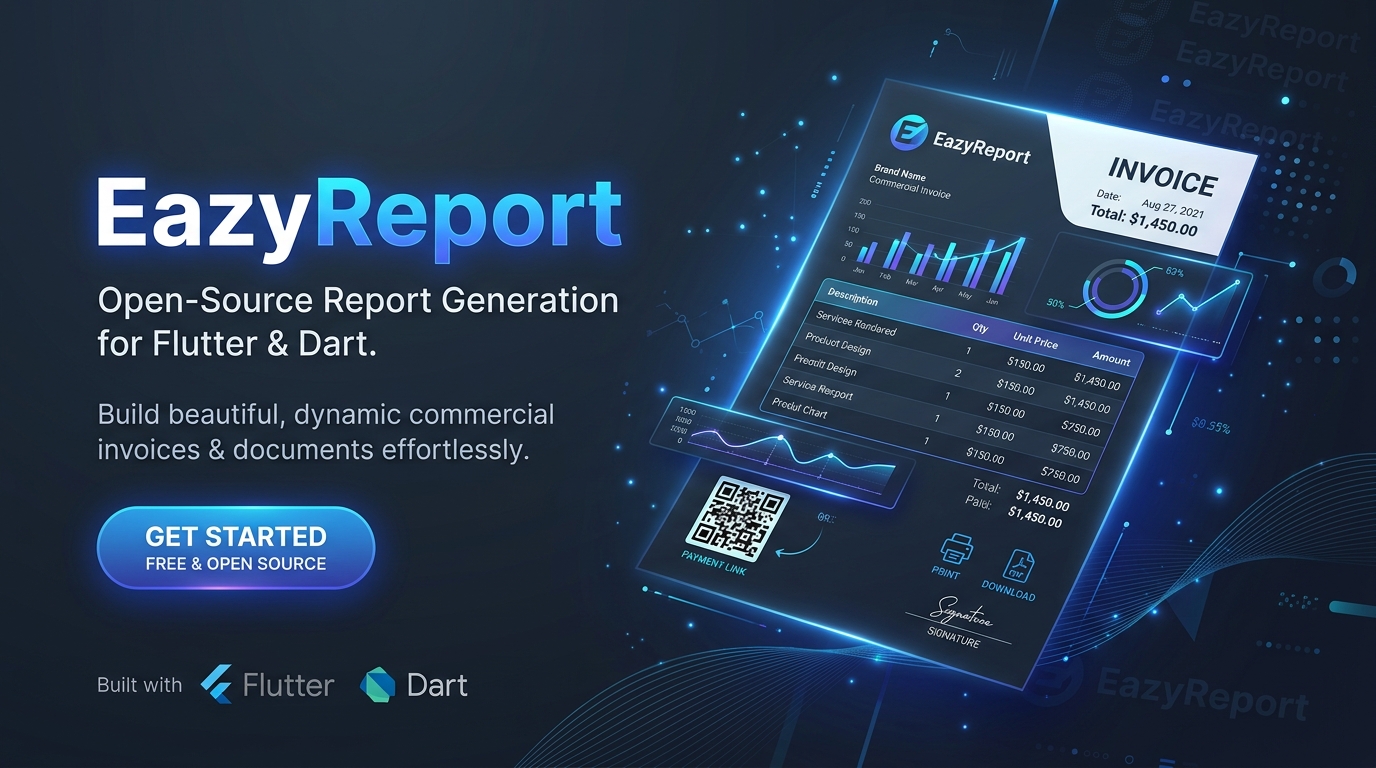
EazyReport (Python)
Modern Banded Document & Invoice Reporting Engine for Python.
The modern alternative to HTML-to-PDF & legacy desktop reporting. Generates pixel-perfect printable HTML, vector SVG charts, barcodes/QR codes, and direct vector PDF documents from .rtpl templates.



🌟 Overview
EazyReport is an enterprise-grade document and invoice designer and rendering engine. Instead of fighting with brittle CSS print stylesheets, awkward page breaks, and complex server rendering runtimes, eazyreport provides true millimeter-accurate banded layouts, multi-pass vector pagination, and automated data binding.
Templates designed in the EazyReport Studio are saved as reusable .rtpl files and can be executed at lightning speed inside Python to generate print-ready HTML or vector PDF documents.
💼 Real-World Use Cases
| Use Case | Description | Highlights |
|---|---|---|
| 🧾 1. Enterprise Commercial Invoicing | B2B Commercial Invoices, Tax Invoices, Receipts, and Proforma Invoices. | Multi-currency billing with repeating line items, automatic tax and discount calculations, sum total aggregates, amounts converted to English cheque words (numberToWords), dynamic "PAID" status marks, and UPI / EPC payment QR codes. |
| 📦 2. Logistics & Warehouse Manifests | Packing Slips, Bills of Lading, Dispatch Slips, and Carrier Waybills. | Multi-page shipping manifests with Code 128 carrier tracking barcodes, DataMatrix bin-location tags, item verification checkboxes, official dispatch watermarks, and chain-of-custody signature blocks. |
| 📊 3. Executive Sales & BI Dashboards | Board Reviews, Monthly Financial Statements, P&L Summaries, and KPIs. | Executive reporting dashboards in landscape mode with Column & Doughnut charts, metric KPI highlight cards, and embedded tables with zebra-striping and column totals. |
| 🎓 4. Academic & Professional Certificates | Degrees, Diplomas, Awards, Training Accreditations, and Event Passes. | Formal landscape certificates featuring serif typography (Playfair Display, Merriweather), dual-nested decorative frames, gold seal emblems, instructor signature lines, and online verification QR codes. |
⚙️ How It Works
EazyReport operates as an end-to-end reporting pipeline:
┌────────────────────────┐      ┌────────────────────────┐
│  Visual Design         │      │  Runtime Data          │
│  (eazyreport.in /      │      │  (JSON, Dictionaries,  │
│   .rtpl Template)      │      │   Database Records)    │
└───────────┬────────────┘      └───────────┬────────────┘
            │                               │
            └───────────────┬───────────────┘
                            │
                            ▼
         ┌──────────────────────────────────────┐
         │  Multi-Pass Layout Engine            │
         │  1. Ingests .rtpl bands & elements   │
         │  2. Evaluates Handlebars expressions │
         │  3. Formats currencies, dates, words │
         │  4. Calculates line wrapping/heights │
         │  5. Resolves [TotalPages] & [Page]   │
         │  6. Generates vector charts & codes  │
         │  7. Applies fillUnusedSpace bands    │
         └──────────────────┬───────────────────┘
                            │
              ┌─────────────┴─────────────┐
              ▼                           ▼
  ┌───────────────────────┐   ┌───────────────────────┐
  │ Standalone HTML       │   │ Native Vector PDF     │
  │ (Pixel-perfect Print) │   │ (Binary Byte Stream)  │
  └───────────────────────┘   └───────────────────────┘
- Design Template: Build your visual layout in the EazyReport Designer and export it as an
.rtpltemplate file. - Bind Runtime Data: In your Python application, pass runtime datasets (orders, invoices, customer records, database query results, or JSON payloads).
- Multi-Pass Pagination:
- Pass 1: Calculates exact element growth, line wrapping, data band repetitions, and determines the total page budget.
- Pass 2: Resolves
[TotalPages](Page 1 of 3), evaluates conditional rules, computes group totals, and positions vector charts and barcodes.
- Export: Get immediate standalone printable HTML or direct binary PDF bytes via ReportLab.
🎨 How .rtpl Files Are Generated
An .rtpl (Report Template) is a human-readable JSON schema defining document dimensions, margins, bands, elements, expressions, and styling.
1. Visual Designer Studio (Recommended)
You can visually create, preview, and edit .rtpl files directly in your browser using the EazyReport Studio:
- Millimeter Banding Canvas: Drag and position
ReportTitle,PageHeader,Data,GroupHeader,GroupFooter,Child,PageFooter, andReportSummarybands. - Visual Element Palette: Add text boxes, dynamic data fields, vector charts, Code 128 barcodes, QR codes, lines, and shapes.
- Interactive Data Binding: Load sample Excel (
.xlsx,.xls), CSV, or JSON datasets with automatic schema inference. - Export Template: Click Save / Export to download the ready-to-use
.rtplfile for your backend.
2. Programmatic Template Generation
You can also construct, inspect, or modify .rtpl templates dynamically in Python using EazyReport's built-in dataclasses:
from eazyreport import LayoutDocument, LayoutPage, Band, DataBand, LayoutElement, TextStyle

doc = LayoutDocument(
    title="Invoice Template",
    pages=[
        LayoutPage(
            size="A4",
            orientation="portrait",
            reportTitle=Band(
                height=25.0,
                elements=[
                    LayoutElement(
                        id="title",
                        type="text",
                        content="Commercial Invoice",
                        style=TextStyle(fontSize=16.0, bold=True),
                        w=100.0,
                        h=10.0,
                    )
                ],
            ),
            data=[
                DataBand(
                    id="items_band",
                    dataPath="items",
                    height=7.0,
                    elements=[
                        LayoutElement(id="sku", type="field", field_name="item.sku", w=30.0, h=6.0),
                        LayoutElement(id="desc", type="field", field_name="item.description", x=32.0, w=80.0, h=6.0),
                        LayoutElement(id="total", type="field", field_name="item.total", x=115.0, w=30.0, h=6.0),
                    ],
                )
            ],
        )
    ],
)
📦 Installation
Install the package via standard pip:
pip install eazyreport
Or using uv / poetry:
uv add eazyreport
# or
poetry add eazyreport
🛠️ Quickstart
Generating HTML and PDF from an .rtpl Template
from eazyreport import ReportBuilder

# Initialize builder with your template and runtime data
builder = (
    ReportBuilder("commercial_invoice.rtpl")
    .data({
        "invoiceNumber": "INV-2026-9901",
        "issueDate": "2026-10-02",
        "customer": {
            "name": "Acme Global Logistics",
            "email": "billing@acme.com",
            "address": {"city": "Zurich", "zip": "8001"},
        },
        "items": [
            {"sku": "SRV-001", "description": "Cloud Infrastructure Consultation", "qty": 10, "unitPrice": 150.00, "total": 1425.00},
            {"sku": "LIC-002", "description": "Enterprise Reporting License", "qty": 2, "unitPrice": 2400.00, "total": 4320.00},
        ],
        "grandTotal": 5745.00,
    })
    .params({"Company": "EazyCorp International"})
)

# 1. Export Standalone Printable HTML (for browser preview or client-side printing)
html_content = builder.to_html()
with open("invoice.html", "w", encoding="utf-8") as f:
    f.write(html_content)

# 2. Export Direct Vector PDF (binary bytes for email attachments or archiving)
pdf_bytes = builder.to_pdf()
with open("invoice.pdf", "wb") as f:
    f.write(pdf_bytes)

# 3. Inspect Exact Page Budget
print(f"Total Pages Generated: {builder.page_count()}")
High-Level Functional API
from eazyreport import get_report_html, get_report_pdf, count_report_pages

# One-liner HTML string
html_doc = get_report_html("invoice.rtpl", data=invoice_data)

# One-liner binary PDF bytes
pdf_data = get_report_pdf("invoice.rtpl", data=invoice_data)

# Count pages without rendering
total_pages = count_report_pages("invoice.rtpl", data=invoice_data)
🧩 Built-in Handlebars & Formatting Helpers
| Helper | Example | Description |
|---|---|---|
formatCurrency |
{{formatCurrency item.total "USD" 2}} |
Formats number as currency with symbol ($1,234.50) |
formatNumber |
{{formatNumber item.qty 0 true}} |
Formats numbers with thousands separators (10,000) |
formatDate |
{{formatDate issueDate "dd/MM/yyyy"}} |
Formats dates with custom patterns |
formatPercent |
{{formatPercent discount 1}} |
Formats decimal ratio as percentage (10.5%) |
numberToWords |
{{numberToWords grandTotal}} |
Bank cheque words (Five Thousand Seven Hundred Forty-Five and 00/100) |
sum |
{{sum items "total"}} |
Calculates sum total across list of items |
avg |
{{avg items "unitPrice"}} |
Calculates arithmetic mean across items |
count |
{{count items}} |
Counts number of elements in list |
iif |
{{iif (gt qty 10) "Bulk" "Single"}} |
Inline ternary condition |
titlecase |
{{titlecase customer.name}} |
Converts string to Title Case |
🧪 Testing
Run the test suite verifying expressions, formatting, charts, barcodes, and real .rtpl invoice rendering:
pytest -v tests
👥 Contributors
- Ashiq Kodali (@ashiq-kodali)
- Thameem PK
📄 License
Distributed under the MIT License. See LICENSE for details.
1 maintainer

Metadata
1 maintainer
Release files for eazyreport 1.0.2
For a detailed explanation of source distributions (sdists) and built distributions (wheels), please see the package formats documentation.
Source distribution (sdist)
| File | Size | Uploaded | |
|---|---|---|---|
| eazyreport-1.0.2.tar.gz | 45.0 kB | Details |
Built distribution (wheel)
| File | Interpreter | ABI | Platform | Reset |
|---|---|---|---|---|
| eazyreport-1.0.2-py3-none-any.whl | Python 3 | none | any | Details |
Total release size: 88.3 kB
Release files / eazyreport-1.0.2.tar.gz
| Download URL | eazyreport-1.0.2.tar.gz |
|---|---|
| Size | 45.0 kB |
| Tags | Source |
|
SHA-256 checksum How to use checksums |
36a89dc19e59ca6f45702971396ff8dc72dd7b5886ba475ed1c87c4a0d0456d4
|
|
BLAKE2b-256 checksum How to use checksums |
629fbad6db30db024cd1b821cdddee622e725ee4aae09fdafbc530394d433db5
|
| Upload date | |
|
Uploaded using Trusted Publishing? What is trusted publishing? |
No |
| Uploaded via |
twine/7.0.0 CPython/3.14.6
|
Release files / eazyreport-1.0.2-py3-none-any.whl
| Download URL | eazyreport-1.0.2-py3-none-any.whl |
|---|---|
| Size | 43.3 kB |
| Tags | Python 3 |
|
SHA-256 checksum How to use checksums |
5c377d8742a7da116c41fe475d91b4e3dbab5fee668a3f64716b740a51a42aee
|
|
BLAKE2b-256 checksum How to use checksums |
3db49eca6814a6ef5d244515657b5c22e9ef875bc501ce5db8dfc2a80af77176
|
| Upload date | |
|
Uploaded using Trusted Publishing? What is trusted publishing? |
No |
| Uploaded via |
twine/7.0.0 CPython/3.14.6
|














