
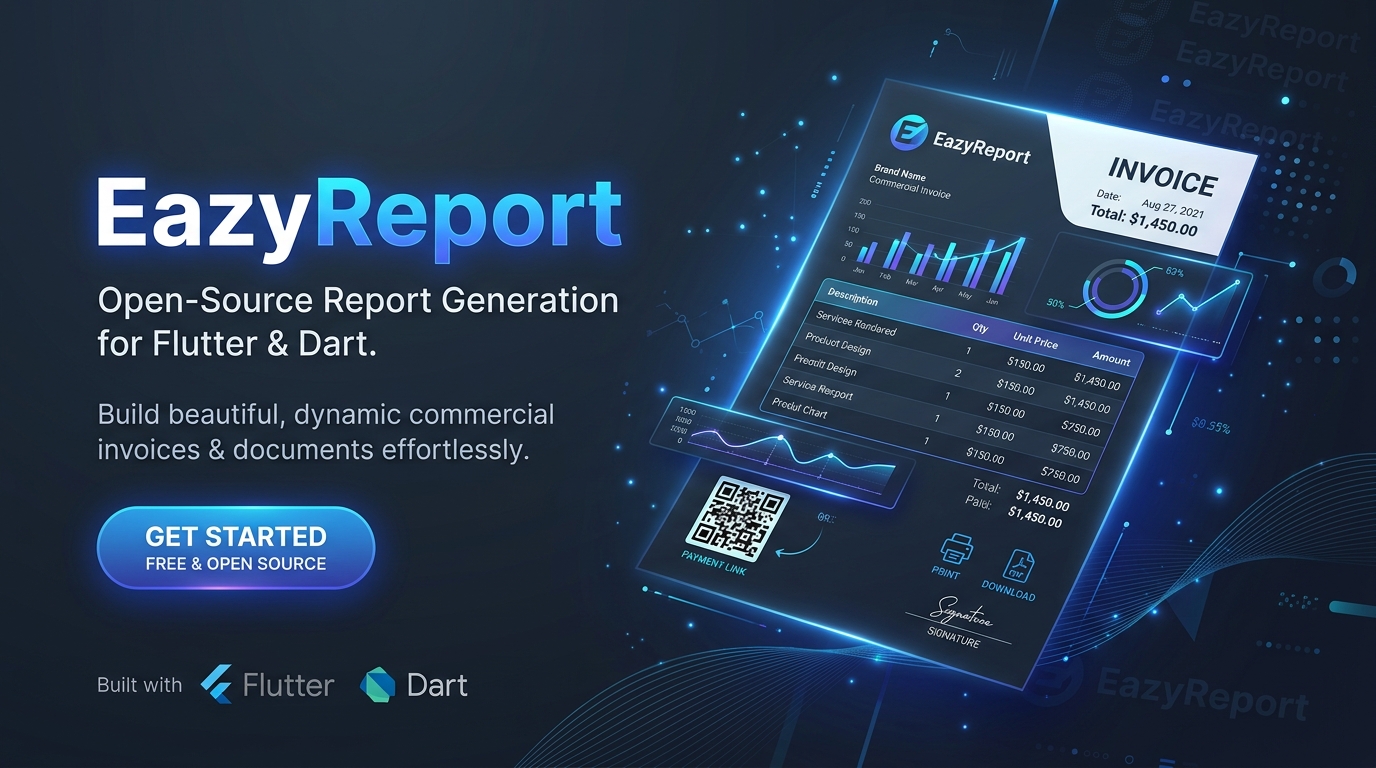
eazyreport (Python)
Ultra-fast, high-precision report generation engine for Python.
Generate pixel-perfect printable HTML, vector SVG charts, barcodes/QR codes, and native vector PDF documents directly from .rtpl templates.



🌟 Overview
eazyreport is an enterprise-grade reporting engine designed for Python developers. It takes visual .rtpl report templates and dynamically binds them with runtime JSON data, dictionaries, or database records. With a multi-pass layout engine, eazyreport produces print-ready HTML documents and direct vector PDF files with sub-millisecond execution.
💼 Real-World Use Cases
| Use Case | Description | Included Features |
|---|---|---|
| 🧾 Commercial Invoices & Billing | Multi-item commercial invoices, tax invoices, purchase orders, and sales receipts. | Multi-level footers, auto-calculated sums/averages, tax breakdowns, discount tables, and English cheque words (numberToWords). |
| 📦 Shipping Labels & Waybills | Logistics waybills, dispatch notes, courier labels, and bills of lading. | Built-in high-precision vector barcodes (Code 128, Code 39, EAN-13) and 2D verification QR Codes. |
| 📊 Financial & Executive Reports | Balance sheets, P&L statements, quarterly sales summaries, and executive decks. | Built-in vector SVG charts (column, bar, line, area, pie, doughnut) with legends and gridlines. |
| 🏥 Healthcare & Lab Reports | Patient summaries, blood test panels, clinical diagnostics, and discharge forms. | Multi-column layouts, conditional highlight rules for critical ranges, and structured section headers. |
| 🏷️ Inventory & Asset Tags | Warehouse stock audit sheets, shelf tags, product catalog pages, and asset tags. | Repeated multi-column grid printing, barcode integration, and auto-growing item descriptions. |
| 🎓 Certificates & Statement of Accounts | Course completion certificates, diplomas, accreditation passes, and monthly bank statements. | Full-bleed watermark overlays (DRAFT, CONFIDENTIAL), custom margins, and exact page budget management. |
⚙️ How It Works
eazyreport follows a clear, predictable 4-step pipeline:
┌─────────────────────┐      ┌─────────────────────┐
│  .rtpl Template     │  +   │  JSON / Dict Data   │
│  (Visual Layout)    │      │  (Runtime Payload)  │
└──────────┬──────────┘      └──────────┬──────────┘
           │                            │
           └──────────────┬─────────────┘
                          │
                          ▼
        ┌───────────────────────────────────┐
        │  Multi-Pass Layout Engine         │
        │  - Two-pass pagination            │
        │  - Resolves [TotalPages] & [Page] │
        │  - Evaluates expressions & logic  │
        │  - Draws vector charts & barcodes │
        │  - Child bands & fillUnusedSpace  │
        └─────────────────┬─────────────────┘
                          │
            ┌─────────────┴─────────────┐
            ▼                           ▼
┌───────────────────────┐   ┌───────────────────────┐
│ Standalone HTML Page  │   │ Direct Vector PDF     │
│ (Printable & Preview) │   │ (Binary Byte Stream)  │
└───────────────────────┘   └───────────────────────┘
- Template Definition: Load an
.rtplfile containing document layout, page dimensions, bands, elements, and styles. - Data Binding: Inject your application's data (lists of records, master-detail hierarchies, and runtime parameters).
- Multi-Pass Layout & Pagination:
- Pass 1: Calculates content height, line wrapping, band growth, group boundaries, and total page count.
- Pass 2: Resolves
[TotalPages]and page numbers (Page 1 of 5), evaluates conditional styles (rules), and calculates aggregates (sum,avg,min,max,count).
- Dual Export: Emits standalone, responsive HTML ready for browser viewing/printing, or direct vector PDF bytes via ReportLab.
🎨 How .rtpl Templates Are Generated
An .rtpl (Report Template) file is a clean, structured JSON document that defines the entire visual architecture of a report.
1. Visual Drag-and-Drop Designer
Most users generate .rtpl files using the visual report designer interface:
- Visual Band Hierarchy: Add and arrange bands (
ReportTitle,PageHeader,Data,GroupHeader,GroupFooter,Child,PageFooter,ReportSummary). - Interactive Component Palette: Place text blocks, fields, vector charts, barcodes, lines, and shapes with drag-and-drop coordinates.
- Visual Styling Inspector: Configure typography, borders, backgrounds, paddings, and alignment visually.
- Export: Save the report as an
.rtplfile to version control alongside your application code.
2. Programmatic Creation in Python
You can also generate or customize .rtpl templates dynamically in Python using eazyreport's type-safe data models:
from eazyreport import LayoutDocument, LayoutPage, Band, DataBand, LayoutElement, TextStyle

doc = LayoutDocument(
    title="Invoice Template",
    pages=[
        LayoutPage(
            size="A4",
            orientation="portrait",
            reportTitle=Band(
                height=25.0,
                elements=[
                    LayoutElement(
                        id="title_text",
                        type="text",
                        content="Tax Invoice",
                        style=TextStyle(fontSize=18.0, bold=True),
                        w=100.0,
                        h=12.0,
                    )
                ],
            ),
            data=[
                DataBand(
                    id="items_band",
                    dataPath="items",
                    height=8.0,
                    elements=[
                        LayoutElement(id="item_desc", type="field", field_name="item.description", w=80.0, h=8.0),
                        LayoutElement(id="item_qty", type="field", field_name="item.qty", x=85.0, w=20.0, h=8.0),
                        LayoutElement(id="item_price", type="field", field_name="item.unitPrice", x=110.0, w=30.0, h=8.0),
                    ],
                )
            ],
        )
    ],
)
📦 Installation
pip install eazyreport
Or install with uv / poetry:
uv add eazyreport
# or
poetry add eazyreport
🚀 Quickstart
1. Generate Printable HTML and Vector PDF
from eazyreport import ReportBuilder

# Initialize builder with template file and data payload
builder = (
    ReportBuilder("test_invoice.rtpl")
    .data({
        "invoiceNumber": "INV-2026-9901",
        "issueDate": "2026-10-02",
        "customer": {
            "name": "Acme Global Logistics",
            "email": "ap@acme.com",
            "address": {"city": "Zurich", "zip": "8001"},
        },
        "items": [
            {"sku": "SRV-01", "description": "Cloud Infrastructure", "qty": 10, "unitPrice": 150.00, "total": 1500.00},
            {"sku": "LIC-02", "description": "Enterprise License", "qty": 2, "unitPrice": 2400.00, "total": 4800.00},
        ],
        "grandTotal": 6300.00,
    })
    .params({"Company": "EazyCorp International"})
)

# 1. Export Standalone HTML (for in-browser preview or web printing)
html_str = builder.to_html()
with open("invoice.html", "w", encoding="utf-8") as f:
    f.write(html_str)

# 2. Export Direct Vector PDF (binary bytes)
pdf_bytes = builder.to_pdf()
with open("invoice.pdf", "wb") as f:
    f.write(pdf_bytes)

# 3. Inspect Pagination
print(f"Total Pages Generated: {builder.page_count()}")
2. High-Level Functional API
from eazyreport import get_report_html, get_report_pdf, count_report_pages

# One-liner HTML generation
html_doc = get_report_html("template.rtpl", data=data, params=params)

# One-liner PDF generation
pdf_data = get_report_pdf("template.rtpl", data=data, params=params)

# Calculate total page count
pages = count_report_pages("template.rtpl", data=data)
🧩 Built-in Expression Helpers
| Helper | Example Syntax | Purpose |
|---|---|---|
formatCurrency |
{{formatCurrency item.total "USD" 2}} |
Formats numeric value as currency ($1,234.50) |
formatNumber |
{{formatNumber item.qty 0 true}} |
Formats numbers with thousands separators |
formatDate |
{{formatDate issueDate "dd/MM/yyyy"}} |
Custom date formatting tokens |
formatPercent |
{{formatPercent discount 1}} |
Converts decimal ratios to percentages (85.4%) |
numberToWords |
{{numberToWords grandTotal}} |
English words for bank cheques (One Hundred Twenty-Five and 50/100) |
sum |
{{sum items "total"}} |
Calculates total sum across list |
avg |
{{avg items "unitPrice"}} |
Calculates arithmetic mean of field |
count |
{{count items}} |
Total count of records |
iif |
{{iif (gt qty 10) "Bulk Order" "Standard"}} |
Inline ternary condition |
titlecase |
{{titlecase customer.name}} |
Converts text to Title Case |
🧪 Testing
Run the test suite covering expressions, multi-pass pagination, SVG charts, barcodes, and real commercial invoice templates:
pytest -v tests
👥 Contributors
- Ashiq Kodali (@ashiq-kodali) — Lead Developer & Maintainer
- Thamneem (@thamneem) — Contributor
📄 License
Distributed under the MIT License. See LICENSE for details.
1 maintainer

Metadata
1 maintainer
Release files for eazyreport 1.0.1
For a detailed explanation of source distributions (sdists) and built distributions (wheels), please see the package formats documentation.
Source distribution (sdist)
| File | Size | Uploaded | |
|---|---|---|---|
| eazyreport-1.0.1.tar.gz | 44.6 kB | Details |
Built distribution (wheel)
| File | Interpreter | ABI | Platform | Reset |
|---|---|---|---|---|
| eazyreport-1.0.1-py3-none-any.whl | Python 3 | none | any | Details |
Total release size: 87.7 kB
Release files / eazyreport-1.0.1.tar.gz
| Download URL | eazyreport-1.0.1.tar.gz |
|---|---|
| Size | 44.6 kB |
| Tags | Source |
|
SHA-256 checksum How to use checksums |
b033162f6d89c8142b01c5344865014d2f6b7484c9b203a55aa32adb831ec340
|
|
BLAKE2b-256 checksum How to use checksums |
49b29f42483fcb2f5dd4abf422228770fffc9605c1cb2bd1f937e1712390301c
|
| Upload date | |
|
Uploaded using Trusted Publishing? What is trusted publishing? |
No |
| Uploaded via |
twine/7.0.0 CPython/3.14.6
|
Release files / eazyreport-1.0.1-py3-none-any.whl
| Download URL | eazyreport-1.0.1-py3-none-any.whl |
|---|---|
| Size | 43.1 kB |
| Tags | Python 3 |
|
SHA-256 checksum How to use checksums |
c5a71ff5e0e65205a0e06ef5c8fa4080d8f816c360289f8686b39184f391e3f3
|
|
BLAKE2b-256 checksum How to use checksums |
4eb63c4686e4bc641e5b8e5a916e8d3526ac15fac836bfcb41174c0397b2c2b5
|
| Upload date | |
|
Uploaded using Trusted Publishing? What is trusted publishing? |
No |
| Uploaded via |
twine/7.0.0 CPython/3.14.6
|














