
A Python toolkit for producing publication-quality microeconomics diagrams.
Verified details
These details have been verified by PyPIProject links
GitHub Statistics
Maintainers

Project description





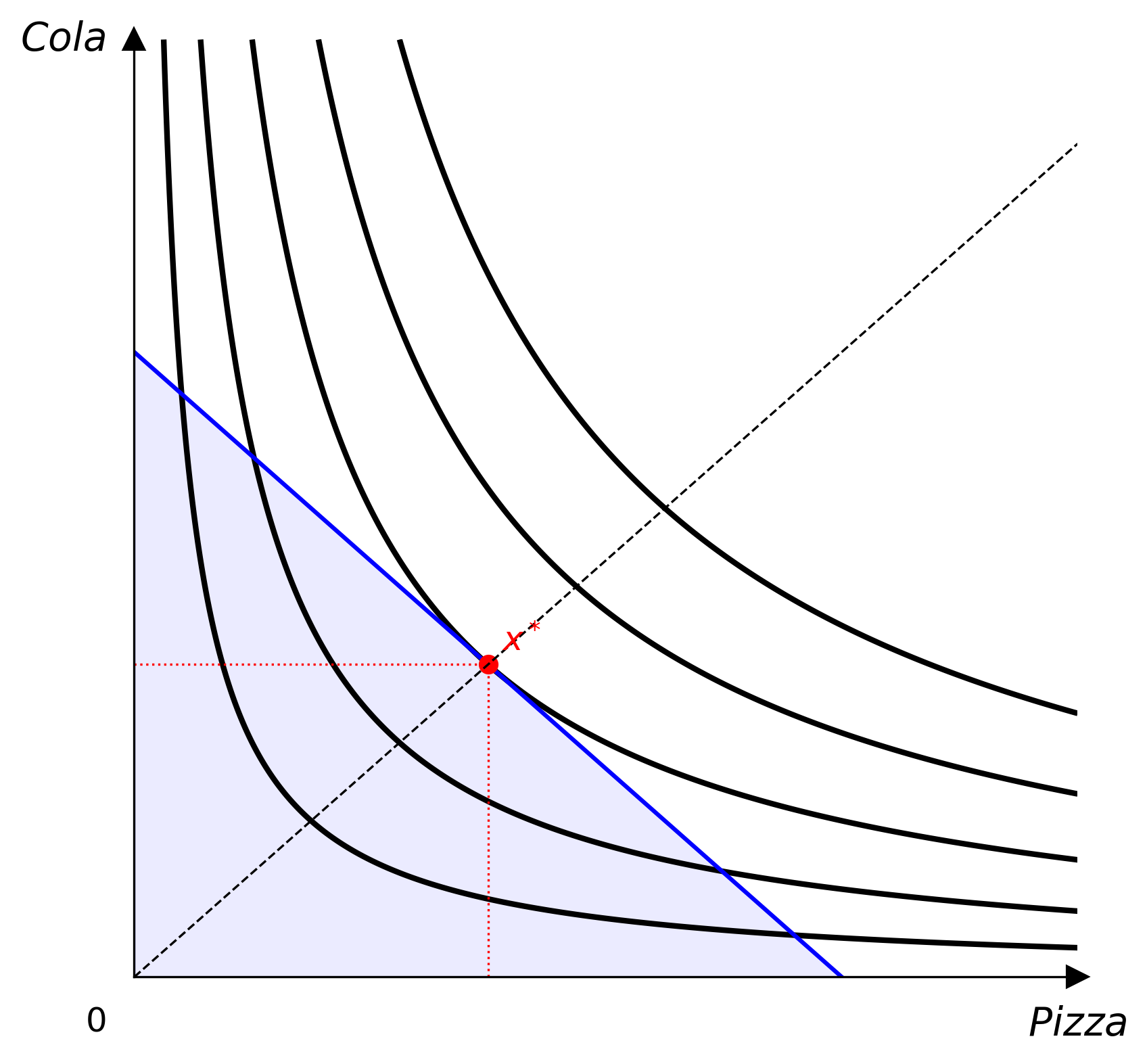
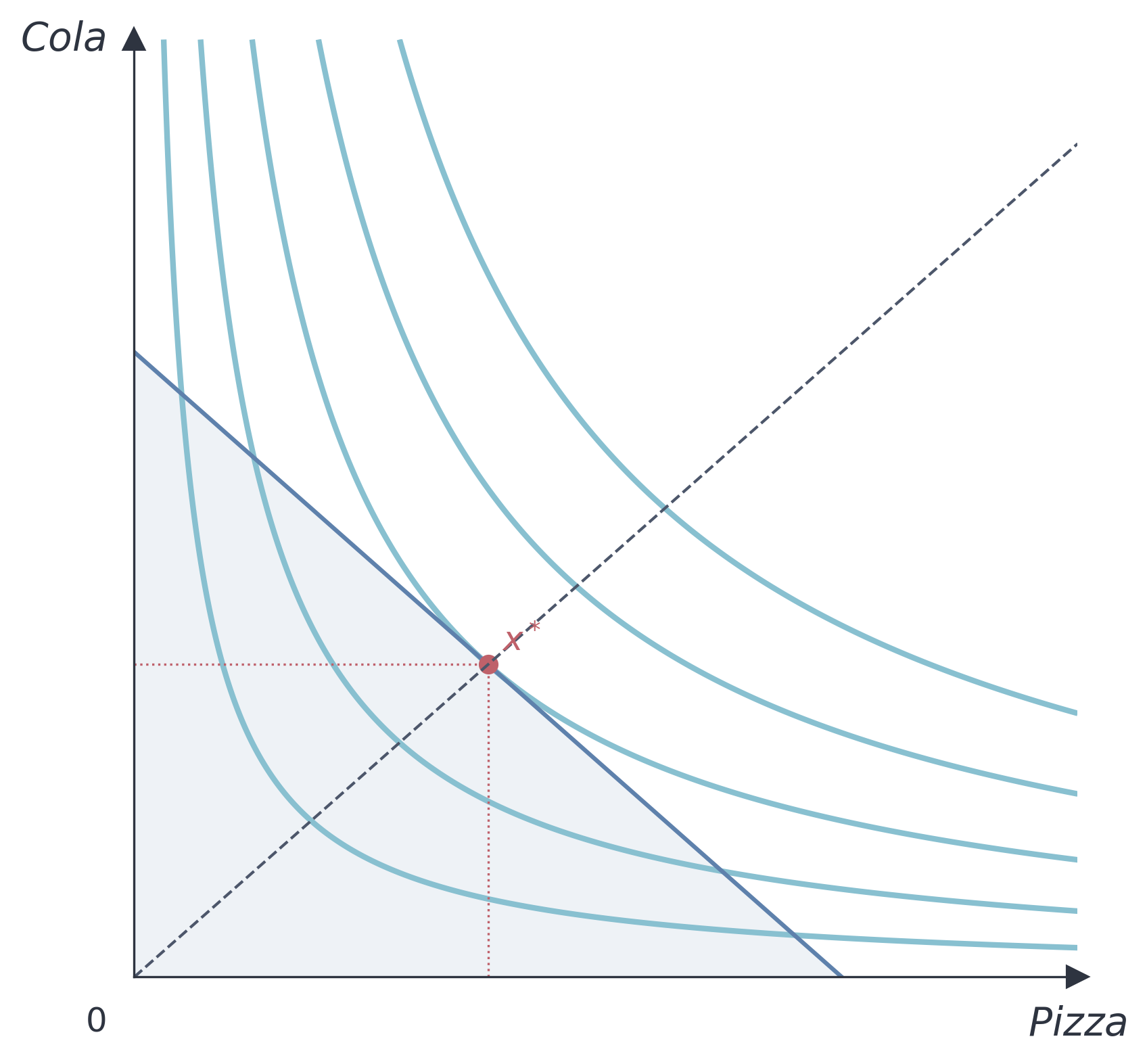
A Python toolkit for producing publication-quality microeconomics diagrams. Define utility functions declaratively, solve for consumer equilibria, and export figures as raster images or LaTeX/TikZ source — all in a few lines of code.

Open the notebook in Colab, then go to File → Save a copy in Drive to keep your own editable version.
Installation
pip install econ-viz
Requires Python 3.12 or later.
Quick Start
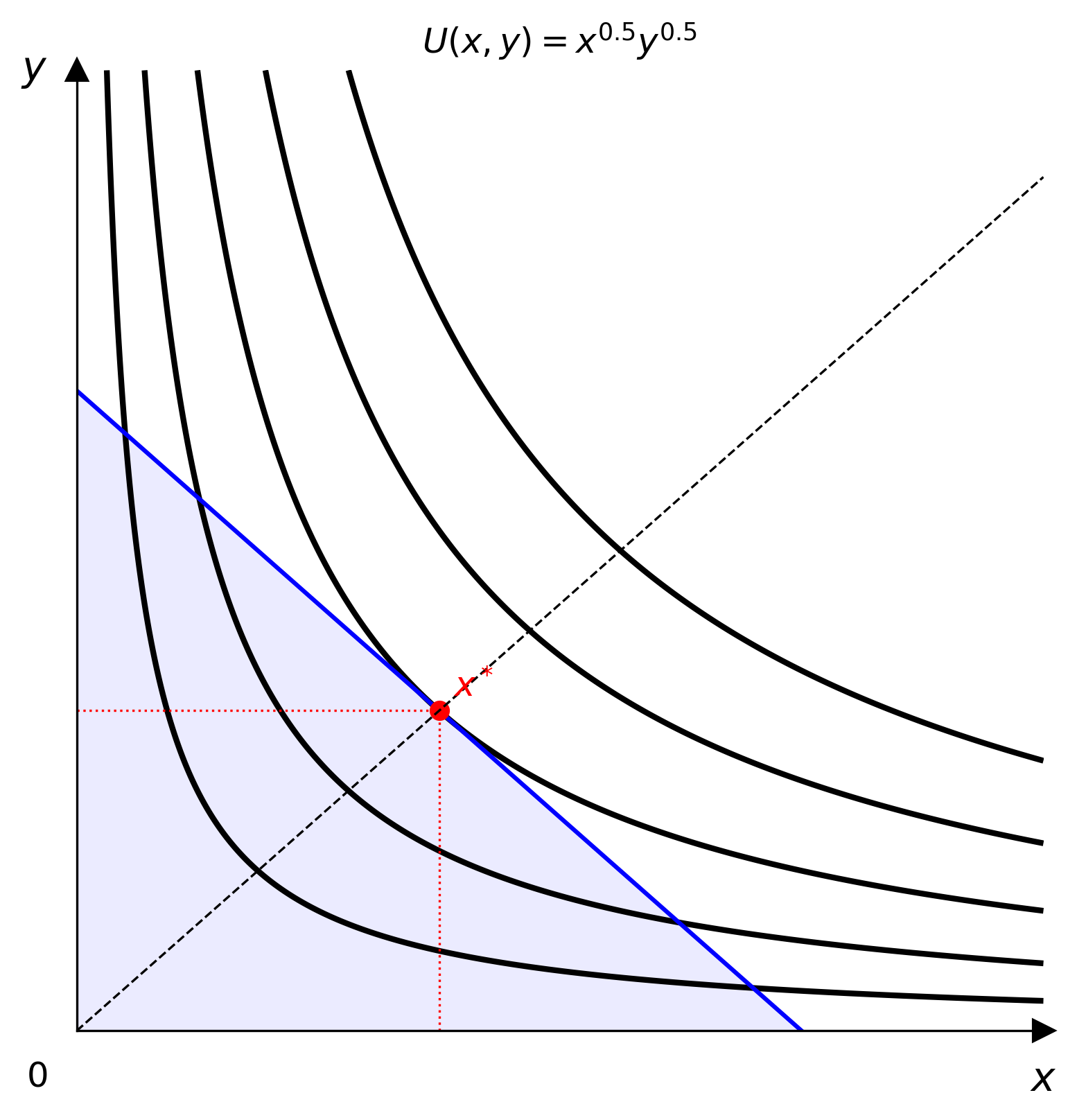
import numpy as np
from econ_viz import Canvas, levels, solve
from econ_viz.models import CobbDouglas

model = CobbDouglas(alpha=0.5, beta=0.5)
eq    = solve(model, px=2.0, py=3.0, income=30.0)
lvls  = levels.around(eq.utility, n=5)

cvs = Canvas(x_max=20, y_max=15, x_label="x", y_label="y",
             title="Cobb-Douglas  $x^{0.5} y^{0.5}$")
cvs.add_utility(model, levels=lvls)
cvs.add_budget(2.0, 3.0, 30.0, fill=True)
cvs.add_equilibrium(eq, show_ray=True)
cvs.save("cobb_douglas.png")
CLI
econ-viz ships with a command-line interface for generating diagrams without writing Python.
Commands
| Command | Description |
|---|---|
econ-viz help [<command>] |
Show help for the CLI or a specific command |
econ-viz models |
List all supported utility models |
econ-viz plot ... |
Generate and export a diagram |
Examples
# Cobb-Douglas with equilibrium and budget line
econ-viz plot --model cobb-douglas --alpha 0.5 --beta 0.5 \
              --px 2 --py 3 --income 30 \
              --output cobb_douglas.png

# Parse a LaTeX expression directly
econ-viz plot --latex "x^{0.4} y^{0.6}" \
              --px 2 --py 3 --income 30 \
              --output cd_latex.png

# Leontief with Nord theme and expansion-path ray
econ-viz plot --model leontief --a 1 --b 2 \
              --px 2 --py 3 --income 30 \
              --theme nord --show-ray \
              --output leontief.png

# CES — indifference curves only, no budget or equilibrium
econ-viz plot --model ces --rho -0.5 \
              --x-max 20 --y-max 15 --n-curves 6 \
              --no-budget --no-equilibrium \
              --output ces.png

# Omit --output to open an interactive window
econ-viz plot --model cobb-douglas --px 2 --py 3 --income 30
plot options
| Flag | Default | Description |
|---|---|---|
--model, -m |
— | Model name (see econ-viz models) |
--latex, -l |
— | LaTeX expression (Cobb-Douglas / Leontief / Perfect Substitutes) |
--px, --py, --income |
— | Prices and budget |
--alpha, --beta |
0.5 | Cobb-Douglas / CES share parameters |
--a, --b |
1.0 | Leontief / Perfect Substitutes / Satiation coefficients |
--rho |
0.5 | CES substitution parameter |
--bliss-x, --bliss-y |
5.0 | Satiation bliss point |
--x-max, --y-max |
10 | Canvas axis limits |
--x-label, --y-label |
x, y |
Axis labels |
--title |
— | Figure title |
--theme |
default |
Colour theme: default, nord |
--n-curves |
5 | Number of indifference curves |
--dpi |
300 | Raster output resolution |
--fill |
off | Shade feasible set below the budget line |
--show-ray |
off | Draw expansion-path ray through the optimum |
--no-budget |
off | Omit the budget line |
--no-equilibrium |
off | Omit the equilibrium point |
--no-curves |
off | Omit indifference curves |
--output, -o |
— | Output file; omit to open an interactive window |
Utility Models
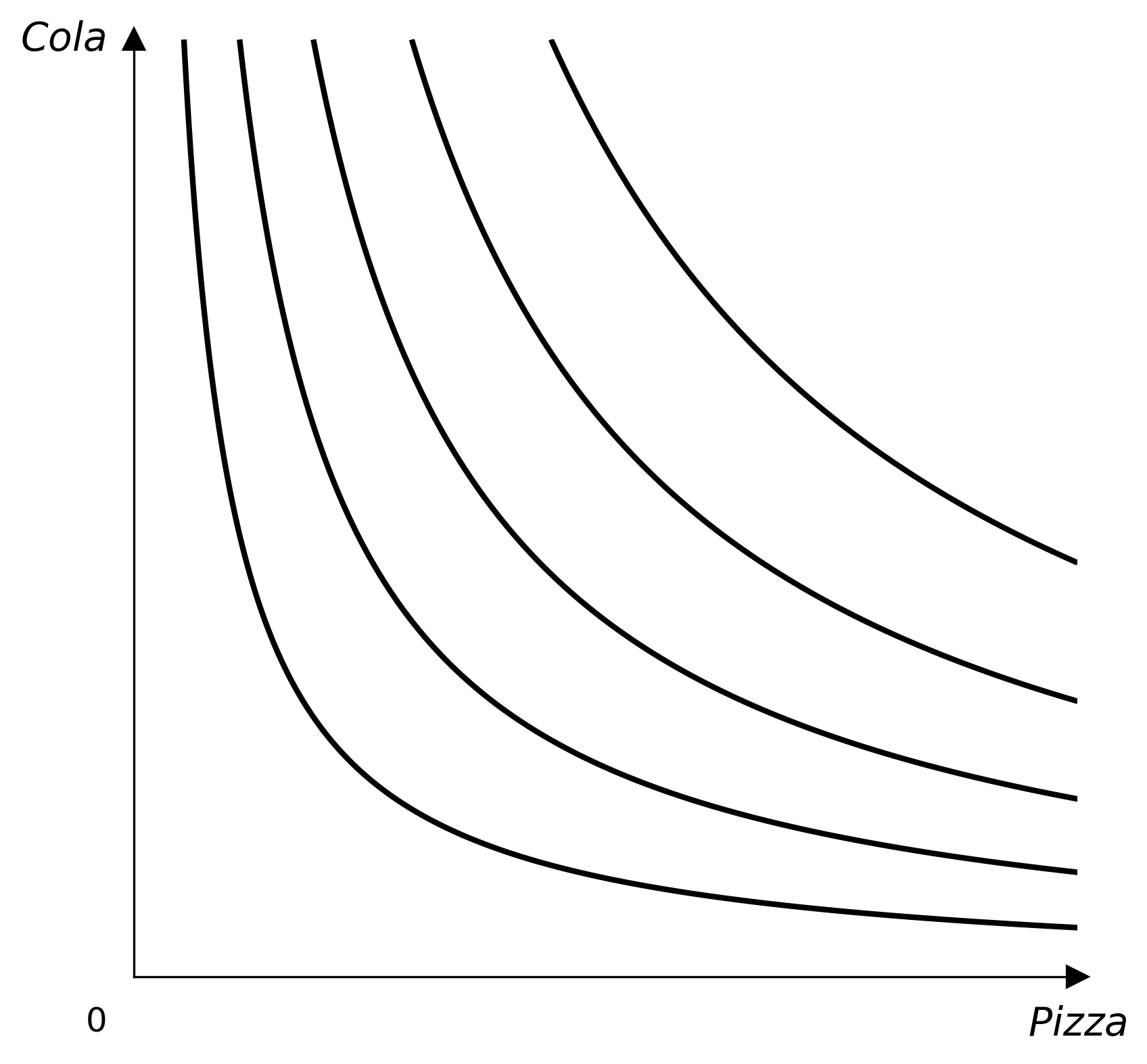
Cobb-Douglas
from econ_viz.models import CobbDouglas

model = CobbDouglas(alpha=0.3, beta=0.7)
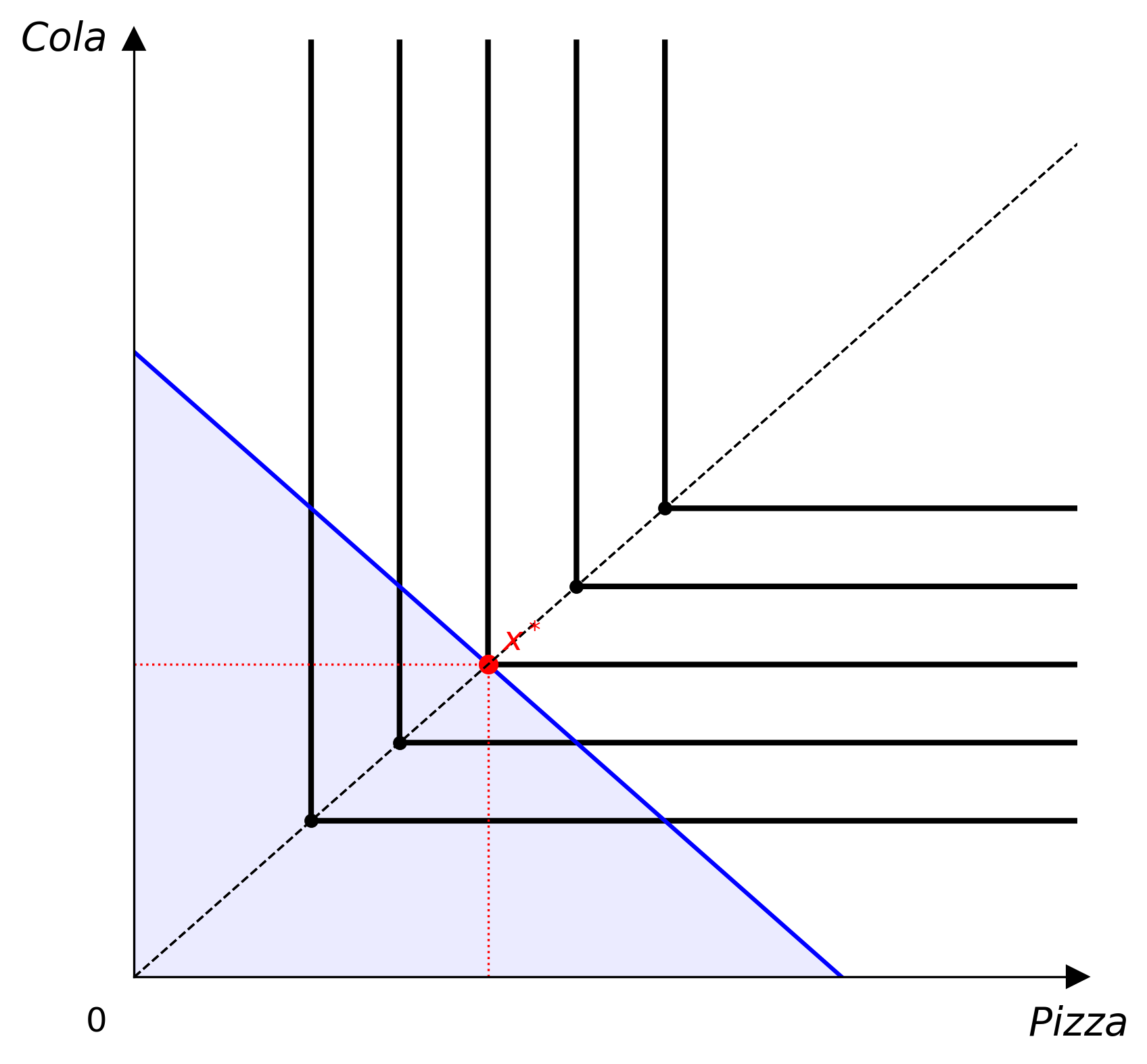
Leontief (Perfect Complements)
from econ_viz.models import Leontief

model = Leontief(a=1.0, b=1.0)   # U = min(ax, by)
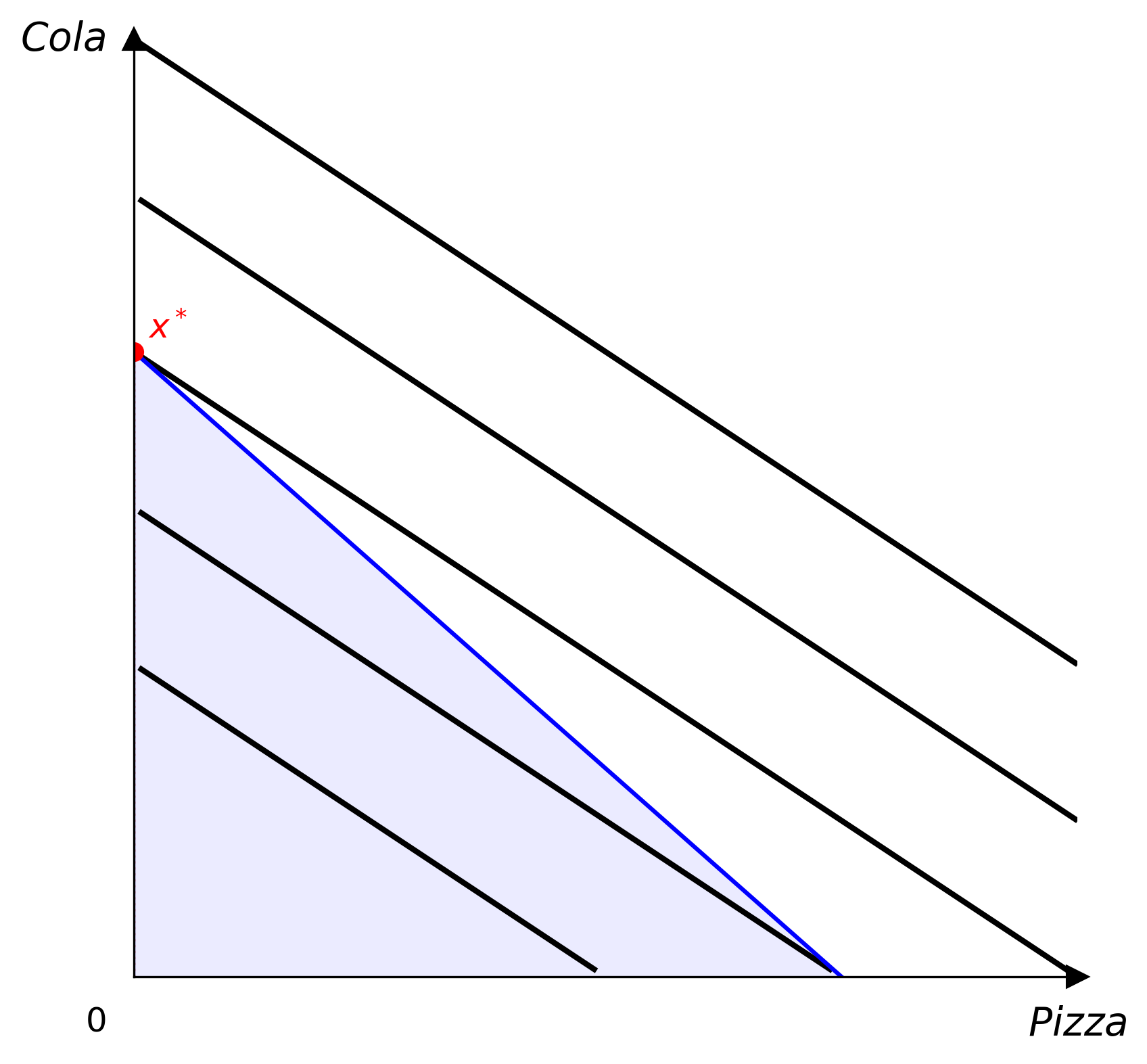
Perfect Substitutes
from econ_viz.models import PerfectSubstitutes

model = PerfectSubstitutes(a=1.0, b=2.0)   # U = ax + by
CES
from econ_viz.models import CES

model = CES(rho=-0.5, alpha=0.5)   # elasticity of substitution = 1/(1+rho)
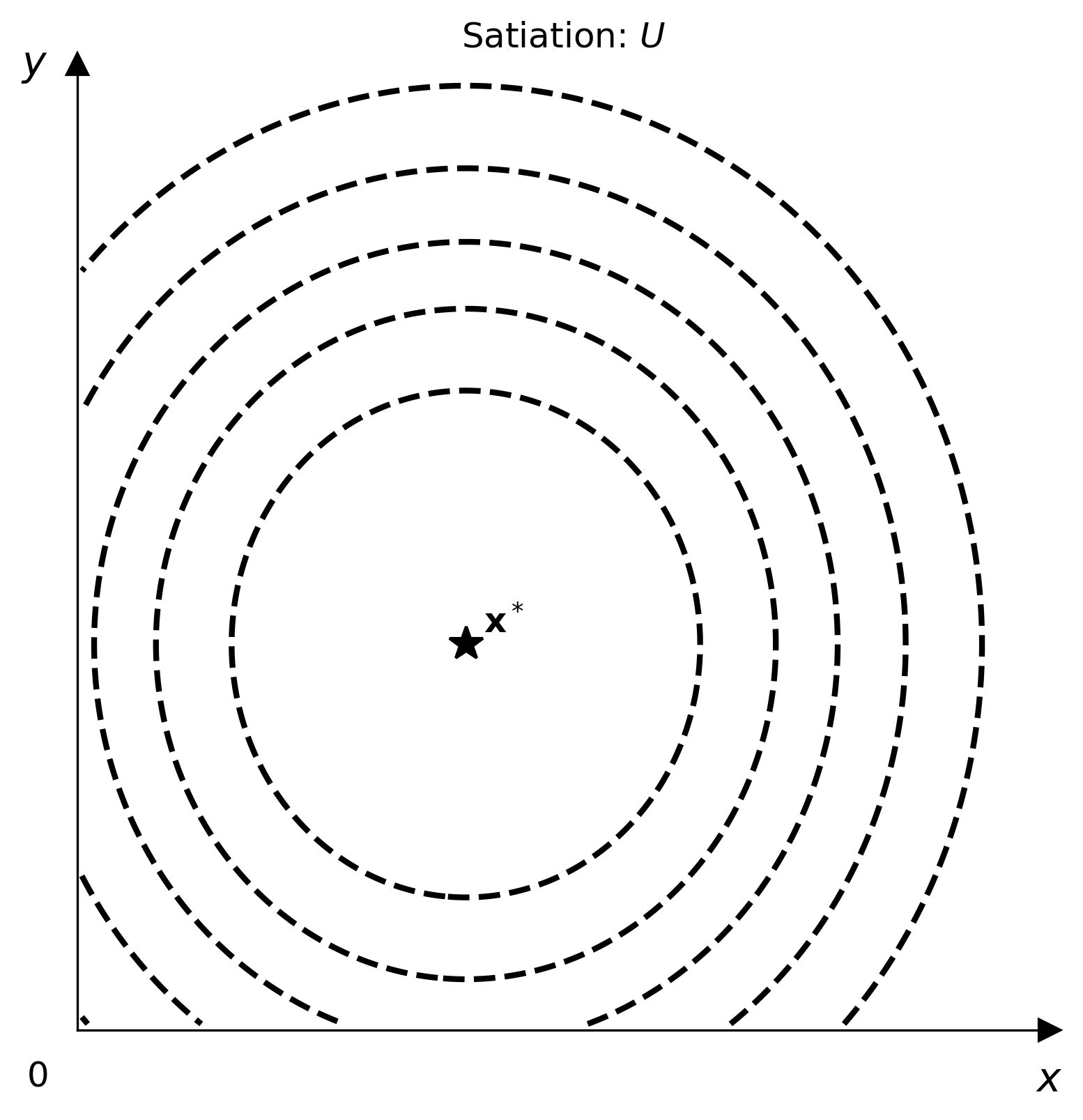
Satiation (Bliss Point)
from econ_viz.models import Satiation

model = Satiation(bliss_x=6.0, bliss_y=4.0, a=1.0, b=1.0)
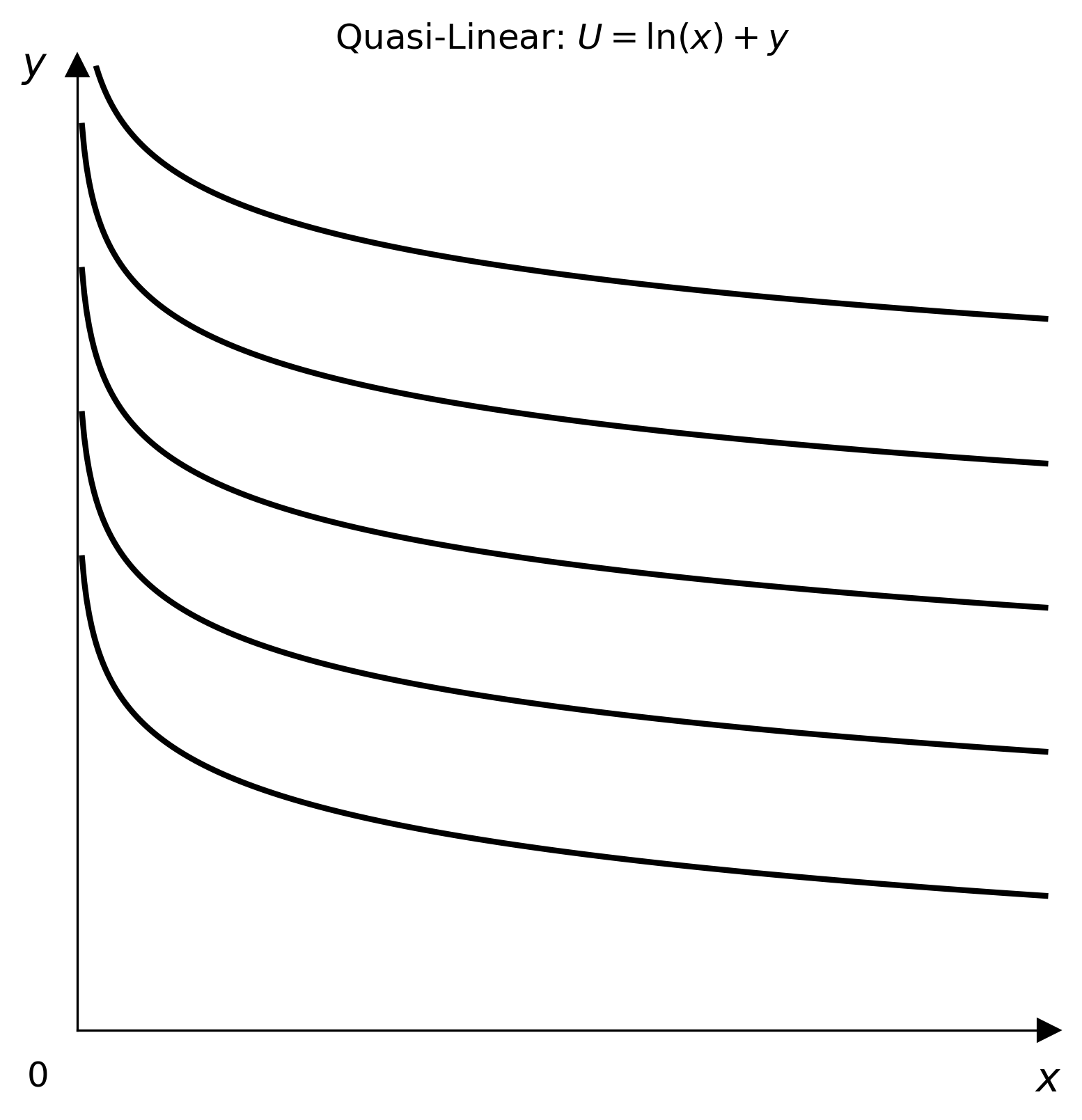
Quasi-Linear
import numpy as np
from econ_viz.models import QuasiLinear

model = QuasiLinear(v_func=np.log, linear_in="y")   # U = log(x) + y
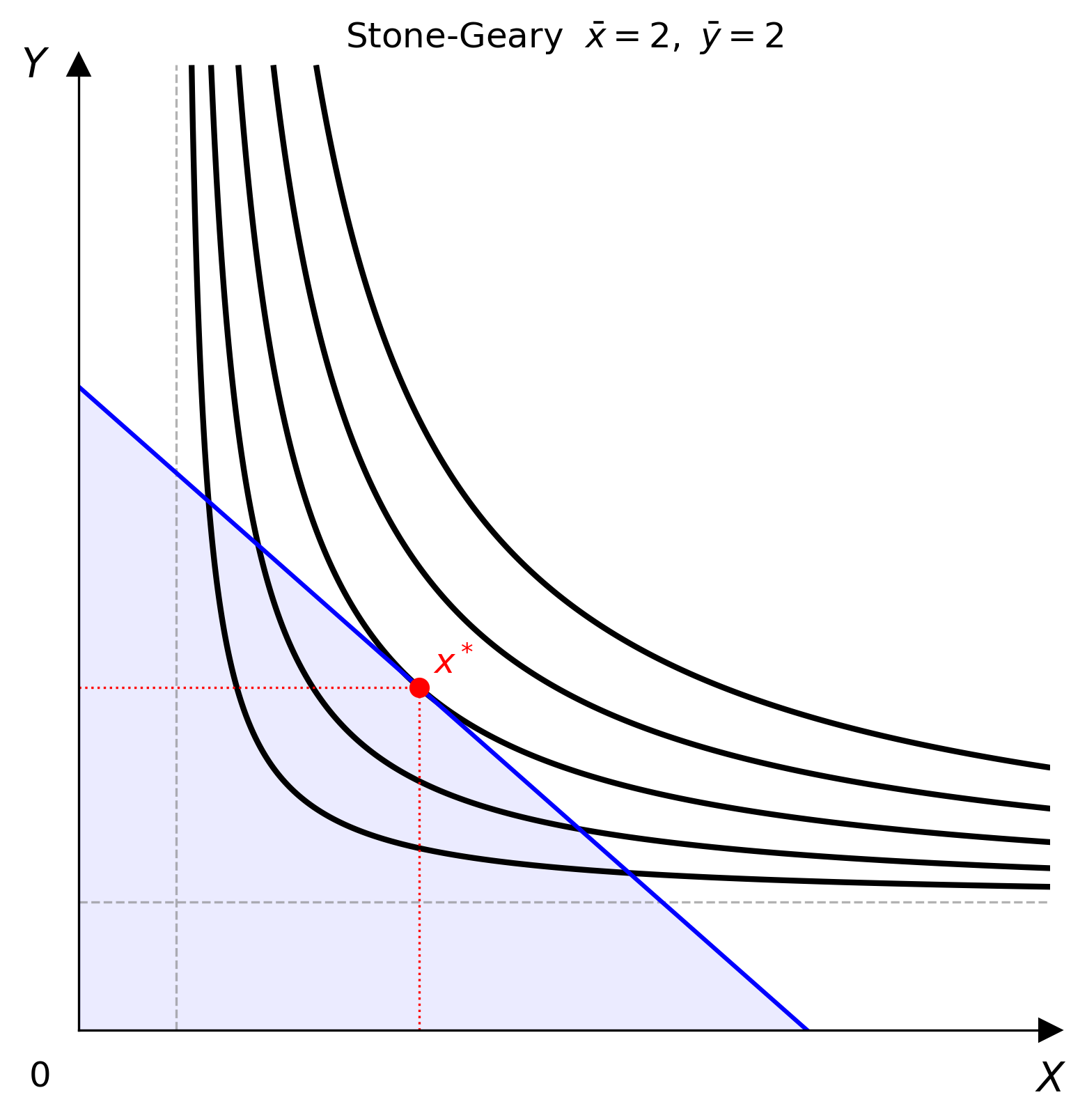
Stone-Geary
from econ_viz.models import StoneGeary

model = StoneGeary(alpha=0.5, beta=0.5, bar_x=2.0, bar_y=2.0)
LaTeX Input
Parse standard LaTeX math expressions directly into model instances:
from econ_viz import parse_latex

cd  = parse_latex(r"x^{0.4} y^{0.6}")
leo = parse_latex(r"\min(2x, 3y)")
ps  = parse_latex(r"2x + 3y")
The parser accepts common preambles such as U(x,y) =, U =, and bare expressions. Unrecognised patterns raise ParseError.
Advanced Models
Custom Utility
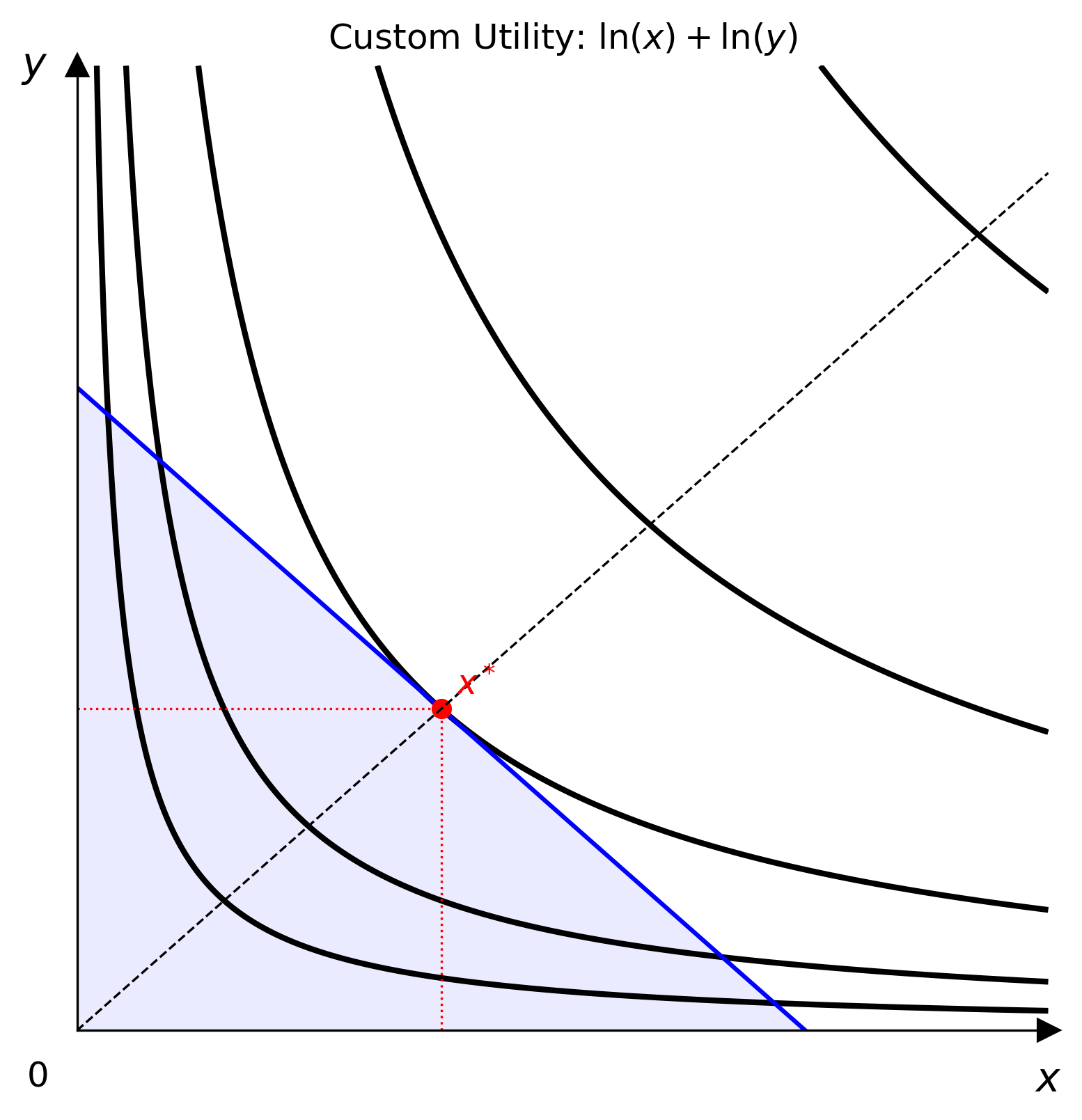
Wrap any vectorised Python callable as a first-class model. The callable is validated at construction time against a random NumPy mesh-grid.
import numpy as np
from econ_viz.models import CustomUtility

model = CustomUtility(func=lambda x, y: np.log(x) + np.log(y), name="log+log")
Multi-Good Cobb-Douglas
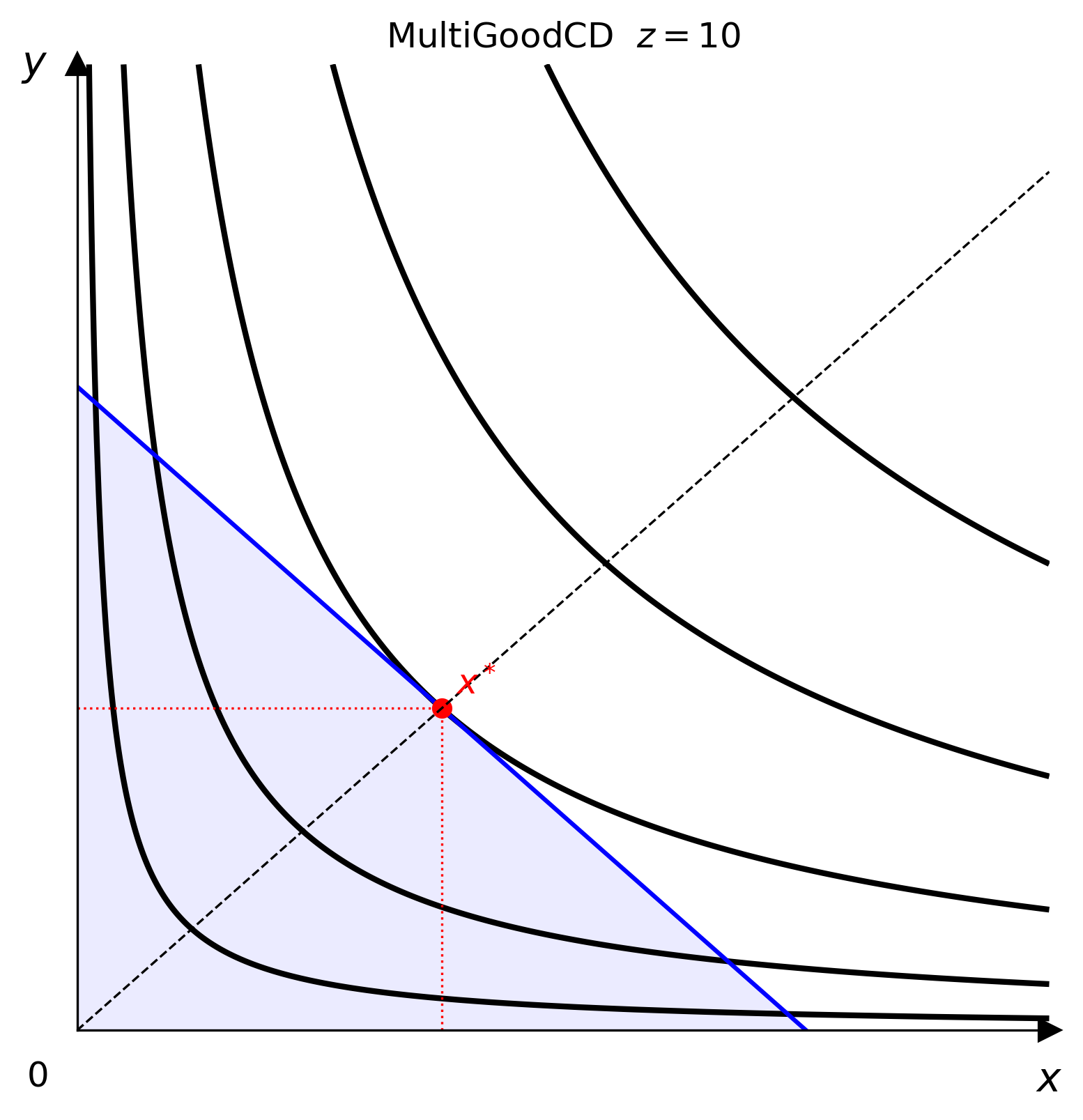
Model preferences over N goods and project to a 2-D canvas via freeze():
from econ_viz.models import MultiGoodCD

m3   = MultiGoodCD({'x': 0.3, 'y': 0.3, 'z': 0.4})
flat = m3.freeze(z=10.0)   # returns a CustomUtility ready for Canvas
from econ_viz import Canvas, levels, solve

eq   = solve(flat, px=2.0, py=3.0, income=30.0)
lvls = levels.around(eq.utility, n=5)

cvs = Canvas(x_max=20, y_max=15, title=r"MultiGoodCD  $z=10$")
cvs.add_utility(flat, levels=lvls)
cvs.add_budget(2.0, 3.0, 30.0, fill=True)
cvs.add_equilibrium(eq)
cvs.save("multigood.png")
Solving for Equilibrium
solve() returns an Equilibrium named tuple with fields x, y, and utility:
from econ_viz import solve
from econ_viz.models import CobbDouglas

eq = solve(CobbDouglas(), px=2.0, py=3.0, income=30.0)
print(eq.x, eq.y, eq.utility)
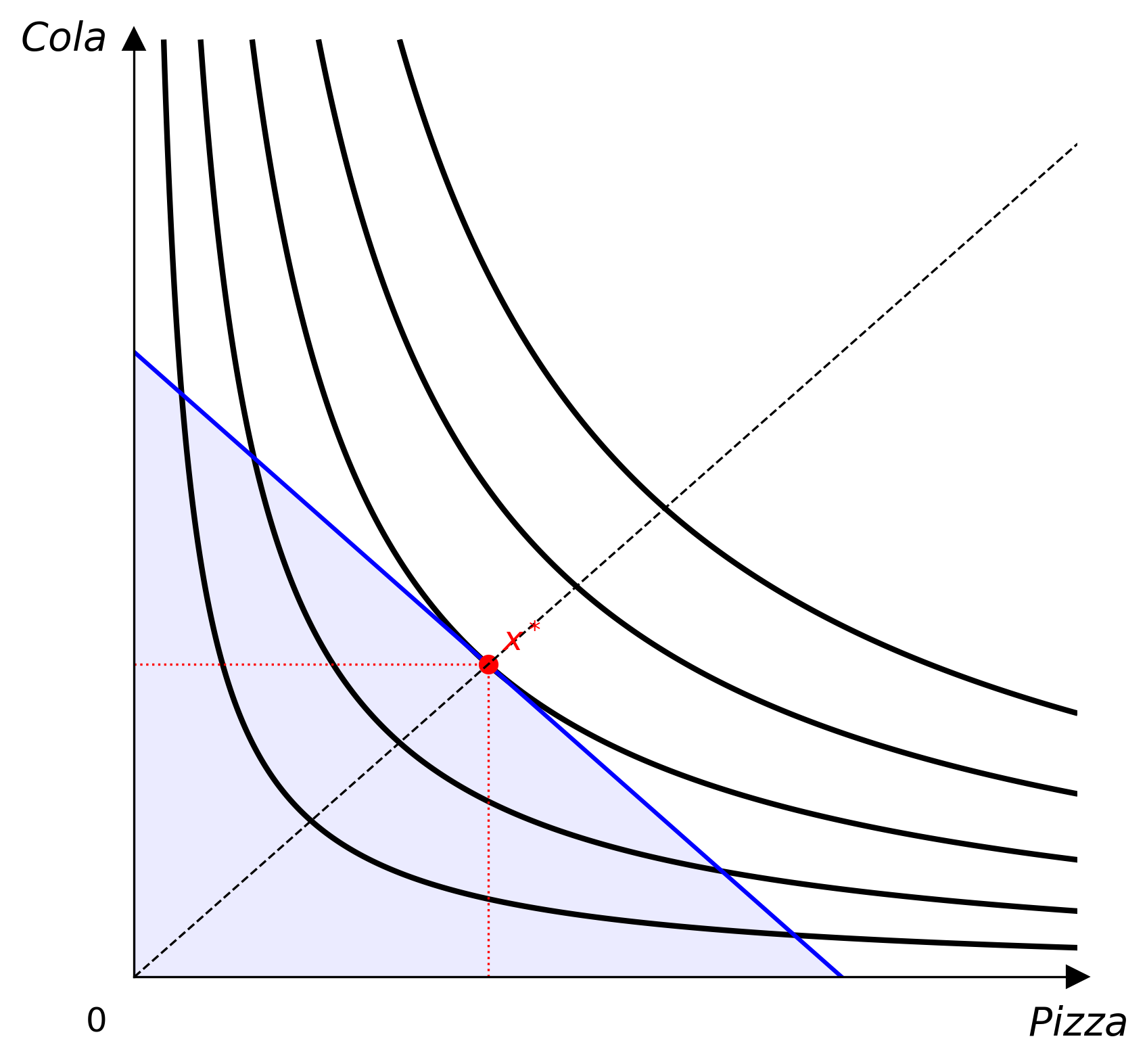
Themes
from econ_viz import Canvas, themes

cvs = Canvas(x_max=20, y_max=15)                    # default theme
cvs = Canvas(x_max=20, y_max=15, theme=themes.nord) # nord theme
| Default | Nord |
|---|---|
 |
 |
Export
cvs.save("figure.png")    # raster (DPI controlled by Canvas(dpi=300))
cvs.save("figure.tex")    # TikZ/PGFPlots source for LaTeX
License
MIT © Anthony Sung
Project details
Verified details
These details have been verified by PyPIProject links
GitHub Statistics
Maintainers
Release history Release notifications | RSS feed


Download files
Download the file for your platform. If you're not sure which to choose, learn more about installing packages.
Source Distribution
Built Distribution
Filter files by name, interpreter, ABI, and platform.
If you're not sure about the file name format, learn more about wheel file names.
Copy a direct link to the current filters
File details
Details for the file econ_viz-1.0.2.tar.gz.
File metadata
- Download URL: econ_viz-1.0.2.tar.gz
- Upload date:
- Size: 30.4 kB
- Tags: Source
- Uploaded using Trusted Publishing? Yes
- Uploaded via: twine/6.1.0 CPython/3.13.7
File hashes
| Algorithm | Hash digest | |
|---|---|---|
| SHA256 |
c7f65b9b6bb275e7165dcbca9825cecac56ebb25bfe8e99e65d0ea45d3d92092
|
|
| MD5 |
707b7be9a1c68a8c19f4b672a48c1320
|
|
| BLAKE2b-256 |
3d531ddce3eb6dd632aec1f2b548e2766ef5fdd9bc432500510b604bac78a437
|
Provenance
The following attestation bundles were made for econ_viz-1.0.2.tar.gz:
Publisher:
publish.yml on EconViz/econ-viz
-
Statement:
-
Statement type:
https://in-toto.io/Statement/v1 -
Predicate type:
https://docs.pypi.org/attestations/publish/v1 -
Subject name:
econ_viz-1.0.2.tar.gz -
Subject digest:
c7f65b9b6bb275e7165dcbca9825cecac56ebb25bfe8e99e65d0ea45d3d92092 - Sigstore transparency entry: 1192111359
- Sigstore integration time:
-
Permalink:
EconViz/econ-viz@7ee20a2b79e64f399d65c161a9776259a7dde092 -
Branch / Tag:
refs/heads/main - Owner: https://github.com/EconViz
-
Access:
public
-
Token Issuer:
https://token.actions.githubusercontent.com -
Runner Environment:
github-hosted -
Publication workflow:
publish.yml@7ee20a2b79e64f399d65c161a9776259a7dde092 -
Trigger Event:
push
-
Statement type:
File details
Details for the file econ_viz-1.0.2-py3-none-any.whl.
File metadata
- Download URL: econ_viz-1.0.2-py3-none-any.whl
- Upload date:
- Size: 39.4 kB
- Tags: Python 3
- Uploaded using Trusted Publishing? Yes
- Uploaded via: twine/6.1.0 CPython/3.13.7
File hashes
| Algorithm | Hash digest | |
|---|---|---|
| SHA256 |
0af3ebcaf2f407cfb527f9a54c4da1c6b79bac07212cab66494615525d85919a
|
|
| MD5 |
07d7edd9bcdd002a9dc0f530ef3ea771
|
|
| BLAKE2b-256 |
e6dff44330858dbd17928edf6db9fb84da2ce3a73ed4e9e89abe5cd10d434de1
|
Provenance
The following attestation bundles were made for econ_viz-1.0.2-py3-none-any.whl:
Publisher:
publish.yml on EconViz/econ-viz
-
Statement:
-
Statement type:
https://in-toto.io/Statement/v1 -
Predicate type:
https://docs.pypi.org/attestations/publish/v1 -
Subject name:
econ_viz-1.0.2-py3-none-any.whl -
Subject digest:
0af3ebcaf2f407cfb527f9a54c4da1c6b79bac07212cab66494615525d85919a - Sigstore transparency entry: 1192111361
- Sigstore integration time:
-
Permalink:
EconViz/econ-viz@7ee20a2b79e64f399d65c161a9776259a7dde092 -
Branch / Tag:
refs/heads/main - Owner: https://github.com/EconViz
-
Access:
public
-
Token Issuer:
https://token.actions.githubusercontent.com -
Runner Environment:
github-hosted -
Publication workflow:
publish.yml@7ee20a2b79e64f399d65c161a9776259a7dde092 -
Trigger Event:
push
-
Statement type:






