
Color Highlighted Epstein Emails and Text Messages
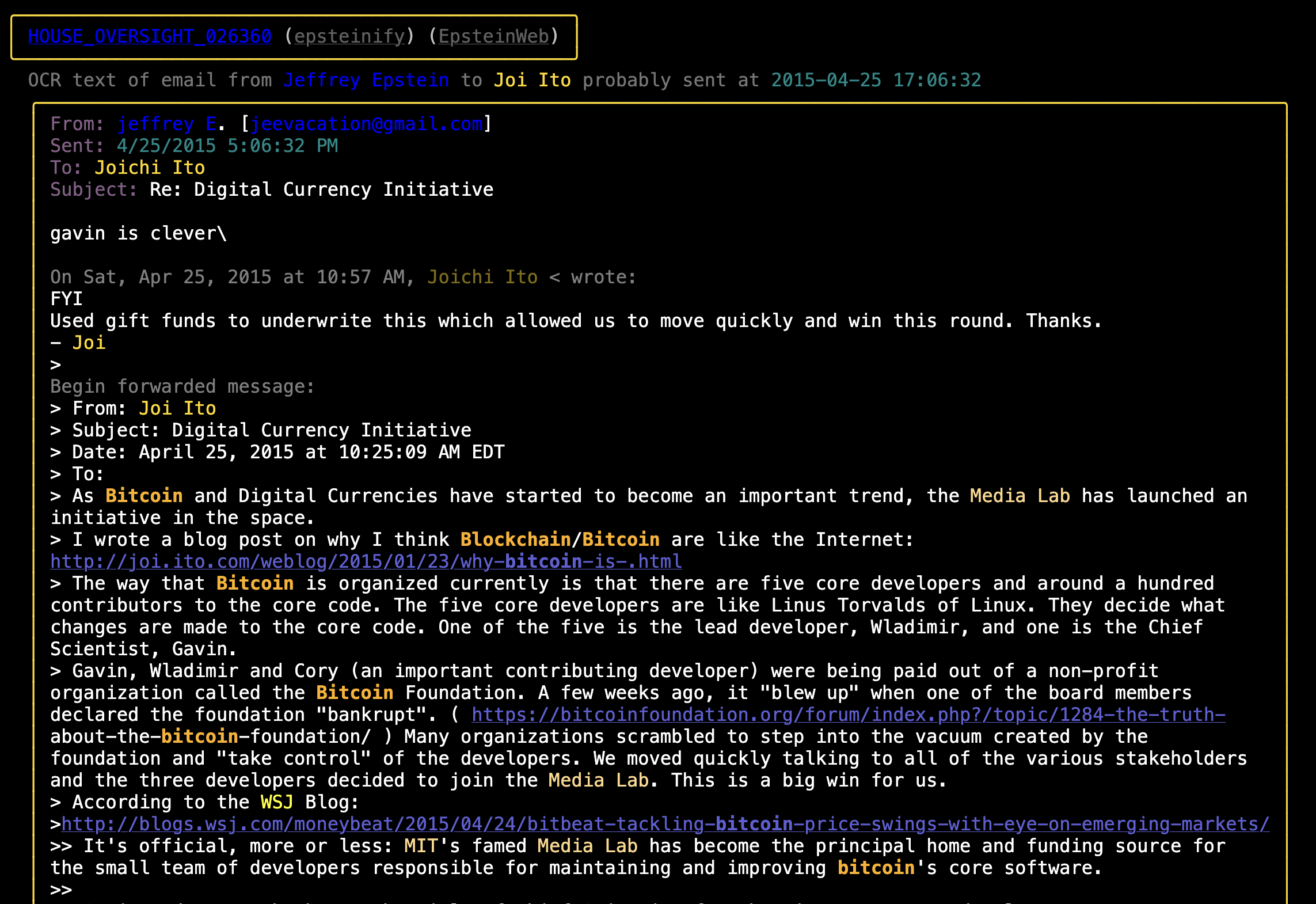
- The various views of The Epstein Files generated by this code can be seen here.
- I Made Epstein's Text Messages Great Again (And You Should Read Them) (a post about this project).
- A Rather Alarming Epstein / Russia / Israel Crypto Timeline (a post about various alarming things that is based on this collection of documents)
- Maybe The Russian Bots Were Jeffrey Epstein This Whole Time (another post about the hackers in Dubai Epstein hired to do social media work during the 2016 election)
Usage
Installation
Use poetry install for easiest time installing. pip install epstein-files should also work, though pipx install epstein-files is usually better.
Then there's two options as far as the data:
- To work with the data set included in this repo copy the pickled data file into place:
cp ./the_epstein_files.pkl.gz ./the_epstein_files.local.pkl.gz - To parse your own files:
- Requires you have a local copy of the OCR text files from the House Oversight document release in a directory
/path/to/epstein/ocr_txt_files. You can download those OCR text files from the Congressional Google Drive folder (make sure you grab both the001/and002/folders). - (Optional) If you want to work with the documents released by DOJ on January 30th 2026 you'll need to also download some of the PDF files from the DOJ site (they're in the "Epstein Files Transparency Act" section). You don't need them all, just the ones you want to look at and make ASCII art with. But you will need to get the OCR text out o them somehow. I use pdfalyzer. IMPORTANT if
- Requires you have a local copy of the OCR text files from the House Oversight document release in a directory
Command Line Tools
You need to set the EPSTEIN_DOCS_DIR environment variable with the path to the folder of files you just downloaded when running. You can either create a .env file modeled on .env.example (which will set it permanently) or you can run with:
EPSTEIN_DOCS_DIR=path/to/source_data/ epstein_generate --help
To work with the January 2026 DOJ documents you'll also need to set the EPSTEIN_DOJ_TXTS_20260130_DIR env var to point at folders full of OCR extracted texts from the raw DOJ PDFs. If you have the PDFs but not the text files there's a script that can help you take care of that (it launches pdfalyzer on PDFs it finds in the hierarchy).
EPSTEIN_DOCS_DIR=path/to/source_data/ EPSTEIN_DOJ_TXTS_20260130_DIR=/path/to/doj/files/ epstein_generate --help
NOTE: In order to get the generated links to the DOJ site and Jmail to work correctly you will need to sort the PDFs into the same datasets they are found in on the DOJ's website. You should have folders like this:
└── source_data/
    ├── DataSet 1
    ├── DataSet 2
    ├── DataSet 3
    ├── DataSet 4
    ├── DataSet 5
    ├── DataSet 6
    ├── DataSet 7
    ├── DataSet 8
    ├── DataSet 9
    ├── DataSet 10
    ├── DataSet 11
    └── DataSet 12
Within the DataSet N folders the PDFs can be sorted however you want (the folders will be recursively scanned for the pattern **/*.pdf).
Doing Things
All the tools that come with the package require EPSTEIN_DOCS_DIR to be set. These are the available tools:
# Generate color highlighted texts/emails/other files
epstein_generate

# Search for a string:
epstein_grep Bannon
# Or a regex:
epstein_grep '\bSteve\s*Bannon|Jeffrey\s*Epstein\b'

# Show a file with color highlighting of keywords:
epstein_show 030999
# Show both the highlighted and raw versions of the file:
epstein_show --raw 030999
# The full filename is also accepted:
epstein_show HOUSE_OVERSIGHT_030999

# Count words used by Epstein and Bannon
epstein_show --output-word-count --name 'Jeffrey Epstein' --name 'Steve Bannon'

# Diff two epstein files after all the cleanup (stripping BOMs, matching newline chars, etc):
epstein_diff 030999 020442
The first time you run anything it will take a few minutes to fix all the janky OCR text, attribute the redacted emails, etc. After that things will be quick.
The commands used to build the various sites that are deployed on Github Pages can be found in deploy.sh.
Run epstein_generate --help for command line option assistance.
Optional: There are a handful of emails that I extracted from the legal filings they were contained in. If you want to include these files in your local analysis you'll need to copy those files from the repo into your local document directory. Something like:
cp ./emails_extracted_from_legal_filings/*.txt "$EPSTEIN_DOCS_DIR"
As A Library
from epstein_files.epstein_files import EpsteinFiles
epstein_files = EpsteinFiles.get_files()

# All files
for document in epstein_files.documents:
    do_stuff(document)

# Emails
for email in epstein_files.emails:
    do_stuff(email)

# iMessage Logs
for imessage_log in epstein_files.imessage_logs:
    do_stuff(imessage_log)

# Other Files
for file in epstein_files.other_files:
    do_stuff(file)
Everyone Who Sent or Received an Email in the November Document Dump

TODO List
See TODO.md.
1 maintainer

Metadata
1 maintainer
Release files for epstein-files 1.12.1
For a detailed explanation of source distributions (sdists) and built distributions (wheels), please see the package formats documentation.
Source distribution (sdist)
| File | Size | Uploaded | |
|---|---|---|---|
| epstein_files-1.12.1.tar.gz | 386.2 kB | Details |
Built distribution (wheel)
| File | Interpreter | ABI | Platform | Reset |
|---|---|---|---|---|
| epstein_files-1.12.1-py3-none-any.whl | Python 3 | none | any | Details |
Total release size: 820.8 kB
Release files / epstein_files-1.12.1.tar.gz
| Download URL | epstein_files-1.12.1.tar.gz |
|---|---|
| Size | 386.2 kB |
| Tags | Source |
|
SHA-256 checksum How to use checksums |
a393da912be46c1f770c90b20c89fa6bf658ded65493d389dac3550a13e30d95
|
|
BLAKE2b-256 checksum How to use checksums |
63b02ed652e1ecf2e9fa5d7e63ec949aca47e998cfa6d3a3941b253fc5874d3a
|
| Upload date | |
|
Uploaded using Trusted Publishing? What is trusted publishing? |
No |
| Uploaded via |
poetry/1.6.1 CPython/3.11.11 Darwin/22.6.0
|
Release files / epstein_files-1.12.1-py3-none-any.whl
| Download URL | epstein_files-1.12.1-py3-none-any.whl |
|---|---|
| Size | 434.6 kB |
| Tags | Python 3 |
|
SHA-256 checksum How to use checksums |
47fa36ccfb3f074ef40f71dea77f849562c6390a7a9dfd5efb5fded27c19d6a7
|
|
BLAKE2b-256 checksum How to use checksums |
00a75927e6dba5db0129c4956477992a4663fc4a25000b452d886e7c7804b7c6
|
| Upload date | |
|
Uploaded using Trusted Publishing? What is trusted publishing? |
No |
| Uploaded via |
poetry/1.6.1 CPython/3.11.11 Darwin/22.6.0
|














