
ESPA Tools


An open-source Python package for simple loading of Landsat imagery as NumPy arrays. When downloading Landsat imagery from USGS Earth Explorer, the datasets contain many bands (.tif files) and a few metadata files (.txt and .xml files). espatools is built to parse the .xml metadata file to read all of the bands for that dataset and provide a convenient and intuitive means of accessing that metadata along side the raw data in a Python environment. espatools can be found on GitHub and PyPI.
Connections
The package heavily uses properties for the creation of strongly typed objects in a consistent, declarative way.
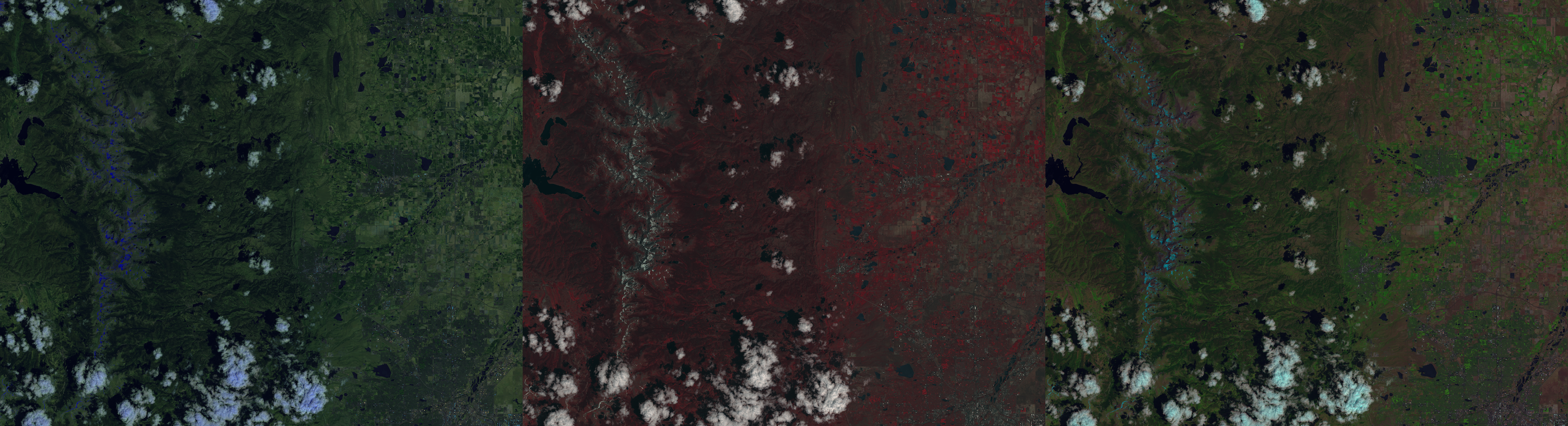
This package implements a way to convert these datasets to a PyVista dataset (vtkImageData).
PVGeo has implemented an interface for espatools to read Landsat imagery via XML metadata files. Check out PVGeo’s Landsat Reader for more details.
Getting Started
espatools is available from PyPI
$ pip install espatoolsUsage
We think espatools is easy to use; give it a try and let us know what you think as this is just the alpha-release!
First, checkout this Jupyter Notebook for a demonstration of some simple plotting after reading Landsat imagery in a Python environment.
And take a look at the .to_pyvista() method on RasterSet objects to have a 3D dataset of the imagery in PyVista/VTK
Then take a look at the Landsat Reader in PVGeo’s documentation where espatools has an interface for direct use in ParaView.
Example False Color
import espatools
import matplotlib.pyplot as plt

# Create the reader to manage I/O
reader = espatools.RasterSetReader(filename='metadata.xml')

# Perform the read and yield a raster set
raster = reader.read()

# Get an RGB color scheme
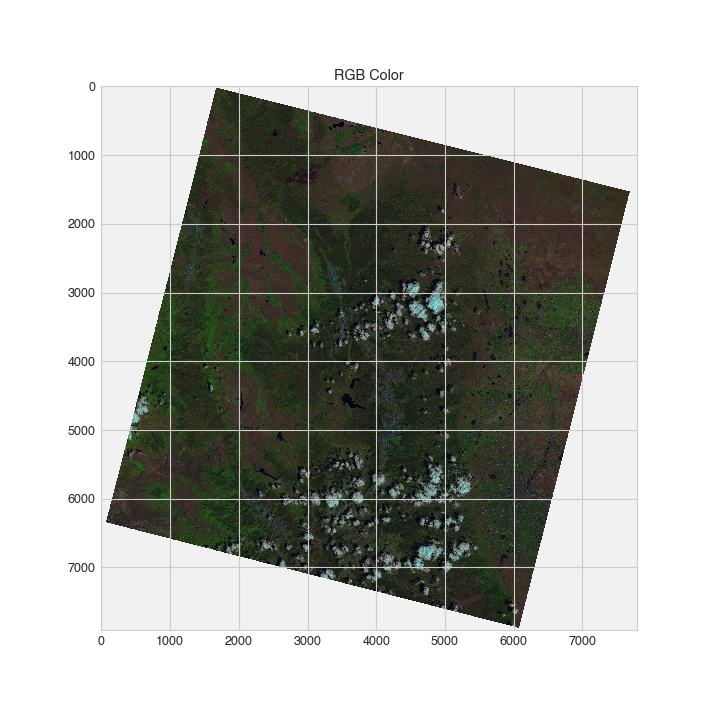
color = raster.get_rgb('false_a')

# Now plot the false color image
plt.imshow(color)
The results of the above code yield the following false color image:
You can also view the dataset in 3D using PyVista:
mesh = raster.to_pyvista()
mesh.plot(scalars='false_a', rgb=True, cpos='xy')2 maintainers


Metadata
2 maintainers
Release files for espatools 0.1.1
For a detailed explanation of source distributions (sdists) and built distributions (wheels), please see the package formats documentation.
Source distribution (sdist)
| File | Size | Uploaded | Provenance | Actions |
|---|---|---|---|---|
| espatools-0.1.1.tar.gz | 9.7 kB | Without provenance | Details for espatools-0.1.1.tar.gz |
Release files / espatools-0.1.1.tar.gz
| Download URL | espatools-0.1.1.tar.gz |
|---|---|
| Size | 9.7 kB |
| Tags | Source |
|
SHA-256 checksum How to use checksums |
22ce6957fe49d084d3bbc475b0c0d017adf3e775c8c062f116515da9ae57775d
|
|
BLAKE2b-256 checksum How to use checksums |
fe258bac655deaaf33bfb895482a85c108f44e7cc320f479bca79de5c487f4f2
|
| Upload date | |
|
Uploaded using Trusted Publishing? What is trusted publishing? |
No |
| Uploaded via |
twine/1.15.0 pkginfo/1.6.1 requests/2.25.0 setuptools/44.1.1 requests-toolbelt/0.9.1 tqdm/4.54.1 CPython/2.7.15
|
Security for espatools 0.1.1
Provenance
Provenance describes where a file came from. On PyPI, provenance is shared via attestations, which provide a verifiable record of the build or publishing details. View details, limitations and caveats.
No provenance found
None of the files in this release were uploaded with provenance metadata.
A note on package security
PyPI is a repository for distributing packages, not a service for auditing them. While third-party security researchers and our staff do their best to detect and remove malicious packages, PyPI cannot guarantee the quality, security or suitability of any given package.
To learn more about protecting yourself from malicious actors, visit our package security documentation.














