
Execute commands interactively on remote Windows machines using the WinRM protocol

Project description
evil-winrm-py
evil-winrm-py is a python-based tool for executing commands on remote Windows machines using the WinRM (Windows Remote Management) protocol. It provides an interactive shell.
[!NOTE] This tool is designed strictly for educational, ethical use, and authorized penetration testing. Always ensure you have explicit authorization before accessing any system. Unauthorized access or misuse of this tool is both illegal and unethical.
Motivation
The original evil-winrm is written in Ruby, which can be a hurdle for some users. Rewriting it in Python makes it more accessible and easier to use, while also allowing us to leverage Python’s rich ecosystem for added features and flexibility.
I also wanted to learn more about winrm and its internals, so this project will also serve as a learning experience for me.
Features
- Execute commands on remote Windows machines via an interactive shell.
- Support for NTLM authentication.
- Support for Pass-the-Hash authentication.
- Support for Certificate authentication.
- Support for Kerberos authentication with SPN (Service Principal Name) prefix and hostname options.
- Support for SSL to secure communication with the remote host.
- Support for custom WSMan URIs.
- Auto-complete remote file and directory paths
- Enable logging and debugging for better traceability.
- Navigate command history using up/down arrow keys.
- Display colorized output for improved readability..
- Lightweight and Python-based for ease of use.
- Keyboard Interrupt (Ctrl+C) support to terminate long-running commands gracefully.
Installation (Windows/Linux)
Installation of Kerberos prerequisites on Linux
sudo apt install gcc python3-dev libkrb5-dev
# Optional: krb5-user
Install evil-winrm-py
You may use pipx or uv instead of pip to install evil-winrm-py.
pipx/uvis a tool to install and run Python applications in isolated environments, which helps prevent dependency conflicts by keeping the tool's dependencies separate from your system's Python packages.
pip install evil-winrm-py
pip install evil-winrm-py[kerberos] # for kerberos support on Linux
or if you want to install with latest commit from the main branch you can do so by cloning the repository and installing it with pip/pipx:
git clone https://github.com/adityatelange/evil-winrm-py
cd evil-winrm-py
pip install .
Update
pip install --upgrade evil-winrm-py
Uninstall
pip uninstall evil-winrm-py
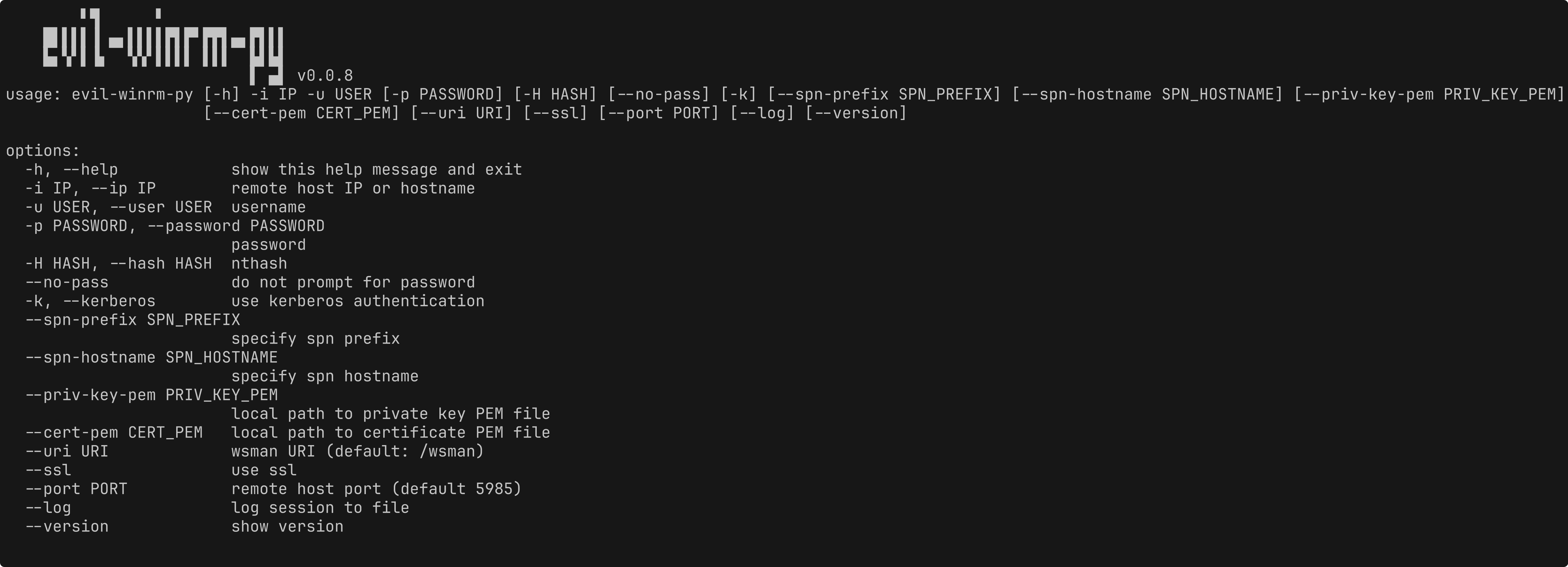
Usage
usage: evil-winrm-py [-h] -i IP -u USER [-p PASSWORD] [-H HASH] [--no-pass] [-k] [--spn-prefix SPN_PREFIX] [--spn-hostname SPN_HOSTNAME] [--priv-key-pem PRIV_KEY_PEM]
               [--cert-pem CERT_PEM] [--uri URI] [--ssl] [--port PORT] [--log] [--version]

options:
  -h, --help            show this help message and exit
  -i IP, --ip IP        remote host IP or hostname
  -u USER, --user USER  username
  -p PASSWORD, --password PASSWORD
                        password
  -H HASH, --hash HASH  nthash
  --no-pass             do not prompt for password
  -k, --kerberos        use kerberos authentication
  --spn-prefix SPN_PREFIX
                        specify spn prefix
  --spn-hostname SPN_HOSTNAME
                        specify spn hostname
  --priv-key-pem PRIV_KEY_PEM
                        local path to private key PEM file
  --cert-pem CERT_PEM   local path to certificate PEM file
  --uri URI             wsman URI (default: /wsman)
  --ssl                 use ssl
  --port PORT           remote host port (default 5985)
  --log                 log session to file
  --version             show version
Example:
evil-winrm-py -i 192.168.1.100 -u Administrator -p P@ssw0rd --ssl
Credits
- Original evil-winrm project - https://github.com/Hackplayers/evil-winrm
- PowerShell Remoting Protocol for Python - https://github.com/jborean93/pypsrp
- Prompt Toolkit - https://github.com/prompt-toolkit/python-prompt-toolkit
Release history Release notifications | RSS feed


Download files
Download the file for your platform. If you're not sure which to choose, learn more about installing packages.
Source Distribution
Built Distribution
Filter files by name, interpreter, ABI, and platform.
If you're not sure about the file name format, learn more about wheel file names.
Copy a direct link to the current filters
File details
Details for the file evil_winrm_py-0.0.8.tar.gz.
File metadata
- Download URL: evil_winrm_py-0.0.8.tar.gz
- Upload date:
- Size: 9.8 kB
- Tags: Source
- Uploaded using Trusted Publishing? No
- Uploaded via: twine/6.1.0 CPython/3.12.3
File hashes
| Algorithm | Hash digest | |
|---|---|---|
| SHA256 |
cd2e220f736669cf33eed801ac8618c6e847124ddf6955a032ab69687529c71a
|
|
| MD5 |
96c8d59b0eebdc26e7ef8352a56634e5
|
|
| BLAKE2b-256 |
483fb607ae5786621a93c583053730f48e6962ec1055fe336cfce9a12be68d1a
|
File details
Details for the file evil_winrm_py-0.0.8-py3-none-any.whl.
File metadata
- Download URL: evil_winrm_py-0.0.8-py3-none-any.whl
- Upload date:
- Size: 9.9 kB
- Tags: Python 3
- Uploaded using Trusted Publishing? No
- Uploaded via: twine/6.1.0 CPython/3.12.3
File hashes
| Algorithm | Hash digest | |
|---|---|---|
| SHA256 |
42a3fa1c881f62c9fb83d2c3860494d2a2a331b8860dd1f76db6778c2c8ba29c
|
|
| MD5 |
08b50ca682819bdb3e9cc3b771008757
|
|
| BLAKE2b-256 |
707a4205c0af49839eaec5e805b1a889a6f9d16df02344f83ef32ec8f9bf177f
|






