
figpanel
Detect and extract individual panels from scientific figures using YOLOv12.





Scientific papers often combine multiple plots into a single composite figure (Figure 1a, 1b, 1c...). figpanel automatically detects these sub-panels, reads their labels via OCR, and extracts each one as a separate image.
Quick Start
pip install figpanel
import figpanel

# Detect subplots and captions (bounding boxes + confidence scores)
results = figpanel.detect("figure.png")
# {'subplots': [(x1,y1,x2,y2,conf), ...], 'captions': [...]}

# Visualize detections on the image
figpanel.visualize("figure.png", save="annotated.png")
For the full pipeline (detect + OCR + match + crop + deduplicate):
pip install figpanel[full]
# Extract individual panels
panels = figpanel.extract("figure.png", "output/")

for panel in panels:
    print(f"Panel {panel.label}: bbox={panel.bbox}, confidence={panel.confidence:.2f}")
    panel.image.show()
Examples
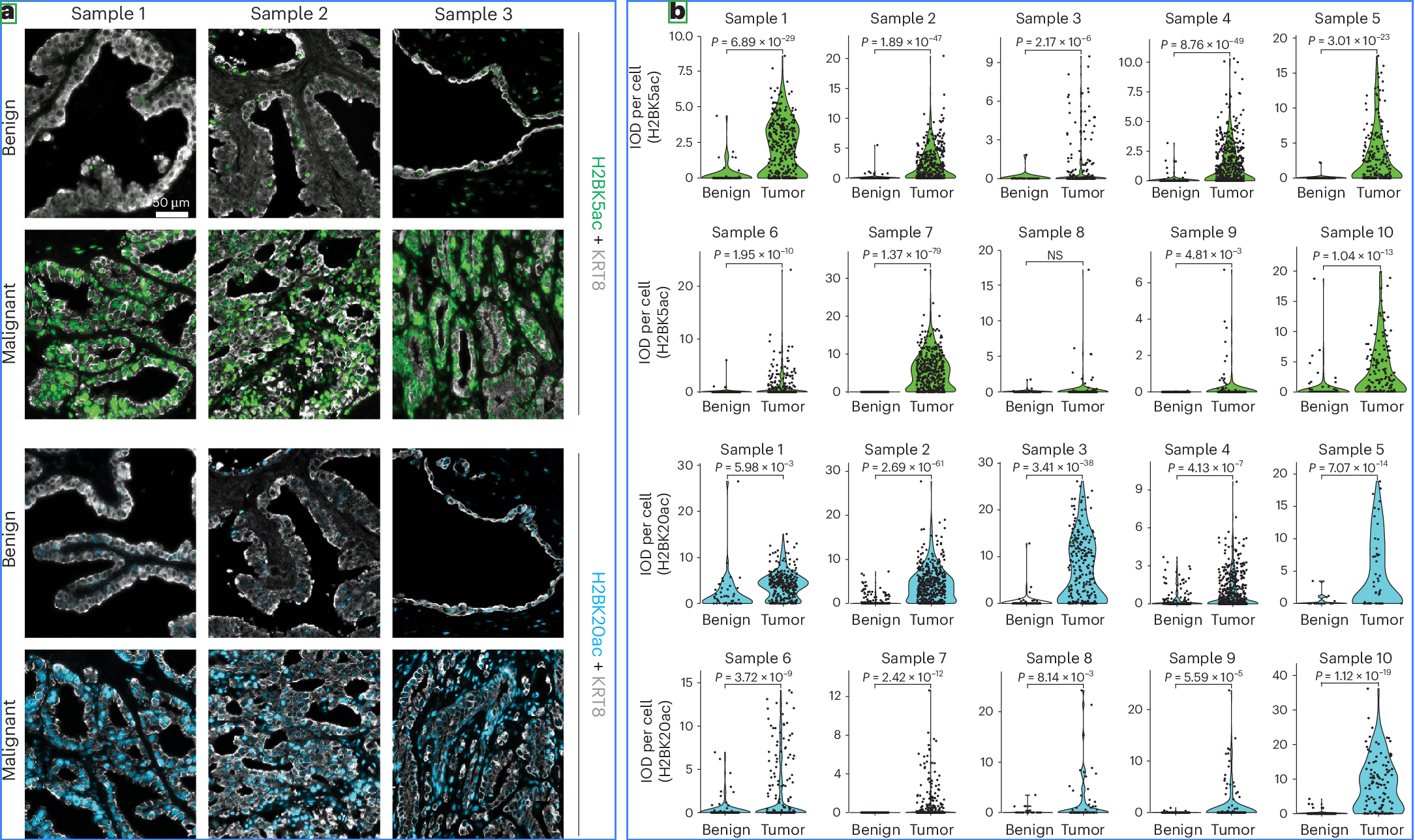 |
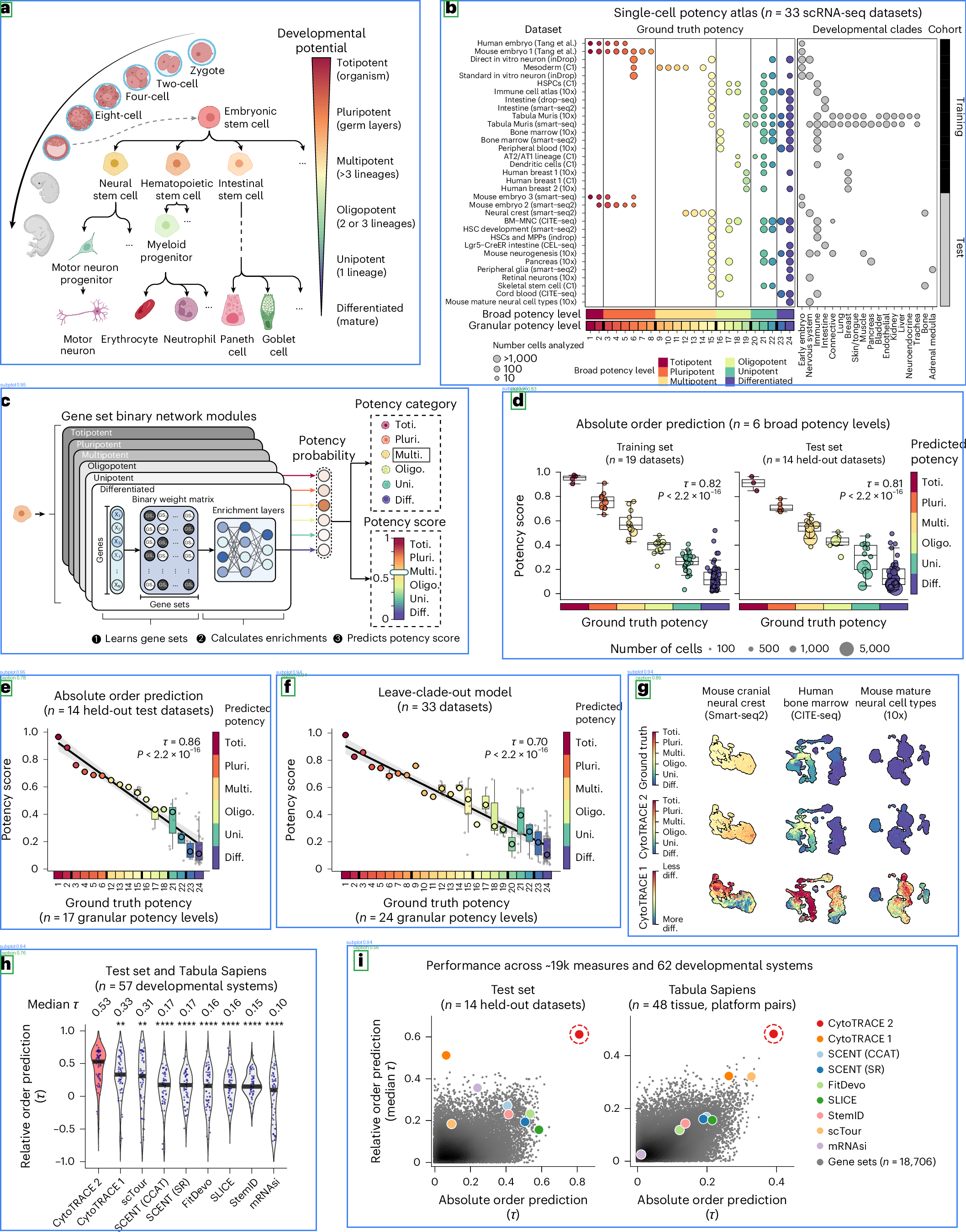 |
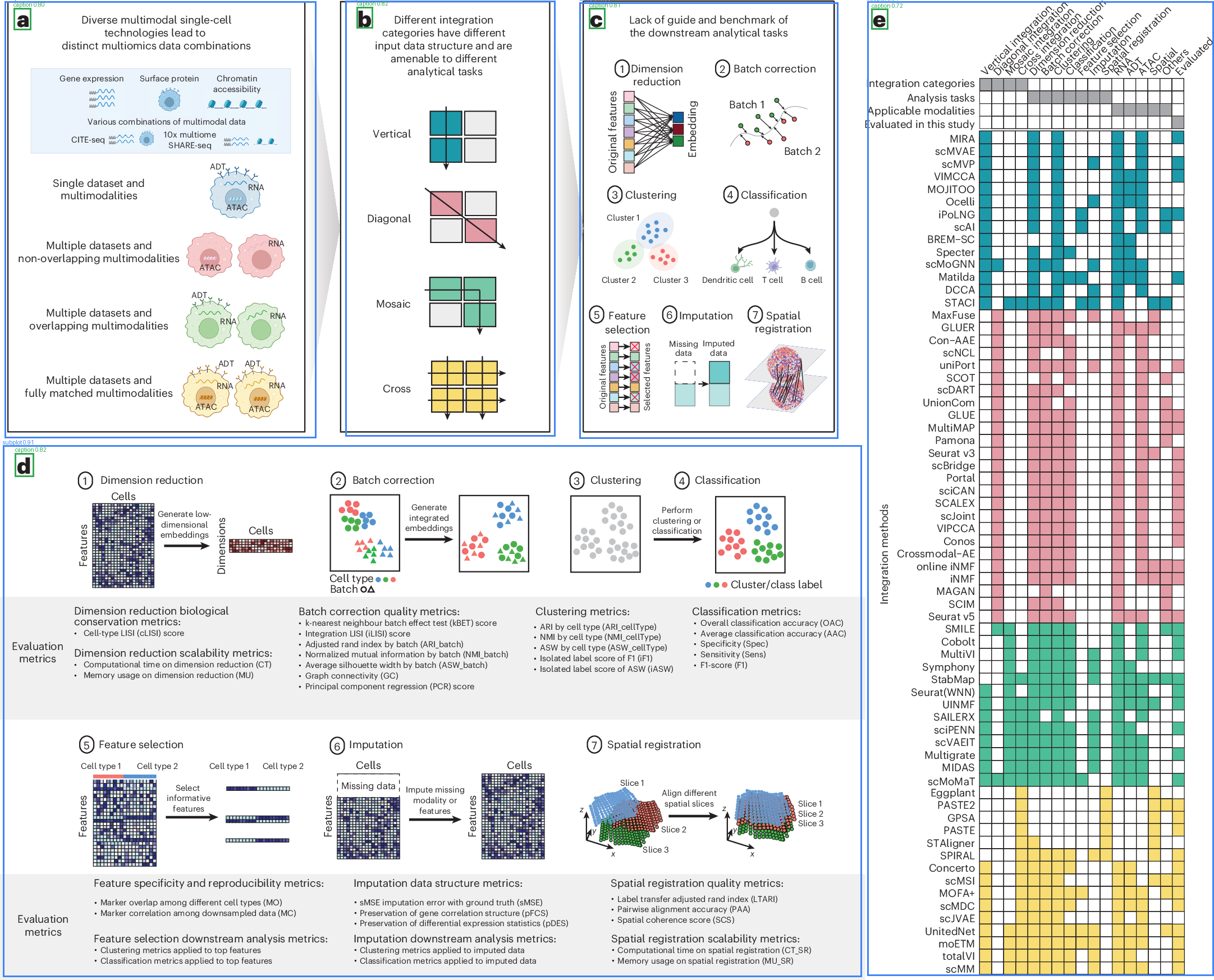 |
Blue boxes = detected subplots, Green boxes = detected captions. Images from open-access papers (CC BY 4.0).
Features
- YOLOv12 Detection - Trained on 5,000+ annotated scientific figures to detect subplots and caption labels
- Automatic Model Download - Model weights are hosted on HuggingFace and downloaded automatically on first use
- OCR Caption Reading - Reads single-character panel labels (a, b, c...) using Tesseract
- Smart Matching - Greedy nearest-neighbor algorithm matches captions to their corresponding subplots
- Deduplication - Removes duplicate panels using perceptual hashing (pHash) and ORB feature matching
- Two-Tier Install - Base install for detection only;
[full]adds OCR, matching, and deduplication
Model Details
| Property | Value |
|---|---|
| Architecture | YOLOv12 |
| Classes | subplot (panel region), caption (label character) |
| Training Data | 5,000+ annotated figures from open-access journals |
| Model Size | ~18 MB |
| Input | Any image (PNG, JPEG, etc.) |
| Hosted On | HuggingFace |
Installation Options
# Detection only (ultralytics + huggingface_hub)
pip install figpanel

# Full pipeline (+ pytesseract, imagehash, opencv)
pip install figpanel[full]
Note: The
[full]install requires Tesseract OCR to be installed on your system.
API Reference
figpanel.detect(image_path, conf=0.25, iou=0.5)
Run YOLO detection on a scientific figure.
Returns: dict with "subplots" and "captions" keys, each containing a list of (x1, y1, x2, y2, confidence) tuples.
figpanel.extract(image_path, output_dir=None, *, conf=0.25, iou=0.5, padding=4, dedup_thresh=0.3, prefix=None)
Full pipeline: detect, OCR, match, crop, and deduplicate panels.
Returns: list[Panel] where each Panel has .label, .bbox, .confidence, and .image attributes.
Requires: pip install figpanel[full]
figpanel.visualize(image_path, save=None, *, conf=0.25, iou=0.5, line_width=3)
Draw detection boxes on the image. Subplots in blue, captions in green.
Returns: Annotated PIL.Image.
Use Cases
- Literature Mining - Automatically decompose composite figures for indexing and search
- Dataset Creation - Build plot-type datasets from scientific papers at scale
- Accessibility - Extract individual panels for screen readers and alternative text
- Research Tools - Integrate panel detection into paper analysis pipelines
- Quality Control - Validate figure composition in manuscript preparation
About Plottie
figpanel is built and maintained by Plottie - the scientific plot discovery platform. Plottie helps researchers explore, collect, and find inspiration from high-quality scientific plots across open-access literature.
Visit plottie.art to browse thousands of curated scientific figures.
Citation
If you use figpanel in your research, please cite:
@software{figpanel,
  title = {figpanel: Scientific Figure Panel Detector},
  author = {Plottie},
  url = {https://github.com/Plottie/figpanel},
  version = {0.1.0},
  year = {2026},
  note = {Built by Plottie (https://plottie.art)}
}
License
This project is licensed under the AGPL-3.0 license. The YOLOv12 model weights inherit this license from Ultralytics.
Academic and research use is unaffected. If you integrate figpanel into a network service, you must make your source code available under AGPL-3.0.
1 maintainer

Metadata
1 maintainer
Release files for figpanel 0.1.1
For a detailed explanation of source distributions (sdists) and built distributions (wheels), please see the package formats documentation.
Source distribution (sdist)
| File | Size | Uploaded | Provenance | Actions |
|---|---|---|---|---|
| figpanel-0.1.1.tar.gz | 7.0 MB | Without provenance | Details for figpanel-0.1.1.tar.gz |
Built distribution (wheel)
| File | Interpreter | ABI | Platform | Actions Reset |
|---|---|---|---|---|
| figpanel-0.1.1-py3-none-any.whl | Python 3 | none | any | Details for figpanel-0.1.1-py3-none-any.whl |
Total release size: 7.0 MB
Release files / figpanel-0.1.1.tar.gz
| Download URL | figpanel-0.1.1.tar.gz |
|---|---|
| Size | 7.0 MB |
| Tags | Source |
|
SHA-256 checksum How to use checksums |
46b378bfcc0b9a4ed54193ac18218988875c7fd6c4d34cc3d2b3e77a193ce6cf
|
|
BLAKE2b-256 checksum How to use checksums |
3931c26f1bcfeb365c2a613e2cd3c66c1d5d35dafad63a1cac8f1499bd12a32d
|
| Upload date | |
|
Uploaded using Trusted Publishing? What is trusted publishing? |
No |
| Uploaded via |
twine/6.2.0 CPython/3.12.9
|
Release files / figpanel-0.1.1-py3-none-any.whl
| Download URL | figpanel-0.1.1-py3-none-any.whl |
|---|---|
| Size | 23.8 kB |
| Tags | Python 3 |
|
SHA-256 checksum How to use checksums |
1d6a2f3fe992e6152344f151d2051fc6cdf1a7d100ca0e71534761138ba5b5dd
|
|
BLAKE2b-256 checksum How to use checksums |
f7354a4ce5084036adcbb8dc47723c649b5c3bd6cf4fc26af0ae6dc17335c919
|
| Upload date | |
|
Uploaded using Trusted Publishing? What is trusted publishing? |
No |
| Uploaded via |
twine/6.2.0 CPython/3.12.9
|
Security for figpanel 0.1.1
Provenance
Provenance describes where a file came from. On PyPI, provenance is shared via attestations, which provide a verifiable record of the build or publishing details. View details, limitations and caveats.
No provenance found
None of the files in this release were uploaded with provenance metadata.
A note on package security
PyPI is a repository for distributing packages, not a service for auditing them. While third-party security researchers and our staff do their best to detect and remove malicious packages, PyPI cannot guarantee the quality, security or suitability of any given package.
To learn more about protecting yourself from malicious actors, visit our package security documentation.














