
Object-oriented, two-stage PDF figure generation library for Python.

Project description
Fiject
Object-oriented, two-stage PDF figure generators in Python.
Gives an answer to "How can I change the look of a figure without re-computing its data?" which isn't possible in
matplotlib nor seaborn.
Features
- Two-stage figure generation:
- Addition stage: Incrementally add data to figure objects, rather than needing to do it all at once along with visual parameters. Data caching allows skipping this step when a figure needs to be reformatted but not recomputed.
- Commit stage: Format the data stored in a figure object, with a simple interface that hides the complexities of
matplotlibandseaborn.
- Supported figure types:
LineGraph: points connected by lines.Bars: bar plot on a categorical axis.MultiHistogram: one or more histograms on the same numerical axis. Can also be committed to box plots.ScatterPlot: unconnected points.Table: LaTeX tables with hierarchical rows and hierarchical columns, column stylisation (e.g. rounding, min/max bolding, ...) and borders where you need them.
Example
Let's say you have a machine learning project where a classifier called model is trained and then evaluated on precision (Pr),
recall (Re) and F1 score, for 5 different values of a hyperparameter h. You would do your experiments as follows:
from fiject import LineGraph, CacheMode

g = LineGraph("project-results", caching=CacheMode.IF_MISSING)
if g.needs_computation:
    h_values = [0.1, 0.25, 0.5, 0.7, 1.0]
    for h in h_values:
        # ...
        # model.trainModel(h)  # Takes hours to compute. We don't want to repeat it just to reformat the graph!
        # pr, re, f1 = model.evaluateYourModel()
        # ...
        g.add("Pr",    h, pr)
        g.add("Re",    h, re)
        g.add("$F_1$", h, f1)

g.commit(aspect_ratio=(4,3), y_lims=(0, 100), x_tickspacing=0.1, y_tickspacing=10,
         x_label="Hyperparameter value", y_label="Binary classification performance [\\%]")
A PDF project-results_0.pdf will appear, and the data will be cached in a file project-results_0.json.
Notice that the CacheMode along with the check if g.needs_computation will ensure that you don't
have to redo your computation if you don't like the way your figure came out the first time. You can
just change the parameters to g.commit() and re-run the same code to get a new PDF project-results_1.pdf
instantly.
Installation
You can install fiject as any other package, or as a developer if you want to tinker with the source yourself.
Normal install
Open a terminal and run:
pip install git+https://github.com/bauwenst/fiject.git
Note that although the package's source code resides in the subdirectory src/fiject/, there is no need to mention this
anywhere (not by you in the above command, and not even by me internally) because pip is smart enough to figure this
out itself. You hence do not need to add a #subdirectory argument (despite the docs saying you do).
Developer install
Open a terminal and, instead of the above, run:
git clone https://github.com/bauwenst/fiject.git
cd fiject
pip install -e .
The last command will detect the pyproject.toml file (pip install), look for the fiject/__init__.py file in the
current directory (.), and put a symlink to this folder in Python's site-packages folder (-e). This means that
when you import fiject, it is imported from the current folder and hence any changes you make here are applied immediately.
Troubleshooting
If, on a commit, you get an error that includes the text This is pdfTeX and under it something along the lines of
! LaTeX Error: File `type1cm.sty' not found.
you are likely on Linux Ubuntu and want to run
sudo apt install dvipng texlive-latex-extra texlive-fonts-recommended cm-super
taken from this thread.
Credit
This package was developed over the span of multiple years (2021-2023) and across multiple research papers at university. If you produce figures for your own reports with this package, please be a kind human and acknowledge my work by crediting this repository in a footnote. For example, in LaTeX:
\footnote{All figures were made using Fiject (\url{https://github.com/bauwenst/fiject}),
          a Python package by ir.\ Thomas Bauwens.}
Showcase
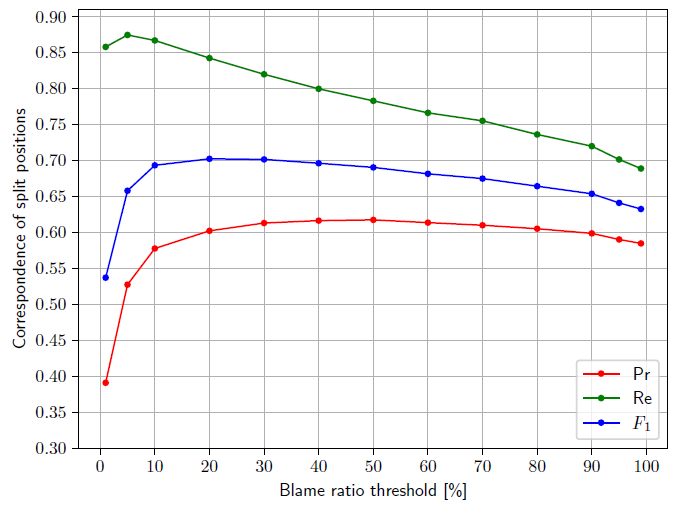
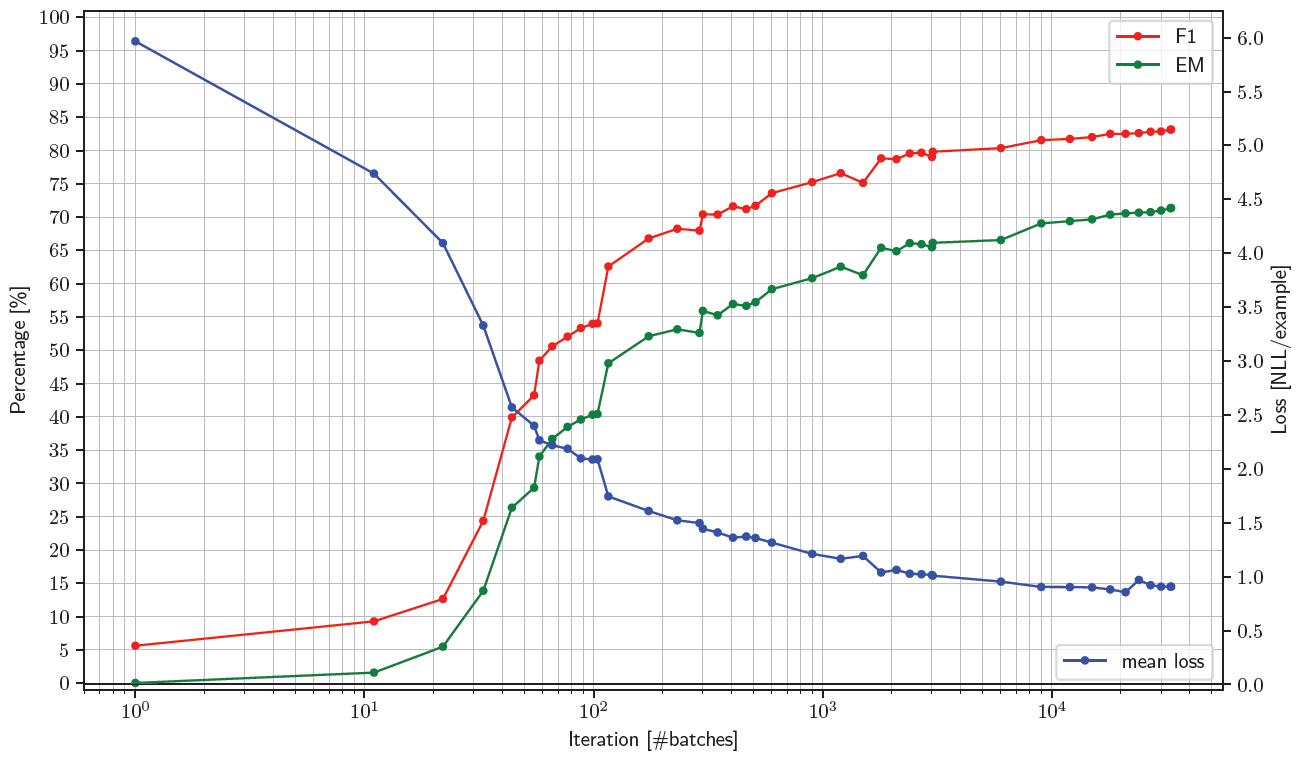
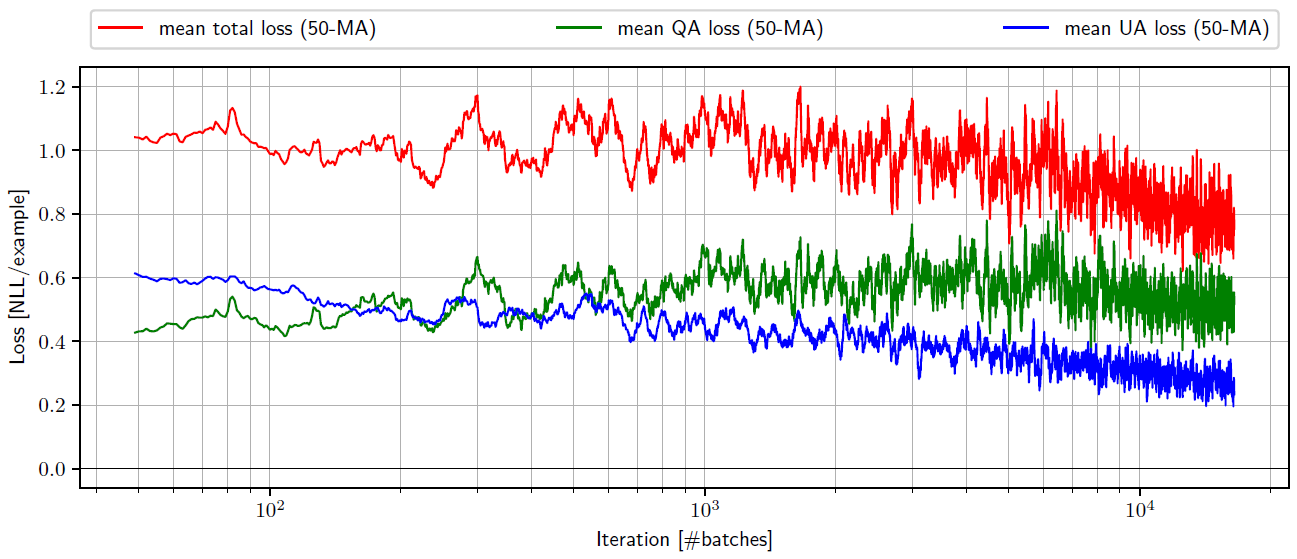
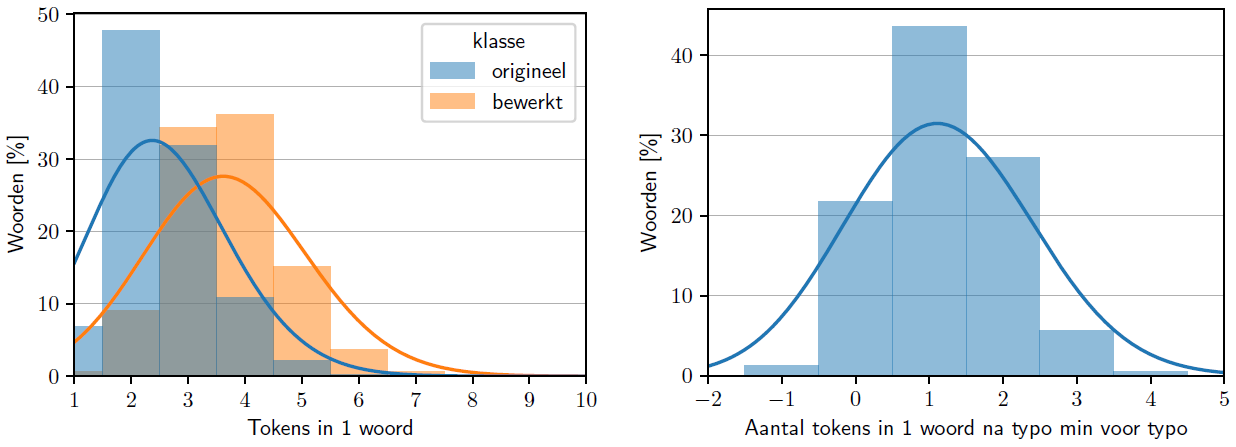
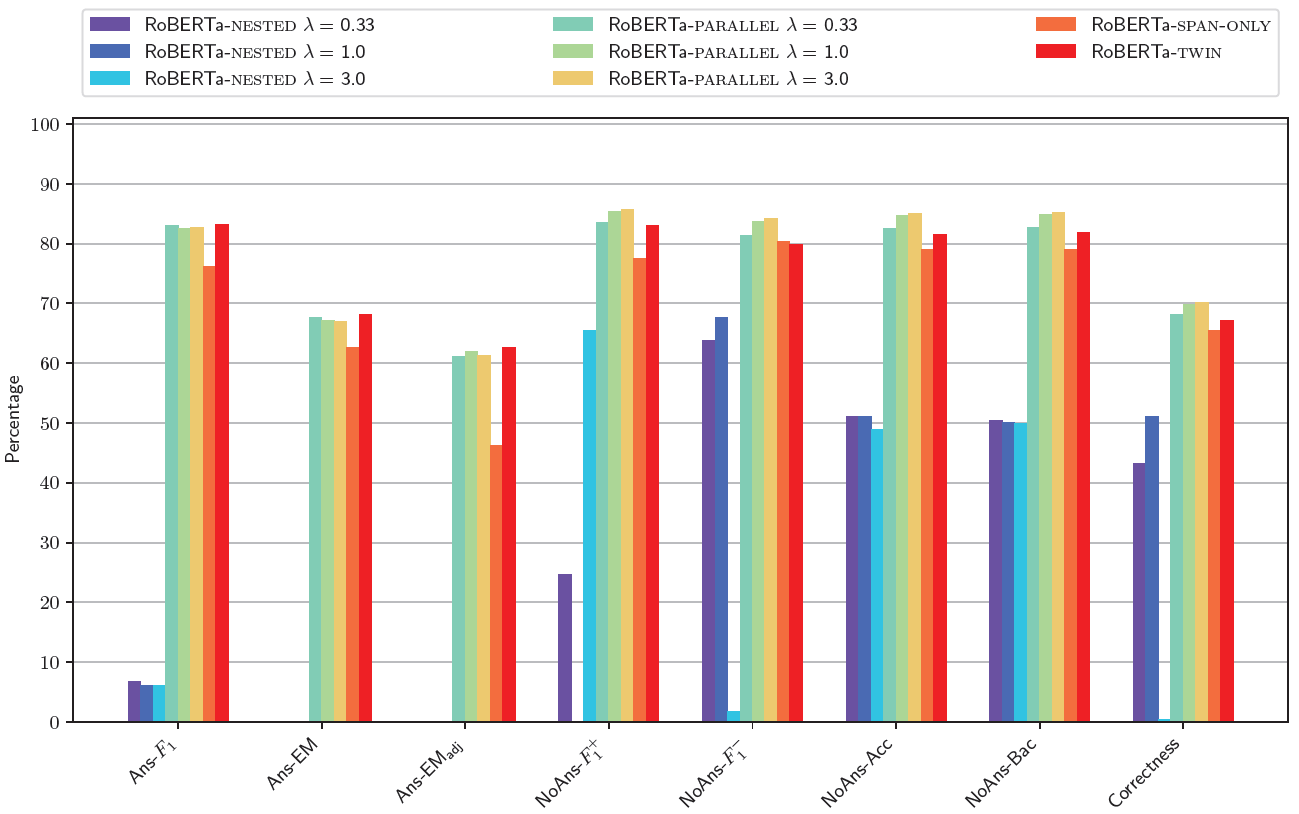
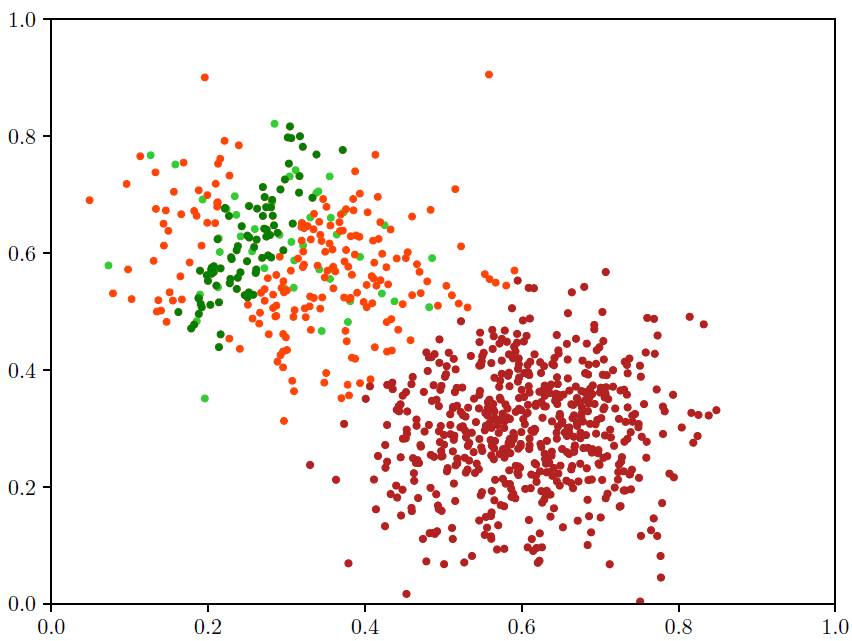
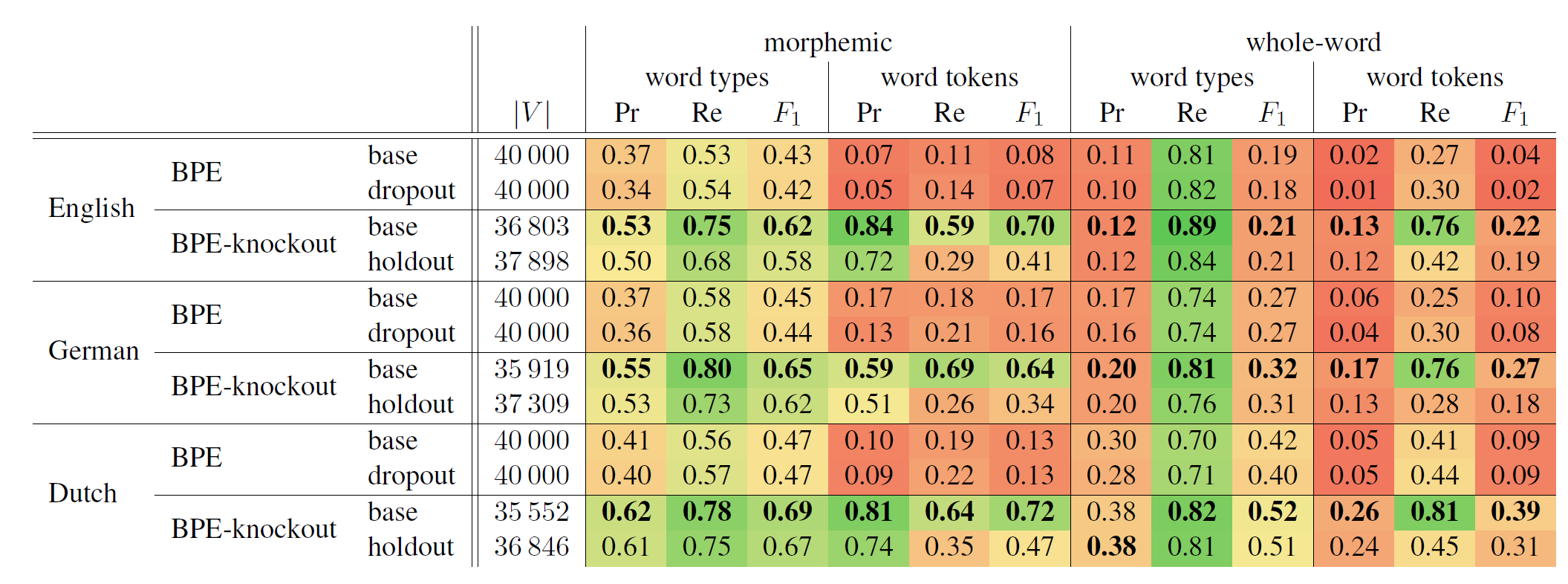
A collage of all the figures I have drawn with this code across many university projects.
The point is not how these figures look visually; you can produce equivalent plots with matplotlib and seaborn.
The point is rather that the computation required to get the data in these graphs was extensive, and hence tweaking
the visual parameters of these graphs would be equally expensive in matplotlib and seaborn. Also note how the graphs
originate from a variety of applications, showing that fiject comes in handy for many different domains.
Line graphs
Histograms
Bar plots
Scatterplots
Tables
Release history Release notifications | RSS feed


Download files
Download the file for your platform. If you're not sure which to choose, learn more about installing packages.
Source Distribution
Built Distribution
Filter files by name, interpreter, ABI, and platform.
If you're not sure about the file name format, learn more about wheel file names.
Copy a direct link to the current filters
File details
Details for the file fiject-2026.1.1.tar.gz.
File metadata
- Download URL: fiject-2026.1.1.tar.gz
- Upload date:
- Size: 56.4 kB
- Tags: Source
- Uploaded using Trusted Publishing? No
- Uploaded via: Hatch/1.16.5 cpython/3.13.12 HTTPX/0.28.1
File hashes
| Algorithm | Hash digest | |
|---|---|---|
| SHA256 |
8cd4327dad26332a20ae43755db0e48e4d41cc0f79ea76b988d1bc748273fd28
|
|
| MD5 |
ea7dfb47ca1b59ee1e241c242c68e6ca
|
|
| BLAKE2b-256 |
ae1aab572c45f595f2fef0f1d787a7b09ec28765d7a577b73242da4c4be538b9
|
File details
Details for the file fiject-2026.1.1-py3-none-any.whl.
File metadata
- Download URL: fiject-2026.1.1-py3-none-any.whl
- Upload date:
- Size: 58.4 kB
- Tags: Python 3
- Uploaded using Trusted Publishing? No
- Uploaded via: Hatch/1.16.5 cpython/3.13.12 HTTPX/0.28.1
File hashes
| Algorithm | Hash digest | |
|---|---|---|
| SHA256 |
e8e6f574444a5062b8a5389ec4b79fdf256ba0a077cbbc34f1b4533a11936223
|
|
| MD5 |
05ab2420235fecbc51f4ef7367f23e39
|
|
| BLAKE2b-256 |
8c00016fd36186738d0165a7c6ef41f6eeab4a9d65bc08f3e09a866bcd1b6124
|






