
Flet for Python - easily build interactive multi-platform apps in Python
Verified details
These details have been verified by PyPIProject links
GitHub Statistics
Maintainers

Project description

Build multi-platform apps in Python. No frontend experience required.






Flet is a framework that allows building mobile, desktop and web applications in Python only without prior experience in frontend development.
 Single code base for any device
Your app will equally look great on iOS, Android, Windows, Linux, macOS and web.
 Build an entire app in Python
Build a cross-platform app without knowledge of Dart, Swift, Kotlin, HTML or JavaScript - only Python!
 150+ built-in controls and services
Beautiful UI widgets with Material and Cupertino design: layout, navigation, dialogs, charts - Flet uses Flutter to render UI.
 50+ Python packages for iOS and Android
Numpy, pandas, pydantic, cryptography, opencv, pillow and other popular libraries.
 Full web support
Flet apps run natively in modern browsers using WebAssembly and Pyodide, with no server required. Prefer server-side? Deploy as a Python web app with real-time UI updates.
 Built-in packaging
Build standalone executables or bundles for iOS, Android, Windows, Linux, macOS and web. Instantly deploy to App Store and Google Play.
 Test on iOS and Android
Test your project on your own mobile device with Flet App. See your app updates as you make changes.
 Extensible
Easily wrap any of thousands of Flutter packages to use with Flet or build new controls in pure Python using built-in UI primitives.
 Accessible
Flet is built with Flutter which has solid accessibility foundations on Android, iOS, web, and desktop.
Flet app example
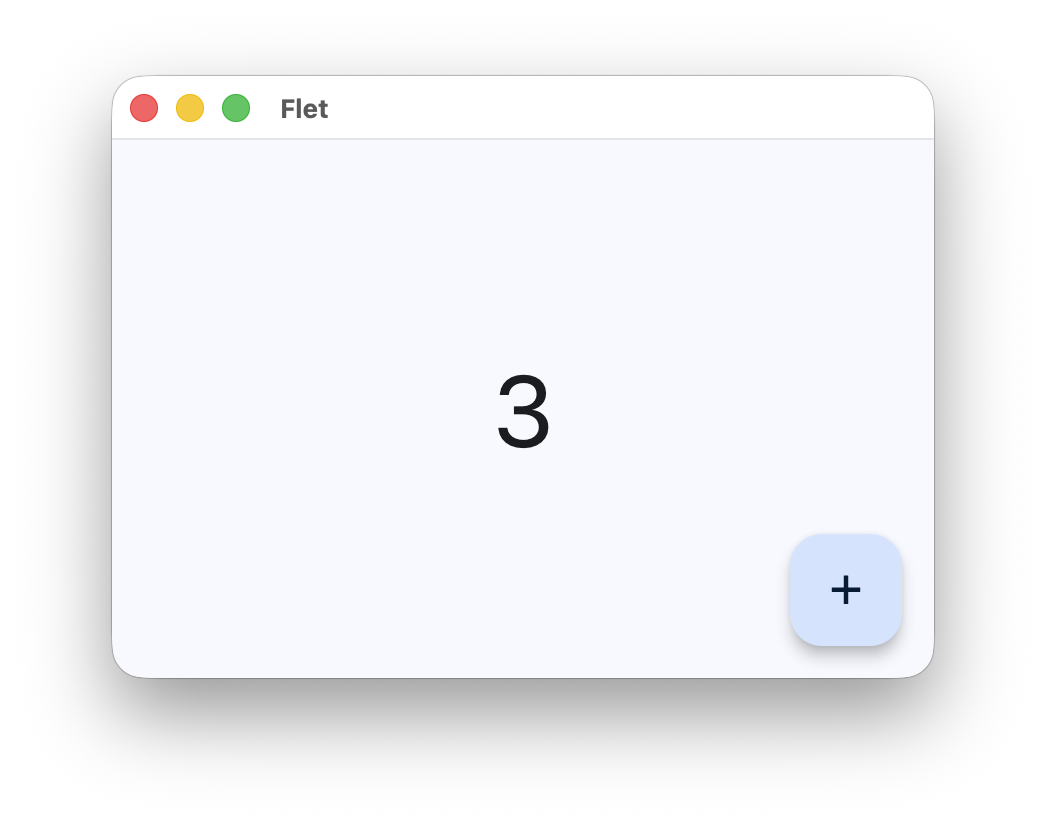
Below is a simple "Counter" app, with a text field and two buttons to increment and decrement the counter value:
import flet as ft

def main(page: ft.Page):
    page.title = "Flet counter example"
    page.vertical_alignment = ft.MainAxisAlignment.CENTER

    input = ft.TextField(value="0", text_align=ft.TextAlign.RIGHT, width=100)

    def minus_click(e):
        input.value = str(int(input.value) - 1)

    def plus_click(e):
        input.value = str(int(input.value) + 1)

    page.add(
        ft.Row(
            alignment=ft.MainAxisAlignment.CENTER,
            controls=[
                ft.IconButton(ft.Icons.REMOVE, on_click=minus_click),
                input,
                ft.IconButton(ft.Icons.ADD, on_click=plus_click),
            ],
        )
    )

ft.run(main)
To run the app, install flet:
pip install 'flet[all]'
then launch the app:
flet run counter.py
This will open the app in a native OS window - what a nice alternative to Electron! 🙂
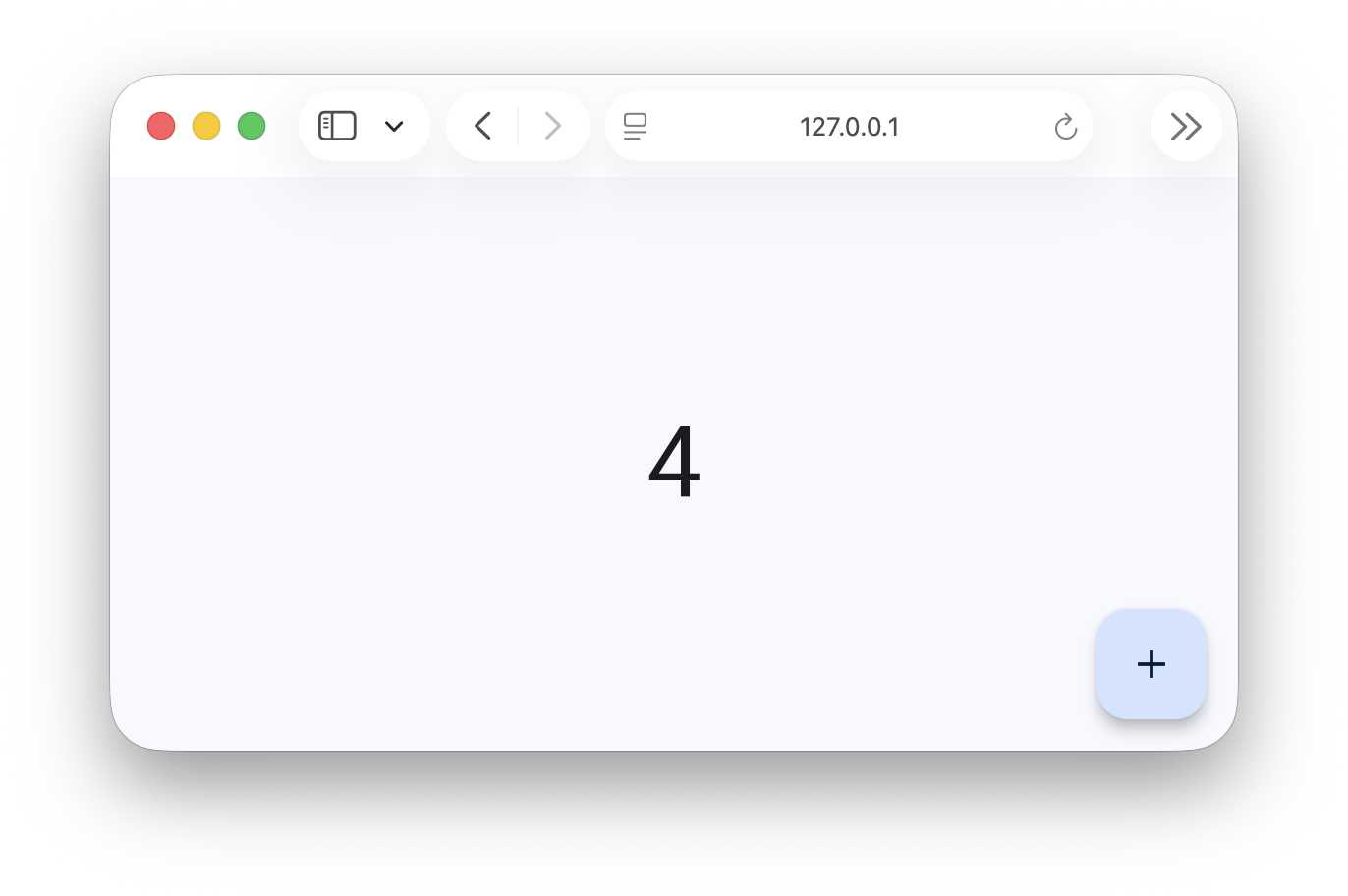
To run the same app as a web app use --web option with flet run command:
flet run --web counter.py
Learn more
Community
Contributing
Want to help improve Flet? Check out the contribution guide.
Project details
Verified details
These details have been verified by PyPIProject links
GitHub Statistics
Maintainers
Release history Release notifications | RSS feed


Download files
Download the file for your platform. If you're not sure which to choose, learn more about installing packages.
Source Distribution
Built Distribution
Filter files by name, interpreter, ABI, and platform.
If you're not sure about the file name format, learn more about wheel file names.
Copy a direct link to the current filters
File details
Details for the file flet-0.85.3.dev0.tar.gz.
File metadata
- Download URL: flet-0.85.3.dev0.tar.gz
- Upload date:
- Size: 509.4 kB
- Tags: Source
- Uploaded using Trusted Publishing? Yes
- Uploaded via: uv/0.11.19 {"installer":{"name":"uv","version":"0.11.19","subcommand":["publish"]},"python":null,"implementation":{"name":null,"version":null},"distro":{"name":"Ubuntu","version":"24.04","id":"noble","libc":null},"system":{"name":null,"release":null},"cpu":null,"openssl_version":null,"setuptools_version":null,"rustc_version":null,"ci":true}
File hashes
| Algorithm | Hash digest | |
|---|---|---|
| SHA256 |
3370d1e11ff2d89dc03fec71c1608bf0600b97f6616b42a49ffeecc62b08096b
|
|
| MD5 |
943285ada78480113ce42b9aba5e5771
|
|
| BLAKE2b-256 |
31a0156c41b4f9be405309f0f7769fa9215de3246e8f0a606f0ee8d71ccb0687
|
File details
Details for the file flet-0.85.3.dev0-py3-none-any.whl.
File metadata
- Download URL: flet-0.85.3.dev0-py3-none-any.whl
- Upload date:
- Size: 583.0 kB
- Tags: Python 3
- Uploaded using Trusted Publishing? Yes
- Uploaded via: uv/0.11.19 {"installer":{"name":"uv","version":"0.11.19","subcommand":["publish"]},"python":null,"implementation":{"name":null,"version":null},"distro":{"name":"Ubuntu","version":"24.04","id":"noble","libc":null},"system":{"name":null,"release":null},"cpu":null,"openssl_version":null,"setuptools_version":null,"rustc_version":null,"ci":true}
File hashes
| Algorithm | Hash digest | |
|---|---|---|
| SHA256 |
544a7071f88237536ddfea7c12114bdabdf856f33f702022d71d86be4c3e6753
|
|
| MD5 |
2087fd2cbdb8dba03a3da9d86ee61b6a
|
|
| BLAKE2b-256 |
8dd1af7aaff4d6d7c8679eced2c625bb52e310ef29d9ad3421e9e9cfbf654c83
|






