
GDSFactory Hub 0.1.13
In chip design, you need to efficiently manage multiple types of data, including:
- Simulations
- Layouts
- Verification results (DRC, LVS, etc.)
- Measurements
- Yield and qualification data
GDSFactory Hub provides a cutting-edge data storage solution designed specifically for the complexities of chip design. Our platform seamlessly integrates into your existing workflow, offering a scalable, efficient, and organized way to store, manage, and analyze all your critical data.
By using GDSFactory Hub, you can enhance efficiency, improve collaboration, and streamline your design process.
This tool requires an active GDSFactory+ subscription. To learn more, visit [GDSFactory.com](https://GDSFactory.com).
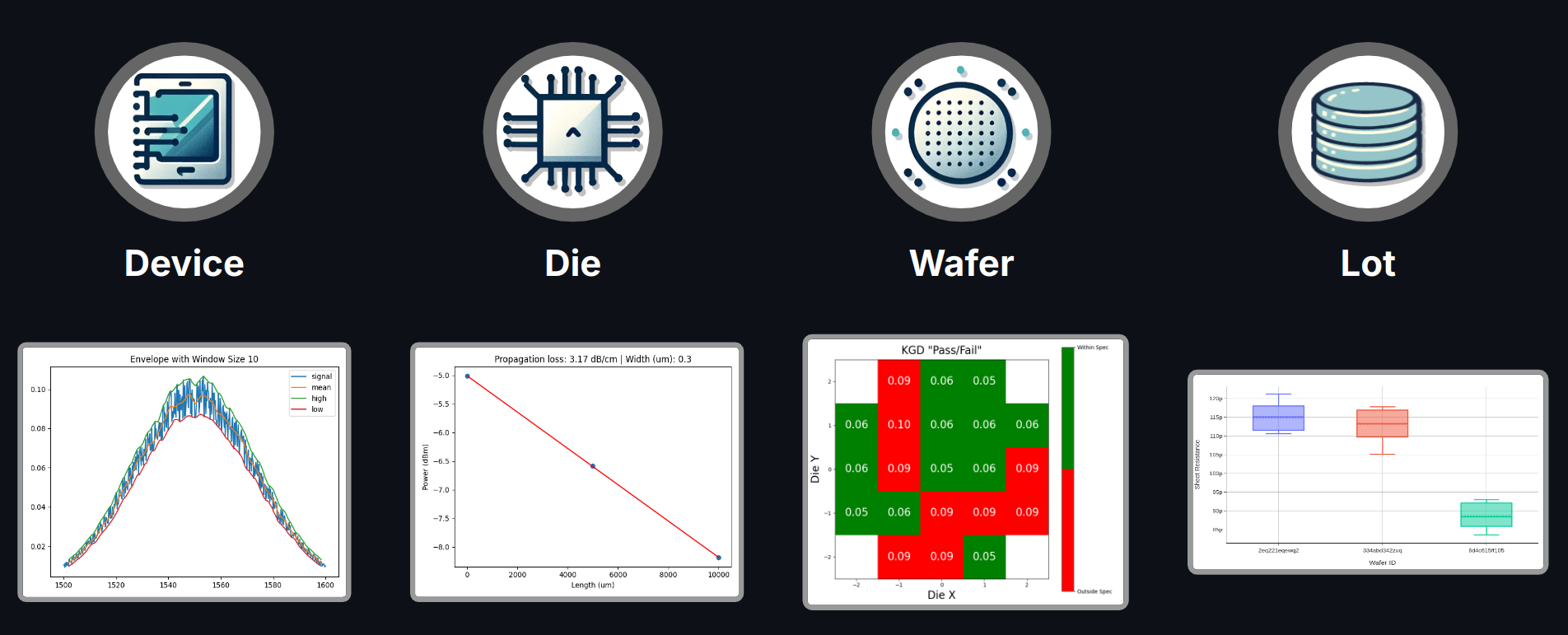
Database Relationships
GDSFactory Hub uses a structured database schema that captures the relationships between different entities in chip design:
flowchart LR
    A["project"]
    A --> B["cell"]
    B --> C["device"]
    C --> D["device_data"]
    D --> E["analysis"]
    A --> F["wafer"]
    F --> G["die"]
    G --> D
    H["function"] --> E
This relationship model allows you to:
- Filter across relationships: Query device data by project, wafer, or cell attributes
- Trace data lineage: Follow the path from analysis results back to the original project
- Perform complex queries: Filter analyses by device characteristics, wafer properties, or project settings
Installation
We support Python 3.11, 3.12, and 3.13 and recommend VSCode IDE and uv.
If you don't have uv install it with the following command:
# On macOS and Linux.
curl -LsSf https://astral.sh/uv/install.sh | sh
# On Windows.
powershell -ExecutionPolicy ByPass -c "irm https://astral.sh/uv/install.ps1 | iex"
Then install GDSFactory Hub with:
uv pip install "gdsfactoryhub" --upgrade
Or add it to the dependencies of your current project with:
uv add gdsfactoryhub
Setup
Ensure you create a .env file in your working directory with the following contents (fill in your details):
GDSFACTORY_HUB_API_URL="https://{org}.gdsfactoryhub.com"
GDSFACTORY_HUB_QUERY_URL="https://query.{org}.gdsfactoryhub.com"
GDSFACTORY_HUB_KEY="<same api key as in GDSFactory+>"
The .env file should be placed in the project where you run the notebooks.
Run notebooks
To run the notebooks, you can use either VSCode or JupyterLab from your activated virtual environment.
- VSCode: Ensure you select the same Conda Python interpreter where the packages were installed.
- JupyterLab: Launch JupyterLab by running jupyter-lab from the same terminal used for the installation.


Release files for gdsfactoryhub 0.1.13
For a detailed explanation of source distributions (sdists) and built distributions (wheels), please see the package formats documentation.
Built distribution (wheel)
| File | Interpreter | ABI | Platform | Reset |
|---|---|---|---|---|
| gdsfactoryhub-0.1.13-py3-none-any.whl | Python 3 | none | any | Details |
Release files / gdsfactoryhub-0.1.13-py3-none-any.whl
| Download URL | gdsfactoryhub-0.1.13-py3-none-any.whl |
|---|---|
| Size | 27.6 kB |
| Tags | Python 3 |
|
SHA-256 checksum How to use checksums |
4e2d64b8355f4cc11b8664d487c2db8c768b0fec94a6edf65522a9cc1d38bb8a
|
|
BLAKE2b-256 checksum How to use checksums |
21105a35f84cb7c29fe49980c58065f383894b6d1d74988b42def85376d01c39
|
| Upload date | |
|
Uploaded using Trusted Publishing? What is trusted publishing? |
No |
| Uploaded via |
twine/6.1.0 CPython/3.13.7
|














