
Software Development Kit - SDK for DoData


Project description
GDSFactory Hub 0.1.13
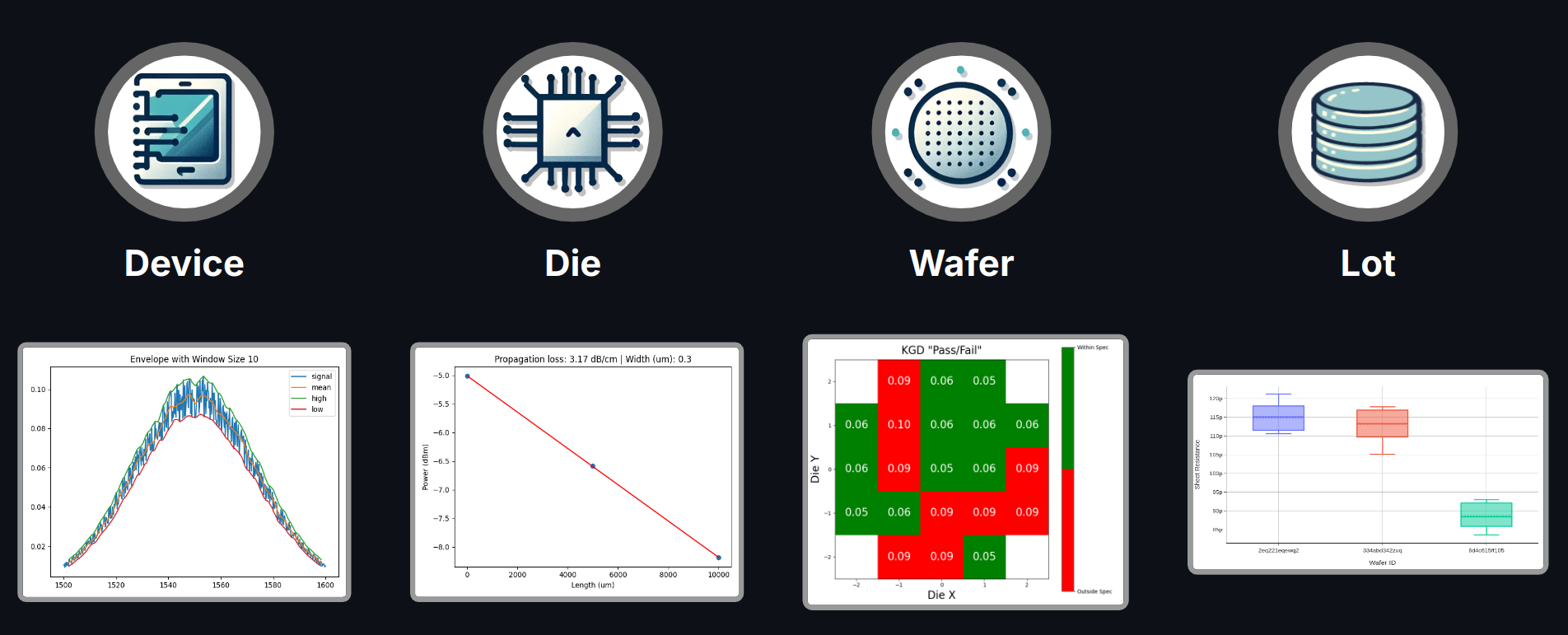
In chip design, you need to efficiently manage multiple types of data, including:
- Simulations
- Layouts
- Verification results (DRC, LVS, etc.)
- Measurements
- Yield and qualification data
GDSFactory Hub provides a cutting-edge data storage solution designed specifically for the complexities of chip design. Our platform seamlessly integrates into your existing workflow, offering a scalable, efficient, and organized way to store, manage, and analyze all your critical data.
By using GDSFactory Hub, you can enhance efficiency, improve collaboration, and streamline your design process.
This tool requires an active GDSFactory+ subscription. To learn more, visit [GDSFactory.com](https://GDSFactory.com).
Database Relationships
GDSFactory Hub uses a structured database schema that captures the relationships between different entities in chip design:
flowchart LR
    A["project"]
    A --> B["cell"]
    B --> C["device"]
    C --> D["device_data"]
    D --> E["analysis"]
    A --> F["wafer"]
    F --> G["die"]
    G --> D
    H["function"] --> E
This relationship model allows you to:
- Filter across relationships: Query device data by project, wafer, or cell attributes
- Trace data lineage: Follow the path from analysis results back to the original project
- Perform complex queries: Filter analyses by device characteristics, wafer properties, or project settings
Installation
We support Python 3.11, 3.12, and 3.13 and recommend VSCode IDE and uv.
If you don't have uv install it with the following command:
# On macOS and Linux.
curl -LsSf https://astral.sh/uv/install.sh | sh
# On Windows.
powershell -ExecutionPolicy ByPass -c "irm https://astral.sh/uv/install.ps1 | iex"
Then install GDSFactory Hub with:
uv pip install "gdsfactoryhub" --upgrade
Or add it to the dependencies of your current project with:
uv add gdsfactoryhub
Setup
Ensure you create a .env file in your working directory with the following contents (fill in your details):
GDSFACTORY_HUB_API_URL="https://{org}.gdsfactoryhub.com"
GDSFACTORY_HUB_QUERY_URL="https://query.{org}.gdsfactoryhub.com"
GDSFACTORY_HUB_KEY="<same api key as in GDSFactory+>"
The .env file should be placed in the project where you run the notebooks.
Run notebooks
To run the notebooks, you can use either VSCode or JupyterLab from your activated virtual environment.
- VSCode: Ensure you select the same Conda Python interpreter where the packages were installed.
- JupyterLab: Launch JupyterLab by running jupyter-lab from the same terminal used for the installation.


Download files
Download the file for your platform. If you're not sure which to choose, learn more about installing packages.
Source Distributions
Built Distribution
Filter files by name, interpreter, ABI, and platform.
If you're not sure about the file name format, learn more about wheel file names.
Copy a direct link to the current filters
File details
Details for the file gdsfactoryhub-0.1.13-py3-none-any.whl.
File metadata
- Download URL: gdsfactoryhub-0.1.13-py3-none-any.whl
- Upload date:
- Size: 27.6 kB
- Tags: Python 3
- Uploaded using Trusted Publishing? No
- Uploaded via: twine/6.1.0 CPython/3.13.7
File hashes
| Algorithm | Hash digest | |
|---|---|---|
| SHA256 |
4e2d64b8355f4cc11b8664d487c2db8c768b0fec94a6edf65522a9cc1d38bb8a
|
|
| MD5 |
9839a452e085605b4423c807adf624dc
|
|
| BLAKE2b-256 |
21105a35f84cb7c29fe49980c58065f383894b6d1d74988b42def85376d01c39
|






