
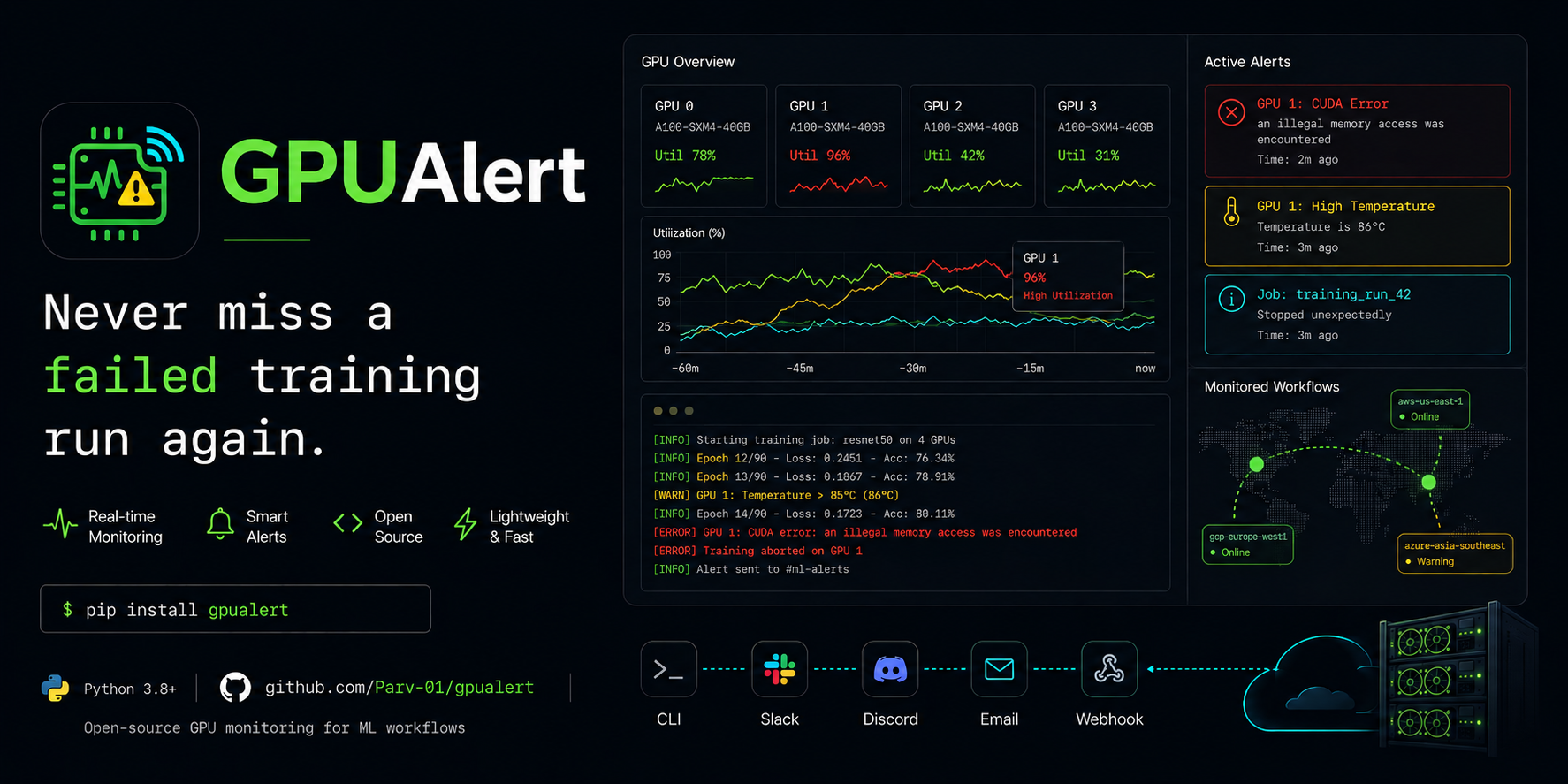




 GPUAlert
 tells you why your GPU training job failed. Wrap any PyTorch, JAX or Slurm job with
gpualert run -- python train.py and get an email with the failure cause (CUDA out of memory,
NCCL error, OOM killer, segfault and more), the full stdout/stderr logs and your output files.
No code changes.
pip install gpualert
gpualert config --init
gpualert run -- python train.py
Why
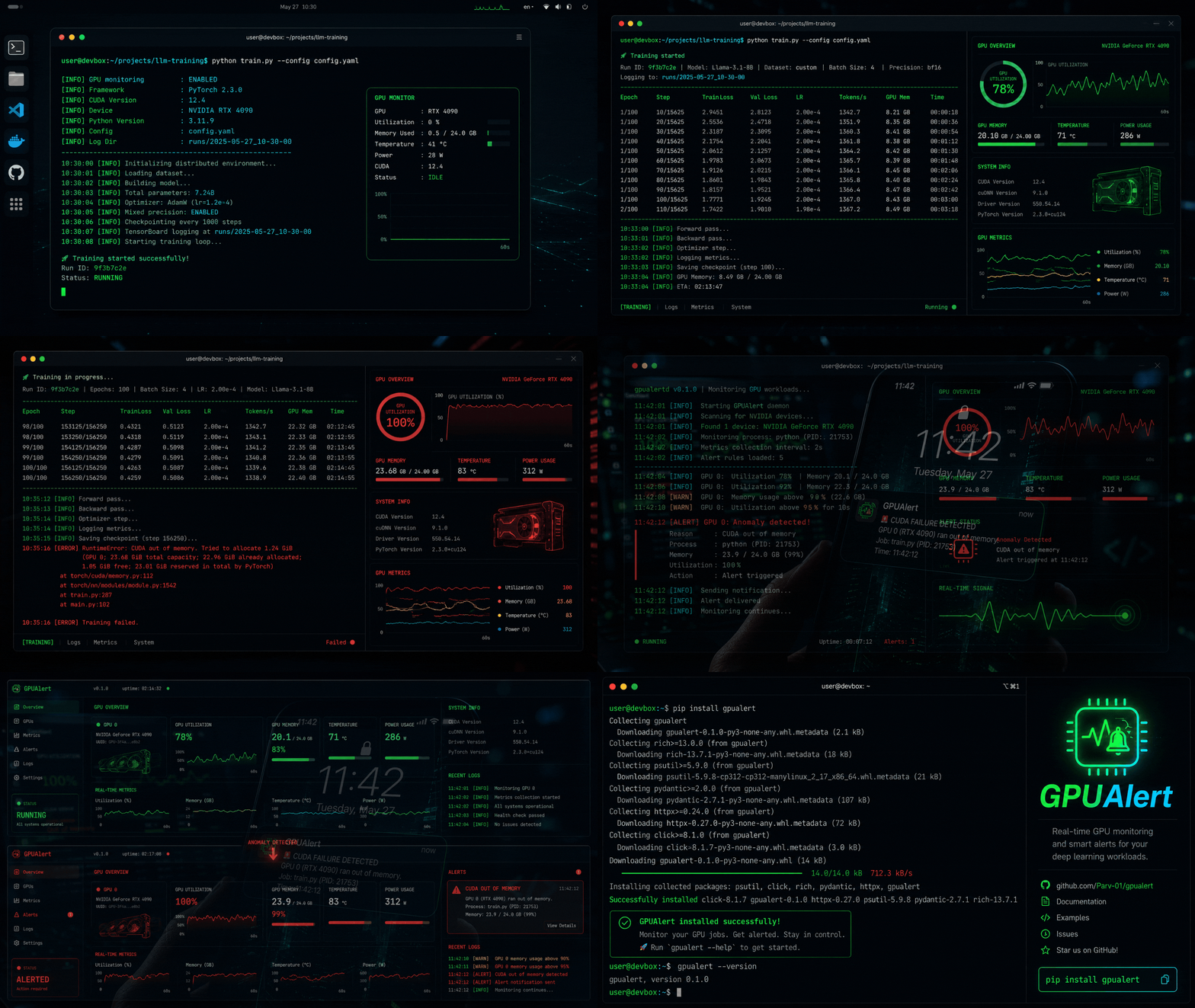
You've kicked off training, it'll take twelve hours, and you want to know whether it crashed at hour two or finished cleanly at hour eleven. SSH'ing back in to find out is a tax. GPUAlert wraps the job, writes structured logs to disk, classifies common failure modes (CUDA OOM, NCCL, NaN loss, OOMKiller, etc.), and emails you the result with logs attached.
Paper
GPUAlert is described in GPUAlert: A Zero-Instrumentation Process-Boundary Monitor for Diagnosing GPU Training-Job Failures (Agarwal and Ekbal, IIT Patna, 2026). The labelled corpus and evaluation harness are in gpualert-eval.
If you use GPUAlert in research, please cite:
@misc{agarwal2026gpualert,
  title         = {GPUAlert: A Zero-Instrumentation Process-Boundary Monitor for Diagnosing GPU Training-Job Failures},
  author        = {Agarwal, Parv and Ekbal, Asif},
  year          = {2026},
  eprint        = {2607.01409},
  archivePrefix = {arXiv},
  primaryClass  = {cs.SE},
  url           = {https://arxiv.org/abs/2607.01409}
}
How it compares
| Code change needed | Classifies the failure | Emails logs and output files | |
|---|---|---|---|
| GPUAlert | No | Yes, 15 classes | Yes |
| knockknock | Yes, a decorator | No | No |
cmd > log 2>&1 or nohup |
No | No | No |
Features
- Wraps any command and emails on completion: success, failure, timeout, or Ctrl+C.
- Polls Slurm jobs via
sacctso you can monitor jobs you already submitted withsbatch. - Writes log files to disk before the process starts, so they exist even on segfault.
- Always attaches logs to failure emails. Non-negotiable.
- Auto-detects ML metrics in successful runs (
accuracy,loss,F1,mAP, ...) and surfaces them in the email body. - Attaches the output files your job wrote in its own directory during the run (never another user's, never hidden directories); budgets the email, zips the overflow, and names anything it left out. Two of your own jobs sharing one directory can still pick up each other's outputs, so give parallel runs their own directories.
--dry-runprints the email it would send without touching SMTP - useful for debugging.
Quick start
Install and configure:
pip install gpualert
gpualert config --init     # interactive SMTP wizard
gpualert test-email        # verify it actually works
For Gmail, generate an App Password at https://myaccount.google.com/apppasswords (requires 2FA on the account). Paste it at the password prompt.
Wrap a local job:
gpualert run -- python train.py --epochs 50
gpualert run --timeout 7200 -- bash train.sh
gpualert run --dry-run -- python smoke.py
Monitor a Slurm job you've already submitted:
gpualert slurm 12345
gpualert slurm 12345 --interval 30 --timeout 86400
List recent log directories:
gpualert logs --last 20
Uninstall — always run this before pip uninstall gpualert, otherwise
your OS keyring entry and ~/.gpualert/secret.enc will be orphaned:
gpualert uninstall            # prompts; use --yes for scripted teardown
pip uninstall gpualert
Headless / CI nodes without an OS keyring can bypass the on-disk secret file
by setting GPUALERT_EMAIL_PASSWORD in the environment — the resolver picks
it up first, before keyring and the encrypted file.
Configuration
Stored at ~/.gpualert/config.toml (mode 600), created on first run.
[smtp]
server = "smtp.gmail.com"
port = 587
use_tls = true
username = "you@gmail.com"
password = "your-app-password"

[email]
to_addresses = ["you@gmail.com"]
attach_logs_on_success = true

[artifacts]
patterns = ["*.csv", "*.png", "*.json", "*.log", "*.npz"]
max_single_file_mb = 25
max_total_mb = 45
Full reference: docs/configuration.md.
Documentation
- Getting Started
- CLI Reference
- Python API
- Configuration
- Architecture
- Runbook
- Contributing
- Releasing
- Local testing guide
Community
GPUAlert is built in the open. If you find it useful, run into a bug, or have an idea, here's how to get involved:
- Star the repo if you'd like more updates - it helps other ML researchers find the project.
- Questions, ideas, war stories? Open a thread in GitHub Discussions. Anything from "does this work with X scheduler" to "I wrote a notifier for Y" - happy to hear it.
- Bug reports go to
Issues. The template asks for
gpualert version, your OS, and the relevantcombined.loglines so triage is fast. - Feature requests also live in Issues. Tell me what's painful in your current workflow and what would make it less painful.
- Pull requests welcome. Contributing has the dev setup. Small fixes (typos, docs, error messages) - open a PR directly. Larger changes - open an issue first so we can agree on the shape before code happens.
Looking for collaborators on: a Slack / Discord / Telegram notifier backend, multi-job dashboards, and a Prometheus exporter for cluster-wide stats. If any of those scratch your itch, say so in a Discussion thread.
Requirements
- Python 3.10+
- Linux or macOS
- An SMTP account you can authenticate to
License
MIT. See LICENSE.
1 maintainer

Metadata
1 maintainer
Release files for gpualert 0.1.6
For a detailed explanation of source distributions (sdists) and built distributions (wheels), please see the package formats documentation.
Source distribution (sdist)
| File | Size | Uploaded | Provenance | Actions |
|---|---|---|---|---|
| gpualert-0.1.6.tar.gz | 114.8 kB | Without provenance | Details for gpualert-0.1.6.tar.gz |
Built distribution (wheel)
| File | Interpreter | ABI | Platform | Actions Reset |
|---|---|---|---|---|
| gpualert-0.1.6-py3-none-any.whl | Python 3 | none | any | Details for gpualert-0.1.6-py3-none-any.whl |
Total release size: 171.0 kB
Release files / gpualert-0.1.6.tar.gz
| Download URL | gpualert-0.1.6.tar.gz |
|---|---|
| Size | 114.8 kB |
| Tags | Source |
|
SHA-256 checksum How to use checksums |
77b1eb011189c02f9de24d749725a759f35d7012a4eaa5370a89d5cb0cf0599d
|
|
BLAKE2b-256 checksum How to use checksums |
12272114bc26657bf9c871d42bc12c83bdfb07b730911bc004ebe1fd7436cbfd
|
| Upload date | |
|
Uploaded using Trusted Publishing? What is trusted publishing? |
No |
| Uploaded via |
twine/7.0.0 CPython/3.12.3
|
Release files / gpualert-0.1.6-py3-none-any.whl
| Download URL | gpualert-0.1.6-py3-none-any.whl |
|---|---|
| Size | 56.2 kB |
| Tags | Python 3 |
|
SHA-256 checksum How to use checksums |
cb13484721e5ddbe07bf3cd9ba7bb4c5356e6bcde2e8b5077d5cbc9d4ef7e6aa
|
|
BLAKE2b-256 checksum How to use checksums |
ca7ccd335bb4fd3d860739b545507745a00bdf7fcfa7ad4355d9b44fb663fbab
|
| Upload date | |
|
Uploaded using Trusted Publishing? What is trusted publishing? |
No |
| Uploaded via |
twine/7.0.0 CPython/3.12.3
|
Security for gpualert 0.1.6
Provenance
Provenance describes where a file came from. On PyPI, provenance is shared via attestations, which provide a verifiable record of the build or publishing details. View details, limitations and caveats.
No provenance found
None of the files in this release were uploaded with provenance metadata.
A note on package security
PyPI is a repository for distributing packages, not a service for auditing them. While third-party security researchers and our staff do their best to detect and remove malicious packages, PyPI cannot guarantee the quality, security or suitability of any given package.
To learn more about protecting yourself from malicious actors, visit our package security documentation.














