
Line-based geometry toolkit with chained effects and real-time preview.

Project description
Grafix
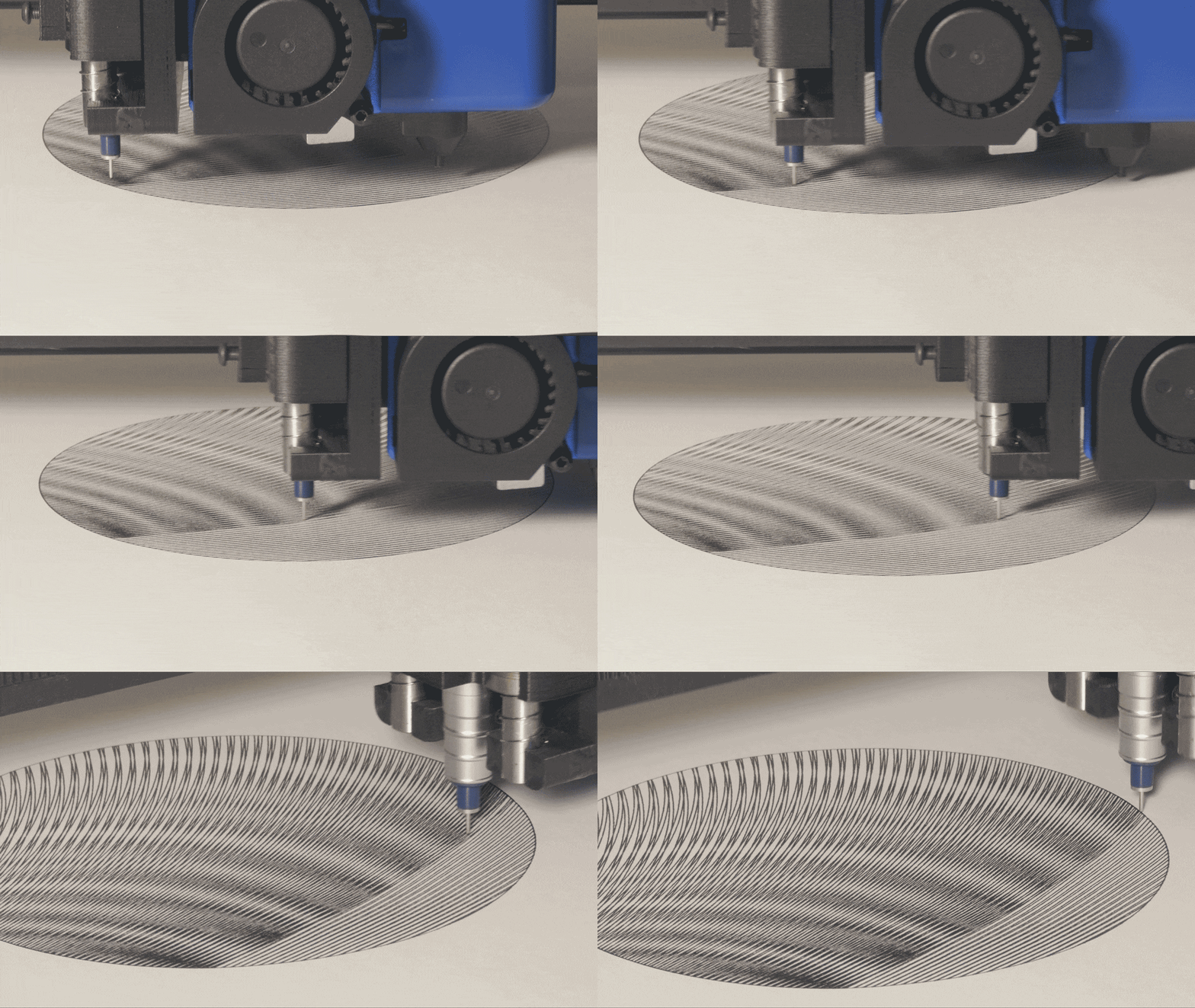
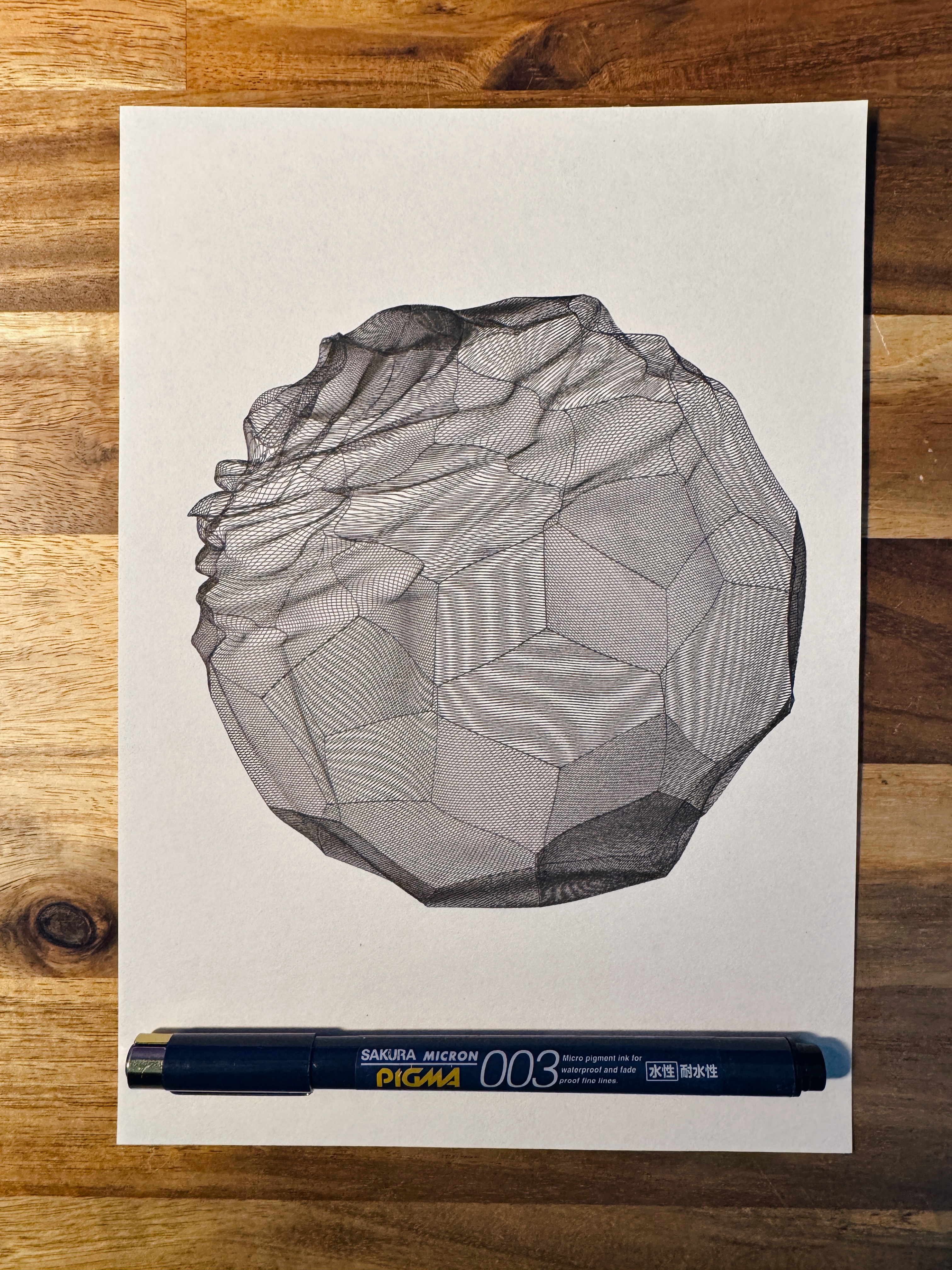
Grafix is a Python-based creative coding framework for line-based geometry:
- Generate primitives (
G) - Chain effects (
E) - Real-time interactive rendering (
run) - Export plotter-ready G-code
- Export visuals (SVG / PNG / MP4)

Installation
pip install grafix
Requirements
- Python >= 3.11
- macOS-first (tested on macOS / Apple Silicon).
- Optional external tools:
resvgfor PNG export (Pkey / headless PNG export)ffmpegfor MP4 recording (Vkey)
macOS (Homebrew):
brew install resvg ffmpeg
Quick start
from grafix import E, G, run

CANVAS_SIZE = (148, 210)  # A5 [mm]


def draw(t: float):
    # Coordinates are in canvas units: (0,0)=top-left, +x=right, +y=down.
    # Keyword arguments are discovered at runtime and show up in the Parameter GUI.
    geometry = G.polyhedron()
    effect = E.fill().subdivide().displace().rotate(rotation=(t * 6, t * 5, t * 4))
    return effect(geometry)


if __name__ == "__main__":
    run(draw, canvas_size=CANVAS_SIZE, render_scale=5.0)
Core API
G: primitive Geometry factories (G.polygon(...),G.grid(...), ...)E: Effect chain builders (E.fill(...).rotate(...))L: wrap Geometry into Layers (color / thickness) for multi-pen / multi-pass workflowsP/@preset: reusable componentscc: MIDI CC(cc[1]-> 0..1) to control parameters with physical controllersrun(draw): interactive rendering + Parameter GUI
Export & shortcuts
When the draw window is focused:
S: save SVGP: save PNG (requiresresvg; also saves the underlying SVG)V: start/stop MP4 recording (requiresffmpeg)G: save G-codeShift+G: save G-code per layer (when your sketch returns multiple Layers)
Outputs are written under paths.output_dir (default: data/output), under per-kind subdirectories (svg/, png/, gcode/, ...).
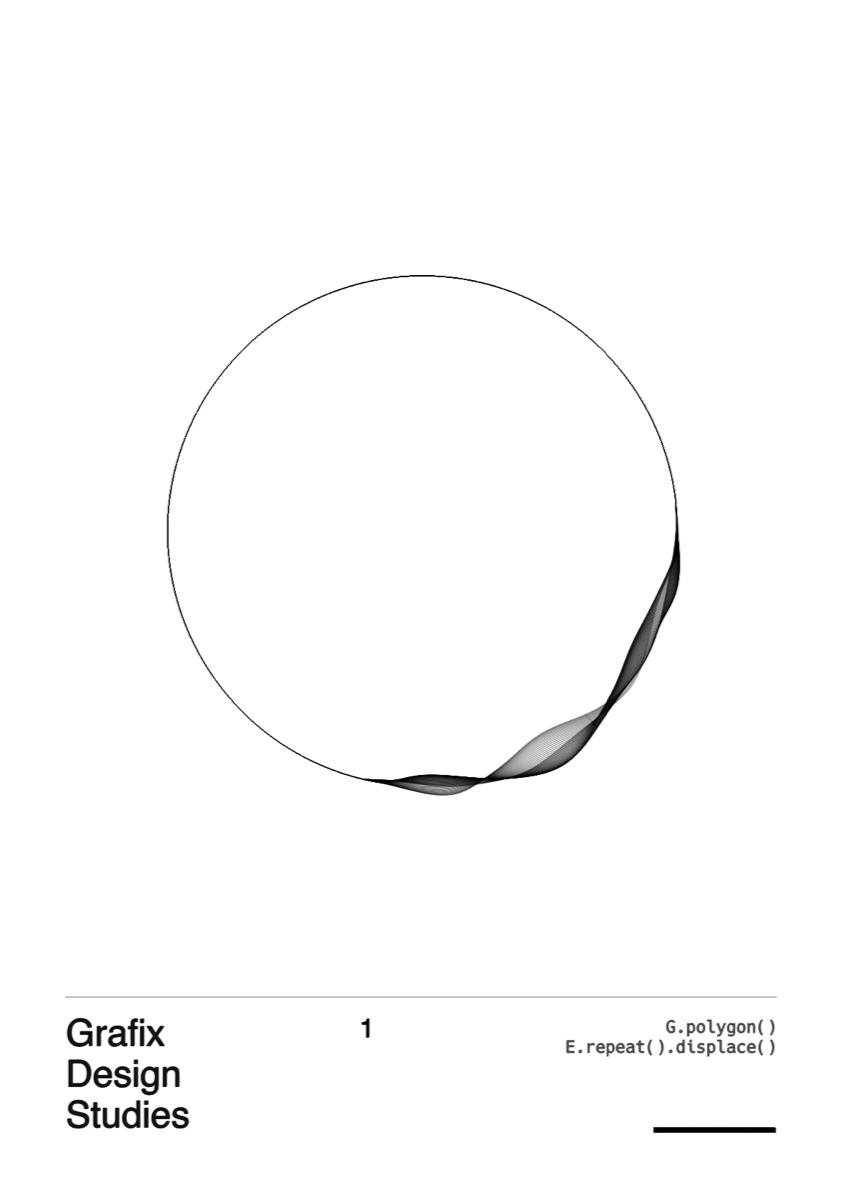
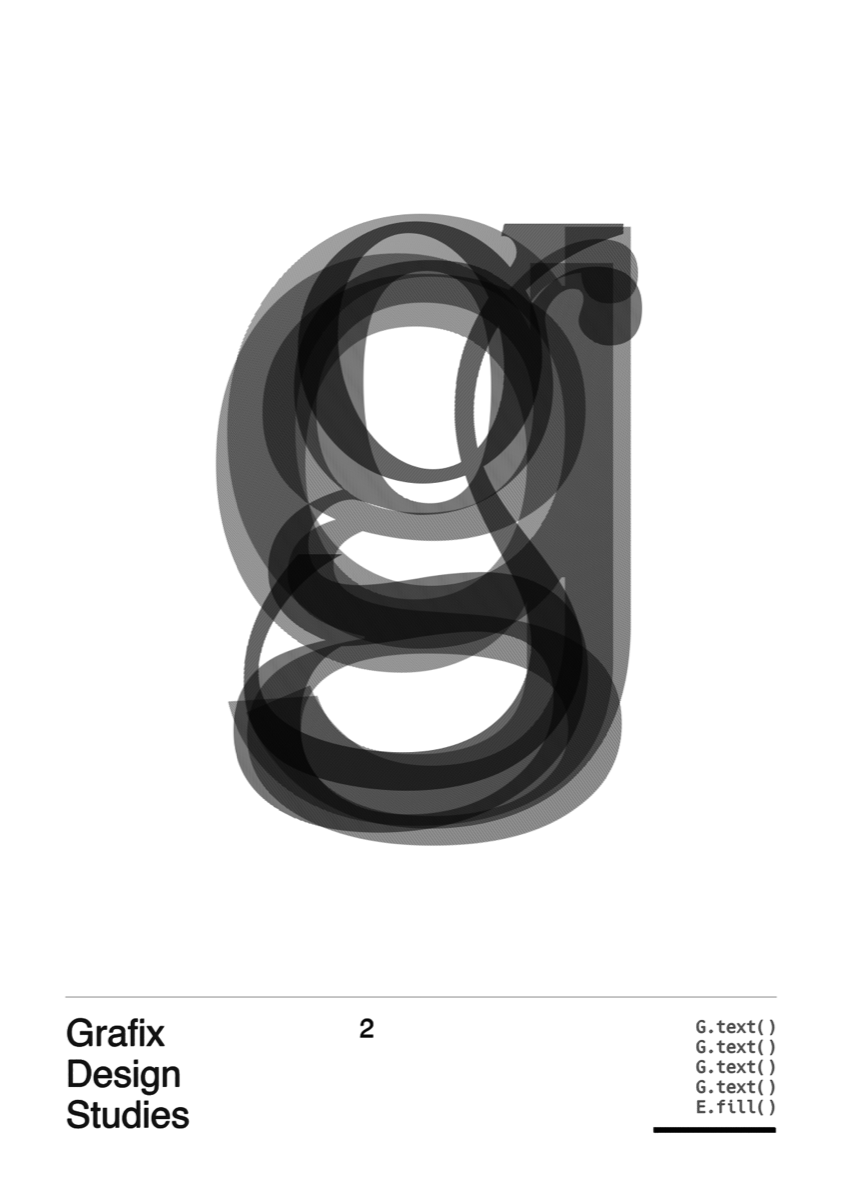
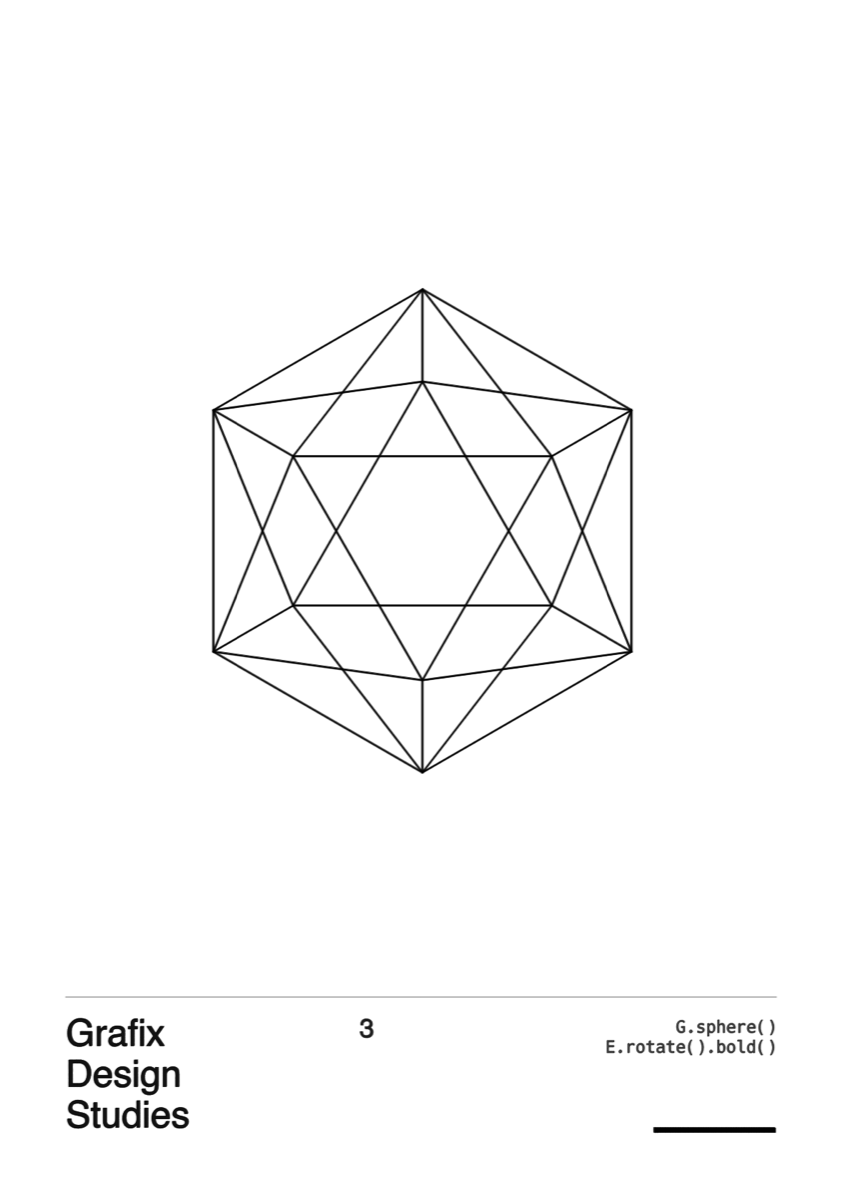
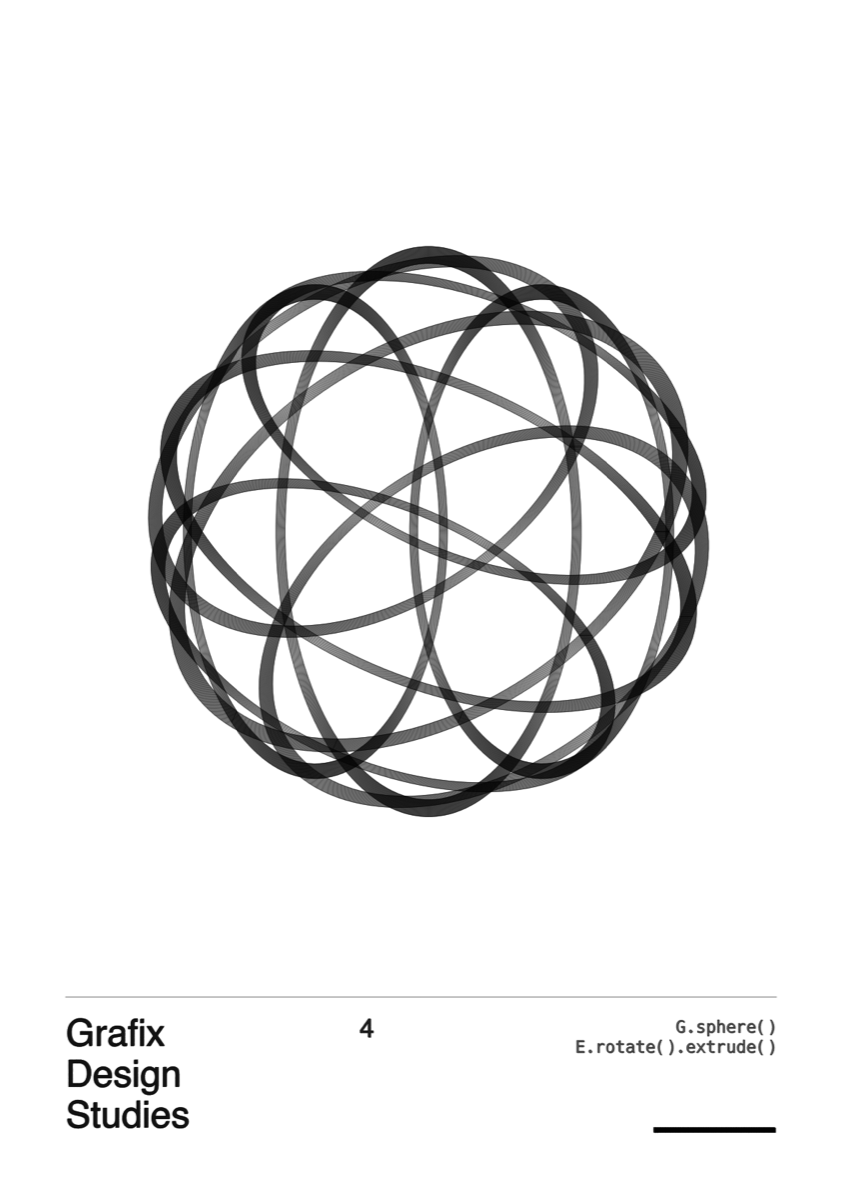
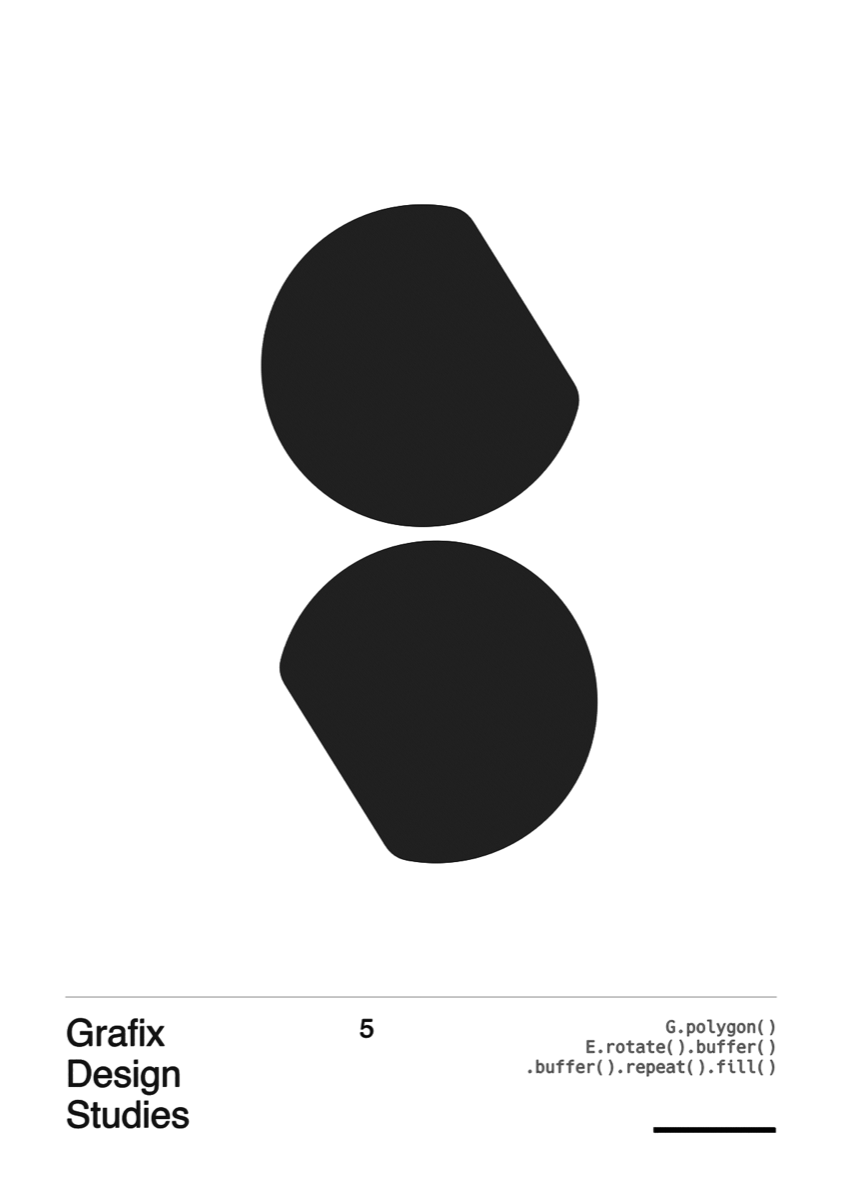
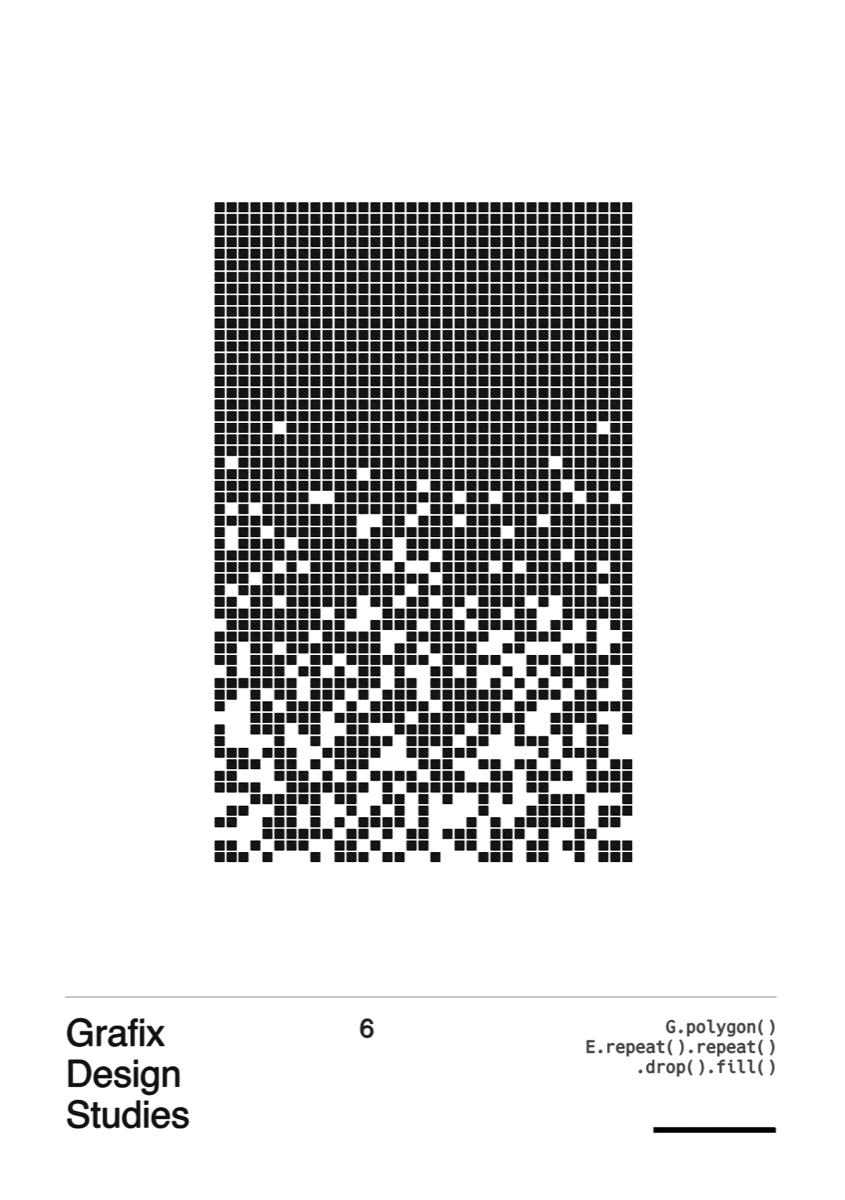
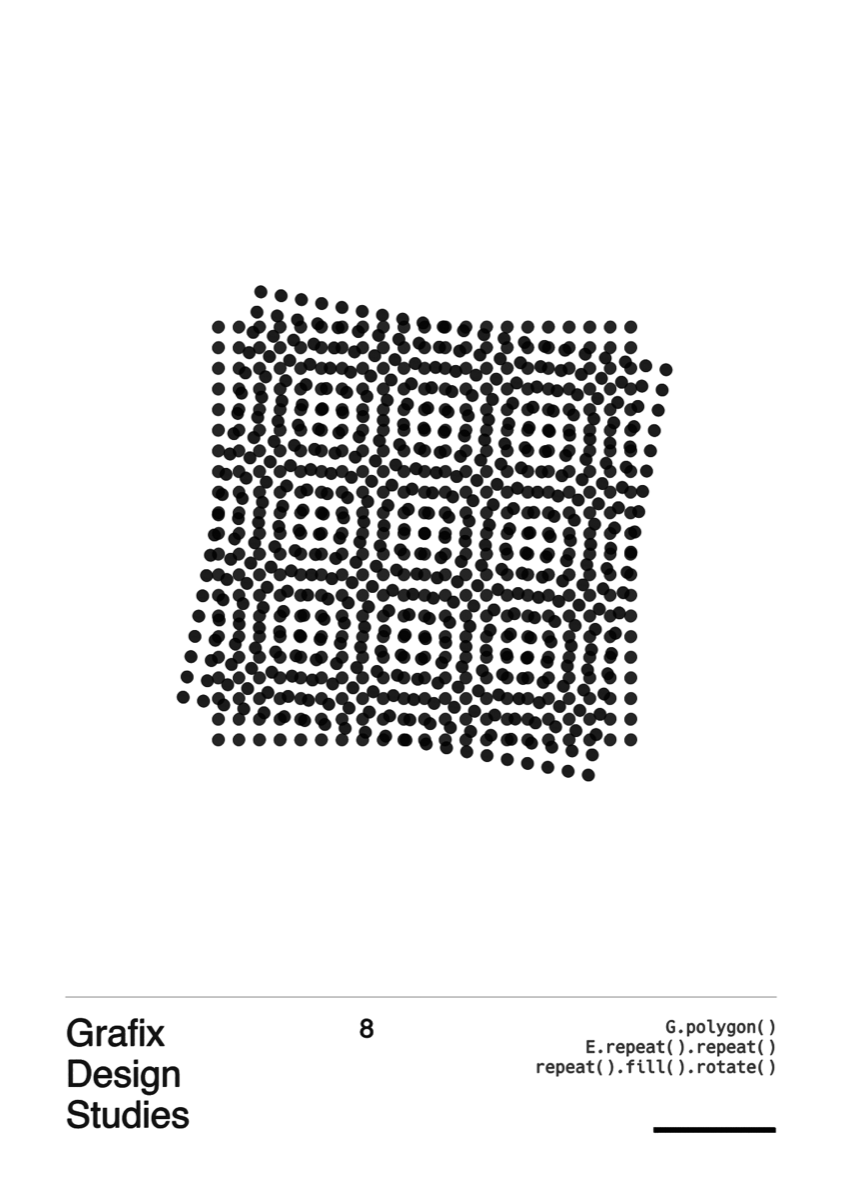
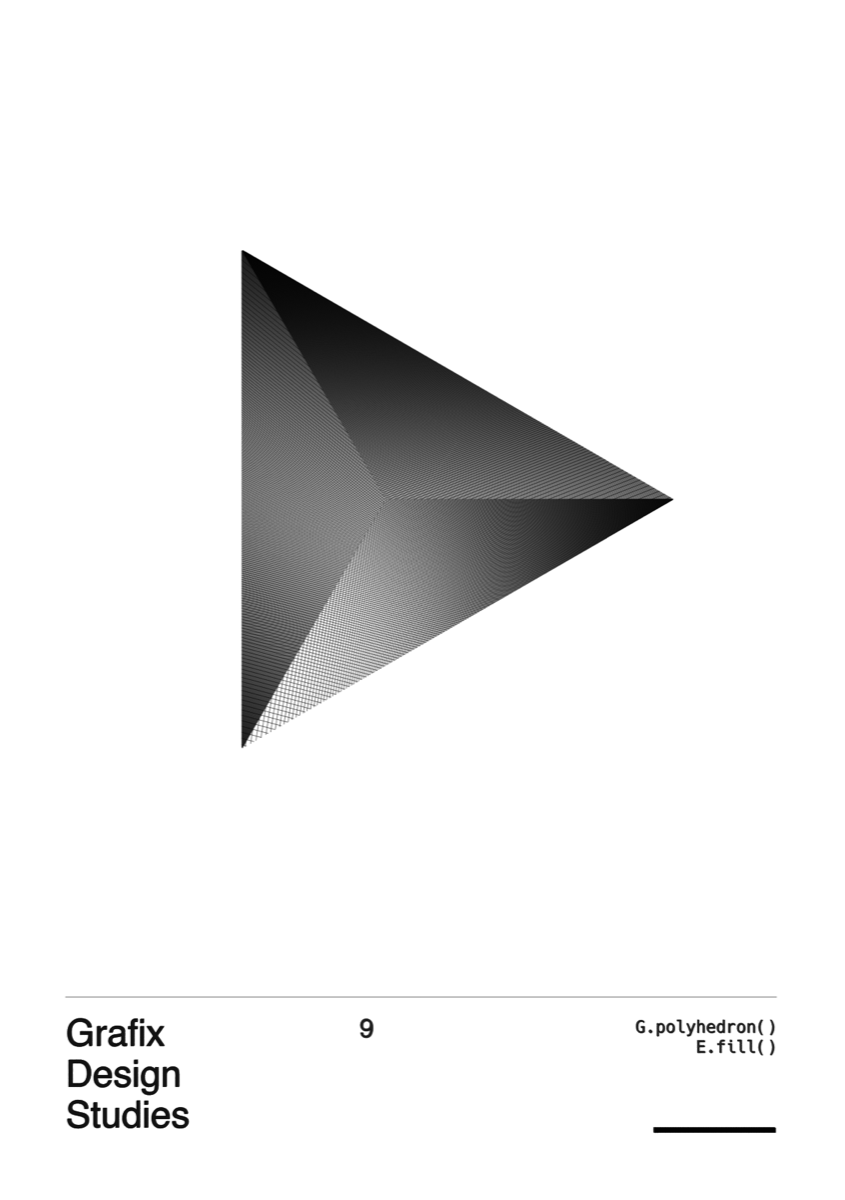
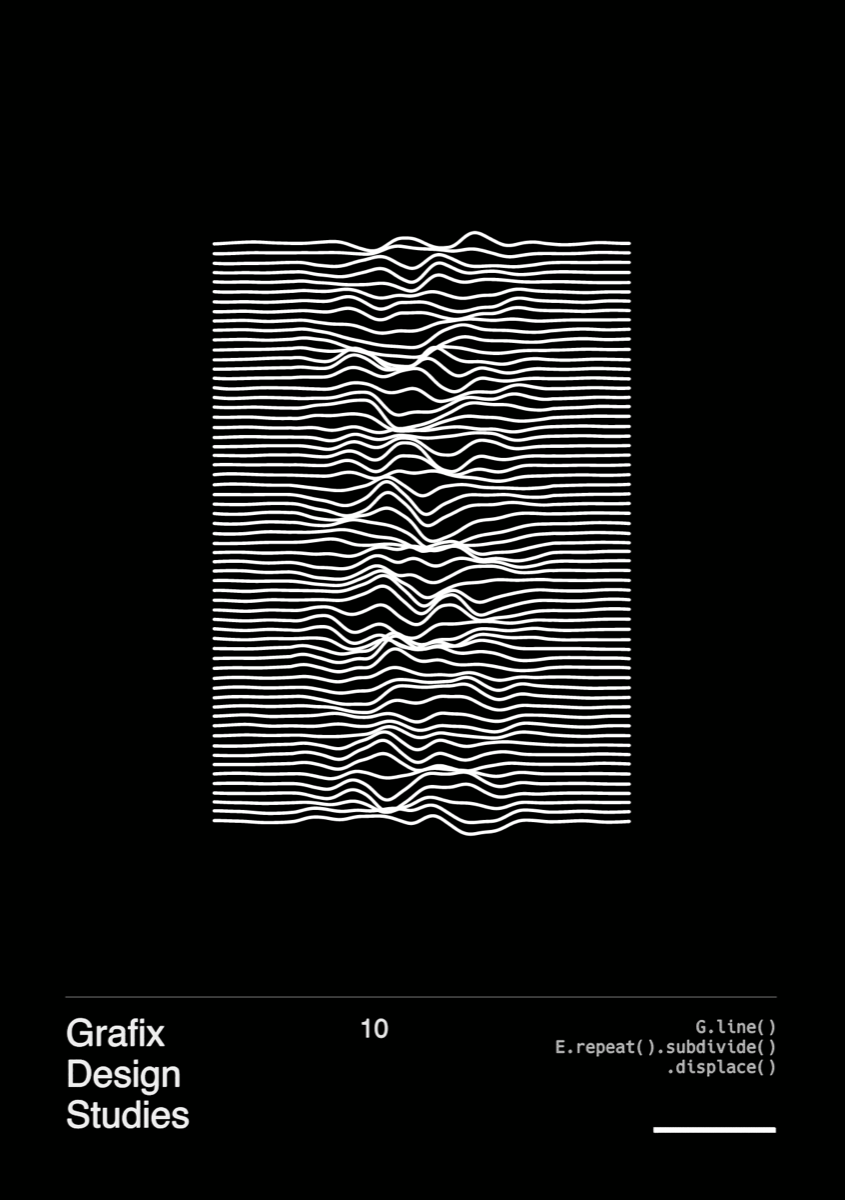
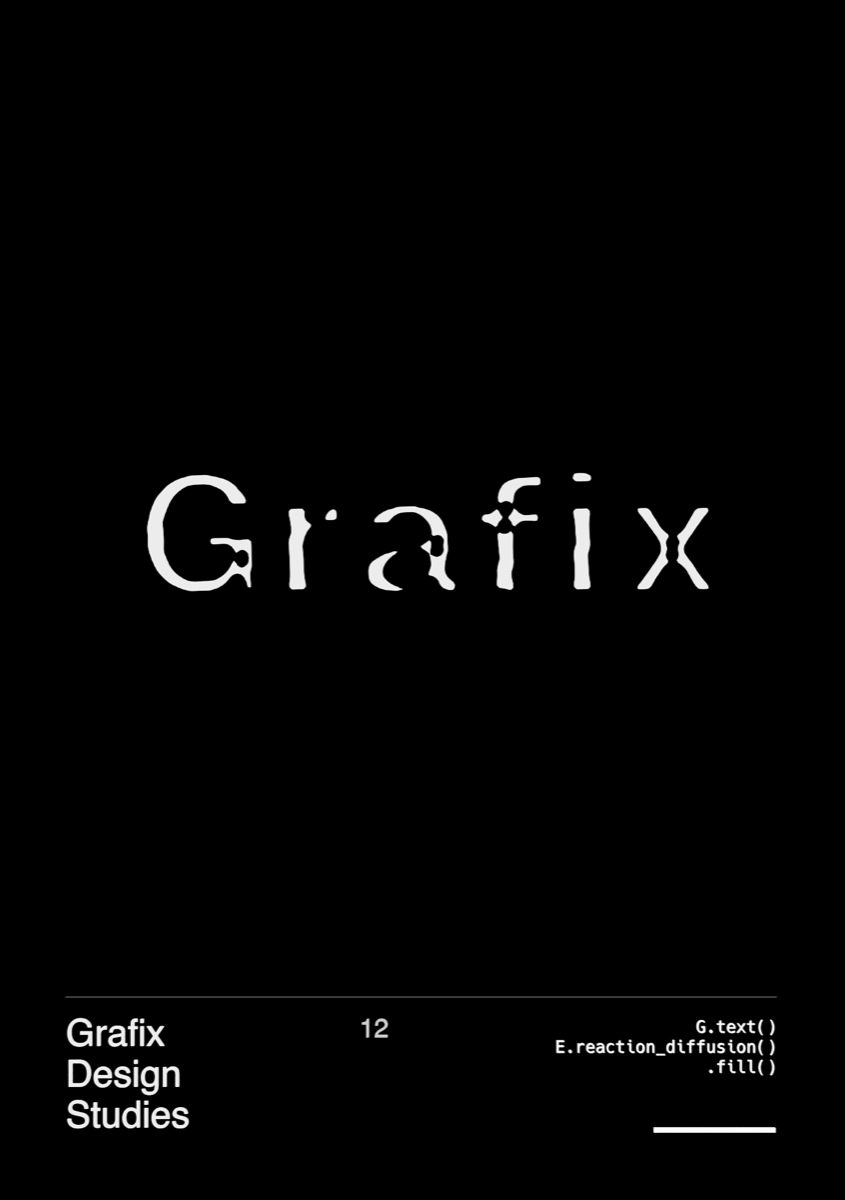
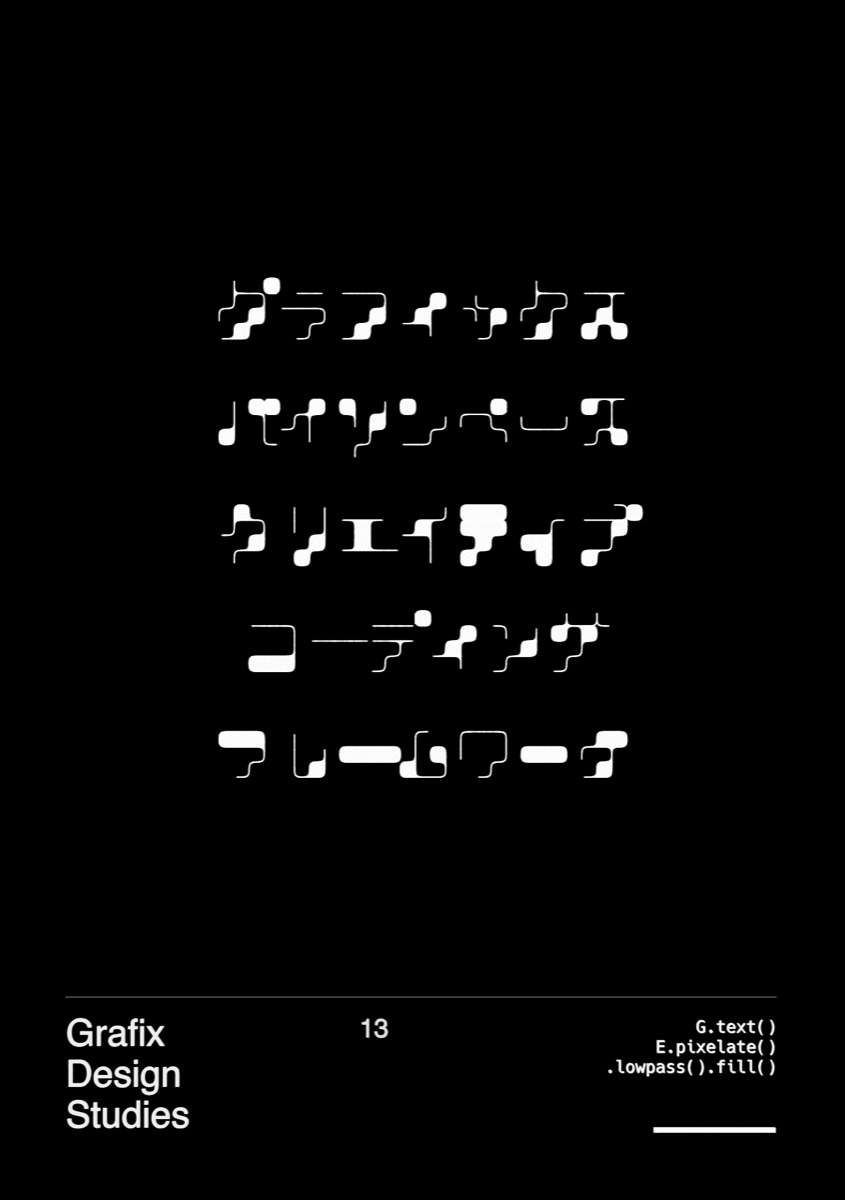
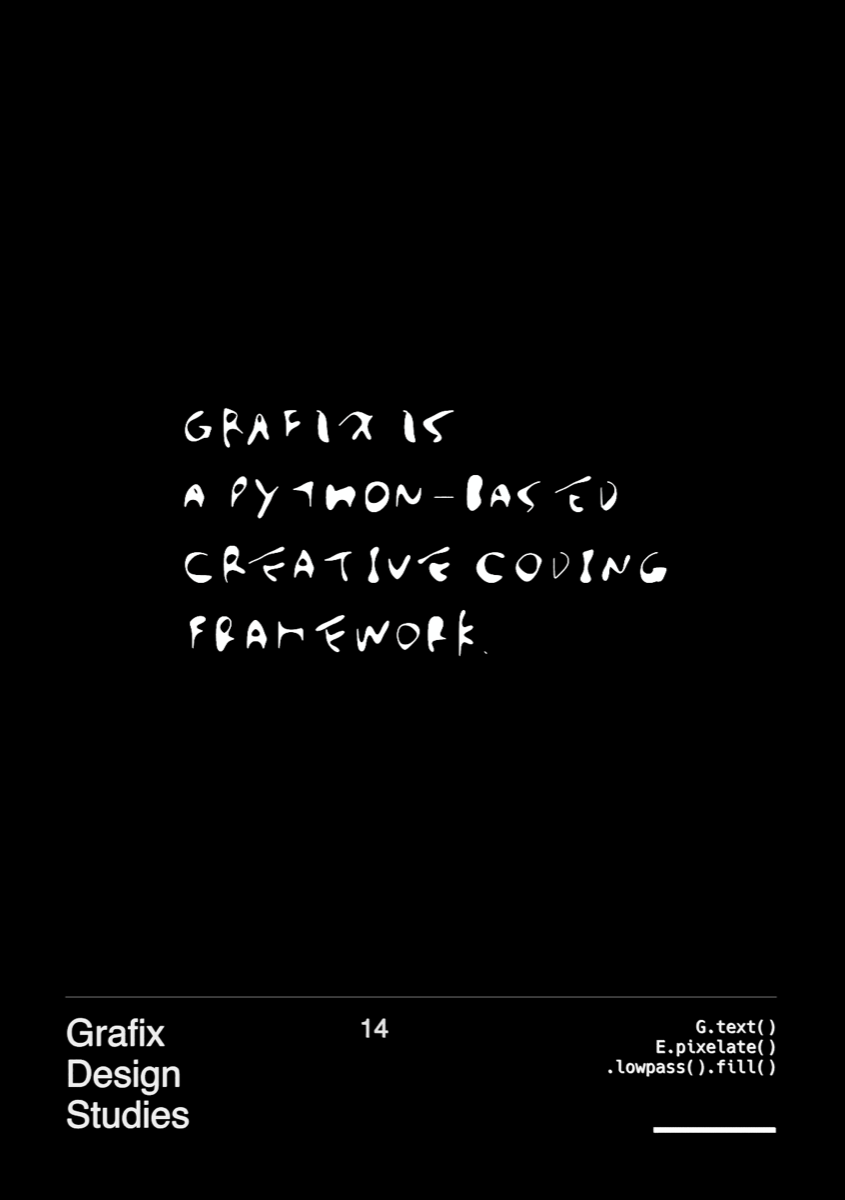
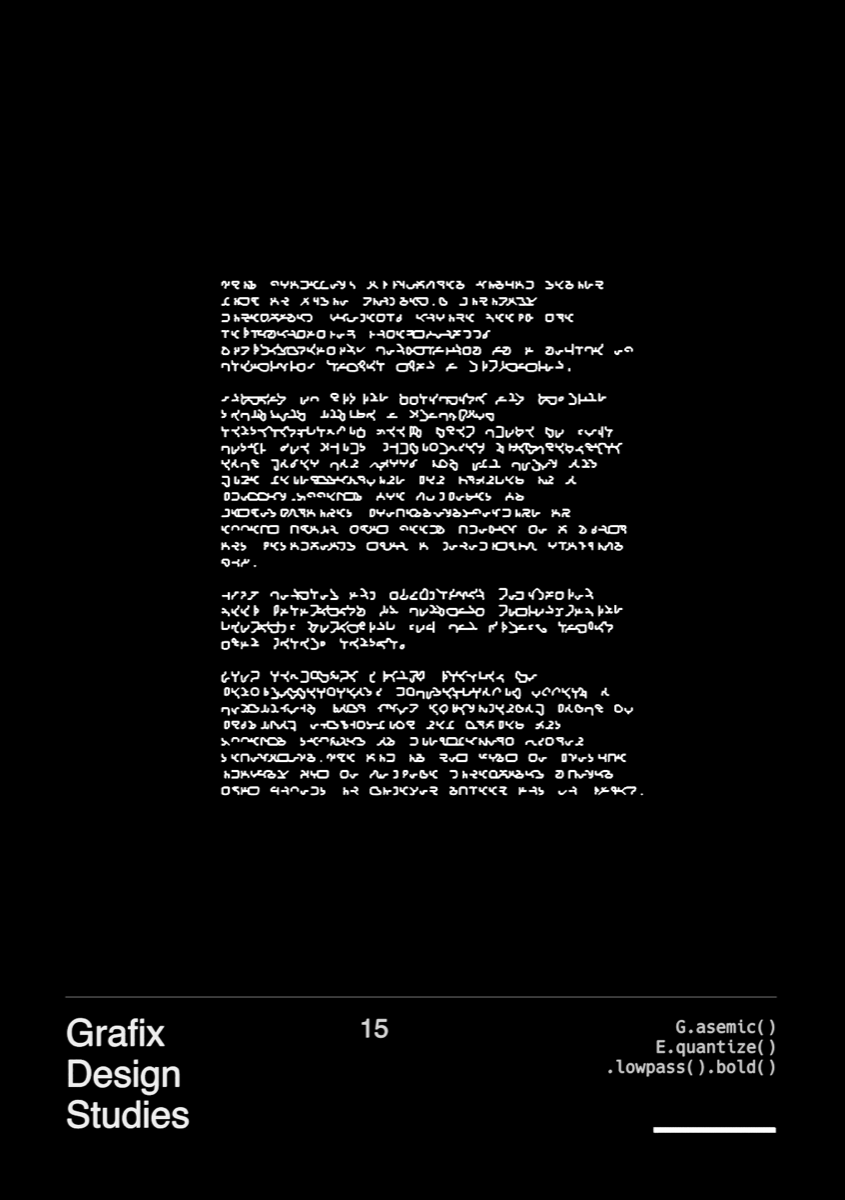
Examples
 |
 |
 |
 |
 |
 |
 |
 |
 |
 |
 |
 |
 |
 |
 |
Extending
You can register your own primitives and effects via decorators:
import numpy as np

from grafix import effect, primitive

prim_meta = {"r": {"kind": "float", "ui_min": 1.0, "ui_max": 100.0}}
eff_meta = {"amount": {"kind": "float", "ui_min": 0.0, "ui_max": 2.0}}

@primitive(meta=prim_meta)
def user_prim(*, r=10.0) -> tuple[np.ndarray, np.ndarray]:
    coords = ...  # shape (N, 3)
    offsets = ...  # shape (M+1,)
    return coords, offsets


@effect(meta=eff_meta)
def user_eff(g: tuple[np.ndarray, np.ndarray], *, amount=1.0) -> tuple[np.ndarray, np.ndarray]:
    coords, offsets = g
    coords_out = ...
    return coords_out, offsets
Notes:
- Built-in primitives/effects must provide
meta=...(enforced). - User-defined primitives/effects use
(coords, offsets)tuples (coordsmust be shape(N,3)). - For user-defined ops,
metais optional. If omitted, parameters are not shown in the Parameter GUI. - User-defined modules need to be imported once to register the ops.
Presets (reusable components)
Use @preset to register a component, and call it via P.<name>(...):
from grafix import P, preset

meta = {
    "n_rows": {"kind": "int", "ui_min": 1, "ui_max": 20},
    "n_cols": {"kind": "int", "ui_min": 1, "ui_max": 20},
}

@preset(meta=meta)
def grid_system_frame(
    *,
    n_rows: int = 5,
    n_cols: int = 8,
    name=None,
    key=None,
):
    ...


P.grid_system_frame()
For IDE completion of P.<name>(...), regenerate stubs after adding/changing presets:
python -m grafix stub
Configuration (config.yaml)
A config.yaml lets you locate external fonts and choose where Grafix writes runtime outputs (.svg, .png, .mp4, .gcode).
Grafix starts from the packaged defaults (grafix/resource/default_config.yaml) and then overlays user config(s).
Load order (later wins):
- packaged defaults
- discovered config (0 or 1 file; first found wins)
- explicit config path (if provided)
Config search (first found wins):
./.grafix/config.yaml(project-local)~/.config/grafix/config.yaml(per-user)
You can also pass an explicit config path:
run(..., config_path="path/to/config.yaml")python -m grafix export --config path/to/config.yaml
Paths support ~ and environment variables like $HOME.
To create a project-local config (starting from the packaged defaults):
mkdir -p .grafix
python -c "from importlib.resources import files; print(files('grafix').joinpath('resource','default_config.yaml').read_text())" > .grafix/config.yaml
$EDITOR .grafix/config.yaml
Overlay is a top-level shallow update (no deep merge). If you override export:, keep both export.png and export.gcode blocks
from the packaged defaults.
To autoload user presets from a directory:
paths:
  preset_module_dirs:
    - "sketch/presets"
Prompt-to-Physical art (WIP)
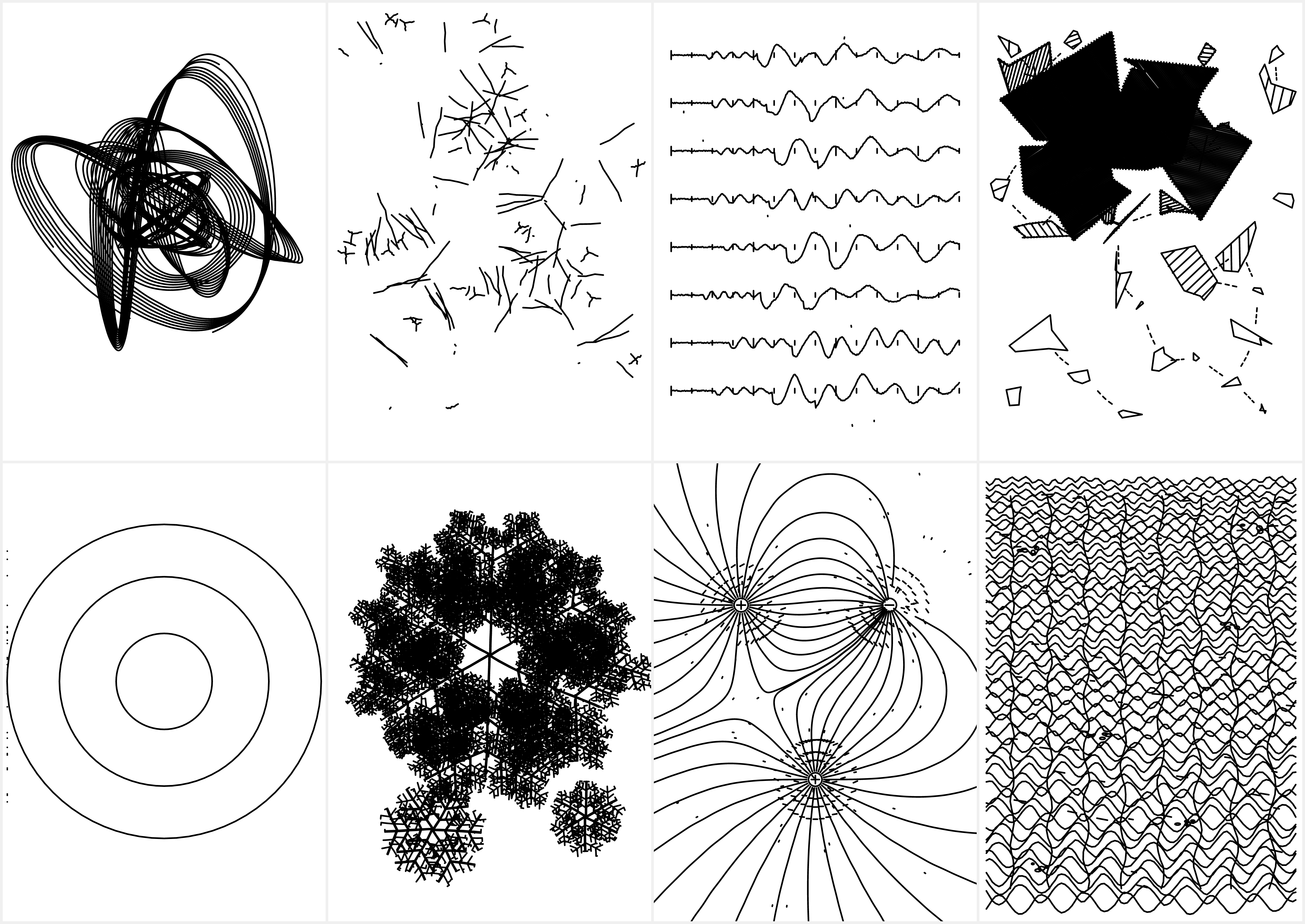
I'm experimenting with a fully autonomous LLM loop that creates Grafix sketches end-to-end from a single prompt.
It iterates through:
- ideate
- implement
- render
- critique
- improve
No human intervention, just continuous iteration and unexpected visual evolution. The image below was generated by the LLM in this closed loop.
Headless export (batch rendering)
The loop uses python -m grafix export to render draw(t) without opening any window:
python -m grafix export --callable sketch.main:draw --t 0.0 --canvas 300 300
python -m grafix export --callable sketch.main:draw --t 0.0 1.0 2.0 --canvas 300 300 --out-dir data/output
With an explicit config file:
python -m grafix export --config path/to/config.yaml --callable sketch.main:draw --t 0.0 --canvas 300 300
If you want to use the API directly, Export lives in grafix.api:
from grafix.api import Export
Troubleshooting
resvg が見つかりません: installresvgand ensure it is onPATH(macOS:brew install resvg)ffmpeg が見つかりません: installffmpeg(macOS:brew install ffmpeg)
Development
# run without installation
PYTHONPATH=src python sketch/main.py

# tests / lint / typecheck
PYTHONPATH=src pytest -q
ruff check .
mypy src/grafix
See: architecture.md and docs/developer_guide.md.


Download files
Download the file for your platform. If you're not sure which to choose, learn more about installing packages.
Source Distribution
Built Distribution
Filter files by name, interpreter, ABI, and platform.
If you're not sure about the file name format, learn more about wheel file names.
Copy a direct link to the current filters
File details
Details for the file grafix-0.0.6.tar.gz.
File metadata
- Download URL: grafix-0.0.6.tar.gz
- Upload date:
- Size: 3.5 MB
- Tags: Source
- Uploaded using Trusted Publishing? No
- Uploaded via: twine/6.2.0 CPython/3.12.12
File hashes
| Algorithm | Hash digest | |
|---|---|---|
| SHA256 |
8c0818d406eb5865f9e2245e2df43224198421ba3191c694753e700ba707fe94
|
|
| MD5 |
6e011cc4c1e0e32d576524dfda664054
|
|
| BLAKE2b-256 |
8d6ee82dac6a1607c63ee5d9e9bd18dda84b3342c2509b08c3afdaa1e855b7ff
|
File details
Details for the file grafix-0.0.6-py3-none-any.whl.
File metadata
- Download URL: grafix-0.0.6-py3-none-any.whl
- Upload date:
- Size: 3.6 MB
- Tags: Python 3
- Uploaded using Trusted Publishing? No
- Uploaded via: twine/6.2.0 CPython/3.12.12
File hashes
| Algorithm | Hash digest | |
|---|---|---|
| SHA256 |
d97e5d603caba7579dadec3b4f05c3295f98b143526509fa629fad83896727cf
|
|
| MD5 |
2161bdac388e677a06dbcc40f94bbf19
|
|
| BLAKE2b-256 |
e0c7aecf35f5b211180311b6c13027267c27dac53f5ec868e0fdad86ddbd018a
|






