
graphc



graphc (stands for "graph console") lets you query Neo4j/AWS Neptune databases
via an interactive console.
💾 Installation
uv tool install graphc
⚡️ Usage
usage: graphc [OPTIONS]

Query Neo4j/AWS Neptune databases via an interactive console

options:
  -h, --help            show this help message and exit
  -q STRING, --query STRING
                        Cypher query to execute. If not provided, starts interactive console
  -d STRING, --db-uri STRING
                        Database URI
  -b, --benchmark       Benchmark query execution times without showing results (only applicable in query mode)
  -n INTEGER, --bench-num-runs INTEGER
                        Number of benchmark runs (default: 5)
  -W INTEGER, --bench-warmup-num-runs INTEGER
                        Number of warmup runs before benchmarking (default: 0)
  --debug               Print debug information without doing anything
  -w, --write           Write query results to file (or start console with 'write results' mode on)
  -f {json,csv}, --format {json,csv}
                        Output file format for query results
  -p, --print-query     Print the query (or start console with 'print query' mode on)
# Interactive mode
export DB_URI='bolt://127.0.0.1:7687'
export DB_USER='user'
export DB_PASSWORD='password'
graphc

graphc -d 'bolt://abc.xyz.us-east-1.neptune.amazonaws.com:8182'

# One-off query mode
graphc --query 'MATCH (n: Node) RETURN n.id, n.name LIMIT 5'

graphc -q - < query.cypher

echo 'MATCH (n: Node) RETURN n.id, n.name LIMIT 5' | graphc -q -
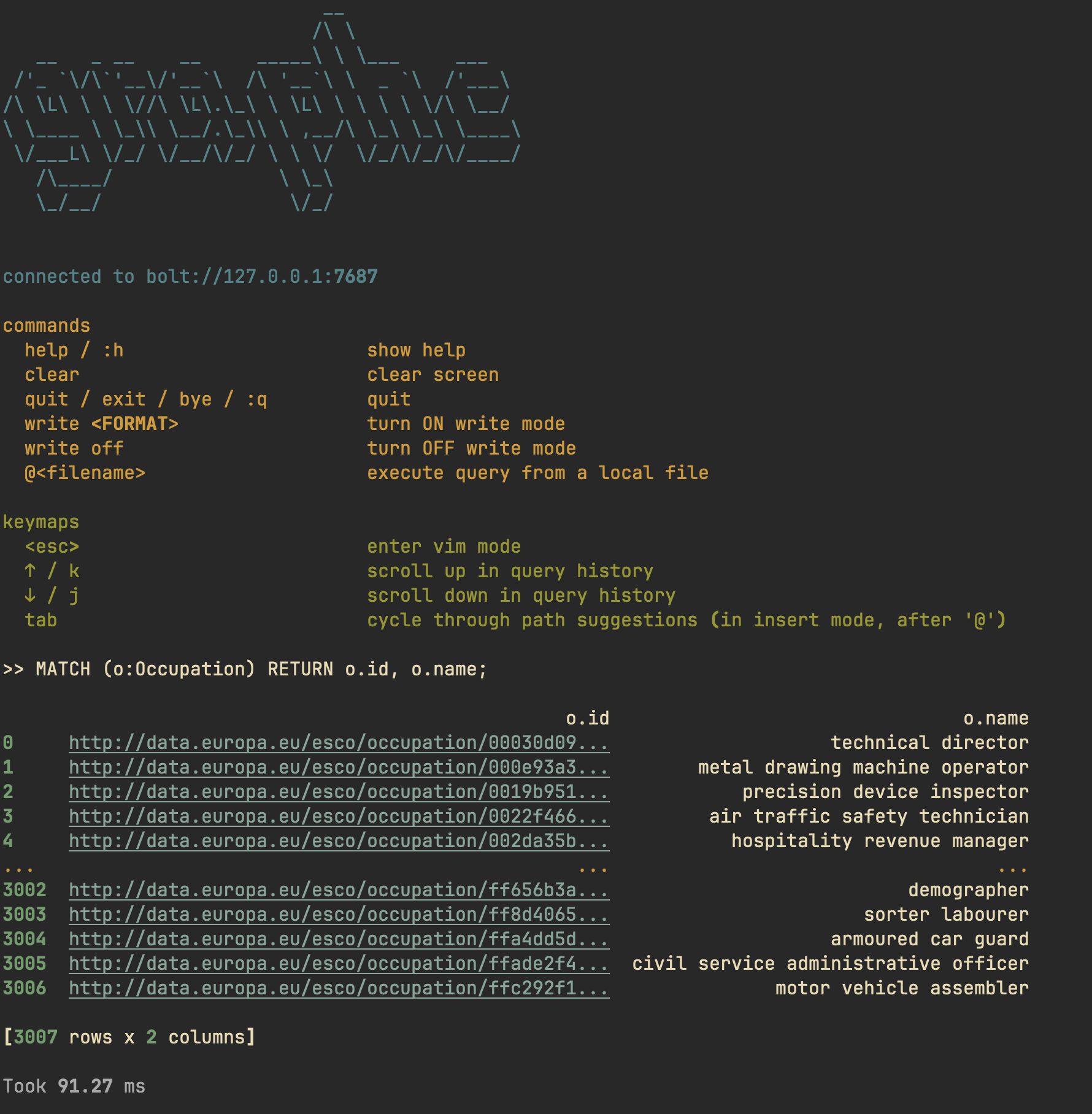
📟 Console
graphc comes with a console where you can execute queries in an interactive
manner.
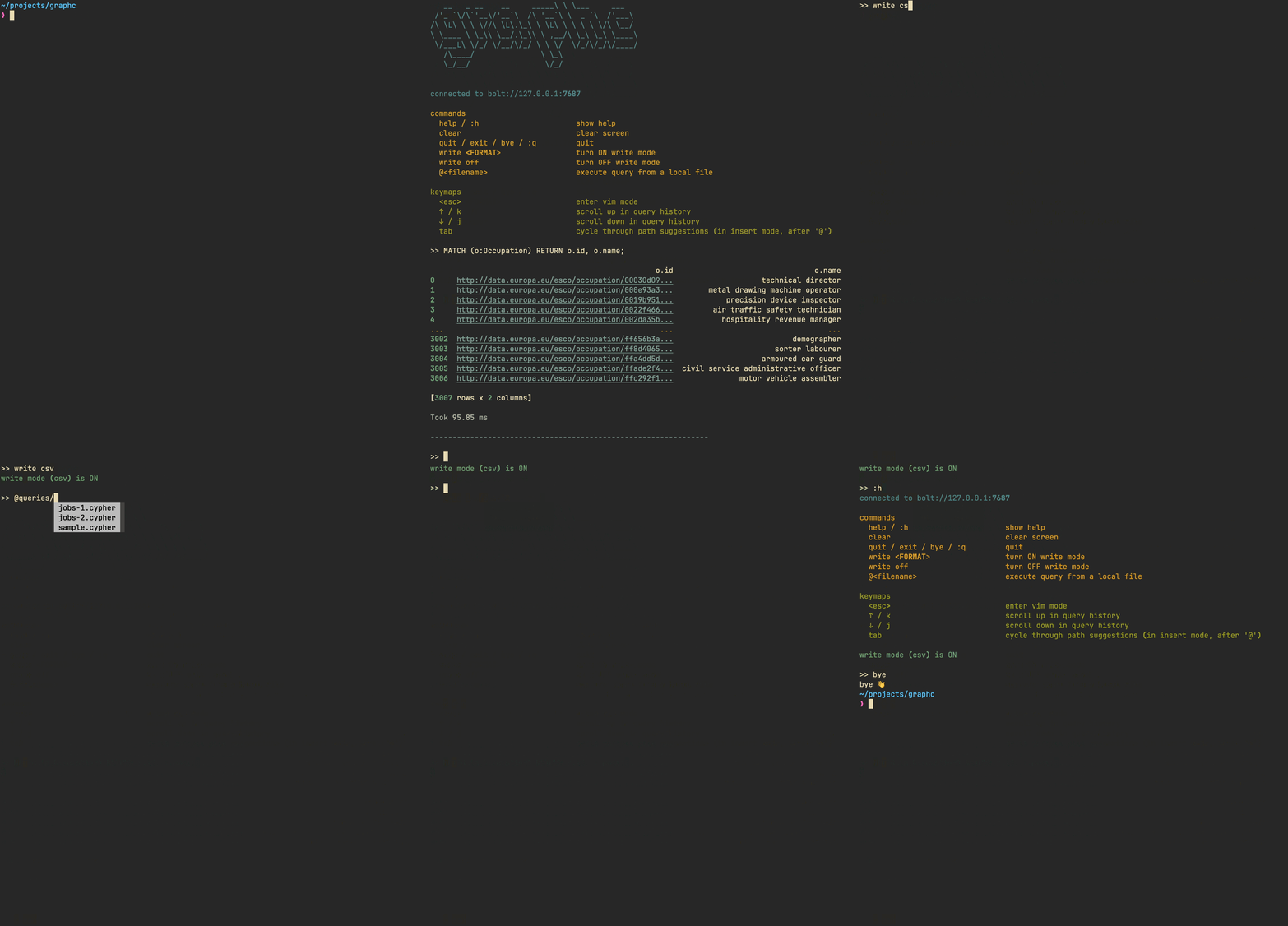
Commands
| Command(s) | Description |
|---|---|
help / :h |
show help |
clear |
clear screen |
quit / exit / bye / :q |
quit |
write <FORMAT> |
turn ON "write results" mode |
write off |
turn OFF "write results" mode |
@<filename> |
execute query from a local file |
print <on/off> |
toggle "print query" mode |
Keymaps
| Key | Description |
|---|---|
<esc> |
enter vim mode |
↑ / k |
scroll up in query history |
↓ / j |
scroll down in query history |
tab |
cycle through path suggestions (in insert mode, after @) |
✏️ Write mode
graphc lets you save query results to a file in both one-off query mode and
console mode.
cat query.cypher | graphc -q - --write
In console mode, use the command write <FORMAT> (format can be csv or
json).
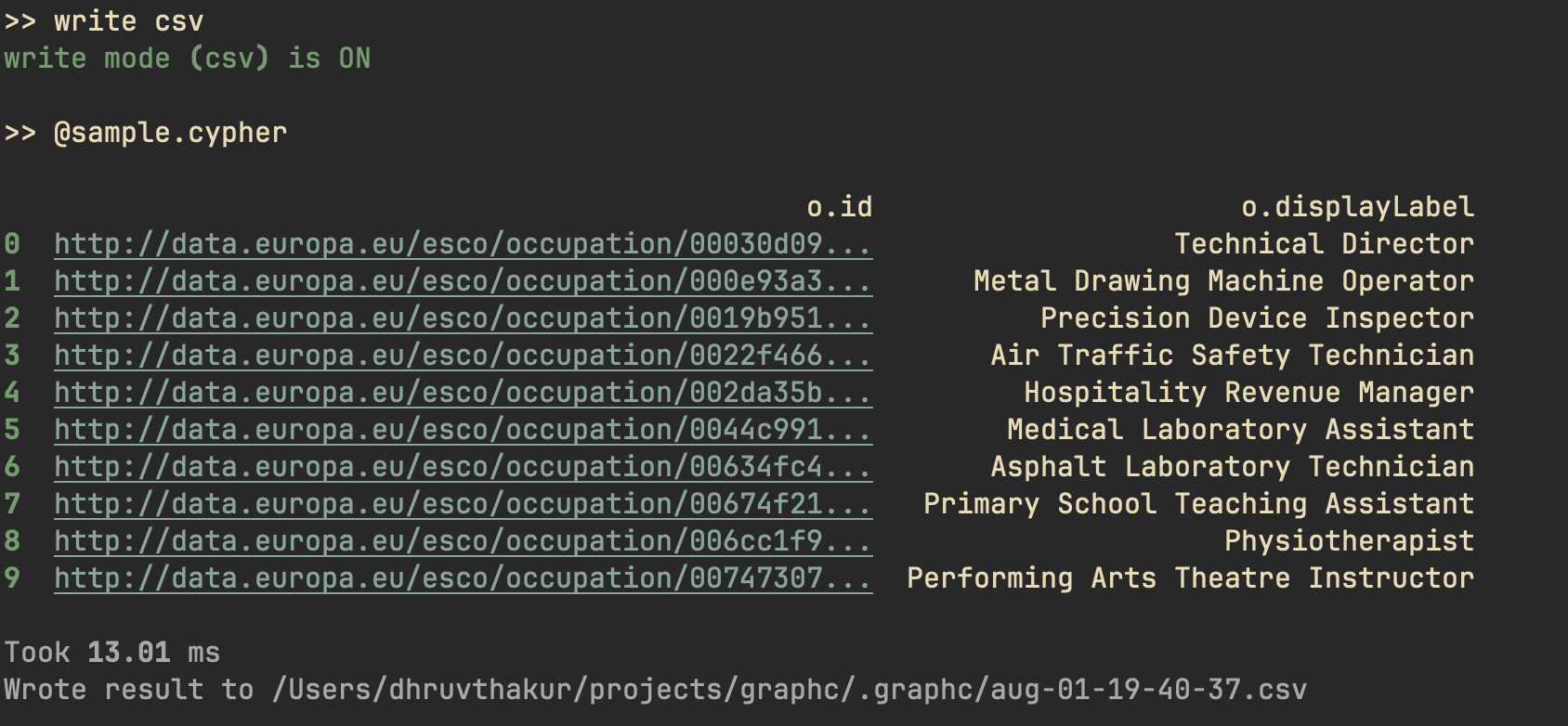
graphc will save results in the directory it's run in, in a subdirectory
called .graphc.
🔢 Benchmarking
You can benchmark the execution times for a query using the --benchmark/-b
flag.
cat query.cypher | graphc -c - -b -n 5 -w 2
Warming up (2 runs) ...
Warmup  1:   627.84 ms
Warmup  2:   452.06 ms

Benchmarking (5 runs) ...
Run  1:   451.92 ms
Run  2:   449.51 ms
Run  3:   451.52 ms
Run  4:   453.09 ms
Run  5:   445.73 ms

Statistics:
Mean:     450.35 ms
Median:   451.52 ms
Min:      445.73 ms
Max:      453.09 ms
1 maintainer

Metadata
1 maintainer
Release files for graphc 0.1.3
For a detailed explanation of source distributions (sdists) and built distributions (wheels), please see the package formats documentation.
Source distribution (sdist)
| File | Size | Uploaded | |
|---|---|---|---|
| graphc-0.1.3.tar.gz | 14.5 kB | Details |
Built distribution (wheel)
| File | Interpreter | ABI | Platform | Reset |
|---|---|---|---|---|
| graphc-0.1.3-py3-none-any.whl | Python 3 | none | any | Details |
Total release size: 29.7 kB
Release files / graphc-0.1.3.tar.gz
| Download URL | graphc-0.1.3.tar.gz |
|---|---|
| Size | 14.5 kB |
| Tags | Source |
|
SHA-256 checksum How to use checksums |
c5821d488e28f65fd6eadccf88a575998ff31261f15067fc8425c9b1e2e6bc46
|
|
BLAKE2b-256 checksum How to use checksums |
cf832bc6fdea0cd215a1979aa24c400680e30b47cf575b48f1fe6e826453e548
|
| Upload date | |
|
Uploaded using Trusted Publishing? What is trusted publishing? |
No |
| Uploaded via |
uv/0.8.4
|
Release files / graphc-0.1.3-py3-none-any.whl
| Download URL | graphc-0.1.3-py3-none-any.whl |
|---|---|
| Size | 15.1 kB |
| Tags | Python 3 |
|
SHA-256 checksum How to use checksums |
bd820f357a2c19664fa4aa9a6649f82d2cbd61ce58ecb5510f912bb1f2c9ad4f
|
|
BLAKE2b-256 checksum How to use checksums |
887b25e073bc0694ee4a98fe3b1b0765f8685c46004aab7ddd7c95ef191fd749
|
| Upload date | |
|
Uploaded using Trusted Publishing? What is trusted publishing? |
No |
| Uploaded via |
uv/0.8.4
|














