
Integrated Differential Expression and Annotation

Project description
IDEA
Integrated Differential Expression and Annotation
Introduction
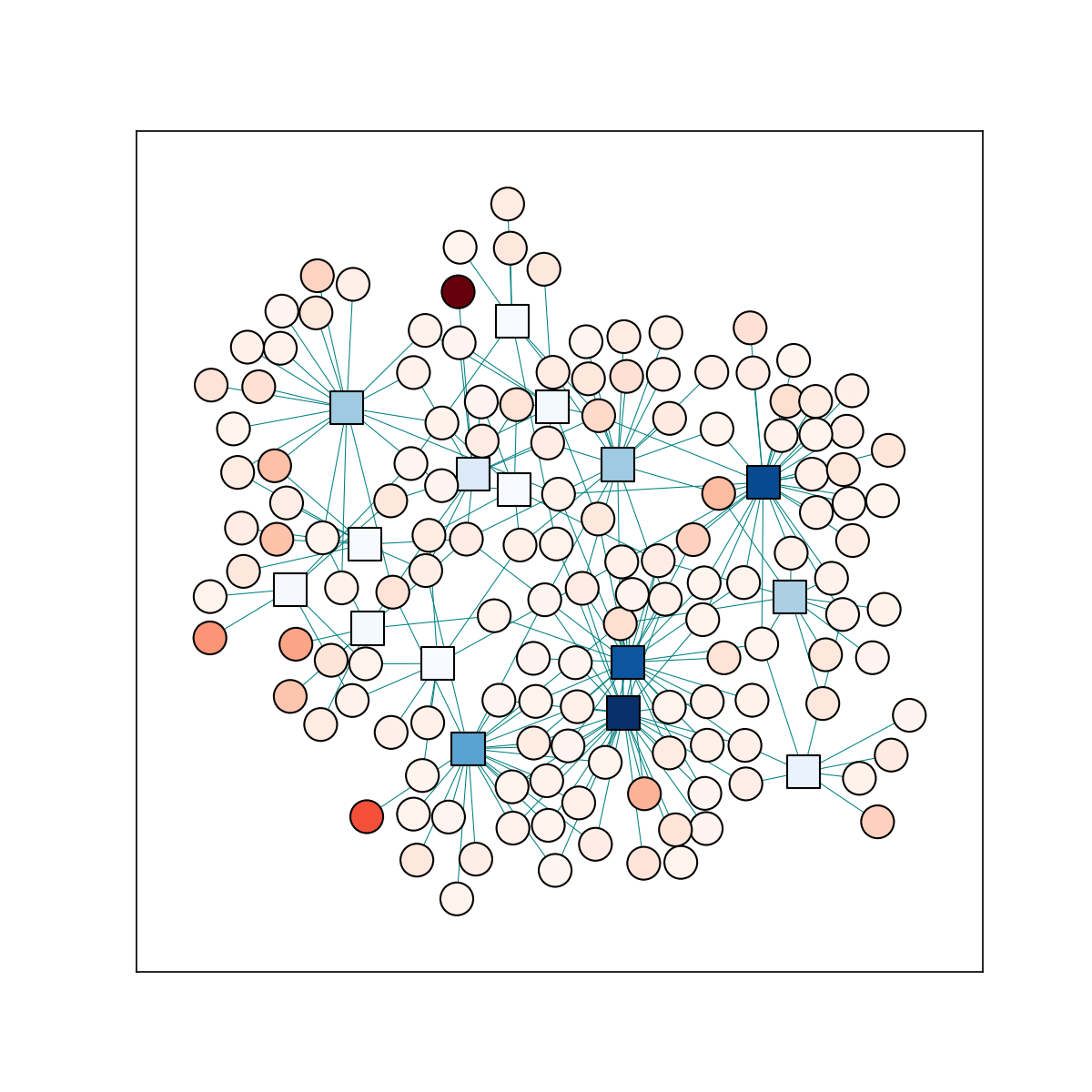
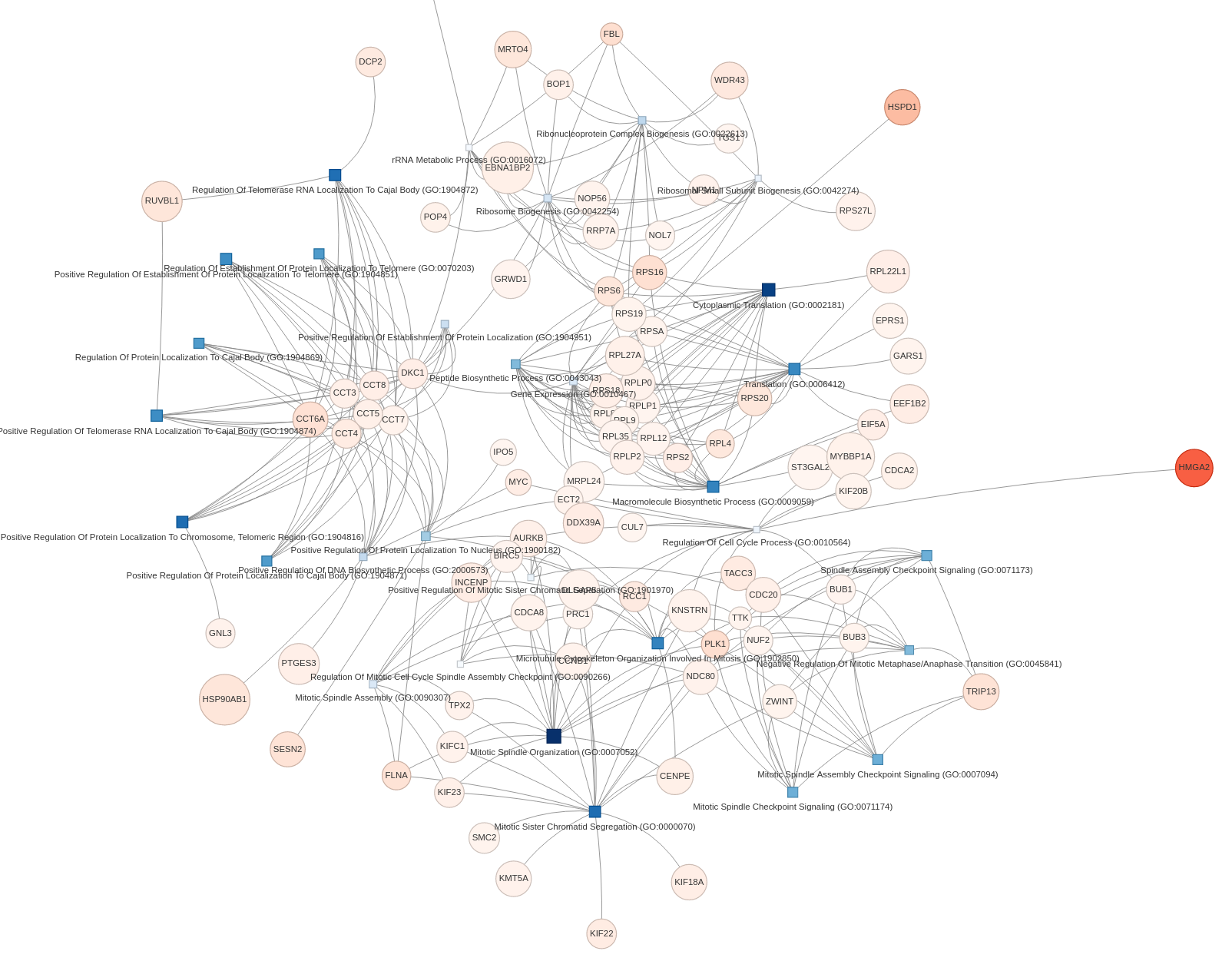
This is a python module to perform GO analysis using Enrichr and visualize the bipartite graph of terms and genes as an interactive force-directed graph.
This uses pyvis as the
force-directed graph backend and ggetrs
to perform the gene set enrichment using Enrichr's API.
Installation
You can install this like other python packages using pip:
pip install idea-bio
Usage
The basic workflow for this tool is made up of 3 steps:
- Performing the gene set enrichment analysis
- Constructing the network
- Visualizing the network
import idea
import pandas as pd

#################
# Preprocessing #
#################

# Load in our example dataframe
url = "https://github.com/noamteyssier/idea/raw/main/example_data/AP2S1.tab.gz"
deg_frame = pd.read_csv(url, sep="\t")

# Filter to significant enrichments
sig_degs = deg_frame[
    (deg_frame.log2FoldChange > 0) &
    (deg_frame.padj < 0.05)
]

# Select the gene names
geneset = sig_degs.gene.values

########################################
# Perform Gene Set Enrichment Analysis #
########################################

gsea = idea.run_go(
    geneset,
    threshold=0.05,
    library="BP",
)

###############################
# Build and Visualize Network #
###############################

# Build Network
id = idea.IDEA(
    sig_degs,
    gsea.head(30),
)

# Write HTML of network to `network.html`
id.visualize("network.html")
Visualization
We can then visualize and interact with our network by opening
the created *.html in our favorite browser.
Here is a static image of an example network:
Release history Release notifications | RSS feed


Download files
Download the file for your platform. If you're not sure which to choose, learn more about installing packages.
Source Distribution
Built Distribution
Filter files by name, interpreter, ABI, and platform.
If you're not sure about the file name format, learn more about wheel file names.
Copy a direct link to the current filters
File details
Details for the file idea_bio-0.1.5.tar.gz.
File metadata
- Download URL: idea_bio-0.1.5.tar.gz
- Upload date:
- Size: 5.7 kB
- Tags: Source
- Uploaded using Trusted Publishing? No
- Uploaded via: poetry/1.5.1 CPython/3.8.17 Linux/6.4.3-arch1-1
File hashes
| Algorithm | Hash digest | |
|---|---|---|
| SHA256 |
90c65abefe714e5d633ce8987309ffb10ced159b5fb3ee1cf3fe5da2315a2619
|
|
| MD5 |
09ac315d96e929e17146e8bc7848f5a3
|
|
| BLAKE2b-256 |
e9f78df7c89f564de60f5a7903dc4703ba45a8c676b38fd4af89e23e8020ae7f
|
File details
Details for the file idea_bio-0.1.5-py3-none-any.whl.
File metadata
- Download URL: idea_bio-0.1.5-py3-none-any.whl
- Upload date:
- Size: 6.7 kB
- Tags: Python 3
- Uploaded using Trusted Publishing? No
- Uploaded via: poetry/1.5.1 CPython/3.8.17 Linux/6.4.3-arch1-1
File hashes
| Algorithm | Hash digest | |
|---|---|---|
| SHA256 |
1cd05f71b7473d04159f053e11e0898c13150bfed0ecf87fbe0850af79015de9
|
|
| MD5 |
1849195f93360e36c82366ec30ee3dce
|
|
| BLAKE2b-256 |
a057de9e227bdb0a8867608d7ac695065f6881d1a3ddb01b13b8aef408385d9f
|






