
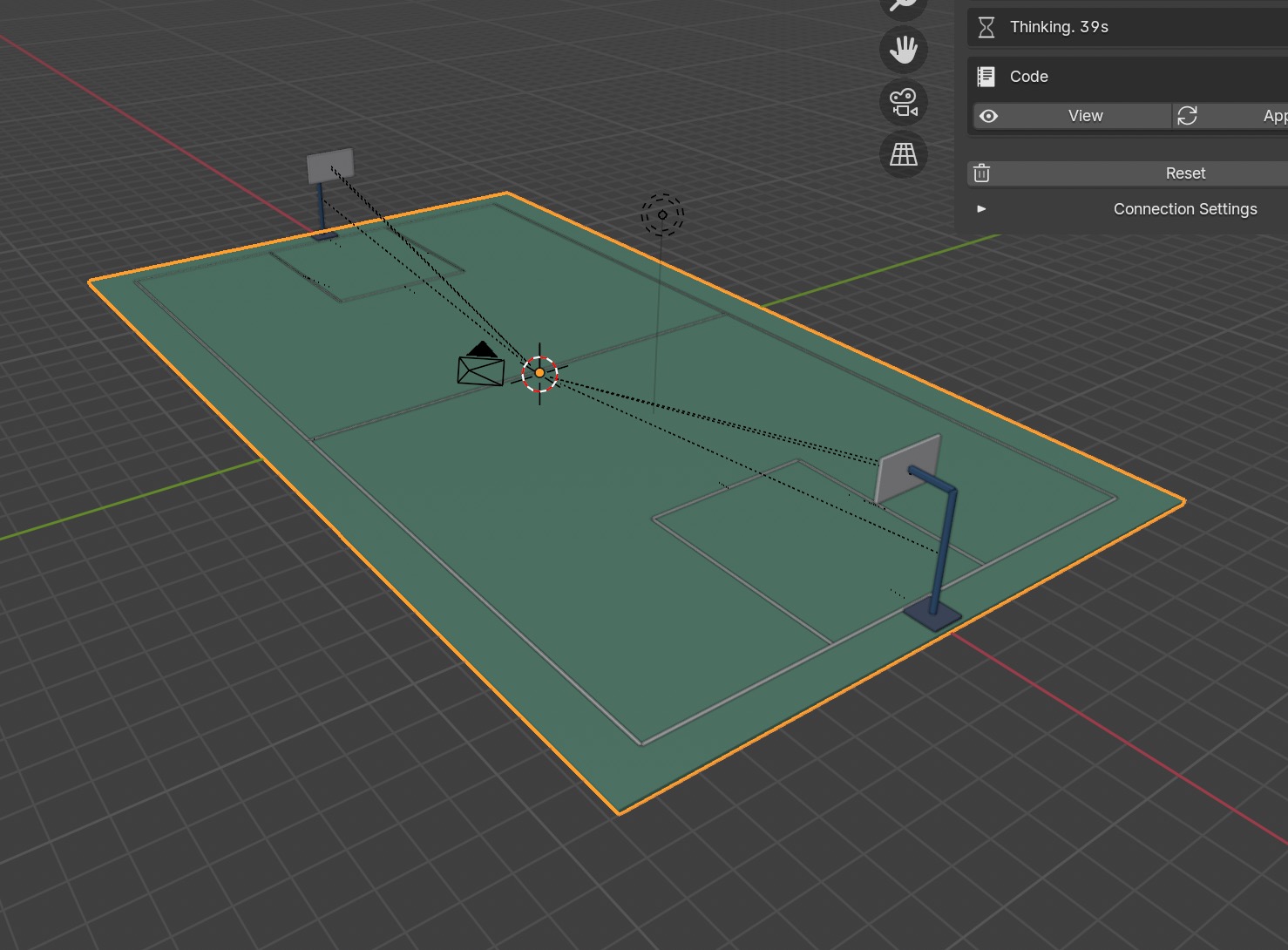
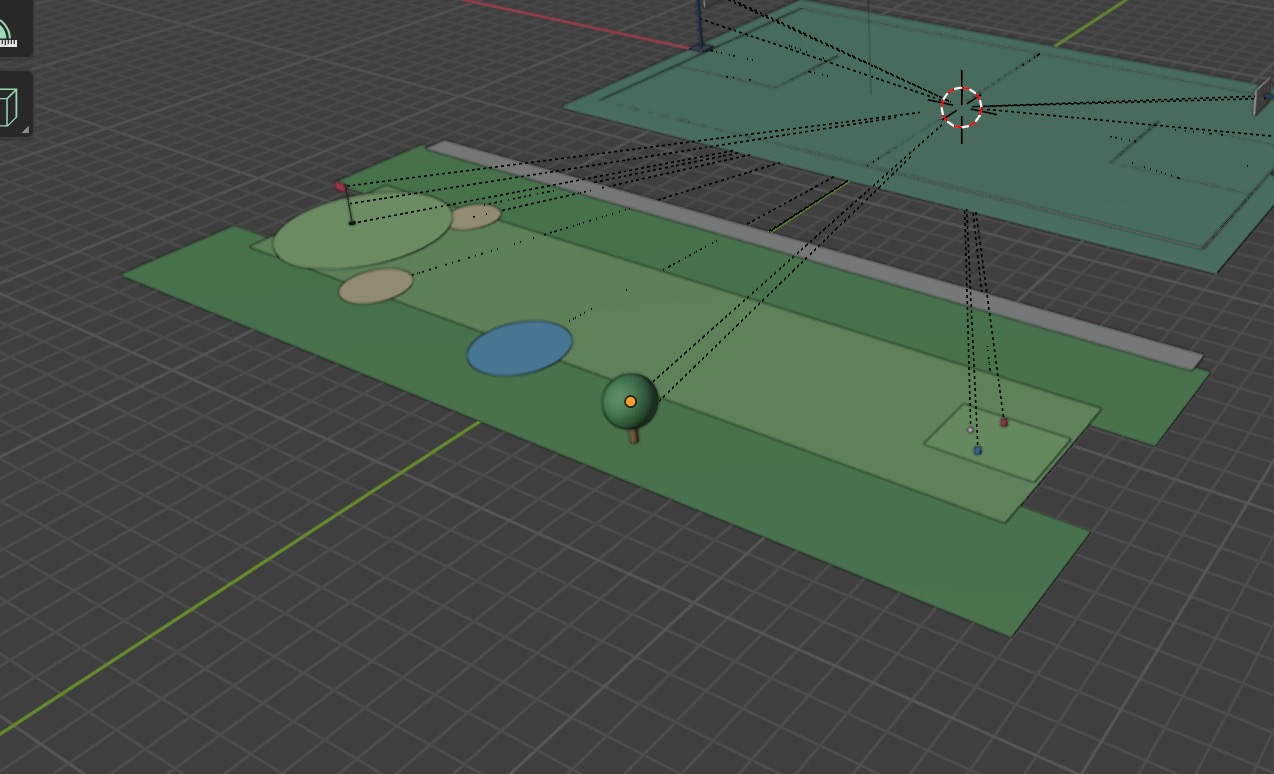
what people are building with Ido for Blender →
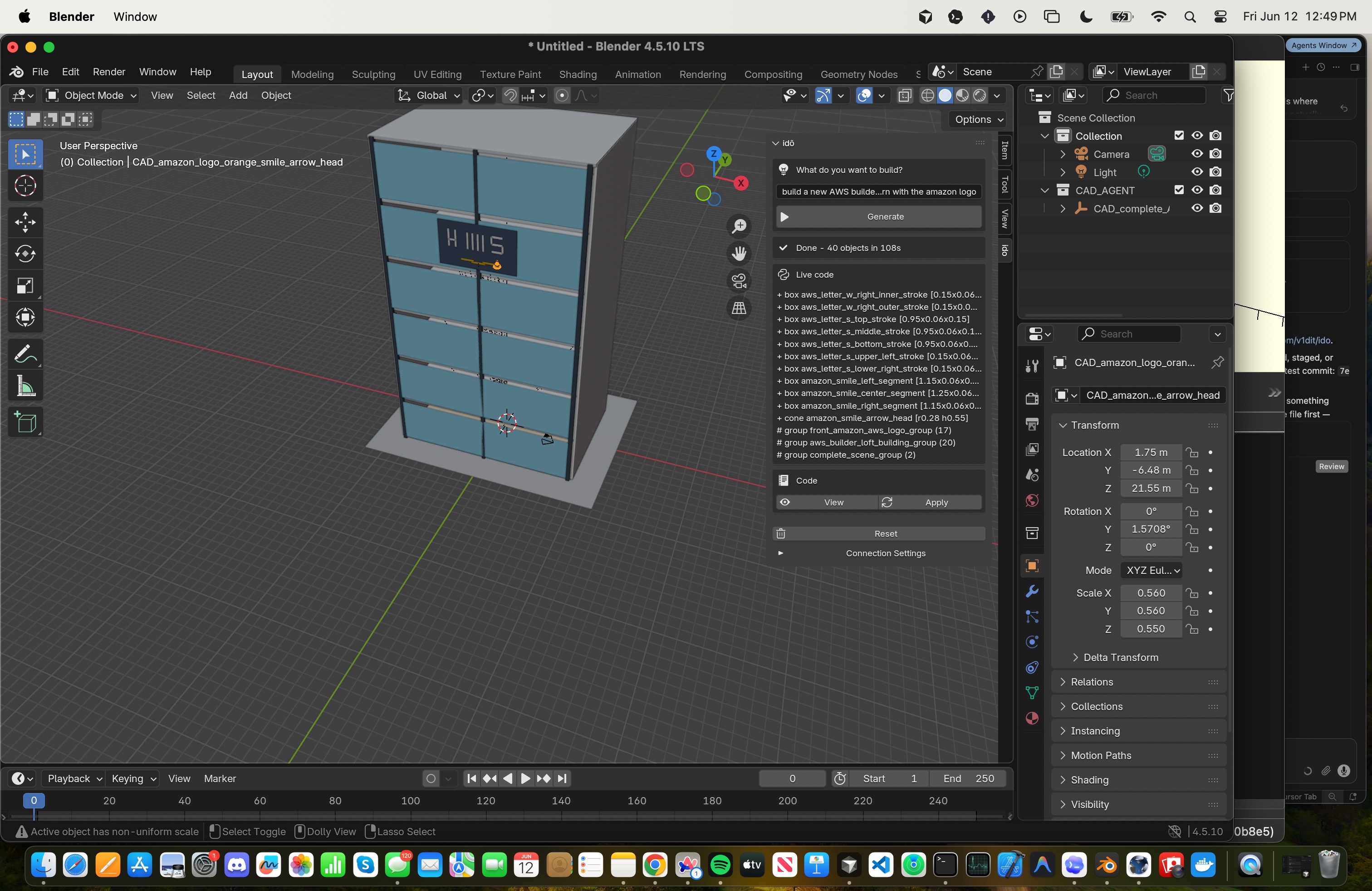
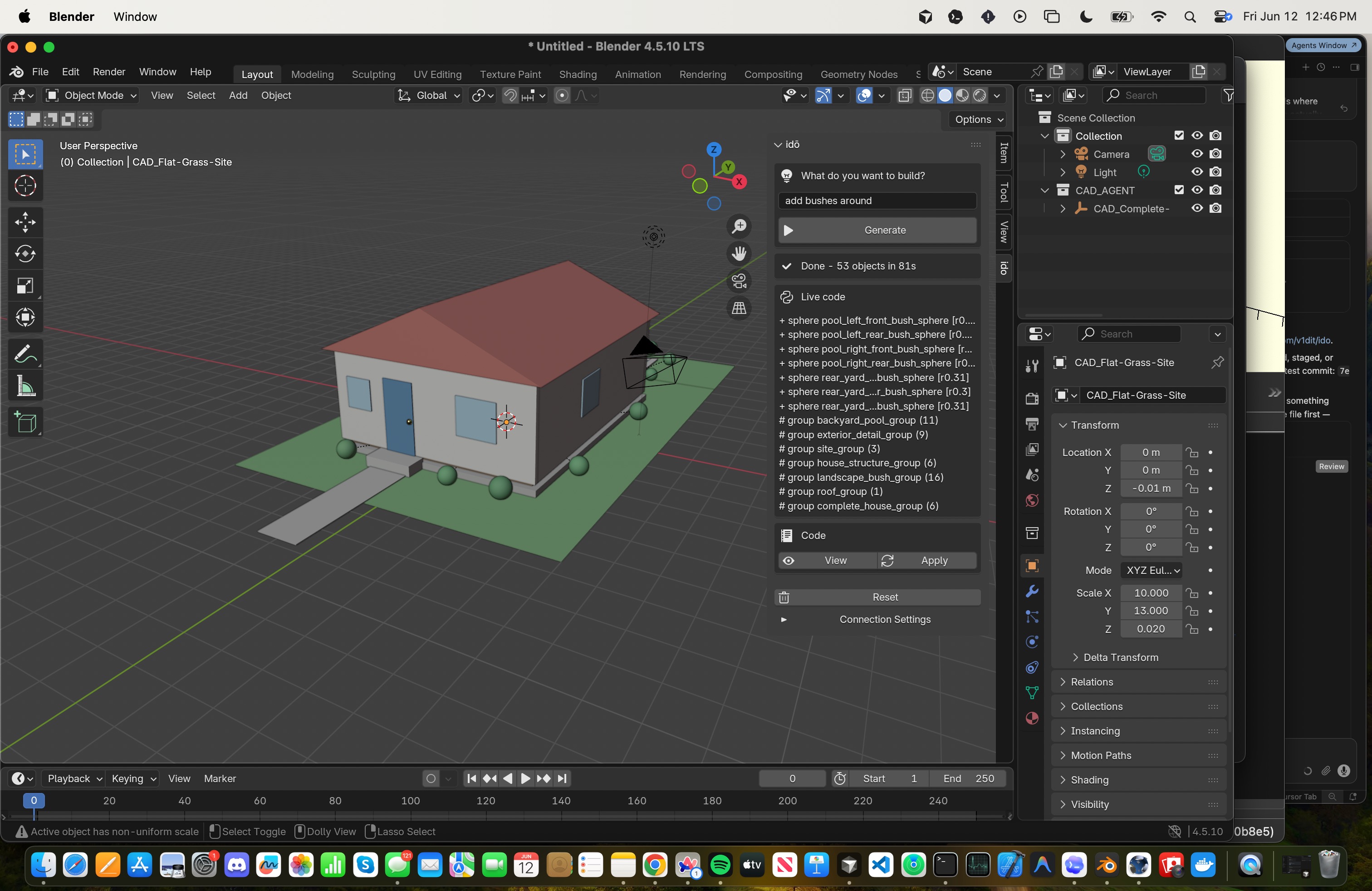
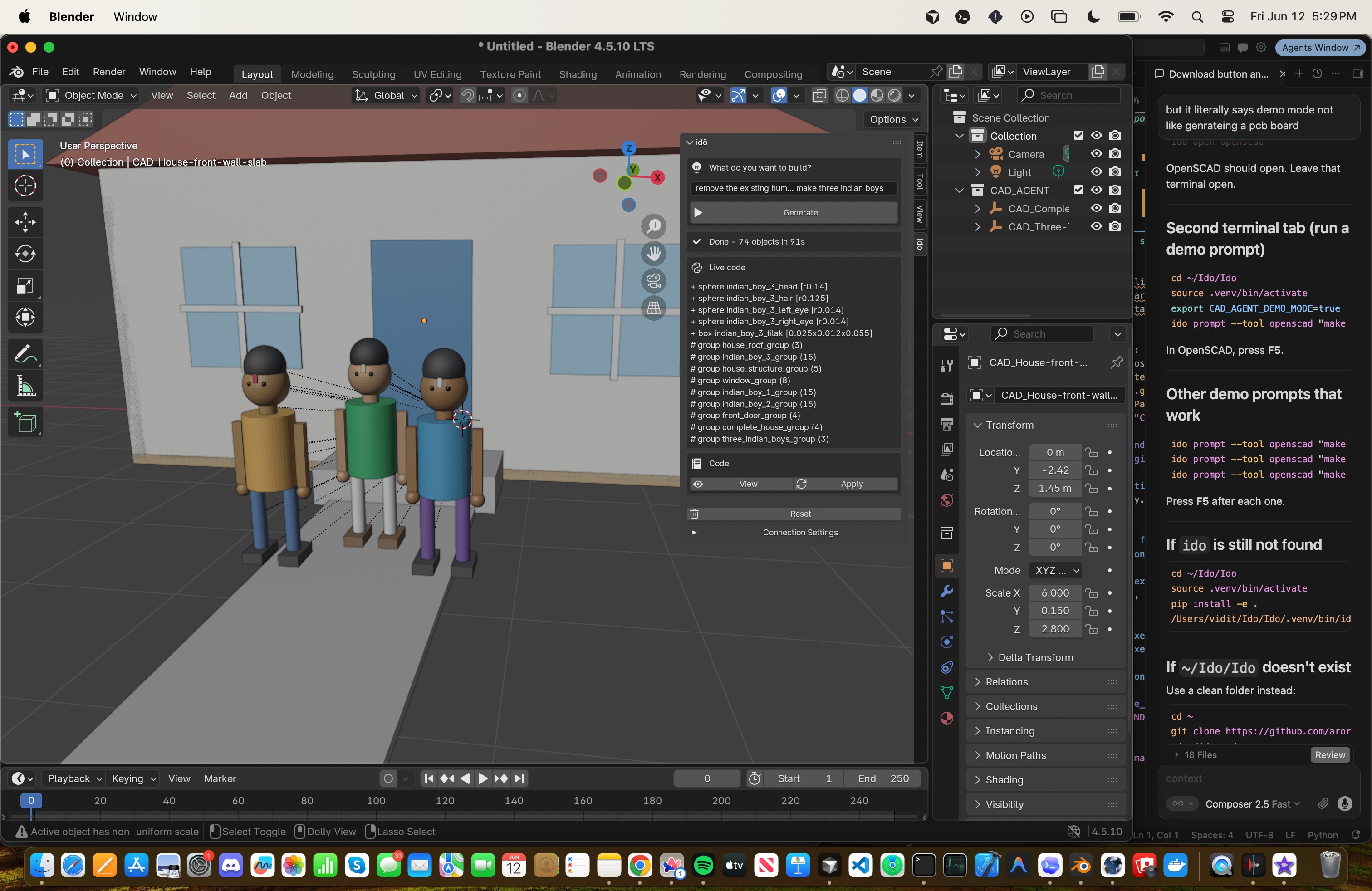
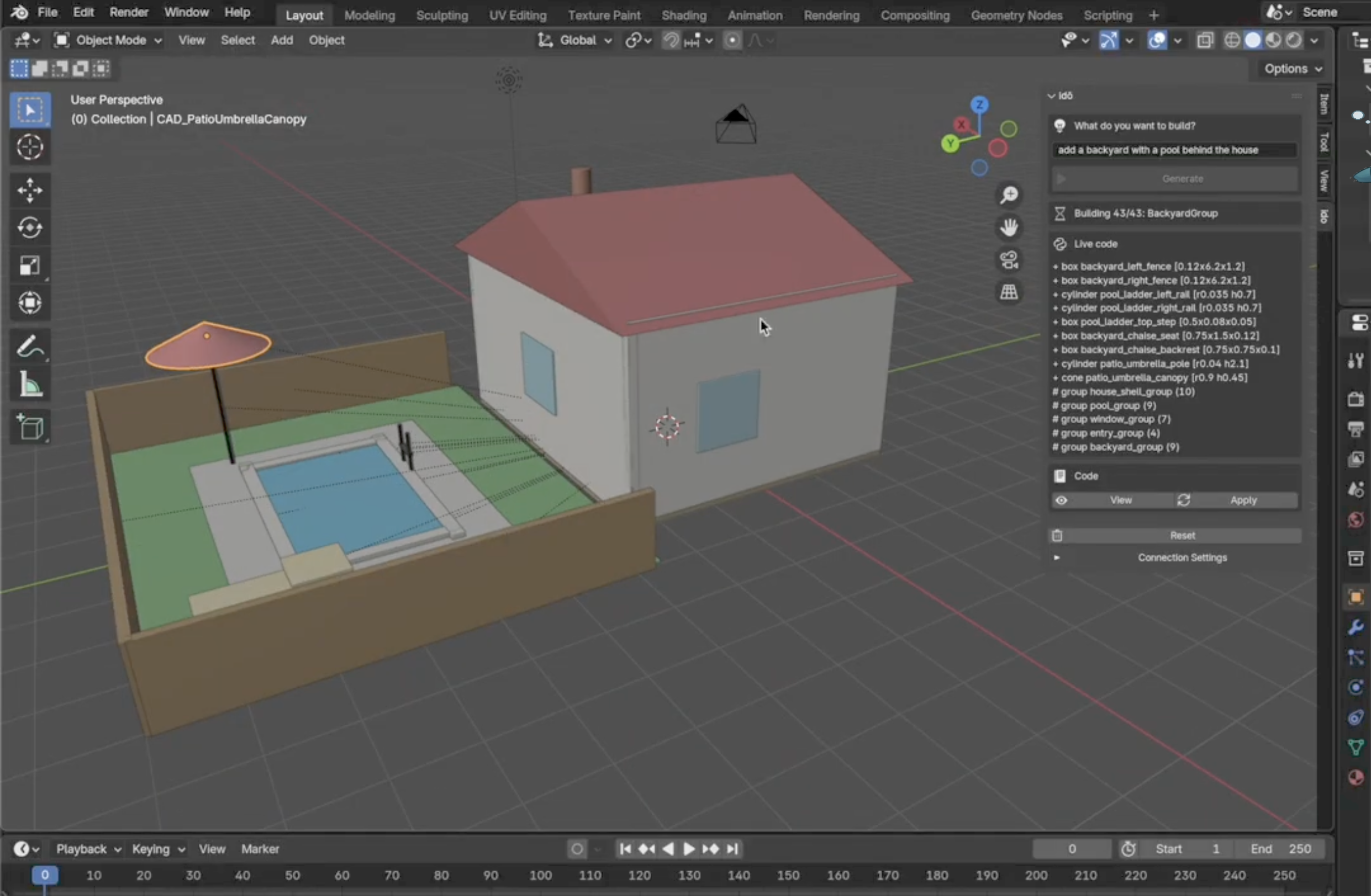
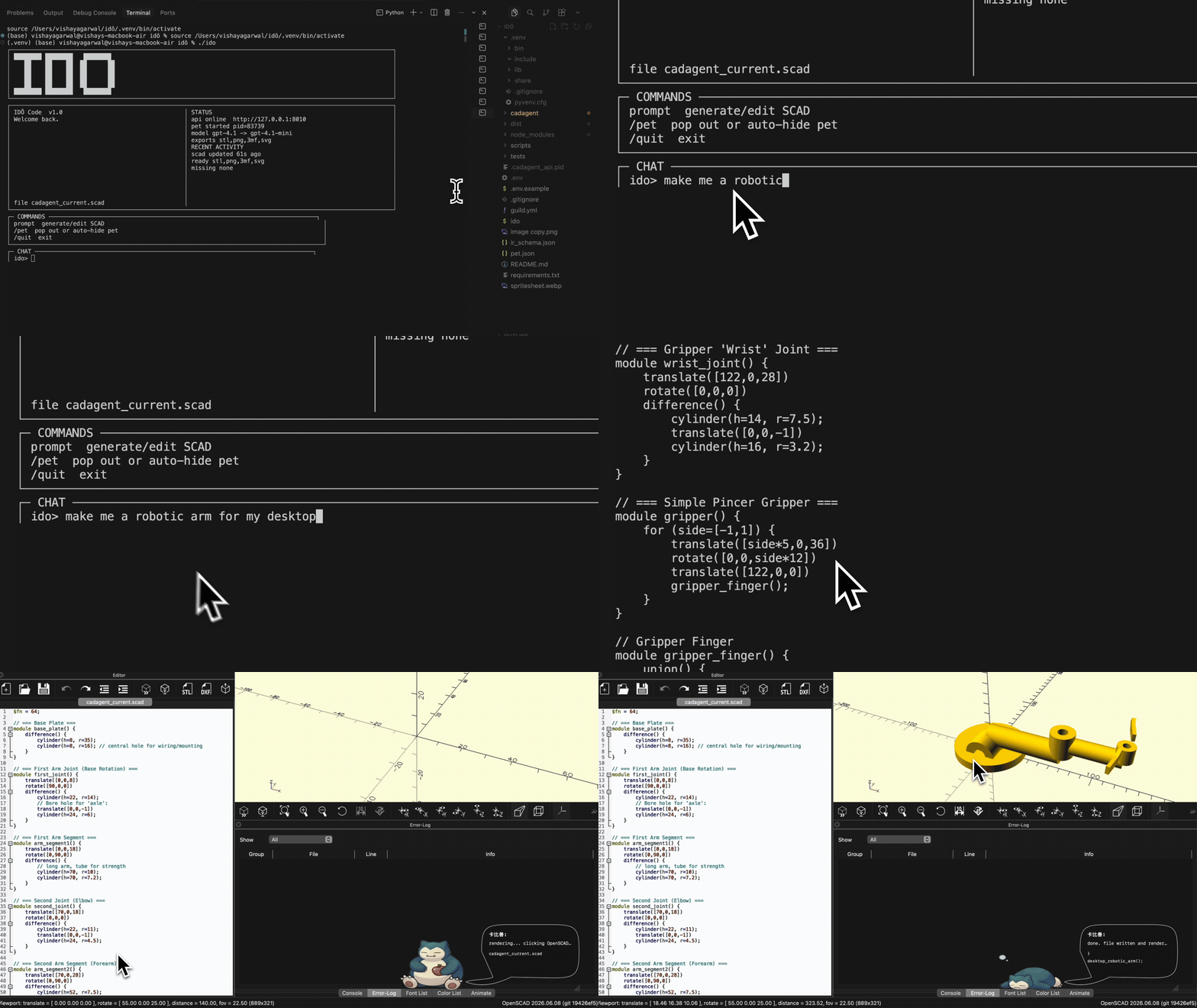
what people are building with Ido for OpenSCAD →
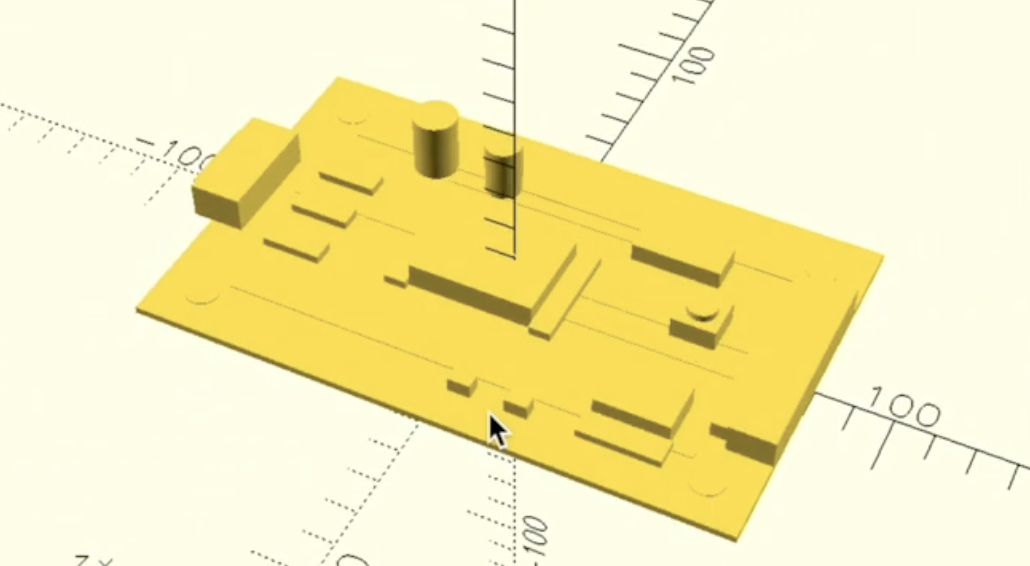
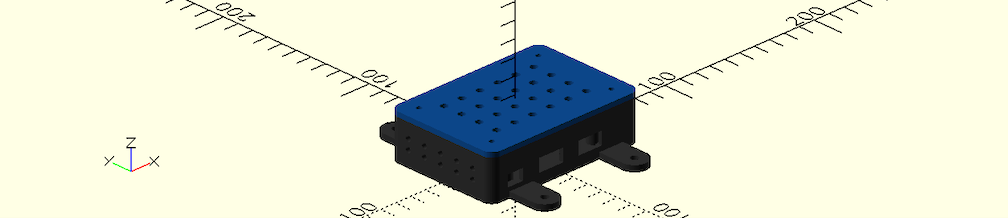
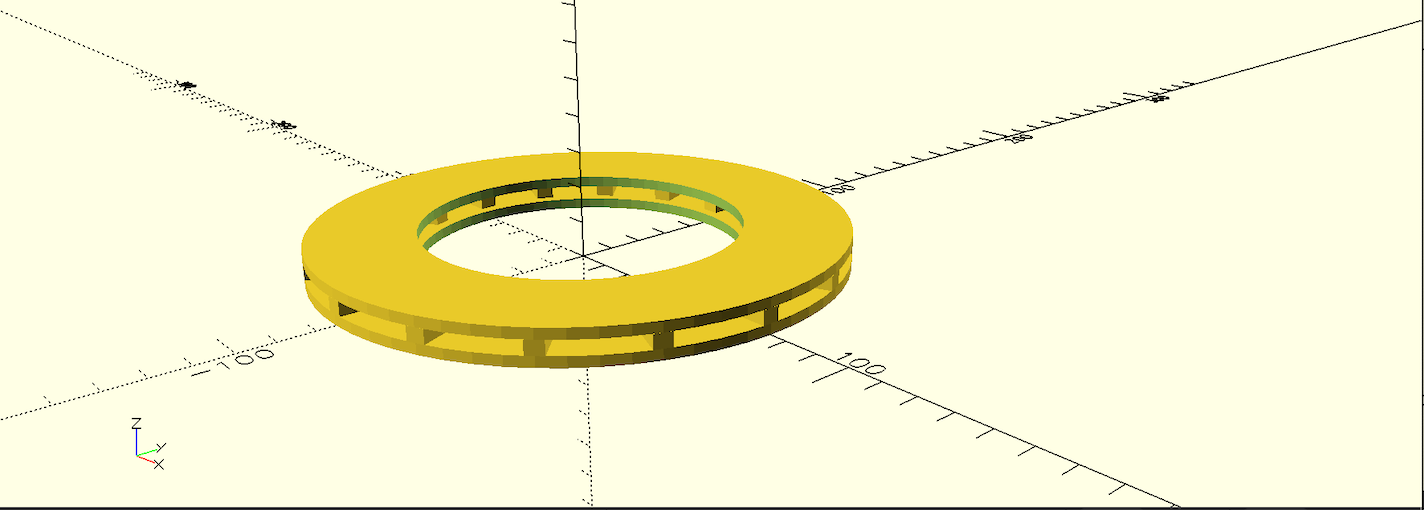
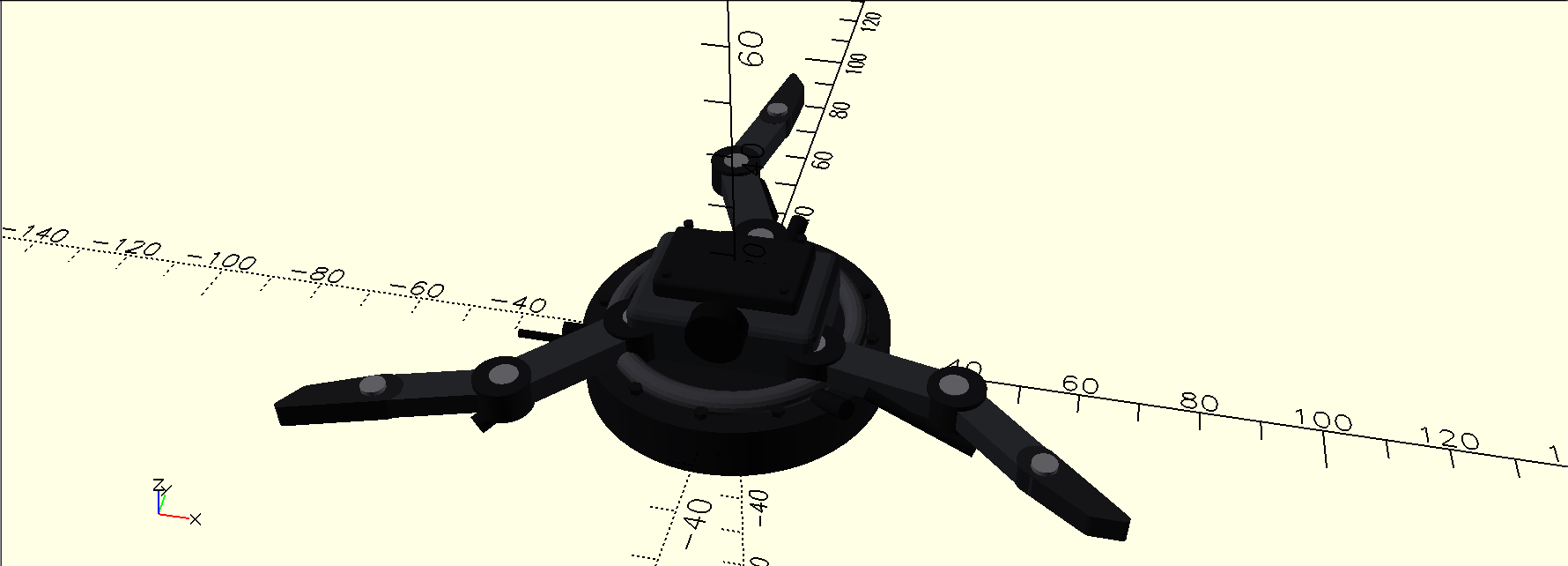
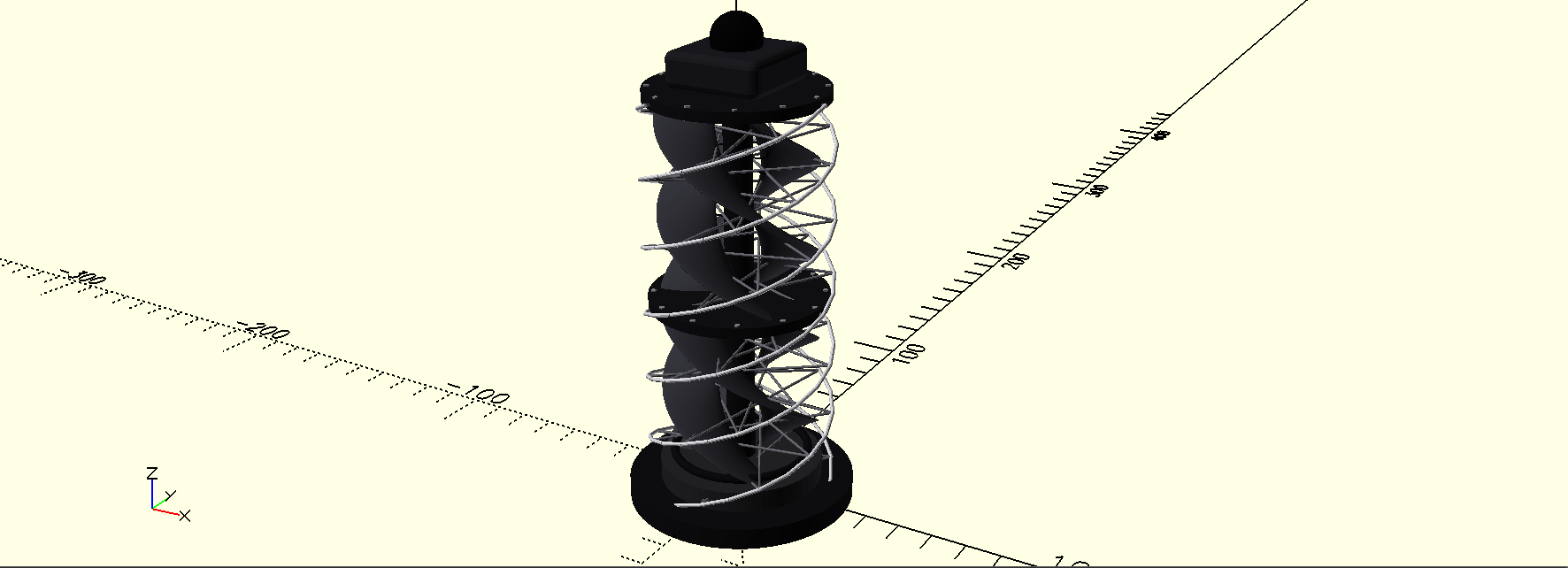
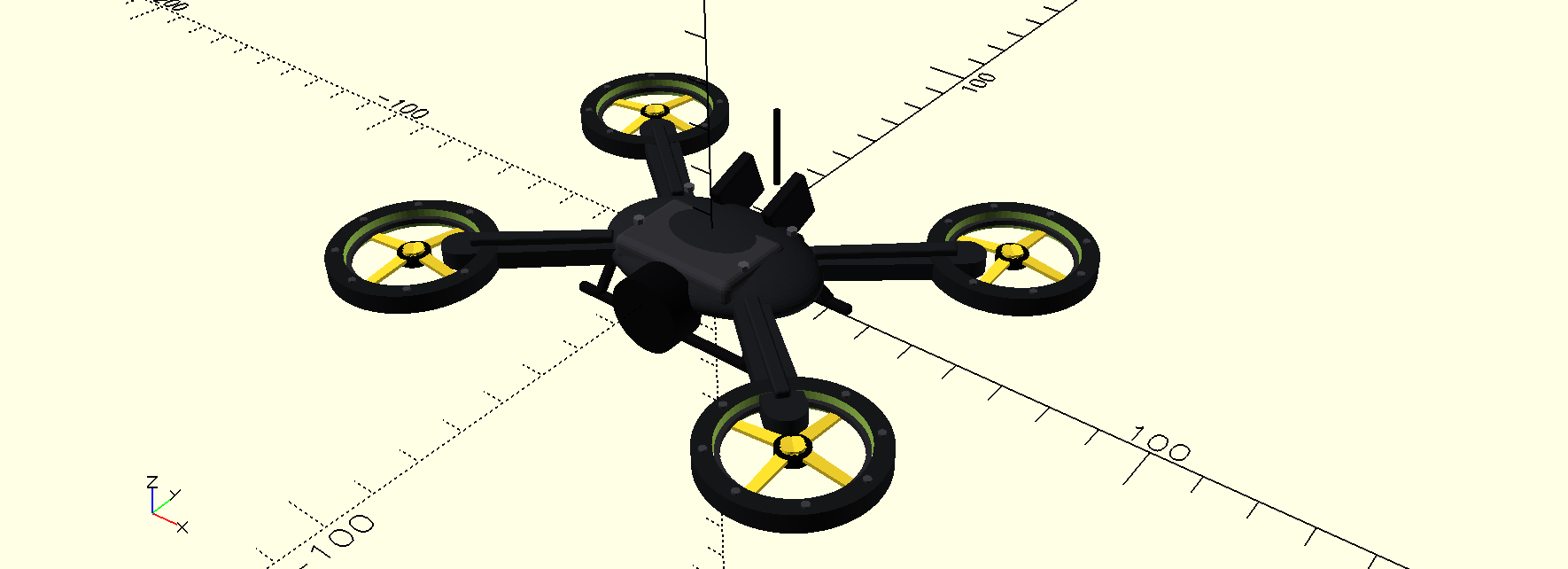


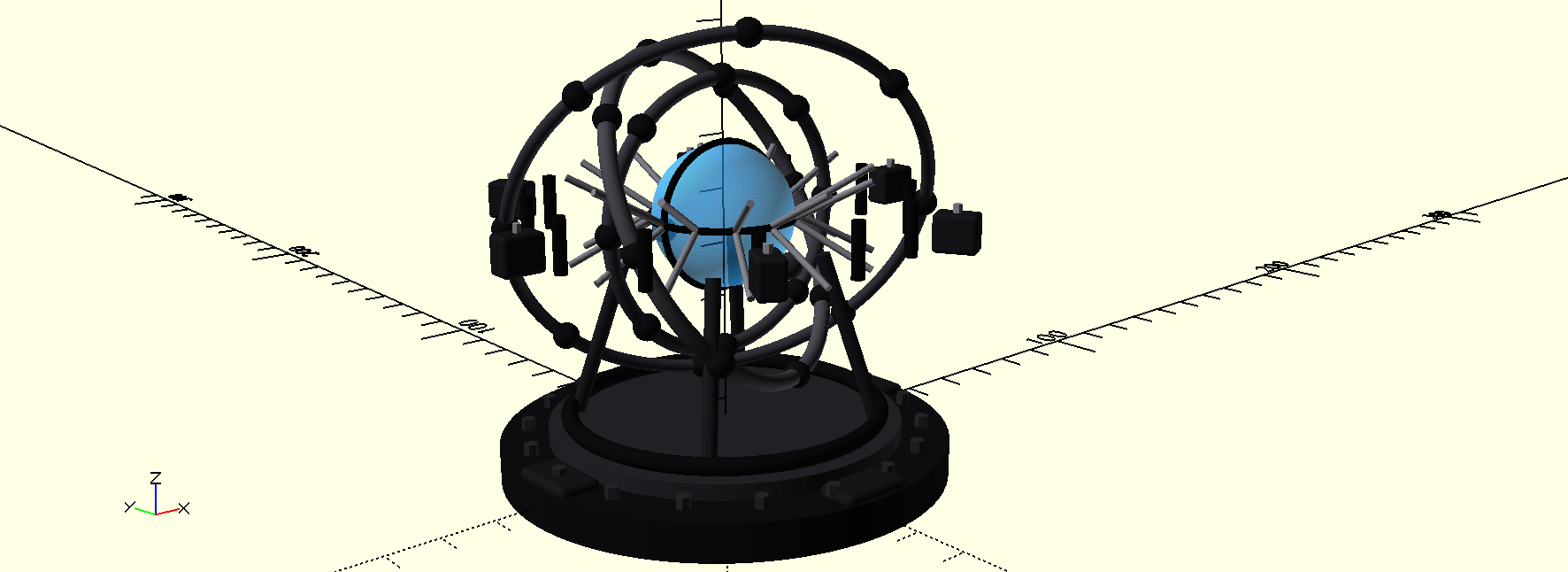
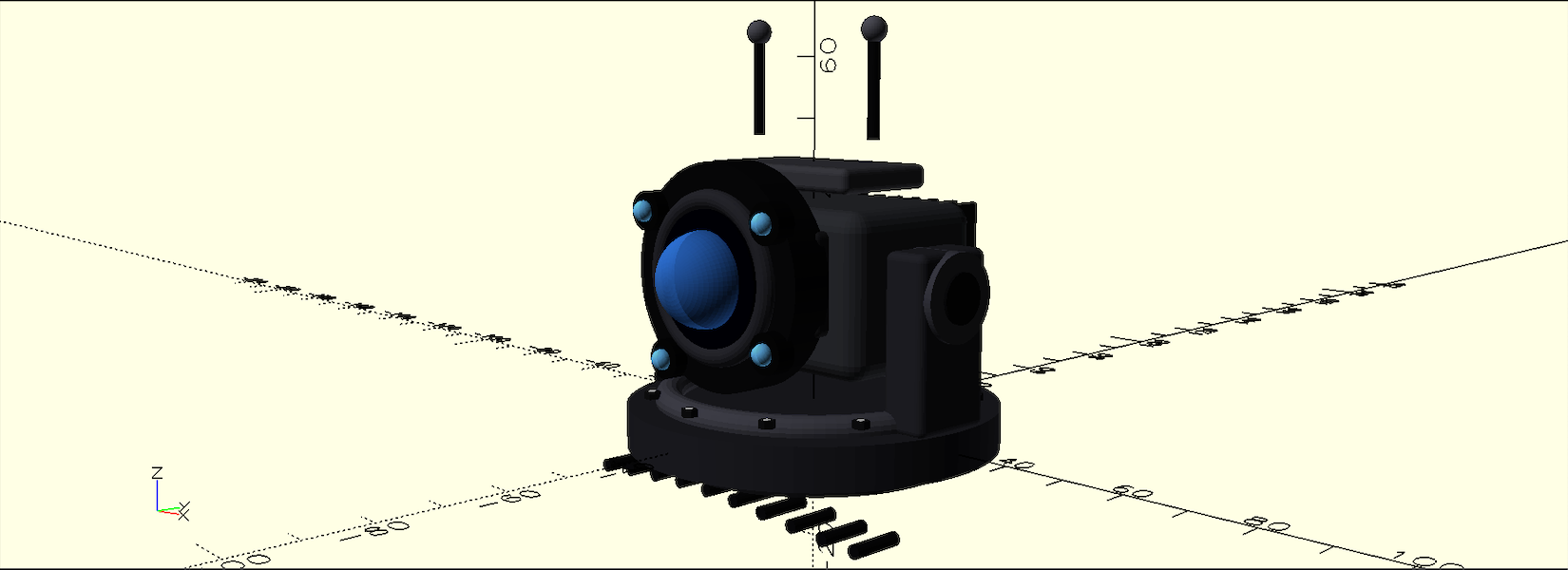
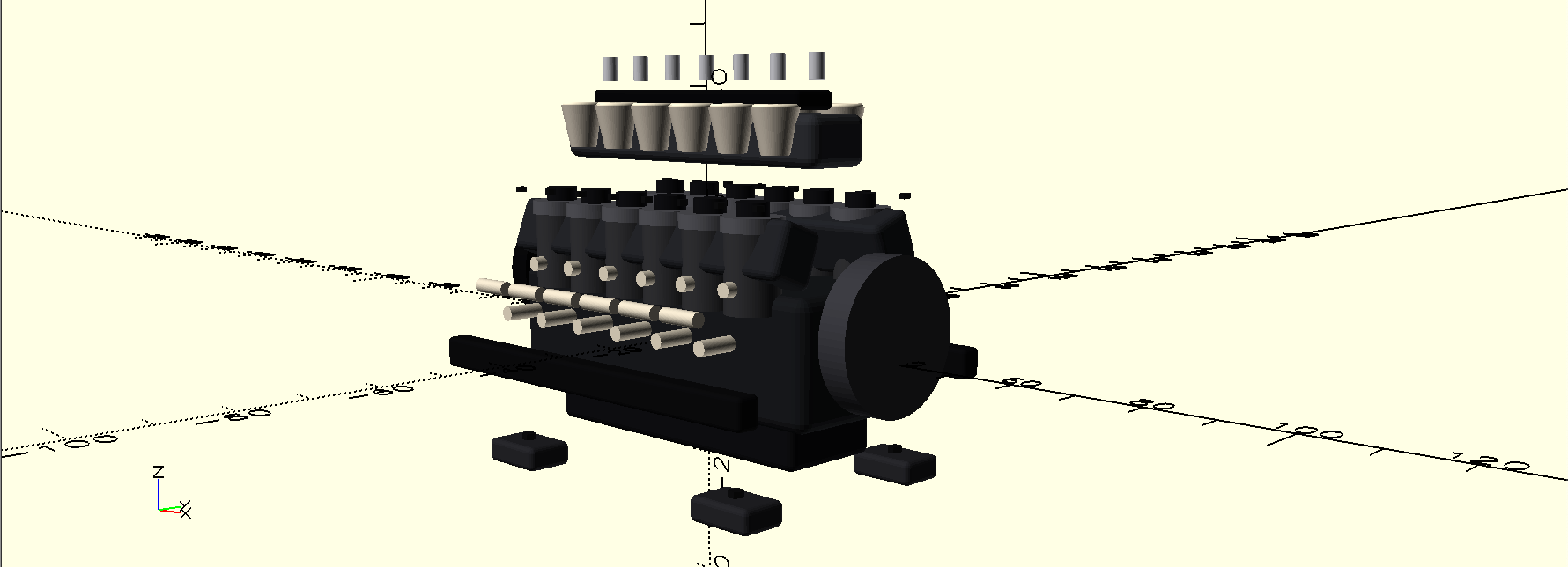
|
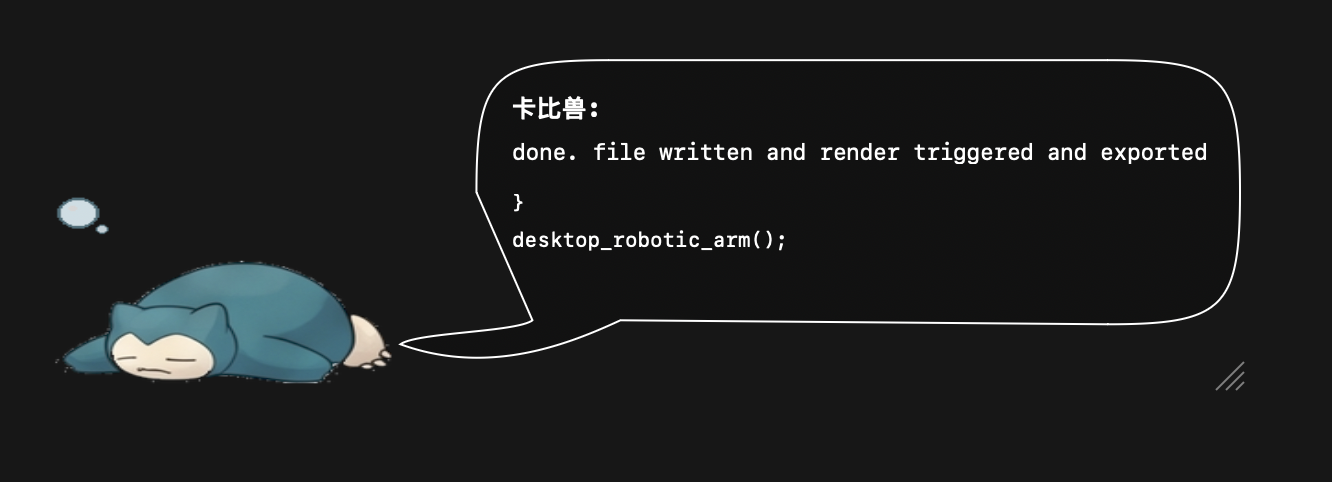
idō petthe idō pet allows you to track idō's task progress while working in another tab or viewing results in your modeling software |
Install
Requires Python 3.11+ and your own OpenAI-compatible API key.
pipx install ido-agent
ido
On first run, idō prompts for your API key, validates it with a tiny real API request, saves it in your user config directory, then starts the terminal CAD agent. Future runs use the saved local key:
ido
Useful setup commands:
ido login
ido login --provider openai --model gpt-4o-mini
ido login --provider openrouter --base-url https://openrouter.ai/api/v1 --model <model>
ido doctor --api
ido config
ido config set model <model>
ido logout
Credentials are stored outside the repo with platformdirs, for example
~/Library/Application Support/ido/config.json on macOS. ido config only
prints a masked key.
Blender setup
cd adapters/blender
zip -r ../../ido_blender.zip ido_blender
cd ../..

ido serve
In Blender:
- Open
Edit -> Preferences -> Add-ons - Install
ido_blender.zip - Press
Nin the 3D View - Open the
idōtab - Use
http://127.0.0.1:8010as the backend
Prompt from the CLI:
ido prompt --tool blender "make a small cabin"
OpenSCAD setup
Install OpenSCAD and make sure openscad is on your PATH
ido open openscad
ido prompt --tool openscad "make a bracket with two mounting holes"
Outputs are written to your user data directory, for example
~/Library/Application Support/ido/projects/default on macOS.
Command
ido                 # terminal OpenSCAD CAD agent
ido login           # replace the saved local API key
ido logout          # delete the saved local API key
ido doctor --api    # real minimal API validation
ido config          # show config path, provider, model, masked key
ido serve           # run the API
ido status          # check runtime status
ido reset           # clear generated files
1 maintainer

Metadata
1 maintainer
Release files for ido-agent 0.1.11
For a detailed explanation of source distributions (sdists) and built distributions (wheels), please see the package formats documentation.
Source distribution (sdist)
| File | Size | Uploaded | Provenance | Actions |
|---|---|---|---|---|
| ido_agent-0.1.11.tar.gz | 2.4 MB | Without provenance | Details for ido_agent-0.1.11.tar.gz |
Built distribution (wheel)
| File | Interpreter | ABI | Platform | Actions Reset |
|---|---|---|---|---|
| ido_agent-0.1.11-py3-none-any.whl | Python 3 | none | any | Details for ido_agent-0.1.11-py3-none-any.whl |
Total release size: 2.5 MB
Release files / ido_agent-0.1.11.tar.gz
| Download URL | ido_agent-0.1.11.tar.gz |
|---|---|
| Size | 2.4 MB |
| Tags | Source |
|
SHA-256 checksum How to use checksums |
e2b37f9c1815f3ec66529f1b07398bdb5839aa8a9852cdd0101fe8a4484a3438
|
|
BLAKE2b-256 checksum How to use checksums |
97901341832ada08ffefef7ce182b79f1e76a0d486932f9e724eac92b8cf8aa0
|
| Upload date | |
|
Uploaded using Trusted Publishing? What is trusted publishing? |
No |
| Uploaded via |
twine/6.2.0 CPython/3.14.4
|
Release files / ido_agent-0.1.11-py3-none-any.whl
| Download URL | ido_agent-0.1.11-py3-none-any.whl |
|---|---|
| Size | 106.9 kB |
| Tags | Python 3 |
|
SHA-256 checksum How to use checksums |
0506faa649b49df65fc8300d1c22688dcfce48e7046280ff12fa7b71b0fdc1a8
|
|
BLAKE2b-256 checksum How to use checksums |
75dbe241a01f5dfdbed442fbb7c3453334f199034e8a730e2d82fa2a04c98be9
|
| Upload date | |
|
Uploaded using Trusted Publishing? What is trusted publishing? |
No |
| Uploaded via |
twine/6.2.0 CPython/3.14.4
|
Security for ido-agent 0.1.11
Provenance
Provenance describes where a file came from. On PyPI, provenance is shared via attestations, which provide a verifiable record of the build or publishing details. View details, limitations and caveats.
No provenance found
None of the files in this release were uploaded with provenance metadata.
A note on package security
PyPI is a repository for distributing packages, not a service for auditing them. While third-party security researchers and our staff do their best to detect and remove malicious packages, PyPI cannot guarantee the quality, security or suitability of any given package.
To learn more about protecting yourself from malicious actors, visit our package security documentation.














