
Tool-agnostic Engineering IR backend and Blender adapter

Project description

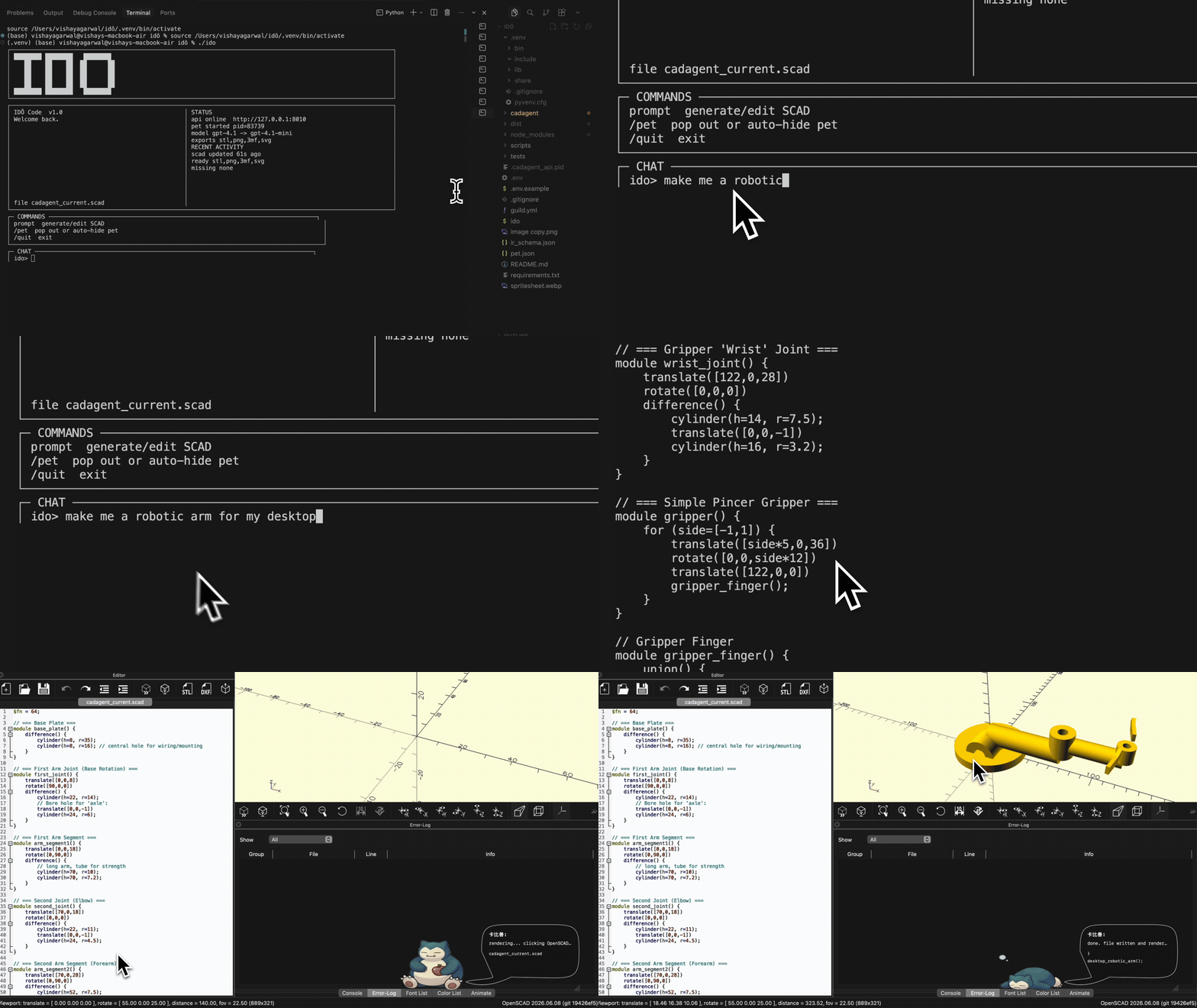
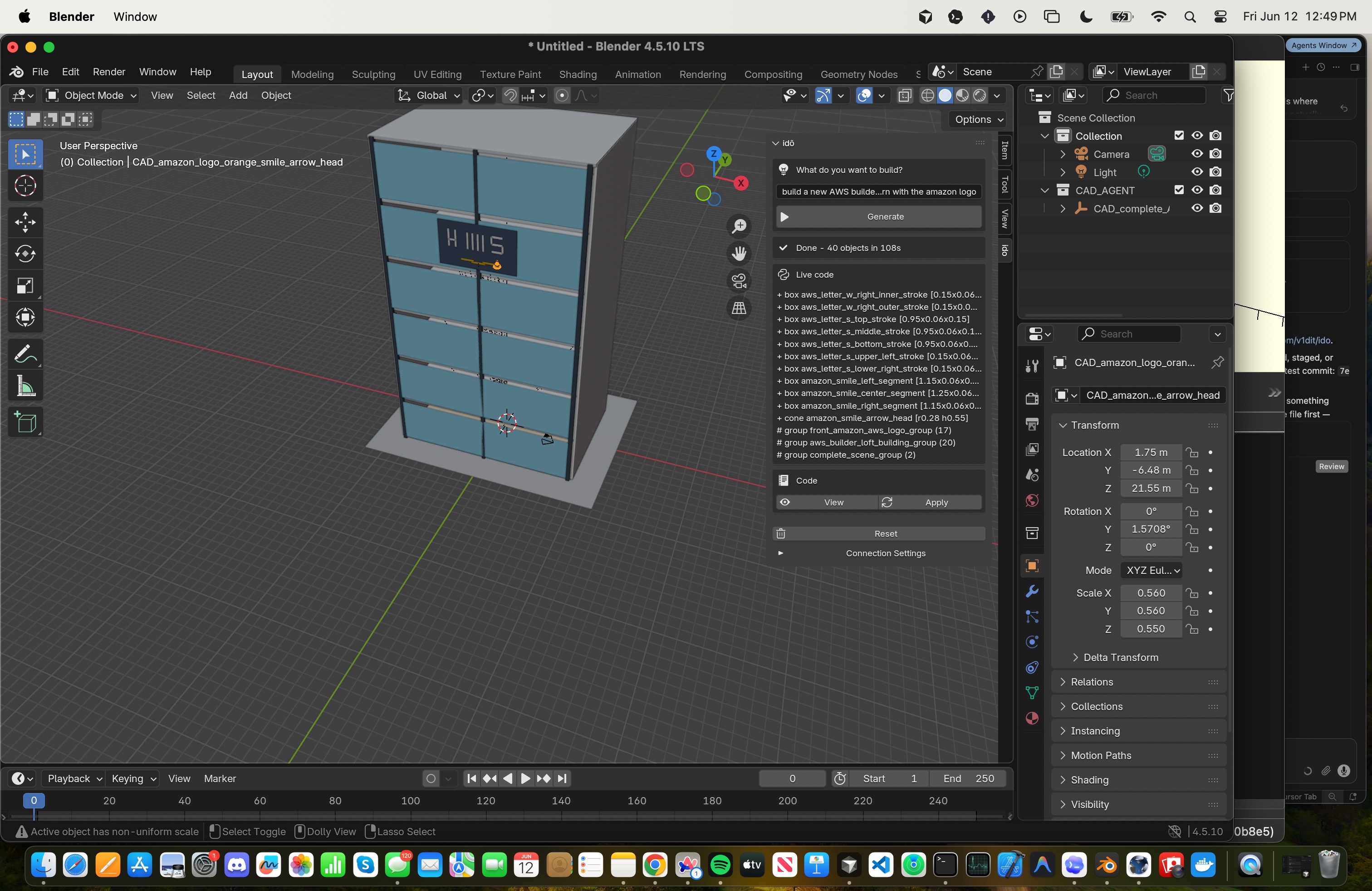
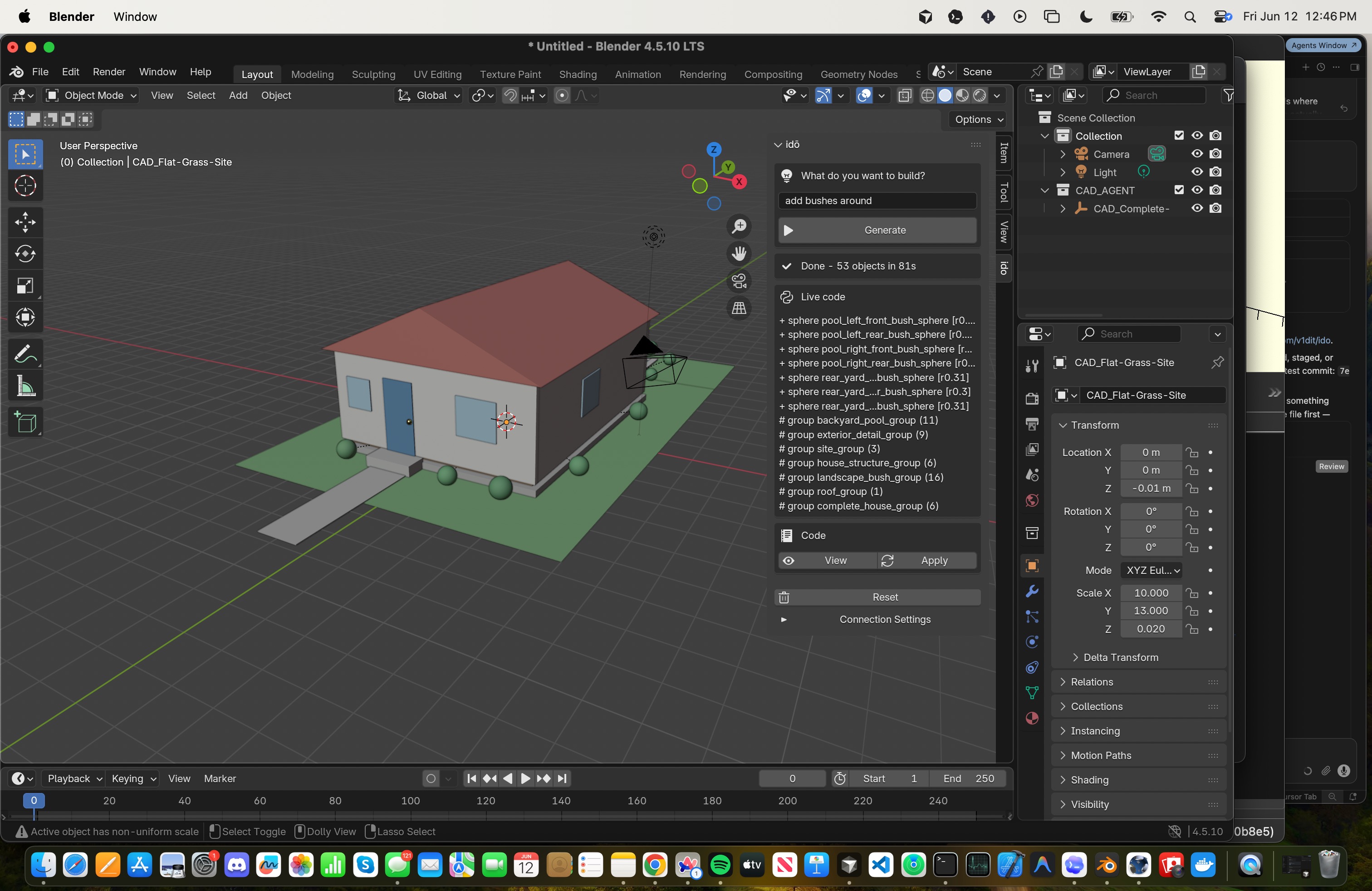
what people are building with Ido for Blender →
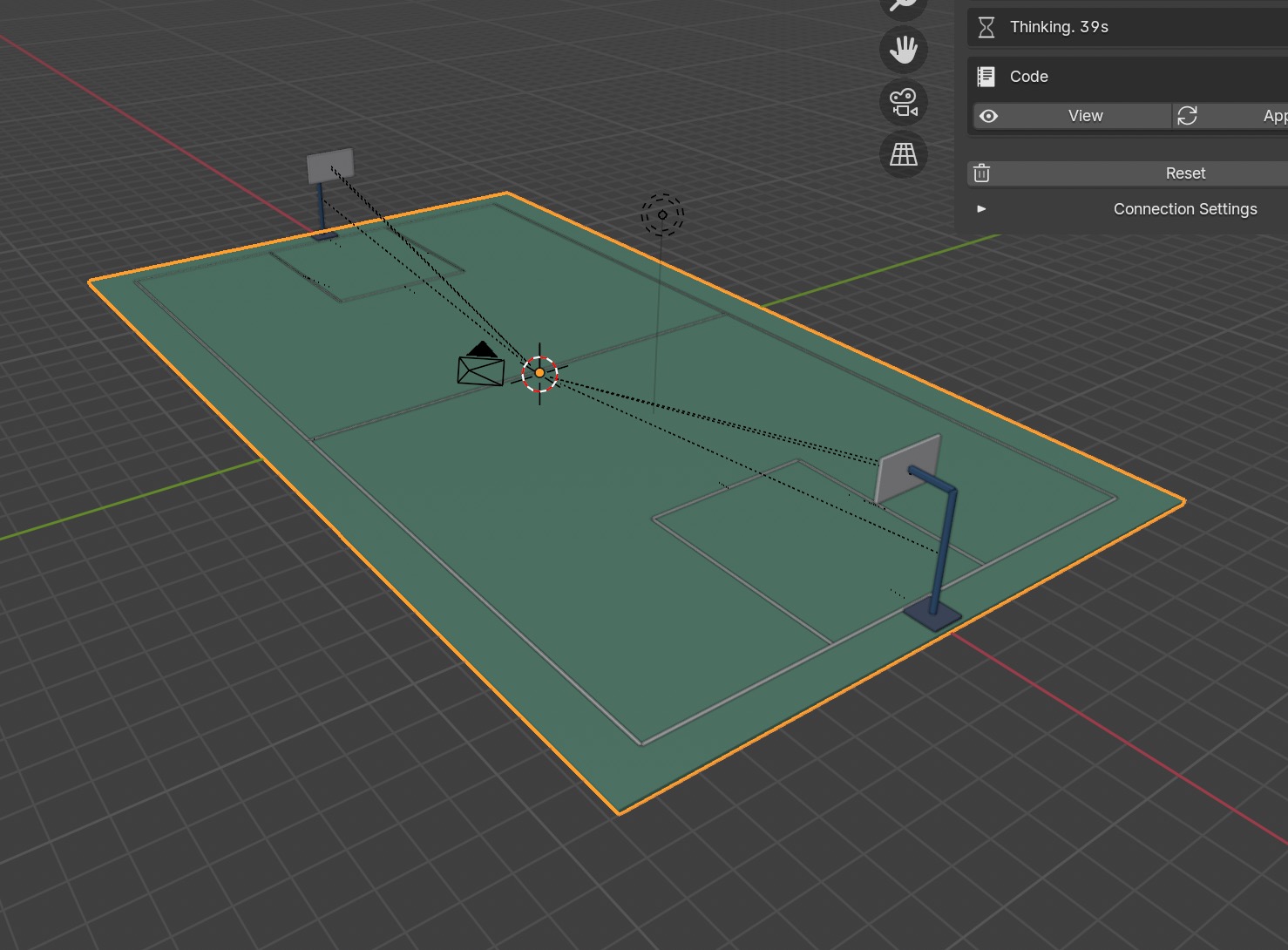

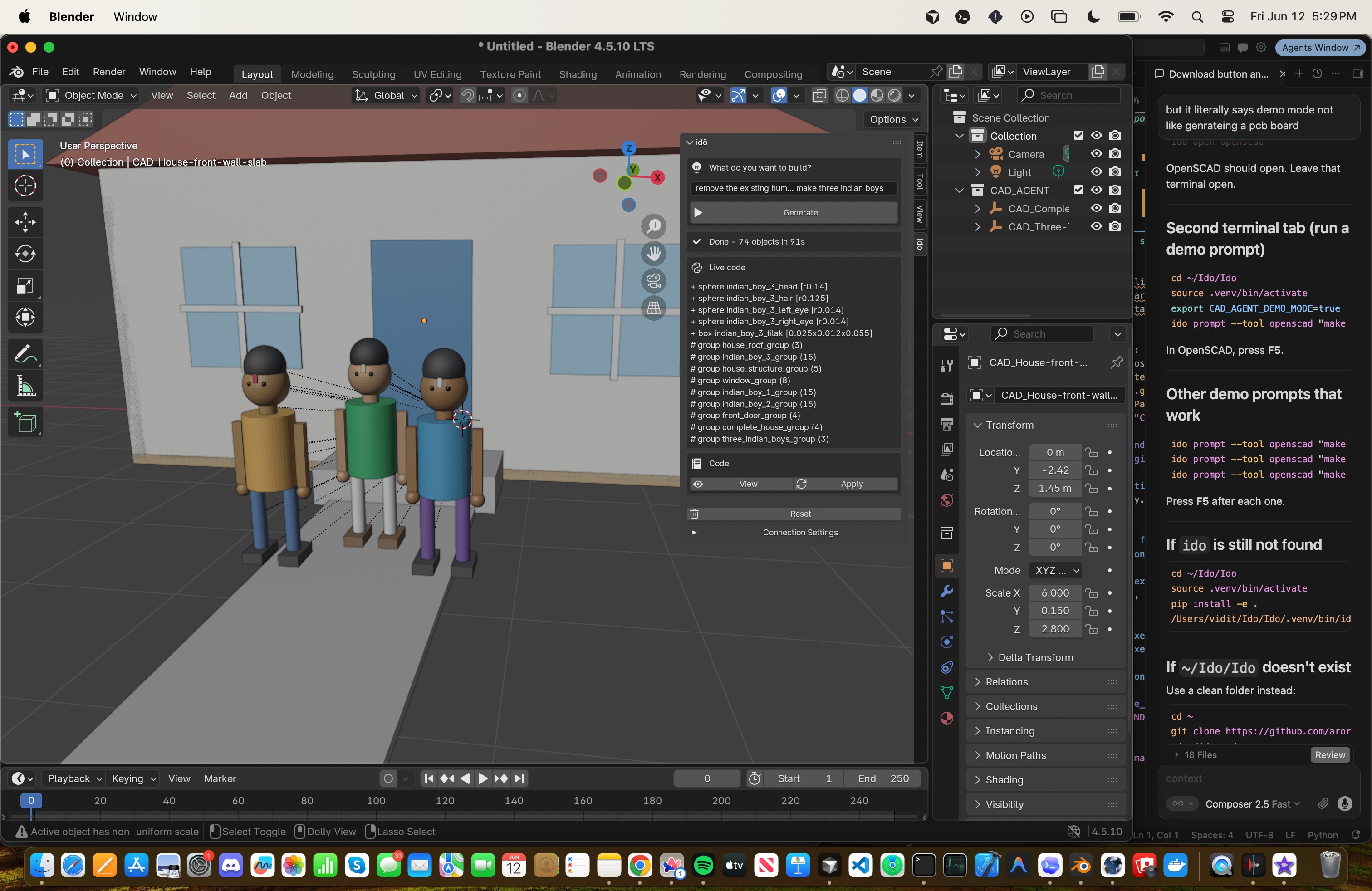

what people are building with Ido for OpenSCAD →
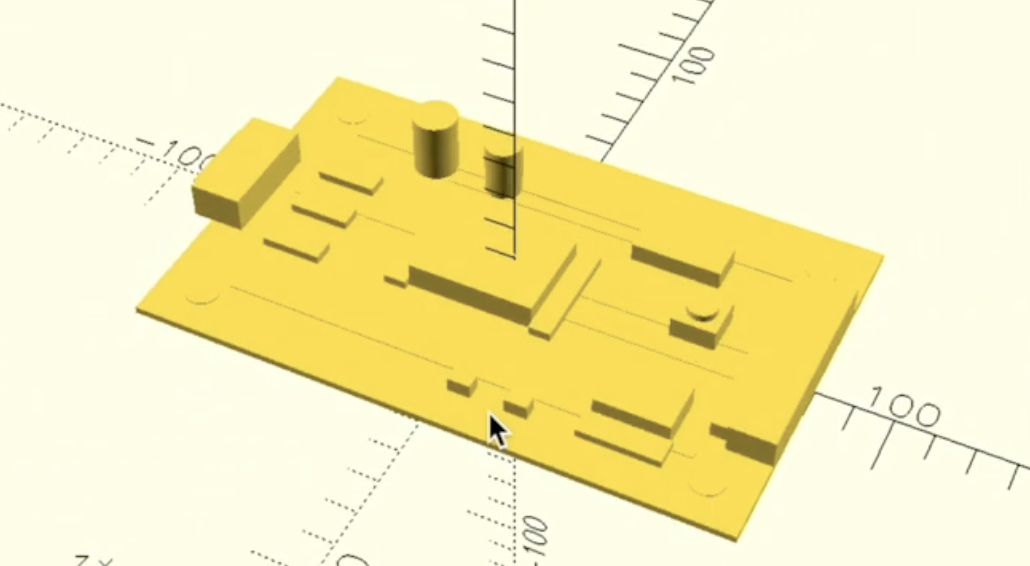

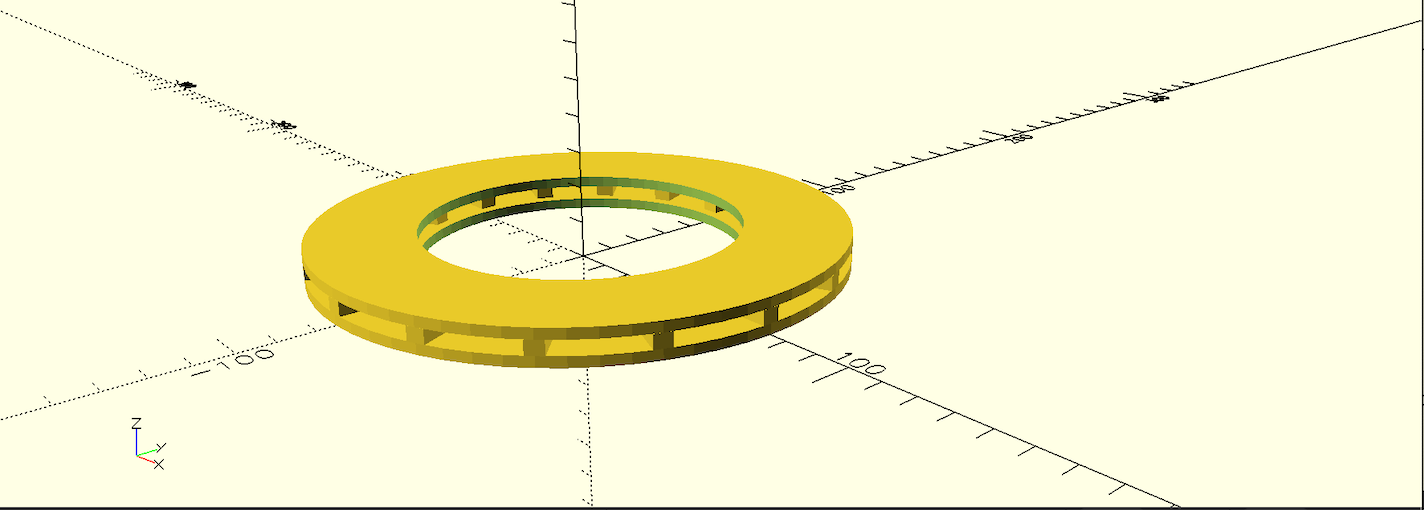

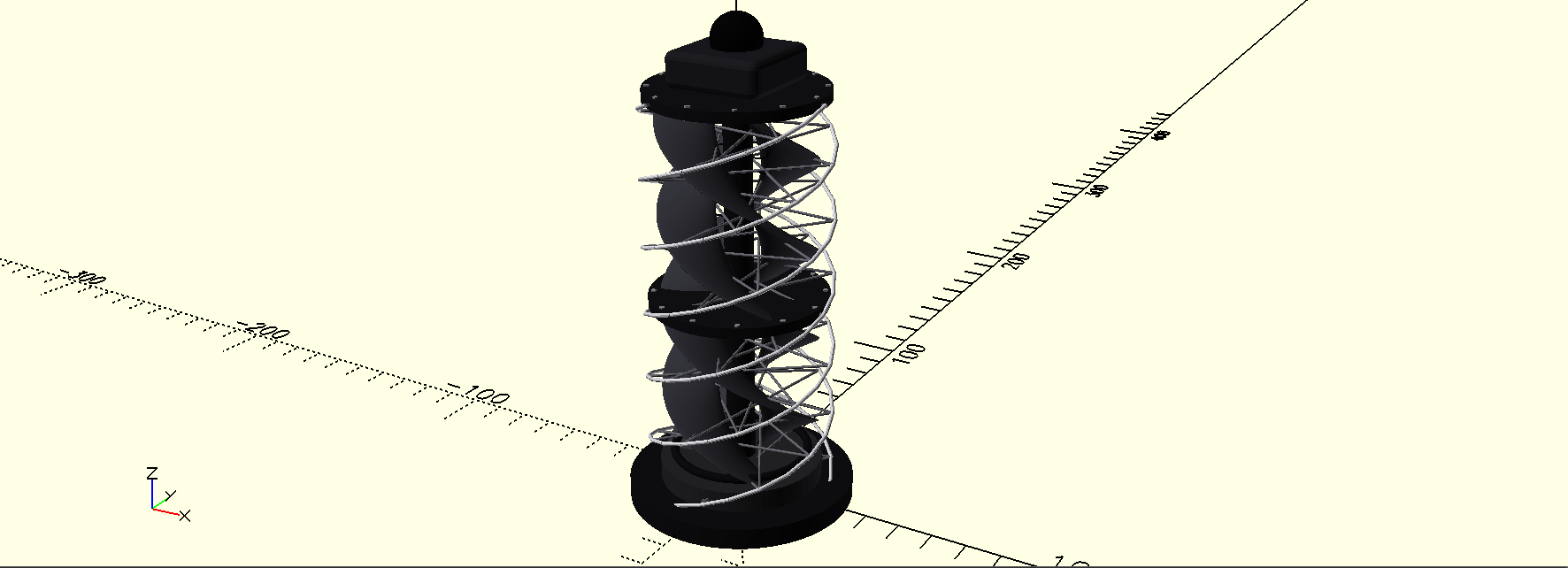
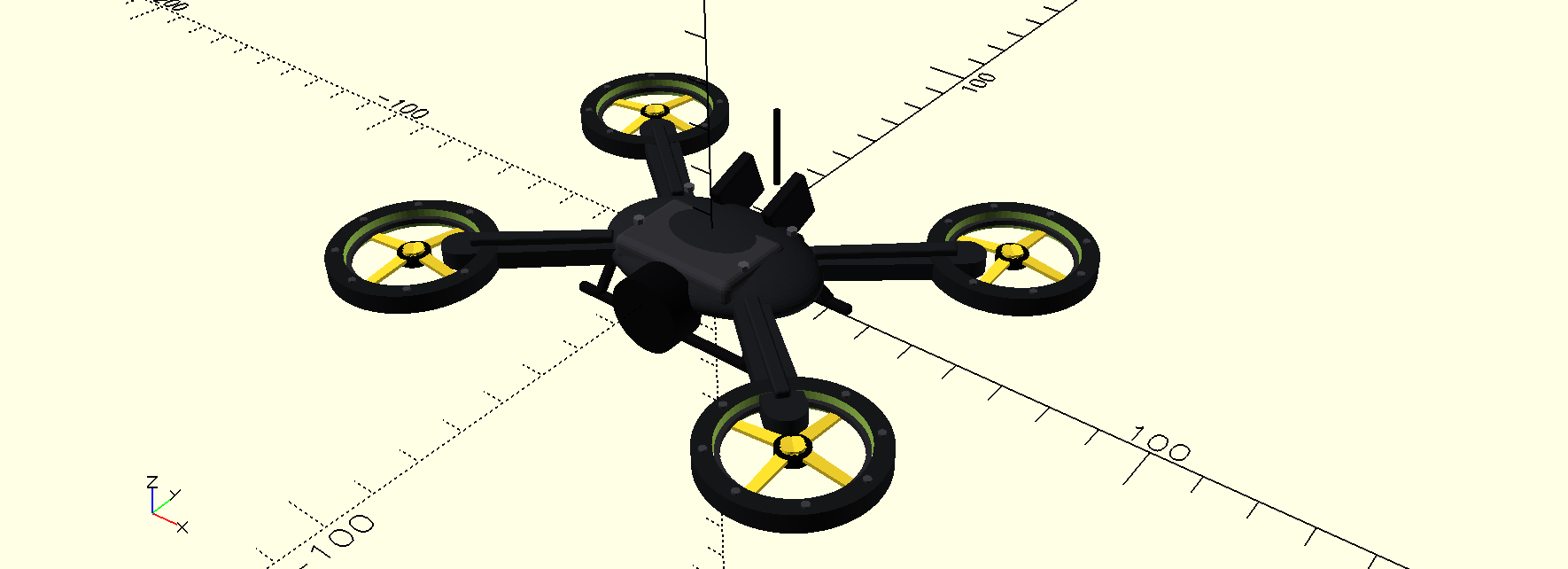
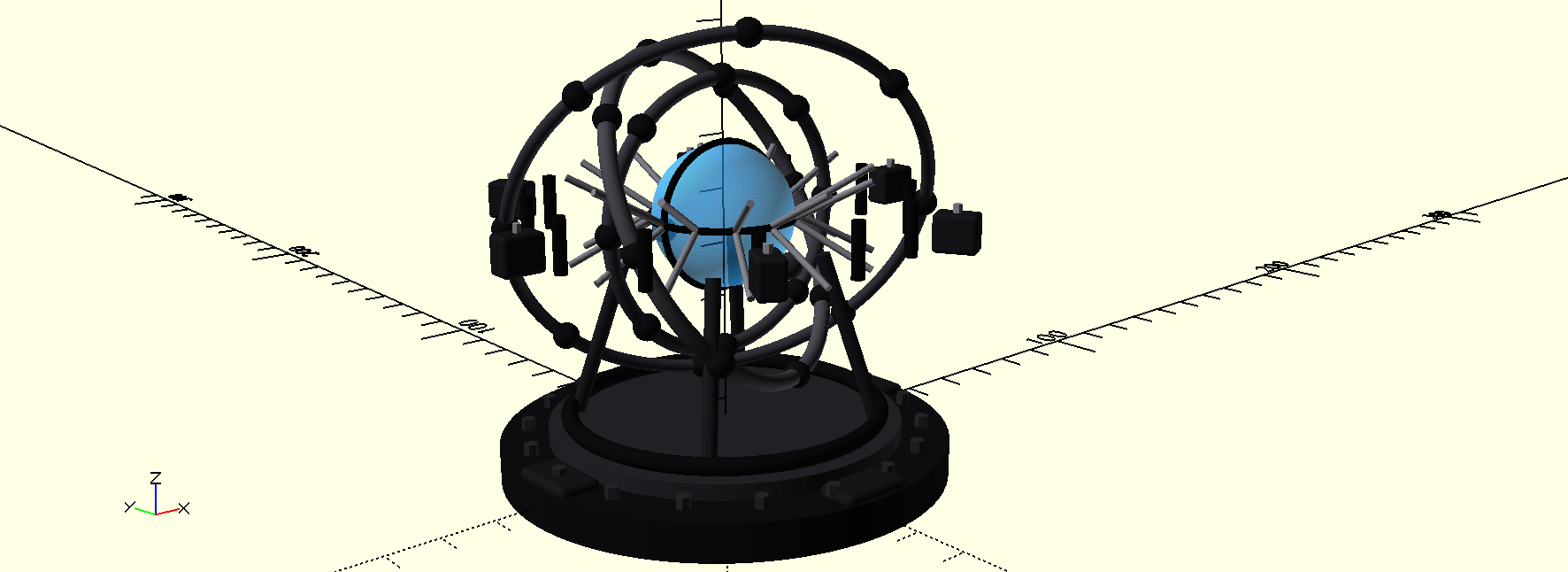
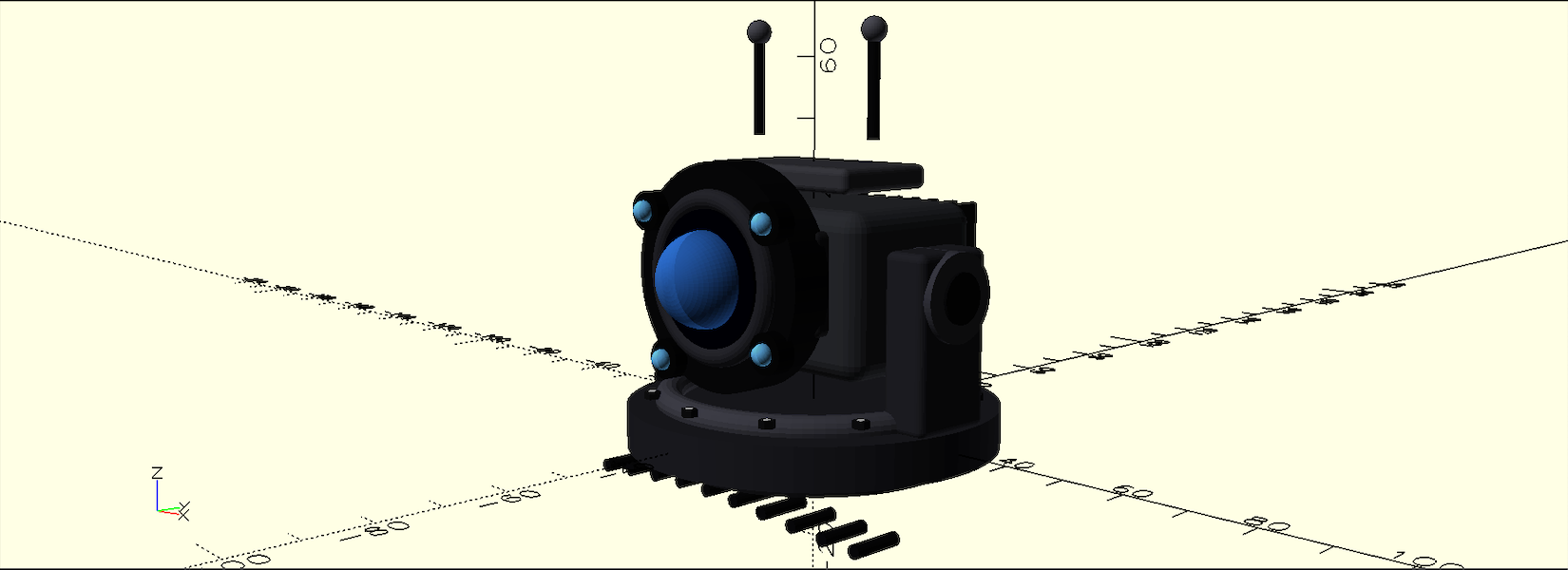
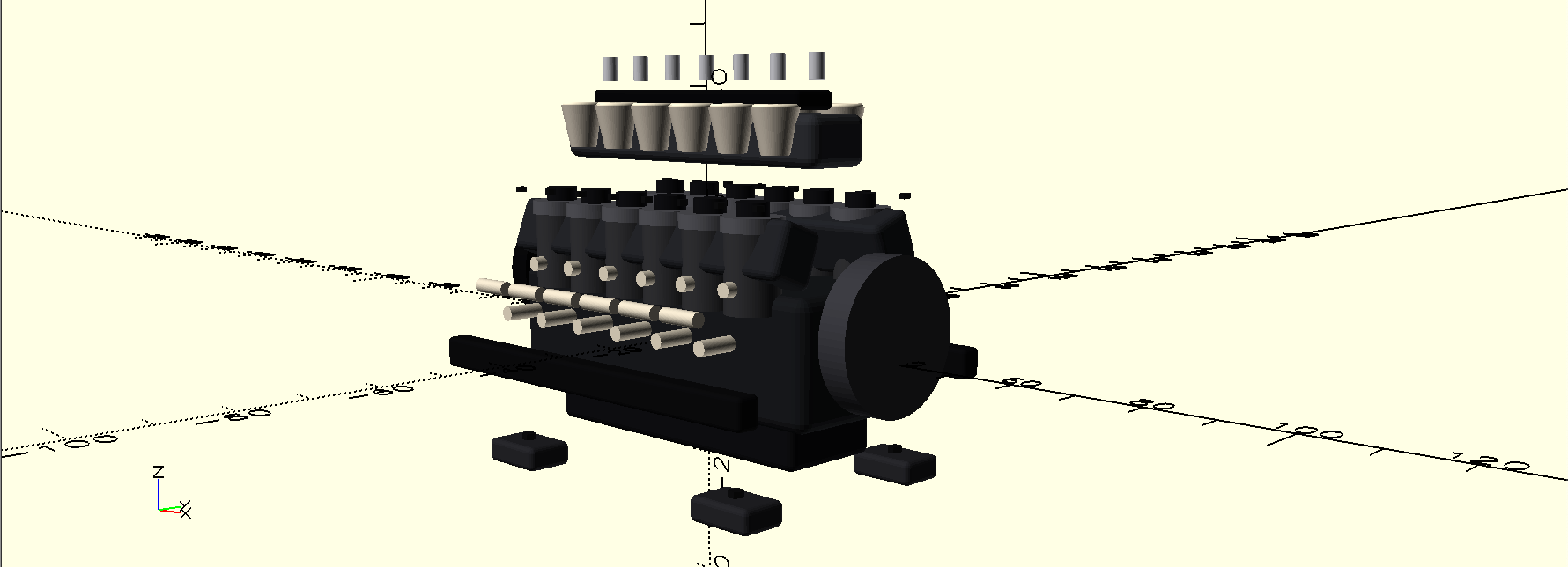

|
idō petthe idō pet allows you to track idō's task progress while working in another tab or viewing results in your modeling software |
Install
Requires Python 3.11+ and your own OpenAI-compatible API key.
pipx install ido-agent
ido
On first run, idō prompts for your API key, validates it with a tiny real API request, saves it in your user config directory, then starts the terminal CAD agent. Future runs use the saved local key:
ido
Useful setup commands:
ido login
ido login --provider openai --model gpt-4o-mini
ido login --provider openrouter --base-url https://openrouter.ai/api/v1 --model <model>
ido doctor --api
ido config
ido config set model <model>
ido logout
Credentials are stored outside the repo with platformdirs, for example
~/Library/Application Support/ido/config.json on macOS. ido config only
prints a masked key.
Blender setup
cd adapters/blender
zip -r ../../ido_blender.zip ido_blender
cd ../..

ido serve
In Blender:
- Open
Edit -> Preferences -> Add-ons - Install
ido_blender.zip - Press
Nin the 3D View - Open the
idōtab - Use
http://127.0.0.1:8010as the backend
Prompt from the CLI:
ido prompt --tool blender "make a small cabin"
OpenSCAD setup
Install OpenSCAD and make sure openscad is on your PATH
ido open openscad
ido prompt --tool openscad "make a bracket with two mounting holes"
Outputs are written to your user data directory, for example
~/Library/Application Support/ido/projects/default on macOS.
Command
ido                 # terminal OpenSCAD CAD agent
ido login           # replace the saved local API key
ido logout          # delete the saved local API key
ido doctor --api    # real minimal API validation
ido config          # show config path, provider, model, masked key
ido serve           # run the API
ido status          # check runtime status
ido reset           # clear generated files
Release history Release notifications | RSS feed


Download files
Download the file for your platform. If you're not sure which to choose, learn more about installing packages.
Source Distribution
Built Distribution
Filter files by name, interpreter, ABI, and platform.
If you're not sure about the file name format, learn more about wheel file names.
Copy a direct link to the current filters
File details
Details for the file ido_agent-0.1.6.tar.gz.
File metadata
- Download URL: ido_agent-0.1.6.tar.gz
- Upload date:
- Size: 2.4 MB
- Tags: Source
- Uploaded using Trusted Publishing? No
- Uploaded via: twine/6.2.0 CPython/3.14.4
File hashes
| Algorithm | Hash digest | |
|---|---|---|
| SHA256 |
8e72ab54fa0831500c54d0eeb420b47c7fa37d88ecc7da147d314adbd2d46139
|
|
| MD5 |
1863827d82b0ff8a2b3680bf66449e61
|
|
| BLAKE2b-256 |
3ff514c4fe4a8cbe028d1d0da85e83ac0f8441832be894c328fc0213946360af
|
File details
Details for the file ido_agent-0.1.6-py3-none-any.whl.
File metadata
- Download URL: ido_agent-0.1.6-py3-none-any.whl
- Upload date:
- Size: 73.9 kB
- Tags: Python 3
- Uploaded using Trusted Publishing? No
- Uploaded via: twine/6.2.0 CPython/3.14.4
File hashes
| Algorithm | Hash digest | |
|---|---|---|
| SHA256 |
dc87f981787c0e5c986616f637912cd3af1adfa7ab5250de3bc9580e23841bfb
|
|
| MD5 |
4331d0e9f43aba5ba83e58e00914d7d4
|
|
| BLAKE2b-256 |
cf6b83c9537b20672c3df08569e331d5356269a8865a36e4a4623bcca17ca55d
|






