
ifcfactory



A modular geometry system for creating BIM elements with composable geometry creation.
About This Project
ifcfactory is developed and maintained by Freie und Hansestadt Hamburg, Landesbetrieb Geoinformation und Vermessung (LGV), BIM-Leitstelle
This library is part of the Connected Urban Twins project ecosystem, providing a foundational geometry framework for automated IFC generation from urban data sources. It serves as a core dependency for BIMFabrikHH_core and other BIM automation tools.
Author: Ahmed Salem (BIM-Leitstelle, LGV Hamburg)
In cooperation with: Thomas Krijnen
Quick Install
pip install ifcfactory
Overview
ifcfactory offers a declarative, composable framework for creating complex BIM geometry. It leverages Pydantic models for strong type safety and validation, while providing seamless integration with IfcOpenShell for reliable IFC file generation.
The declarative structures in Python are automatically mapped to the most appropriate IFC mechanisms, for example:
Boolean(operation, children):- In case of: subtraction of element from element ->
IfcRelVoidsElement+IfcOpeningElement - In case of: subtraction of profile from profile ->
IfcProfileDefWithVoids - In case of: any item to item ->
IfcBooleanResult
- In case of: subtraction of element from element ->
Transform(item, translation, rotation):- In case of: element -> Factored into
ObjectPlacement - In case of: tesselation -> Applied to coordinates
- Other cases: defer to
shape_buildertranslate() and rotate() [when along "Z" axis]
- In case of: element -> Factored into
Structure
ifcfactory/
├── __init__.py                 # Main public API
├── element.py                  # High-level BIM elements
├── primitives.py               # Geometric shapes (Box, Cylinder, Sphere, etc.)
├── operations.py               # Transformations and Boolean operations
└── _internal/                  # Internal implementation (not for direct user access)
    ├── __init__.py            # Internal package marker
    ├── primitives_base.py     # Base classes and helper functions
    ├── material_base.py       # Materials and styling
    ├── unit_base.py           # Unit conversion utilities (pint ↔ IFC)
    └── pset_base.py           # Property set templates
Public API
High-Level Elements
BIMFactoryElement: Container for complete BIM elements with IFC integration
2D Profiles
Rect(width, height): Rectangular profileCircle(radius): Circular profileEllipse(semi_axis1, semi_axis2): Elliptical profilePolygon(points, voids=[]): Arbitrary polygon from list of 2D points, with optional inner polygons as voidsPolylineOffset(points, offset, miter_limit=2.0): Wall footprint from a 2D centerline, offset byoffsetto the left and to the right. Sharp outer corners are cut offmiter_limit * offsetfrom the corner; a closed centerline gives a ring with the inner face as a void
3D Representations
Box(width, depth, height): Rectangular boxCube(size): Cube with equal dimensionsCylinder(radius, height): Circular cylinderEllipticalCylinder(semi_axis1, semi_axis2, height): Elliptical cylinderNgonCylinder(radius, height, segments=8): N-sided cylinderSphere(radius, detail=1): Icosphere with configurable detailExtrusion(basis, depth): Extrude any 2D profileSweptDisk(points, radius, arc_points=[]): Disk ofradiusswept along a 3D path (IfcSweptDiskSolid), e.g. a pipe or a bent rail. Each index inarc_pointsturns that inner point into the middle of a circular arcExtrudedNgonAsMesh(basis, height): N-sided extrusion as meshMeshRepresentation(vertices, faces): Custom mesh geometry
Operations
Transform(item, translation, rotation): Apply a transformation (translation and/or rotation)Boolean(operation, children): Boolean operations (union, difference, intersection)BooleanOperationTypes: Enum for boolean operation types
Materials & Styling
Style: Visual styling with colors and transparencyMaterial: Physical material properties
Property Sets
PropertySetTemplate: Template for creating property sets
Units
- Dimension variables:
L(length),A(area),V(volume),M(mass),T(time),E(current),K(temperature),N(force),J(energy),P(power) pint_to_ifc: Mapping dictionary for unit conversionureg: Pint unit registryDim: Dimension class
Key Features
- Type Safety: Built on Pydantic for runtime type checking and validation
- Composable: Mix and match primitives to create complex geometry
- Cacheable: Built elements are cached to prevent duplication
- Unit Aware: Automatic unit conversion between pint and IFC types
- Material Support: Visual styling and material assignment
- Property Sets: Support for IFC property sets and quantities
- API: Internal implementation hidden in
_internalmodule
Complete Working Example
Here's a complete example that creates a simple building with multiple wall types:
import ifcopenshell
import ifcopenshell.api
import ifcopenshell.api.aggregate
import ifcopenshell.api.context
import ifcopenshell.api.root
import ifcopenshell.api.unit

from ifcfactory import (
    BIMFactoryElement, Box, Cube, Cylinder, Extrusion, Rect, Sphere
)


def create_basic_ifc_setup(project_name: str):
    """Create basic IFC model setup using IfcOpenShell API"""
    # Create IFC model
    ifc_model = ifcopenshell.file(schema="IFC4")

    # Create project
    project_entity = ifcopenshell.api.root.create_entity(ifc_model, ifc_class="IfcProject", name=project_name)

    # Create units (meters)
    ifcopenshell.api.unit.assign_unit(ifc_model, length={"is_metric": True, "raw": "METERS"})

    # Create contexts
    model_context = ifcopenshell.api.context.add_context(ifc_model, context_type="Model")
    ifcopenshell.api.context.add_context(
            ifc_model, context_type="Model", context_identifier="Body", target_view="MODEL_VIEW", parent=model_context
    )

    # Create site
    site_entity = ifcopenshell.api.root.create_entity(ifc_model, ifc_class="IfcSite", name="Default Site")
    ifcopenshell.api.aggregate.assign_object(ifc_model, relating_object=project_entity, products=[site_entity])

    # Create building
    building_entity = ifcopenshell.api.root.create_entity(ifc_model, ifc_class="IfcBuilding", name="Default Building")
    ifcopenshell.api.aggregate.assign_object(ifc_model, relating_object=site_entity, products=[building_entity])

    return ifc_model, project_entity, site_entity, building_entity


# Create IFC model and setup
model, proj, site, building = create_basic_ifc_setup("Example Building")

# Create complete project structure using BIMFactoryElement
BIMFactoryElement(
        inst=building,
        children=[
                # Box wall positioned at origin
                BIMFactoryElement(type="IfcWall", name="Box Wall", children=[Box(width=5.0, depth=0.3, height=3.0)]),
                # Cube wall
                BIMFactoryElement(type="IfcWall", name="Cube Wall", children=[Cube(size=4.0)]),
                # Cylinder wall
                BIMFactoryElement(type="IfcWall", name="Cylinder Wall", children=[Cylinder(radius=1.5, height=4.0)]),
                # Extruded slab
                BIMFactoryElement(
                        type="IfcSlab",
                        name="Extruded Slab",
                        children=[Extrusion(basis=Rect(width=5.0, height=2.5), depth=0.3)],
                ),
                # Sphere element
                BIMFactoryElement(
                        type="IfcBuildingElementProxy",
                        name="Sphere Element",
                        children=[Sphere(radius=1.5, detail=2)]
                ),
        ],
).build(model)

# Save the model
model.write("example_building.ifc")
print("Saved: example_building.ifc")
This example demonstrates:
- Setting up a proper IFC model with project hierarchy
- Creating various geometric primitives (Box, Cube, Cylinder, Sphere)
- Using profile-based extrusions (Rect → Extrusion)
- Organizing elements in a hierarchical BIM structure
- Saving the result as an IFC file
For more comprehensive examples, see the sections below which demonstrate all features including transformations, boolean operations, materials, and property sets.
Other examples
Additional examples are available in the GitHub repository. All examples generate IFC files and include validation using ifcopenshell.validate.
Example 1 - Complete Building
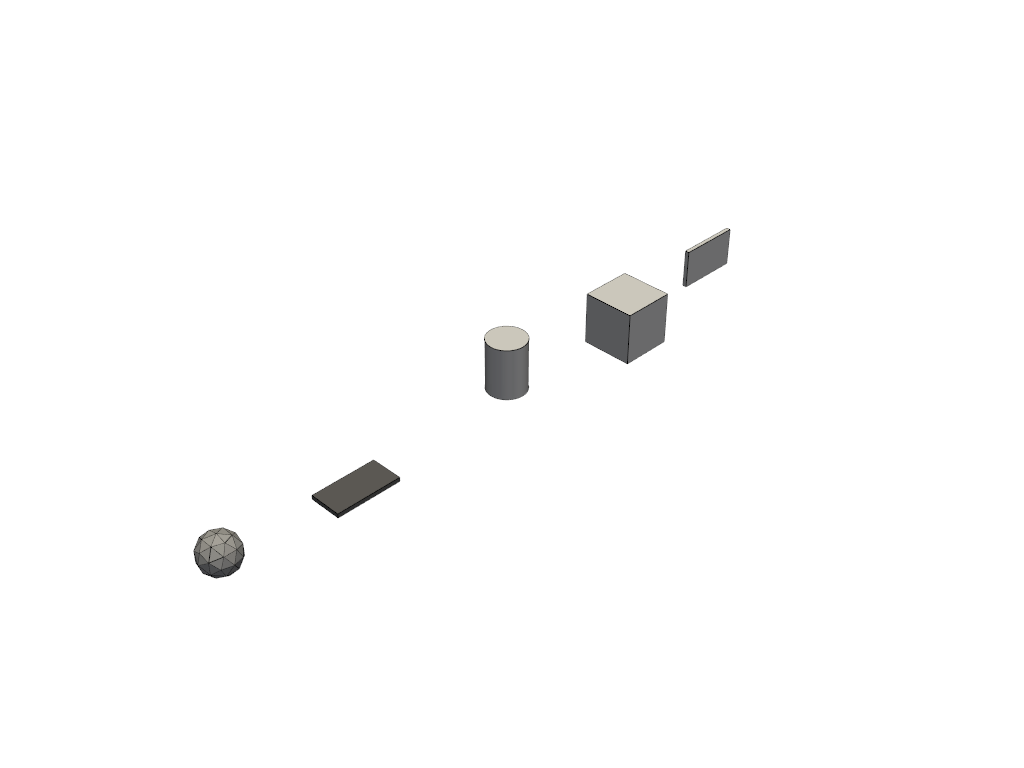
Example 2 - Profile Extrusions
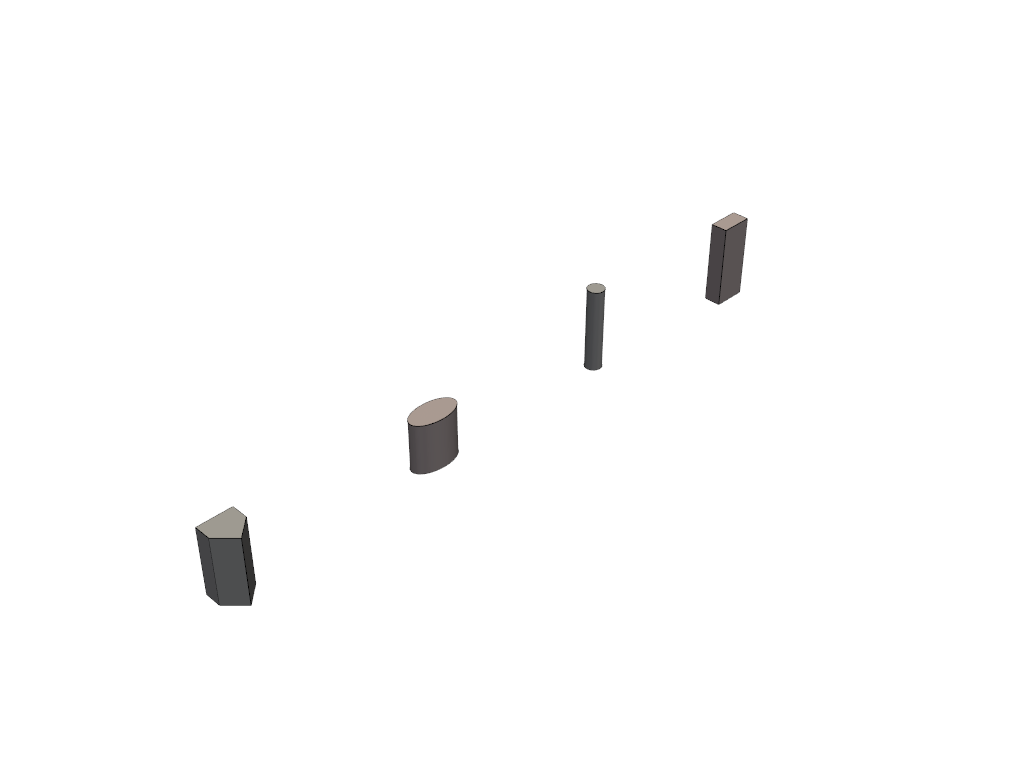
Example 3 - Advanced Primitives
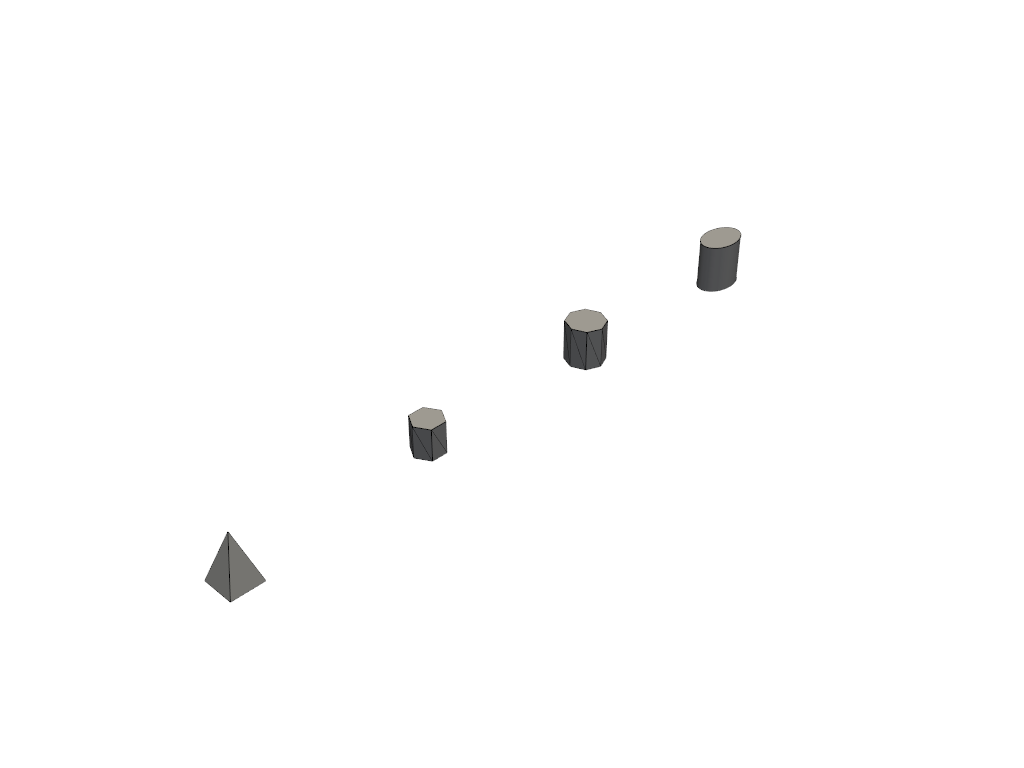
Example 4 - Styled Elements
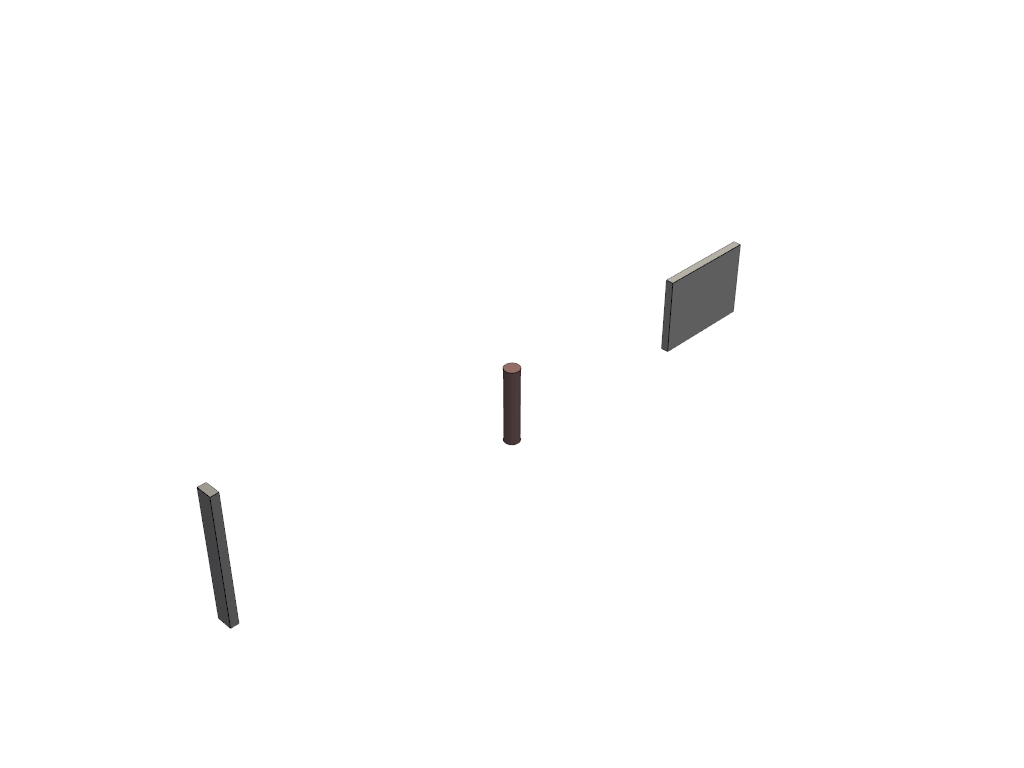
Example 5 - Transformations
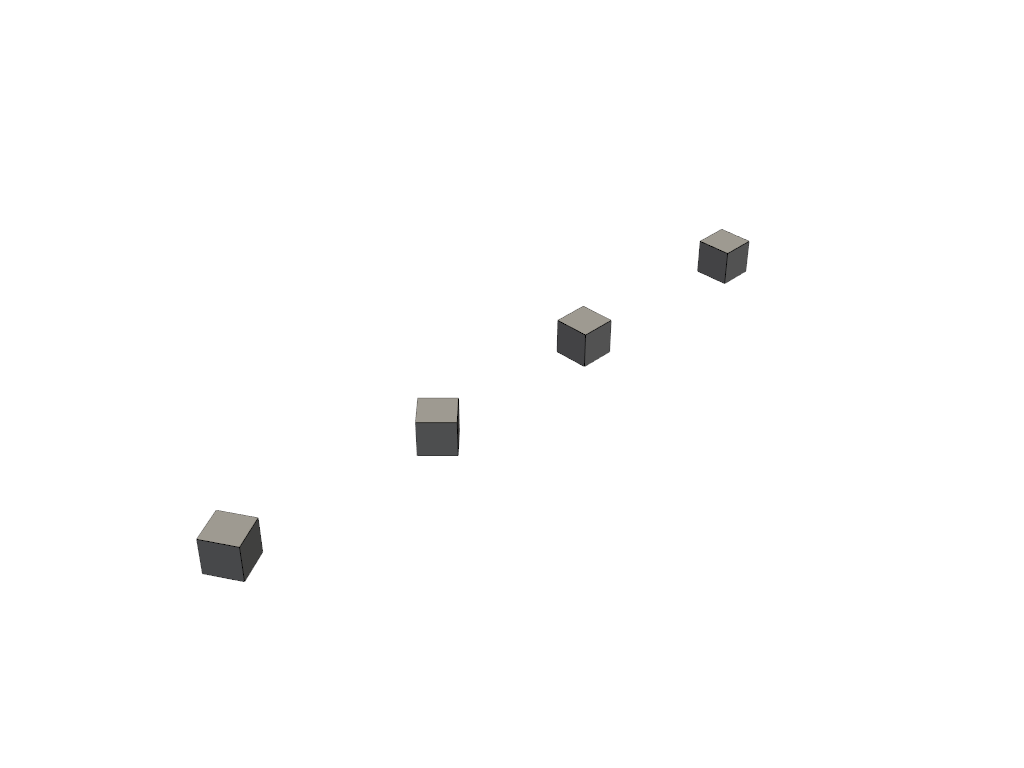
Example 6 - Boolean Operations
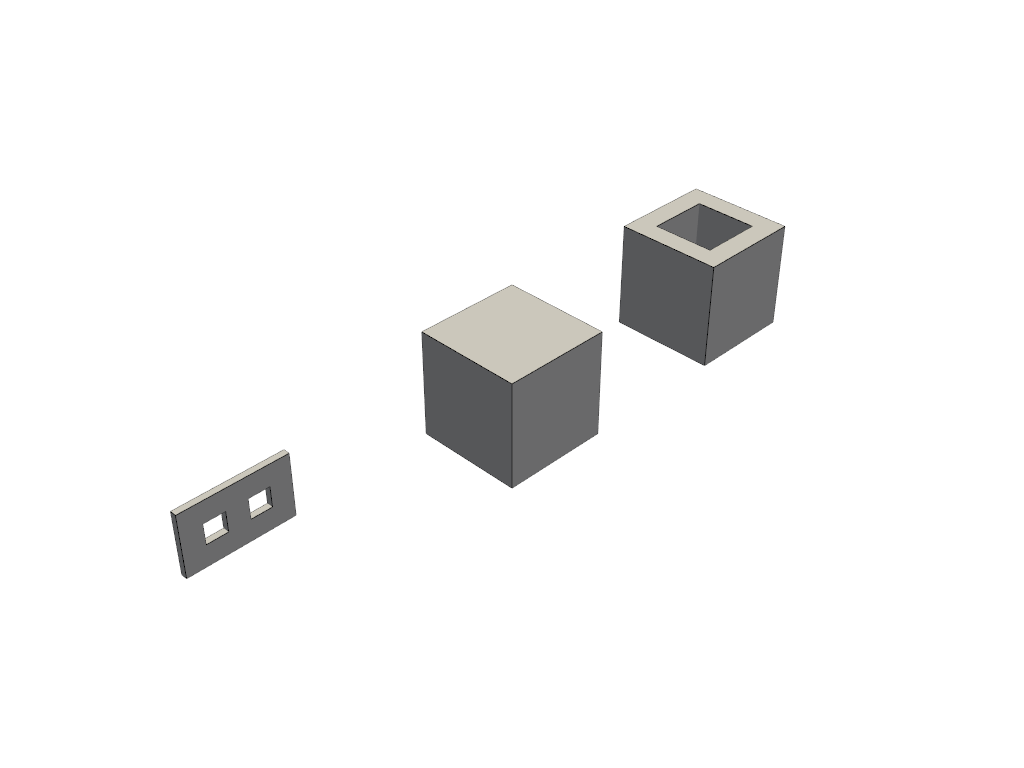
Example 7 - Property Sets

Example 8 - Type Objects
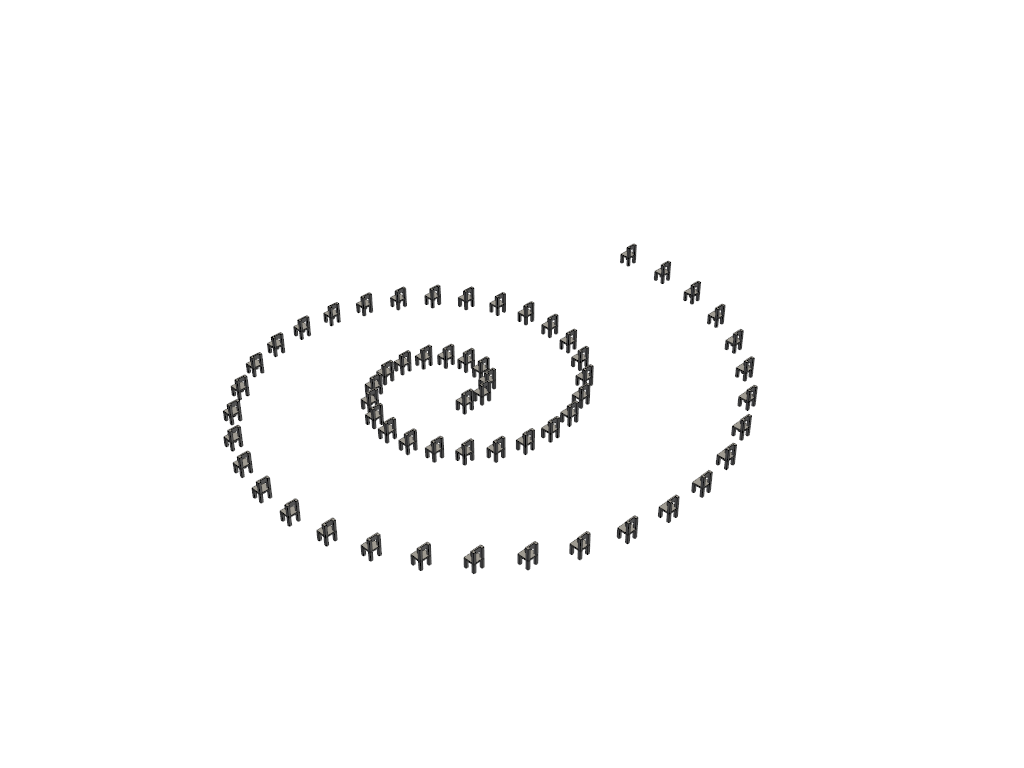
Example 9 - IFC Building Model
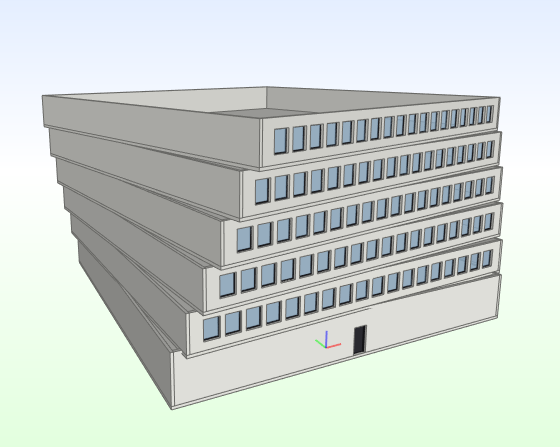
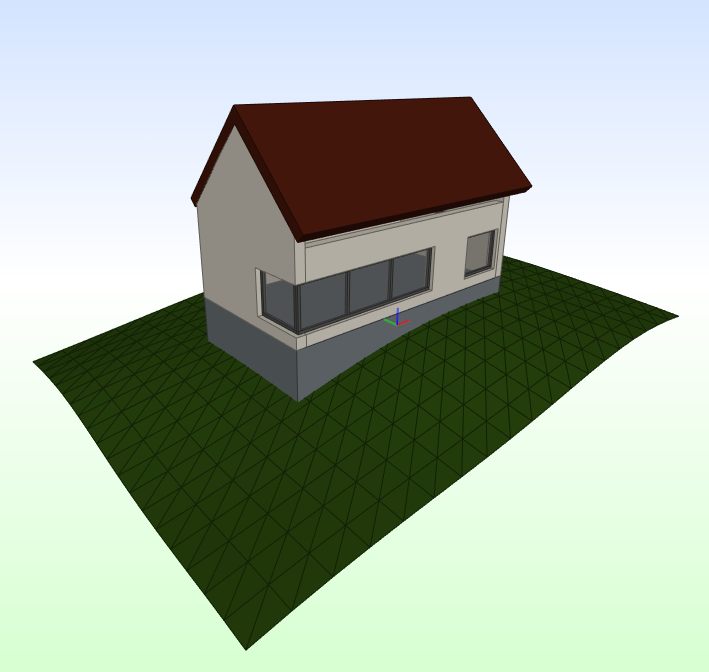
Example 10 - IfcOpenHouse
Links
- PyPI: https://pypi.org/project/ifcfactory/
- GitHub: https://github.com/LGV-BIM-Leitstelle/ifcfactory
- OpenCode: https://gitlab.opencode.de/LGV-BIM-Leitstelle/ifcfactory
- Issues: https://github.com/LGV-BIM-Leitstelle/ifcfactory/issues
License
This project is licensed under the GNU Lesser General Public License v2.1 (LGPL-2.1).
Copyright (C) 2025 Freie und Hansestadt Hamburg, Landesbetrieb Geoinformation und Vermessung BIM-Leitstelle, Ahmed Salem
1 maintainer

Metadata
1 maintainer
Release files for ifcfactory 0.4.0
For a detailed explanation of source distributions (sdists) and built distributions (wheels), please see the package formats documentation.
Source distribution (sdist)
| File | Size | Uploaded | Provenance | Actions |
|---|---|---|---|---|
| ifcfactory-0.4.0.tar.gz | 33.5 kB | With provenance | Details for ifcfactory-0.4.0.tar.gz |
Built distribution (wheel)
| File | Interpreter | ABI | Platform | Actions Reset |
|---|---|---|---|---|
| ifcfactory-0.4.0-py3-none-any.whl | Python 3 | none | any | Details for ifcfactory-0.4.0-py3-none-any.whl |
Total release size: 72.7 kB
Release files / ifcfactory-0.4.0.tar.gz
| Download URL | ifcfactory-0.4.0.tar.gz |
|---|---|
| Size | 33.5 kB |
| Tags | Source |
|
SHA-256 checksum How to use checksums |
d2635787a34bb0dbbeb5a08a8d6bfef105a3b86f4be9c4e47b7f6faf6113ce6c
|
|
BLAKE2b-256 checksum How to use checksums |
592a40456af7a8e0318ca2ffd824c18522ba26c6226ff5701dc875a795d2a5eb
|
| Upload date | |
|
Uploaded using Trusted Publishing? What is trusted publishing? |
Yes |
| Uploaded via |
twine/7.0.0 CPython/3.13.16
|
Provenance
Provenance describes where a file came from. On PyPI, provenance is shared via attestations, which provide a verifiable record of the build or publishing details. View details, limitations and caveats.


PyPI Publish Attestation
PyPI verified that this artifact, at this checksum, originated from the publisher listed below.
Signed by GitHub Actions, verified by PyPI on Oct 21, 2026.
Transparency logRelease files / ifcfactory-0.4.0-py3-none-any.whl
| Download URL | ifcfactory-0.4.0-py3-none-any.whl |
|---|---|
| Size | 39.1 kB |
| Tags | Python 3 |
|
SHA-256 checksum How to use checksums |
2723bbc956fef8d8bb35665c93be8783f4d34bba4c907d280ab73749b4702e66
|
|
BLAKE2b-256 checksum How to use checksums |
1ac1fe0dcb61c50c8143ac63f02a668b6027bc29f53c27aac430d8efdd2903c9
|
| Upload date | |
|
Uploaded using Trusted Publishing? What is trusted publishing? |
Yes |
| Uploaded via |
twine/7.0.0 CPython/3.13.16
|
Provenance
Provenance describes where a file came from. On PyPI, provenance is shared via attestations, which provide a verifiable record of the build or publishing details. View details, limitations and caveats.
PyPI Publish Attestation
PyPI verified that this artifact, at this checksum, originated from the publisher listed below.
Signed by GitHub Actions, verified by PyPI on Oct 21, 2026.
Transparency logSecurity for ifcfactory 0.4.0
Provenance
Provenance describes where a file came from. On PyPI, provenance is shared via attestations, which provide a verifiable record of the build or publishing details. View details, limitations and caveats.
Full provenance
All 2 files in this release have been uploaded with provenance metadata.
Attestation for ifcfactory-0.4.0.tar.gz
PyPI Publish Attestation
PyPI verified that this artifact, at this checksum, originated from the publisher listed below.
Signed by GitHub Actions, verified by PyPI on Oct 21, 2026.
Transparency logA note on package security
PyPI is a repository for distributing packages, not a service for auditing them. While third-party security researchers and our staff do their best to detect and remove malicious packages, PyPI cannot guarantee the quality, security or suitability of any given package.
To learn more about protecting yourself from malicious actors, visit our package security documentation.














